


Skip to content

Closed Loop Control of a Position and Angle Control System Using Matlab Simulink

RXLea
Digital projects for hands-on learningInteractive learning content, directly connected to the training system.

Closed Loop Control of a Position and Angle Control System Using Matlab Simulink

IAC43PT

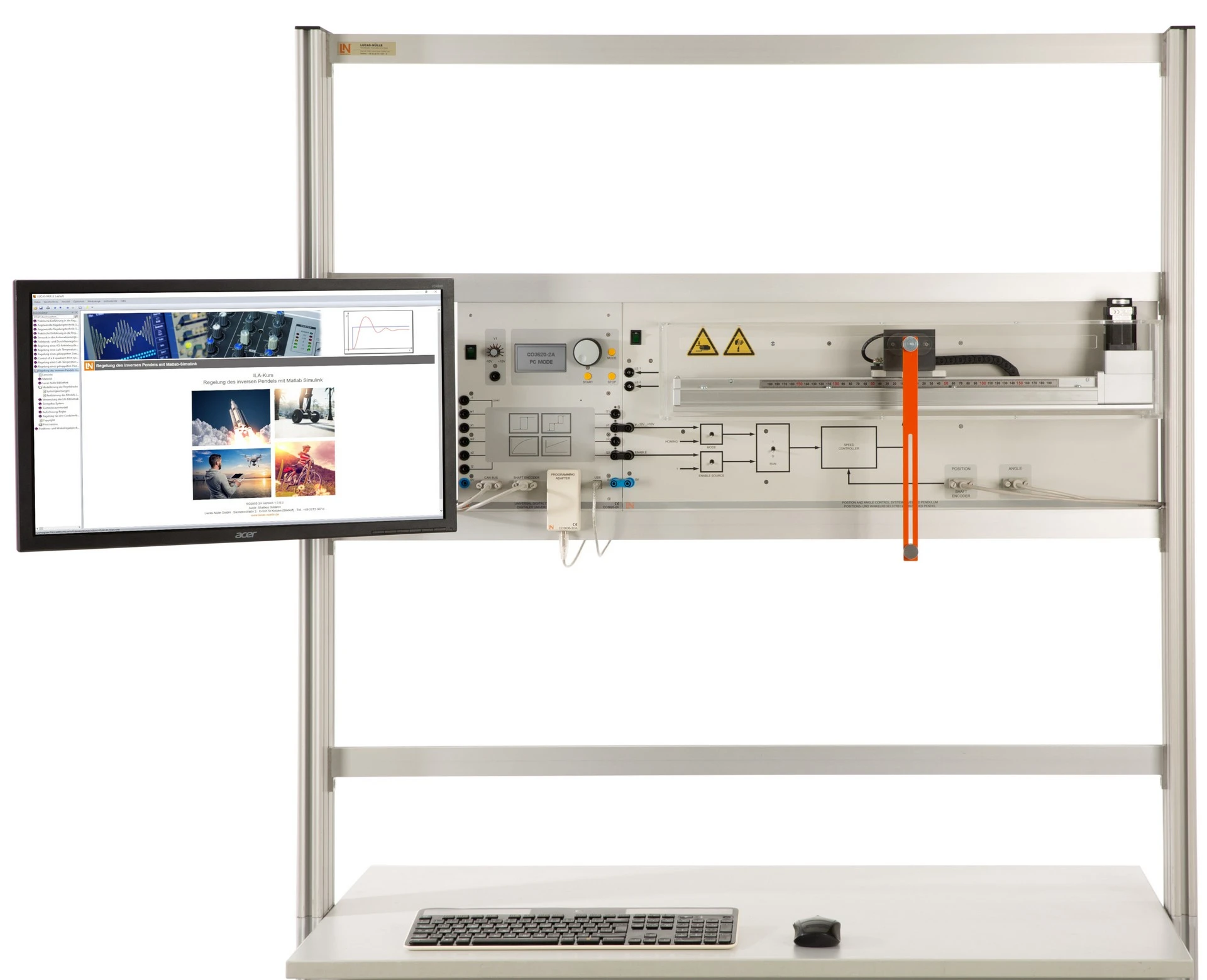
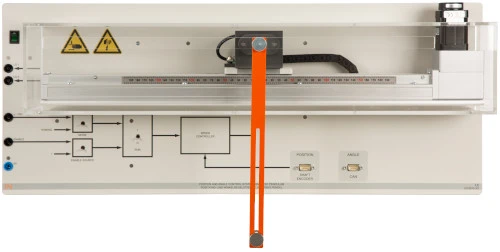
Training system consisting of a belt-driven linear axis and a pivoting pendulum rod. Students model the unstable system in state space and control it in real time directly from MATLAB/Simulink.

Learning Content
  • Developing the model
  • Designing a state-space model
  • Optimizing PID control
  • Implementing a state observer
KEY FEATURES
  • A classic control engineering application
  • Seamless MATLAB integration
  • HIL real-time control
  • Variable pendulum center of gravity
Speak with a Product Specialist +1 (757) 808-5696 · sales@lucas-nuelle.com

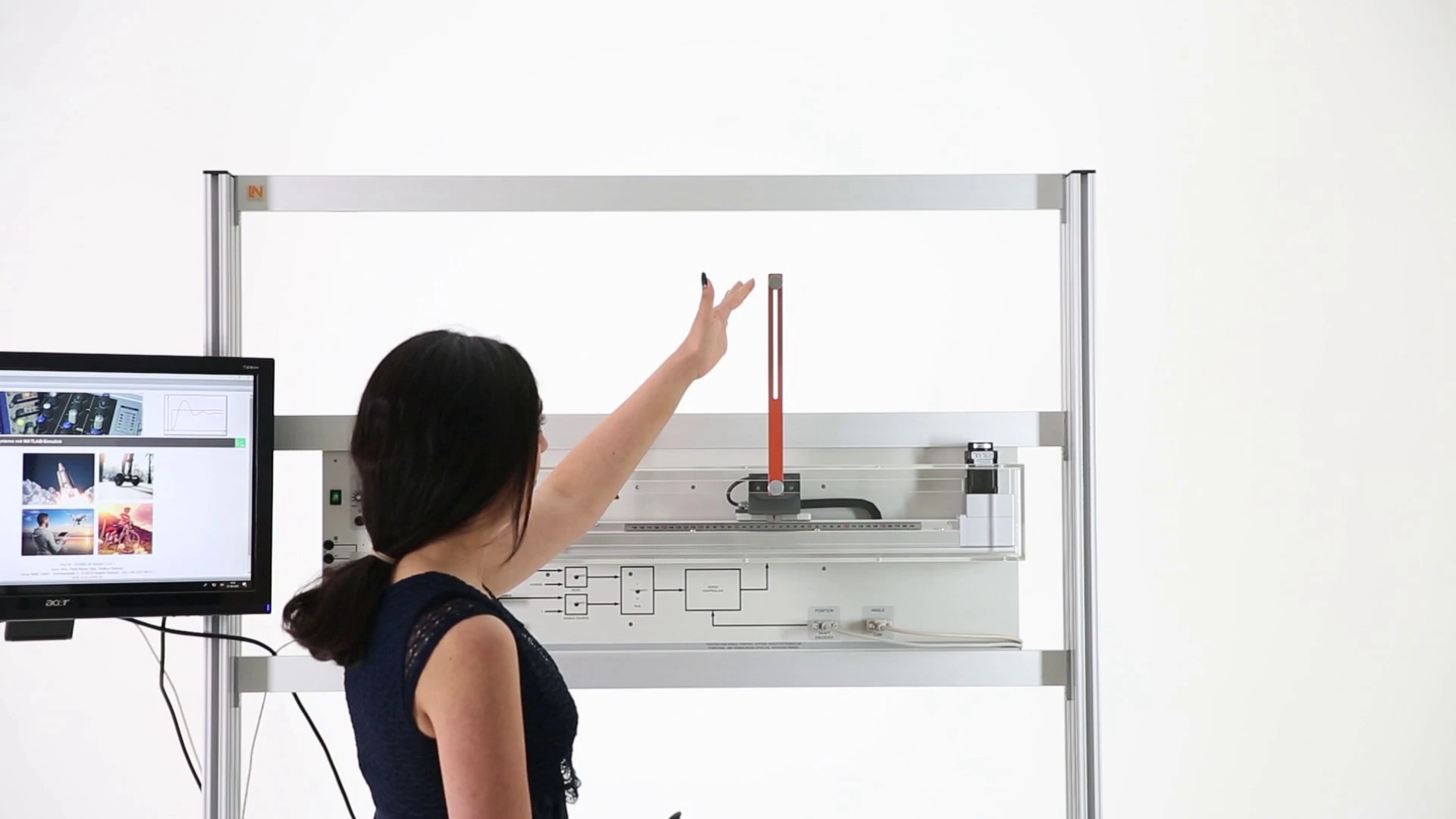
Cranes, Segways and rockets have to be kept in unstable equilibrium, and this requires fast, precise control algorithms. The inverted pendulum is the classic model of this task: a pendulum rod pivots on a carriage that a belt drive moves over a distance of up to 400 mm. A CAN angle sensor with 16,000 pulses per revolution feeds back the deflection. Students derive the system equations, linearize them in state space and transfer their Simulink design to the hardware at the push of a button. There they optimize the parameters on the running system. By the end, they are able to swing the pendulum up from its lower rest position and damp the load swing of a simulated container crane.

CO3620-2GPosition and Angle Control System, Inverted Pendulum
CO3636-3DUSB adapter with MATLAB toolbox for power electronics and process control
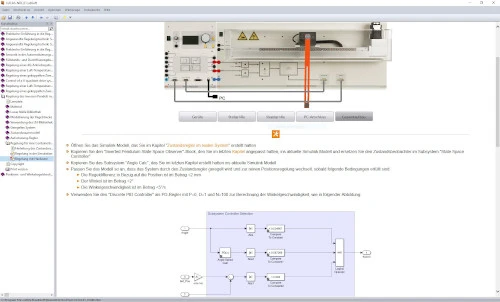
SO2802-3GInteractive Lab Assistant: Control of a position and angle control system
SO2802-3HInteractive Lab Assistant: Control of a position and angle control system using Matlab Simulink
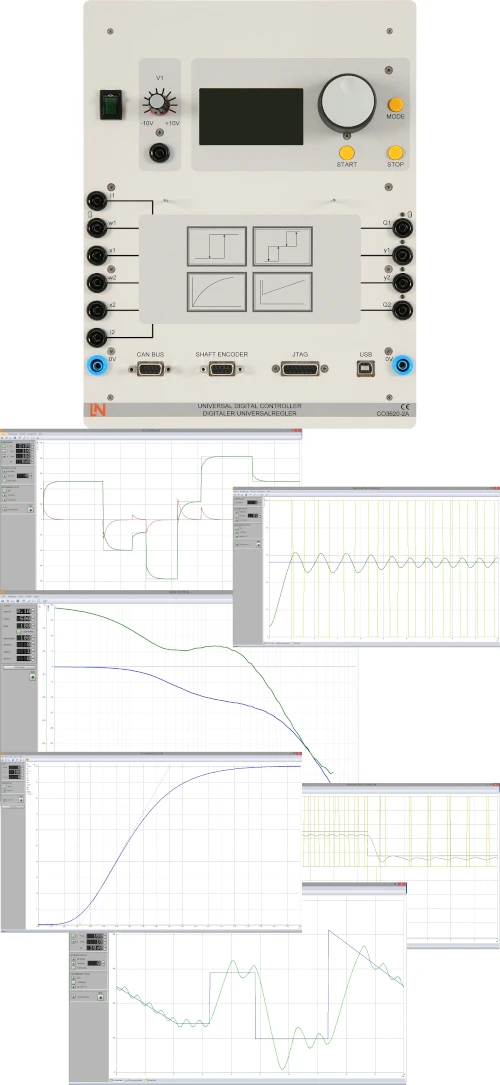
CO3620-2AUniversal digital controller (DSP)
ST7200-7ASybaPro experiment trolley, 3-level, 6 sockets, 1250x1970x800mm
ST8010-4TMonitor holder for flat screen monitor of weight up to 15kg / 33lbs
ST7200-5LProtection cover for three-level experiment trolleys
ST8010-4GKeyboard adapter for flat screen monitor holders
ST8008-8NProtected power distribution for working stations
ST8010-4JMultiple socket outlet, 6 fold, with illuminated switch
ST8000-6ADisplay for the Control Technology equipment
SO5148-1VSet of safety measurement cables, 4mm (20 leads)
SO5126-3RSafety connecting plug 4mm with tap (2x), black, 1000V/32A CAT II
SO5126-3VSafety connecting plug 4mm with tap (2x), blue, 1000V/32A CAT II

Learning Content in Detail

Students model the pendulum physically, linearize it in state space and implement cascade controllers, observers and swing-up controllers on the real system.

Developing the model

Students derive the physical system equations of the controlled system.

Designing a state-space model

Students linearize the non-linear differential equations.

Optimizing PID control

Students parameterize the cascade controller for position and angle.

Implementing a state observer

Students calculate the feedback matrix for disturbance compensation.

Developing a swing-up controller

Students create an algorithm that swings the pendulum up from its lower rest position.

Simulating a real-world application

Students damp the load swing of a simulated container crane.

Features & Applications

The system covers the tasks involved in stabilizing unstable systems: system analysis, PID cascade control, state-space control, state observers and swing-up controllers.
  • A classic control engineering application — Students investigate the inverted pendulum as a classic control engineering problem and learn how to stabilize an unstable system.
  • Seamless MATLAB integration — Simulink models are transferred directly to the hardware. The code is compiled in real time, with no need to switch between systems.
  • HIL real-time control — Students test their control algorithms as hardware-in-the-loop and optimize the parameters on the running system.
  • Variable pendulum center of gravity — The pendulum’s center of gravity can be shifted. This allows students to change the properties of the controlled system and check how robust their control remains.
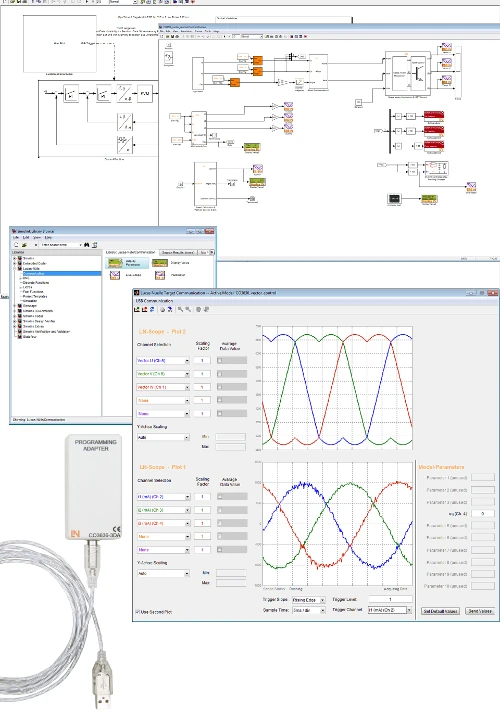
  • LN toolbox with JTAG programming adapter — Models and algorithms are created in MATLAB Simulink and transferred to the hardware at the push of a button.
  • Belt drive with recirculating ball guide — The guide allows precise, low-friction linear movements over a travel distance of up to 400 mm.
  • Hybrid stepper motor with up to 100 W — Current and speed control are integrated, enabling highly dynamic motion profiles.
  • CAN angle sensor — The high-resolution incremental encoder delivers 16,000 pulses per revolution via a CAN interface.
  • LN toolbox for MATLAB Simulink — The library provides ready-made hardware blocks and reduces the time needed to build models in Simulink.
  • Integrated live scope — Students visualize system variables in real time and make changes while the system is running.
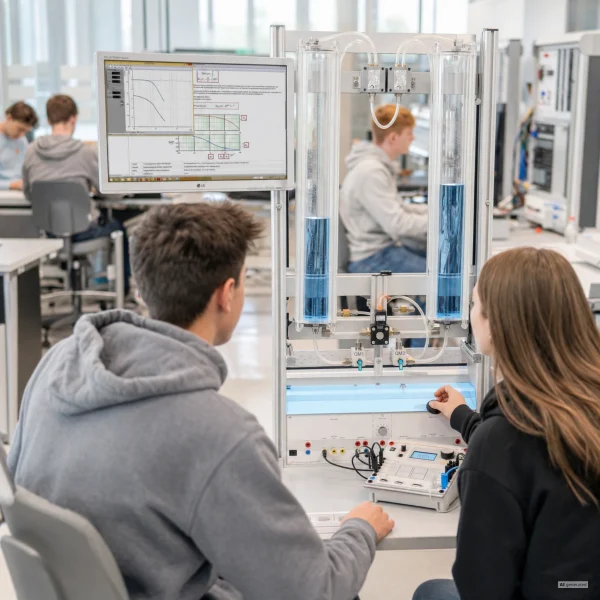
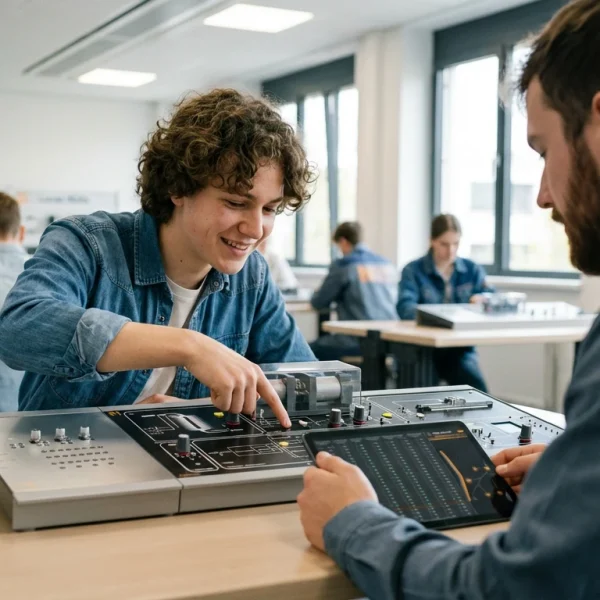
Learners working with RXLea on a tablet at a Lucas-Nuelle training system
RXLea

From Knowledge Comes Capability.

You guide the learning

Where theory and practice go hand in hand.

RXLea brings a new way of learning: project-based, hands-on and clearly structured. Learners solve real-world tasks, while instructors save time on preparation. Interactive modules, smart analytics and real hardware create a modern, efficient learning world.

Hands-on and interactive

Animations, interactive tasks and realistic scenarios build a deep understanding. All content is organized into clear learning paths for focused, hands-on learning.

Digital support

3D assembly animations and digital instructions simplify complex procedures, reduce errors and help learners work more independently.

Visual support

Overview graphics, screenshots and sample animations make the learning world transparent. Photos from the learning packages are also available, including country-specific versions where needed.


Learners using a tablet at an energy training system
RXLea on desktop, laptop and tablet
RXLea Path Creator for building learning journeys
RXLea Navigator showing the learning world
Learn more about RXLea
Newsletter

Stay ahead in
technical training.

Get the latest training systems, product launches and educational insights, delivered directly to your inbox.

Your email address

By subscribing, you agree to our Privacy Policy. You can unsubscribe at any time.

 Please select at least one category before subscribing.
I'm interested in - select all that apply