


Control of a 4-Quadrant Drive System Using MATLAB Simulink
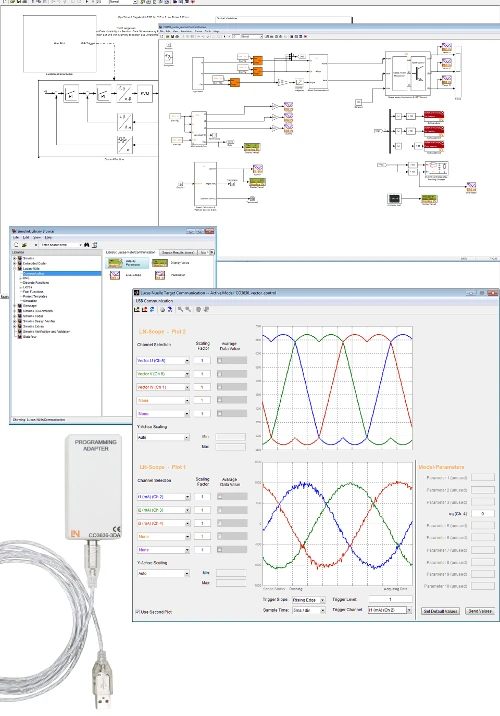
Students develop state-space models, observers and cascade control on a real 4Q drive system and transfer their Simulink models to the digital universal controller at the push of a button.
- Analyzing motor data
- Identifying system behavior
- Designing a current controller
- Building a cascade control system
- Rapid prototyping at the push of a button
- Hardware-in-the-loop in real-time operation
- Integrated measuring and control instruments
- Dynamic load simulation
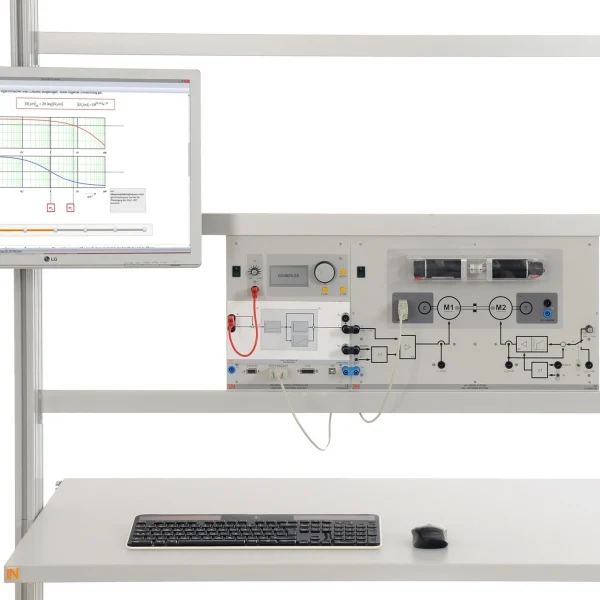
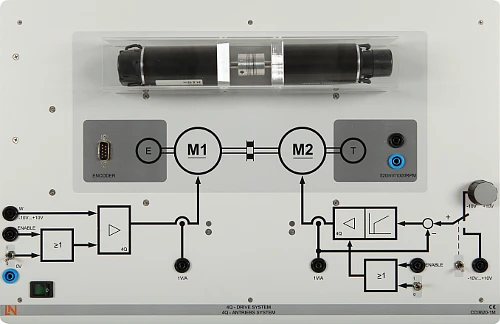
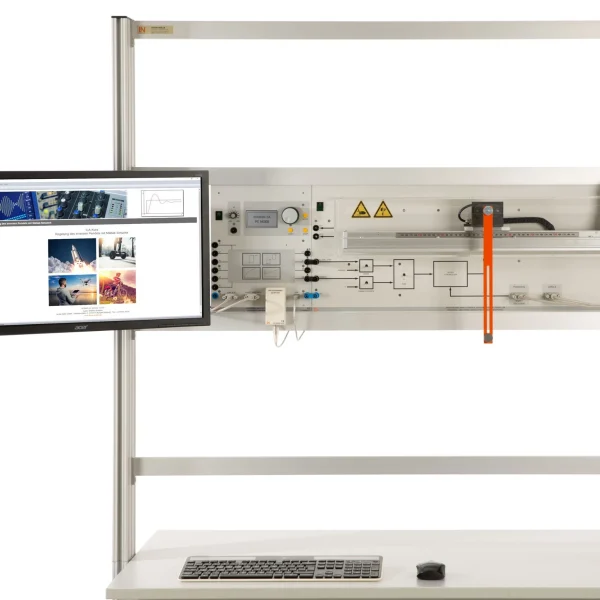
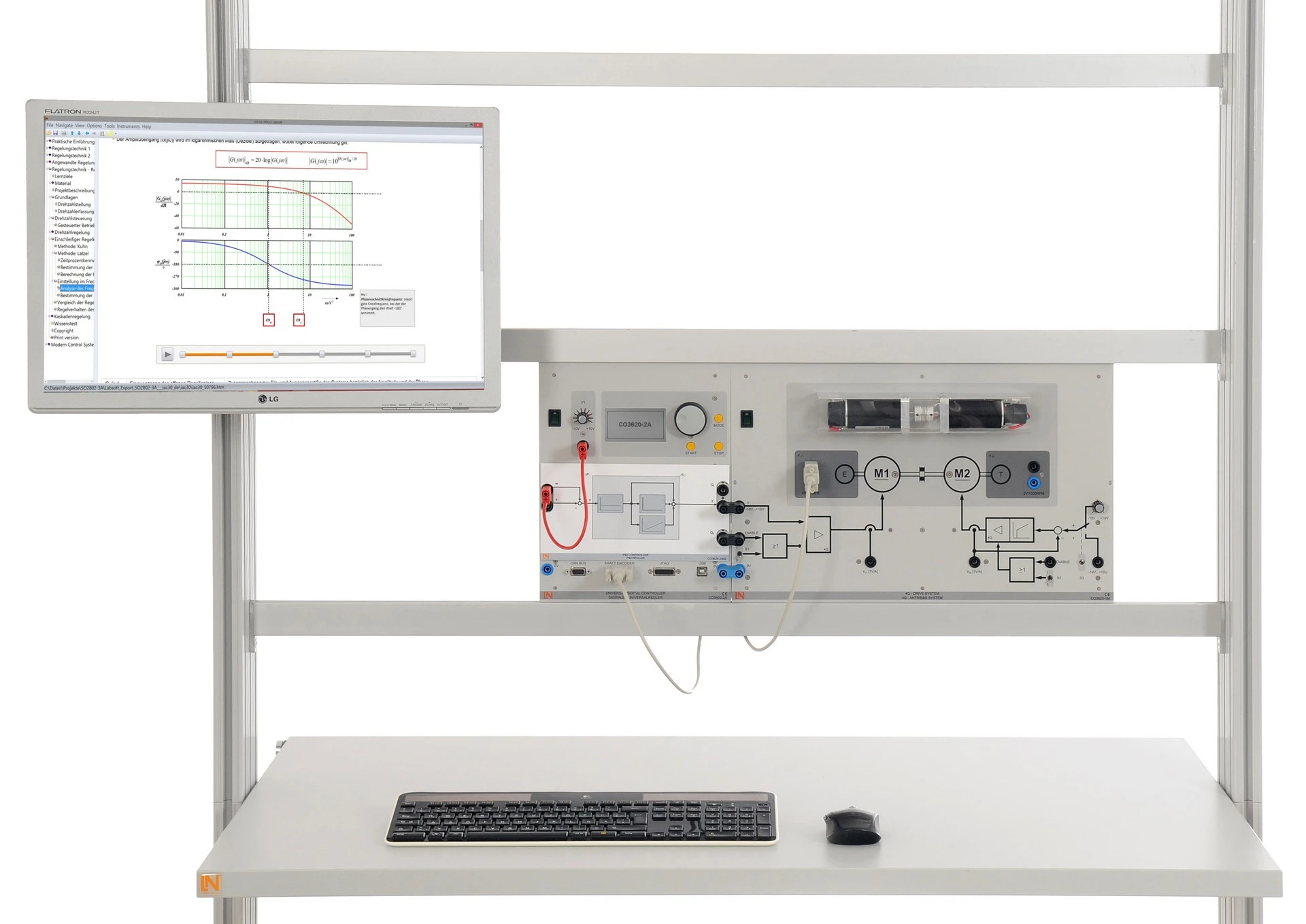
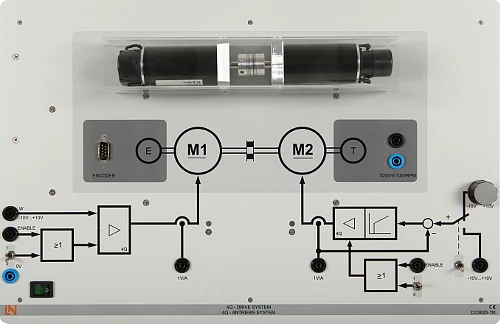
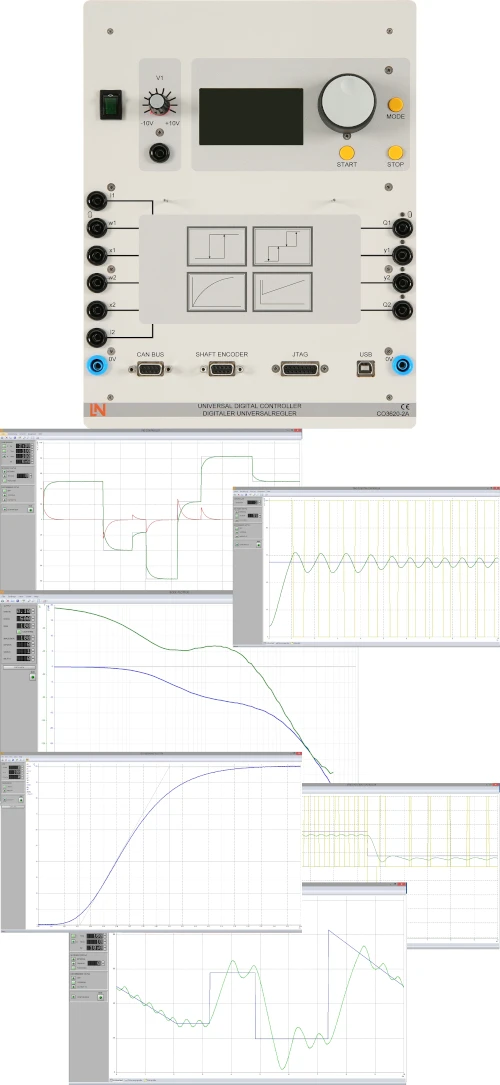
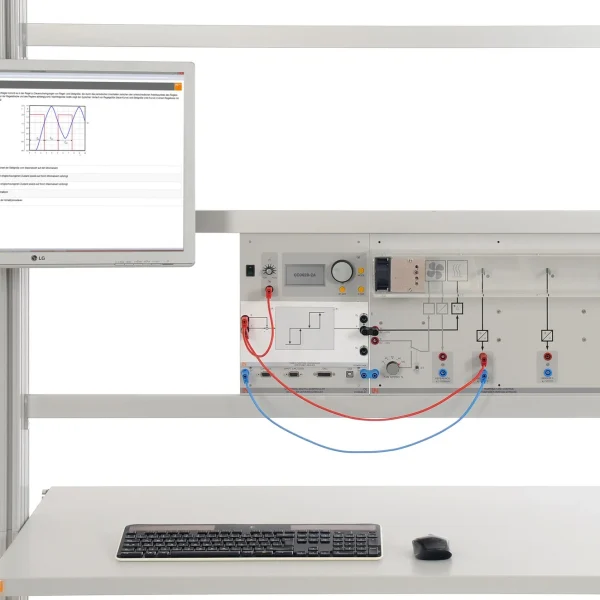
Controlled drives with demanding dynamic requirements are found in machine tools and robot systems. The training system combines their investigation with the design workflow used in industry: students design the controller in MATLAB/Simulink, transfer the generated code to the digital universal controller via the LN toolbox and the JTAG adapter and test it immediately under real-time conditions on the drive system. Two 90 W motors are coupled; the second, with its own current control, acts as a load and generates defined load steps. By the end, students are able to identify the controlled system, design a current controller with anti-windup, extend it into a cascade and implement a state observer.
| Base Product | |
| CO3620-1M | Self-commutated converter circuits |
| CO3636-3D | USB adapter with MATLAB toolbox for power electronics and process control |
| Course | |
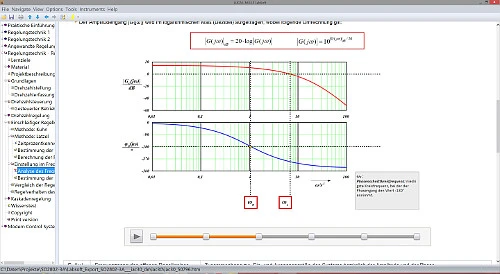
| SO2802-3A | Interactive Lab Assistant: Closed-loop control of a 4-quadrant drive system |
| SO2802-3B | Interactive Lab Assistant: Control of a 4-quadrant drive system using MATLAB-Simulink |
| Accessories | |
| CO3620-2A | Universal digital controller (DSP) |
| Furniture | |
| ST7200-7A | SybaPro experiment trolley, 3-level, 6 sockets, 1250x1970x800mm |
| ST8010-4T | Monitor holder for flat screen monitor of weight up to 15kg / 33lbs |
| ST7200-5L | Protection cover for three-level experiment trolleys |
| ST8010-4G | Keyboard adapter for flat screen monitor holders |
| ST8008-8N | Protected power distribution for working stations |
| ST8010-4J | Multiple socket outlet, 6 fold, with illuminated switch |
| Furniture Accessories | |
| ST8000-6A | Display for the Control Technology equipment |
| Measurement Leads | |
| SO5148-1V | Set of safety measurement cables, 4mm (20 leads) |
| SO5126-3R | Safety connecting plug 4mm with tap (2x), black, 1000V/32A CAT II |
| SO5126-3V | Safety connecting plug 4mm with tap (2x), blue, 1000V/32A CAT II |
Learning Content in Detail
Analyzing motor data
Identifying system behavior
Designing a current controller
Building a cascade control system
Creating a state-space model
Programming an observer
Features & Applications
- Rapid prototyping at the push of a button — Students simulate their control algorithms in MATLAB/Simulink and transfer the generated code to the real hardware at the push of a button.
- Hardware-in-the-loop in real-time operation — Controller designs run under real-time conditions directly on the drive system. Students see immediately whether their model holds up.
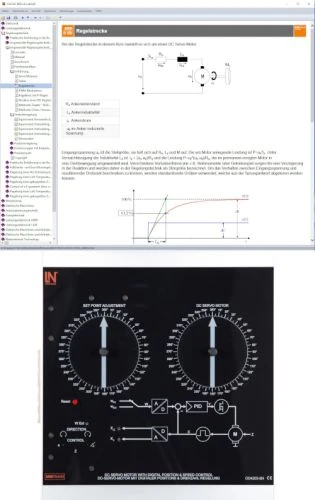
- Integrated measuring and control instruments — Recording step responses, analyzing dynamic behavior and tuning the PID controller: everything takes place directly on the system.
- Dynamic load simulation — Using the coupled second motor, students simulate load conditions such as an elevator ride and observe how the control system responds.
- 4Q drive system with two 90 W motors — The base unit combines two motors with the power electronics: two highly dynamic four-quadrant controllers with an output current of up to 6 A.
- LN toolbox with JTAG programming adapter — Models and algorithms are created in MATLAB Simulink and transferred to the hardware at the push of a button.
- Tachogenerator and incremental encoder — Two sensors measure the speed, one analog and one digital. Students compare both methods on the same drive.
- Load motor with integrated current control — Current control on one of the two motors enables defined, reproducible load steps.
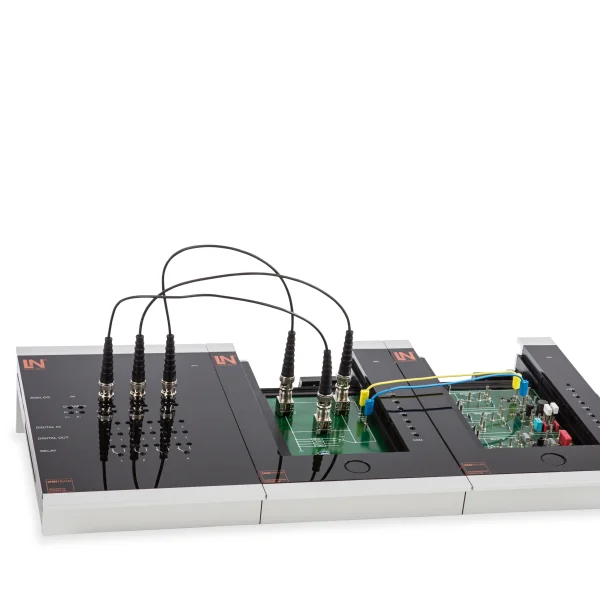
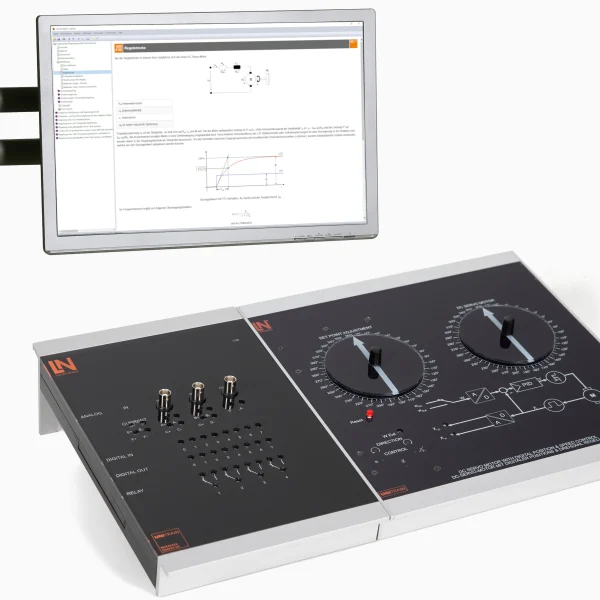
- Digital universal controller (CO3620-2A) — The universal control unit comes with numerous interfaces for typical controlled systems. Its software functions handle real-time analysis and control.
- LN toolbox for MATLAB Simulink — The library provides ready-made hardware blocks and reduces the time needed to build models in Simulink.
- Integrated live scope — Students visualize system variables in real time and make changes while the system is running.

From Knowledge Comes Capability.
You guide the learning
Where theory and practice go hand in hand.
RXLea brings a new way of learning: project-based, hands-on and clearly structured. Learners solve real-world tasks, while instructors save time on preparation. Interactive modules, smart analytics and real hardware create a modern, efficient learning world.
Hands-on and interactive
Animations, interactive tasks and realistic scenarios build a deep understanding. All content is organized into clear learning paths for focused, hands-on learning.
Digital support
3D assembly animations and digital instructions simplify complex procedures, reduce errors and help learners work more independently.
Visual support
Overview graphics, screenshots and sample animations make the learning world transparent. Photos from the learning packages are also available, including country-specific versions where needed.




Stay ahead in
technical training.
Get the latest training systems, product launches and educational insights, delivered directly to your inbox.