


Skip to content

Closed-Loop Control of an Air-Temperature Control Loop Using MATLAB Simulink

RXLea
Digital projects for hands-on learningInteractive learning content, directly connected to the training system.

Closed-Loop Control of an Air-Temperature Control Loop Using MATLAB Simulink

IAC41PT

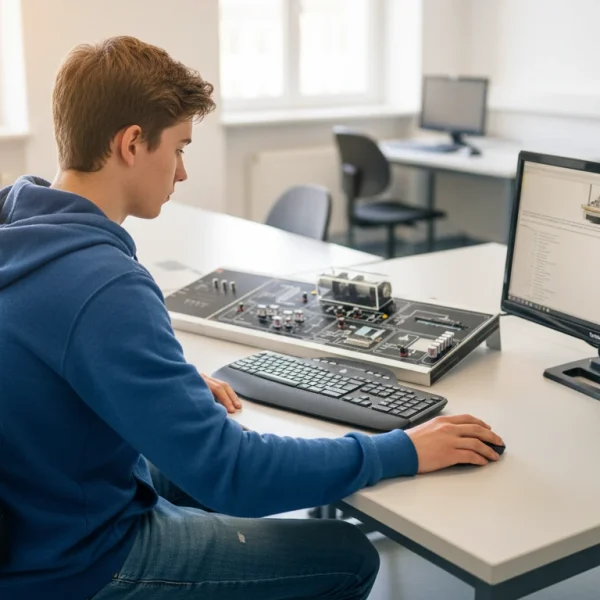
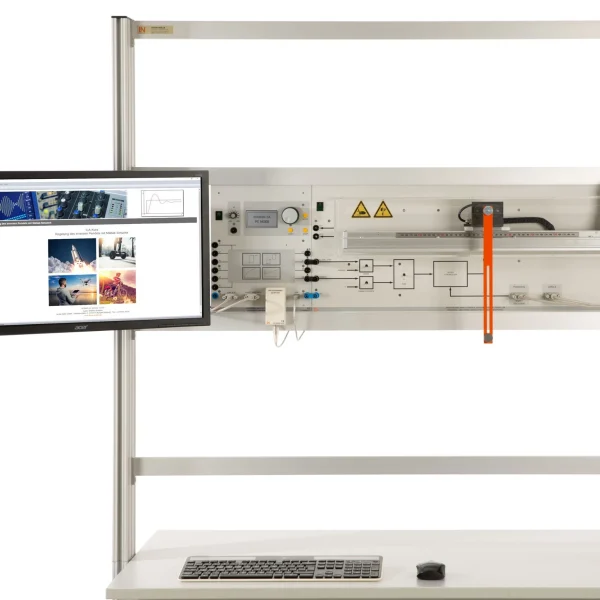
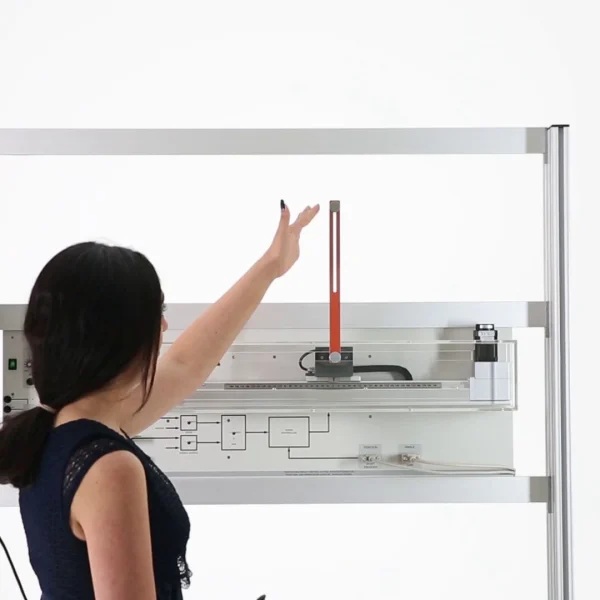
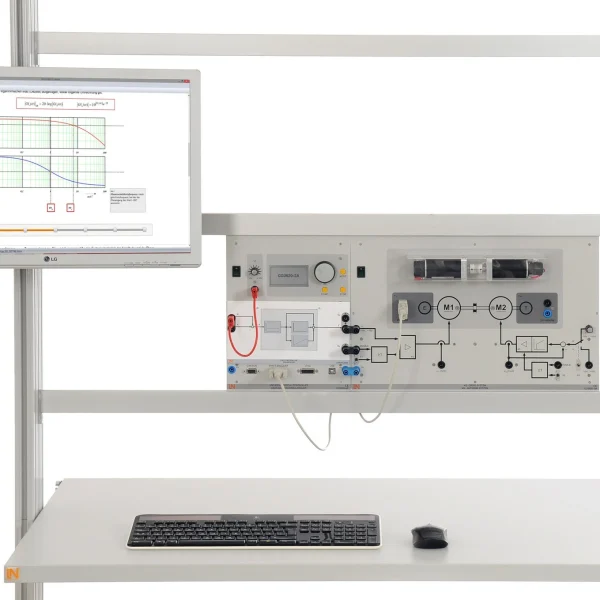
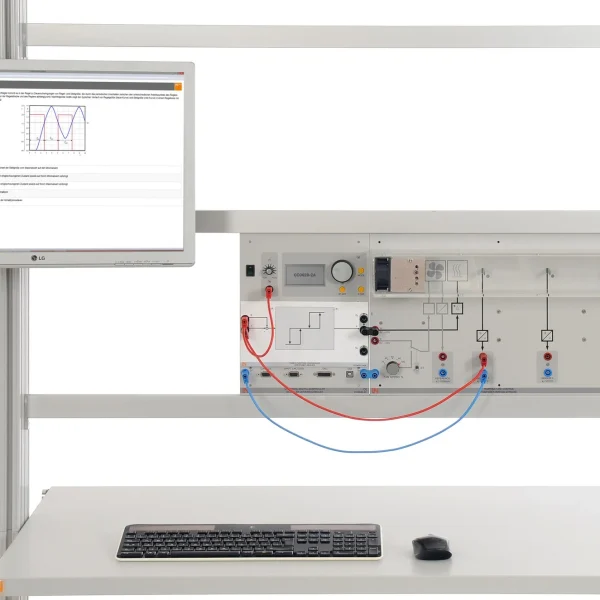
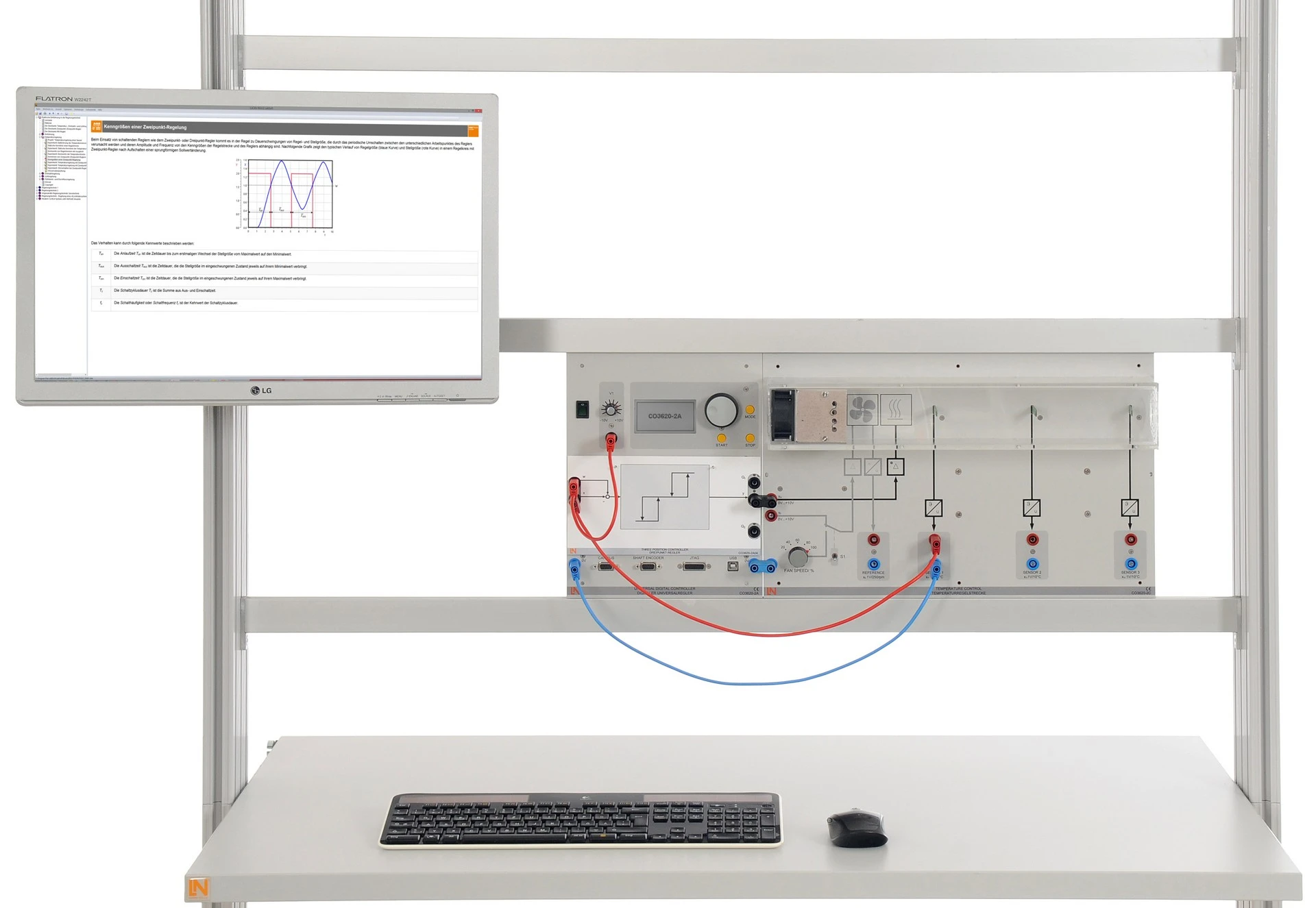
Students design temperature control systems under real-time conditions in MATLAB and validate them directly on the real controlled system, consisting of a low-mass heating element, platinum sensors and a speed-controlled fan.

Learning Content
  • Setting up a HIL system under real-time conditions
  • Modeling and designing the control system
  • Optimizing the control system in the model
  • Comparing the model and the real control system
KEY FEATURES
  • Rapid prototyping at the push of a button
  • Hardware-in-the-loop in real-time operation
  • Integrated measuring and control instruments
  • Reproducible results thanks to a controlled fan
Speak with a Product Specialist +1 (757) 808-5696 · sales@lucas-nuelle.com

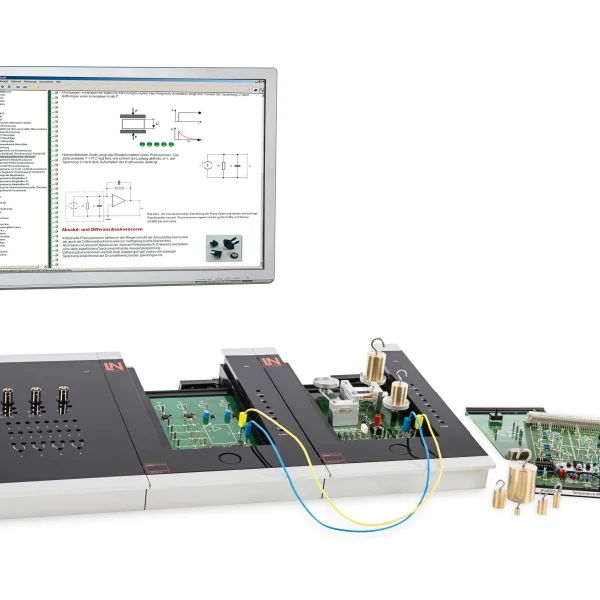
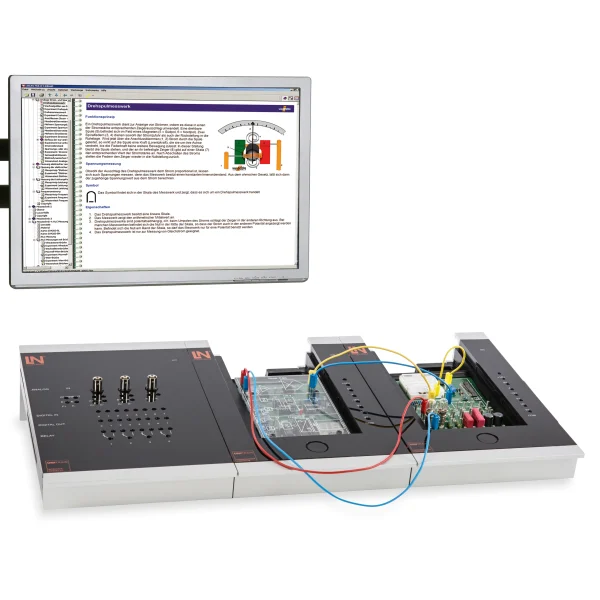
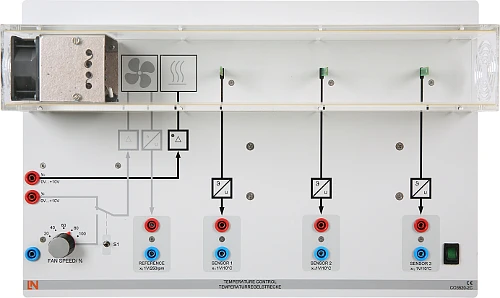
Temperature and flow control govern the operation of process plants and call for a robust hardware-in-the-loop design. The training system covers this entire workflow: students model the thermal system, program the control algorithm in Simulink and transfer it to the digital universal controller via the LN toolbox and the JTAG adapter. A low-mass heating element, three fast platinum temperature sensors at different distances and a speed-controlled fan provide short experiment times and reproducible conditions. By the end, students are able to compare the model with the real control system, linearize the controlled system in state space and extend the control to temperature and air volume.

CO3620-2CAir-temperature controlled system
CO3636-3DUSB adapter with MATLAB toolbox for power electronics and process control
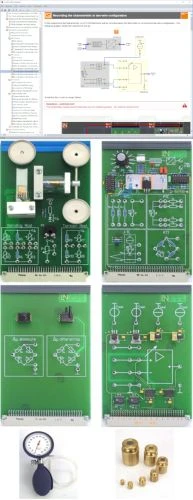
SO2802-3CInteractive Lab Assistant: Closed-loop control of an air-temperature control loop
SO2802-3DInteractive Lab Assistant: Closed-loop control of an air-temperature control loop using MATLAB
CO3620-2AUniversal digital controller (DSP)
ST7200-7ASybaPro experiment trolley, 3-level, 6 sockets, 1250x1970x800mm
ST8010-4TMonitor holder for flat screen monitor of weight up to 15kg / 33lbs
ST7200-5LProtection cover for three-level experiment trolleys
ST8010-4GKeyboard adapter for flat screen monitor holders
ST8008-8NProtected power distribution for working stations
ST8010-4JMultiple socket outlet, 6 fold, with illuminated switch
ST8000-6ADisplay for the Control Technology equipment
SO5148-1VSet of safety measurement cables, 4mm (20 leads)
SO5126-3RSafety connecting plug 4mm with tap (2x), black, 1000V/32A CAT II
SO5126-3VSafety connecting plug 4mm with tap (2x), blue, 1000V/32A CAT II

Learning Content in Detail

Students set up a real-time HIL system, design and optimize the control system first in the model and then extend it to multivariable control with an observer.

Setting up a HIL system under real-time conditions

Students set up the chain consisting of Simulink model, code transfer and controlled system and operate it in real time.

Modeling and designing the control system

Students develop the model of the controlled system and use it to design the control system.

Optimizing the control system in the model

Students simulate the control system and fine-tune the parameters in the simulation model.

Comparing the model and the real control system

Students compare the results from the simulation with those from the real system and evaluate the deviations.

Designing a state-space model

Students linearize the non-linear differential equations of the controlled system.

Extending to multivariable control

Students control temperature and air volume independently of each other.

Programming an observer

Students calculate the vectors for continuous state estimation.

Features & Applications

The system covers the tasks involved in model-based controller design for thermal systems: system analysis and system identification, temperature control, multivariable control, state-space control with an observer and optimization of reference and disturbance response.
  • Rapid prototyping at the push of a button — Students simulate their control algorithms in MATLAB/Simulink and transfer the generated code to the real hardware at the push of a button.
  • Hardware-in-the-loop in real-time operation — Controller designs run under real-time conditions directly on the temperature system. Students see immediately whether their model holds up.
  • Integrated measuring and control instruments — Recording step responses, analyzing dynamic behavior and tuning the PID controller: everything takes place directly on the system.
  • Reproducible results thanks to a controlled fan — A speed-controlled fan regulates the air flow, allowing students to create exact and repeatable test conditions.
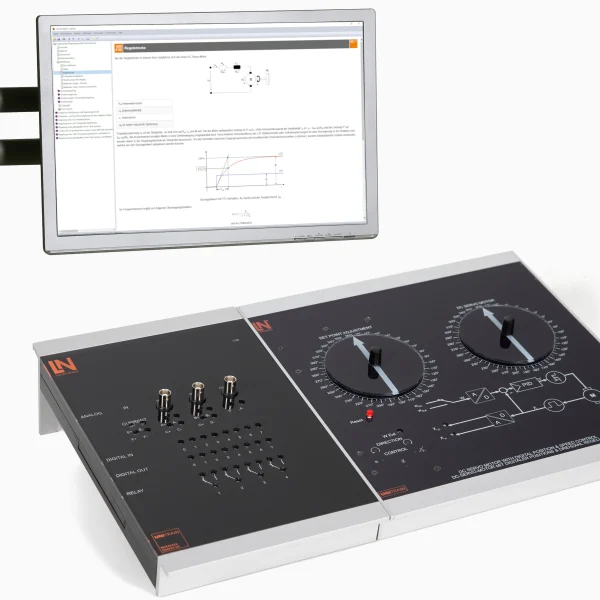
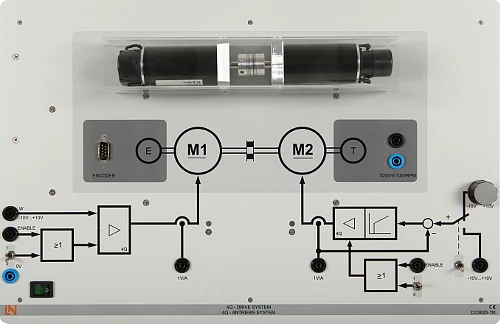
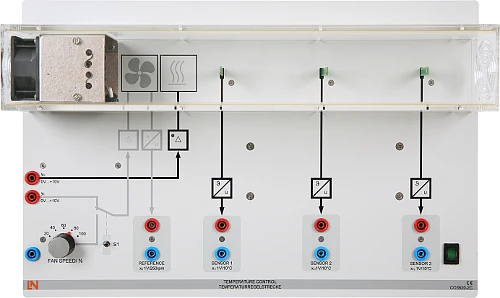
  • Air temperature control system (CO3620-2C) — The controlled system comprises the low-mass heating element and three fast platinum temperature sensors at different distances.
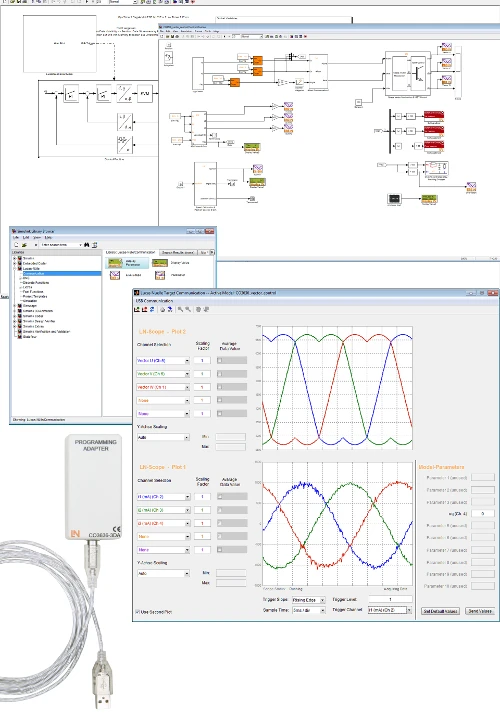
  • LN toolbox with JTAG programming adapter — Models and algorithms are created in MATLAB Simulink and transferred to the hardware at the push of a button.
  • Integrated power amplifier — The amplifier drives the heating element directly. Students vary the manipulated variable continuously without adding external components.
  • Speed-controlled fan — The air flow, controlled by the speed-controlled fan, ensures reproducible results.
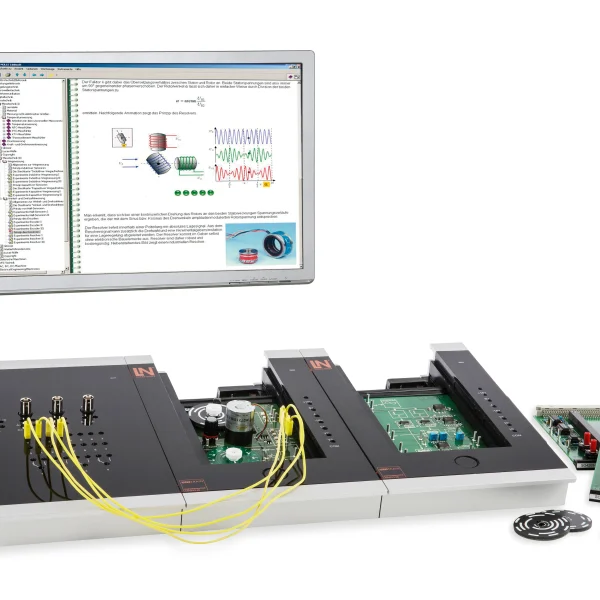
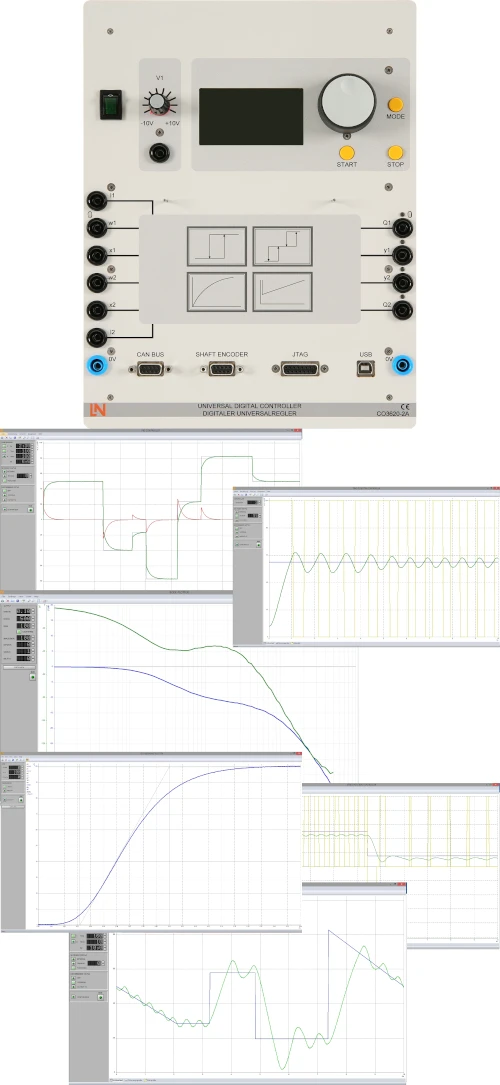
  • Digital universal controller (CO3620-2A) — The universal control unit comes with numerous interfaces for typical controlled systems. Its software functions handle real-time analysis and control.
  • LN toolbox for MATLAB Simulink — The library provides ready-made hardware blocks and reduces the time needed to build models in Simulink.
  • Integrated live scope — Students visualize system variables in real time and make changes while the system is running.
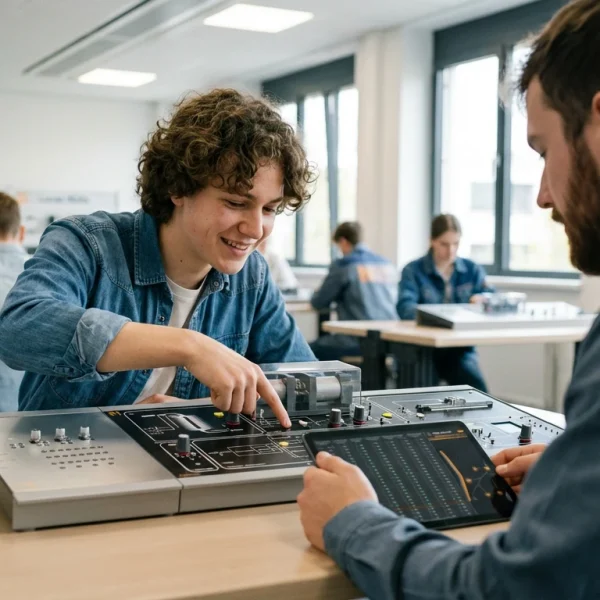
Learners working with RXLea on a tablet at a Lucas-Nuelle training system
RXLea

From Knowledge Comes Capability.

You guide the learning

Where theory and practice go hand in hand.

RXLea brings a new way of learning: project-based, hands-on and clearly structured. Learners solve real-world tasks, while instructors save time on preparation. Interactive modules, smart analytics and real hardware create a modern, efficient learning world.

Hands-on and interactive

Animations, interactive tasks and realistic scenarios build a deep understanding. All content is organized into clear learning paths for focused, hands-on learning.

Digital support

3D assembly animations and digital instructions simplify complex procedures, reduce errors and help learners work more independently.

Visual support

Overview graphics, screenshots and sample animations make the learning world transparent. Photos from the learning packages are also available, including country-specific versions where needed.


Learners using a tablet at an energy training system
RXLea on desktop, laptop and tablet
RXLea Path Creator for building learning journeys
RXLea Navigator showing the learning world
Learn more about RXLea
Newsletter

Stay ahead in
technical training.

Get the latest training systems, product launches and educational insights, delivered directly to your inbox.

Your email address

By subscribing, you agree to our Privacy Policy. You can unsubscribe at any time.

 Please select at least one category before subscribing.
I'm interested in - select all that apply