


Skip to content

IMU with Subsystem Labeling

RXLea
Digital projects for hands-on learningInteractive learning content, directly connected to the training system.

IMU with Subsystem Labeling

CIU17IU

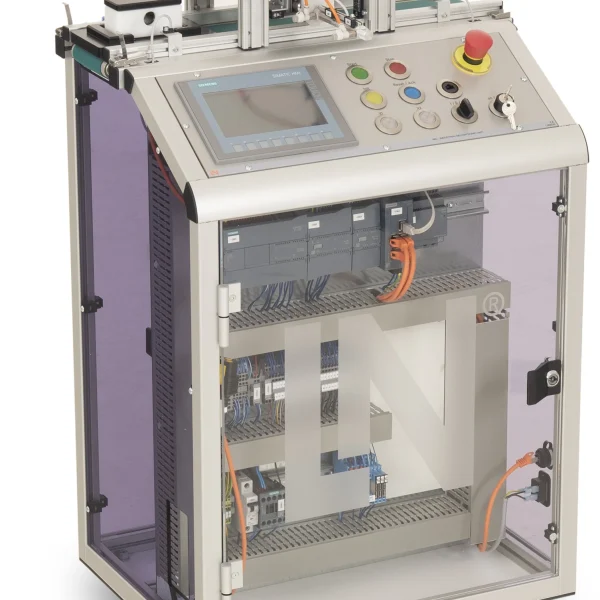
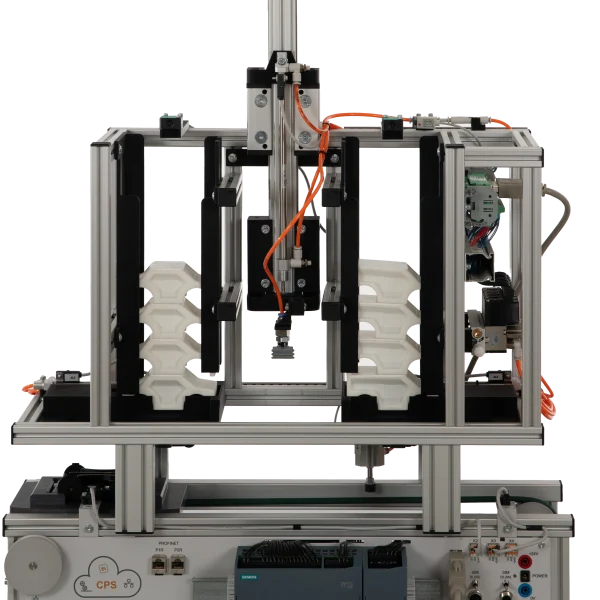
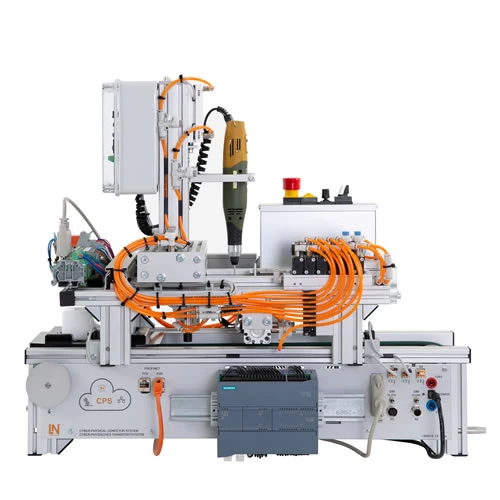
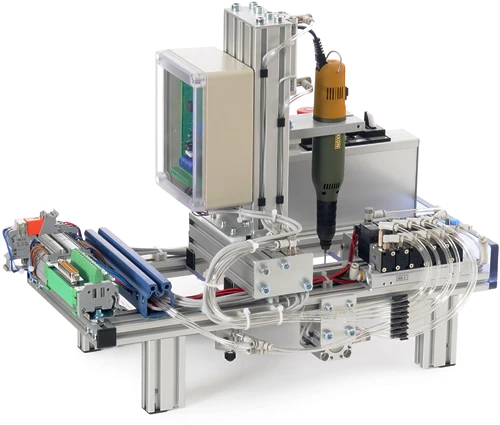
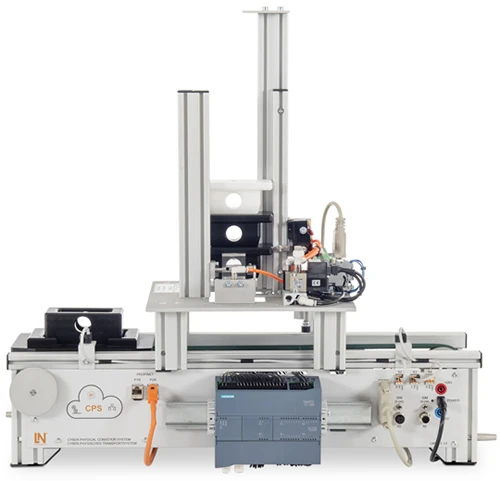
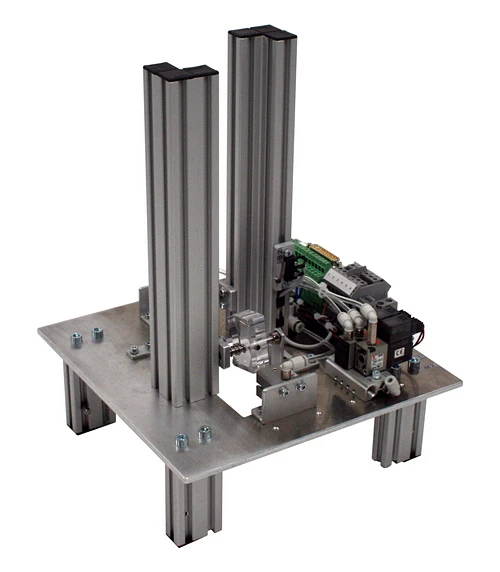
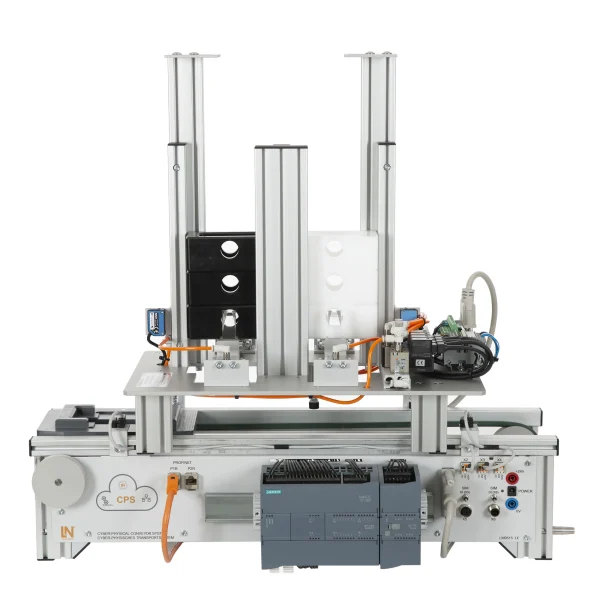
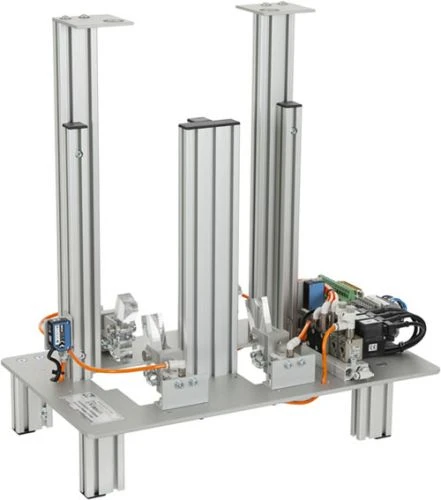
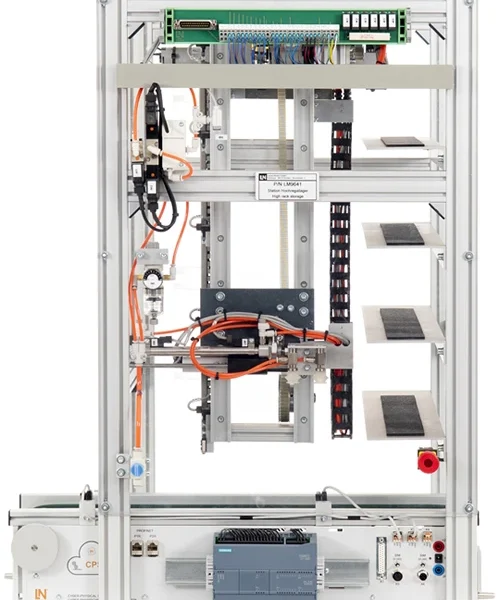
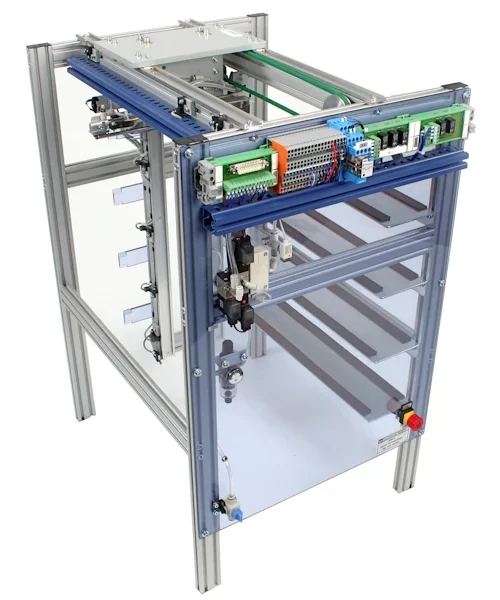
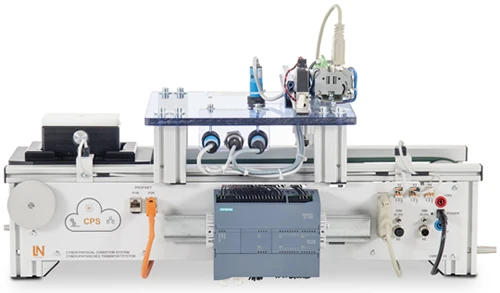
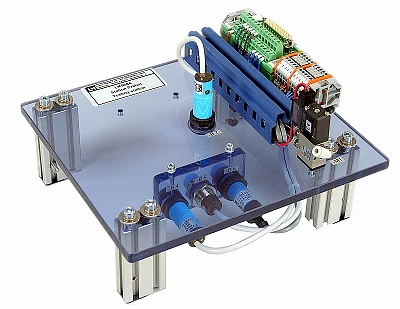
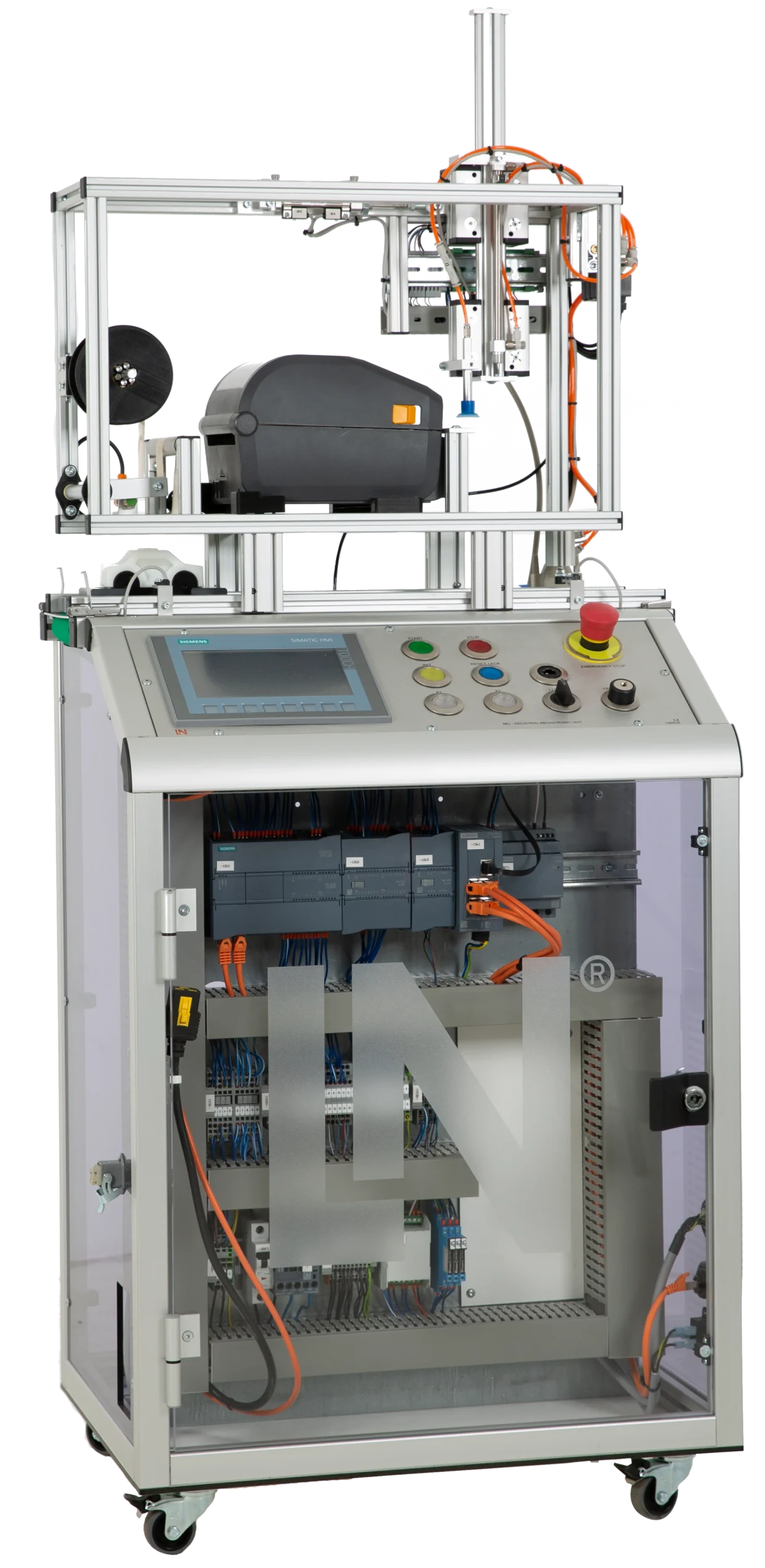
Hands-on training in IMU with Labeling Subsystem: On the mechatronic unit, there is a workpiece carrier with a mounted block consisting of an upper and lower part. The carrier moves with the product beneath the labeling station.

Learning Content
  • Performing hardware addressing
  • Creating ZPL2 print commands
  • Programming TCP/IP communication
  • Controlling backing material tensioning
KEY FEATURES
  • Integrating an industrial label printer
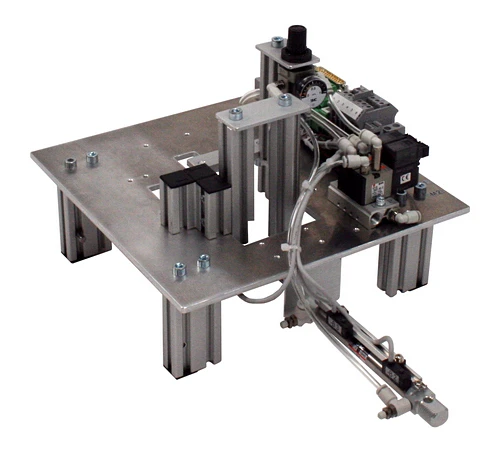
  • Pneumatic pick-and-place on two axes
  • Rewinding the backing material automatically
  • Direct TCP/IP communication from the PLC
Speak with a Product Specialist +1 (757) 808-5696 · sales@lucas-nuelle.com

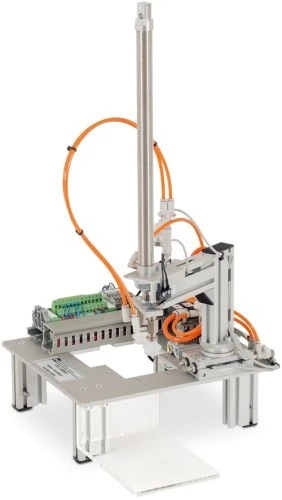
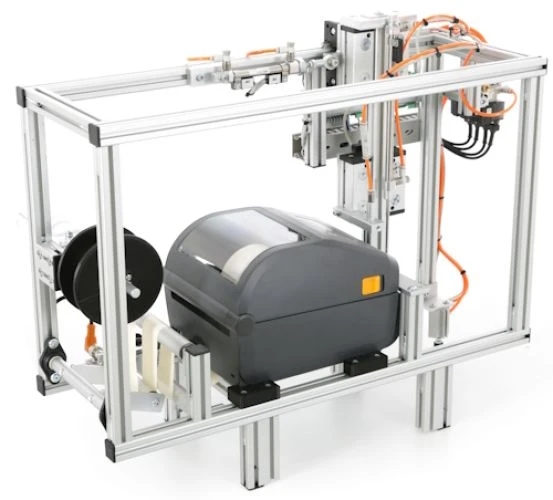
Automated product marking is the basis of all traceability in manufacturing. The labeling subsystem implements it with industrial components: the Zebra ZD421 prints direct thermal labels with variable QR codes and peels them off the backing material using a dispenser add-on. A suction gripper picks up the label, two pneumatic linear axes guide it to the workpiece carrier, and a DC motor tensions the backing film and stops once the required tension is reached. Learners send the ZPL2 commands to the printer via port 9100 using the TSEND_C block, interlock the X and Z axes against collisions and synchronize the station with the conveyor belt via START_WORK and FINISH_WORK.

LM9536Industrial Mechatronic Unit
LM9532Film, for oscilloscope cameratype LM 7000
SO6200-2UQuickChart, IPA 1 Compact station (GB)
LM9642Label printer station
LM906125-pin serial interface cable, Sub-D plug/socket
SO6200-2WQuickChart IMS 17 Mechatronics QR-Code label printer station
SO2805-5JInteractive Lab Assistant: IMU 1 Industrial Mechatronic Unit
SO2805-5KInteractive Lab Assistant: IMS 17 QR-Code label printer station
LM9524Workpiece, bottom section, white
LM9525Workpiece, bottom section, black
LM9521Workpiece, top section, white
LM9522Workpiece, top section, black

Learning Content in Detail

Learners combine control technology with industrial network communication: from hardware addressing and the ZPL2 print job through to synchronization with the plant.

Performing hardware addressing

Learners assign symbolic PLC variables to the station’s Sub-D signals.

Creating ZPL2 print commands

Learners structure ZPL2 strings to generate QR codes with variable web links.

Programming TCP/IP communication

Learners configure the TSEND_C block for data transfer to port 9100.

Controlling backing material tensioning

Learners program the motor shutdown as a function of tension sensor B8.

Interlocking the 2-axis pneumatics

Learners link the cylinder switches of the X and Z axes for collision-free positioning.

Implementing vacuum handling

Learners control solenoid valves for the targeted suction pick-up and placement of the labels.

Configuring the step sequence

Learners develop an FBD step sequence for the cycle of printing, rewinding, picking up and applying.

Implementing system synchronization

Learners link the labeling station to the conveyor belt via START_WORK and FINISH_WORK.

Features & Applications

The unit covers automation technology, industrial identification and product marking, and industrial control technology.
  • Integrating an industrial label printer — The Zebra ZD421 prints direct thermal labels with variable QR codes and separates them automatically using a dispenser add-on.
  • Pneumatic pick-and-place on two axes — An X and a Z linear axis move the suction gripper precisely back and forth between the printer output and the workpiece carrier.
  • Rewinding the backing material automatically — A DC motor tensions the backing film after the label has been peeled off and stops automatically as soon as the required tension is reached.
  • Direct TCP/IP communication from the PLC — The PLC sends ZPL2 print commands directly to the label printer via the TSEND_C block over the Ethernet network.
  • Fully integrated into the step sequence — The step sequence of the station synchronizes the printing, rewinding and application operations with the higher-level conveyor belt.
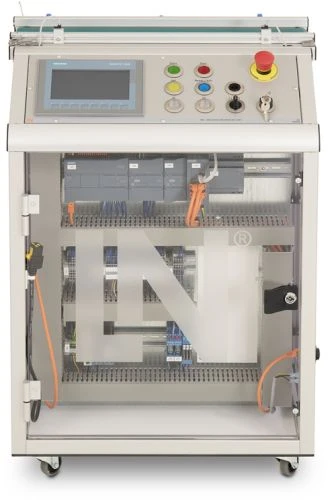
  • Siemens S7-1215C with digital module — The PLC coordinates the pneumatic axes, vacuum ejector and conveyor belt and communicates with the label printer via TCP/IP.
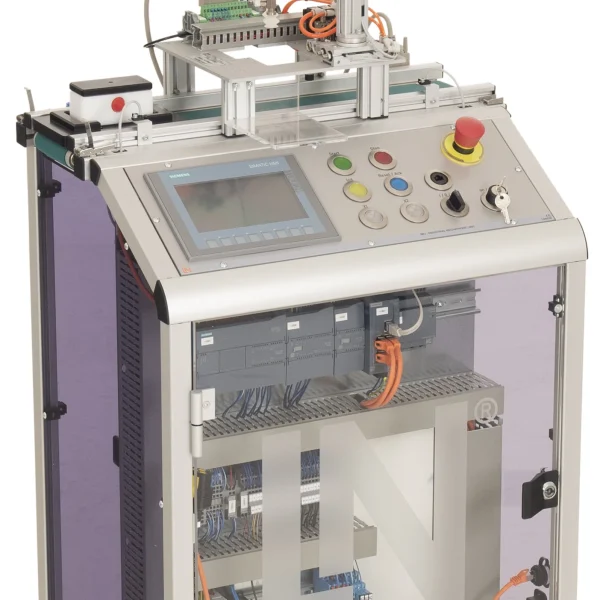
  • SIMATIC KTP700 Basic Panel (CO3713-4Q) — The panel enables manual control, process visualization and monitoring of all operating states.
  • Zebra ZD421 with dispenser add-on — The 203 dpi printer processes ZPL2 commands via Ethernet and automatically peels the printed labels off the backing material.
  • Vacuum suction cup with ejector (-M4) — The suction gripper picks up the peeled-off label using pneumatically generated vacuum and holds it during travel.
  • Rewind motor with tension sensor (-M5, -B8) — The DC motor winds up the empty backing tape. A sensor stops the motor as soon as the tape is sufficiently taut.
  • 25-pin transfer module (-X1) — The module bundles all sensor signals, limit switches and actuator commands of the labeling station and connects them to the PLC with reverse polarity protection.
  • Siemens TIA Portal and STEP 7 — Engineering software for hardware configuration, the FBD step sequence and setting up TCP/IP communication.
  • Interactive Lab Assistant course SO2805-5K — Interactive learning software with experiment instructions, 3D models, circuit diagrams and knowledge tests.
  • Zebra Setup Utilities and web interface — Configuration tool for the label size, print mode and IP address of the Zebra printer.
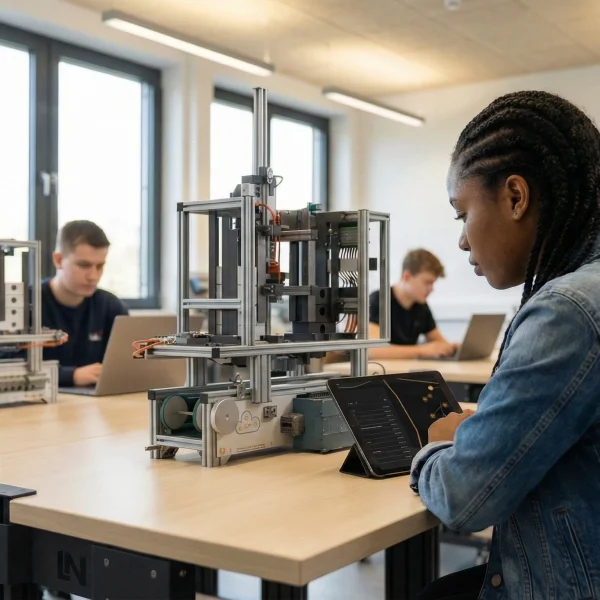
Learners working with RXLea on a tablet at a Lucas-Nuelle training system
RXLea

From Knowledge Comes Capability.

You guide the learning

Where theory and practice go hand in hand.

RXLea brings a new way of learning: project-based, hands-on and clearly structured. Learners solve real-world tasks, while instructors save time on preparation. Interactive modules, smart analytics and real hardware create a modern, efficient learning world.

Hands-on and interactive

Animations, interactive tasks and realistic scenarios build a deep understanding. All content is organized into clear learning paths for focused, hands-on learning.

Digital support

3D assembly animations and digital instructions simplify complex procedures, reduce errors and help learners work more independently.

Visual support

Overview graphics, screenshots and sample animations make the learning world transparent. Photos from the learning packages are also available, including country-specific versions where needed.


Learners using a tablet at an energy training system
RXLea on desktop, laptop and tablet
RXLea Path Creator for building learning journeys
RXLea Navigator showing the learning world
Learn more about RXLea
Newsletter

Stay ahead in
technical training.

Get the latest training systems, product launches and educational insights, delivered directly to your inbox.

Your email address

By subscribing, you agree to our Privacy Policy. You can unsubscribe at any time.

 Please select at least one category before subscribing.
I'm interested in - select all that apply