


Automatically Store and Retrieve Workpieces in a 16-Slot High-Bay Warehouse
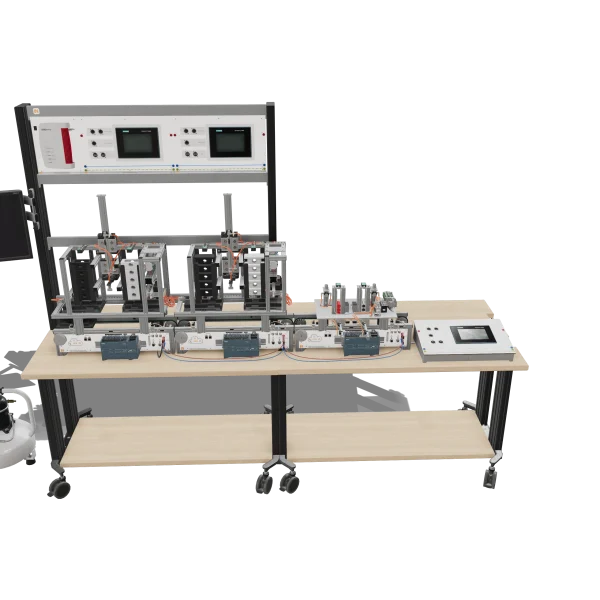
Teach automated warehouse operations through hands-on training. Students program the positioning of a storage and retrieval unit, control storage and retrieval processes, and develop a graphical inventory management interface in TIA Portal.
- Controlling the high-bay warehouse
- Creating virtual sensors
- Developing warehouse management in SCL
- Implementing color-based sorting
- 3D storage and retrieval machine with vacuum gripper
- Determining the compartment position by pulse counting
- Warehouse management in the STAD function block
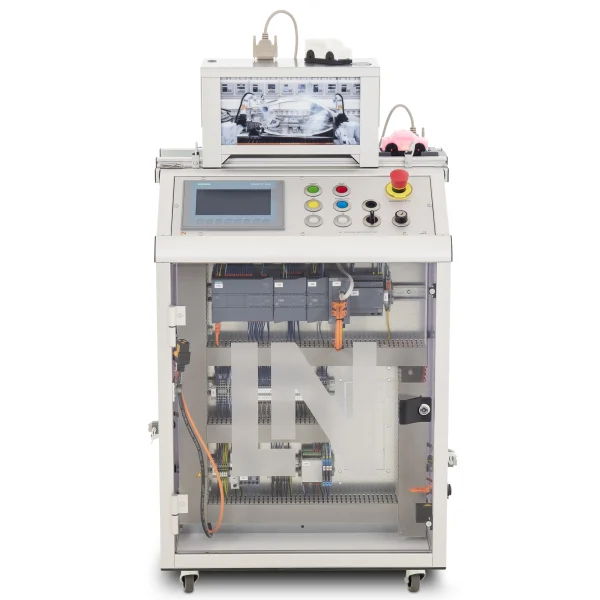
- Process visualization on the touch panel
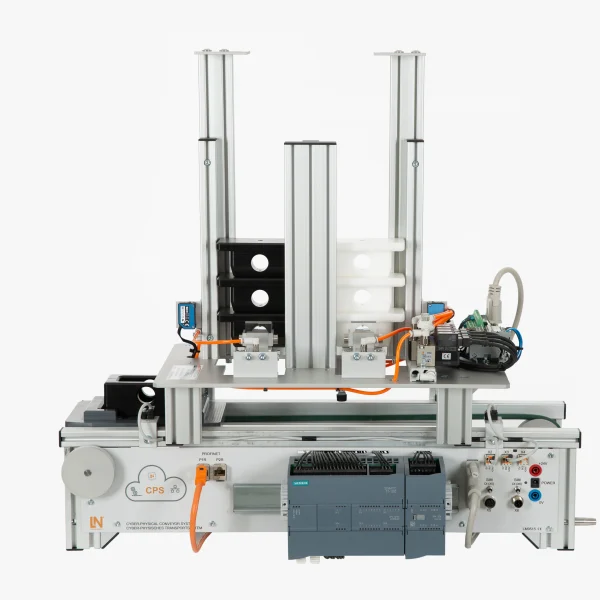
How can warehouse operations be automated and efficiently controlled in a connected manufacturing environment? This mechatronic subsystem helps you teach your students how positioning control, material handling, and digital inventory management work together. Your students program automated storage and retrieval processes and develop a graphical user interface in TIA Portal.
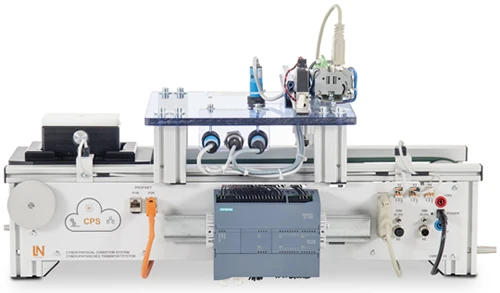
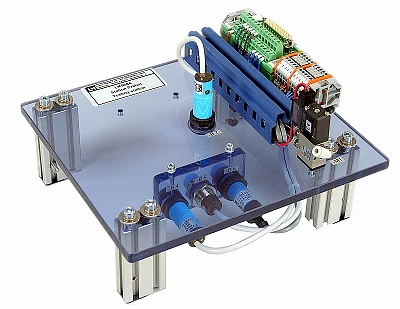
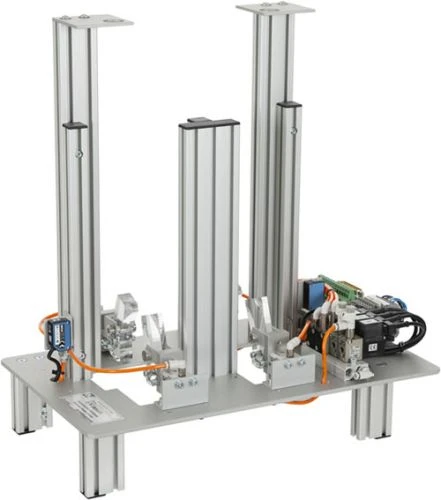
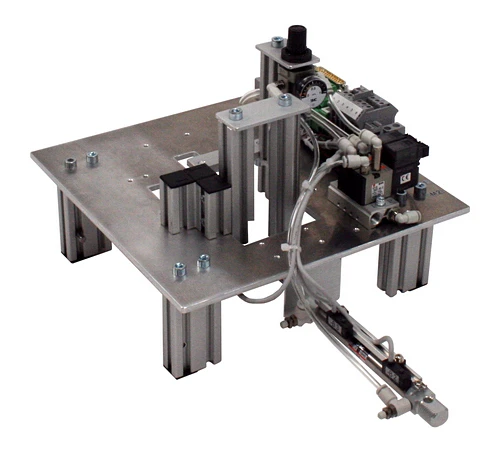
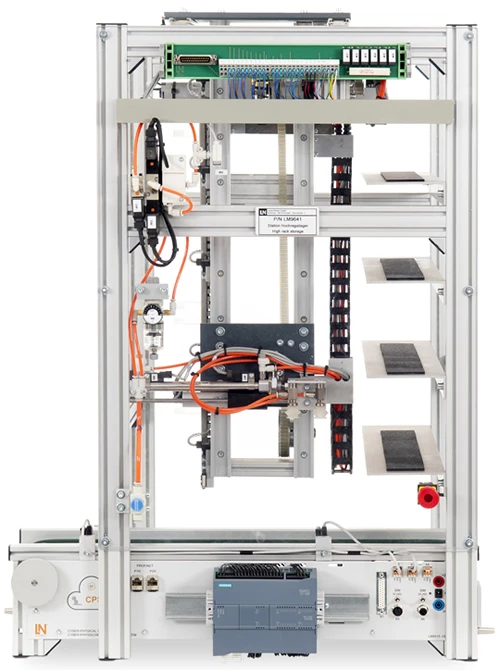
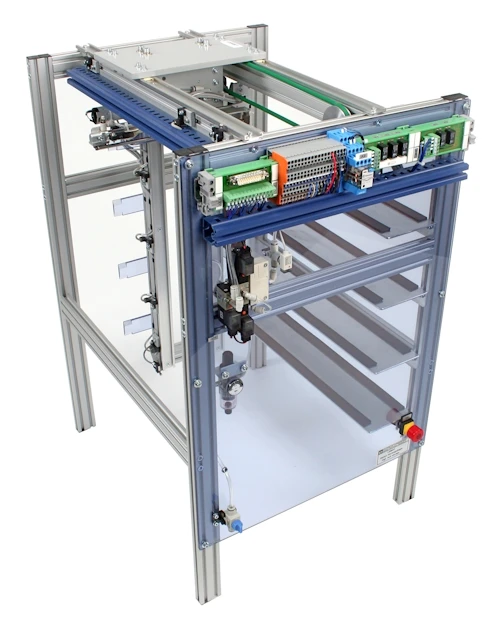
The subsystem features a high-bay warehouse with 16 storage locations arranged in four rows and four columns. A three-axis storage and retrieval unit moves along the X, Y, and Z axes and uses a vacuum gripper to pick up workpieces. A pressure switch monitors the vacuum level at the suction head. Positioning along the X-axis is controlled using pulses from an optical sensor, eliminating the need for additional photoelectric sensors.
Your students develop an SCL function block in TIA Portal to manage the 16 storage locations. A 16-bit memory word tracks storage occupancy and enables the system to automatically identify available locations. Using WinCC, your students create a graphical user interface for the touch panel. They visualize storage occupancy, select individual storage locations, and initiate storage and retrieval operations. This helps you build your students' understanding of automated material flow while developing their practical skills in programming, operating, and monitoring industrial warehouse systems.
| Base Product | |
| LM9515 | Cyber physical conveyor system with PLC |
| SO6200-2P | QuickChart IMS 1.5 Cyber-physical conveyor belt system |
| LM9532 | Film, for oscilloscope cameratype LM 7000 |
| LM9672 | DC power supply 24V/5A for IMS conveyor belts |
| LM9641 | High rack storage station with 20 storage cells |
| LM9061 | 25-pin serial interface cable, Sub-D plug/socket |
| SO6200-1H | QuickChart, IMS 8 Mechatronics Storage sub-system |
| CO3713-4Q | Touch Panel KTP700 Basic Trainer Package |
| Media | |
| PAT050001C | RXLea Content CIS01IS: Inbetriebnahme eines cyberphysischen Systems |
| SW00001 | Software RX Lea |
| SW00019 | Software LN Installer |
| PAT050002C | RXLea Content CIS01IS: Grundlagen der SPS Programmierung |
| SW00001 | Software RX Lea |
| SW00019 | Software LN Installer |
| PAT050003C | RXLea Content CIS01IS: Geschwindigkeitskontrolle mit PWM |
| SW00001 | Software RX Lea |
| SW00019 | Software LN Installer |
| PAT050004C | RXLea Content CIS01IS: Analogwertverarbeitung in der SPS |
| SW00001 | Software RX Lea |
| SW00019 | Software LN Installer |
| Course | |
| SO2805-5L | Interactive Lab Assistant: IMS 8 High Rack Storage |
| Accessories | |
| LM9677 | IMS displacement measurement module |
| LM8257 | USB 2.0 Ethernet adapter, 10/100 |
| LM9716 | Set of Allen keys |
| LM9521 | Workpiece, top section, white |
| LM9522 | Workpiece, top section, black |
| LM9524 | Workpiece, bottom section, white |
| LM9525 | Workpiece, bottom section, black |
| Furniture | |
| ST7200-7A | SybaPro experiment trolley, 3-level, 6 sockets, 1250x1970x800mm |
| ST8010-4T | Monitor holder for flat screen monitor of weight up to 15kg / 33lbs |
| ST7200-5L | Protection cover for three-level experiment trolleys |
| Measurement Leads | |
| SO5126-9A | Safety measurement cable 4mm, 100cm/40", blue, 600V CAT III ~1000V CAT II / 32A |
| SO5126-8U | Safety measurement cable 4mm, 100cm/40", red, 600 V CAT III ~1000 V, CAT II / 32A |
Learning Content in Detail
Controlling the high-bay warehouse
Creating virtual sensors
Developing warehouse management in SCL
Implementing color-based sorting
Designing HMI interfaces
Controlling the vacuum gripper
Linking sequential controls
Validating process sequences
Features & Applications
- 3D storage and retrieval machine with vacuum gripper — The subsystem controls the X, Y and Z axes and uses vacuum to place workpieces in, or pick them up from, 16 storage compartments.
- Determining the compartment position by pulse counting — An optical pulse sensor on the X axis determines the exact compartment positions. This eliminates the need for additional light barriers at each compartment.
- Warehouse management in the STAD function block — An SCL function block manages the occupancy states in a 16-bit memory word and automatically identifies free compartments. Products can be stored and retrieved according to color and composition.
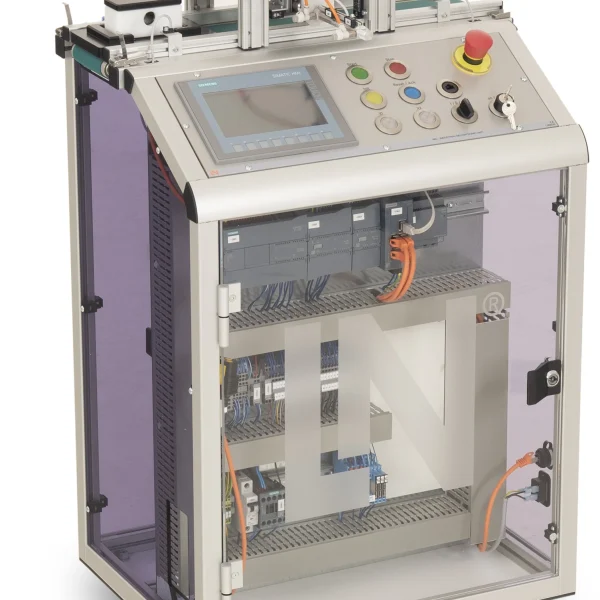
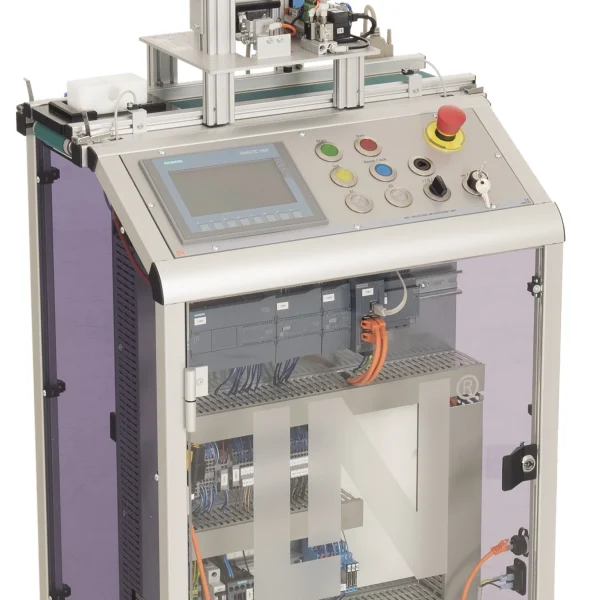
- Process visualization on the touch panel — The touch panel displays the occupancy of the 4x4 rack graphically and allows manual compartment entry and process start.
- High-bay rack frame with 16 compartments — Four levels, each with four storage slots, hold the workpieces in a structured arrangement.
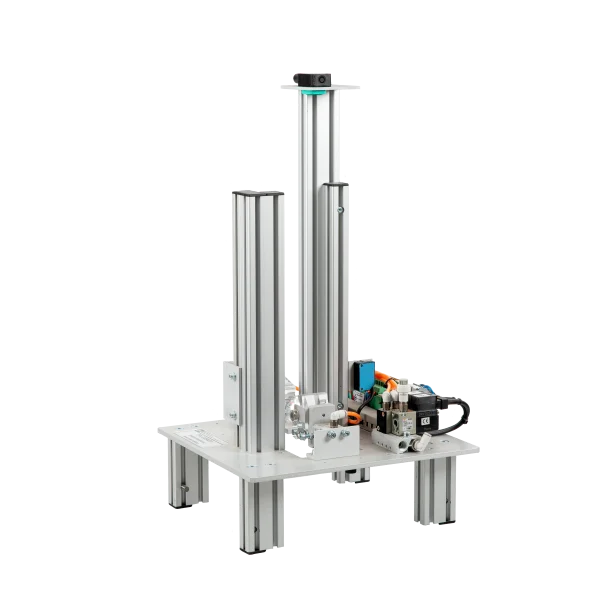
- Pneumatic Y-axis suction cylinder (-M1) — The cylinder extends the suction gripper into the rack compartment to grip workpieces with vacuum assistance.
- Vacuum switching valves (-M2/-M3) — Two 5/2-way solenoid valves switch the vacuum for gripping and releasing the assemblies.
- Vacuum pressure switch (-B8) — The pressure switch monitors the negative pressure at the suction head and signals to the controller that the workpiece is held securely.
- Siemens TIA Portal and WinCC — The engineering environment is used to create FBD sequential controls, warehouse management in SCL and the HMI screens.
- Interactive Lab Assistant course SO2805-5L — The interactive learning software contains circuit diagrams, SCL code examples and instructions on step sequences.

From Knowledge Comes Capability.
You guide the learning
Where theory and practice go hand in hand.
RXLea brings a new way of learning: project-based, hands-on and clearly structured. Learners solve real-world tasks, while instructors save time on preparation. Interactive modules, smart analytics and real hardware create a modern, efficient learning world.
Hands-on and interactive
Animations, interactive tasks and realistic scenarios build a deep understanding. All content is organized into clear learning paths for focused, hands-on learning.
Digital support
3D assembly animations and digital instructions simplify complex procedures, reduce errors and help learners work more independently.
Visual support
Overview graphics, screenshots and sample animations make the learning world transparent. Photos from the learning packages are also available, including country-specific versions where needed.




Stay ahead in
technical training.
Get the latest training systems, product launches and educational insights, delivered directly to your inbox.