


Automatically Inspect Workpieces Using Multiple Sensors
Teach automated quality inspection in manufacturing. Your students combine different sensor technologies, program inspection routines in TIA Portal, and evaluate workpieces against defined quality criteria.
- Understanding testing processes
- Comparing sensor principles
- Programming the target/actual comparison
- Controlling test outputs
- Testing quality with multiple sensor principles
- Placing the station on the conveyor without modification
- Connection via a single connector
- Evaluation in the integrated PLC
How can workpieces be reliably inspected and evaluated in automated manufacturing processes? This mechatronic subsystem helps you teach your students how different sensor technologies interact with a programmable logic controller (PLC). Your students detect workpiece characteristics, compare them against predefined criteria, and program automated quality inspections in TIA Portal.
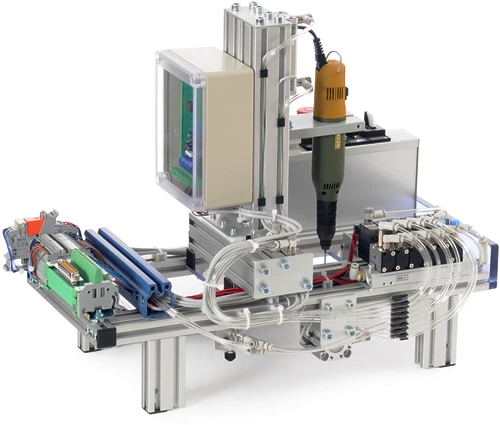
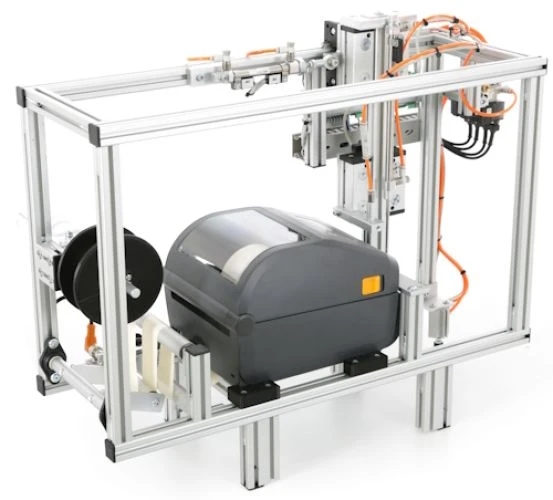
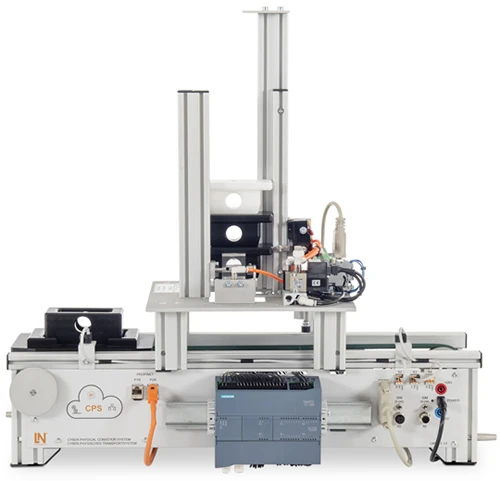
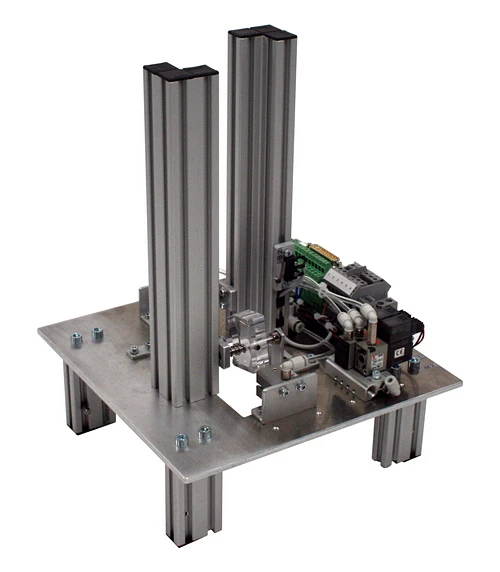
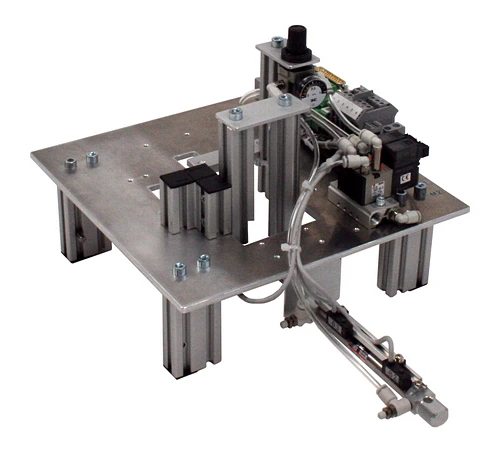
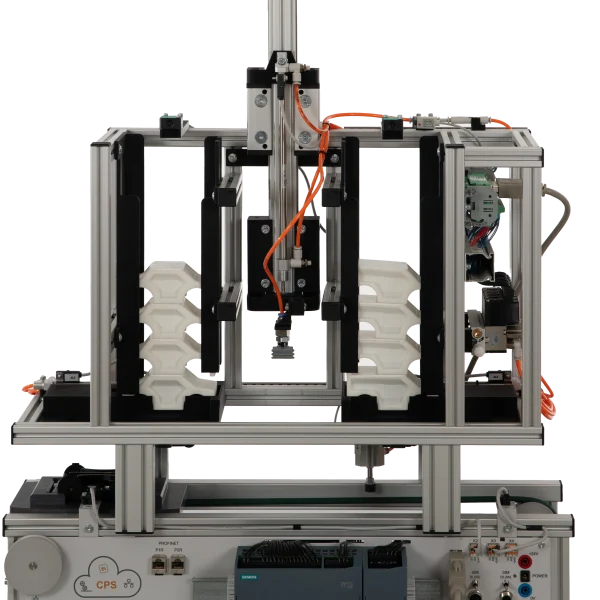
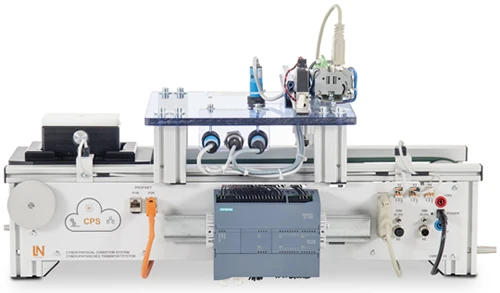
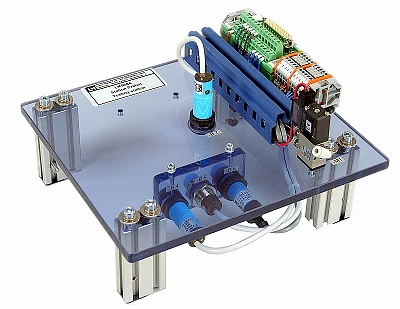
The subsystem integrates into IMS and IMU conveyor lines. A pneumatic stopper positions the workpiece carrier for inspection. Two optical sensors distinguish between light and dark colors on the upper and lower housing sections. An inductive proximity sensor detects the presence of a metal connecting pin, while a capacitive sensor confirms that a workpiece is present. A magnetic sensor monitors the stopper position.
Your students process sensor signals in TIA Portal and develop an automated comparison between actual and target values. They match detected characteristics against predefined product recipes and program the CHECKED and PASSED status signals for downstream stations. This helps you build your students' understanding of industrial quality assurance while developing their practical skills in programming, monitoring, and troubleshooting automated inspection processes.
| Base Product | |
| LM9515 | Cyber physical conveyor system with PLC |
| SO6200-2P | QuickChart IMS 1.5 Cyber-physical conveyor belt system |
| LM9532 | Film, for oscilloscope cameratype LM 7000 |
| LM9672 | DC power supply 24V/5A for IMS conveyor belts |
| LM9684 | Testing station |
| LM9066 | Interface cable 25-pin, Sub-D socket / plug 1m |
| SO6200-1F | QuickChart, IMS 6 Mechatronics Testing sub-system (GB) |
| Media | |
| PAT050001C | RXLea Content CIS01IS: Inbetriebnahme eines cyberphysischen Systems |
| SW00001 | Software RX Lea |
| SW00019 | Software LN Installer |
| PAT050002C | RXLea Content CIS01IS: Grundlagen der SPS Programmierung |
| SW00001 | Software RX Lea |
| SW00019 | Software LN Installer |
| PAT050003C | RXLea Content CIS01IS: Geschwindigkeitskontrolle mit PWM |
| SW00001 | Software RX Lea |
| SW00019 | Software LN Installer |
| PAT050004C | RXLea Content CIS01IS: Analogwertverarbeitung in der SPS |
| SW00001 | Software RX Lea |
| SW00019 | Software LN Installer |
| Course | |
| SO2805-5X | Interactive Lab Assistant: Self-commutated converter circuits |
| Accessories | |
| LM9677 | IMS displacement measurement module |
| LM8257 | USB 2.0 Ethernet adapter, 10/100 |
| LM9716 | Set of Allen keys |
| LM9521 | Workpiece, top section, white |
| LM9522 | Workpiece, top section, black |
| LM9524 | Workpiece, bottom section, white |
| LM9525 | Workpiece, bottom section, black |
| LM9527 | Bolt workpiece, metal |
| LM9528 | Bolt workpiece, plastic |
| Furniture | |
| ST7200-7A | SybaPro experiment trolley, 3-level, 6 sockets, 1250x1970x800mm |
| ST8010-4T | Monitor holder for flat screen monitor of weight up to 15kg / 33lbs |
| ST7200-5L | Protection cover for three-level experiment trolleys |
Learning Content in Detail
Understanding testing processes
Comparing sensor principles
Programming the target/actual comparison
Controlling test outputs
Integrating presence detection
Designing step sequences
Setting sensor thresholds
Performing fault analysis
Features & Applications
- Testing quality with multiple sensor principles — The subsystem combines optical, inductive and capacitive sensors to automatically check the material and color of all workpiece components.
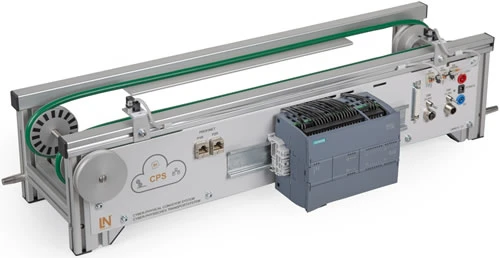
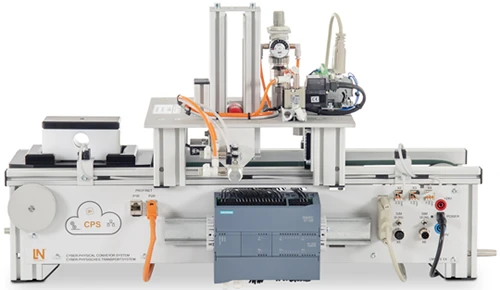
- Placing the station on the conveyor without modification — The station is placed on the conveyor belt profile. All that is then needed to use it is the data cable and the compressed-air connection.
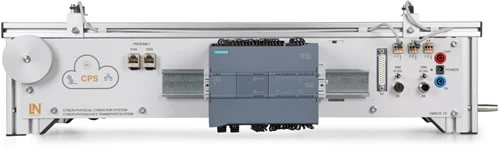
- Connection via a single connector — The 25-pin Sub-D connector bundles all sensor signals, the actuator signal and the power supply and transmits them to the PLC, preventing incorrect connection.
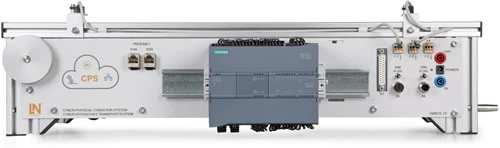
- Evaluation in the integrated PLC — With the S7-1215 PLC, the logic unit is already integrated. Learners use it to control the conveyor belt and the station and to evaluate the test results.
- Optical diffuse sensors — The diffuse sensors optically check the light or dark color of the housing parts while the workpiece is held at the stopper.
- Inductive proximity switch for the pin (-B5) — The inductive proximity switch detects the metallic properties of the press-fitted connecting pin.
- Capacitive sensor for the workpiece (-B6) — The sensor signals to the controller that a workpiece is present, providing the start condition for the test sequence.
- Stopper with position feedback — The pneumatic stopper positions the workpiece, while a magnetic sensor provides feedback on the stopper’s position.
- Siemens TIA Portal — The engineering software is used to program the test logic, evaluate the bit patterns and signal the test results.
- Interactive Lab Assistant course SO2805-5X — The interactive learning software contains sensor descriptions, circuit diagrams, experiment guides and knowledge tests.

From Knowledge Comes Capability.
You guide the learning
Where theory and practice go hand in hand.
RXLea brings a new way of learning: project-based, hands-on and clearly structured. Learners solve real-world tasks, while instructors save time on preparation. Interactive modules, smart analytics and real hardware create a modern, efficient learning world.
Hands-on and interactive
Animations, interactive tasks and realistic scenarios build a deep understanding. All content is organized into clear learning paths for focused, hands-on learning.
Digital support
3D assembly animations and digital instructions simplify complex procedures, reduce errors and help learners work more independently.
Visual support
Overview graphics, screenshots and sample animations make the learning world transparent. Photos from the learning packages are also available, including country-specific versions where needed.




Stay ahead in
technical training.
Get the latest training systems, product launches and educational insights, delivered directly to your inbox.