


Skip to content

IMU with Subsystem Handling

RXLea
Digital projects for hands-on learningInteractive learning content, directly connected to the training system.

IMU with Subsystem Handling

CIU07IU

Hands-on training in IMU with Handling Subsystem, covering Hardware components, Basics TIA Portal, Programming basics PLC, Basic elements, Memory blocks, Time blocks, Counter, Touch panel programming and Use of a PWM signal.

Learning Content
  • Hardware components
  • Basics TIA Portal
  • Programming basics PLC
  • Basic elements
KEY FEATURES
  • PLC requirements
  • PLC interface
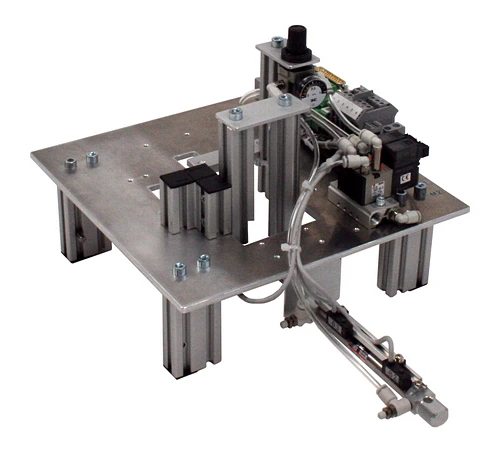
  • 3 x One-way restrictor valves
  • Vacuum generator with sensor
Speak with a Product Specialist +1 (757) 808-5696 · sales@lucas-nuelle.com

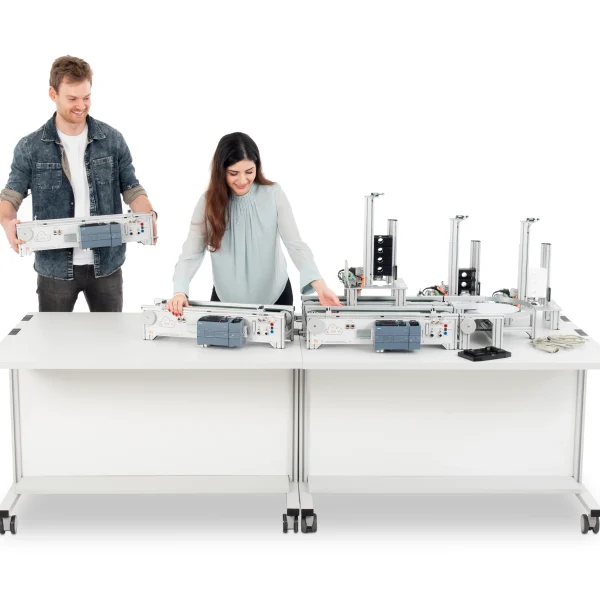
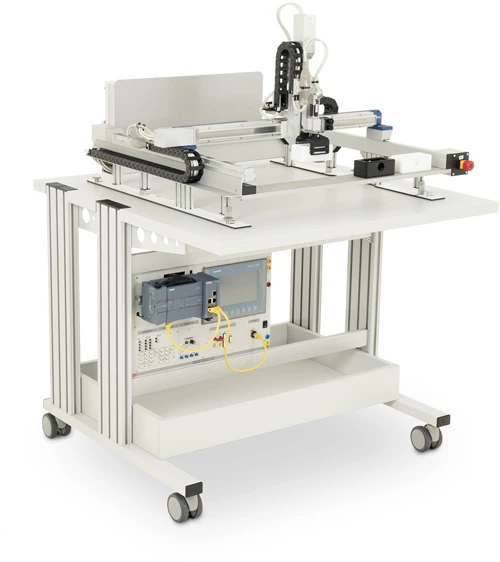
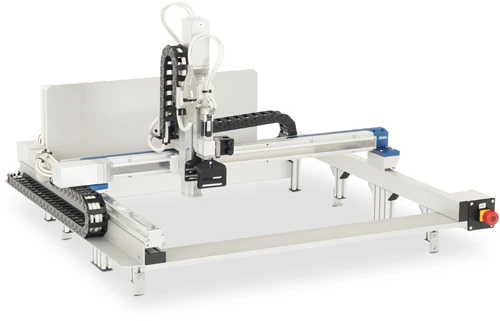
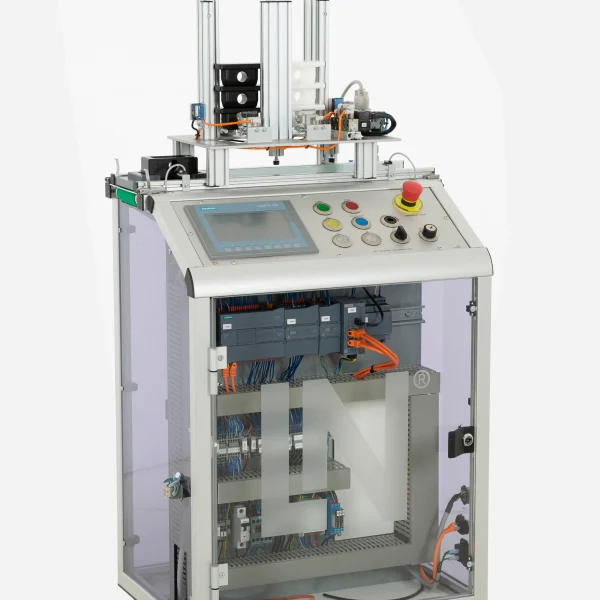
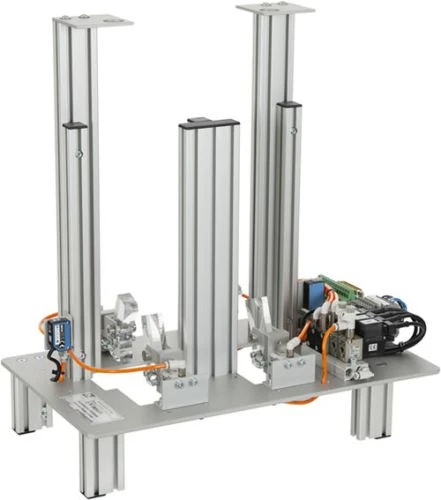
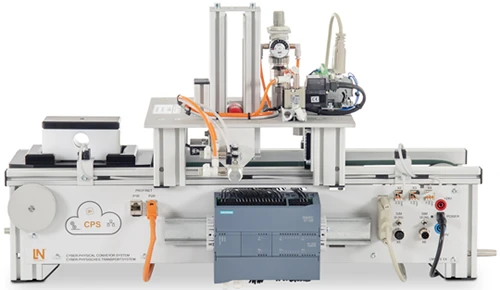
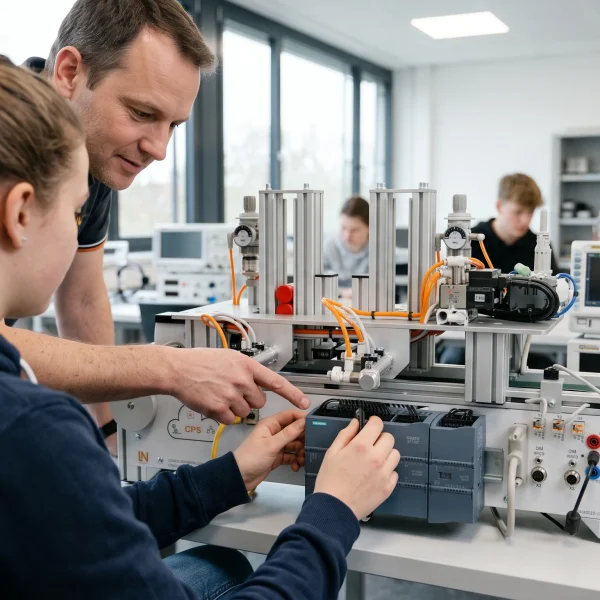
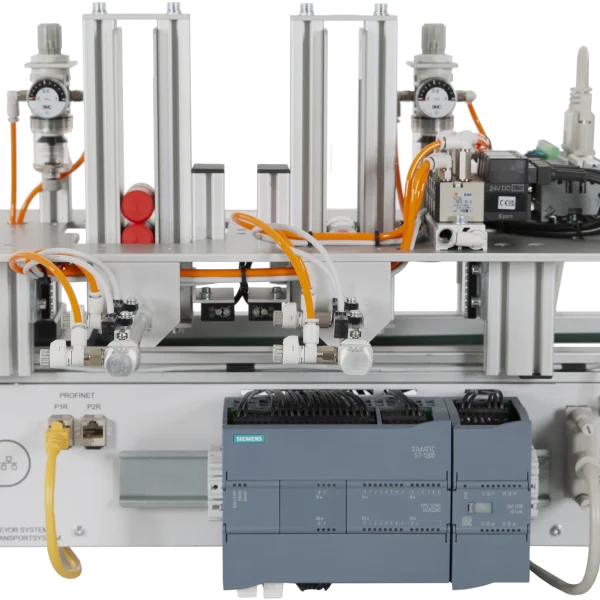
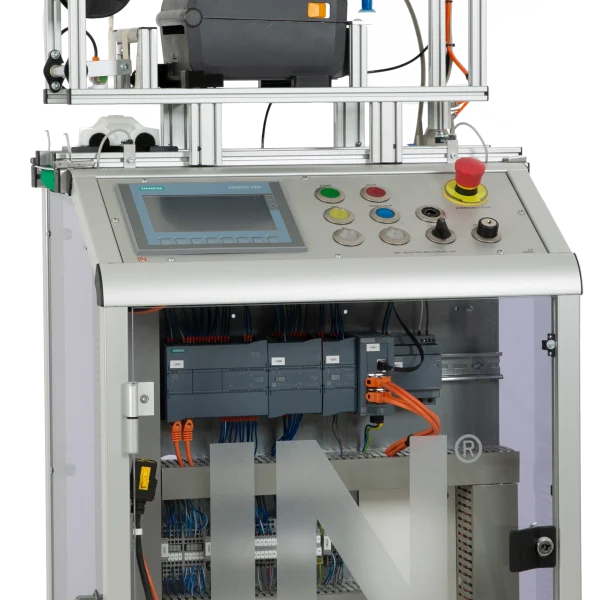
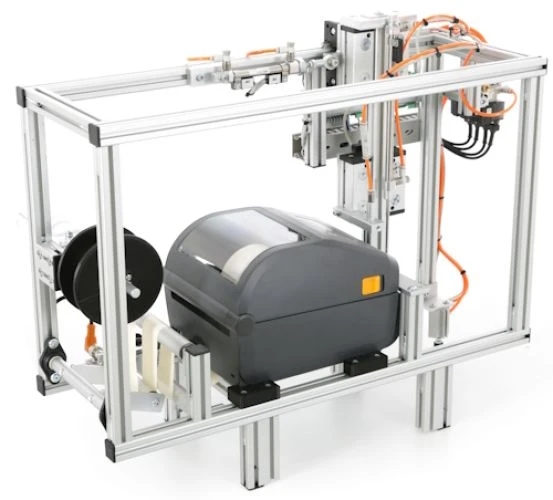
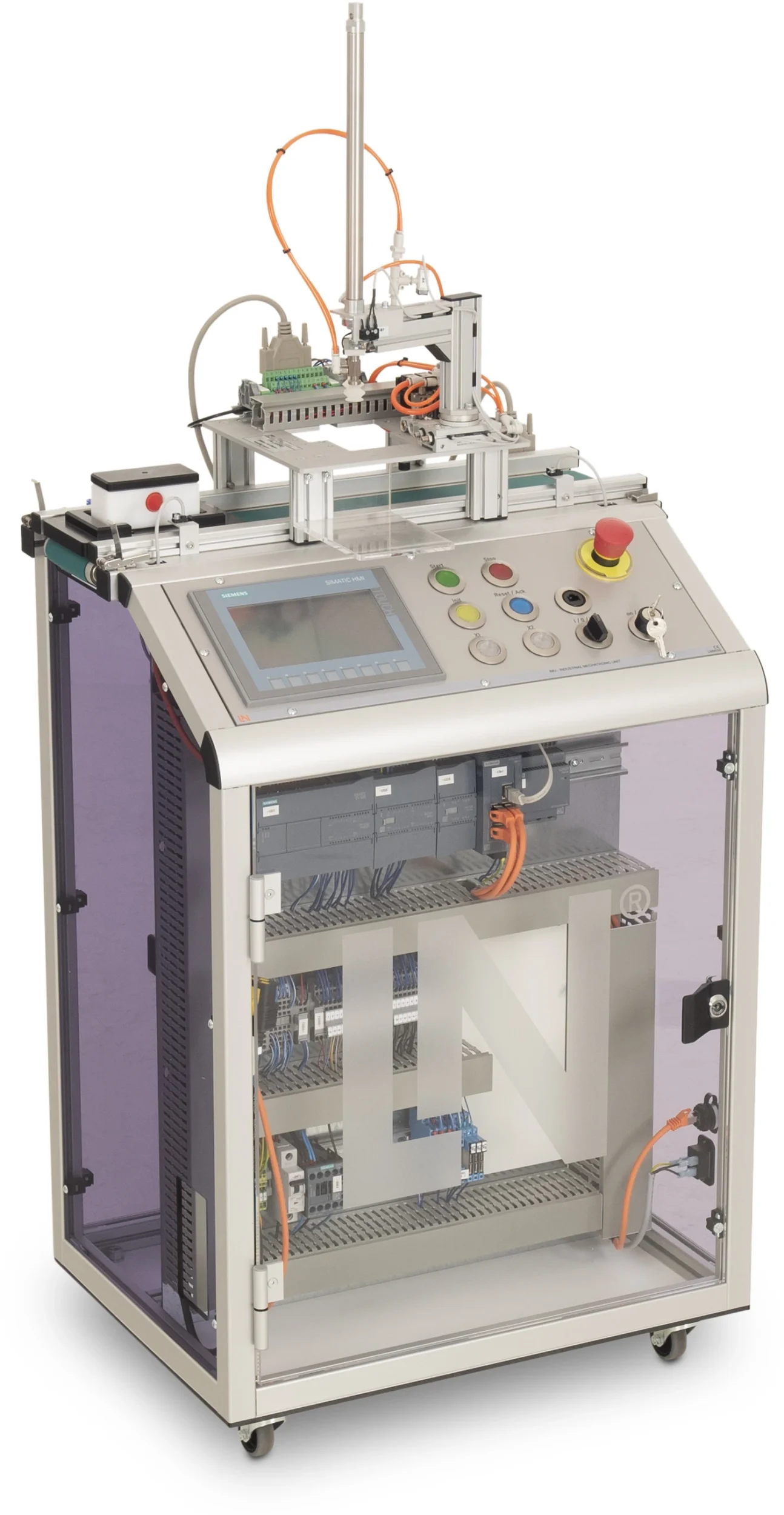
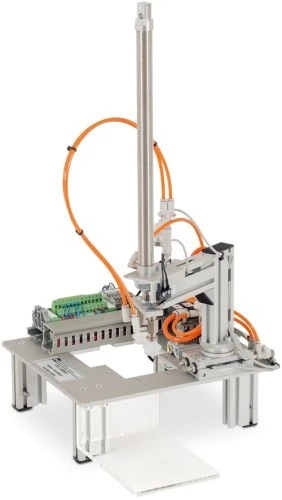
On the Mechatronic Unit there is a workpiece carrier, with mounted and tested workpiece. A handling station is located above the center of the conveyor. The workpiece carrier is stopped at the removal position. The handling device lifts the workpiece and transports it to a deposit position. The empty workpiece carrier moves to the end of the conveyor belt, where it is taken over by the next unit.

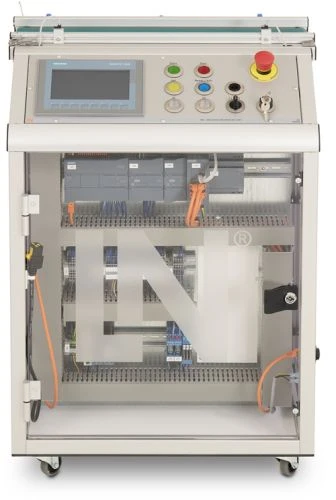
LM9536Industrial Mechatronic Unit
LM9532Film, for oscilloscope cameratype LM 7000
SO6200-2UQuickChart, IPA 1 Compact station (GB)
LM9683Handling station
LM9066Interface cable 25-pin, Sub-D socket / plug 1m
SO6200-1GQuickChart IMS 7 Mechatronics Handling station
SO2805-5JInteractive Lab Assistant: IMU 1 Industrial Mechatronic Unit
SO2805-5XInteractive Lab Assistant: Self-commutated converter circuits
LM9524Workpiece, bottom section, white
LM9525Workpiece, bottom section, black

Learning Content in Detail

With the “Interactive Lab Assistant: IMU 1 Industrial Mechatronic Unit” training system, learners develop practical, job-relevant skills. Key topics include Hardware components, Basics TIA Portal, Programming basics PLC.

Hardware components

Learners work on hardware components.

Basics TIA Portal

Learners work on basics TIA Portal.

Programming basics PLC

Learners work on programming basics PLC.

Basic elements

Learners work on basic elements.

Memory blocks

Learners work on memory blocks.

Time blocks

Learners work on time blocks.

Counter

Learners work on counter.

Touch panel programming

Learners work on touch panel programming.

Use of a PWM signal

Learners work on use of a PWM signal.

Step chain programming

Learners work on step chain programming.

Features & Applications

Key system features include PLC requirements, PLC interface and 3 x One-way restrictor valves.
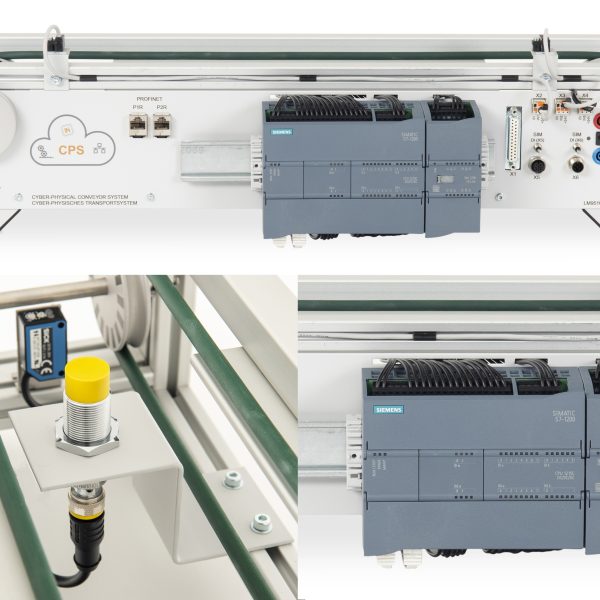
  • PLC requirements — PLC requirements: 4 x digital outputs, 5 x digital inputs
  • PLC interface — PLC interface: 25-pin SUB-D connector
  • 3 x One-way restrictor valves — 3 x One-way restrictor valves
  • Vacuum generator with sensor — Vacuum generator with sensor
  • 90° turning pneumatic jib — 90° turning pneumatic jib
  • Vertical cylinder with vacuum lifter and microswitch — Vertical cylinder with vacuum lifter and microswitch
  • Two-way stop cylinder — Two-way stop cylinder
Learners working with RXLea on a tablet at a Lucas-Nuelle training system
RXLea

From Knowledge Comes Capability.

You guide the learning

Where theory and practice go hand in hand.

RXLea brings a new way of learning: project-based, hands-on and clearly structured. Learners solve real-world tasks, while instructors save time on preparation. Interactive modules, smart analytics and real hardware create a modern, efficient learning world.

Hands-on and interactive

Animations, interactive tasks and realistic scenarios build a deep understanding. All content is organized into clear learning paths for focused, hands-on learning.

Digital support

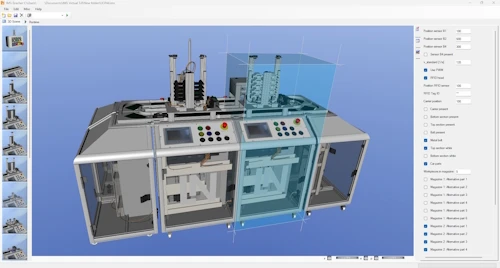
3D assembly animations and digital instructions simplify complex procedures, reduce errors and help learners work more independently.

Visual support

Overview graphics, screenshots and sample animations make the learning world transparent. Photos from the learning packages are also available, including country-specific versions where needed.


Learners using a tablet at an energy training system
RXLea on desktop, laptop and tablet
RXLea Path Creator for building learning journeys
RXLea Navigator showing the learning world
Learn more about RXLea
Newsletter

Stay ahead in
technical training.

Get the latest training systems, product launches and educational insights, delivered directly to your inbox.

Your email address

By subscribing, you agree to our Privacy Policy. You can unsubscribe at any time.

 Please select at least one category before subscribing.
I'm interested in - select all that apply