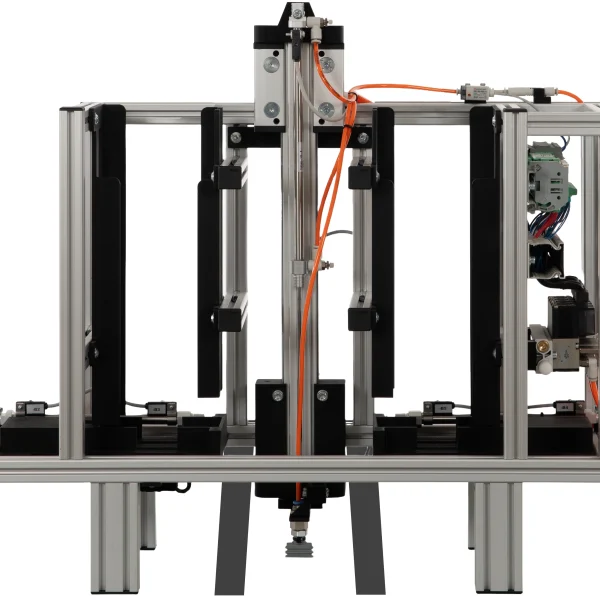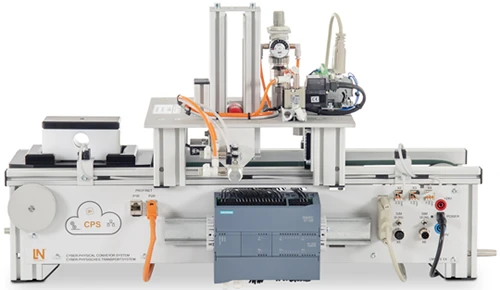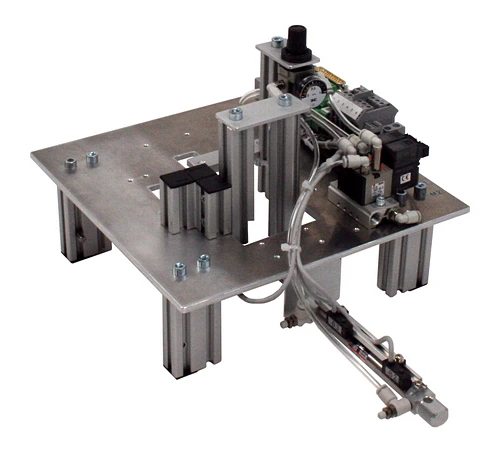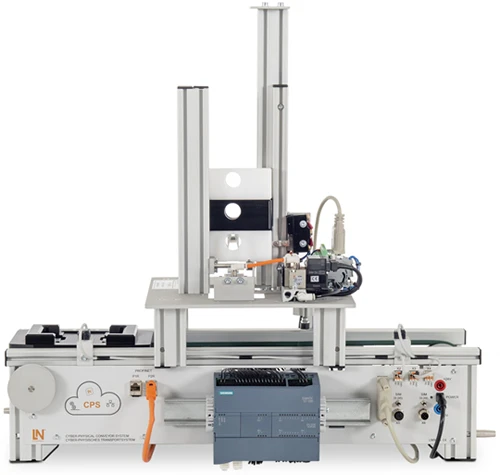



IMU with Subsystem Upper Part Assembly with Double Magazine
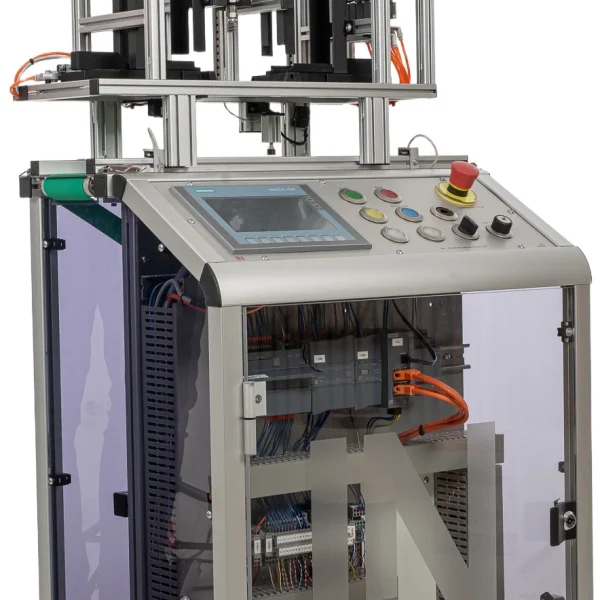
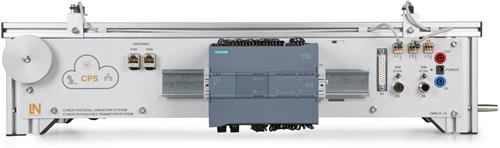
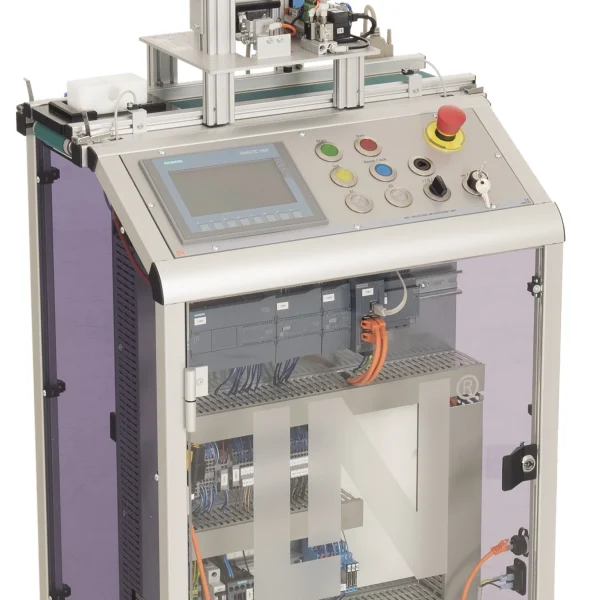
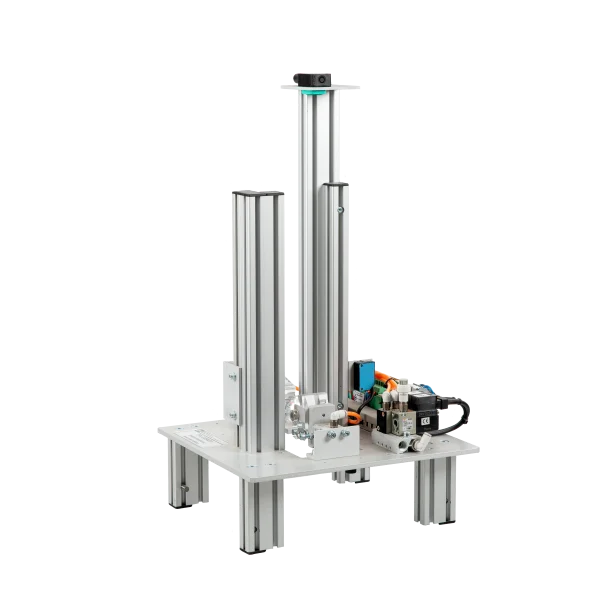
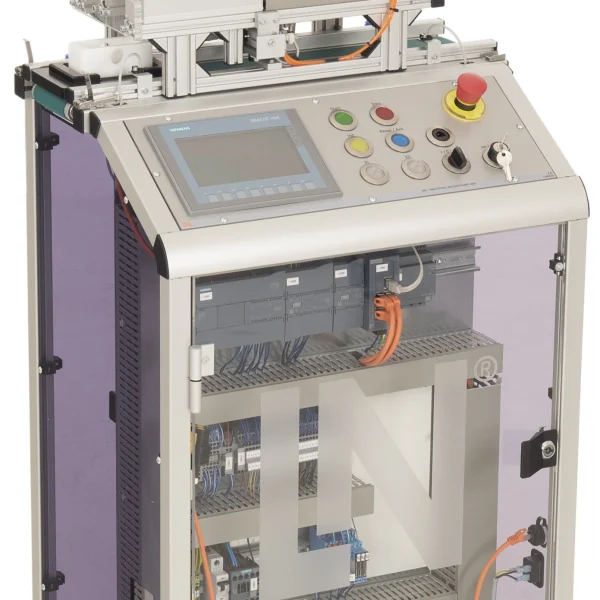
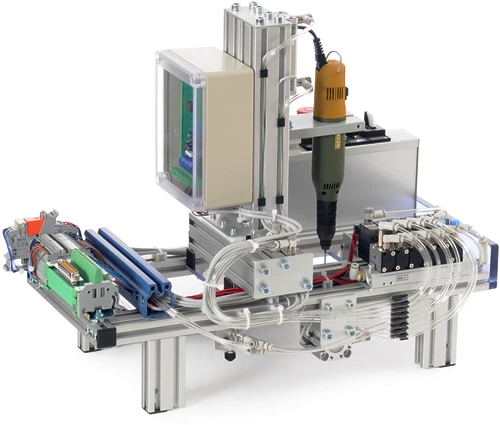
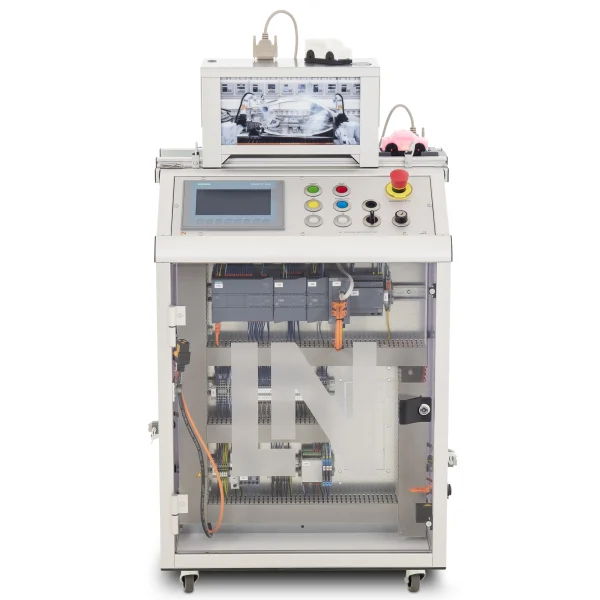
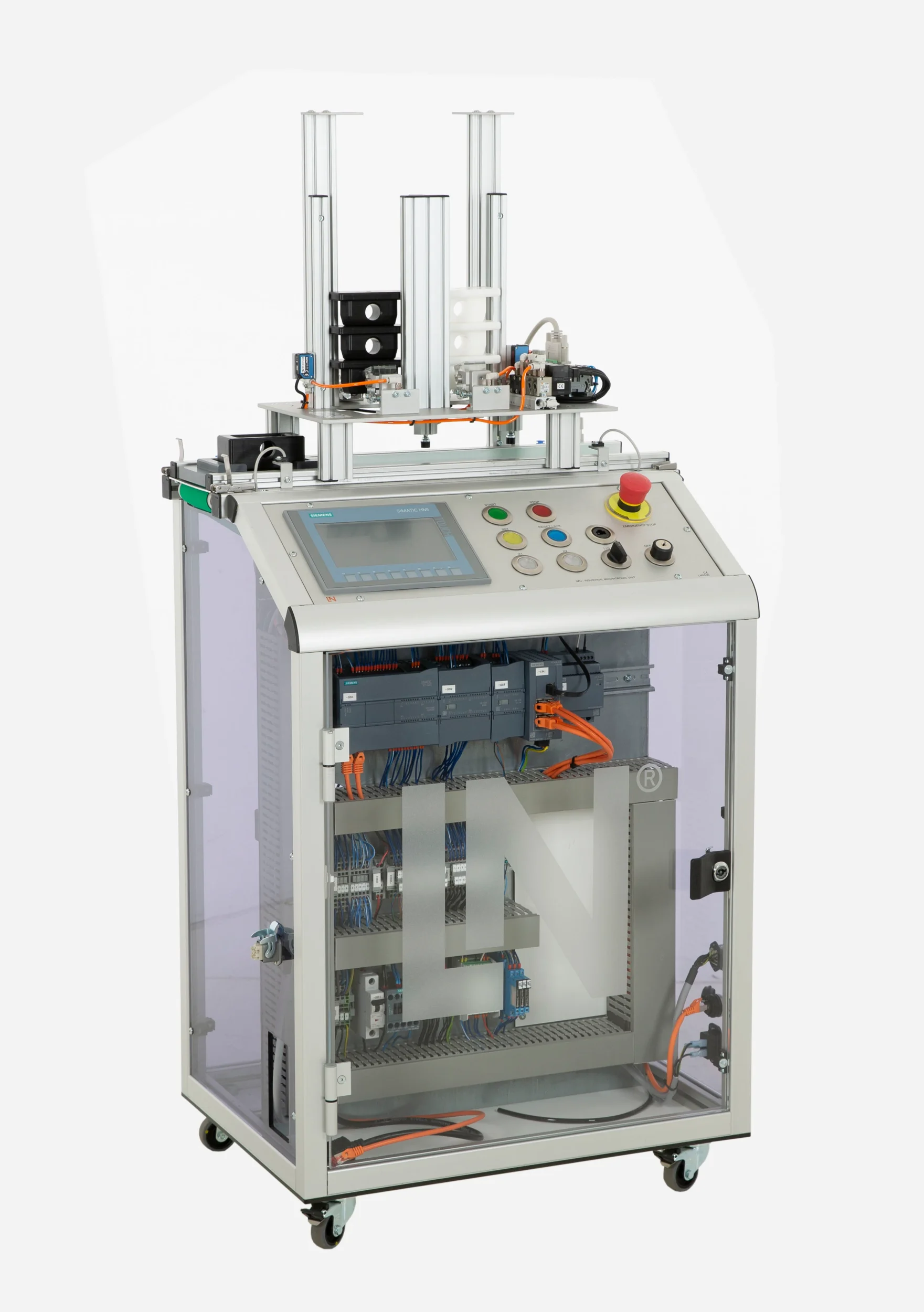
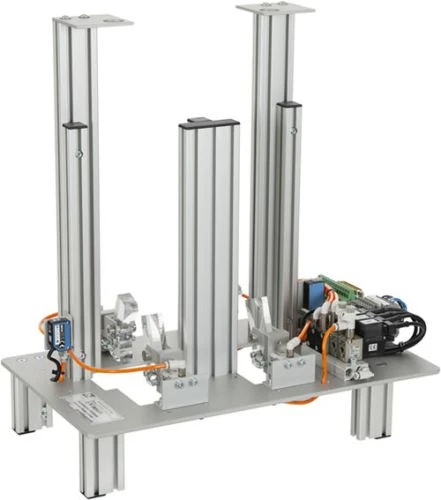
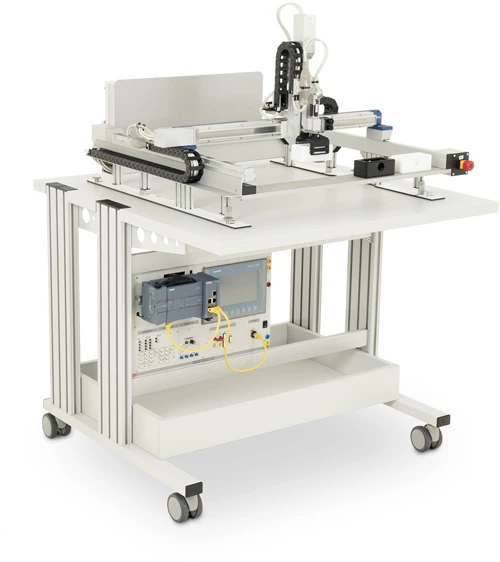
Using the double top part assembly subsystem, the mobile Industrial Mechatronic Unit assembles two different top part variants onto workpiece bottom parts. The variant is selected by the order on the touch panel.
- Understanding variant assembly
- Programming the order decision
- Switching dual assembly valves
- Adjusting approach times
- Placing two top part variants according to the order
- Selectively controlling four pneumatic valves
- Order selection on the touchscreen
- Dual level monitoring
Flexible assembly systems put together different variants without having to stop. The double top part assembly subsystem shows how this works: two separate magazine chutes hold different top parts, and four solenoid valves lock the workpiece carrier beneath the selected chute and actuate the corresponding joining pawl. Two light barriers monitor the stock in each chute individually. On the KTP700 touch panel, operators select the housing variant and follow the process steps. In TIA Portal, learners evaluate the recipe bits, adapt travel times and creep phases to the two chute positions and encapsulate the logic in reusable function blocks.
| Base Product | |
| LM9536 | Industrial Mechatronic Unit |
| LM9532 | Film, for oscilloscope cameratype LM 7000 |
| SO6200-2U | QuickChart, IPA 1 Compact station (GB) |
| LM9646 | Assembly double station |
| LM9066 | Interface cable 25-pin, Sub-D socket / plug 1m |
| SO6200-2R | QuickChart IMS 4d Mechatronics Assembly double station |
| Course | |
| SO2805-5J | Interactive Lab Assistant: IMU 1 Industrial Mechatronic Unit |
| SO2805-5X | Interactive Lab Assistant: Self-commutated converter circuits |
| Accessories | |
| LM9524 | Workpiece, bottom section, white |
| LM9521 | Workpiece, top section, white |
| LM9522 | Workpiece, top section, black |
Learning Content in Detail
Understanding variant assembly
Programming the order decision
Switching dual assembly valves
Adjusting approach times
Implementing touchscreen visualization
Structuring function blocks for double stations
Extending system libraries
Validating assembly processes
Features & Applications
- Placing two top part variants according to the order — Two separate magazine chutes make it possible to place different top part variants on a bottom part, depending on the order.
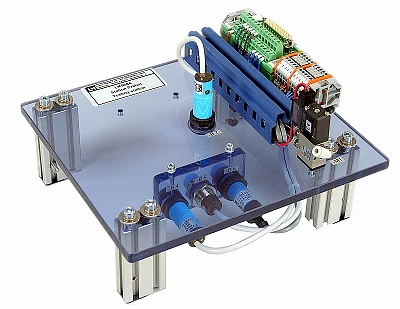
- Selectively controlling four pneumatic valves — Four solenoid valves control two independent pairs of stoppers and joining pawls and lock the carrier precisely beneath chute A or B.
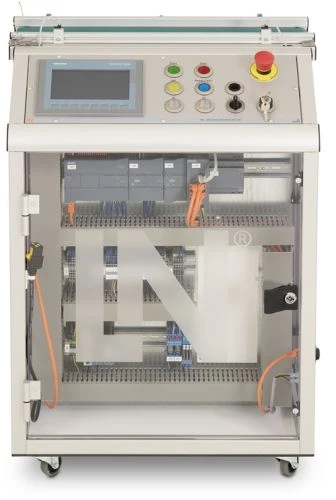
- Order selection on the touchscreen — Using the KTP700 touch panel, operators select the housing variant to be assembled and monitor the process steps.
- Dual level monitoring — Two light barriers record the material stock in each chute separately and block requests when material runs short.
- DC motor with incremental encoder — The drive enables speed-controlled conveyor movements as well as distance and position measurements by evaluating the pulses.
- Siemens S7-1215C with digital module — The PLC provides the extended I/Os needed to control two assembly stations and the conveyor drive synchronously.
- SIMATIC KTP700 Basic Panel — The panel displays assembly orders and magazine levels and allows the housing variant to be selected manually.
- Pneumatic separating pawls — Depending on the order selection, the pawls eject the required component from chute A or chute B.
- IO-Link with RFID head and ultrasonic sensors — An RFID read/write head for sending data to the workpiece carrier and ultrasonic sensors for precisely determining the magazine fill levels are connected via an IO-Link master module.
- 25-pin transfer module (-X1) — The module bundles the sensor and actuator signals as well as the power supply of the double station and transmits them while preventing incorrect connection.
- Siemens TIA Portal and WinCC — Engineering software for variable-based step sequences, function blocks with order flags and touchscreen displays.
- Interactive Lab Assistant course SO2805-5J — Interactive learning software with step-by-step instructions for programming double assembly stations.

From Knowledge Comes Capability.
You guide the learning
Where theory and practice go hand in hand.
RXLea brings a new way of learning: project-based, hands-on and clearly structured. Learners solve real-world tasks, while instructors save time on preparation. Interactive modules, smart analytics and real hardware create a modern, efficient learning world.
Hands-on and interactive
Animations, interactive tasks and realistic scenarios build a deep understanding. All content is organized into clear learning paths for focused, hands-on learning.
Digital support
3D assembly animations and digital instructions simplify complex procedures, reduce errors and help learners work more independently.
Visual support
Overview graphics, screenshots and sample animations make the learning world transparent. Photos from the learning packages are also available, including country-specific versions where needed.




Stay ahead in
technical training.
Get the latest training systems, product launches and educational insights, delivered directly to your inbox.