


Skip to content

Digital modulation methods ASK, FSK, (Q)PSK

RXLea
Digital projects for hands-on learningInteractive learning content, directly connected to the training system.

Digital modulation methods ASK, FSK, (Q)PSK

TDM03UT

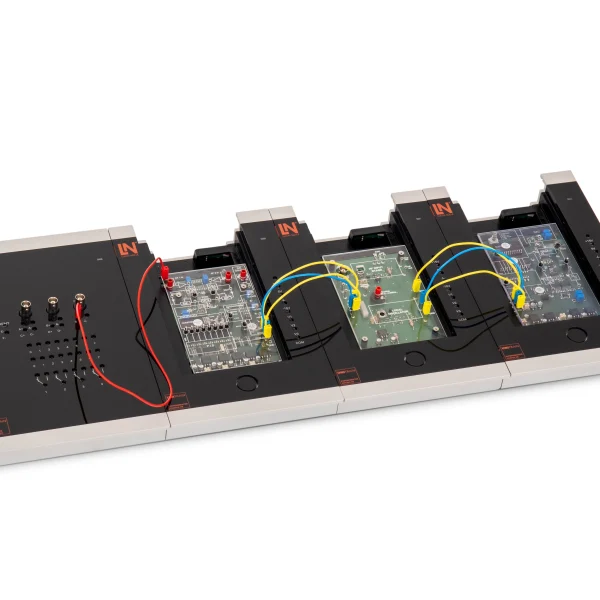
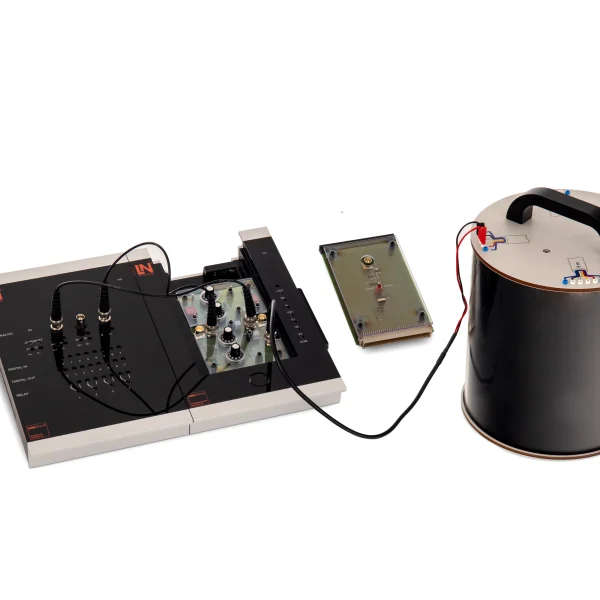
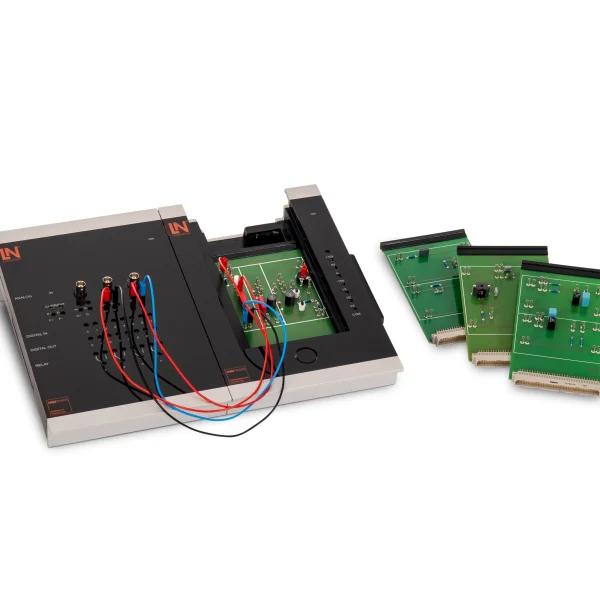
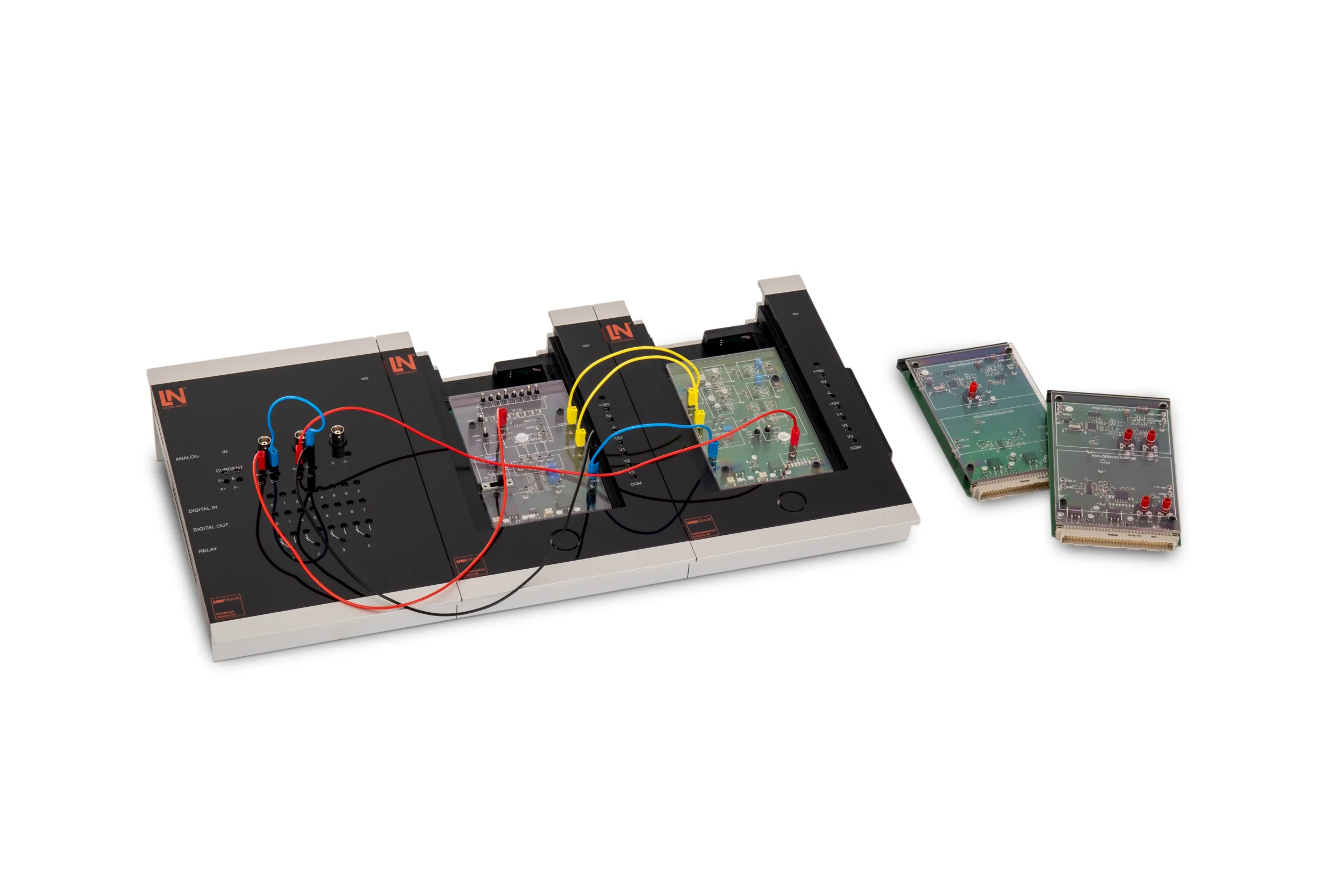
UniTrain course on the digital modulation methods ASK, FSK, PSK and QPSK. Students modulate their own bit patterns, demodulate them and evaluate baud rate, bandwidth and noise immunity.

Learning Content
  • Investigating ASK
  • Analyzing baud rates
  • Performing FSK adjustment
  • Evaluating frequency spectra
KEY FEATURES
  • Specifying custom bit patterns
  • Adjusting FSK frequencies and the demodulator manually
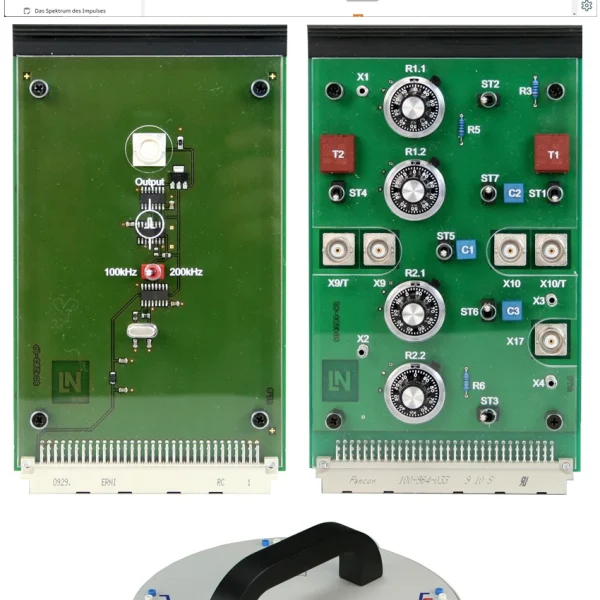
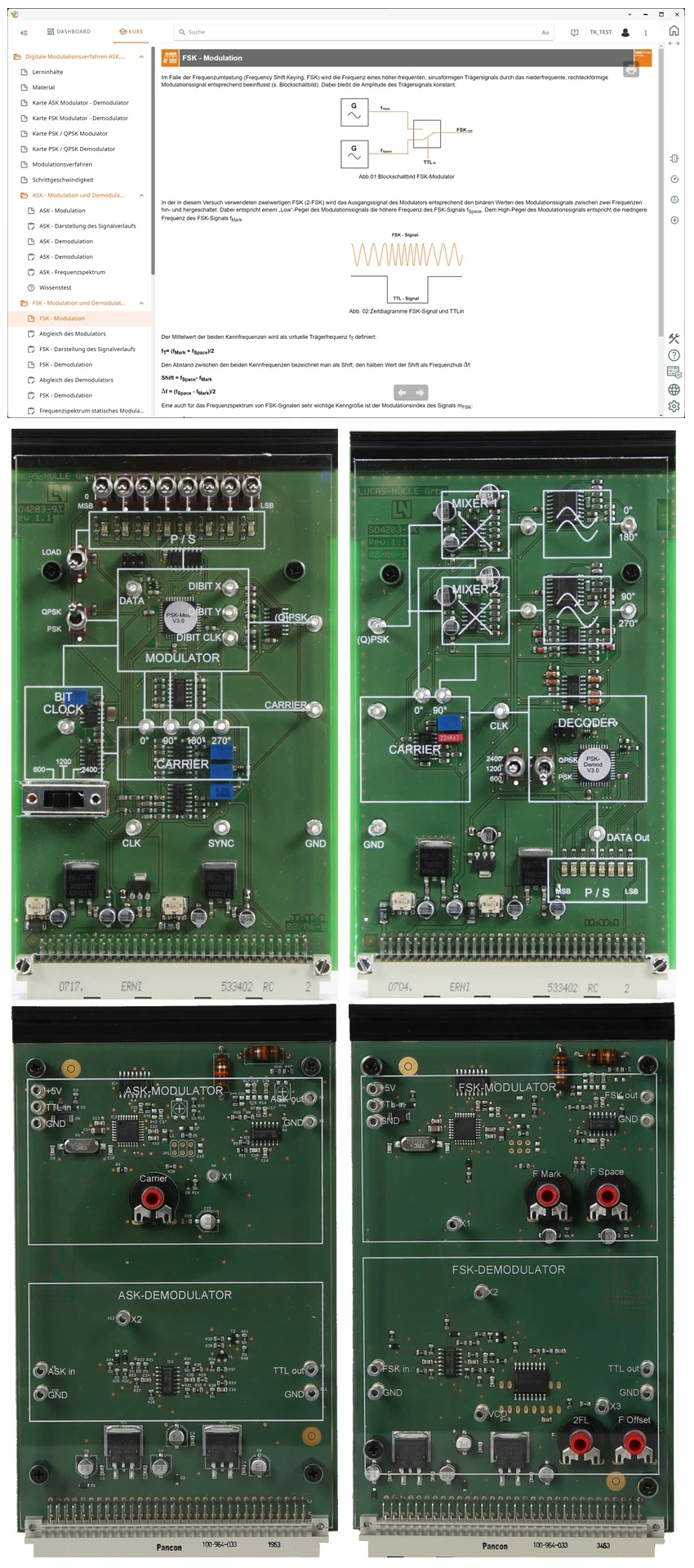
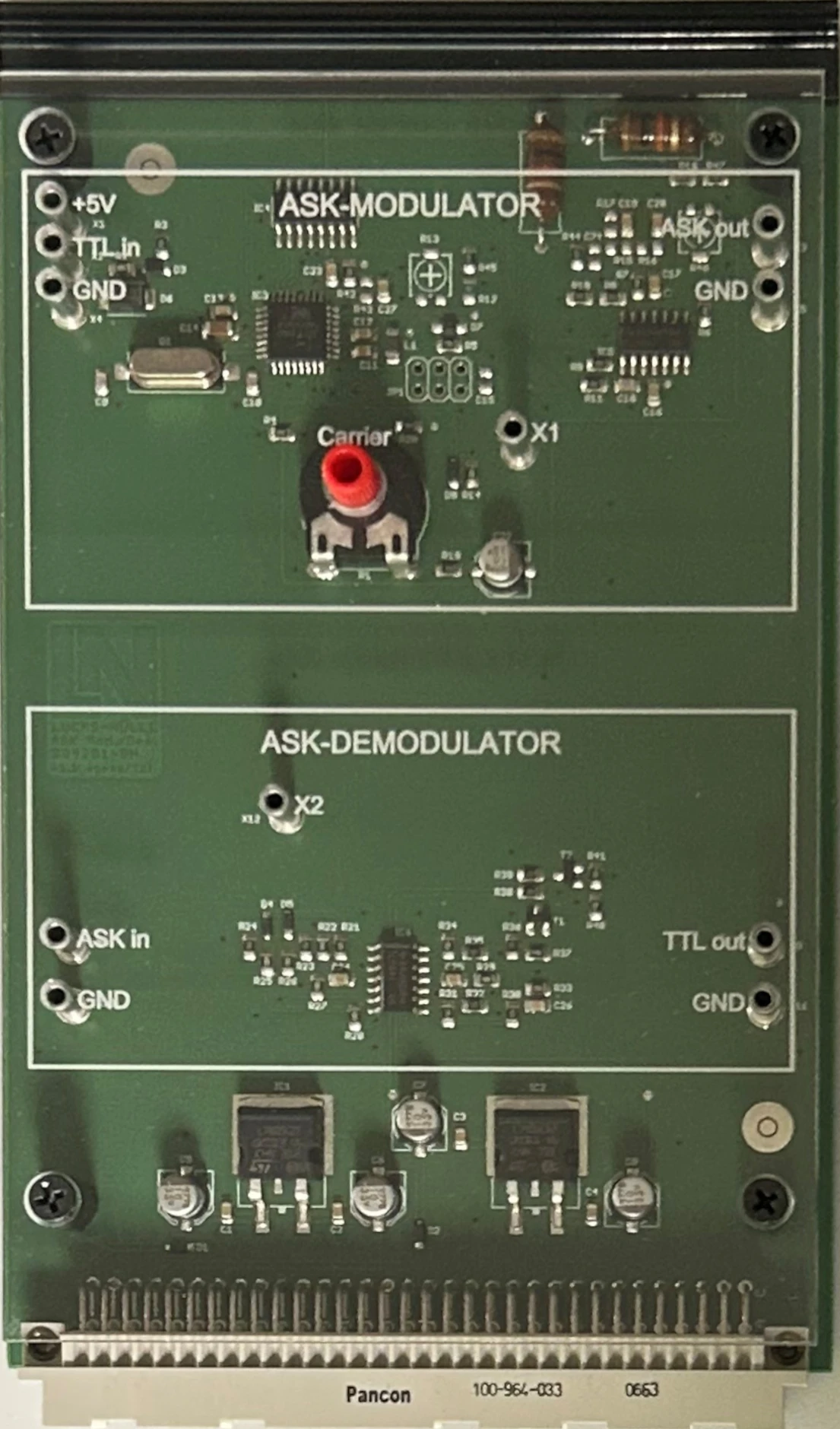
  • ASK Modulator/Demodulator experiment card
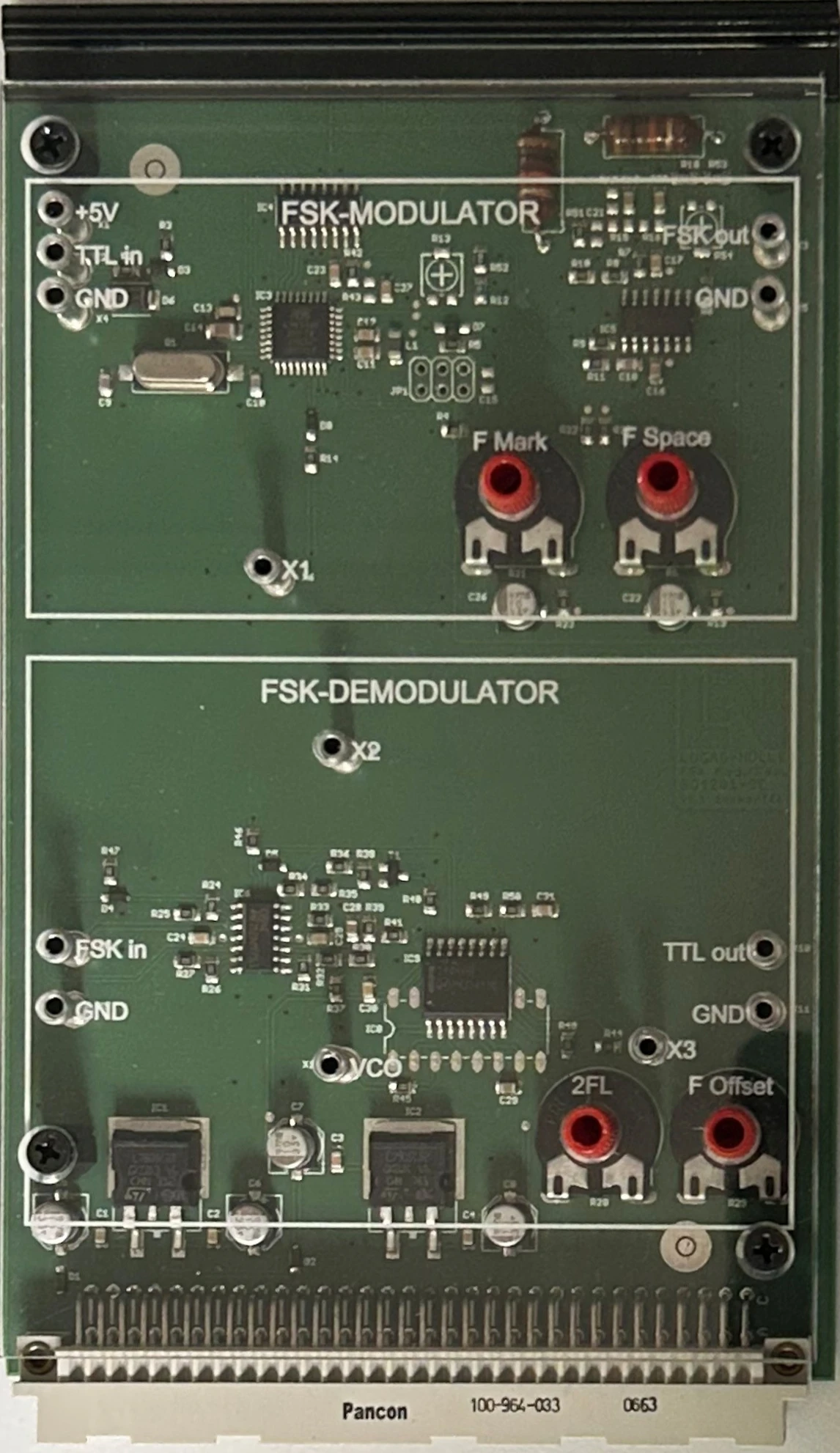
  • FSK Modulator/Demodulator experiment card
Speak with a Product Specialist +1 (757) 808-5696 · sales@lucas-nuelle.com

Digital data travels over analog channels, whether in a radio network or on a line. In this UniTrain course, students can measure how much bandwidth each modulation method requires and how immune it is to interference. They key the sine carrier on and off in ASK mode and determine the relationship between baud rate and bandwidth. They set the mark and space frequencies on the FSK modulator and adjust the PLL demodulator. Using the switch bar, they specify an 8-bit pattern, follow the 180-degree phase jumps in the PSK signal and observe how, in QPSK mode, dibits form four phase positions and double the data rate at the same symbol rate. The course concludes with a comparison of the four methods.

CO4204-9LCourse Telecommunications 7: Modem methods ASK, FSK, PSK
CO4203-2AUniTrain Interface mit virtuellen Instrumenten (Basis VI)
CO4203-2JUniTrain measurement accessories, shunts and connection cables
CO4203-2YUniTrain storage case for one UniTrain system
CO4203-2BUniTrain Experimenter

Learning Content in Detail

Students measure the four methods using their own bit patterns and evaluate them in terms of data rate, bandwidth and noise immunity.

Investigating ASK

Students measure the keying, side frequencies and bandwidth of ASK-modulated signals.

Analyzing baud rates

Students compare symbol rate and data transmission rate at different baud rates.

Performing FSK adjustment

Students set the mark and space frequencies on the modulator and adjust the PLL demodulator.

Evaluating frequency spectra

Students use the spectrum analyzer to determine the required channel bandwidth for ASK and FSK signals.

Measuring phase jumps

Students analyze the 180-degree phase jumps in 2PSK signals as a function of the bit pattern.

Evaluating QPSK dibits

Students investigate how bit pairs are assigned to the four phase positions 0, 90, 180 and 270 degrees.

Comparing modulation methods

Students evaluate ASK, FSK, PSK and QPSK in terms of data rate, bandwidth and noise immunity.

Evaluating carrier synchronization

Students investigate the role of the transmitted carrier in synchronous PSK demodulation.

Features & Applications

The experiments address questions from telecommunications engineering, as well as from digital signal processing and communications engineering.
  • Specifying custom bit patterns — Students set any 8-bit pattern on the switch bar and apply it to the phase modulation at the press of a button.
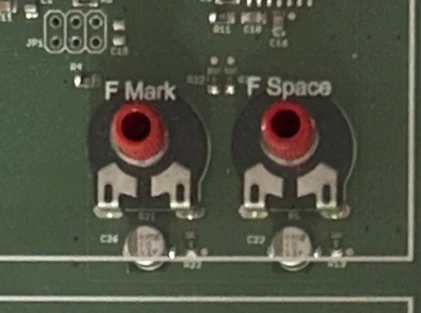
  • Adjusting FSK frequencies and the demodulator manually — The mark/space ratio and the operating range of the PLL demodulator can be adjusted using integrated potentiometers.
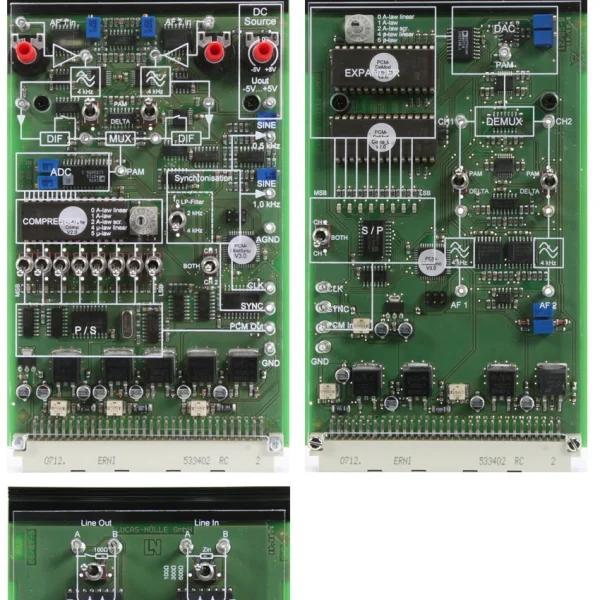
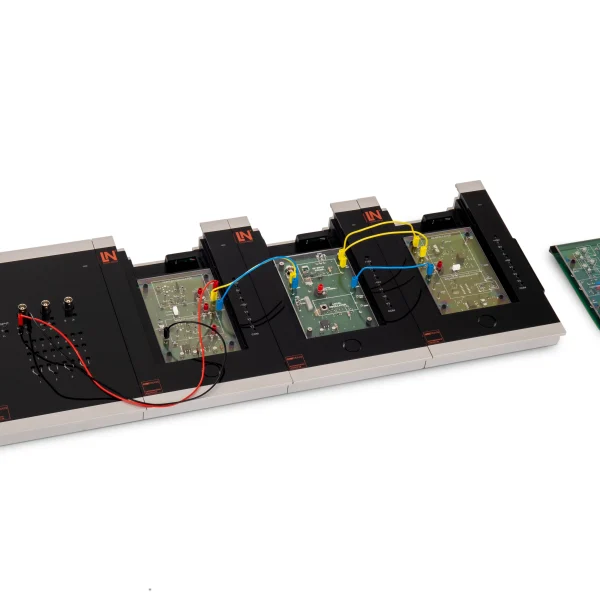
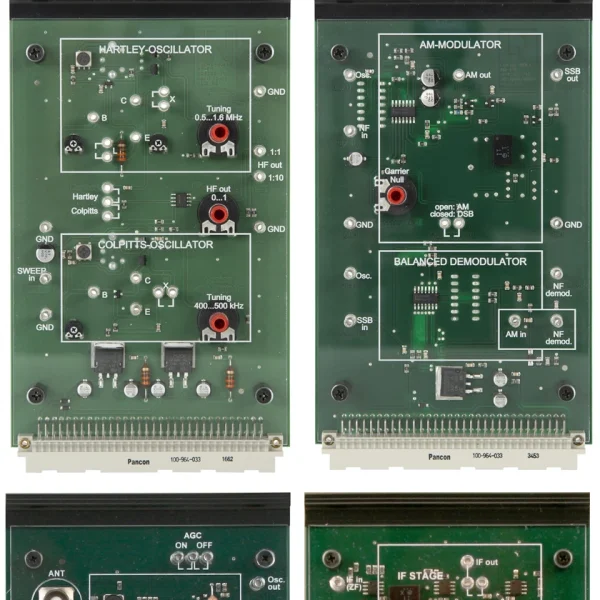
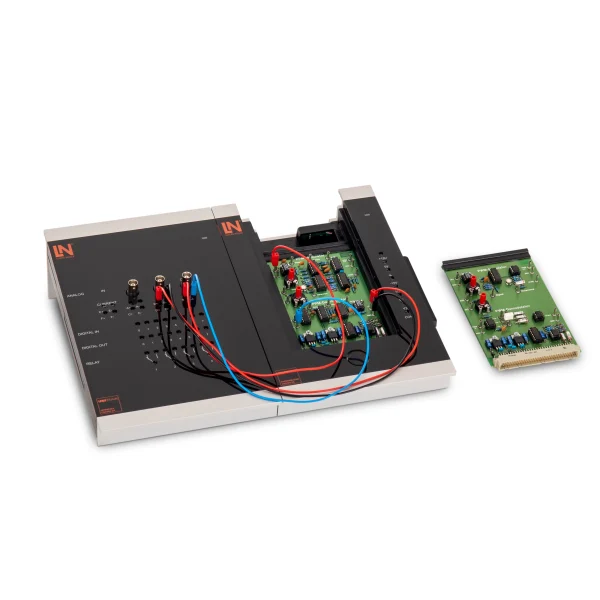
  • ASK Modulator/Demodulator experiment card — Contains an ASK modulator with a VCO carrier generator and an envelope demodulator with a low-pass filter and Schmitt trigger.
  • FSK Modulator/Demodulator experiment card — Allows the mark and space frequencies to be set separately and demodulates the FSK signal via a tunable PLL frequency decoder.
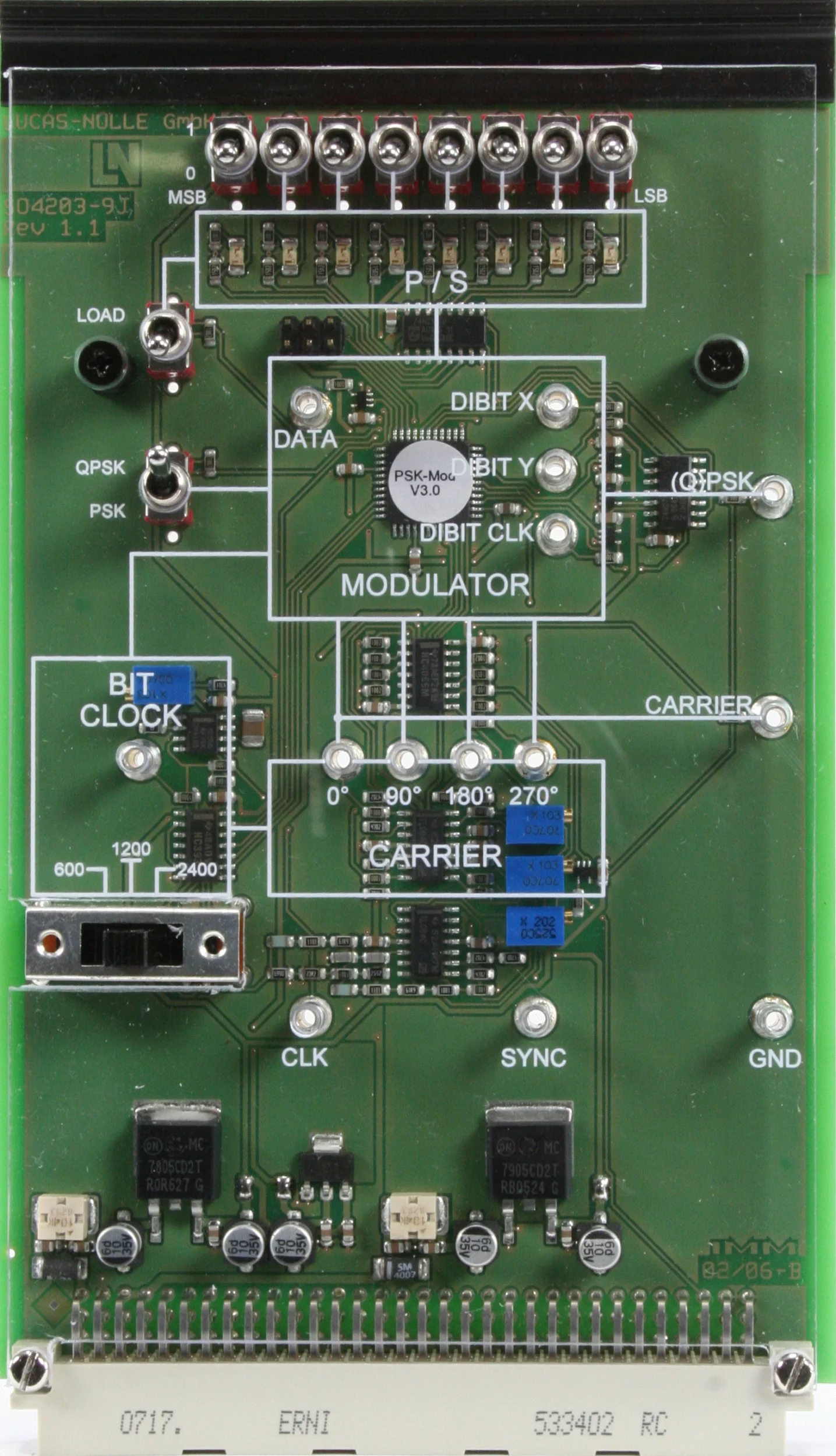
  • PSK/QPSK Modulator experiment card — Encodes 8-bit patterns into 2PSK or 4PSK signals with selectable baud rates of 600, 1200 and 2400 baud.
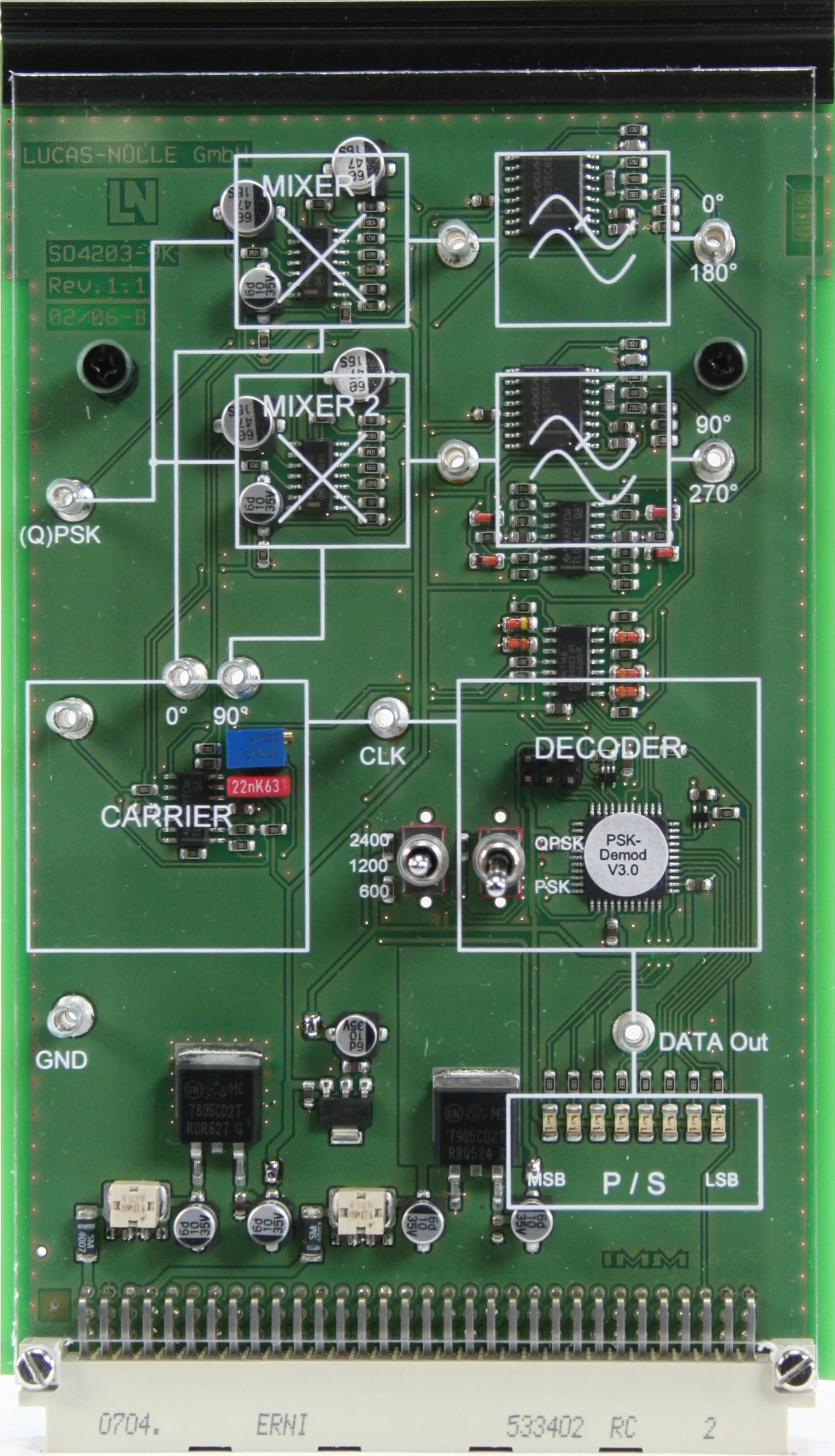
  • PSK/QPSK Demodulator experiment card — Decodes phase-modulated signals with a ring mixer and displays the reconstructed bit pattern on an LED bar.
  • UniTrain interface — Provides supply voltages as well as analog and digital inputs and outputs, and makes the instruments available for the measurements.
  • Spectrum analyzer — Analyzes the frequency spectra of ASK and FSK signals and is used to determine sidebands, frequency deviation and bandwidth requirements.
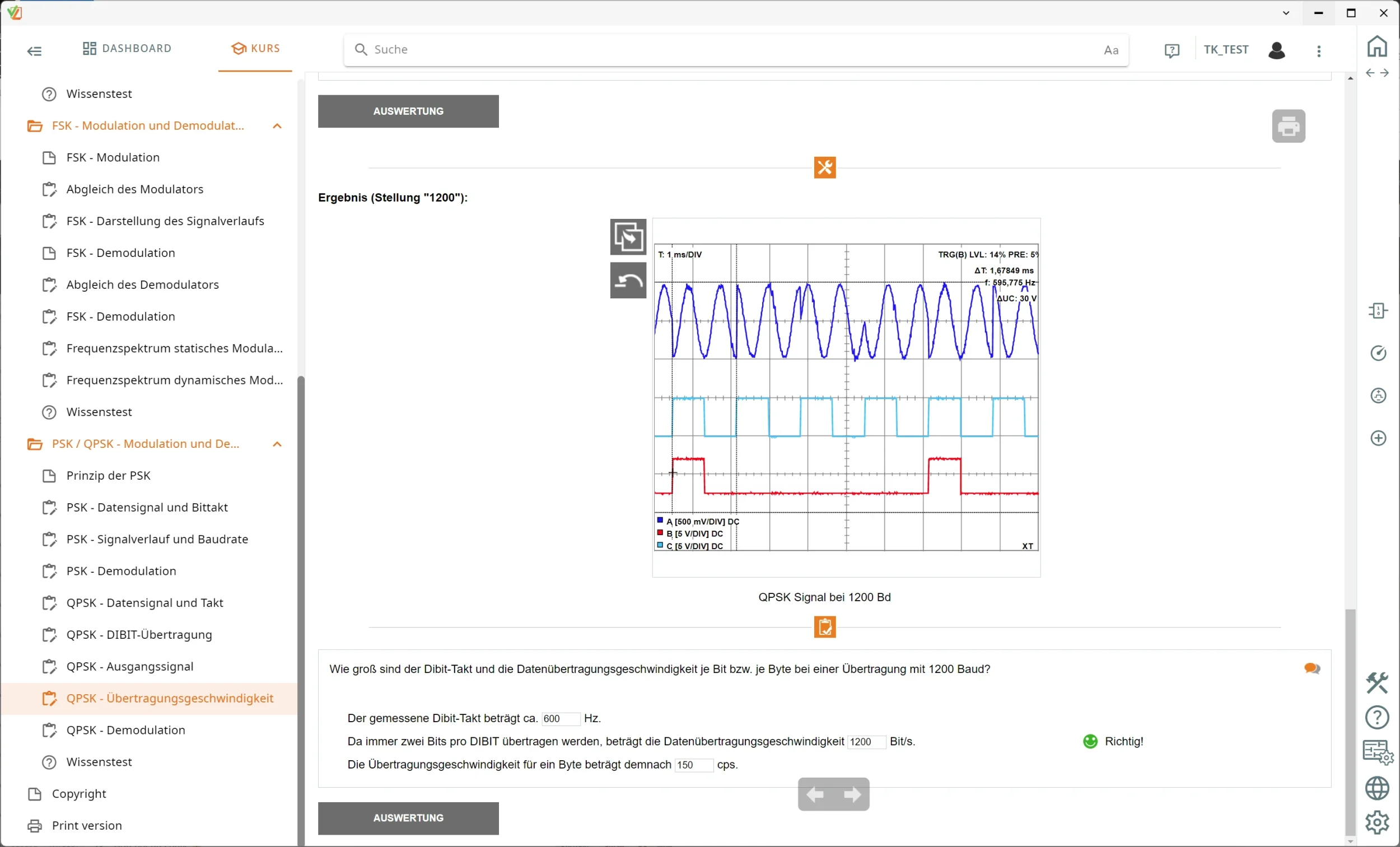
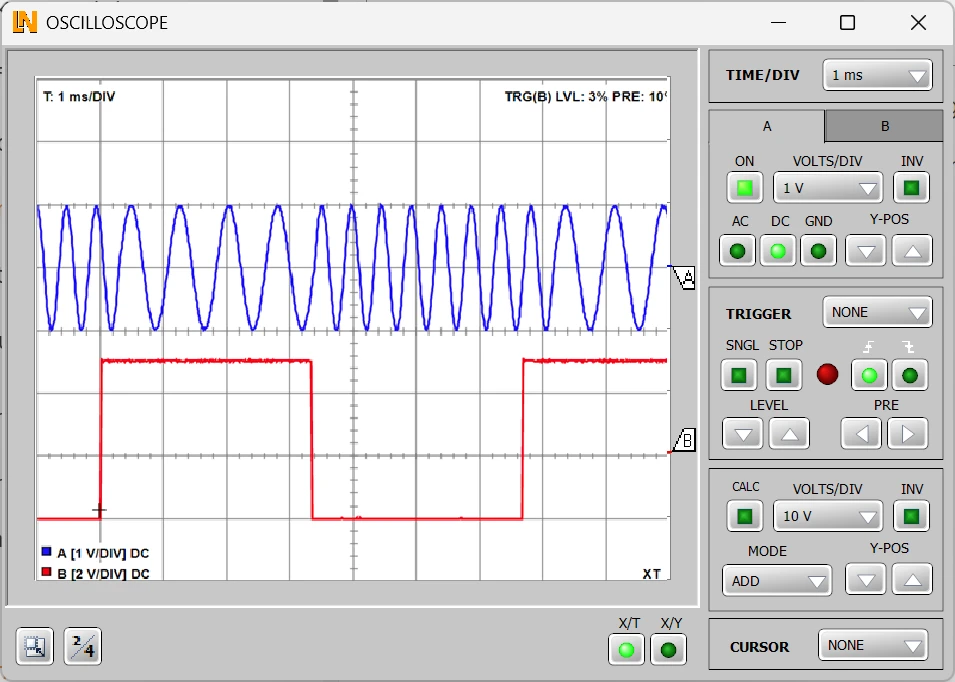
  • 2/4-channel oscilloscope — Displays modulated carrier signals, bit patterns and phase shifts on up to four traces in real time and allows signal analysis using cursors.
  • LabSoft experiment platform — Guides students through the course, controls the virtual instruments and documents learning progress.
  • Analyzing amplitude-shift keying and envelope demodulation — Students investigate the keying of the sine carrier in ASK signals, measure the frequency spectra and determine the relationship between baud rate and bandwidth.
  • Trying out frequency-shift keying and PLL demodulation — Students set the mark and space frequencies, analyze the FSK spectrum and demodulate the signal via a phase-locked loop.
  • Investigating phase-shift keying and binary signal waveforms — Students identify the 180-degree phase jumps in the PSK signal, compare baud rates and follow synchronous demodulation in the time domain.
  • Investigating quadrature phase-shift keying and dibit formation — Students analyze how four phase positions are created from bit pairs, thereby doubling the data transmission rate at the same symbol rate.
Learners working with RXLea on a tablet at a Lucas-Nuelle training system
RXLea

From Knowledge Comes Capability.

You guide the learning

Where theory and practice go hand in hand.

RXLea brings a new way of learning: project-based, hands-on and clearly structured. Learners solve real-world tasks, while instructors save time on preparation. Interactive modules, smart analytics and real hardware create a modern, efficient learning world.

Hands-on and interactive

Animations, interactive tasks and realistic scenarios build a deep understanding. All content is organized into clear learning paths for focused, hands-on learning.

Digital support

3D assembly animations and digital instructions simplify complex procedures, reduce errors and help learners work more independently.

Visual support

Overview graphics, screenshots and sample animations make the learning world transparent. Photos from the learning packages are also available, including country-specific versions where needed.


Learners using a tablet at an energy training system
RXLea on desktop, laptop and tablet
RXLea Path Creator for building learning journeys
RXLea Navigator showing the learning world
Learn more about RXLea
Newsletter

Stay ahead in
technical training.

Get the latest training systems, product launches and educational insights, delivered directly to your inbox.

Your email address

By subscribing, you agree to our Privacy Policy. You can unsubscribe at any time.

 Please select at least one category before subscribing.
I'm interested in - select all that apply