


Skip to content

Transistor Multivibrators

RXLea
Digital projects for hands-on learningInteractive learning content, directly connected to the training system.

Transistor Multivibrators

BEL02UT

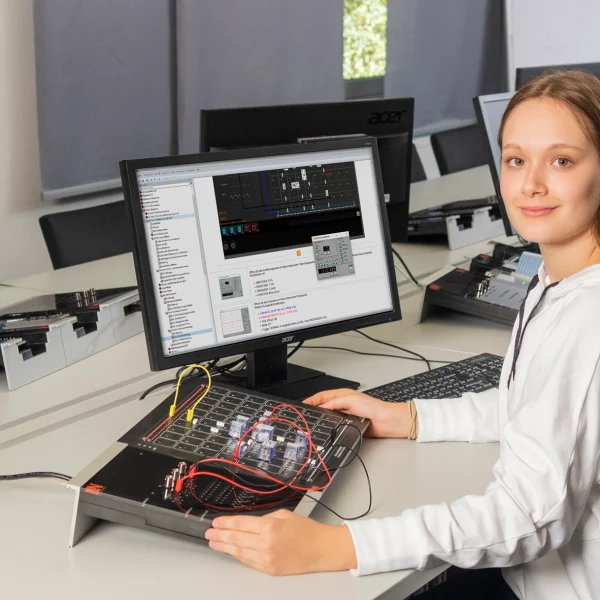
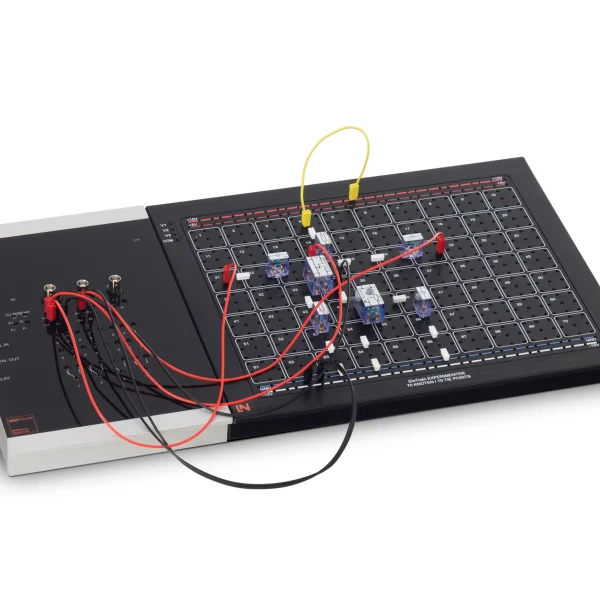
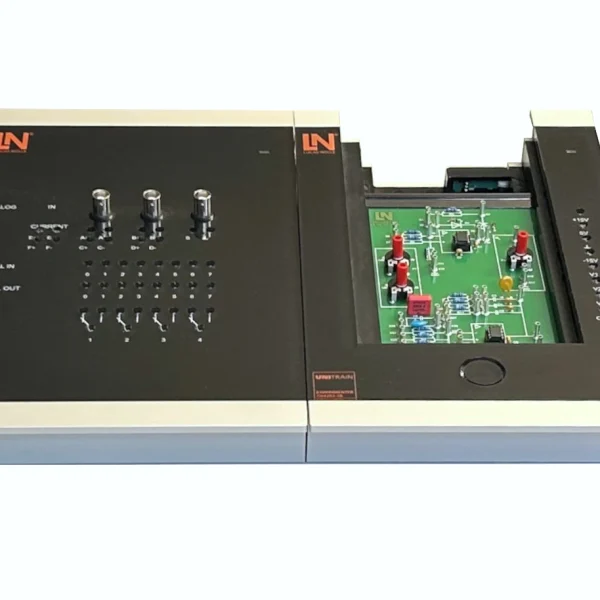
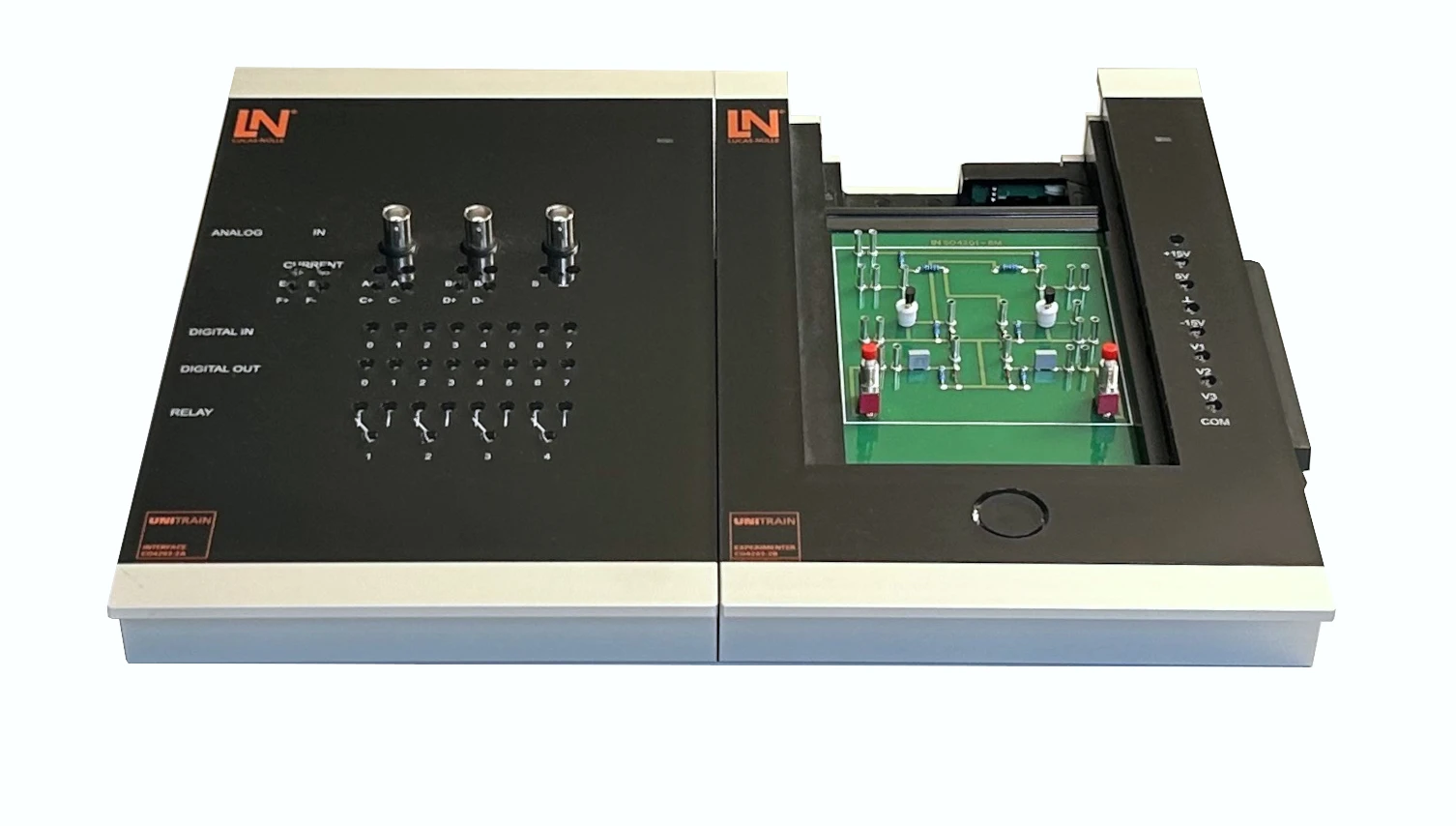
Compact computer-based UniTrain training system for analyzing discrete astable, bistable and monostable transistor multivibrators. Learners measure time constants and switching times with virtual instruments.

Learning Content
  • Analyzing astable multivibrators
  • Exploring bistable multivibrators
  • Investigating monostable multivibrators
  • Determining the duty cycle
KEY FEATURES
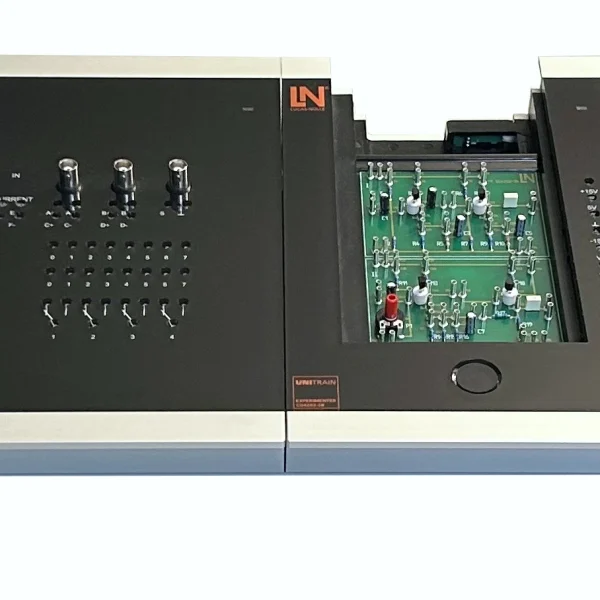
  • Compact experiment card concept
  • “Bistable multivibrator” experiment card
  • “Monostable multivibrator” experiment card
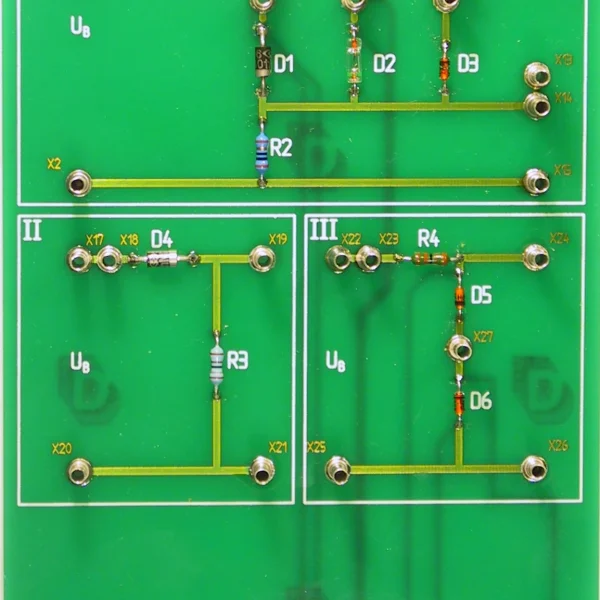
  • “Astable multivibrators” experiment card
Speak with a Product Specialist +1 (757) 808-5696 · sales@lucas-nuelle.com

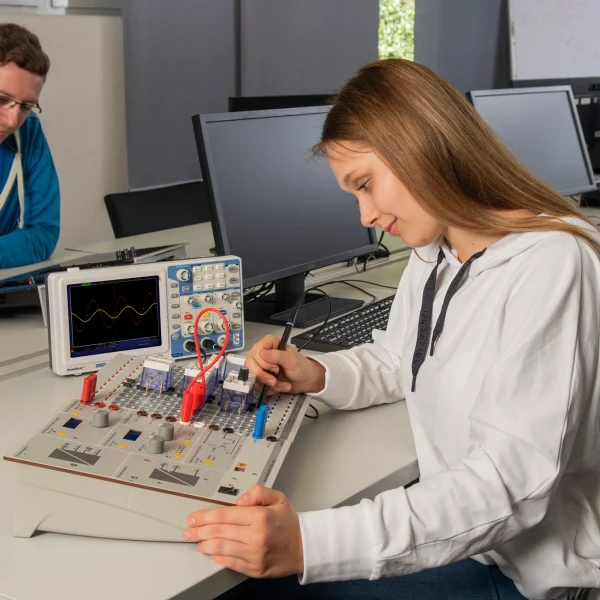
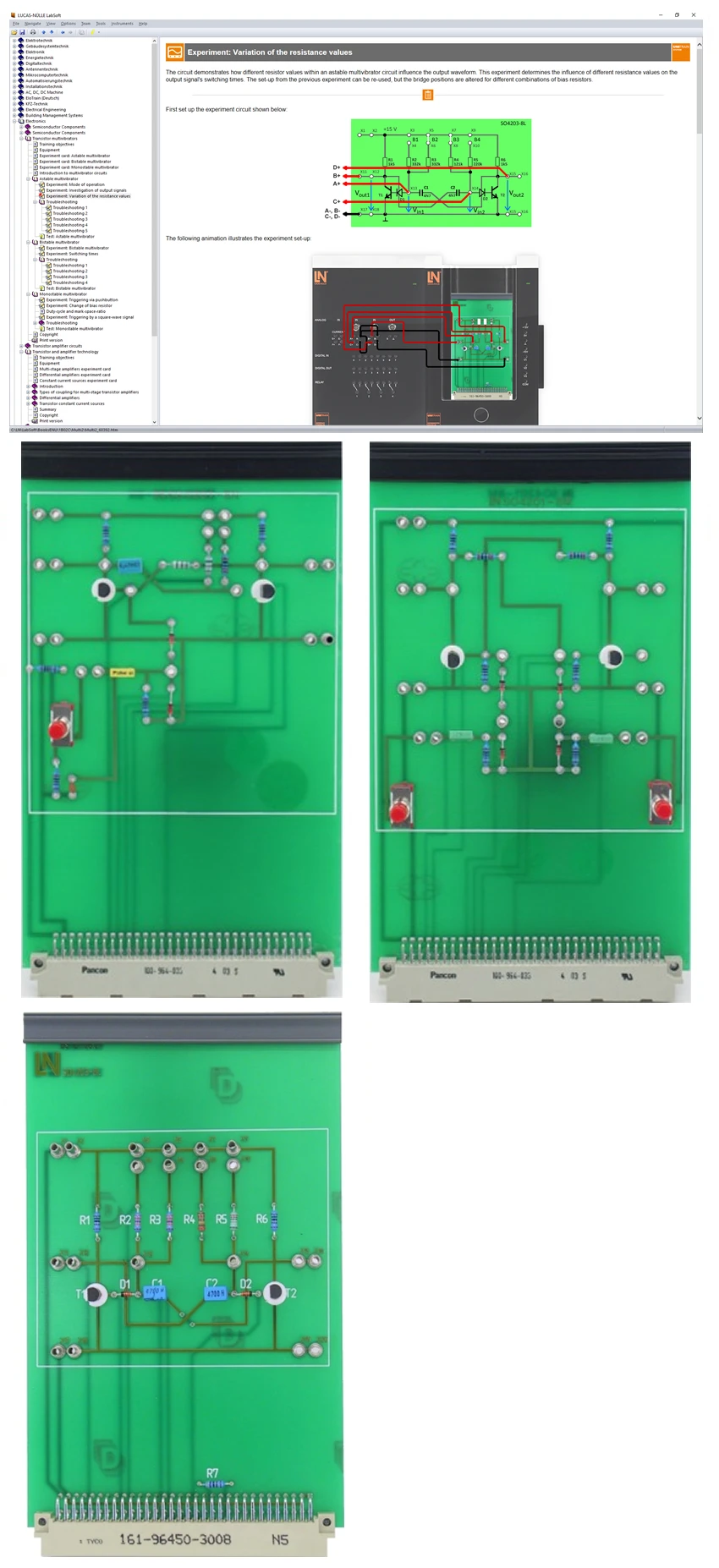
Clock generators, memory cells and timer circuits in industrial electronics are based on multivibrators. Anyone who will later be responsible for repairing such assemblies needs to understand their timing behavior. The training system covers the design and operation of astable, bistable and monostable multivibrators built from discrete transistor components. Learners insert the experiment cards into the Experimenter, follow the waveforms on the virtual oscilloscope and determine RC time constants, pulse durations and duty cycles. Circuit faults can be activated via relays, and learners then narrow them down using voltage measurements. LabSoft guides them through the experiments and documents the measurement results. By the end, learners can determine the timing behavior of multivibrators and locate faults systematically.

CO4204-5DCourse Electronics 2: Transistor multivibrators
LM2330Multi13S digital multimeteroptional
CO4203-2AUniTrain Interface mit virtuellen Instrumenten (Basis VI)
CO4203-2JUniTrain measurement accessories, shunts and connection cables
CO4203-2YUniTrain storage case for one UniTrain system
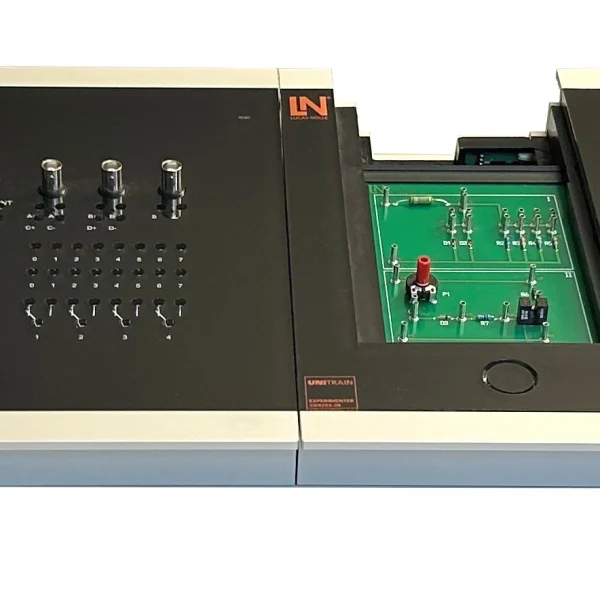
CO4203-2BUniTrain Experimenter

Learning Content in Detail

Learners gain an understanding of the timing behavior of discrete multivibrators and of the measurement practice used to verify it.

Analyzing astable multivibrators

Learners examine the output signals and determine the influence of the RC time constants.

Exploring bistable multivibrators

Learners analyze the switching behavior when triggered by debounced push-buttons.

Investigating monostable multivibrators

Learners measure the pulse duration when triggered by push-buttons and by square-wave signals.

Determining the duty cycle

Learners calculate pulse-pause ratios as a function of varying series resistors.

Measuring switching times

Learners determine delay times and pulse widths with the virtual oscilloscope.

Carrying out fault diagnosis

Learners systematically locate simulated circuit faults by means of voltage measurements.

Features & Applications

The experiments address tasks from circuit engineering and electronics development, as well as from the maintenance of electronic assemblies.
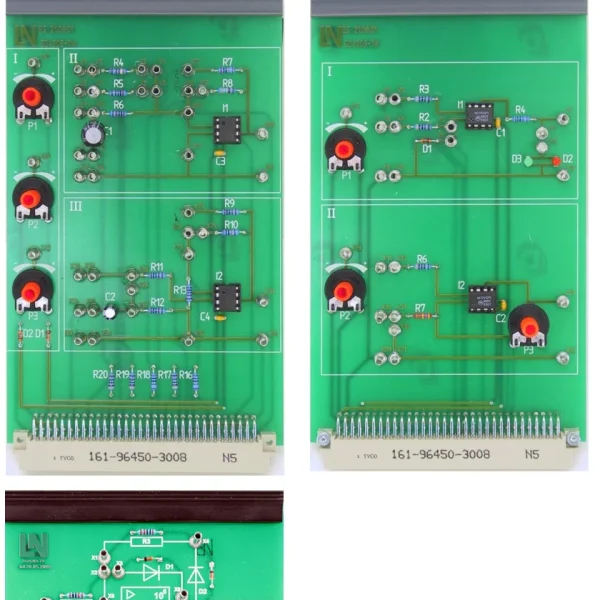
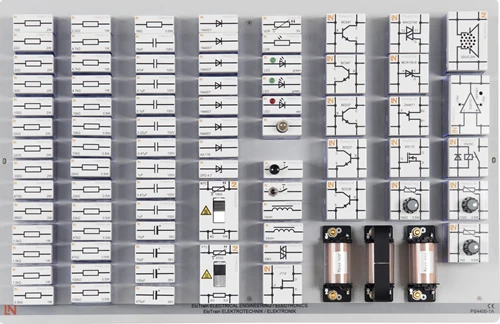
  • Compact experiment card concept — Plug-in Eurocard boards shorten changeover times. All experiments are conducted at safety extra-low voltage, so learners can experiment without risk.
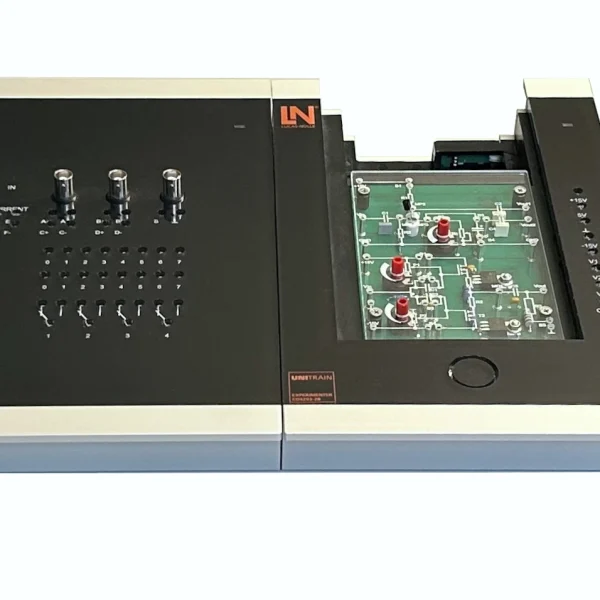
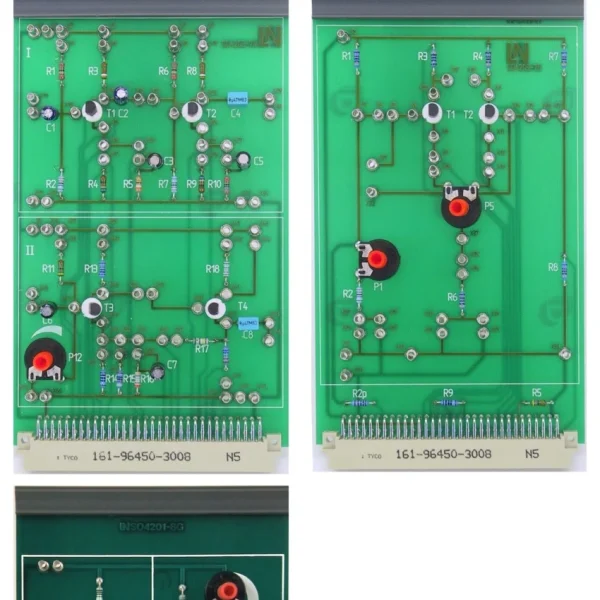
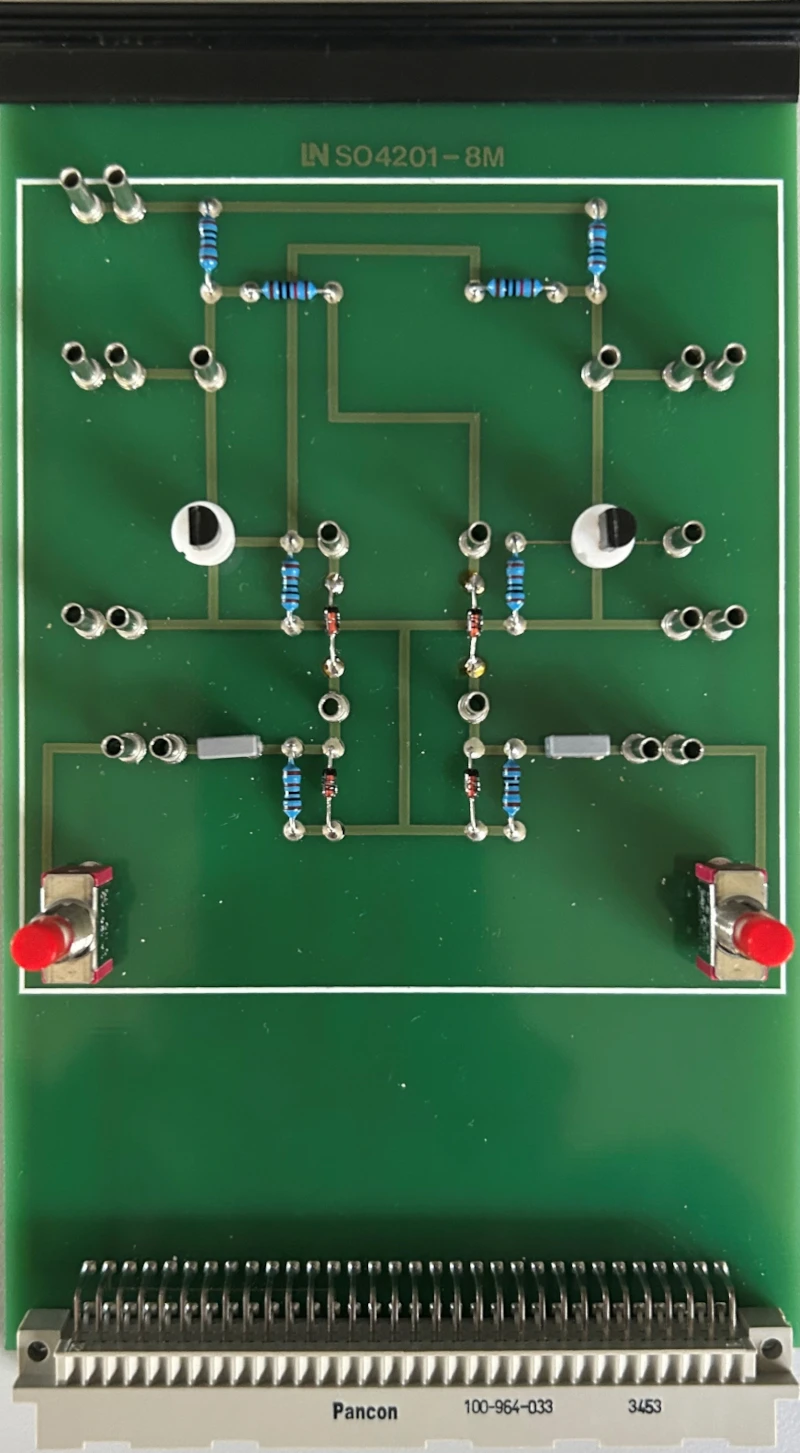
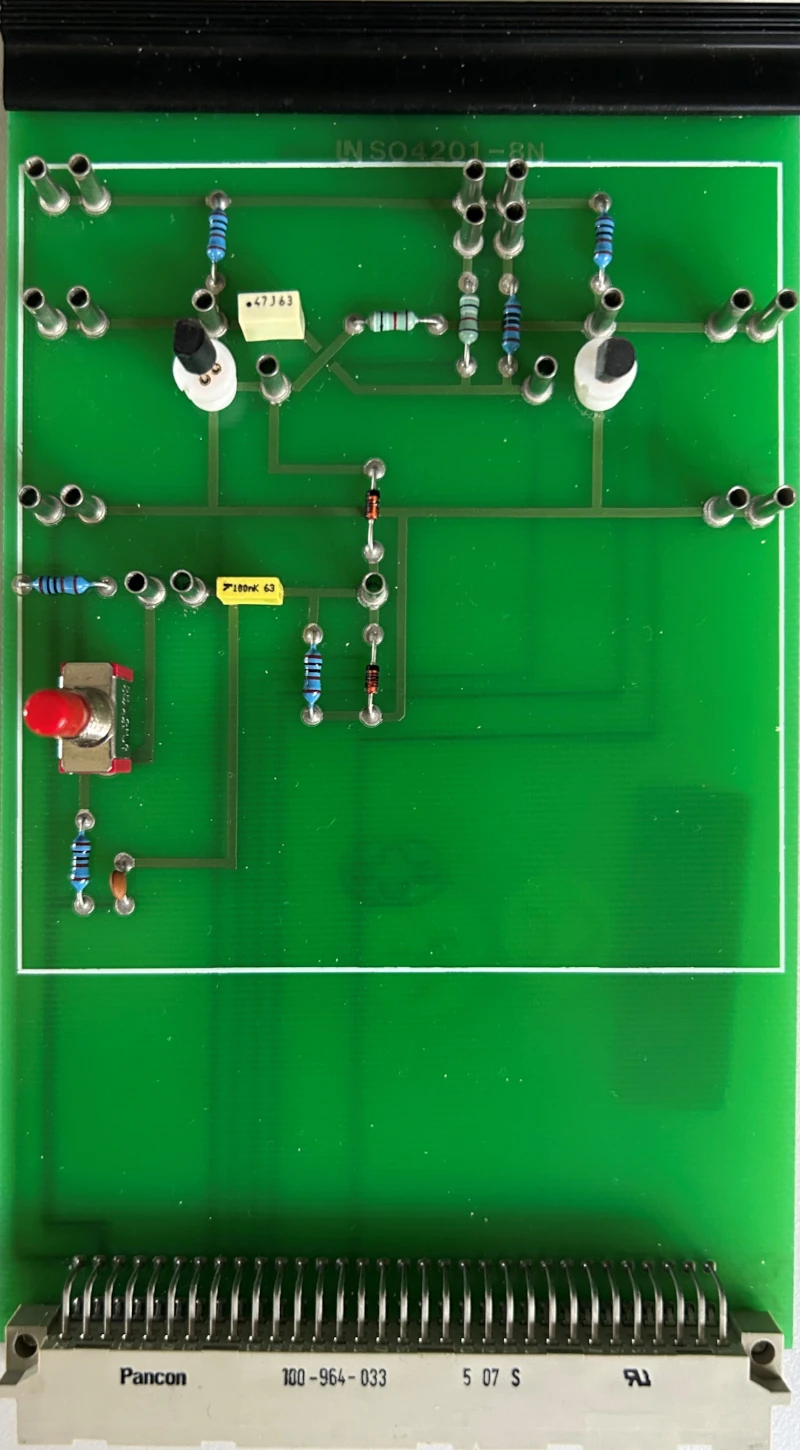
  • “Bistable multivibrator” experiment card — The Eurocard board carries an RS flip-flop circuit with debounced push-buttons. Learners use it to explore how two stable states are stored under real-world conditions.
  • “Monostable multivibrator” experiment card — The circuit contains a monostable multivibrator with a differentiator. Learners investigate pulse shaping when triggered by push-buttons or square-wave signals.
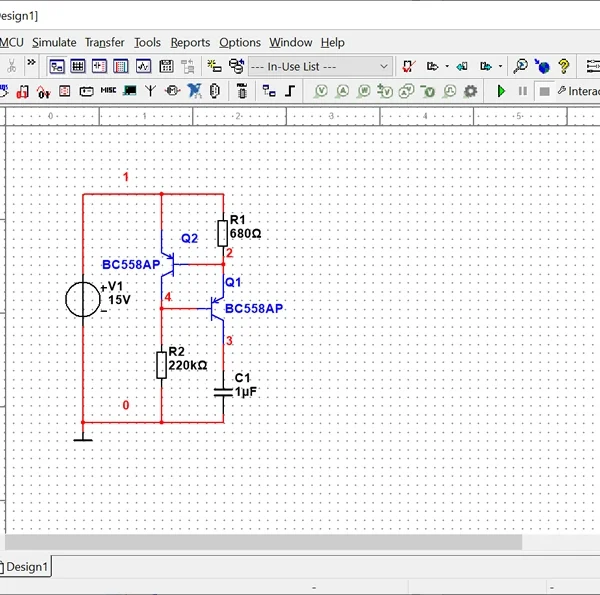
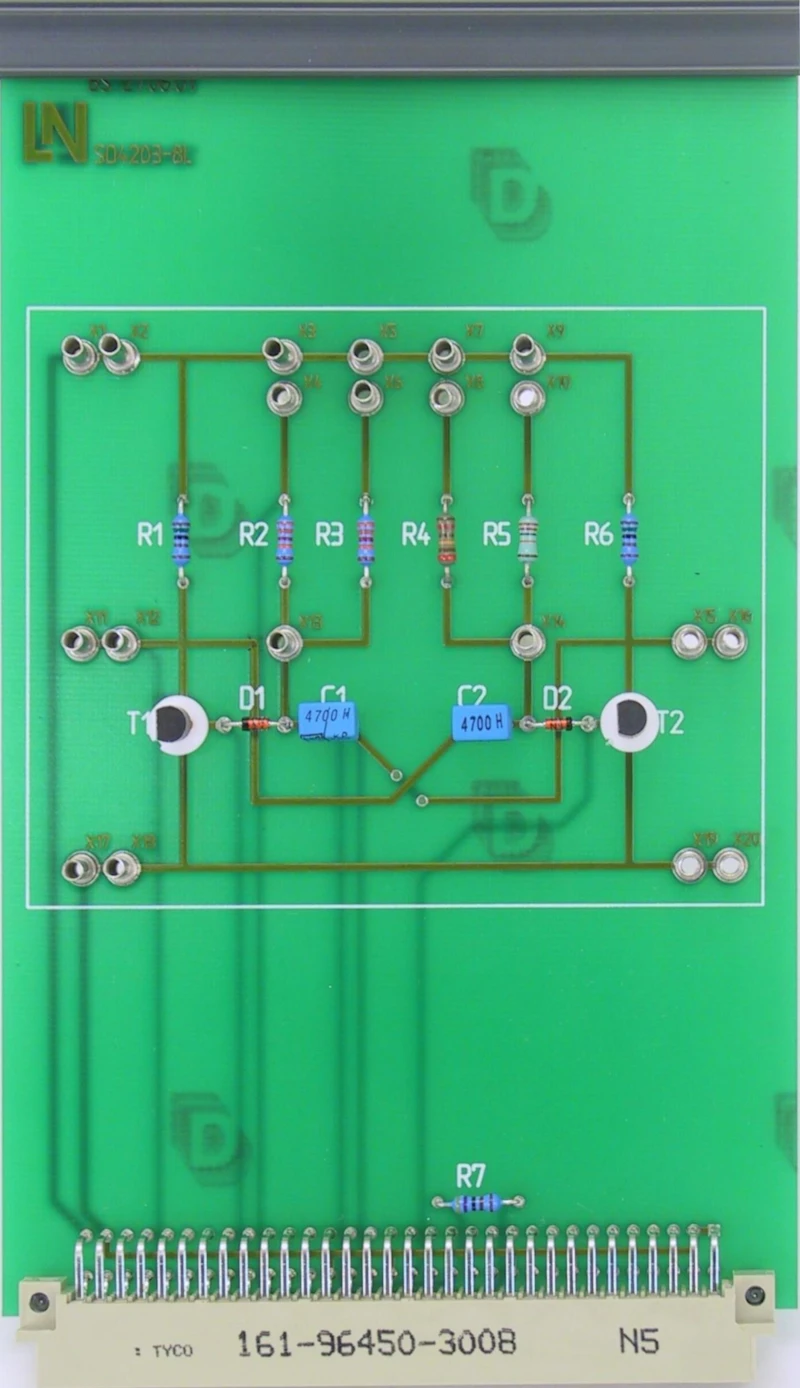
  • “Astable multivibrators” experiment card — The board contains a discrete astable multivibrator with interchangeable series resistors. Learners use it to analyze clock generation and the built-in circuit faults.
  • Integrated fault simulation — Circuit faults that can be activated via relays simulate realistic malfunctions. Learners narrow them down through systematic measurements, thus practicing the diagnosis of circuit faults.
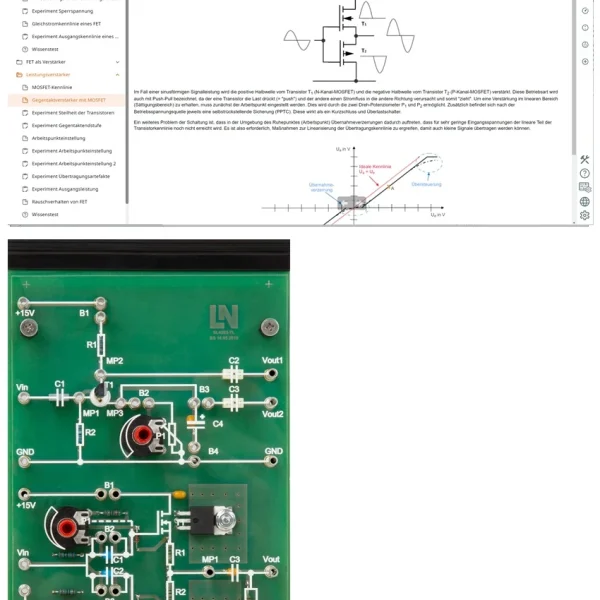
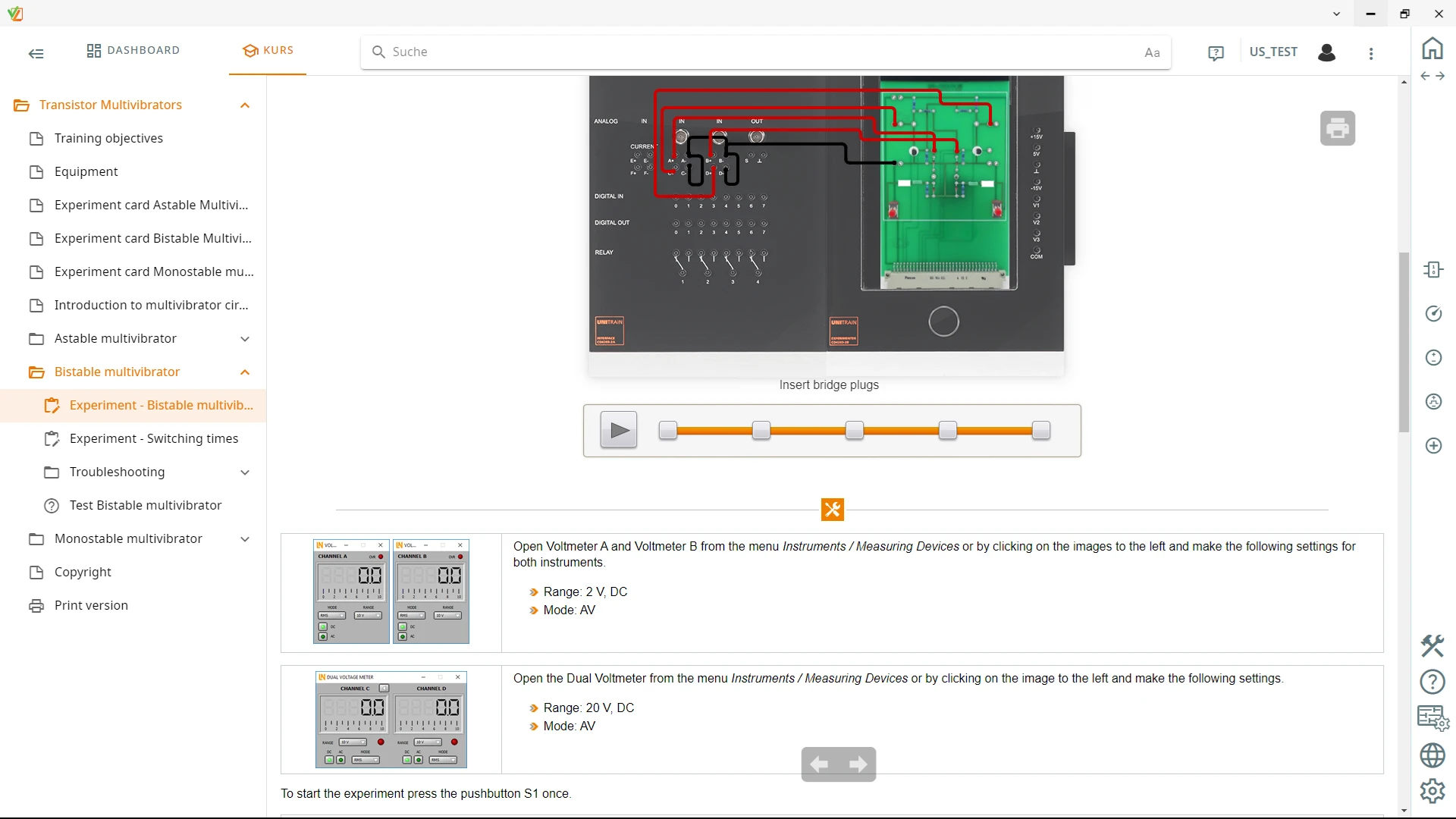
  • Multimedia LabSoft experiment environment — The interactive software guides users through the experiments, controls the virtual instruments and automatically documents the measurement results.
  • Astable multivibrator and clock generation — Learners investigate the oscillation behavior of astable multivibrators and control the switching times via variable RC combinations. This makes the relationship between component value and clock frequency directly measurable.
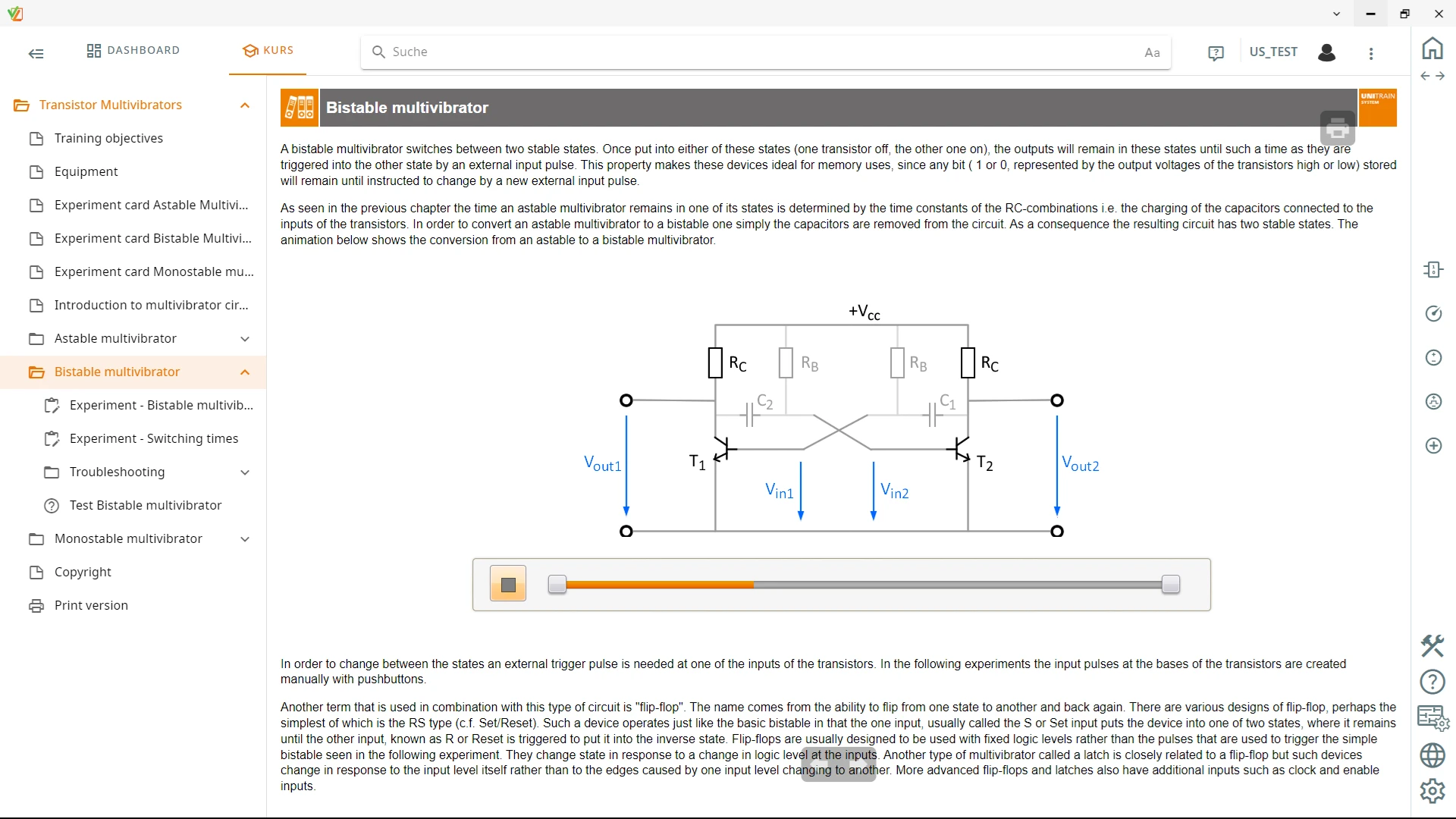
  • Bistable multivibrator and memory circuits — Learners analyze the switching behavior of bistable multivibrators when debounced push-buttons trigger the pulse. This shows how a circuit maintains two stable states.
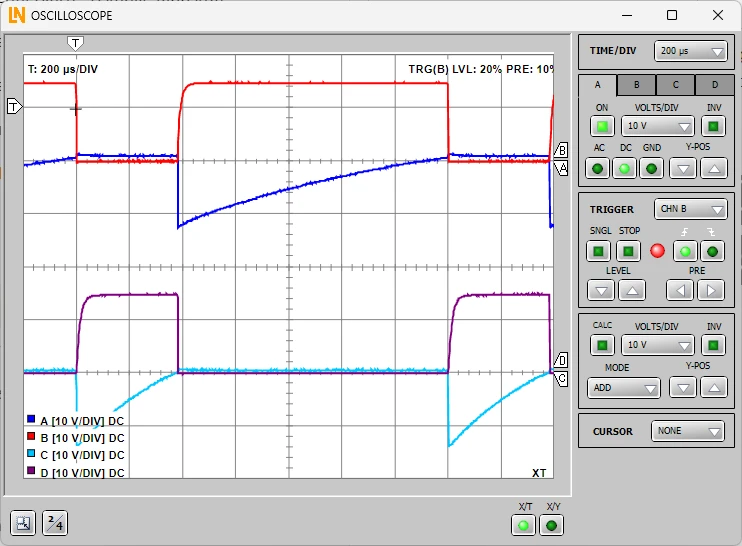
  • 2/4-channel oscilloscope with XY mode — The oscilloscope captures input and output signals in real time. Learners use the cursor function to measure times precisely.
  • Monostable multivibrator and pulse shaping — Learners determine the timing behavior of monostable multivibrators triggered by push-buttons or by periodic square-wave signals and derive the pulse duration from it.
  • UniTrain interface — The central interface provides analog and digital measurement and control channels. The integrated virtual instruments automatically acquire the signals on the PC.
  • UniTrain Experimenter — The Experimenter holds the experiment cards and connects them to the UniTrain bus. The ejector mechanism allows cards to be changed quickly, and additional voltage sources are available at 2 mm jacks.
  • LabSoft course software — The software guides users interactively through the course, teaches the theoretical fundamentals and automatically evaluates learning progress.
Learners working with RXLea on a tablet at a Lucas-Nuelle training system
RXLea

From Knowledge Comes Capability.

You guide the learning

Where theory and practice go hand in hand.

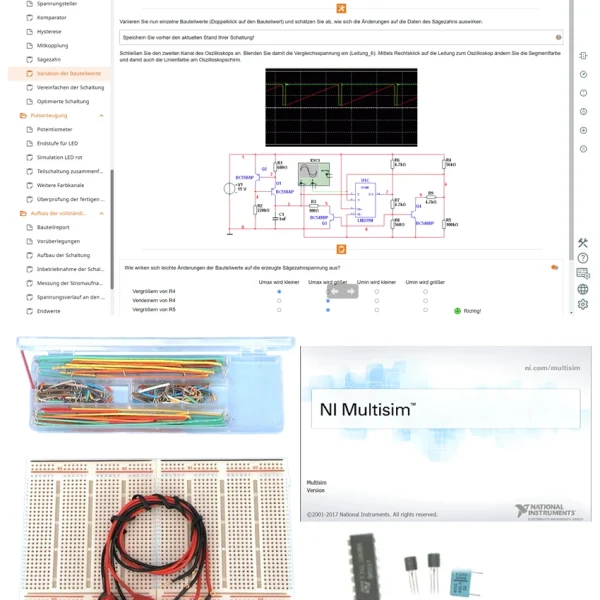
RXLea brings a new way of learning: project-based, hands-on and clearly structured. Learners solve real-world tasks, while instructors save time on preparation. Interactive modules, smart analytics and real hardware create a modern, efficient learning world.

Hands-on and interactive

Animations, interactive tasks and realistic scenarios build a deep understanding. All content is organized into clear learning paths for focused, hands-on learning.

Digital support

3D assembly animations and digital instructions simplify complex procedures, reduce errors and help learners work more independently.

Visual support

Overview graphics, screenshots and sample animations make the learning world transparent. Photos from the learning packages are also available, including country-specific versions where needed.


Learners using a tablet at an energy training system
RXLea on desktop, laptop and tablet
RXLea Path Creator for building learning journeys
RXLea Navigator showing the learning world
Learn more about RXLea
Newsletter

Stay ahead in
technical training.

Get the latest training systems, product launches and educational insights, delivered directly to your inbox.

Your email address

By subscribing, you agree to our Privacy Policy. You can unsubscribe at any time.

 Please select at least one category before subscribing.
I'm interested in - select all that apply