


Circuit Design using NI Multisim
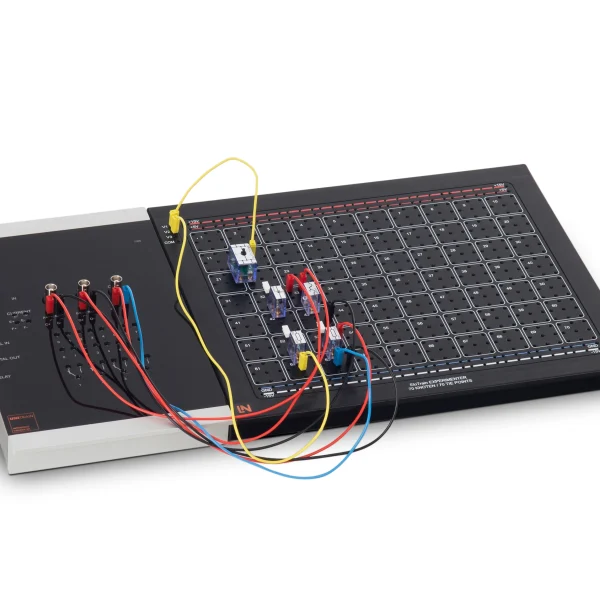
Interactive training system covering the entire path from circuit design and simulation in NI Multisim to the prototype of a PWM light mixer on the UniTrain breadboard.
- Carrying out project planning
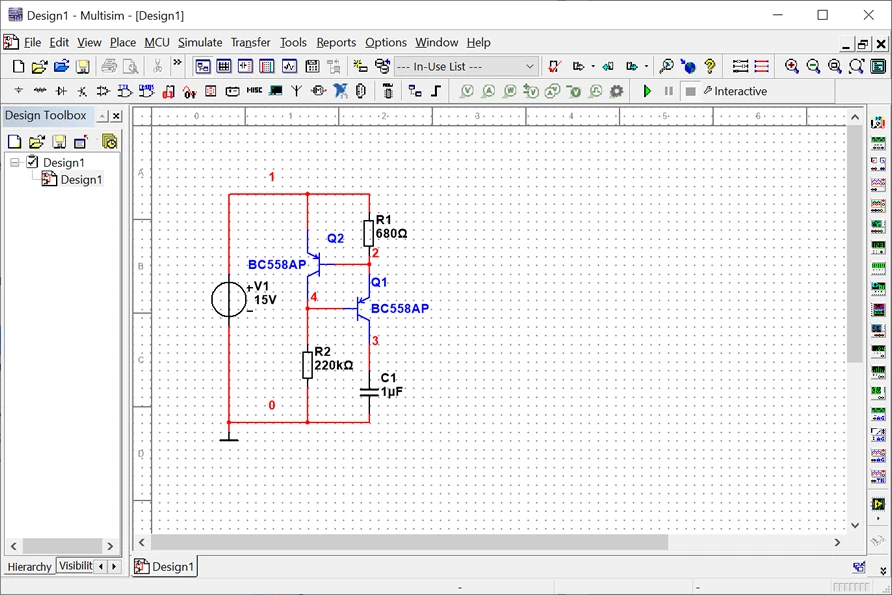
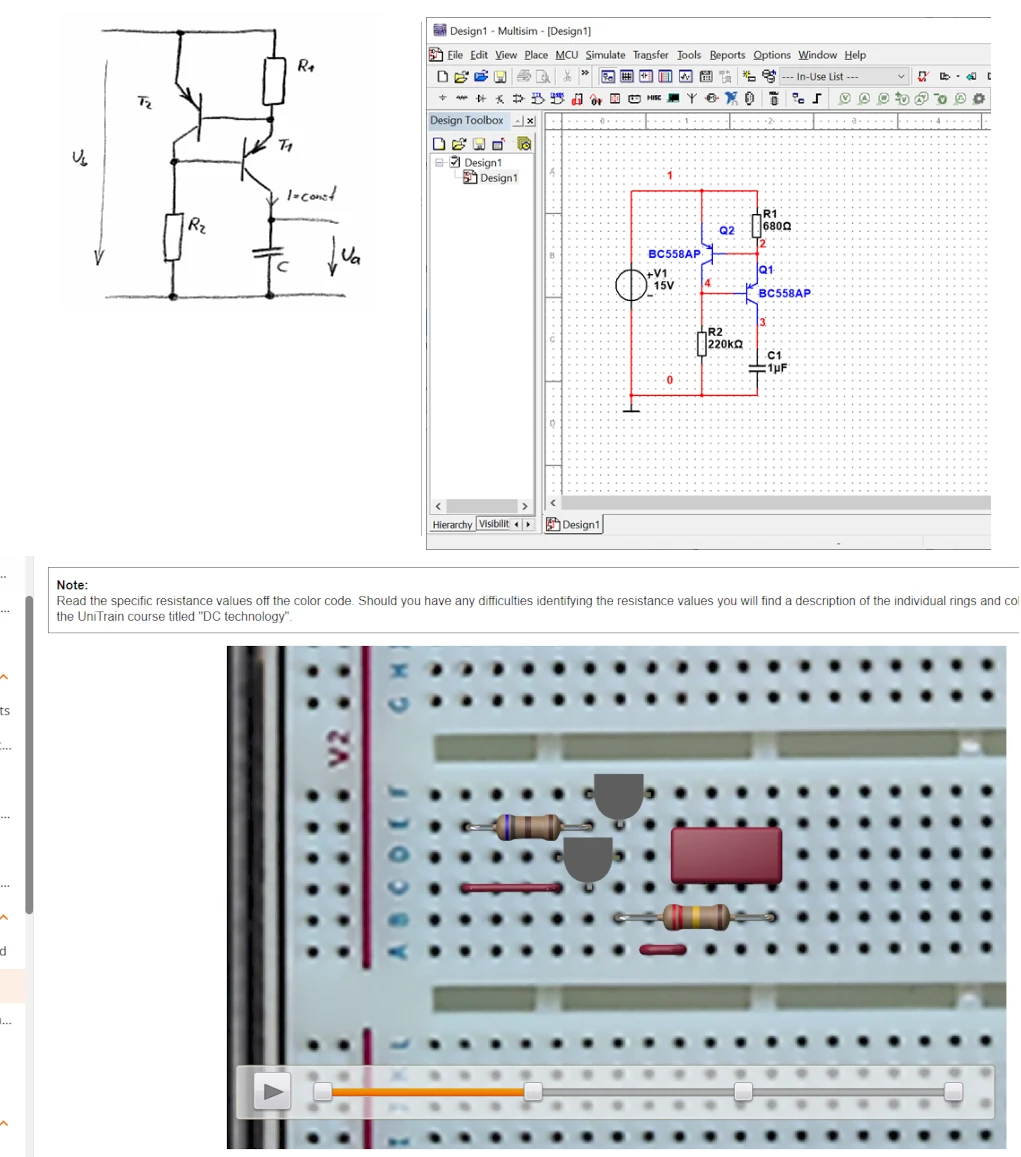
- Creating the circuit diagram
- Simulating a sawtooth generator
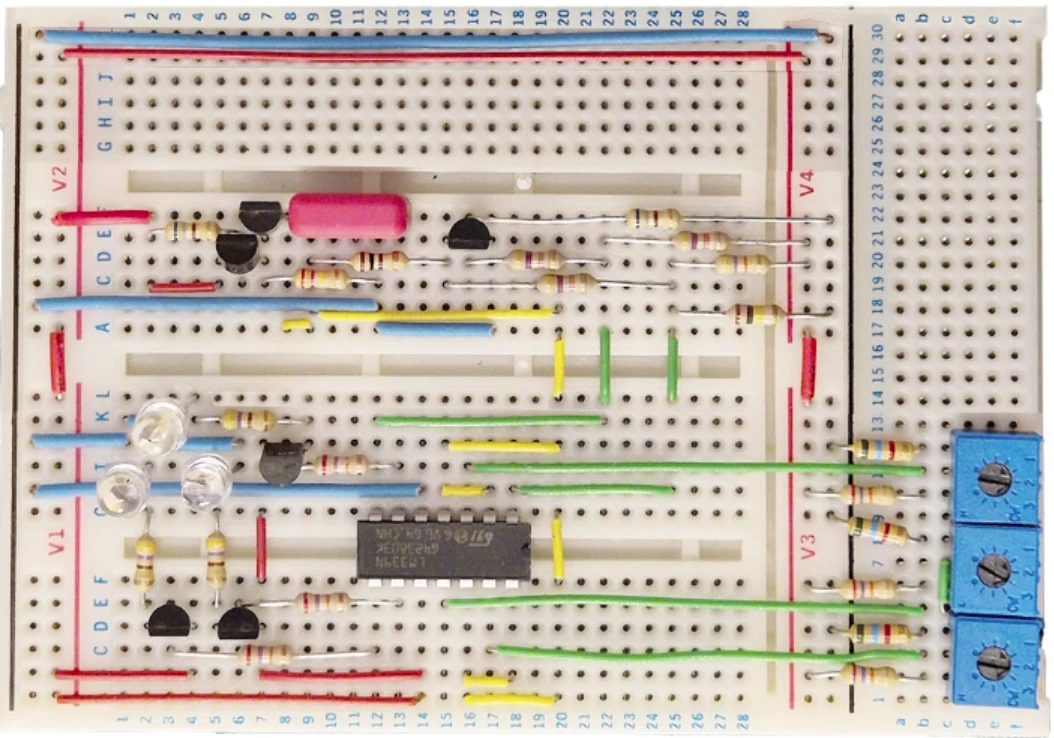
- Building the breadboard circuit
- Holistic development workflow
- Circuit simulation with NI Multisim
- Prototyping on the UniTrain breadboard
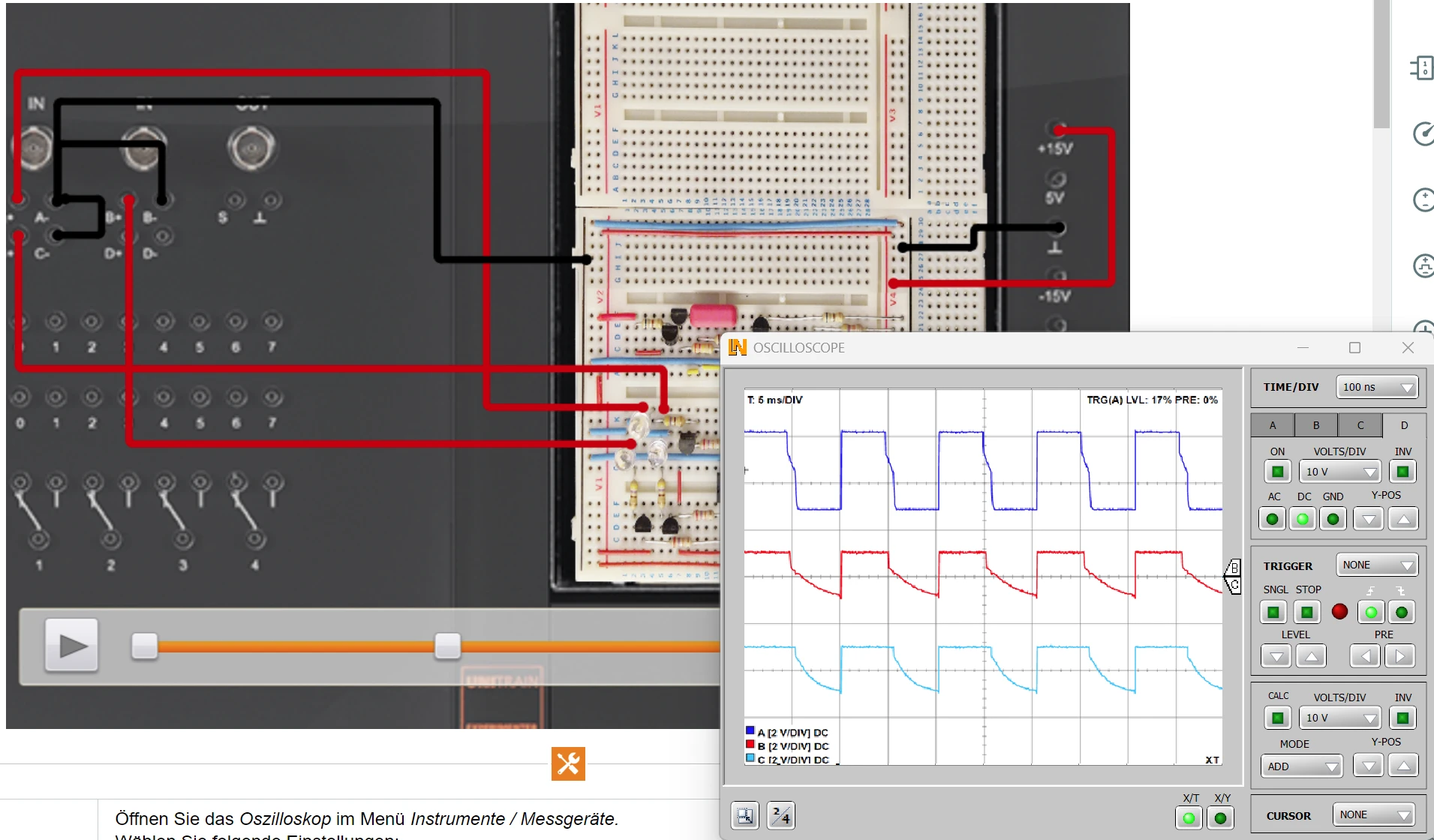
- Systematic comparison of target and actual signals
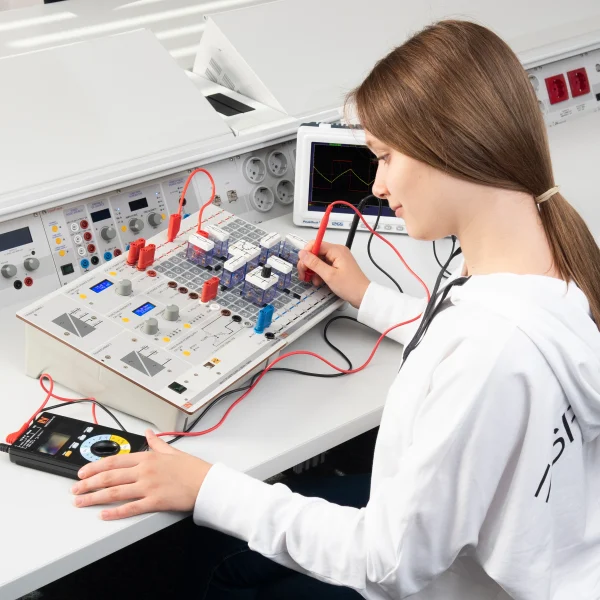
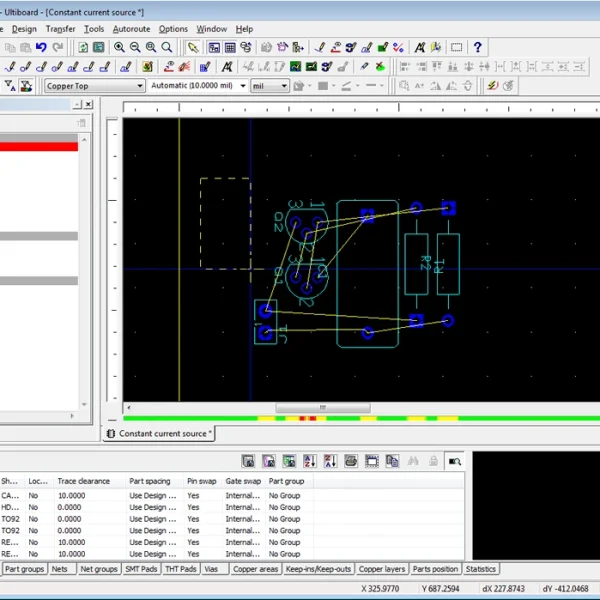
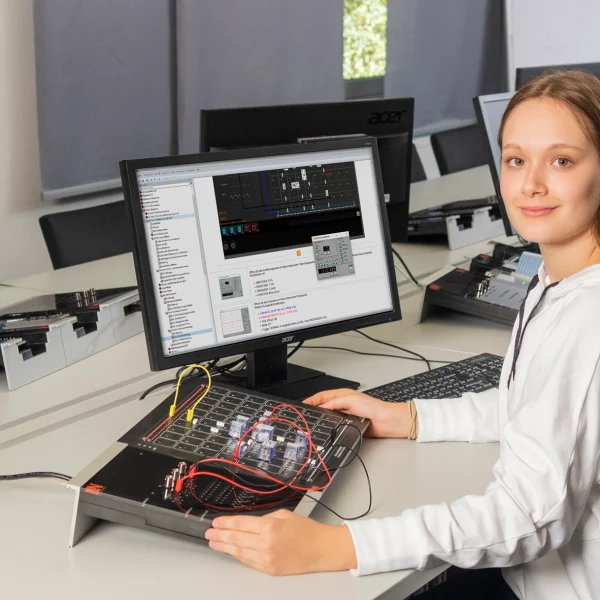
Simulating a circuit before building it saves development time and component costs and avoids redesign cycles. The training system covers the end-to-end development process for electronic circuits, from project planning and simulation in NI Multisim to building the circuit on a breadboard. Learners develop a PWM light mixer step by step: they draw the circuit diagram, select components from the databases, simulate charging curves and comparator thresholds, and then build the circuit with discrete components on the breadboard. Comparing the simulated and measured waveforms shows where model and reality diverge. Finally, learners optimize component values and set the color channels precisely.
| Course | |
| CO4204-5U | Course - Electronics 9: Circuit design using NI Multisim |
| Options | |
| LM2330 | Multi13S digital multimeteroptional |
| Accessories | |
| CO4203-2A | UniTrain Interface mit virtuellen Instrumenten (Basis VI) |
| CO4203-2J | UniTrain measurement accessories, shunts and connection cables |
| CO4203-2Y | UniTrain storage case for one UniTrain system |
| CO4203-2B | UniTrain Experimenter |
Learning Content in Detail
Carrying out project planning
Creating the circuit diagram
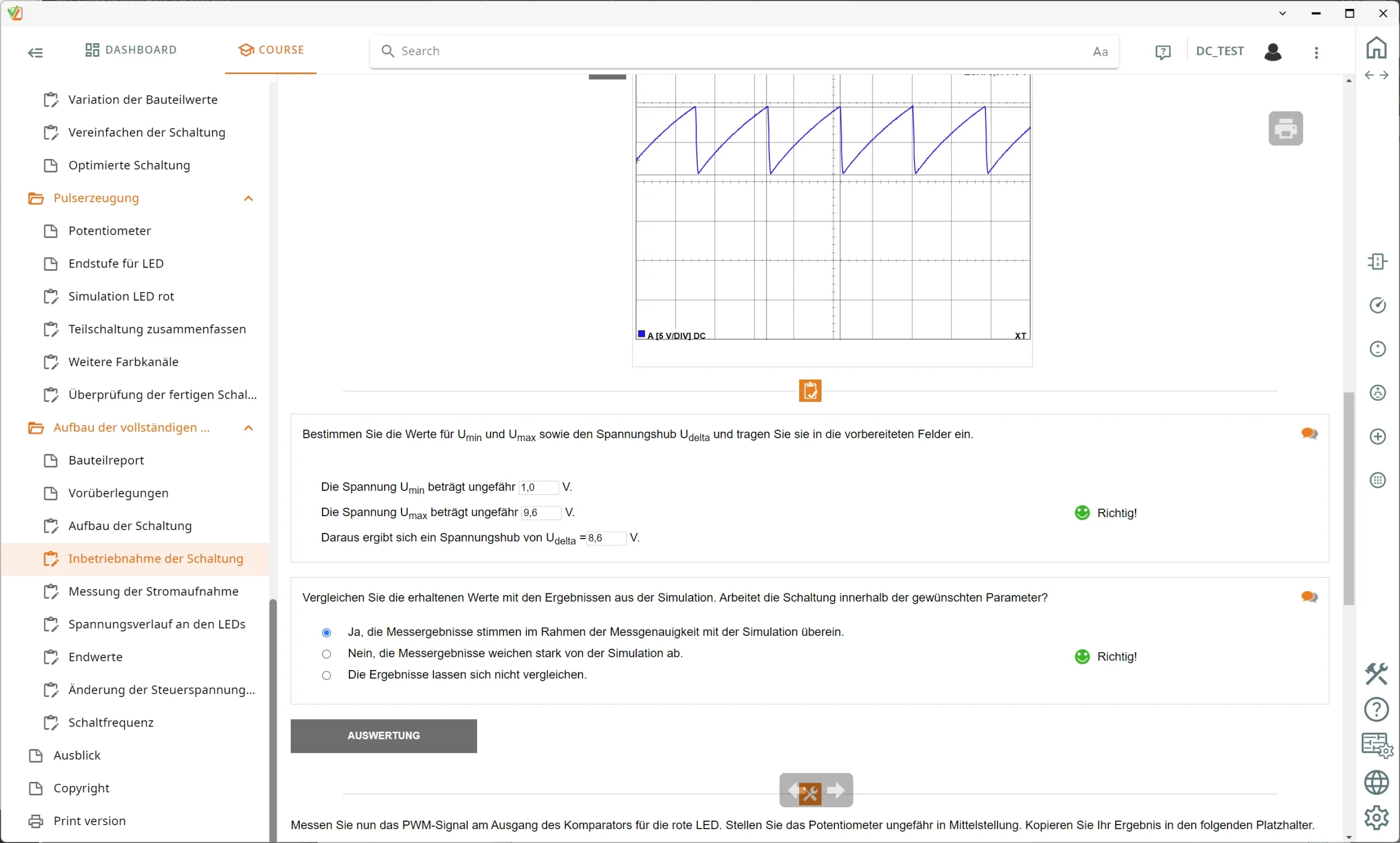
Simulating a sawtooth generator
Building the breadboard circuit
Comparing measurement results
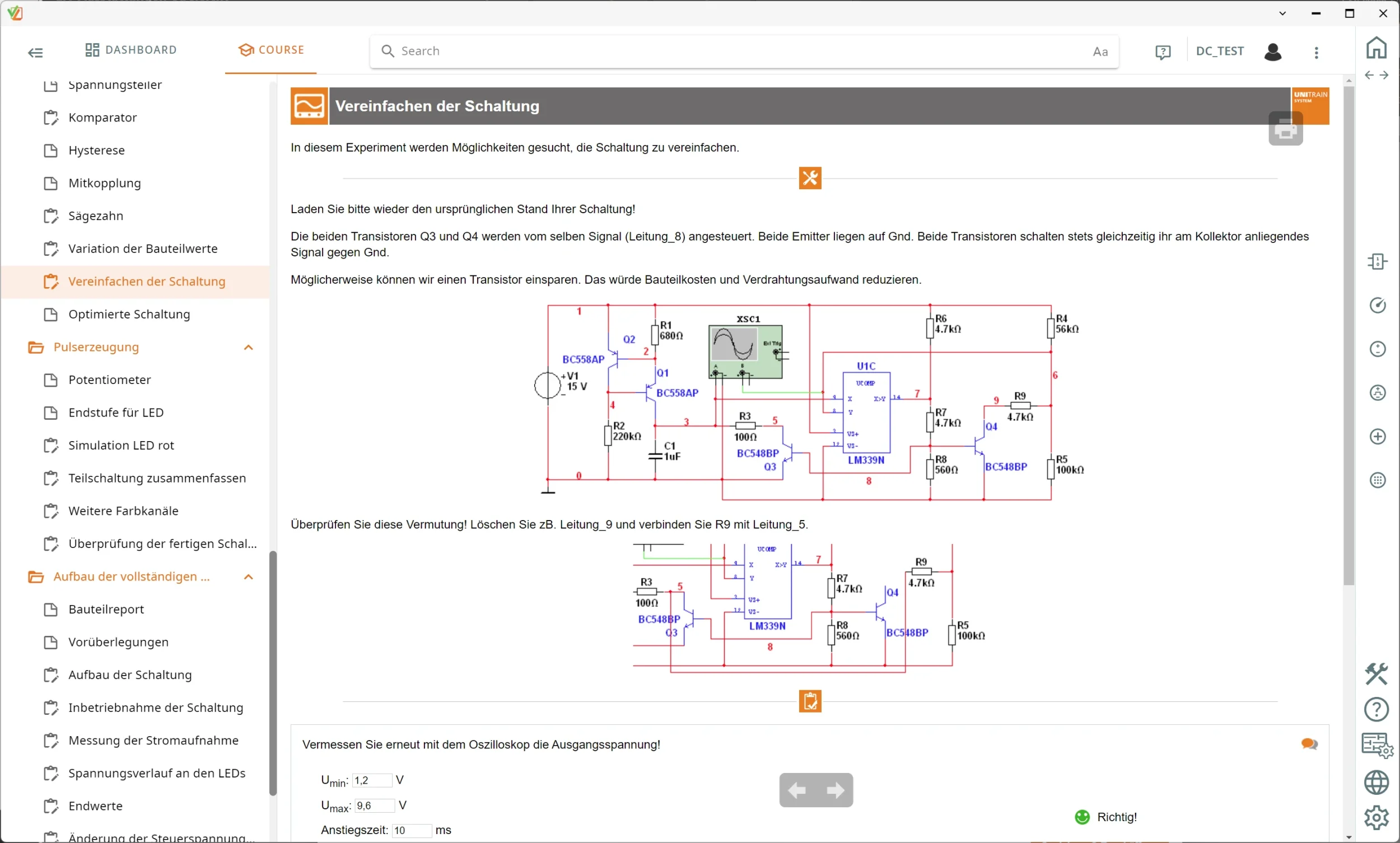
Optimizing the circuit
Features & Applications
- Holistic development workflow — Learners go through the complete engineering process, from customer requirements and dimensioning to the finished circuit.
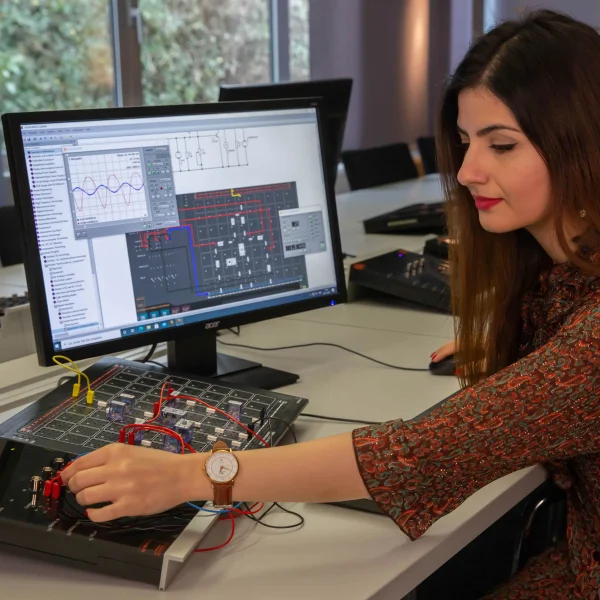
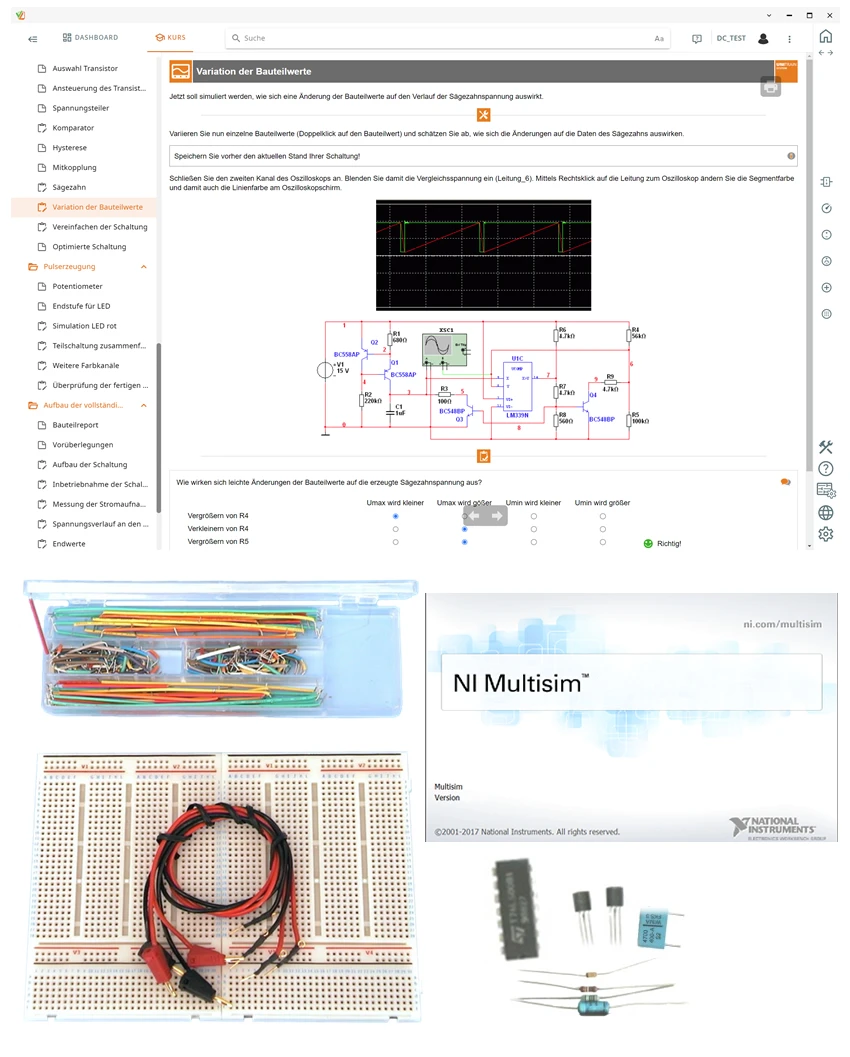
- Circuit simulation with NI Multisim — Learners draw circuit diagrams in the editor, select components from the databases and simulate operating behavior and charging characteristics without risk.
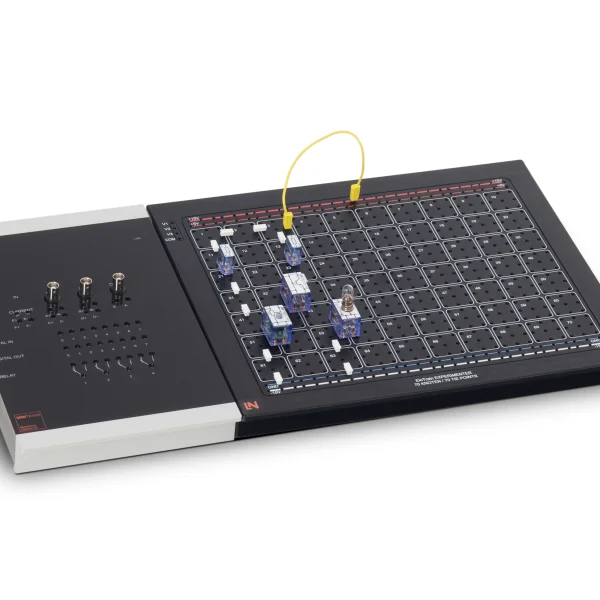
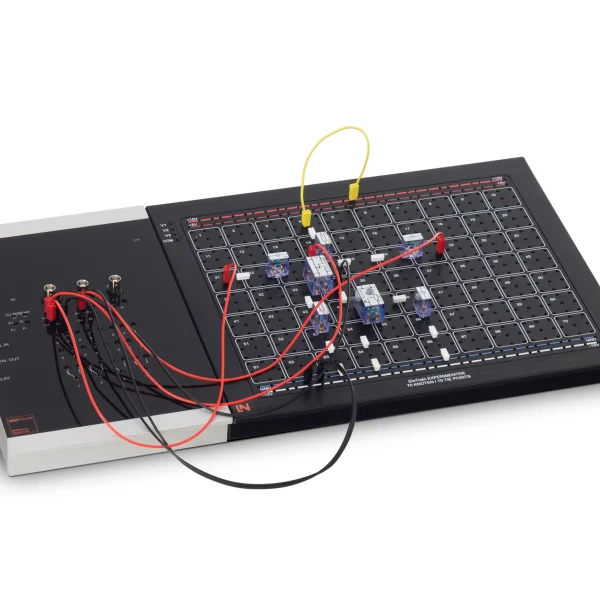
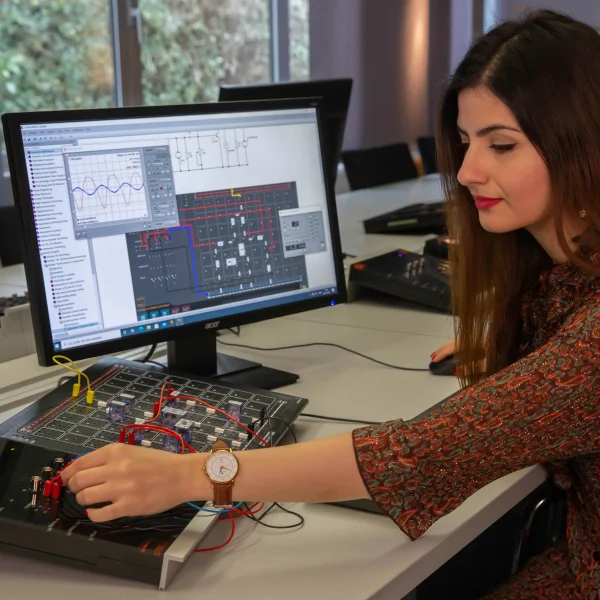
- Prototyping on the UniTrain breadboard — Learners build the simulated circuit with discrete components on the breadboard and check that it works in practice.
- Systematic comparison of target and actual signals — Learners compare the virtual oscillograms from NI Multisim directly with the real hardware signals captured by measurement.
- Integrated troubleshooting and circuit optimization — Learners vary component values, optimize stages such as the comparator and eliminate discrepancies between simulation and practice.
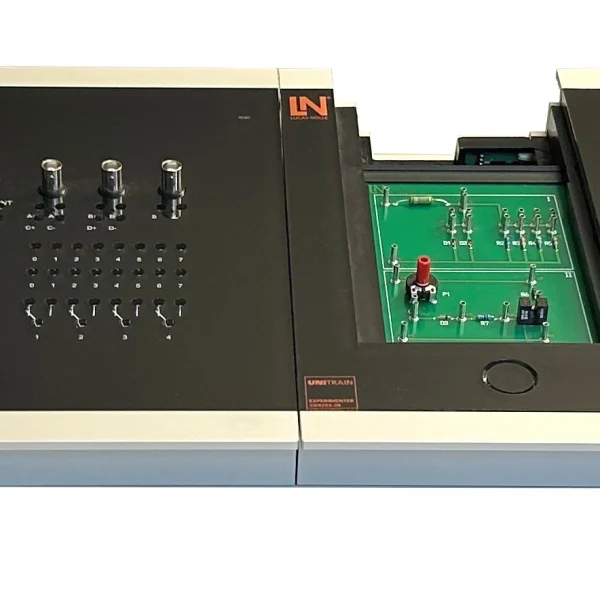
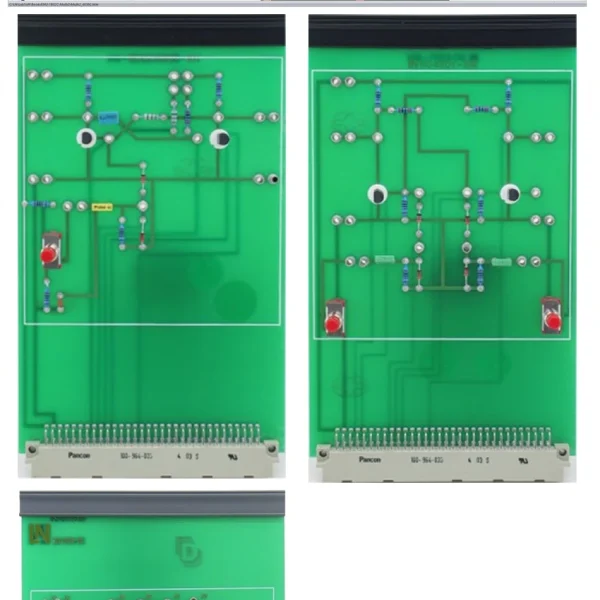
- UniTrain breadboard module — The breadboard fits precisely onto the Experimenter. Learners use 2 mm test leads to connect their circuit to the fixed voltages of the UniTrain.
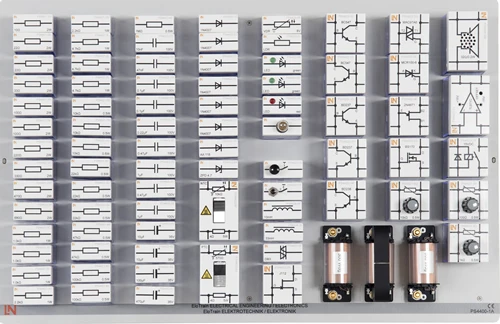
- Assortment of leaded components — The assortment contains LM339N comparator ICs, transistors, potentiometers, RGB LEDs, capacitors and resistors for building the circuit.
- UniTrain interface — The interface provides analog and digital measurement and control channels and operates the hardware in the safety extra-low voltage range.
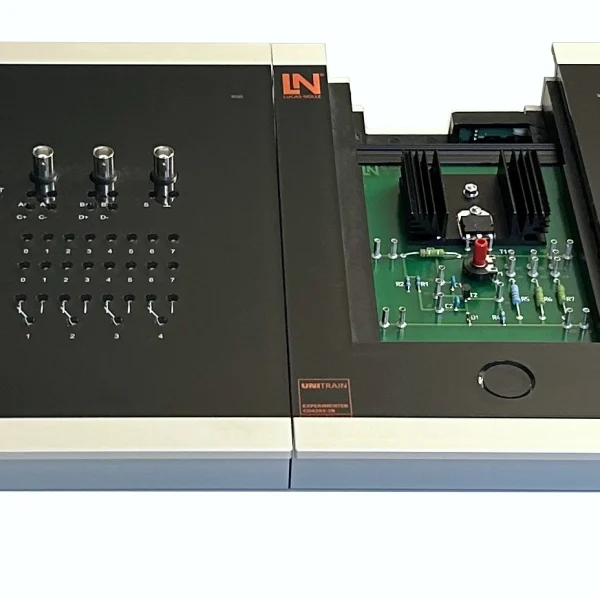
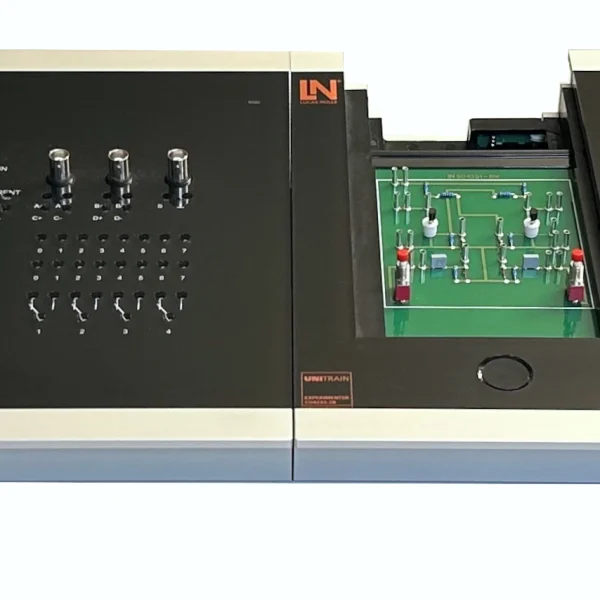
- UniTrain Experimenter — The Experimenter holds the breadboard and provides the connections to the UniTrain bus and to additional devices.
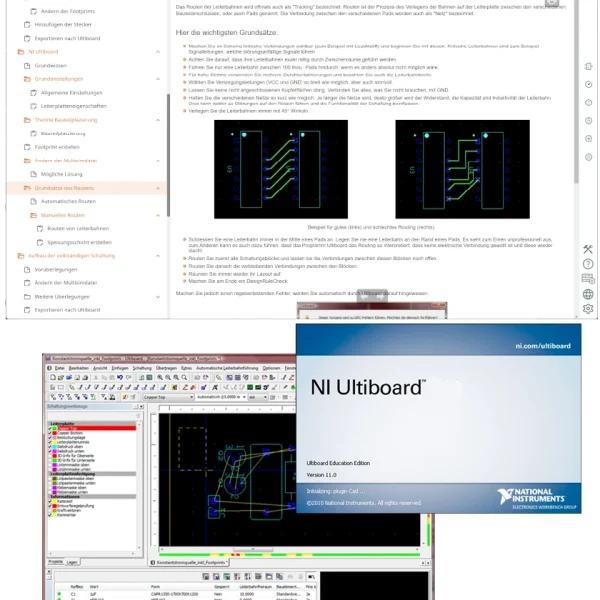
- NI Multisim Education Edition software — The software is used to create circuit diagrams, select components and simulate both analog and digital circuits.
- 2/4-channel oscilloscope — The oscilloscope measures the waveforms of the real circuit on the breadboard. The oscillograms can be inserted directly into the course.
- Pulse generator — The pulse generator produces unipolar or bipolar square-wave signals with adjustable pulse width, a frequency of 0.5 Hz to 5 MHz and an amplitude of 0 to 10 V.

From Knowledge Comes Capability.
You guide the learning
Where theory and practice go hand in hand.
RXLea brings a new way of learning: project-based, hands-on and clearly structured. Learners solve real-world tasks, while instructors save time on preparation. Interactive modules, smart analytics and real hardware create a modern, efficient learning world.
Hands-on and interactive
Animations, interactive tasks and realistic scenarios build a deep understanding. All content is organized into clear learning paths for focused, hands-on learning.
Digital support
3D assembly animations and digital instructions simplify complex procedures, reduce errors and help learners work more independently.
Visual support
Overview graphics, screenshots and sample animations make the learning world transparent. Photos from the learning packages are also available, including country-specific versions where needed.




Stay ahead in
technical training.
Get the latest training systems, product launches and educational insights, delivered directly to your inbox.