


Skip to content

Configuration of Photovoltaic Systems to Operate in Parallel with the Power Grid

RXLea
Digital projects for hands-on learningInteractive learning content, directly connected to the training system.

Configuration of Photovoltaic Systems to Operate in Parallel with the Power Grid

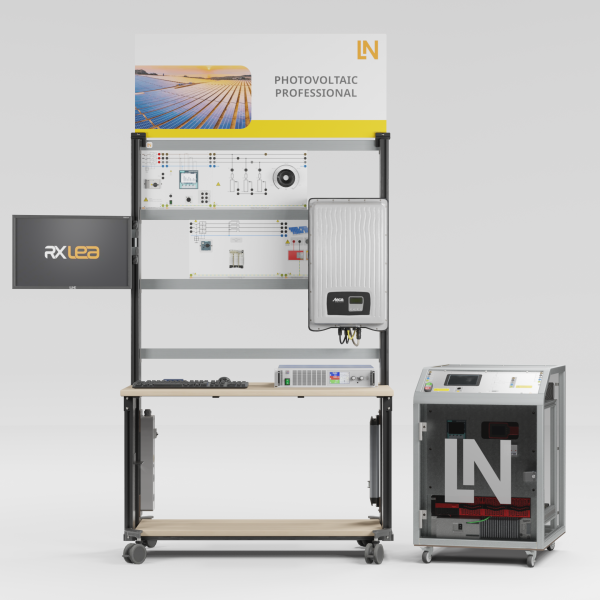
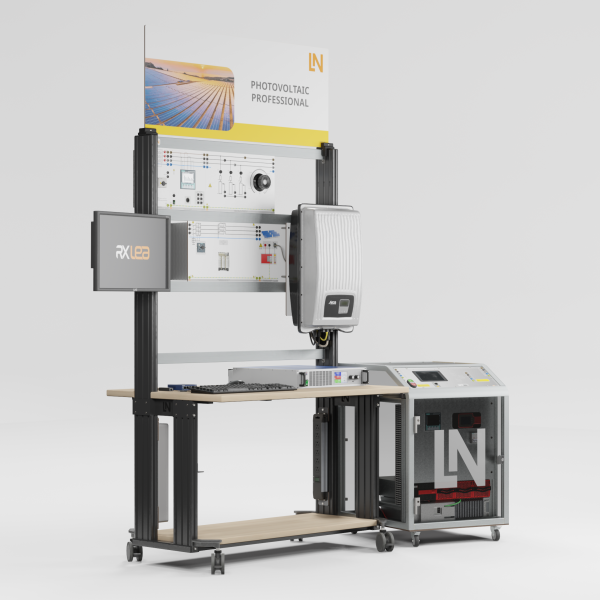
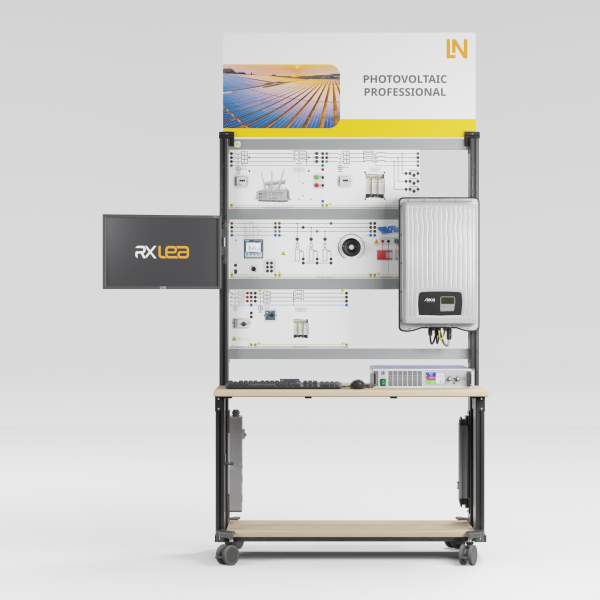
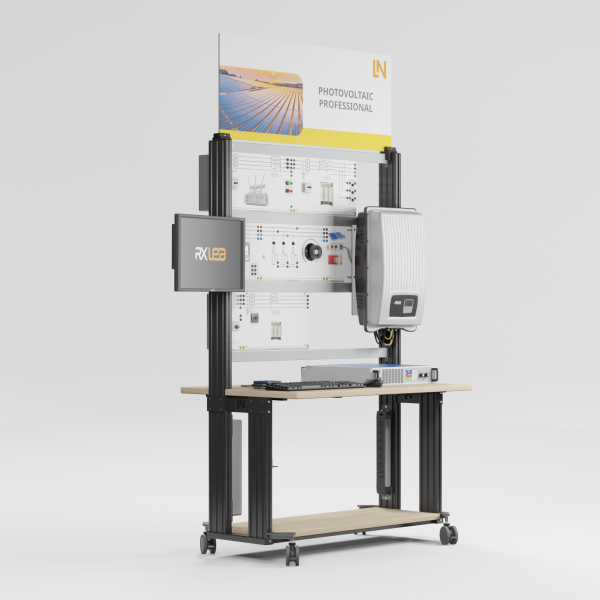
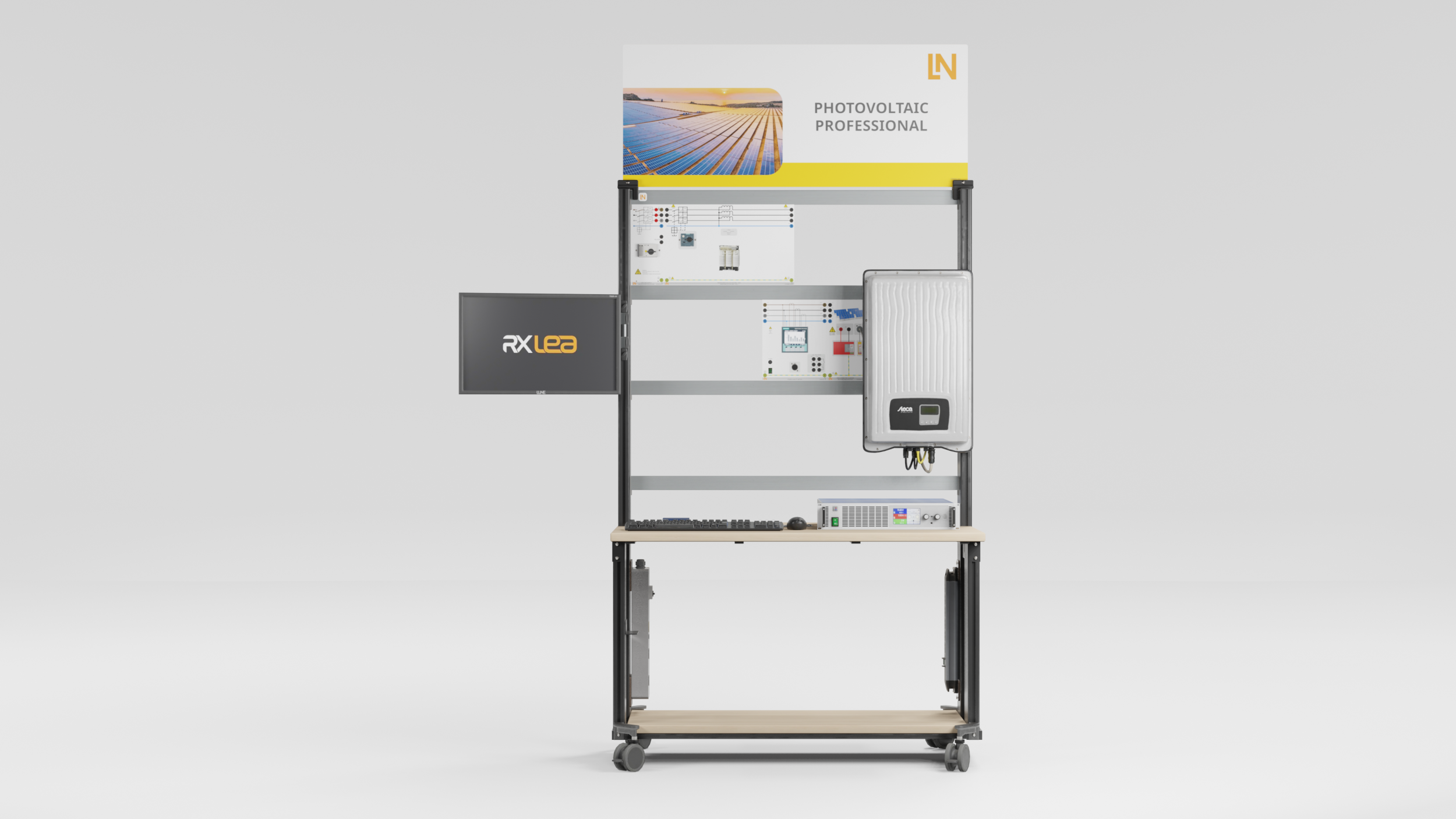
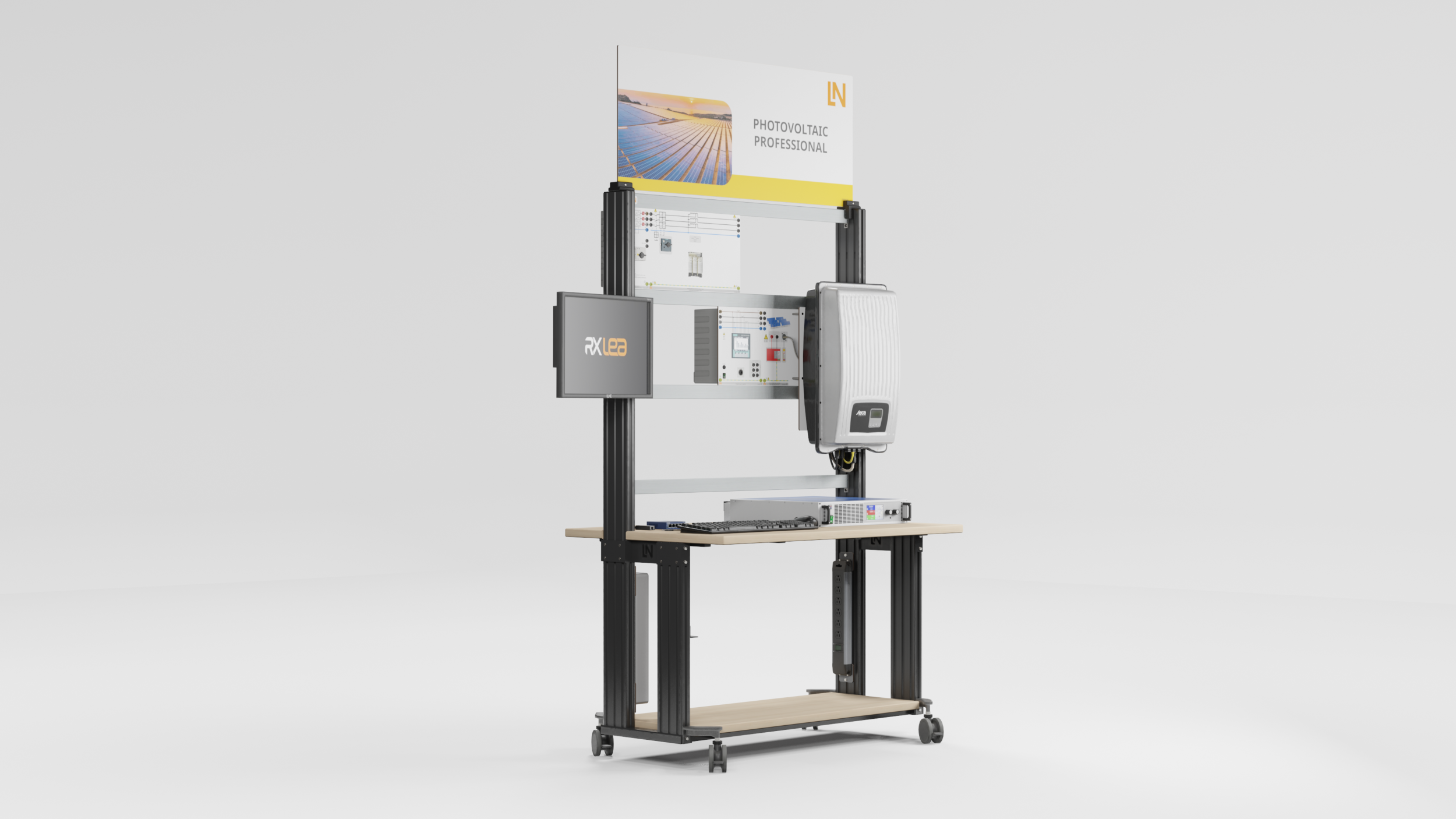
EPH32PT-7

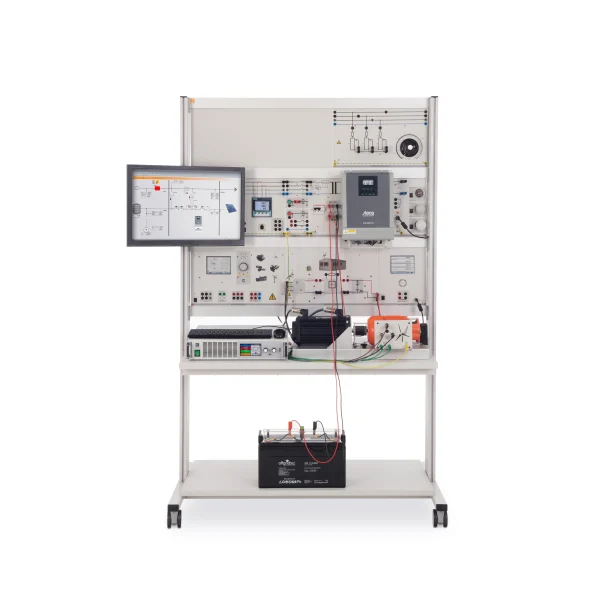
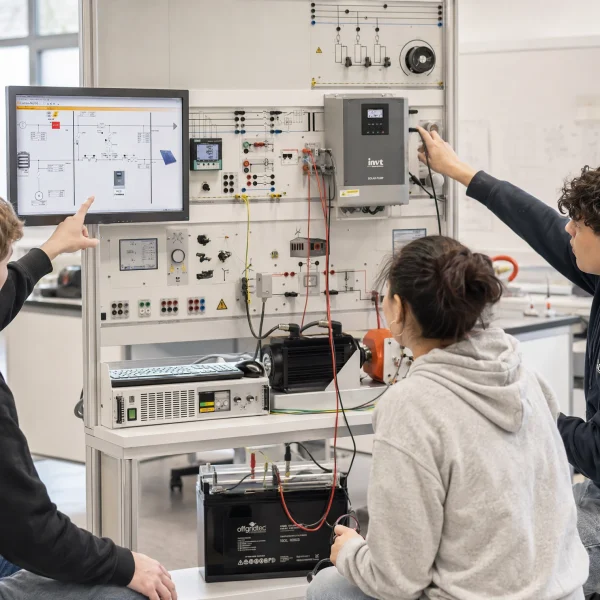
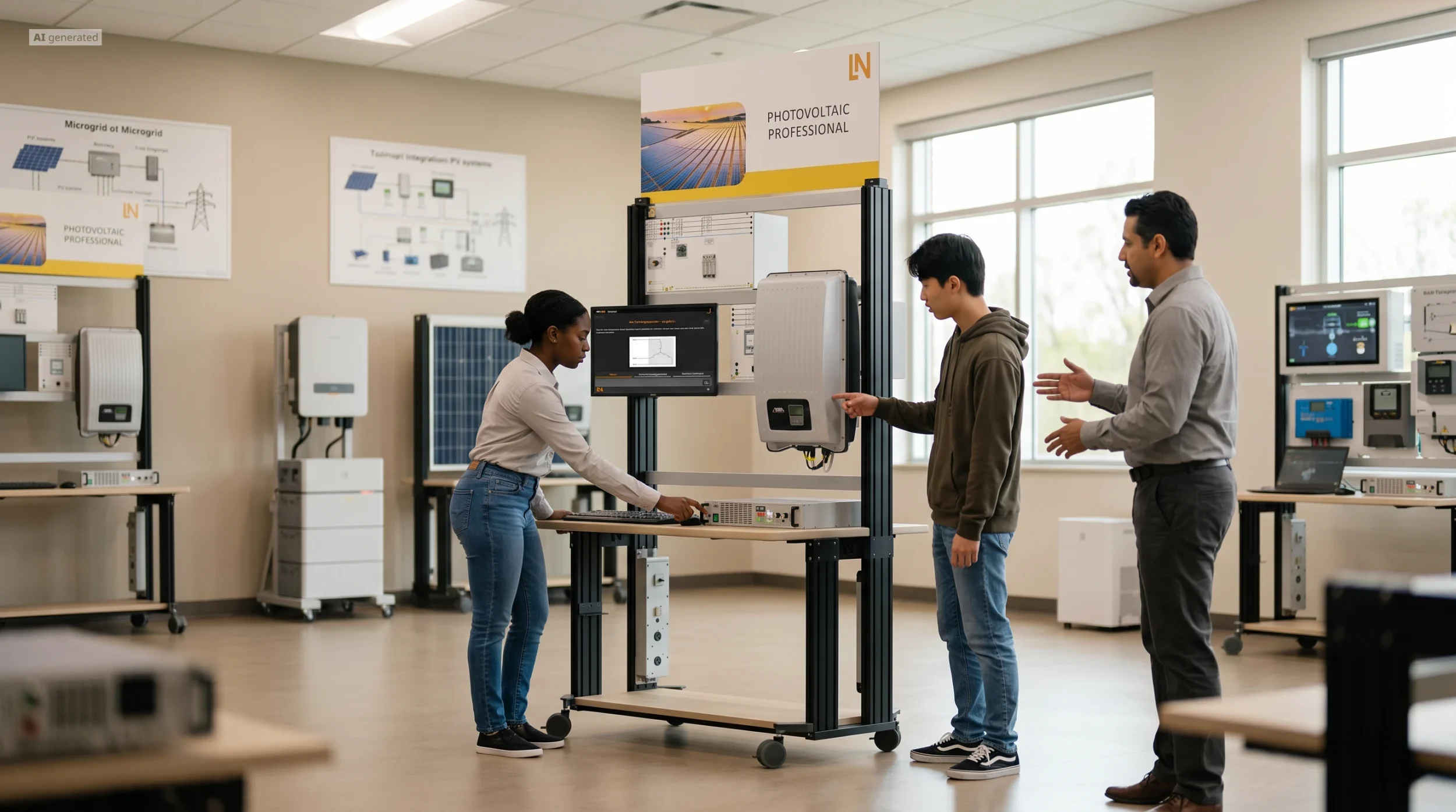
Students practically analyze & control modern grid-connected PV systems. They emulate solar fields, optimize grid injection, and manage MPP tracking & reactive power.

Learning Content
  • Evaluating MPP tracking under partial shading
  • Applying grid-supporting functions
  • Evaluating yield data via SCADA
KEY FEATURES
  • Solar array emulation including shading
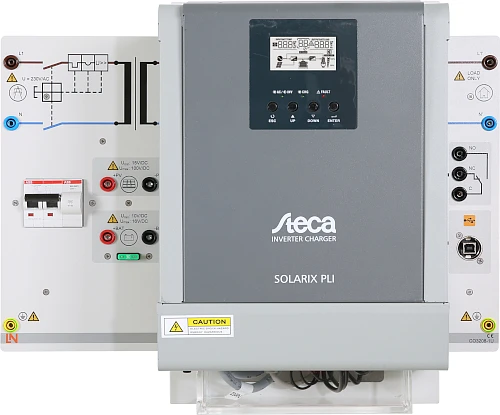
  • Investigating an industrial grid-tie inverter
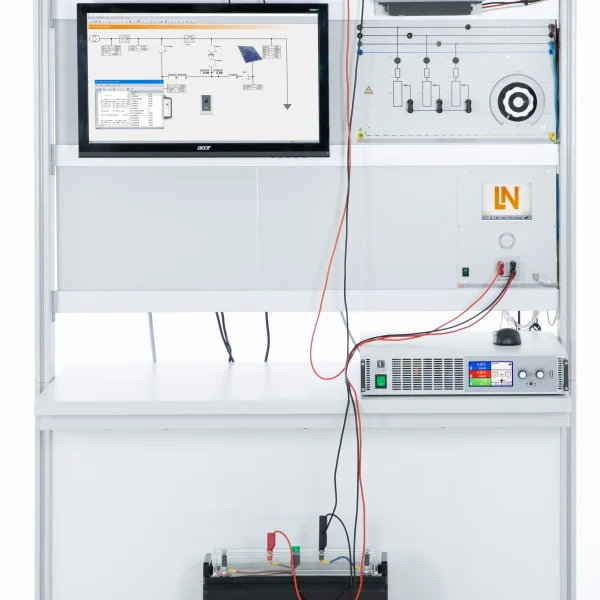
  • Monitoring and control via SCADA
  • Programmable 1.5 kW solar array emulator
Speak with a Product Specialist +1 (757) 808-5696 · sales@lucas-nuelle.com

Modern photovoltaic systems are active participants in the power grid and contribute to grid stability. This system realistically teaches the techniques required for intelligent grid feed-in, such as inverter power limitation. By emulating a solar field and controlling it via a SCADA interface, learners practically explore all aspects from installation to monitoring in the laboratory. Optimally prepare your participants for smart grid management and grid stabilization.

CO3208-4P7Solar panel emulator, 1.5 kW, 500 V
CO3208-1Q73-phase industrial photovoltaic inverter
CO3301-3FVariable Ohmic load, three-phase, 1kW
SO2800-6V7Interactive Lab Assistant: Photovoltaikanlagen - Professional
SO4001-3HSoftware SCADA Viewer
CO3212-5V7Three-phase power supply with motor protection switch
CO5127-2SPower Quality Meter mit Grafikdisplay und Langzeitspeicher
LM9057Patch cable Cat5E 1x 1m yellow, 2x 2m yellow
LM8257USB 2.0 Ethernet adapter, 10/100
LM9988-85-Port Ethernet Switch (International)
ST8010-4J8Multiple power outlet strip, 6 outlets, US-standard
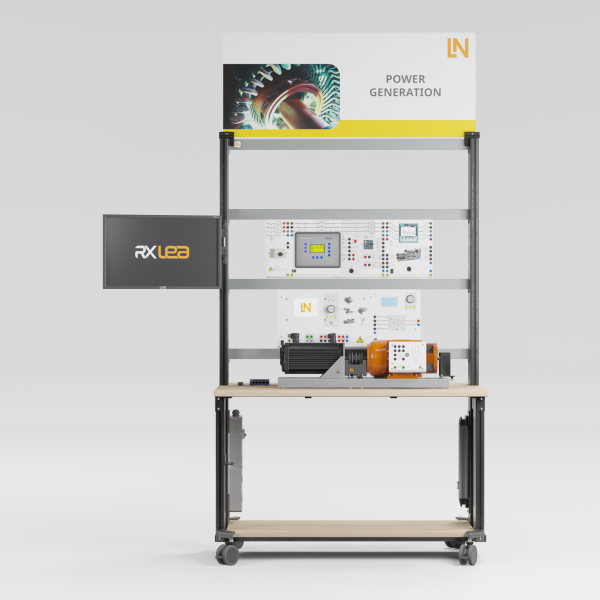
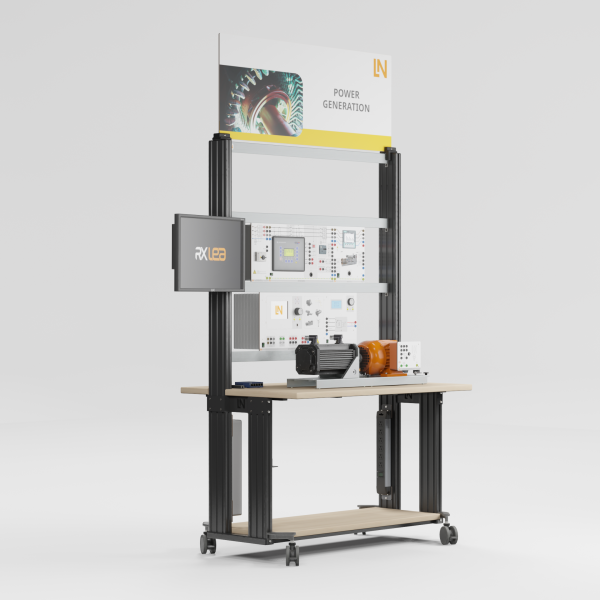
ST7200-7A7Mobile workstation, 3 level frame, 6 sockets, 1250x1970x800 mm, 49"x77.5"x31.5"
ST8010-4TMonitor holder for flat screen monitor of weight up to 15kg / 33lbs
ST7200-5LProtection cover for three-level experiment trolleys
ST8010-4GKeyboard adapter for flat screen monitor holders
ST8000-4GDisplay for Photovoltaic Professional equipment
SO5126-3RSafety connecting plug 4mm with tap (2x), black, 1000V/32A CAT II
SO5126-3WSafety connecting plug 4mm with tap (2x), green/yellow, 1000V/32A CAT II
SO5126-3VSafety connecting plug 4mm with tap (2x), blue, 1000V/32A CAT II
SO5148-1LSet of safety measurement cables, 4mm (31 leads)

Learning Content in Detail

Students combine the analysis of MPP tracking with the grid-supporting functions of modern inverters and the evaluation of long-term data.

Evaluating MPP tracking under partial shading

Students analyze how MPP tracking works and assess its effectiveness, especially under partial shading.

Applying grid-supporting functions

Students specifically control real power via derating and reactive power via the inverter’s cos φ setting.

Evaluating yield data via SCADA

Students record the system’s yield data over an extended period with the SCADA software and evaluate it.

Features & Applications

The system covers the fields of work that come together in grid-connected photovoltaics: planning, installation and commissioning, grid stabilization by distributed generators, and monitoring and yield analysis.
  • Solar array emulation including shading — The solar array simulator emulates the electrical behavior of a 1.5 kW PV generator. Using the Solar Panel software, students vary the irradiance and set partial shading conditions to test MPP tracking algorithms under realistic conditions.
  • Investigating an industrial grid-tie inverter — The three-phase inverter meets the requirements of grid integration. Students configure remote-controlled power reduction (derating) and the provision of inductive and capacitive reactive power for voltage control.
  • Monitoring and control via SCADA — All experiments are run via a SCADA interface. Students control the system remotely, change operating points, diagnose faults and record long-term data such as the weekly yield.
  • Programmable 1.5 kW solar array emulator — The DC source replicates the I-V characteristic of a solar array and emulates partial shading with multiple local power maxima. This makes it possible to test the effectiveness of MPP tracking without real sunlight.
  • Grid-tie inverter with USB remote control — The SCADA software controls the inverter completely via the USB interface. Students specify real power reductions and power factor setpoints and check the response on the grid by measurement.
  • Software Solar Panel for the solar array emulator — The control interface generates the test conditions: vary the irradiance continuously, define partial shading by number and intensity, simulate daily and weekly profiles and import real solar profiles.
  • SCADA for PowerLab — The control station visualizes DC and AC power, voltages, currents, frequency and power factor in real time, controls the inverter remotely and uses the logger to record long-term measurements such as the weekly yield.
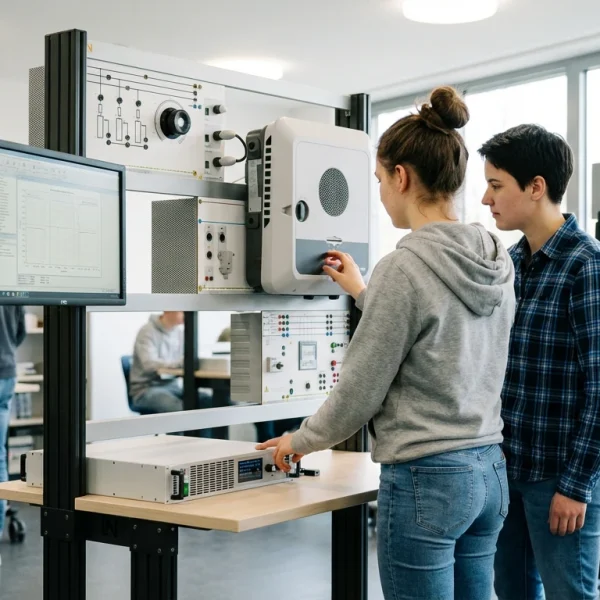
Learners working with RXLea on a tablet at a Lucas-Nuelle training system
RXLea

From Knowledge Comes Capability.

You guide the learning

Where theory and practice go hand in hand.

RXLea brings a new way of learning: project-based, hands-on and clearly structured. Learners solve real-world tasks, while instructors save time on preparation. Interactive modules, smart analytics and real hardware create a modern, efficient learning world.

Hands-on and interactive

Animations, interactive tasks and realistic scenarios build a deep understanding. All content is organized into clear learning paths for focused, hands-on learning.

Digital support

3D assembly animations and digital instructions simplify complex procedures, reduce errors and help learners work more independently.

Visual support

Overview graphics, screenshots and sample animations make the learning world transparent. Photos from the learning packages are also available, including country-specific versions where needed.


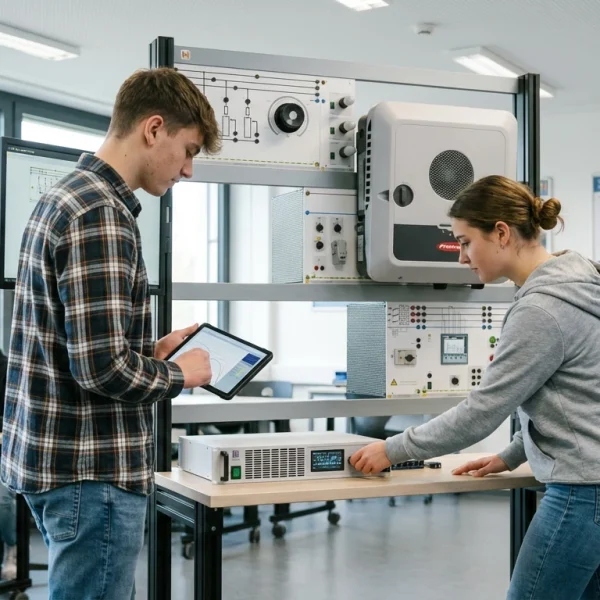
Learners using a tablet at an energy training system
RXLea on desktop, laptop and tablet
RXLea Path Creator for building learning journeys
RXLea Navigator showing the learning world
Learn more about RXLea
Newsletter

Stay ahead in
technical training.

Get the latest training systems, product launches and educational insights, delivered directly to your inbox.

Your email address

By subscribing, you agree to our Privacy Policy. You can unsubscribe at any time.

 Please select at least one category before subscribing.
I'm interested in - select all that apply