


Skip to content

Set-Up of PV Systems with Hybrid Inverters in Grid-Parallel Mode

RXLea
Digital projects for hands-on learningInteractive learning content, directly connected to the training system.

Set-Up of PV Systems with Hybrid Inverters in Grid-Parallel Mode

ESE12PT

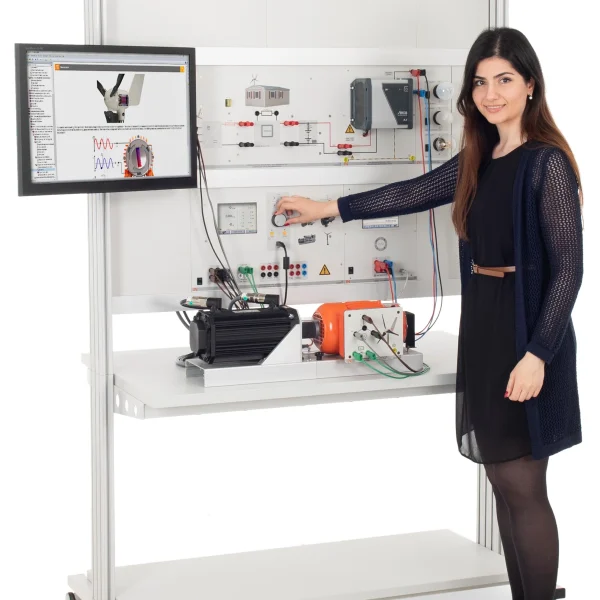
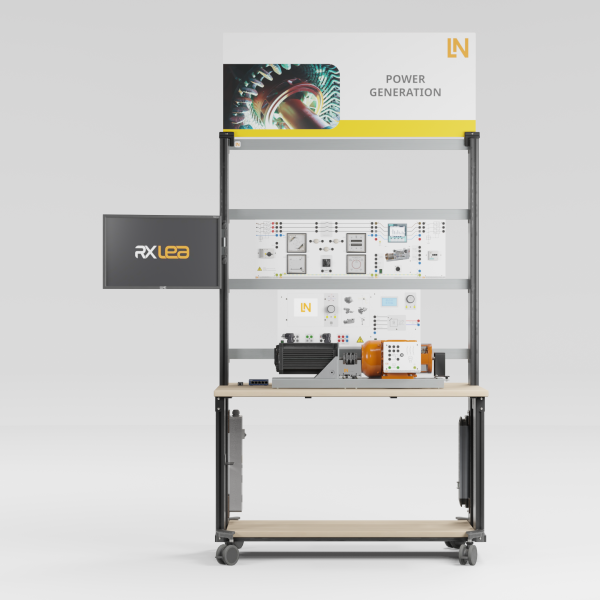
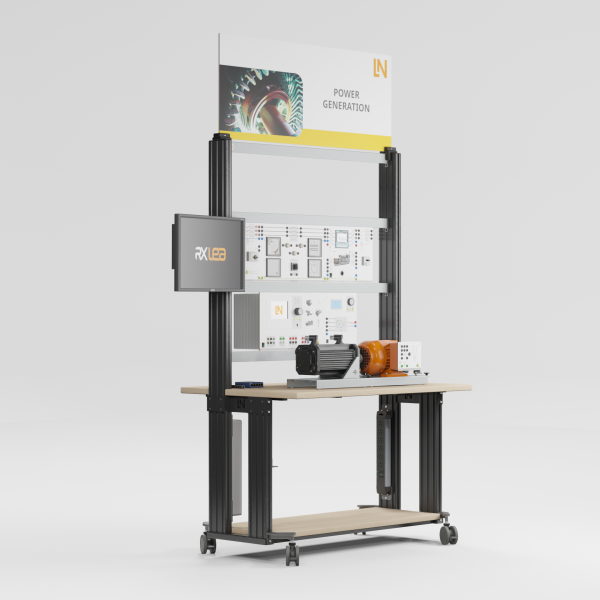
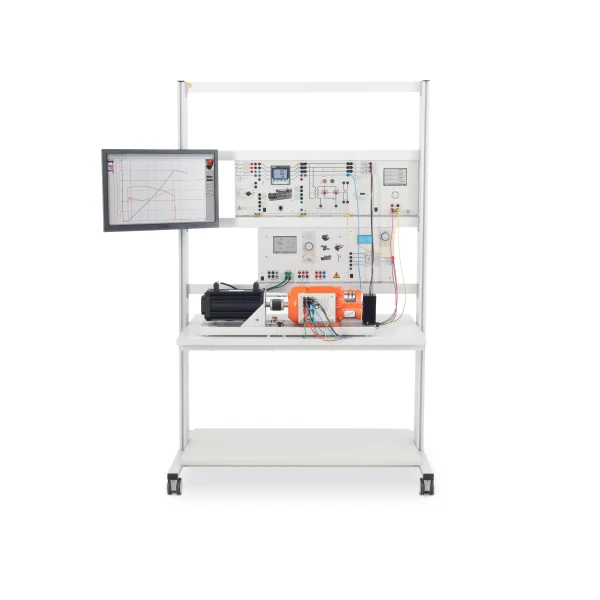
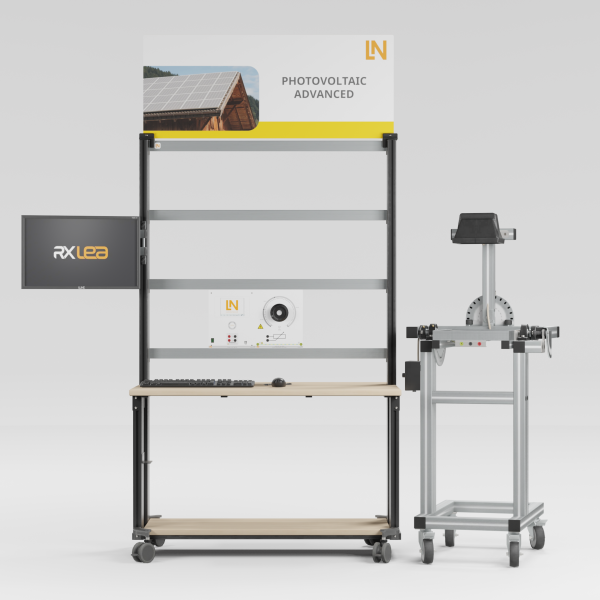
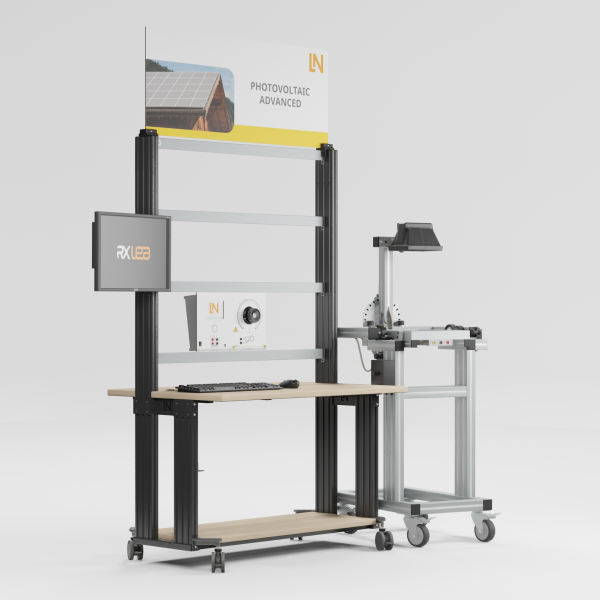
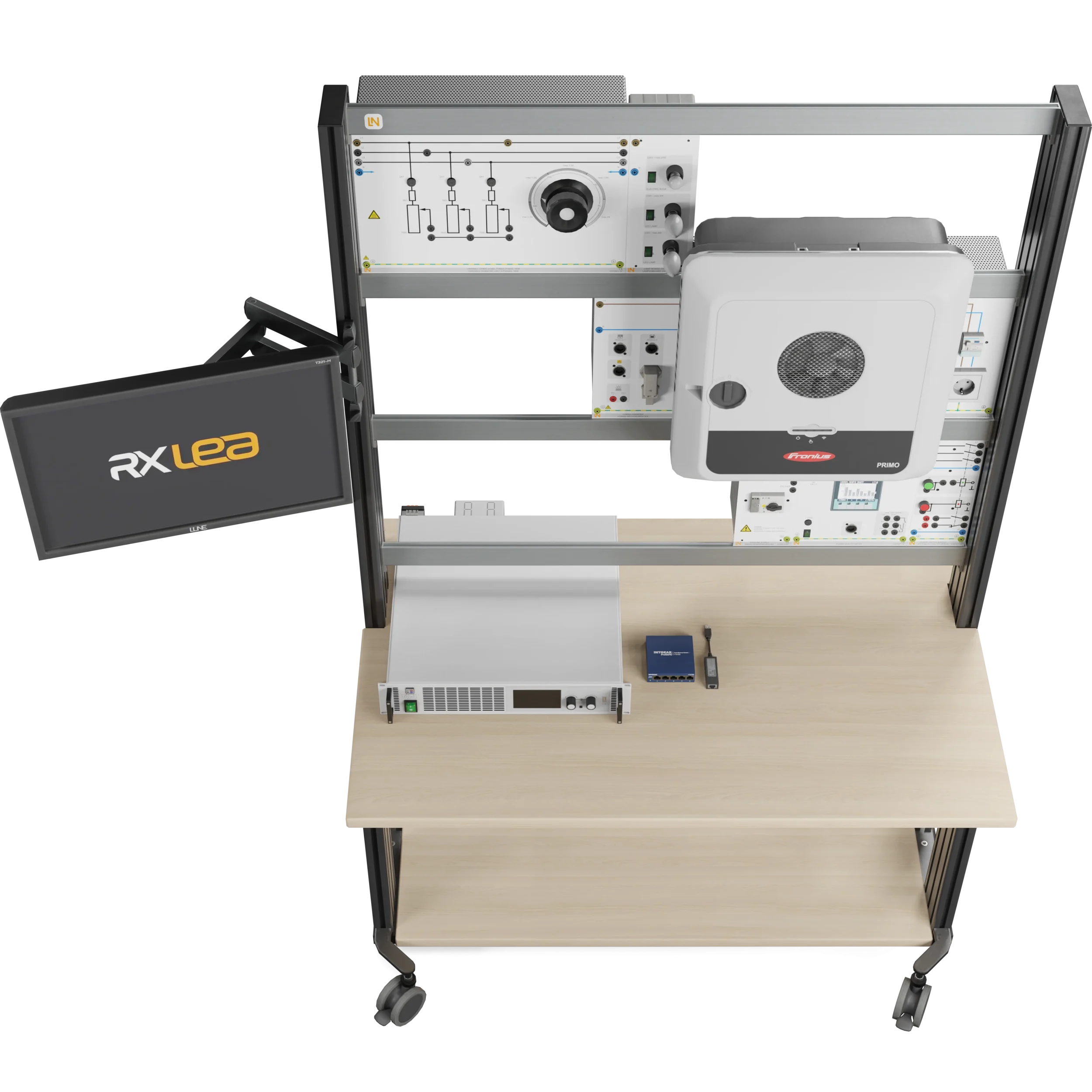
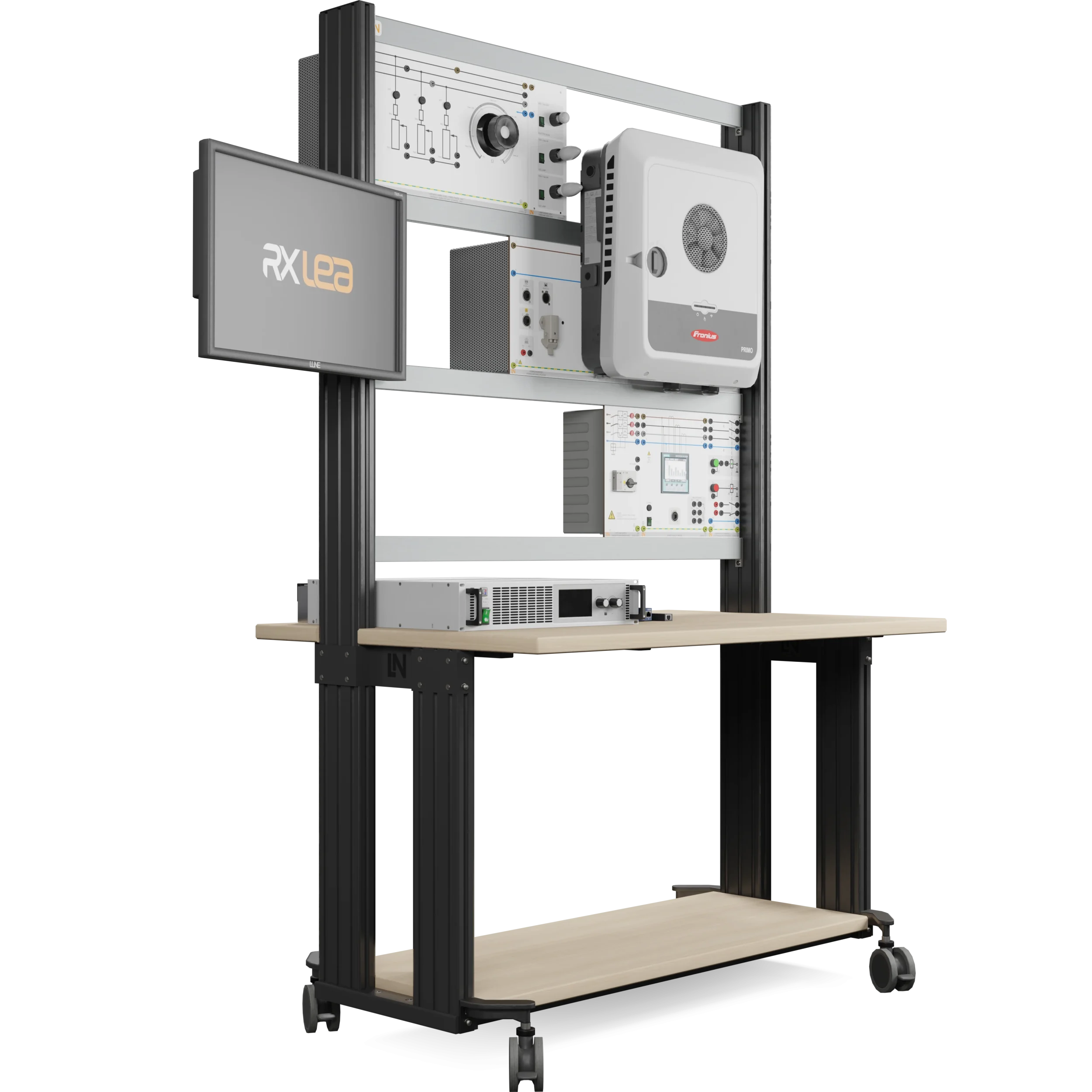
Practical training equipment for residential photovoltaics: learners install a grid-connected system with a hybrid inverter, configure it via the web interface and investigate its behavior in the event of a grid failure.

Learning Content
  • Installing and commissioning a PV system
  • Analyzing MPP tracking
  • Investigating behavior in the event of a grid failure
  • Evaluating efficiency and cost-effectiveness
KEY FEATURES
  • Configuring the hybrid inverter
  • Investigating grid-parallel and emergency power operation
  • PV simulation for lab operation
  • Programmable 1.5 kW solar array emulator
Speak with a Product Specialist +1 (757) 808-5696 · sales@lucas-nuelle.com

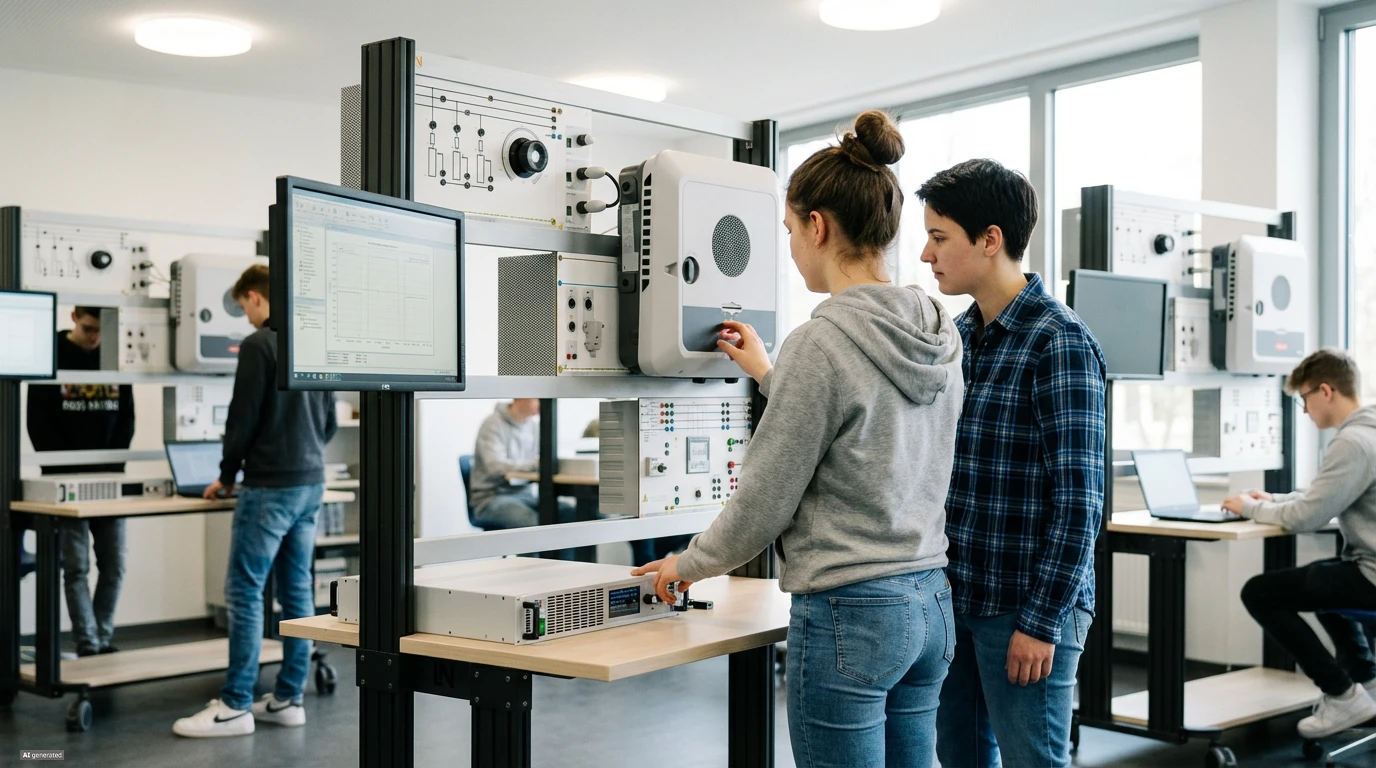
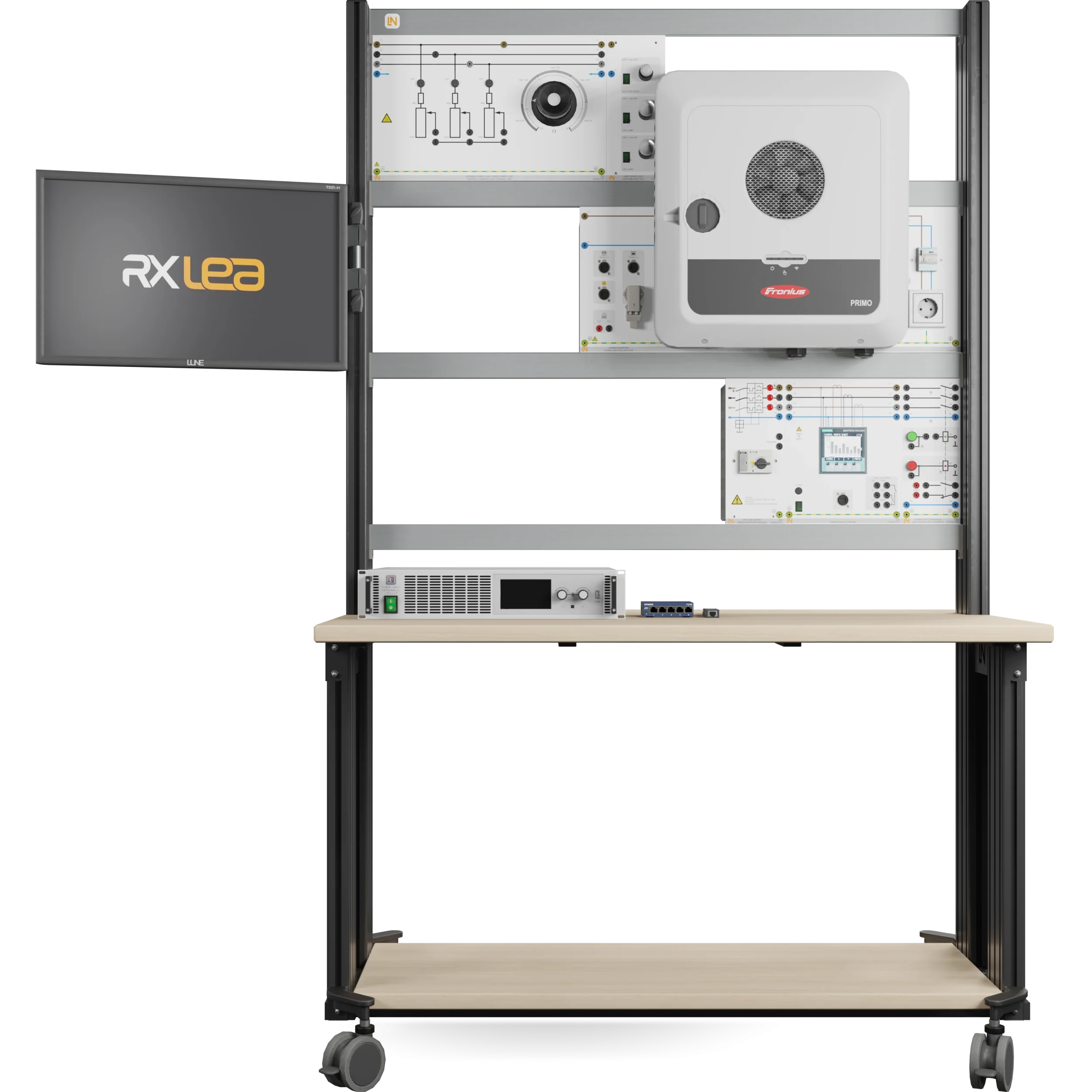
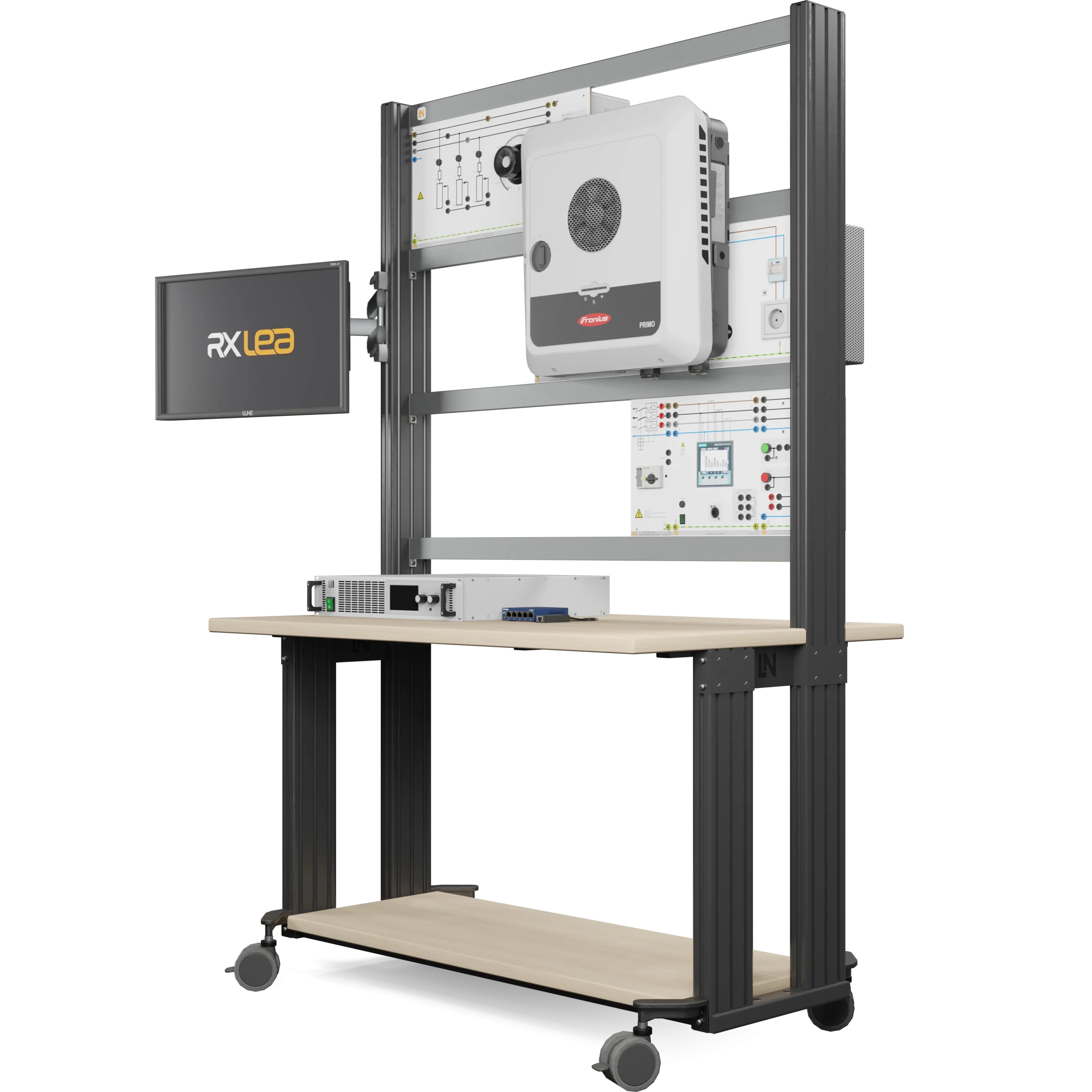
The inverter determines what a PV system can do: it converts the direct current from the modules, controls the feed-in and disconnects the system from the grid in the event of a grid failure. The training system reproduces a complete residential system in the lab. A 1.5 kW solar array emulator supplies the generator’s characteristic curve, including daily profiles, seasons and partial shading, while an industrial hybrid inverter handles feed-in and system control. A variable resistive load, a power quality meter and a lamp board complete the set. Learners build the system, configure it via the web interface just as in installation practice, check the MPP tracking and verify the emergency power supply via the PV Point.

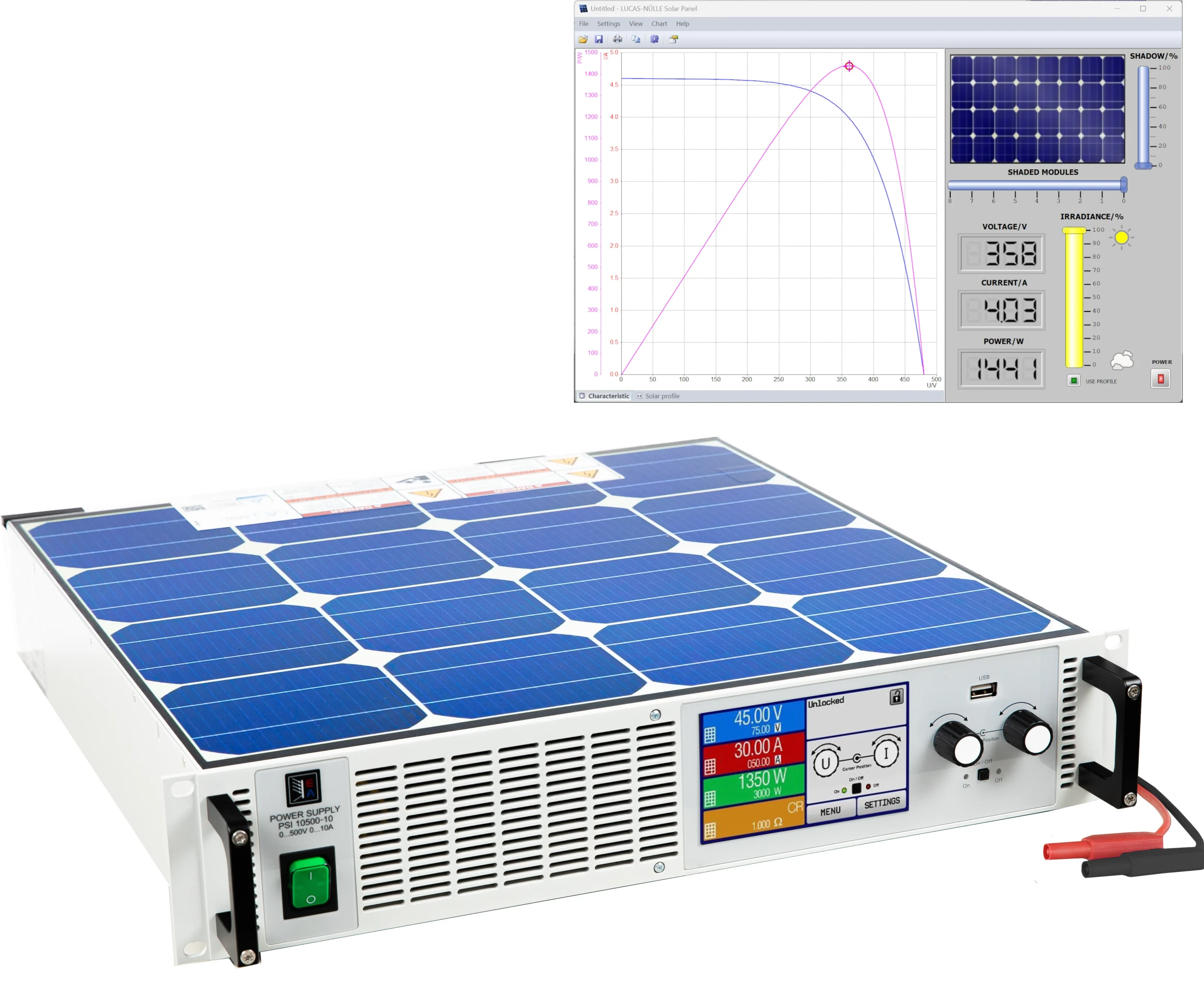
CO3208-4PSolar panel emulator, 1.5 kW, 500 V
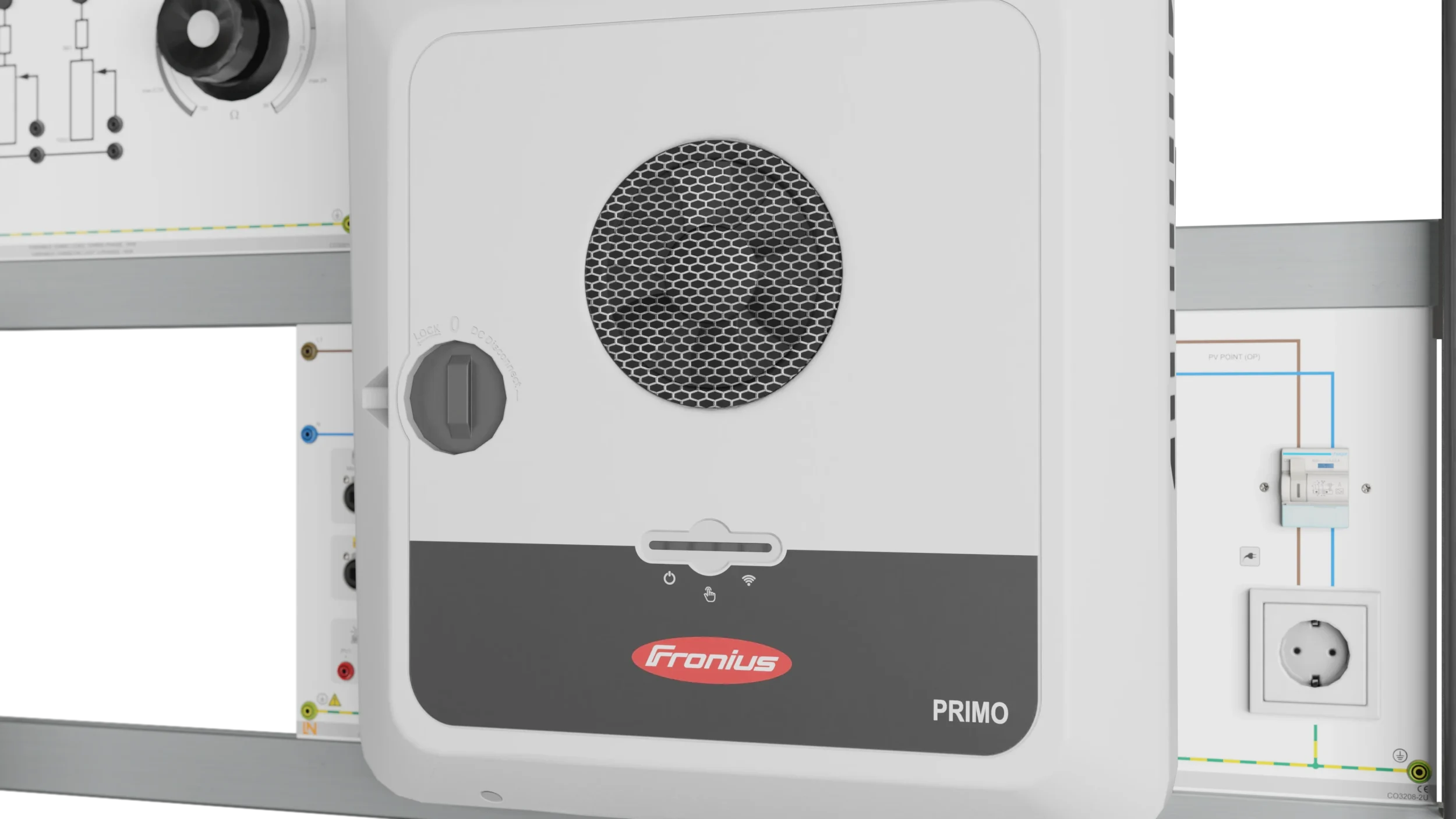
CO3208-2UHybrid inverter
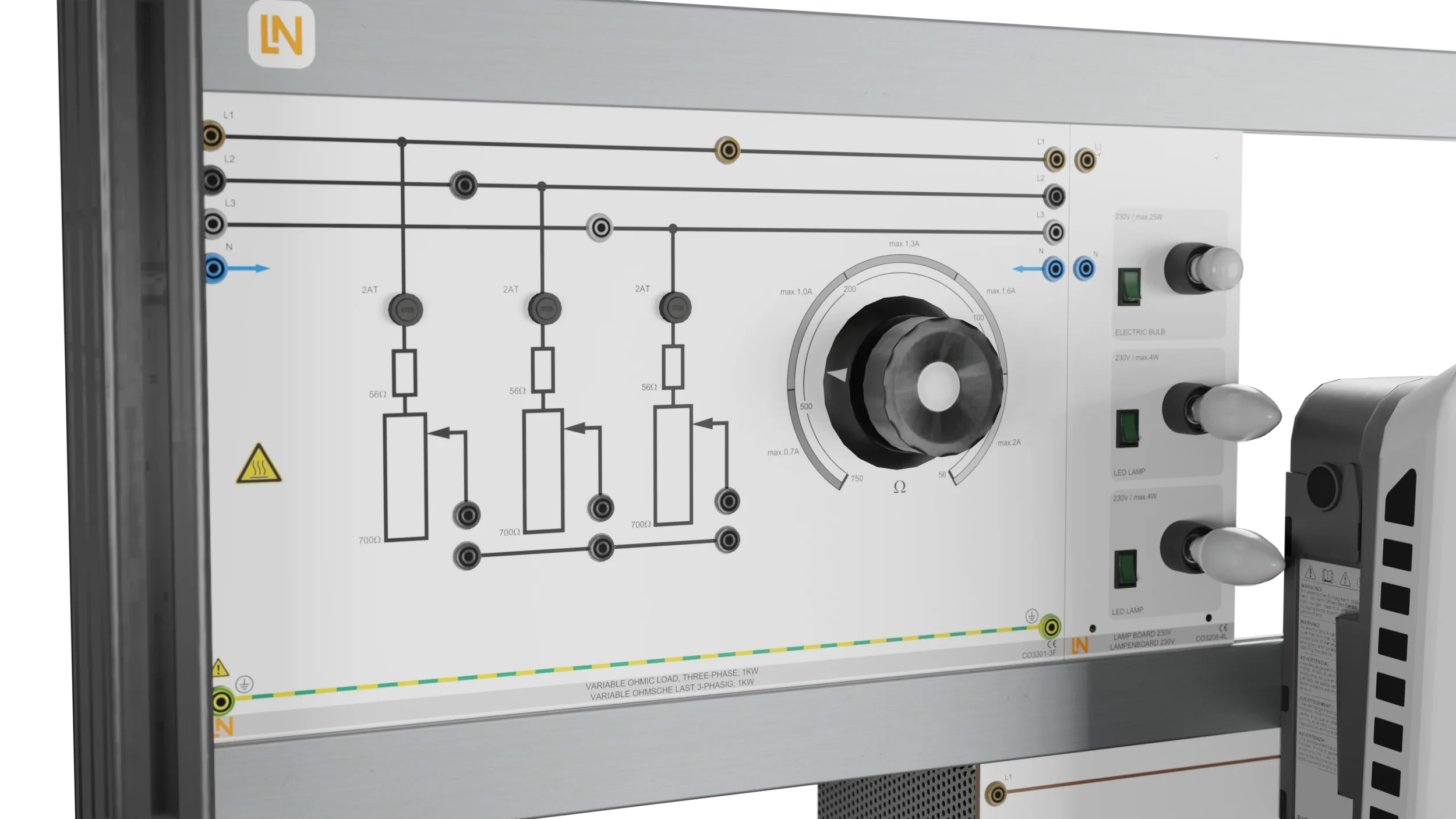
CO3301-3FVariable Ohmic load, three-phase, 1kW
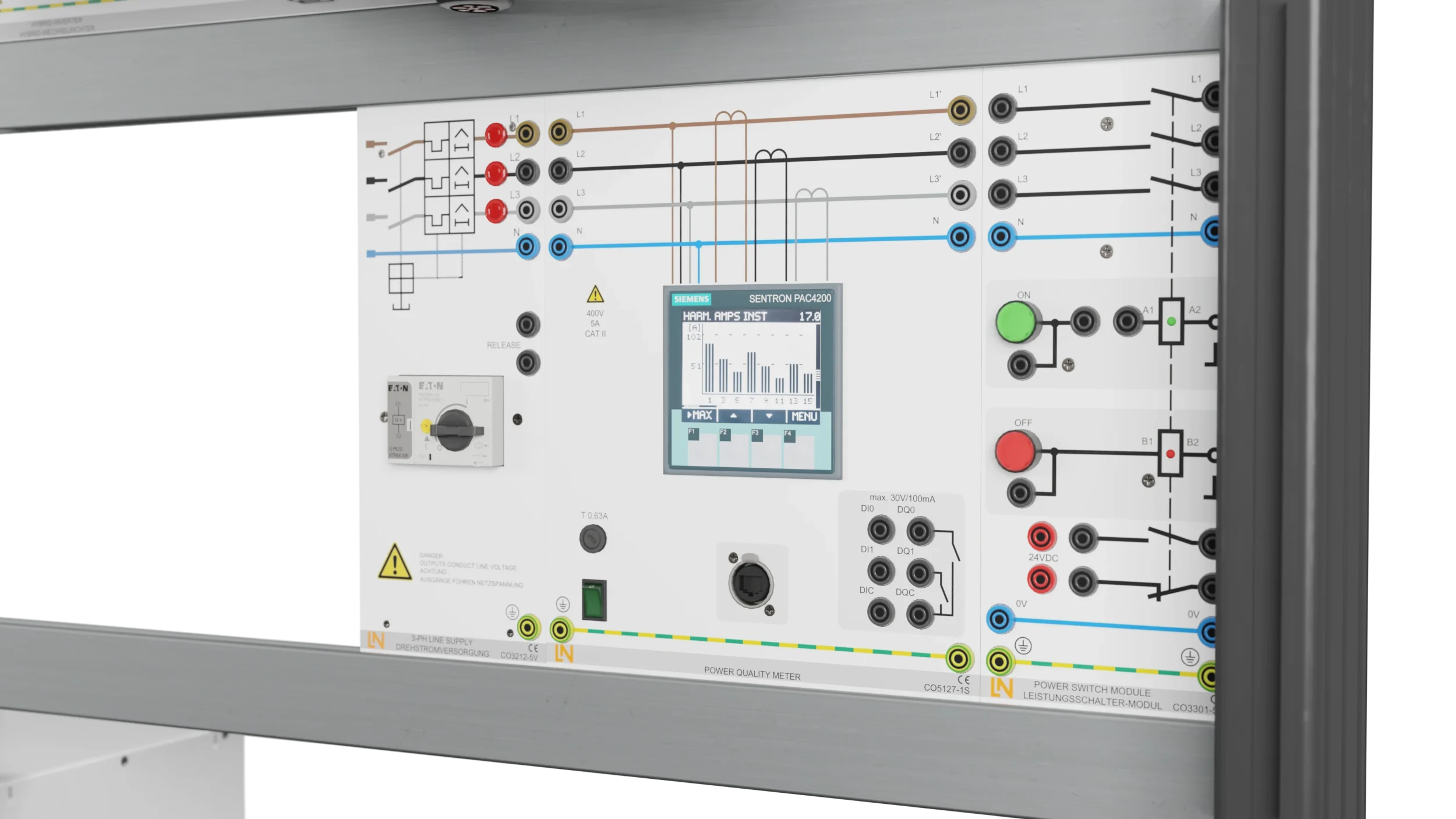
CO3301-5PPower switch module
CO3208-4LLamp board 230V
SO2800-6DInteractive Lab Assistant: Smart Energies - Residential PV system with storage
CO3212-5VThree-phase power supply with motor protection switch
CO5127-2SPower Quality Meter mit Grafikdisplay und Langzeitspeicher
LM9057Patch cable Cat5E 1x 1m yellow, 2x 2m yellow
LM99885-Port Ethernet Switch
LM8257USB 2.0 Ethernet adapter, 10/100
ST7200-7ASybaPro experiment trolley, 3-level, 6 sockets, 1250x1970x800mm
ST8010-4TMonitor holder for flat screen monitor of weight up to 15kg / 33lbs
ST7200-5LProtection cover for three-level experiment trolleys
ST8010-4GKeyboard adapter for flat screen monitor holders
ST8000-4FDisplay for Photovoltaic Advanced equipment
SO5126-3RSafety connecting plug 4mm with tap (2x), black, 1000V/32A CAT II
SO5126-3WSafety connecting plug 4mm with tap (2x), green/yellow, 1000V/32A CAT II
SO5126-3VSafety connecting plug 4mm with tap (2x), blue, 1000V/32A CAT II
SO5148-1LSet of safety measurement cables, 4mm (31 leads)

Learning Content in Detail

The experiments lead from installation and commissioning of the hybrid inverter to the evaluation of MPP tracking, the emergency power function and efficiency.

Installing and commissioning a PV system

Learners build a grid-connected PV system with a hybrid inverter according to plan, wire it safely and commission it correctly.

Analyzing MPP tracking

Learners test the tracking behavior of the MPP tracker at different irradiance levels and under partial shading, and evaluate it.

Investigating behavior in the event of a grid failure

Learners test the automatic disconnection device and verify the emergency power supply via the dedicated outlet (PV Point).

Evaluating efficiency and cost-effectiveness

Learners determine the efficiency of the inverter at various operating points and explain the factors that determine cost-effectiveness.

Features & Applications

The projects follow real-world practice in residential photovoltaics: installing and commissioning systems, and planning and sizing renewable energy systems.
  • Configuring the hybrid inverter — The industrial inverter is set up via a web interface, as is common in installation practice. Learners carry out the complete commissioning process and investigate MPP tracking and automatic disconnection in the event of a grid failure.
  • Investigating grid-parallel and emergency power operation — In addition to feed-in to the public grid, the focus is on the emergency power supply. Learners investigate how the inverter switches over during a simulated grid failure and supplies the emergency power outlet (PV Point) with solar energy without battery storage.
  • PV simulation for lab operation — The solar array emulator reproduces the behavior of a PV system under changing conditions. The sun’s daily path, the season and partial shading can be set via software, so that measurements of MPP tracking and efficiency remain repeatable.
  • Programmable 1.5 kW solar array emulator — The DC source reproduces the I-V characteristic of a solar array and emulates partial shading with several local power maxima. This allows MPP tracking to be tested without real sunlight.
  • Hybrid inverter as the central control unit — The industrial device combines a PV inverter with MPP tracking, an automatic grid disconnection unit and the PV Point emergency power function, which also works without a battery. Configuration is carried out via the web interface.
  • Software Solar Panel for the solar array emulator — The control interface generates the test conditions: vary the irradiance continuously, define partial shading by number and intensity, simulate daily and weekly profiles and import real solar profiles.
  • Web interface of the hybrid inverter — Using a browser, learners commission the system, synchronize it with the grid, track generation, feed-in and household consumption in real time, evaluate yield data and configure emergency power operation.
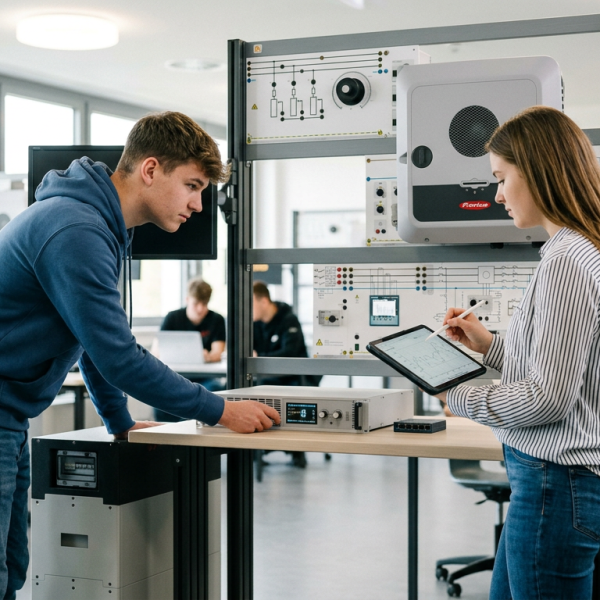
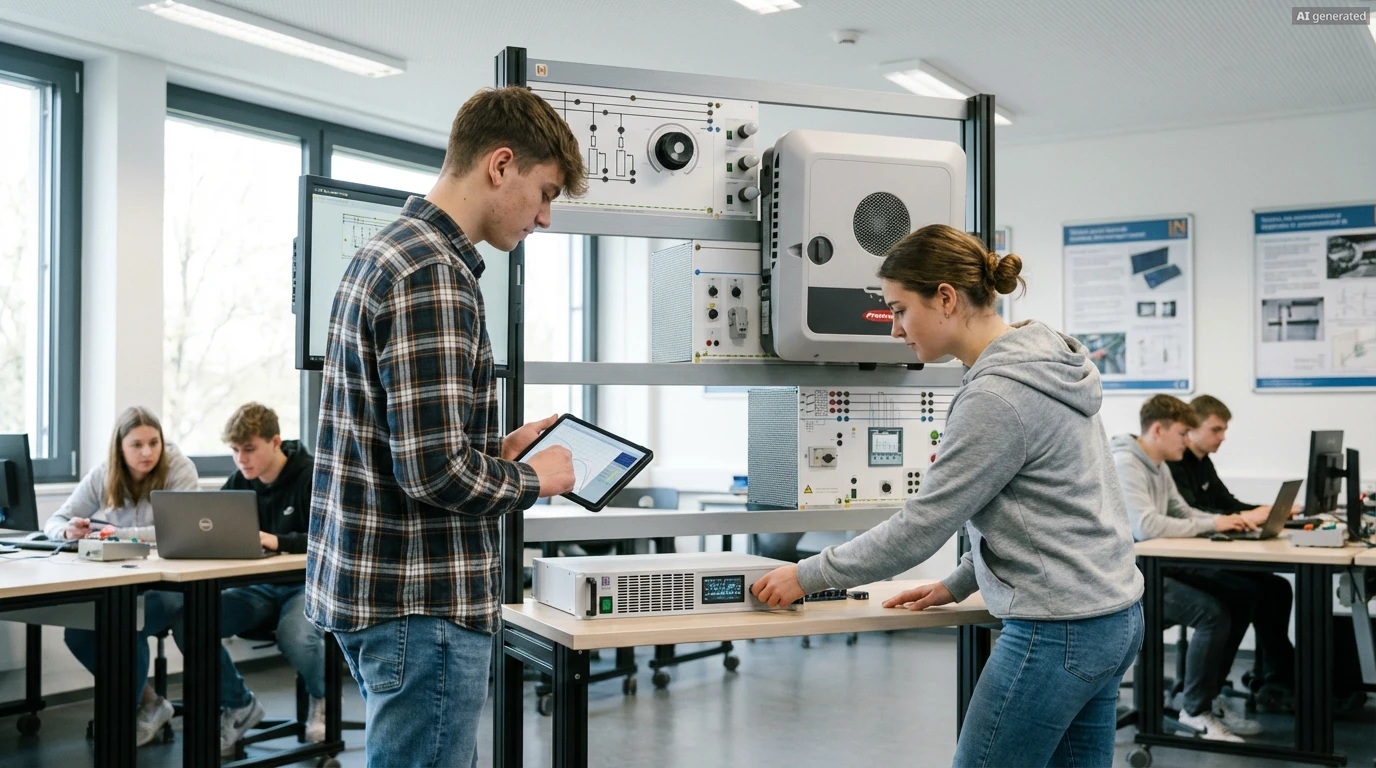
Learners working with RXLea on a tablet at a Lucas-Nuelle training system
RXLea

From Knowledge Comes Capability.

You guide the learning

Where theory and practice go hand in hand.

RXLea brings a new way of learning: project-based, hands-on and clearly structured. Learners solve real-world tasks, while instructors save time on preparation. Interactive modules, smart analytics and real hardware create a modern, efficient learning world.

Hands-on and interactive

Animations, interactive tasks and realistic scenarios build a deep understanding. All content is organized into clear learning paths for focused, hands-on learning.

Digital support

3D assembly animations and digital instructions simplify complex procedures, reduce errors and help learners work more independently.

Visual support

Overview graphics, screenshots and sample animations make the learning world transparent. Photos from the learning packages are also available, including country-specific versions where needed.


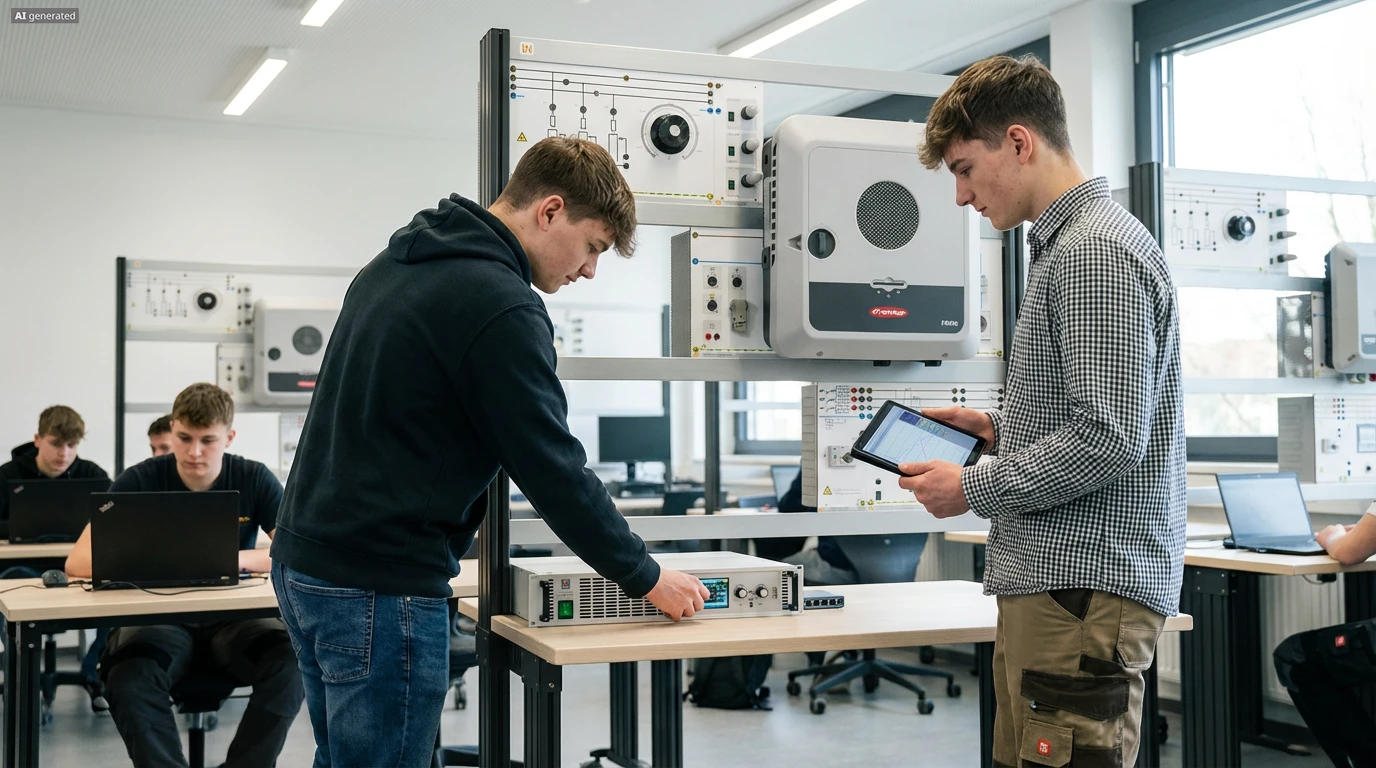
Learners using a tablet at an energy training system
RXLea on desktop, laptop and tablet
RXLea Path Creator for building learning journeys
RXLea Navigator showing the learning world
Learn more about RXLea
Newsletter

Stay ahead in
technical training.

Get the latest training systems, product launches and educational insights, delivered directly to your inbox.

Your email address

By subscribing, you agree to our Privacy Policy. You can unsubscribe at any time.

 Please select at least one category before subscribing.
I'm interested in - select all that apply