


Networking and Cyber Security
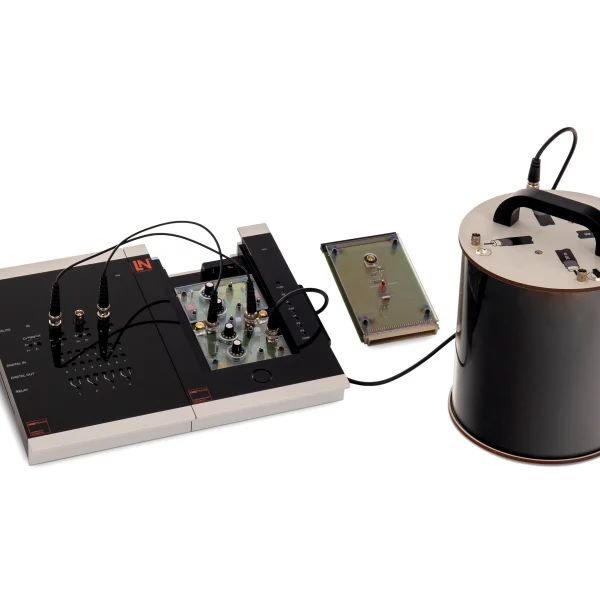
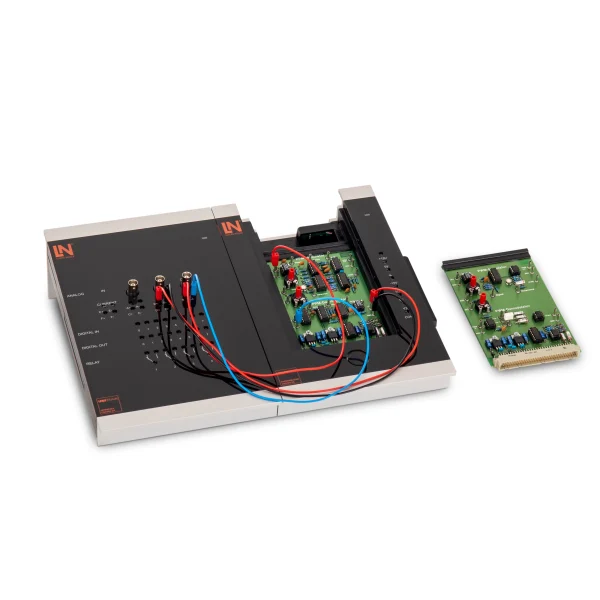
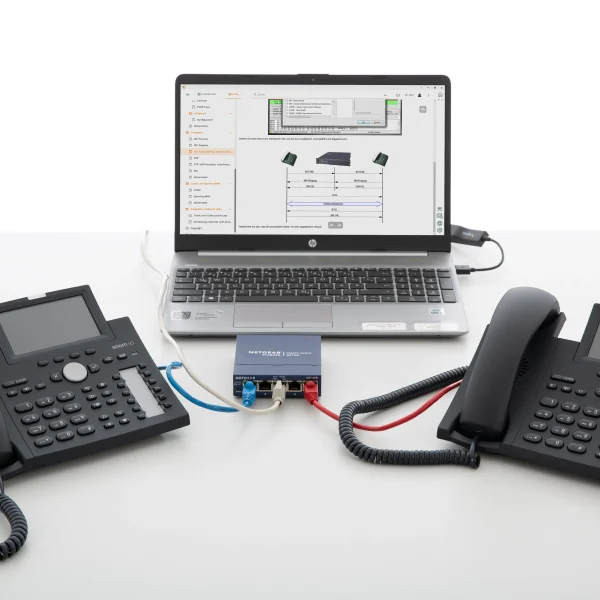
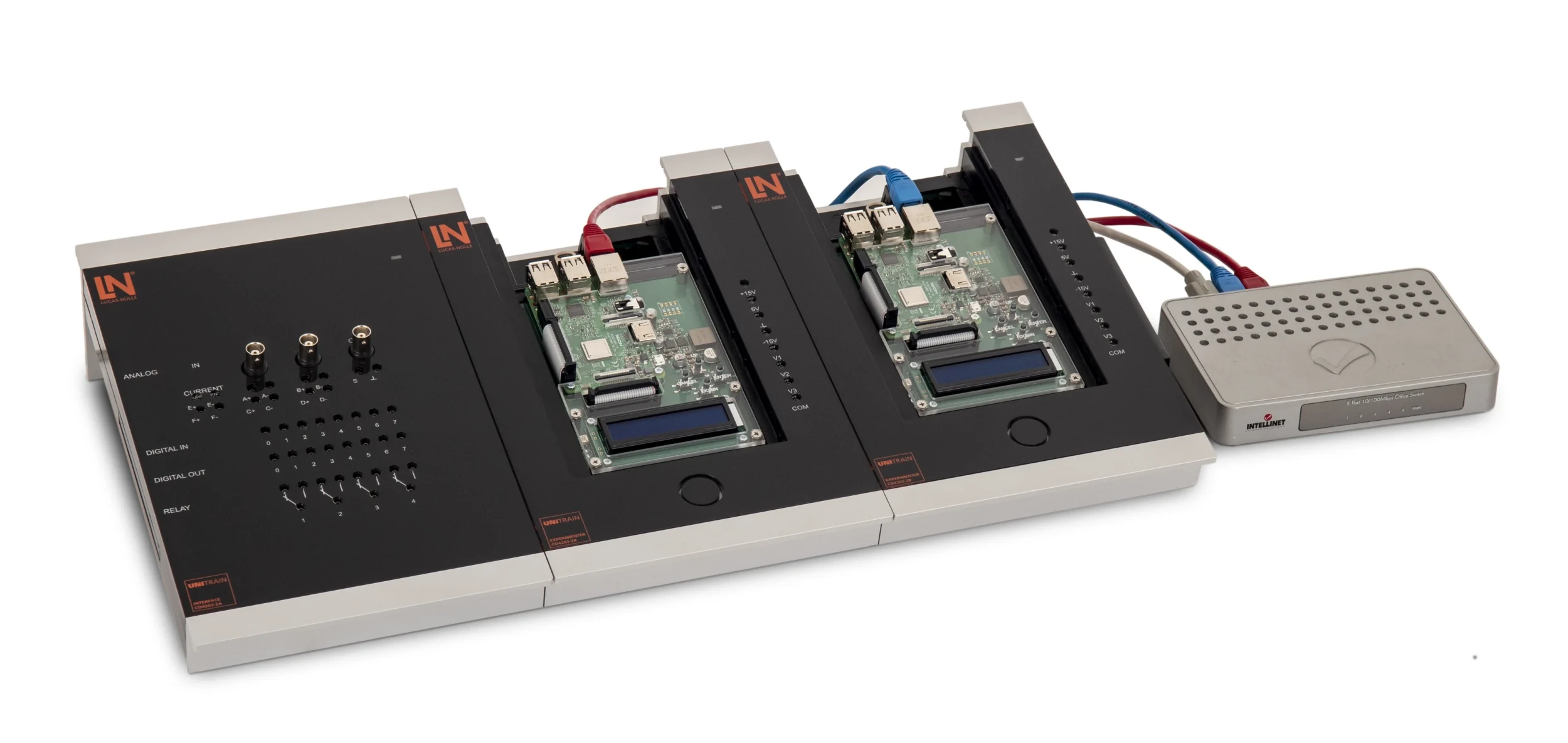
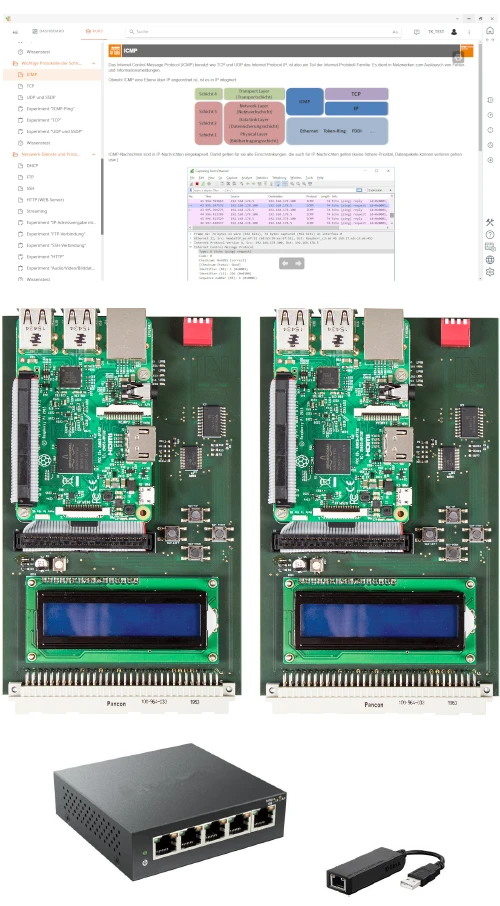
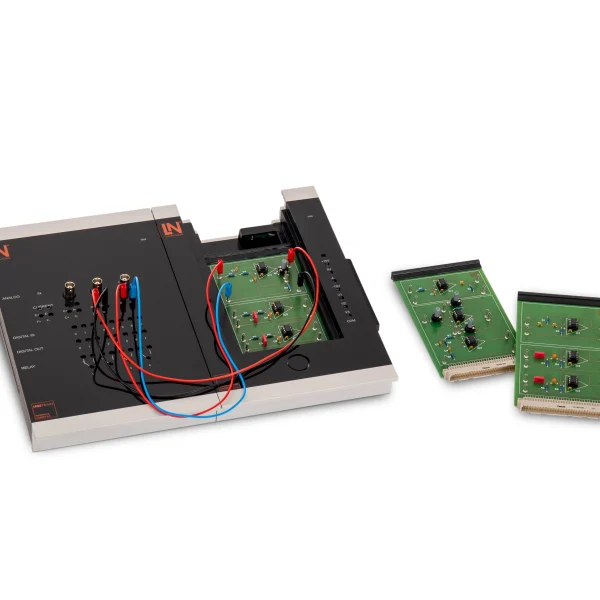
UniTrain training system with two Linux nodes and a switch: students build their own local network, analyze data traffic with Wireshark and carry out security analyses without any risk to the institution’s network.
- Analyzing network topologies
- Exploring the ISO/OSI layer model
- Reading MAC addresses and knowing the principle of network masks
- Configuring IP addressing
- Safe environment for security testing
- Two configurable server/client cards
- UniTrain Networking card as server or client
- Analyzing data flows in the ISO/OSI model in real time
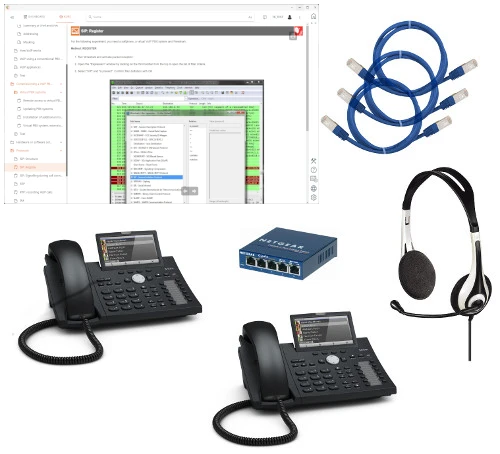
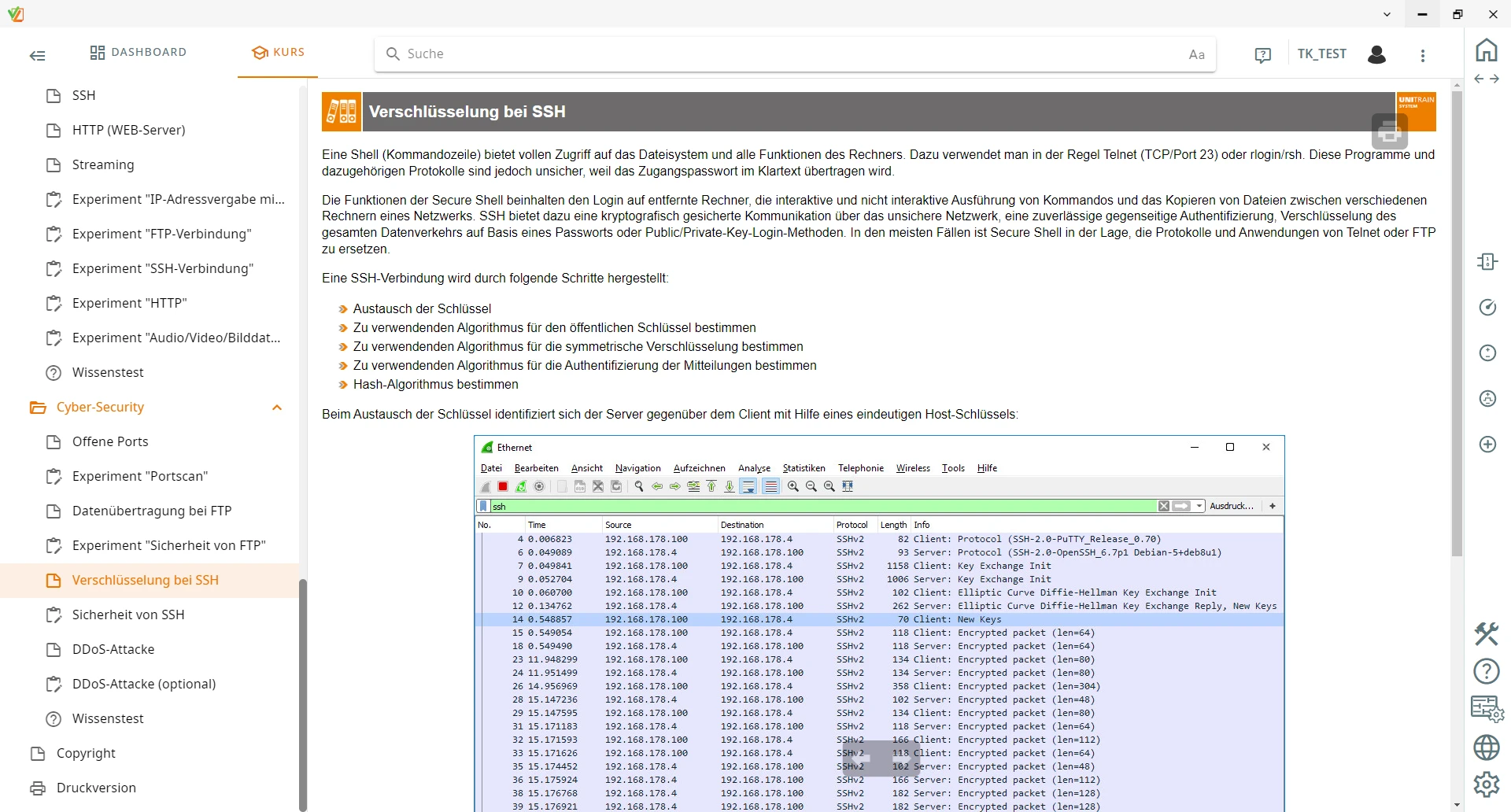
Port scans and password sniffing cannot be practiced on the school network. This UniTrain training system therefore provides its own isolated network: two experiment cards with Raspberry Pi 3 and Debian Linux, a 5-port switch and a USB Ethernet adapter that separates the training PC from the lab network. Students assign IP addresses, put web, FTP, DHCP and streaming services into operation, and control them using the cards’ displays and DIP switches. With Wireshark, they record data traffic live and read the headers from layer 2 to layer 7. They compare unencrypted FTP with an SSH session, carry out port scans with Nmap and evaluate the security risks they discover.
| Course | |
| CO4205-4Q | Course: Networking and Cyber Security |
| Accessories | |
| CO4203-2A | UniTrain Interface mit virtuellen Instrumenten (Basis VI) |
| CO4203-2J | UniTrain measurement accessories, shunts and connection cables |
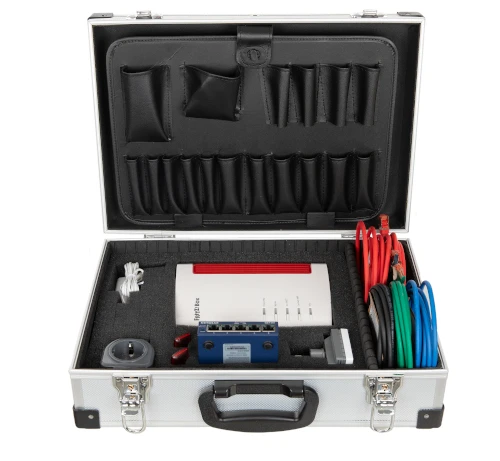
| CO4203-2Y | UniTrain storage case for one UniTrain system |
| CO4203-2B | UniTrain Experimenter |
Learning Content in Detail
Analyzing network topologies
Exploring the ISO/OSI layer model
Reading MAC addresses and knowing the principle of network masks
Configuring IP addressing
Operating network services
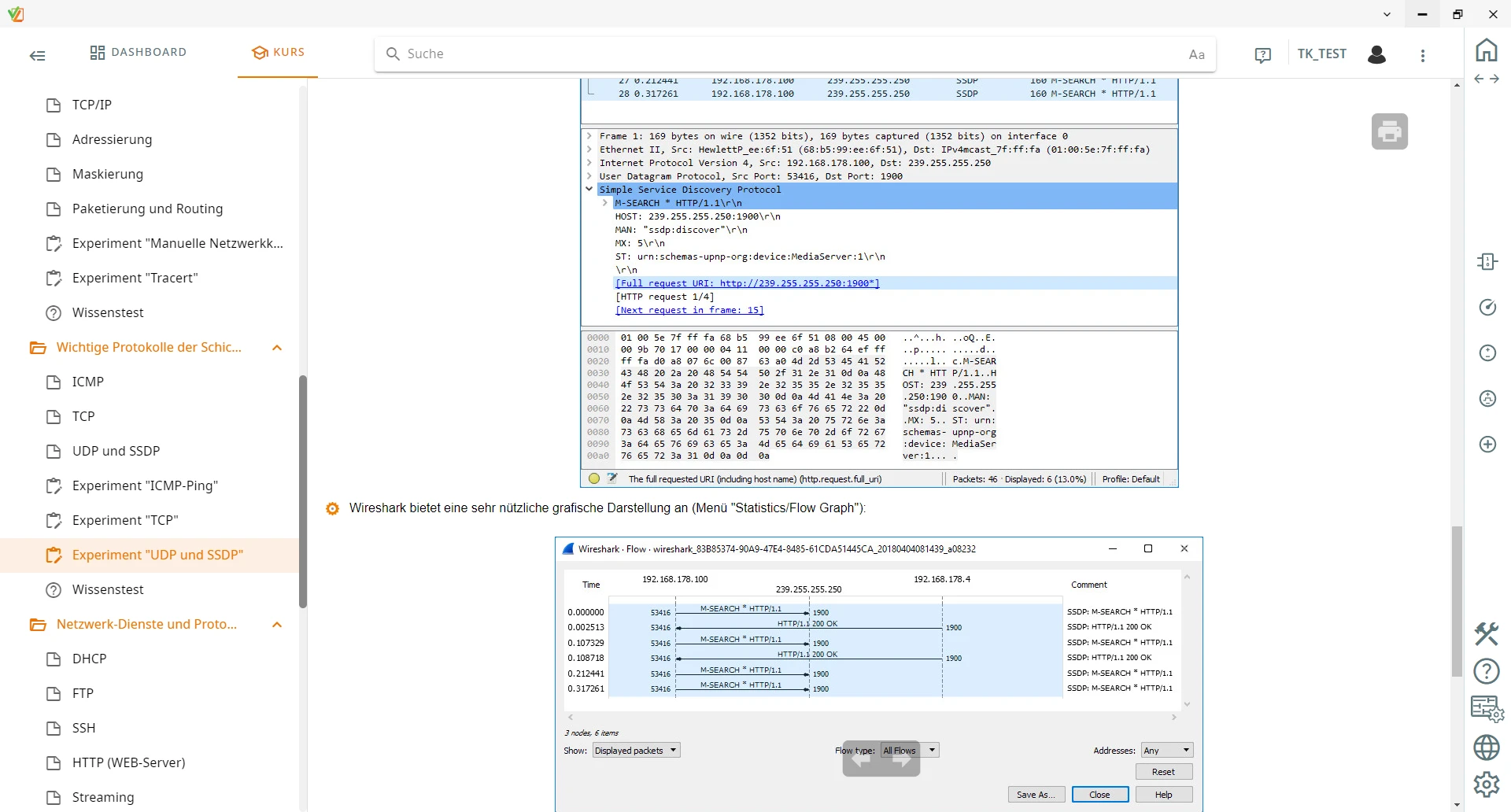
Analyzing data traffic
Uncovering security vulnerabilities
Features & Applications
- Safe environment for security testing — Attack analyses, port scans and password sniffing take place in an isolated network container. The educational institution’s own network remains unaffected.
- Two configurable server/client cards — Two fully functional Linux nodes with Raspberry Pi 3, their own IP assignment, DIP switches and a display replicate realistic server-client networks.
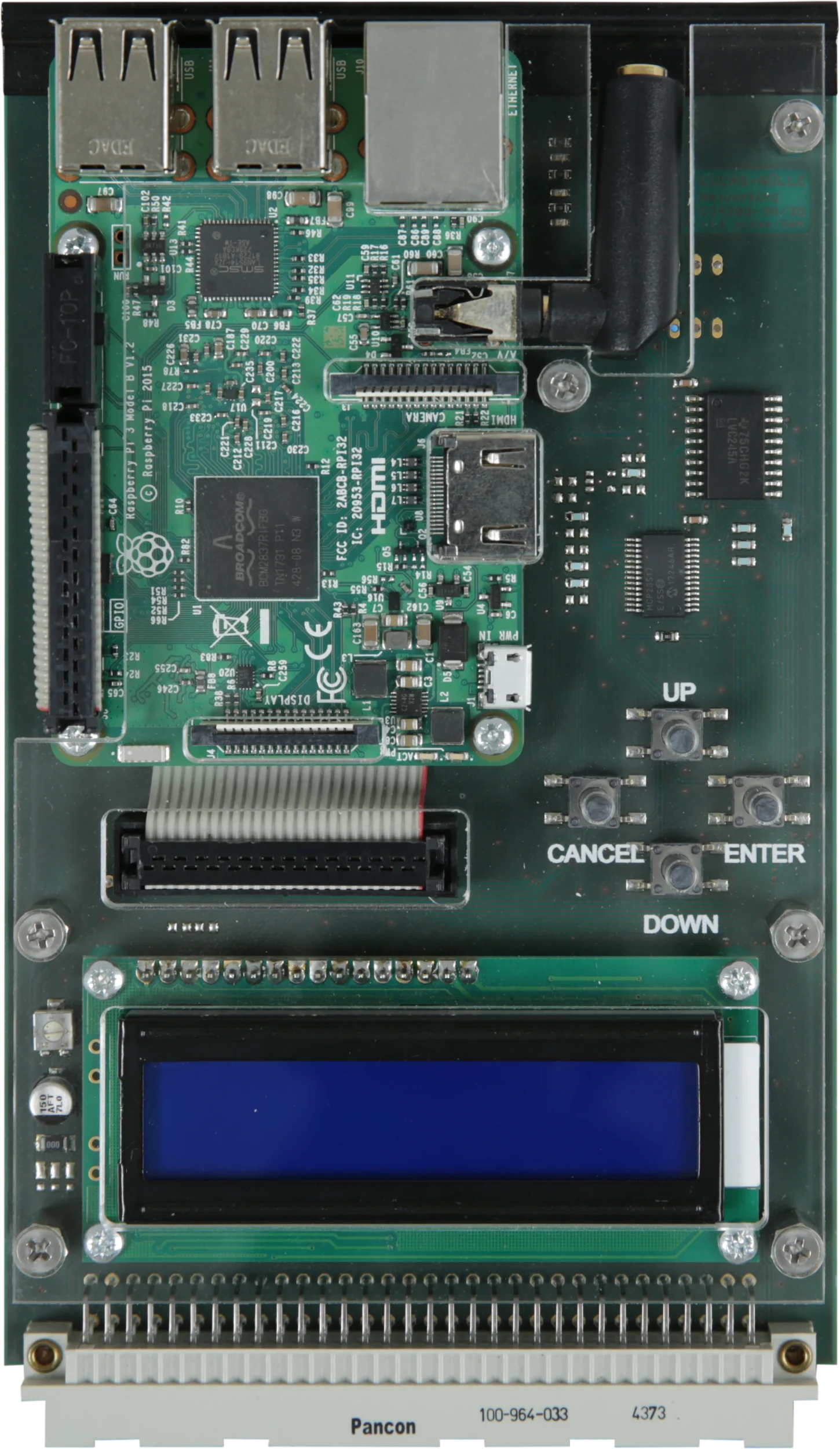
- UniTrain Networking card as server or client — Contains a Raspberry Pi 3 with Debian Linux, an RJ-45 jack, an LCD display, a directional pad and a 4-bit DIP switch for configuration as a server or client.
- Analyzing data flows in the ISO/OSI model in real time — Students record network traffic live with Wireshark, analyze the headers from layer 2 to layer 7 and follow how the protocols interact.
- Configuring and commissioning network services — Students set up web, FTP, DHCP and streaming servers, control the services via the cards’ LCD displays and test access using browsers and clients.
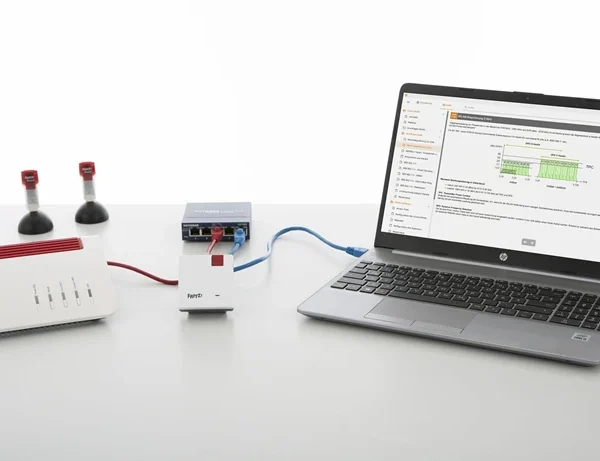
- 5-port Ethernet switch with patch cable set — Connects computers and Networking cards in a star topology and enables full-duplex data exchange at up to 100 Mbit/s.
- Investigating encryption and protocol security — Students compare an unencrypted FTP transfer with an SSH session and learn where connections secure against eavesdropping are needed.
- USB-to-Ethernet adapter — Gives the training PC an additional physical network interface, cleanly separating the lab network from the rest of the network.
- UniTrain Interface and Experimenter — Form the hardware basis, supply the network cards with safety extra-low voltage and provide protected interfaces.
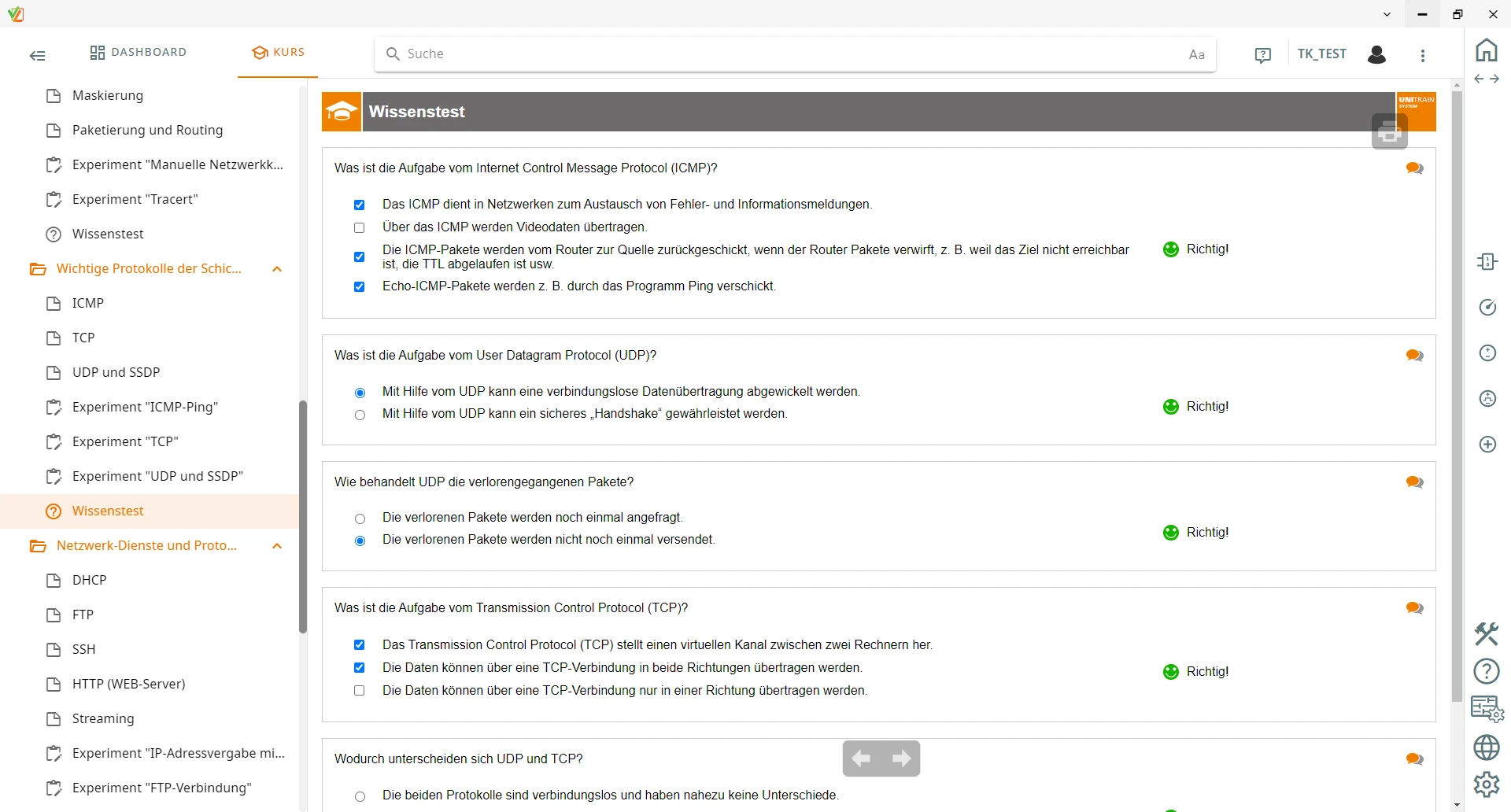
- LabSoft course software — Guides learners through theory and experiments, includes knowledge tests and saves the results for individual progress monitoring.

From Knowledge Comes Capability.
You guide the learning
Where theory and practice go hand in hand.
RXLea brings a new way of learning: project-based, hands-on and clearly structured. Learners solve real-world tasks, while instructors save time on preparation. Interactive modules, smart analytics and real hardware create a modern, efficient learning world.
Hands-on and interactive
Animations, interactive tasks and realistic scenarios build a deep understanding. All content is organized into clear learning paths for focused, hands-on learning.
Digital support
3D assembly animations and digital instructions simplify complex procedures, reduce errors and help learners work more independently.
Visual support
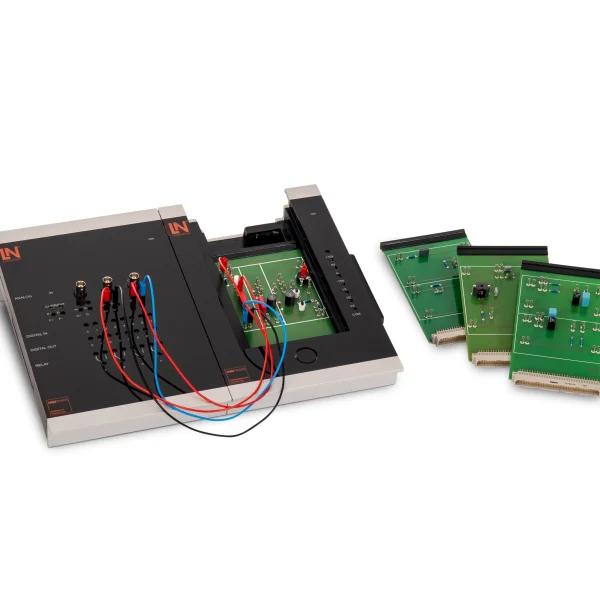
Overview graphics, screenshots and sample animations make the learning world transparent. Photos from the learning packages are also available, including country-specific versions where needed.




Stay ahead in
technical training.
Get the latest training systems, product launches and educational insights, delivered directly to your inbox.