


Skip to content

VoIP Trainer Lite

RXLea
Digital projects for hands-on learningInteractive learning content, directly connected to the training system.

VoIP Trainer Lite

TVP11XX

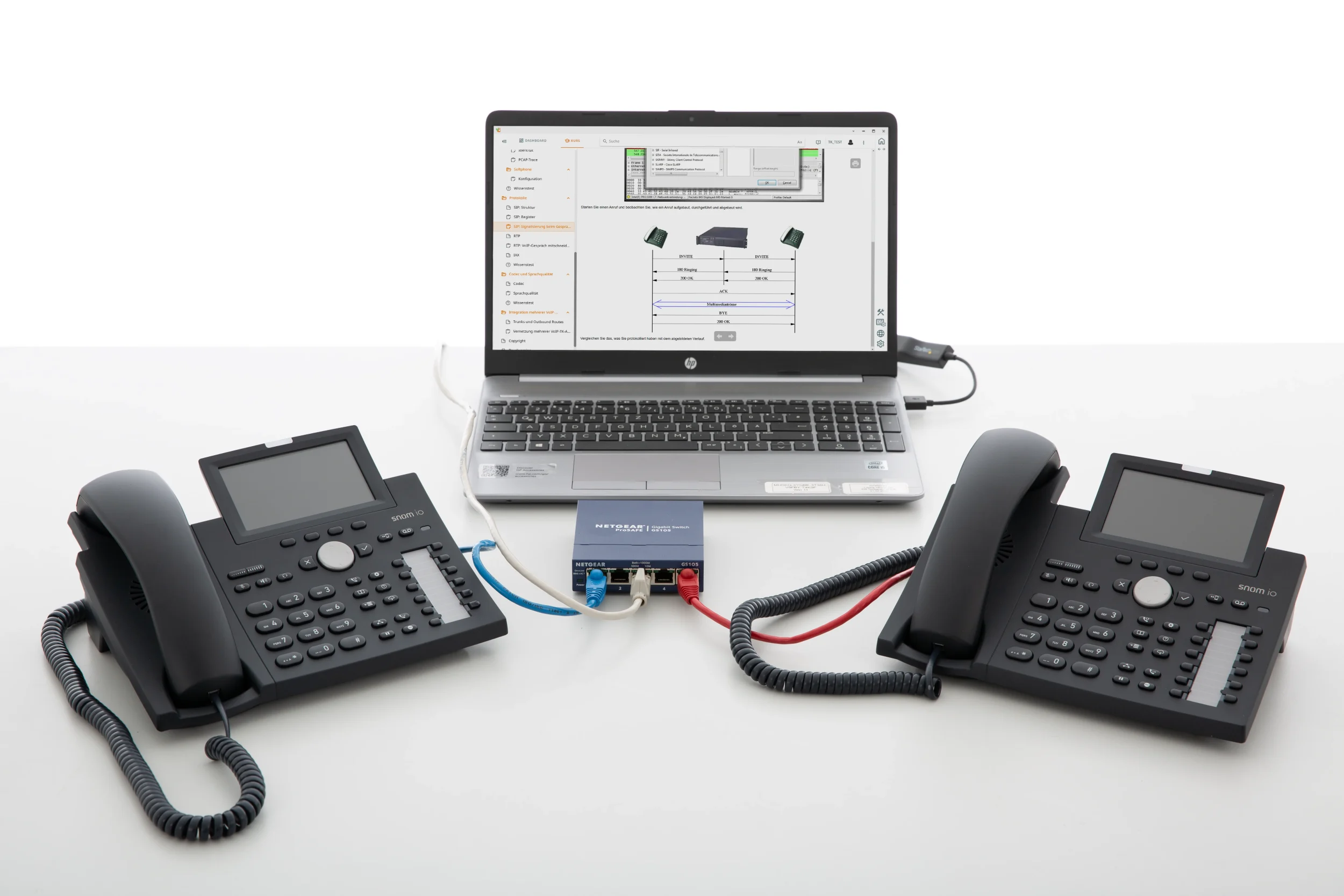
A self-contained system in a carrying case with two preconfigured Asterisk PBXs, IP phones and a switch. Learners set up extensions, link two sites via IAX2 trunks and analyze SIP and RTP data streams with Wireshark.

Learning Content
  • Commissioning a VoIP PBX
  • Configuring IP terminals
  • Analyzing VoIP protocols
  • Analyzing voice and signaling data streams
KEY FEATURES
  • Commissioning virtual Asterisk PBX systems independently
  • Configuring hardphones and softphones
  • Networking sites via IAX2 trunks and outbound routes
  • Two VoIP phones as hardphones
Speak with a Product Specialist +1 (757) 808-5696 · sales@lucas-nuelle.com

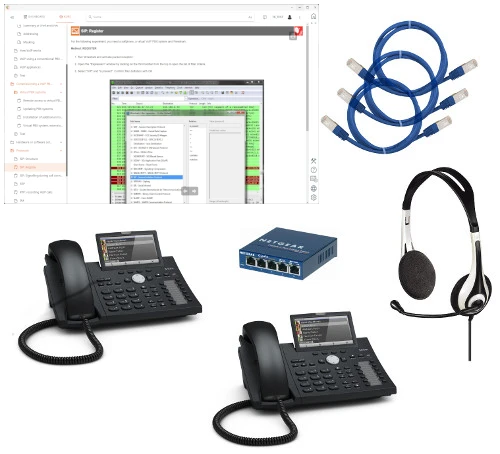
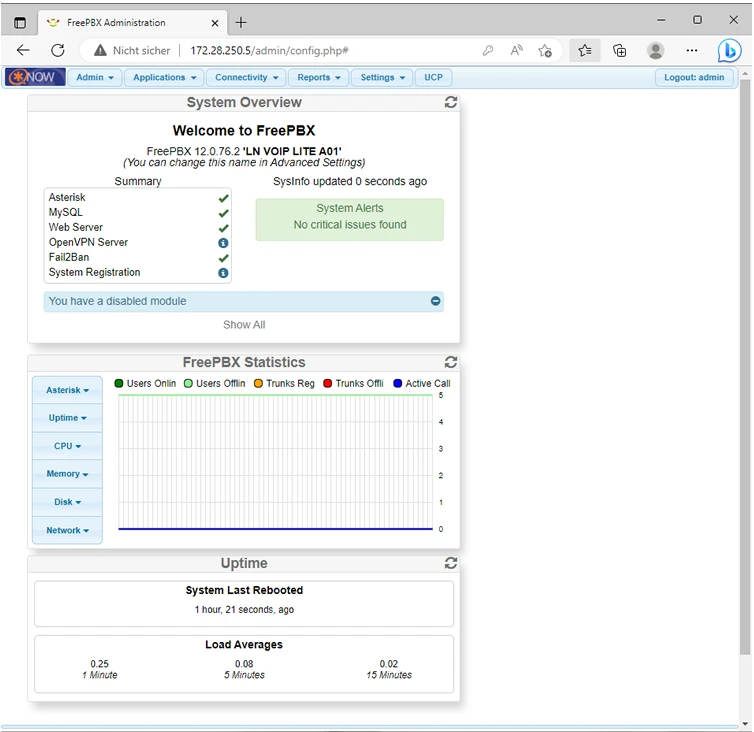
Voice over IP is replacing conventional telephone networks. Anyone who is to set up or support B2B communications must master SIP signaling, voice codecs and trunking. For this purpose, the training system provides a complete laboratory environment in a case: two preconfigured virtual machines running Asterisk, two VoIP phones, a headset and a Fast Ethernet switch. It operates without external internet access and without interfering with the school’s IT. Learners manage the systems via the FreePBX web interface, register hardphones and softphones, record PCAP traces and evaluate SIP REGISTER messages and call setups in Wireshark. By the end, they are able to commission a virtual PBX, network it via IAX2 trunks and use measurements to pinpoint faults in voice traffic.

SO3538-4WVoIP Lite training system
SO2802-1LInteractive Lab Assistant: VOIP LITE

Learning Content in Detail

Learners acquire the practical skills to set up an IP PBX, from a single extension through to linking multiple sites, and to assess its operation by means of measurements.

Commissioning a VoIP PBX

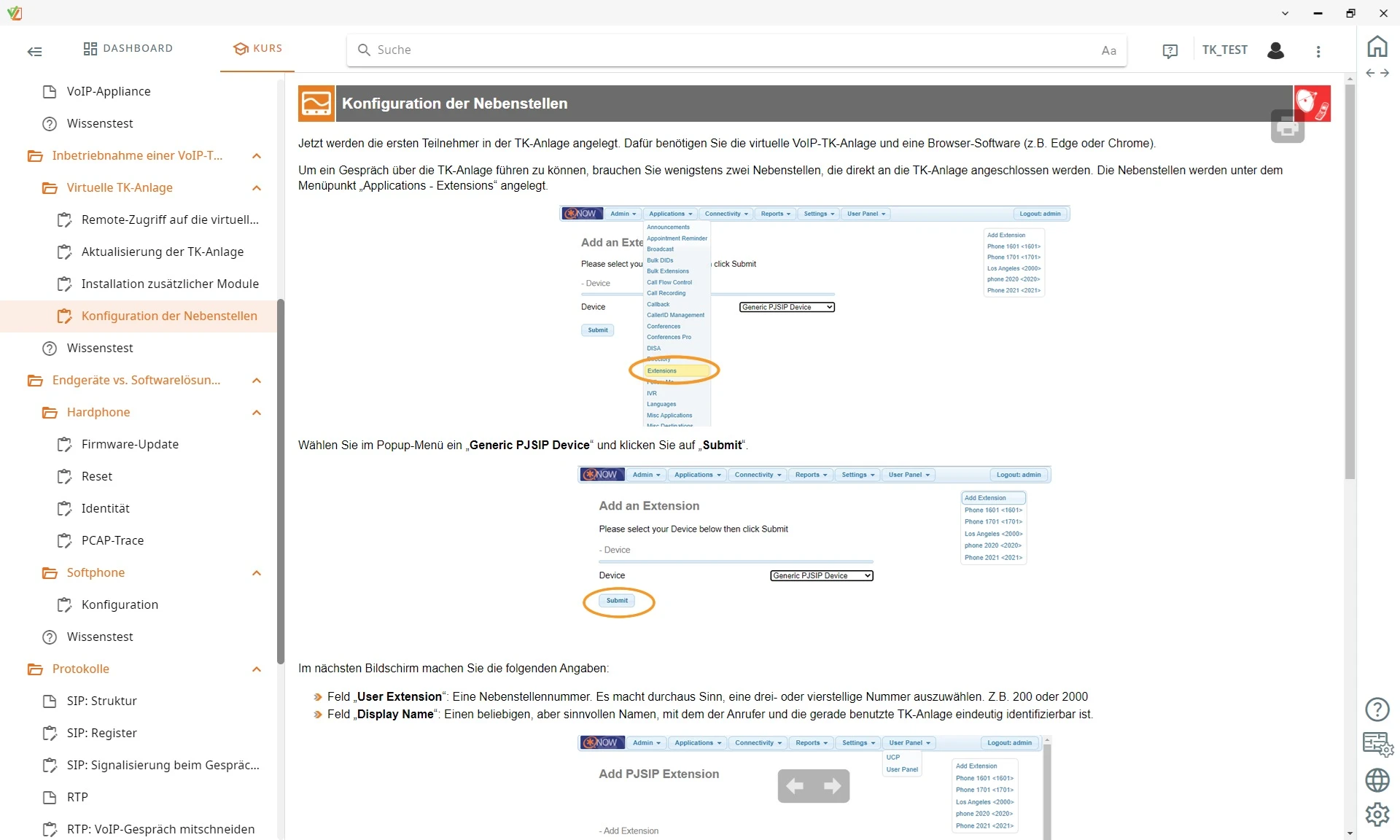
Learners start the virtual Asterisk servers, set up PJSIP extensions and assign passwords via FreePBX.

Configuring IP terminals

Learners integrate hardphones and softphones into the network, set identities and reset devices when necessary.

Analyzing VoIP protocols

Learners evaluate SIP messages, RTP audio streams and IAX2 packets using PCAP traces in Wireshark.

Analyzing voice and signaling data streams

Learners record PCAP traces, examine SIP REGISTER messages and call setups with Wireshark and capture RTP audio streams.

Networking PBX systems

Learners link two VoIP servers via IAX2 trunks and define outbound routes to connect the sites.

Evaluating voice quality

Learners test codecs such as G.711 and GSM and assess bandwidth requirements and audio quality.

Expanding the PBX with modules

Learners install additional function modules via the web interface and prepare the system for more advanced requirements.

Features & Applications

The system covers the areas in which VoIP is used today: IP telecommunications and its system technology, and the IT infrastructure of corporate networks.
  • Commissioning virtual Asterisk PBX systems independently — Learners manage virtualized Asterisk servers via the FreePBX web interface, set up PJSIP extensions and activate the required system modules.
  • Configuring hardphones and softphones — Learners register VoIP desk phones and software clients with the PBX, carry out firmware updates and set the SIP identities.
  • Networking sites via IAX2 trunks and outbound routes — Learners connect two virtual PBX systems via IAX2 trunking, define dialing rules and thus enable free internal calls between the sites.
  • Two VoIP phones as hardphones — The devices feature Gigabit Ethernet ports, Power over Ethernet, displays and programmable identities for realistic testing.
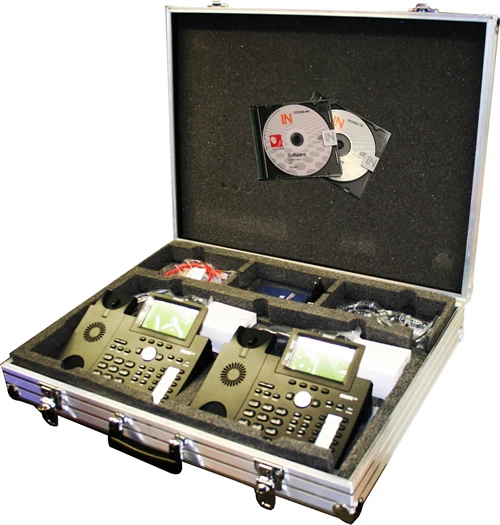
  • Self-contained case system for quick deployment — The complete training system is housed ready for use in a case and operates in the lab without external internet access.
  • Evaluating the influence of codecs on bandwidth and voice quality — Learners compare the voice codecs G.711, G.722, GSM and iLBC in terms of data compression, latency and transmission quality.
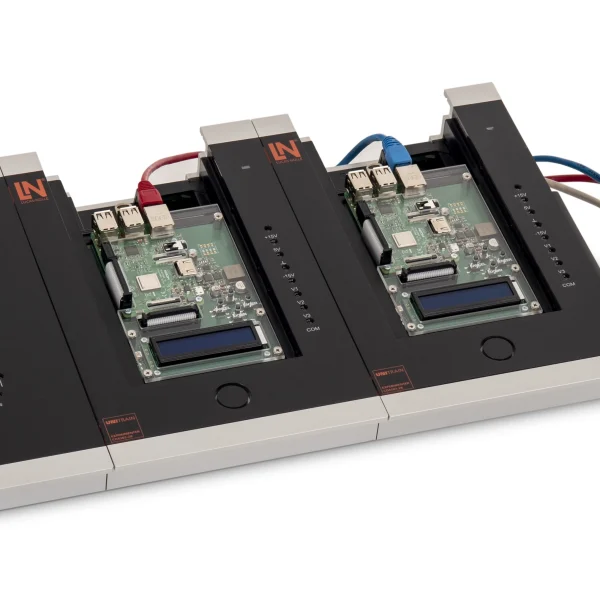
  • Preconfigured virtual machines — Two VirtualBox machines contain a ready-to-use, CentOS-based Asterisk PBX. They can be used individually or in multi-server operation.
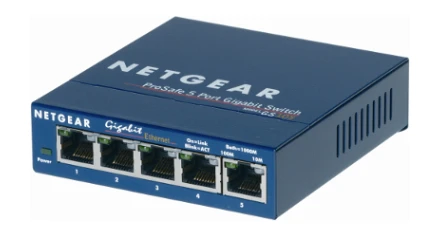
  • Five-port Fast Ethernet switch — The switch links all devices to form a self-contained local IP lab network, without any need to interfere with the school’s IT.
  • Aluminum storage case — The case protects the hardware and accessories during transport and keeps everything neatly stored in the lab.
  • Interactive Lab Assistant: VOIP LITE — The course guides learners interactively through the configuration, provides step-by-step instructions and checks their knowledge using built-in assessment logic.
  • FreePBX web interface — Through access to the Asterisk system, learners manage extensions, trunks, outbound routes and modules.
Learners working with RXLea on a tablet at a Lucas-Nuelle training system
RXLea

From Knowledge Comes Capability.

You guide the learning

Where theory and practice go hand in hand.

RXLea brings a new way of learning: project-based, hands-on and clearly structured. Learners solve real-world tasks, while instructors save time on preparation. Interactive modules, smart analytics and real hardware create a modern, efficient learning world.

Hands-on and interactive

Animations, interactive tasks and realistic scenarios build a deep understanding. All content is organized into clear learning paths for focused, hands-on learning.

Digital support

3D assembly animations and digital instructions simplify complex procedures, reduce errors and help learners work more independently.

Visual support

Overview graphics, screenshots and sample animations make the learning world transparent. Photos from the learning packages are also available, including country-specific versions where needed.


Learners using a tablet at an energy training system
RXLea on desktop, laptop and tablet
RXLea Path Creator for building learning journeys
RXLea Navigator showing the learning world
Learn more about RXLea
Newsletter

Stay ahead in
technical training.

Get the latest training systems, product launches and educational insights, delivered directly to your inbox.

Your email address

By subscribing, you agree to our Privacy Policy. You can unsubscribe at any time.

 Please select at least one category before subscribing.
I'm interested in - select all that apply