


Skip to content

Field-Oriented Control of Asynchronous Machine Using MATLAB – Simulink 300W

RXLea
Digital projects for hands-on learningInteractive learning content, directly connected to the training system.

Field-Oriented Control of Asynchronous Machine Using MATLAB – Simulink 300W

EPE51PT-7-300W

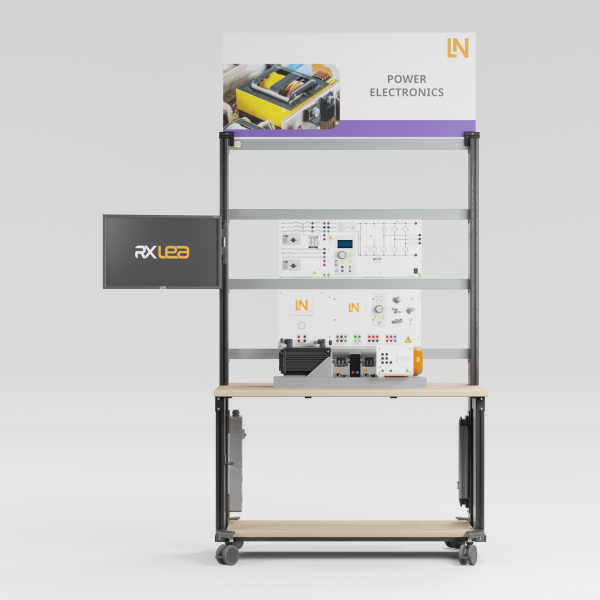
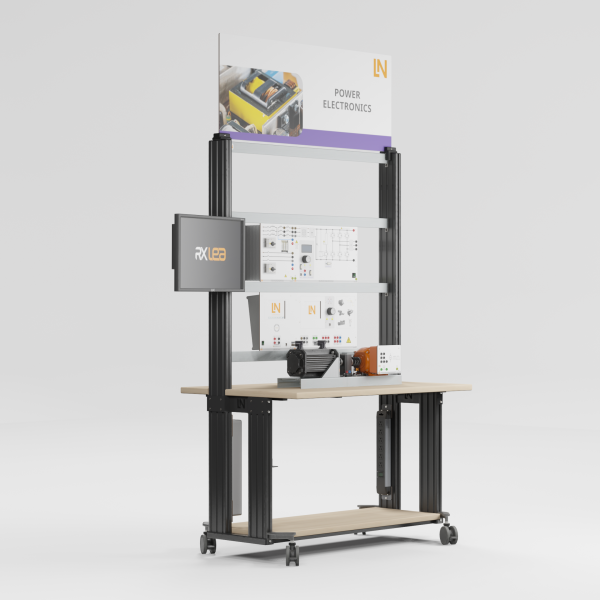
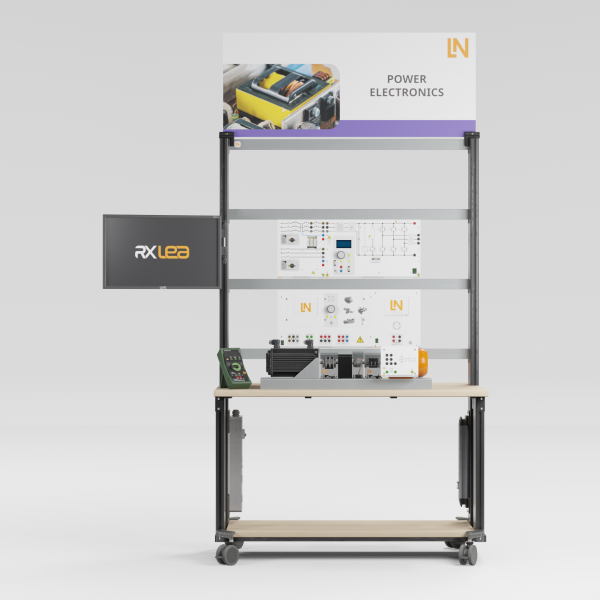
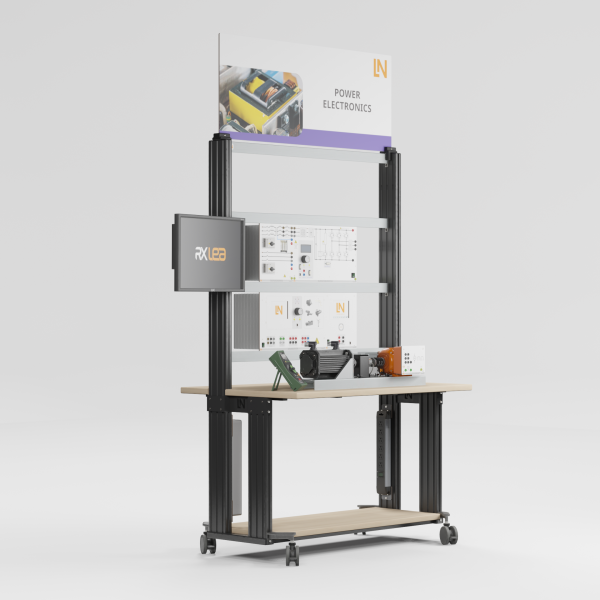
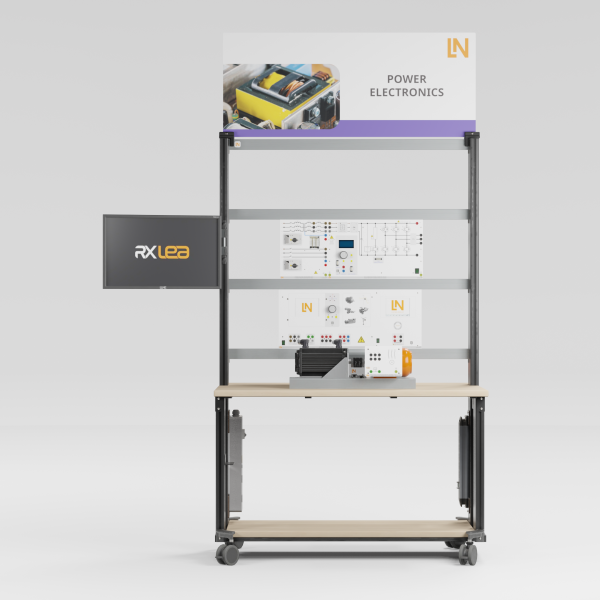
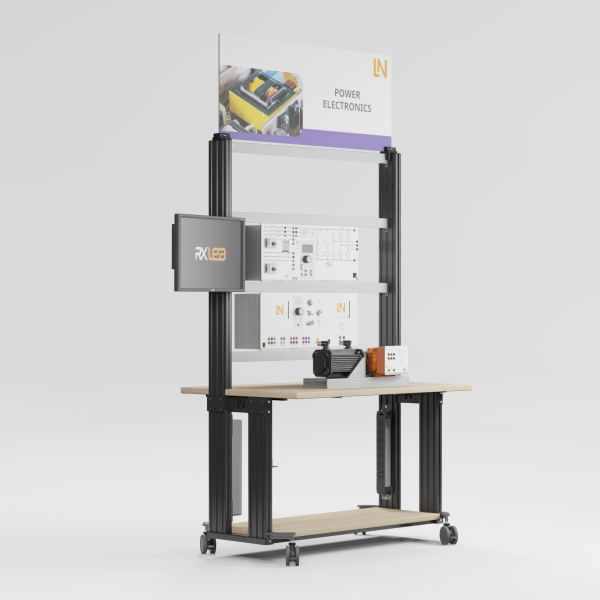
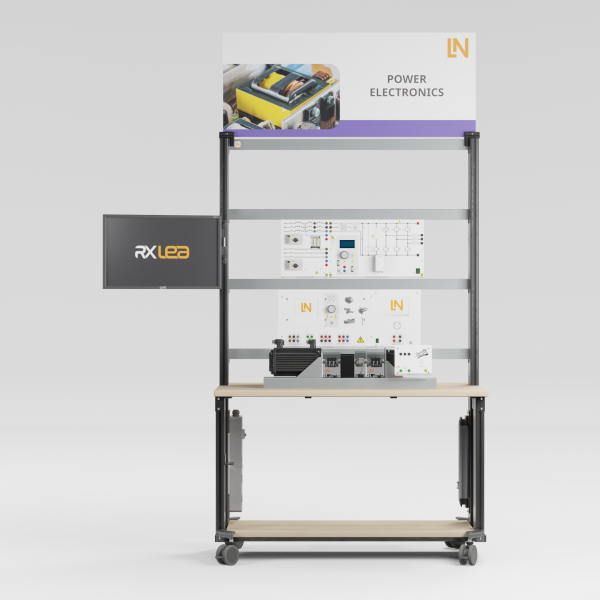
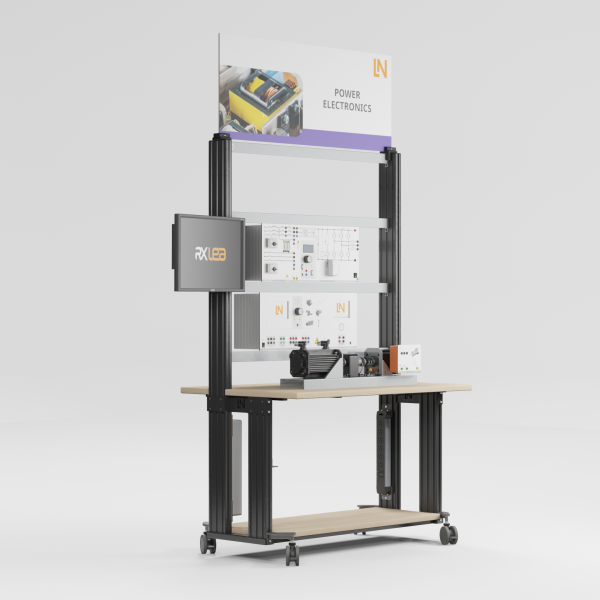
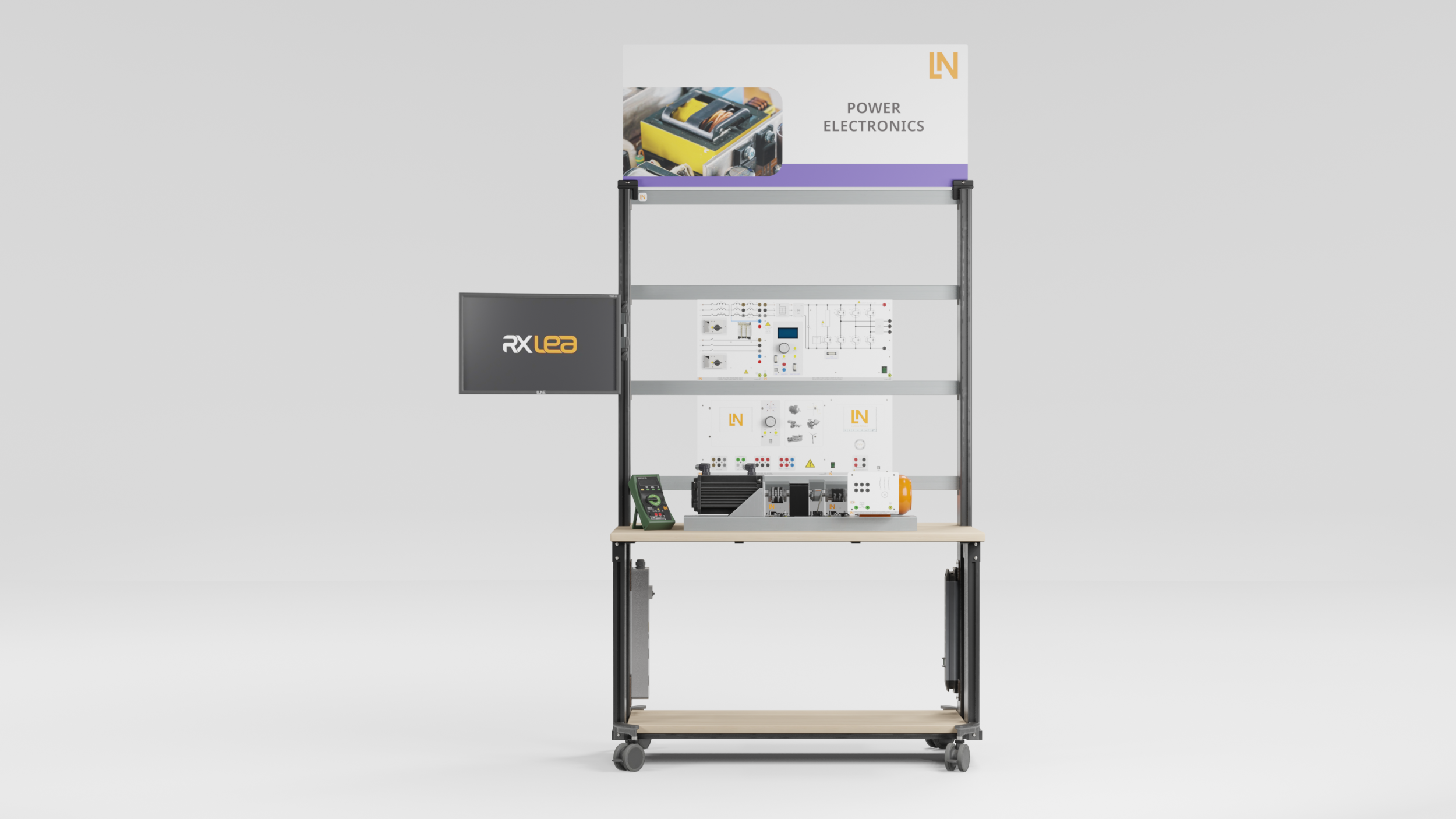
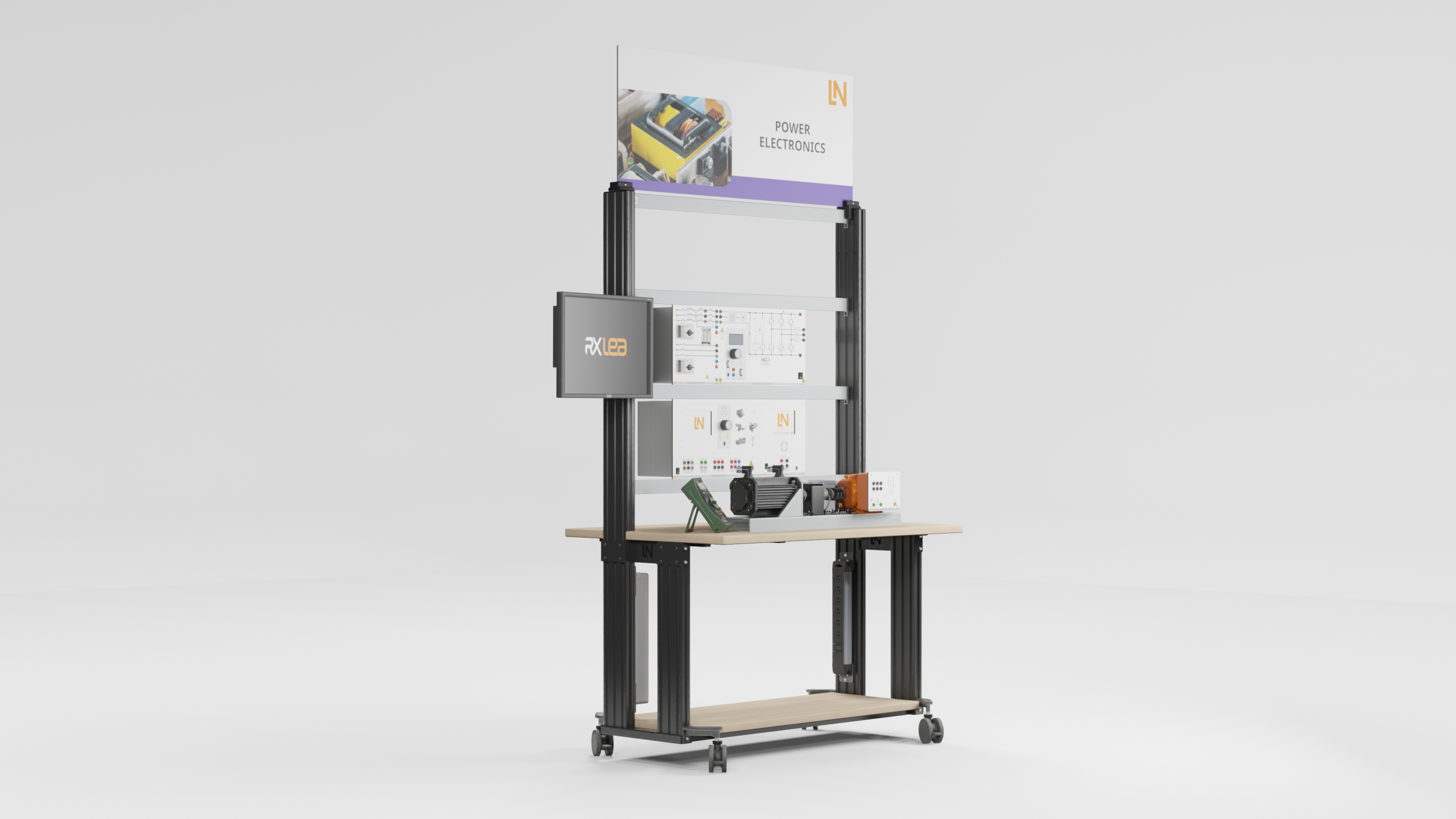
Hardware-in-the-loop training system for model design, automatic code generation, and field-oriented control (FOC) of induction machines.

Learning Content
  • Setting up hardware-in-the-loop systems
  • Implementing the Clarke and Park transformations
  • Implementing flux models
  • Optimizing cascaded controllers
KEY FEATURES
  • Model-based design and rapid prototyping
  • Analyzing the Clarke and Park transformations
  • Dimensioning current and speed controllers
  • Implementing space vector modulation
Speak with a Product Specialist +1 (757) 808-5696 · sales@lucas-nuelle.com

High-performance servo and industrial drives use field-oriented control, which performs complex mathematical transformations in real time. It is developed using a model-based approach: in industrial development, for example in e-mobility, model-based design with MATLAB/Simulink is the standard for rapid prototyping and algorithm engineering. This training system brings the two together. Students build their control structure from Simulink blocks, generate real-time code at the click of a mouse, load it onto the power converter’s DSP and use it to control a real induction motor. They implement the Clarke and Park transformations, the flux estimator and space vector modulation, dimension the controllers and then compare the simulated behavior of the drive with its measured behavior.

CO3636-3DUSB adapter with MATLAB toolbox for power electronics and process control
SO2805-1PInteractive Lab Assistant: Field-oriented control using MATLAB-Simulink 0.3 kW
SE2683-3TIncremental position encoder 1024 pulses, 0.3 kW
SE2662-7CCoupling guard with LED lighting for 300W machines
SE2662-2ARubber coupling sleeve, 0.3kW
SE2683-1G7Three-phase asynchronous motor, 0.3 kW n=1720 (208V/360V)
SO2805-1L7Interactive Lab Assistant: Frequency converter drives 0.3 kW
CO3636-3BSelf-commutated converter circuits
CO3636-3E73-Phasen Trenntransformator 300VA
CO5127-2APower-Multimeter
CO3636-6X7Dynamic servo machine test stand for 300W machines incl. control software ActiveServo 2.0
SE2662-2ARubber coupling sleeve, 0.3kW
SE2662-7CCoupling guard with LED lighting for 300W machines
ST8010-4GKeyboard adapter for flat screen monitor holders
ST8008-8N7Protected power distribution for workstations
ST8010-4J8Multiple power outlet strip, 6 outlets, US-standard
ST8000-5BDisplay for Power Electronics equipment
SO5148-1LSet of safety measurement cables, 4mm (31 leads)
SO5126-3RSafety connecting plug 4mm with tap (2x), black, 1000V/32A CAT II
SO5126-3VSafety connecting plug 4mm with tap (2x), blue, 1000V/32A CAT II
SO5126-3WSafety connecting plug 4mm with tap (2x), green/yellow, 1000V/32A CAT II

Learning Content in Detail

The interactive course leads from the control model in Simulink through transformation and flux estimation to the comparison of simulation and measurement on the real drive.

Setting up hardware-in-the-loop systems

Students design control models in Simulink and test them under real-time conditions on the real motor.

Implementing the Clarke and Park transformations

Students convert stator-fixed field quantities into rotor-fixed quantities and implement the transformations in Simulink.

Implementing flux models

Students calculate the rotor flux and supply frequency from the measured currents and the signals of the incremental encoder.

Optimizing cascaded controllers

Students dimension current and speed controllers, decouple the d/q components and assess the disturbance response to load steps.

Evaluating simulation quality

Students compare the transient behavior of the pure software simulation with the live measured values of the real drive.

Features & Applications

The experiments link automation technology and robotics with electrical drive and servo technology and provide an introduction to algorithm engineering and rapid prototyping.
  • Model-based design and rapid prototyping — Students develop the control structure on the PC, generate real-time code at the click of a mouse, load it onto the power converter and use it to control the real hardware directly.
  • Analyzing the Clarke and Park transformations — Students investigate the transformation from stator-fixed to rotor-fixed coordinate systems. Using Simulink blocks, they calculate the d/q currents for field-oriented control.
  • Dimensioning current and speed controllers — The PI controllers are designed at the continuous-time design level. Students test the settling time and overshoot in response to load steps, first virtually and then on the real machine.
  • Implementing space vector modulation — Students control the inverter’s IGBTs via a modulator block. They analyze the pulse-width signals generated and the sinusoidal current waveform.
  • Self-commutated power converter with HIL capability — The control unit with a 6-pulse IGBT inverter and integrated DSP processes the generated Simulink code in real time and uses it to control the real machine.
  • USB adapter with MATLAB toolbox — The electrically isolated interface exchanges parameters and measurement data between the Simulink model and the power converter during operation, in both directions.
  • Three-phase induction motor, 0.3 kW — The robust machine serves as a real test object. The electronic nameplate assists with parameterizing the motor models in Simulink.
  • Incremental position encoder — The TTL encoder detects the rotor position with 1024 pulses. Students evaluate the signals in the DSP and use them to calculate the rotational frequency for the flux estimator.
  • Servo machine test system as an active load — Students emulate load steps and measure the mechanical torque. This allows them to test the control response of the Simulink controllers they have designed themselves.
  • Tool-free coupling and temperature protection — The machine under test and the brake are coupled without backlash and without tools. An integrated temperature contact protects the motor against thermal overload.
  • Shaft cover with safety interlock — The Makrolon cover shields the rotating parts. The status LED lights up green only when there are no faults, and only then does the system enable the power supply.
  • MATLAB toolbox from Lucas-Nülle — Students use tailored Simulink blocks, for example for the Clarke transformation or IGBT control, allowing them to get from the model to an executable algorithm more quickly when designing drives.
  • Live scope via the USB connection — Students access the DSP during operation. They record rotor-fixed d/q currents, phase voltages and speed in real time and adjust controller parameters at runtime.
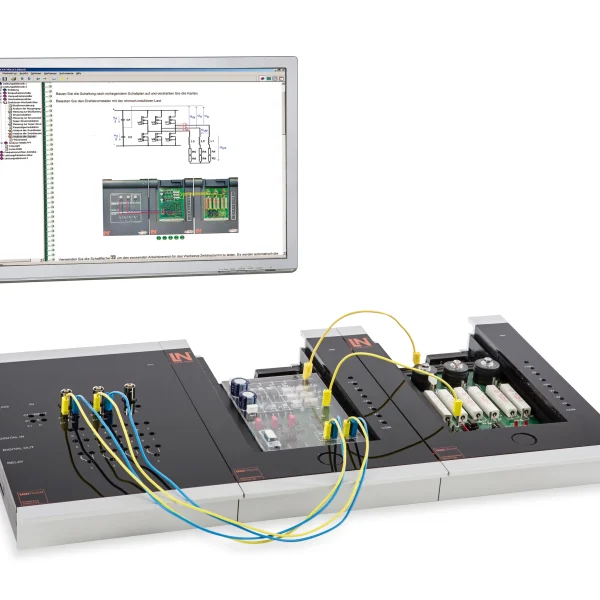
  • Interactive Lab Assistant — The software guides students through the design process using multimedia. Students derive mathematical models, answer knowledge questions and compare their simulation results.
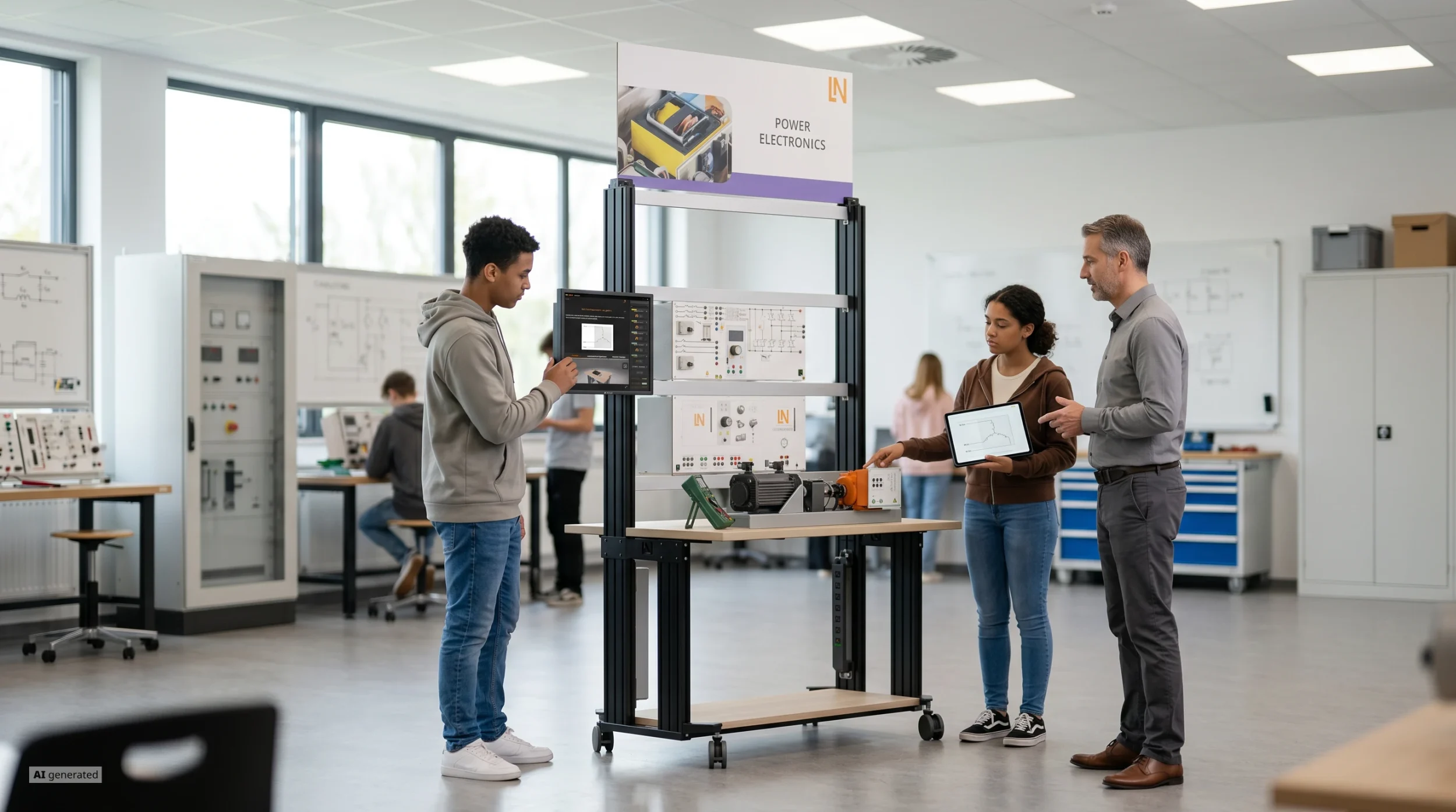
Learners working with RXLea on a tablet at a Lucas-Nuelle training system
RXLea

From Knowledge Comes Capability.

You guide the learning

Where theory and practice go hand in hand.

RXLea brings a new way of learning: project-based, hands-on and clearly structured. Learners solve real-world tasks, while instructors save time on preparation. Interactive modules, smart analytics and real hardware create a modern, efficient learning world.

Hands-on and interactive

Animations, interactive tasks and realistic scenarios build a deep understanding. All content is organized into clear learning paths for focused, hands-on learning.

Digital support

3D assembly animations and digital instructions simplify complex procedures, reduce errors and help learners work more independently.

Visual support

Overview graphics, screenshots and sample animations make the learning world transparent. Photos from the learning packages are also available, including country-specific versions where needed.


Learners using a tablet at an energy training system
RXLea on desktop, laptop and tablet
RXLea Path Creator for building learning journeys
RXLea Navigator showing the learning world
Learn more about RXLea
Newsletter

Stay ahead in
technical training.

Get the latest training systems, product launches and educational insights, delivered directly to your inbox.

Your email address

By subscribing, you agree to our Privacy Policy. You can unsubscribe at any time.

 Please select at least one category before subscribing.
I'm interested in - select all that apply