


Optical Data Buses for Automotive Applications (MOST Bus)
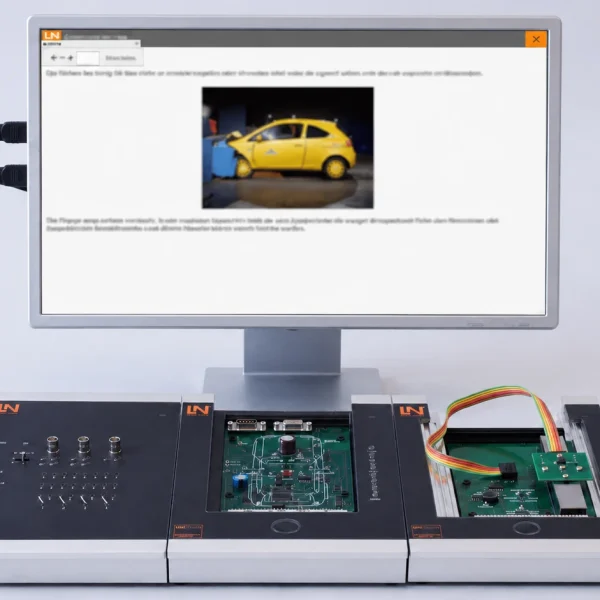
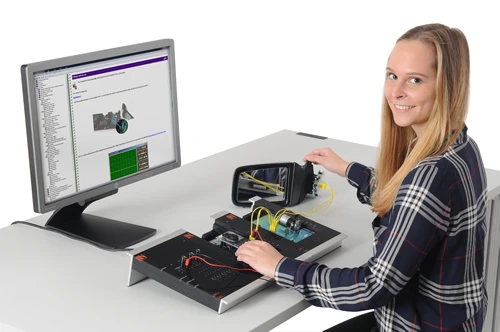
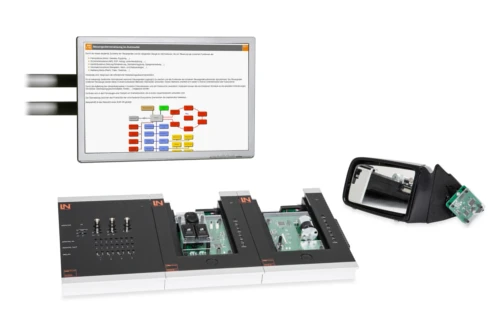
Learners master the physical principles of optical fibers and troubleshooting on them. The system for the automotive MOST bus offers hands-on diagnostics of infotainment systems.
- Distinguishing signal types
- Determining data transmission rates
- Analyzing the optocoupler function
- Decoding character encoding
- Visual attenuation display in percent
- Visible red light beam
- Manual bit pattern input
- Optical LED indicator row
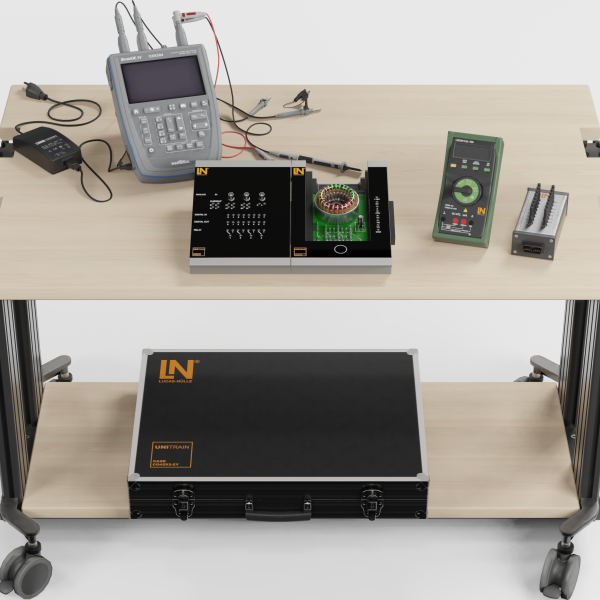
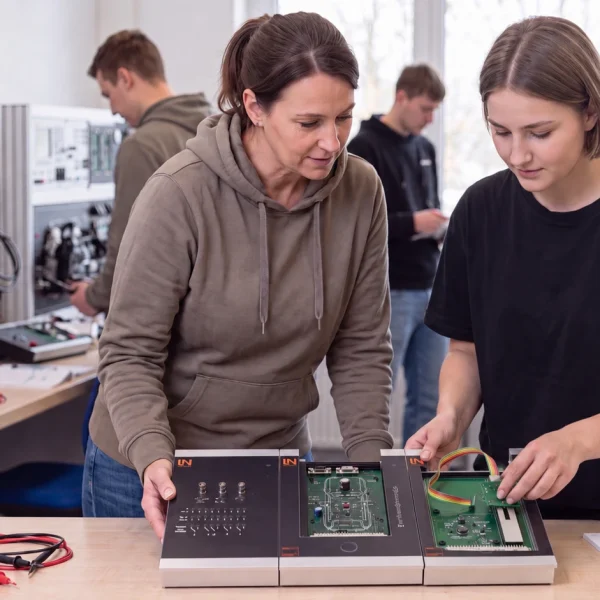
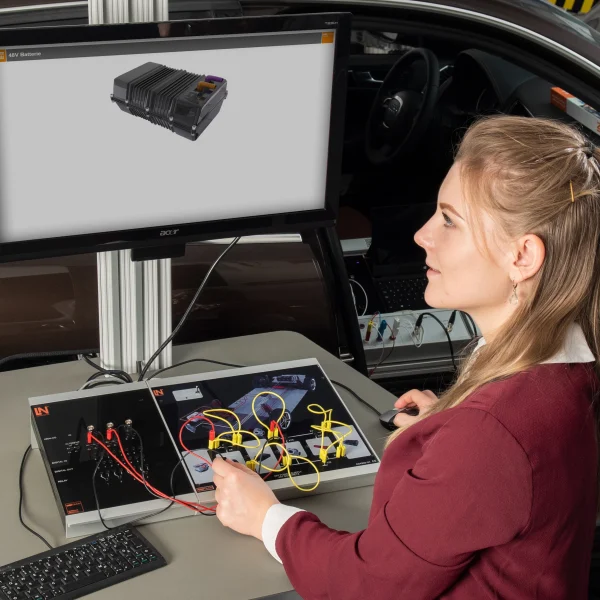
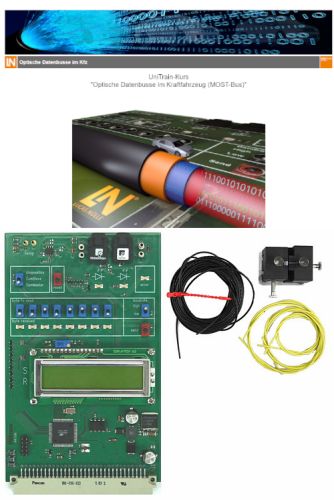
Multimedia networking in modern vehicles requires extremely high, EMC-proof data transmission rates. With the UniTrain course “Optical data buses in motor vehicles”, learners acquire knowledge of the physical transmission of audio, video and data signals by means of light pulses over polymer optical fibers (POF). They carry out optical measurements independently on a working fiber-optic network. In a hands-on way, they locate ring breaks and analyze coupling losses using a mechanical precision gauge. Prepare learners optimally for diagnosing infotainment systems in automotive service shops.
| Base Product | |
| CO4204-7H | Course: Optical data buses for automotive applications (MOST bus) |
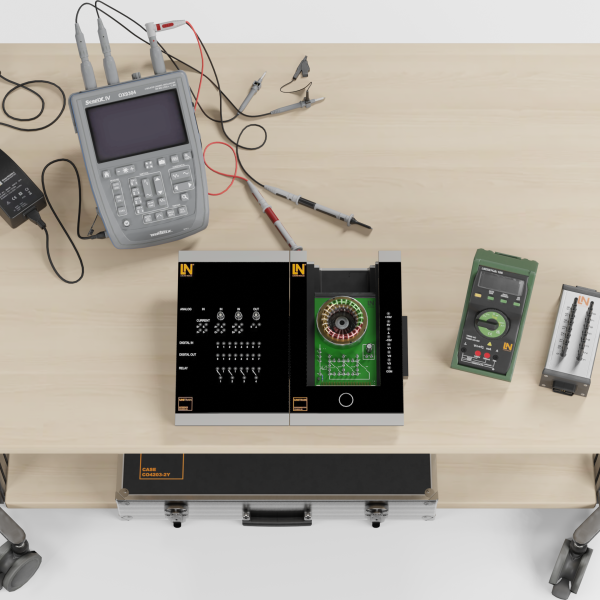
| CO4203-2A | UniTrain Interface mit virtuellen Instrumenten (Basis VI) |
| CO4203-2J | UniTrain measurement accessories, shunts and connection cables |
| CO4203-2Y | UniTrain storage case for one UniTrain system |
| CO4203-2B | UniTrain Experimenter |
| Accessories | |
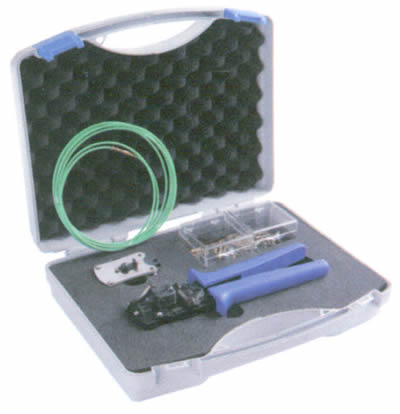
| LM8540 | Tool case set for optical fibres (AMP/Tyco) in motor vehicles |
| LM8541 | Refill pack of 25 optical fibre pins for LM 8540 |
| LM8542 | Refill pack of 25 optical fibre socketsfor LM 8540 |
| LM8667 | Refill Pack "Optical Fibre" (UniTrain Course) |
Learning Content in Detail
Distinguishing signal types
Determining data transmission rates
Analyzing the optocoupler function
Decoding character encoding
Investigating message formats
Determining coupling losses
Evaluating bend radii
Diagnosing mechanical cable damage
Features & Applications
- Visual attenuation display in percent — The card converts attenuation values into an intuitive percentage display. Learners see the direct loss of light caused by mechanical mishandling.
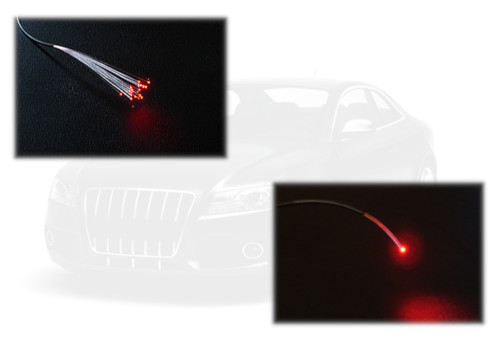
- Visible red light beam — The transmitter diode emits red light. Learners can directly see light escaping into the room at kinks or damaged insulation.
- Manual bit pattern input — The board has 8 toggle switches for signal generation. Learners set binary ASCII patterns and follow the bit sequence live on the oscilloscope.
- Optical LED indicator row — A row of 8 red LEDs displays the received bit pattern. Learners compare the transmitter’s switch settings directly with the LED result.
- Mechanical optical gauge — The aluminum block holds two fiber ends precisely apart. Using fine-thread screws, learners visually set air gaps and lateral offsets with precision.
- Original MOST optical fiber — The 2.2 mm thick polymer optical fiber (POF) transmits light pulses. It consists of a PMMA core and a fluorinated cladding for total internal reflection.
- Optocoupler interface — Socket modules convert electrical signals into light waves and vice versa. They form the physical connection points for the MOST lines.
- Optical Node virtual instrument — The software control panel controls the data sources. Learners type texts into an input field and send complete ASCII messages via the PC.
- Digital IO virtual instrument — The digital display illustrates binary and hexadecimal values. Learners click on virtual LEDs to practice converting binary numbers.

From Knowledge Comes Capability.
You guide the learning
Where theory and practice go hand in hand.
RXLea brings a new way of learning: project-based, hands-on and clearly structured. Learners solve real-world tasks, while instructors save time on preparation. Interactive modules, smart analytics and real hardware create a modern, efficient learning world.
Hands-on and interactive
Animations, interactive tasks and realistic scenarios build a deep understanding. All content is organized into clear learning paths for focused, hands-on learning.
Digital support
3D assembly animations and digital instructions simplify complex procedures, reduce errors and help learners work more independently.
Visual support
Overview graphics, screenshots and sample animations make the learning world transparent. Photos from the learning packages are also available, including country-specific versions where needed.




Stay ahead in
technical training.
Get the latest training systems, product launches and educational insights, delivered directly to your inbox.