


Skip to content

Electromechanical Parking Brake with Auto Hold Function

RXLea
Digital projects for hands-on learningInteractive learning content, directly connected to the training system.

Electromechanical Parking Brake with Auto Hold Function

AFB23XX

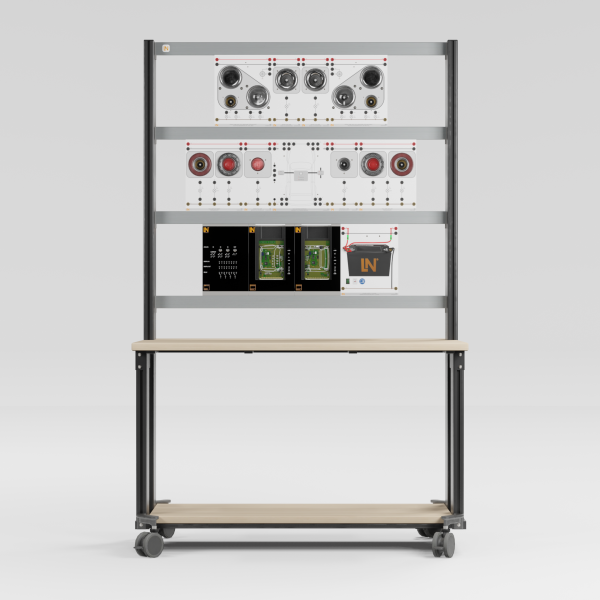
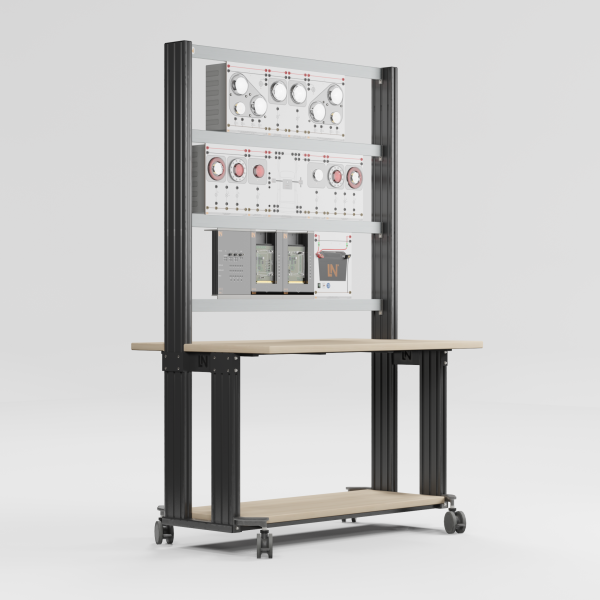
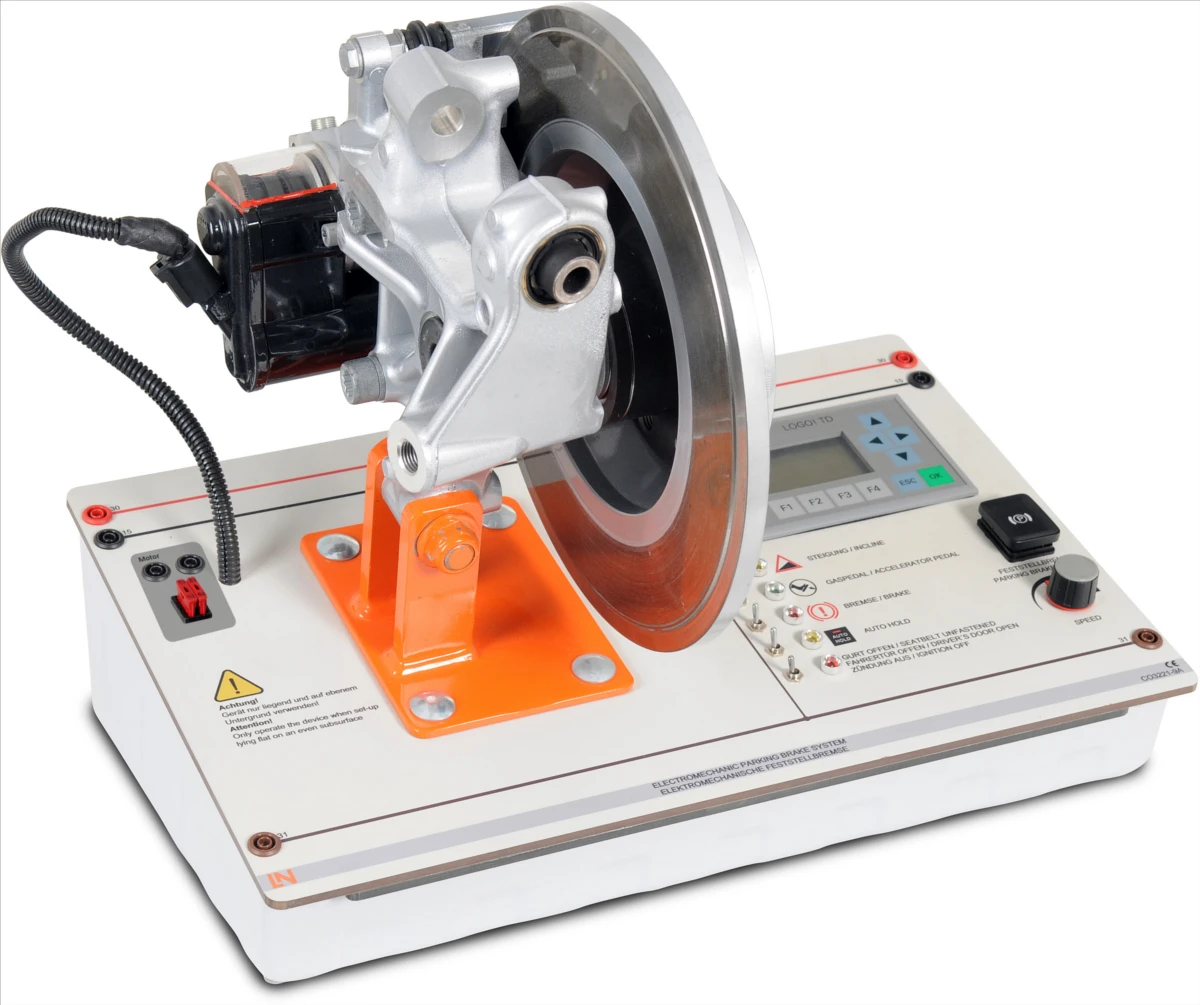
Hands-on training system for the diagnosis, maintenance and control of modern parking brake systems, including convenience functions.

Learning Content
  • Analyzing actuation currents
  • Testing the Auto Hold function
  • Evaluating the hill start assist
  • Calculating downhill forces
KEY FEATURES
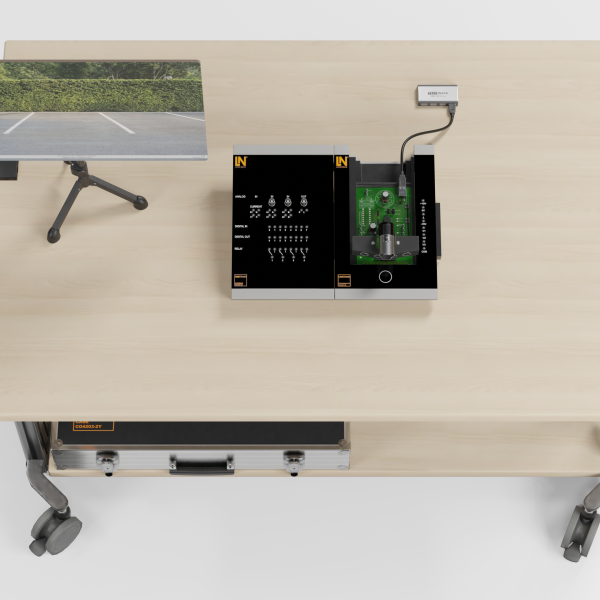
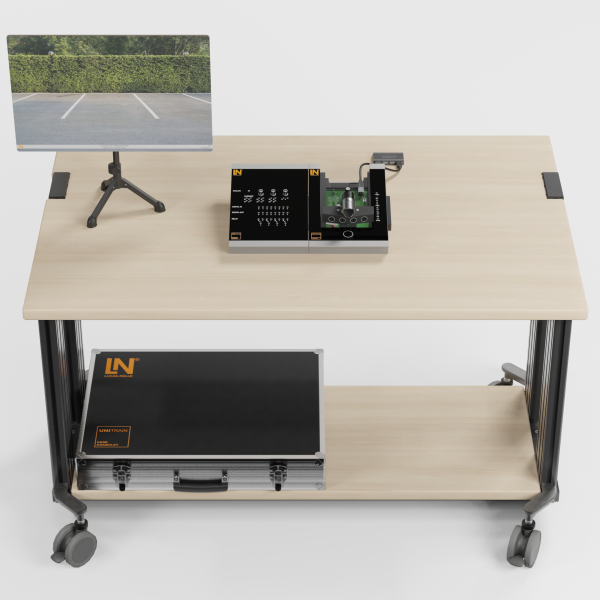
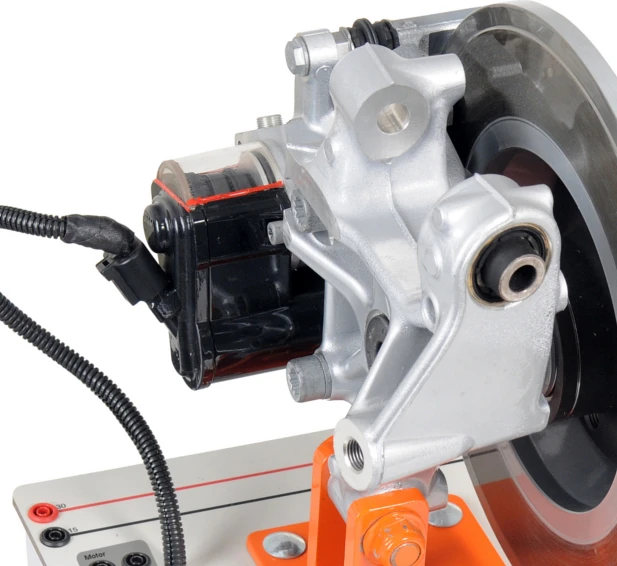
  • Fully visible brake rotor actuators
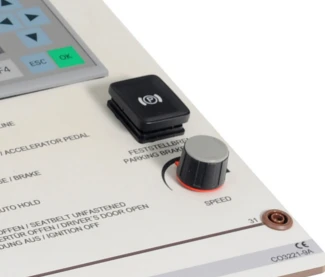
  • Real parking brake button
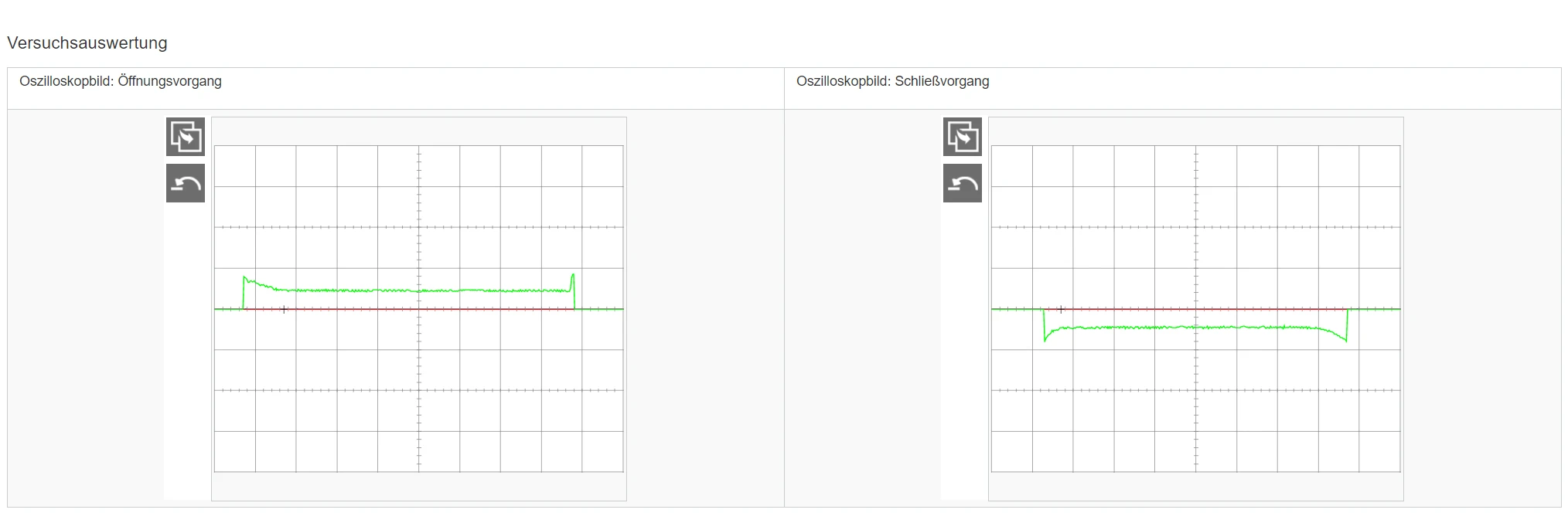
  • Graphical current visualization
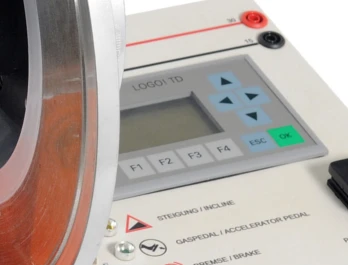
  • Interactive Siemens LOGO! display
Speak with a Product Specialist +1 (757) 808-5696 · sales@lucas-nuelle.com

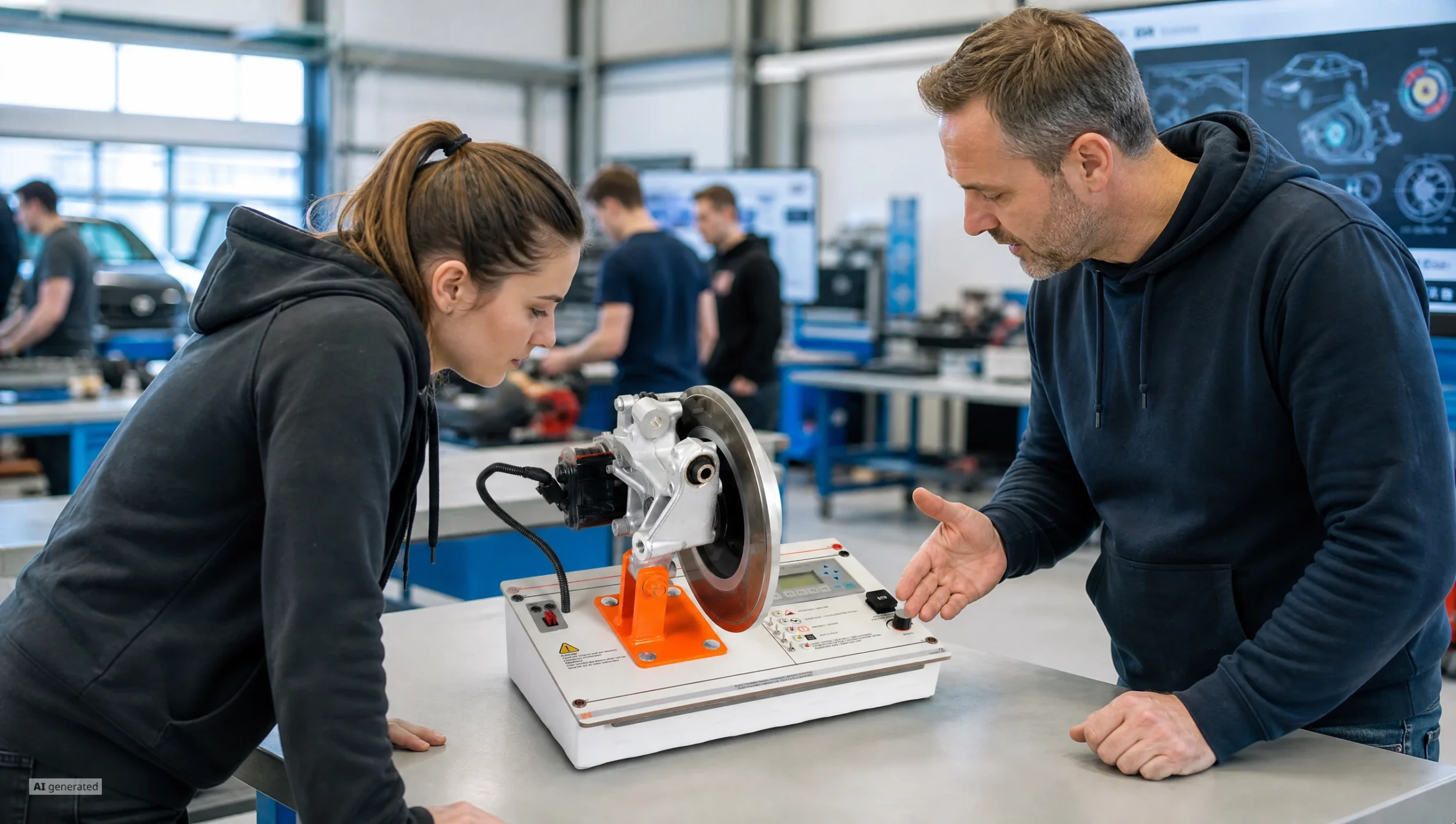
Modern brake systems require an in-depth understanding of networked control units. With this compact training system, learners experience safe maintenance and diagnosis of the electromechanical parking brake (EPB – Electric Park Brake) directly on a real brake caliper. They analyze the current consumption for end position detection, test emergency braking and hill start functions, and measure mechanical wear. The system combines fully visible actuators with original controls and prepares learners optimally for the demands of chassis electronics in the automotive service shop.

CO3221-9AElectromechanical parking brake with AUTO HOLD function
SO2803-1CInteractive Lab Assistant: Electromechanical Parking Brake
CO3223-1CRail-Drucksensor 0...1600 bar
CO3221-6CModular Measurement Interface
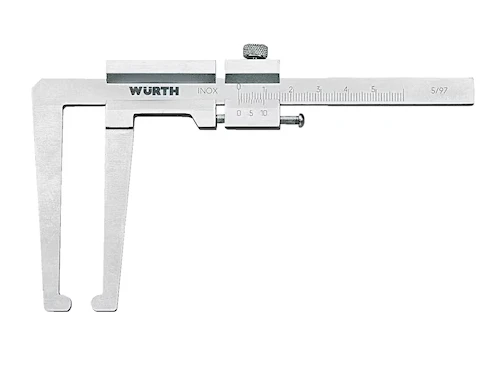
LM8256Brake disc gauge

Learning Content in Detail

With this system, learners acquire comprehensive skills in diagnosing and maintaining modern parking brake systems.

Analyzing actuation currents

Learners measure the current consumption of the actuator motor and explain the start-up peaks.

Testing the Auto Hold function

Learners check the automatic hold function when various switches are operated.

Evaluating the hill start assist

Learners determine the release point of the parking brake as a function of gradient and torque.

Calculating downhill forces

Learners determine the reaction forces of a vehicle on inclined planes.

Testing dynamic emergency braking

Learners investigate the hydraulic ESP pressure build-up when the button is pressed while driving.

Measuring the brake rotor correctly

Learners determine the degree of wear using the measuring gauge, taking the vernier scale into account.

Features & Applications

Discover the practical functions of the EPB training system for your teaching.
  • Fully visible brake rotor actuators — The module has the brake caliper and rotor mounted in the open. Learners observe the clamping pressure directly as the button is pressed.
  • Real parking brake button — The panel integrates an original vehicle button. You trigger parking and emergency brake functions with the same feel as in the vehicle.
  • Graphical current visualization — The system displays the motor current curve live. Learners recognize current peaks as the electronic switch-off criterion.
  • Interactive Siemens LOGO! display — A digital control panel displays operating states. Learners select driving conditions and track switching signals.
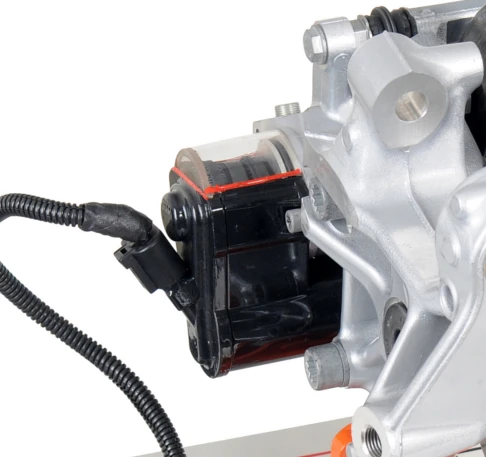
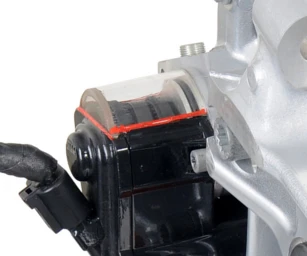
  • Integrated electric actuator motor — The DC motor drives the brake gear directly and changes its direction of rotation by reversing the polarity of the control voltage.
  • Three-stage actuator gear — The mechanism converts high motor speeds into maximum clamping forces on the brake piston.
  • Precision brake rotor gauge — The special vernier caliper compensates for the uneven wear ridge at the hub, allowing exact thickness measurements.
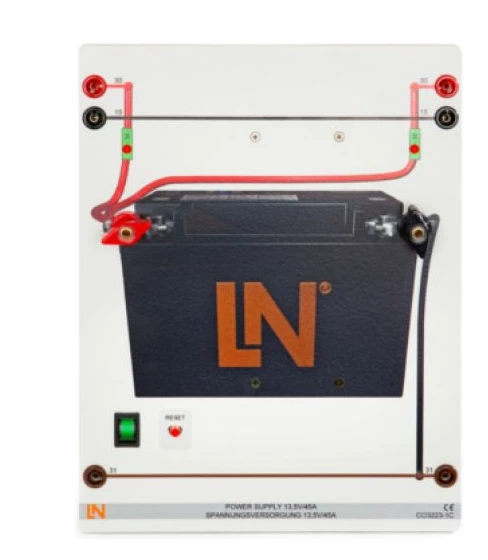
  • 13.5 V vehicle battery simulator — The power module supplies a high continuous current and protects the system with an integrated automatic cut-out.
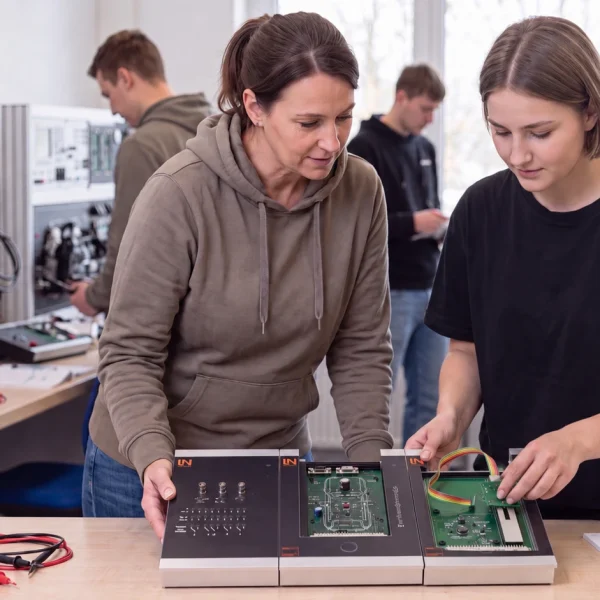
Learners working with RXLea on a tablet at a Lucas-Nuelle training system
RXLea

From Knowledge Comes Capability.

You guide the learning

Where theory and practice go hand in hand.

RXLea brings a new way of learning: project-based, hands-on and clearly structured. Learners solve real-world tasks, while instructors save time on preparation. Interactive modules, smart analytics and real hardware create a modern, efficient learning world.

Hands-on and interactive

Animations, interactive tasks and realistic scenarios build a deep understanding. All content is organized into clear learning paths for focused, hands-on learning.

Digital support

3D assembly animations and digital instructions simplify complex procedures, reduce errors and help learners work more independently.

Visual support

Overview graphics, screenshots and sample animations make the learning world transparent. Photos from the learning packages are also available, including country-specific versions where needed.


Learners using a tablet at an energy training system
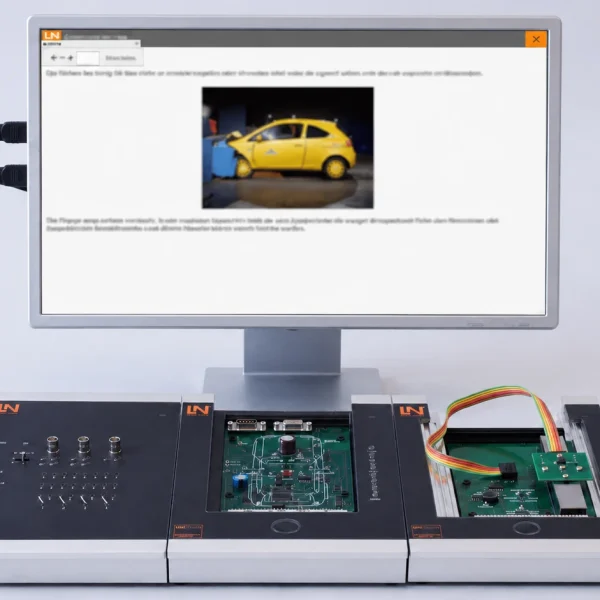
RXLea on desktop, laptop and tablet
RXLea Path Creator for building learning journeys
RXLea Navigator showing the learning world
Learn more about RXLea
Newsletter

Stay ahead in
technical training.

Get the latest training systems, product launches and educational insights, delivered directly to your inbox.

Your email address

By subscribing, you agree to our Privacy Policy. You can unsubscribe at any time.

 Please select at least one category before subscribing.
I'm interested in - select all that apply