


Skip to content

Control Virtual Industrial System with Siemens LOGO!

RXLea
Digital projects for hands-on learningInteractive learning content, directly connected to the training system.

Control Virtual Industrial System with Siemens LOGO!

CLO10PT

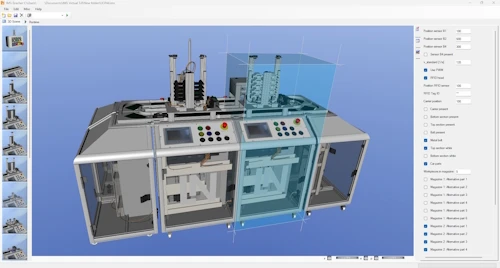
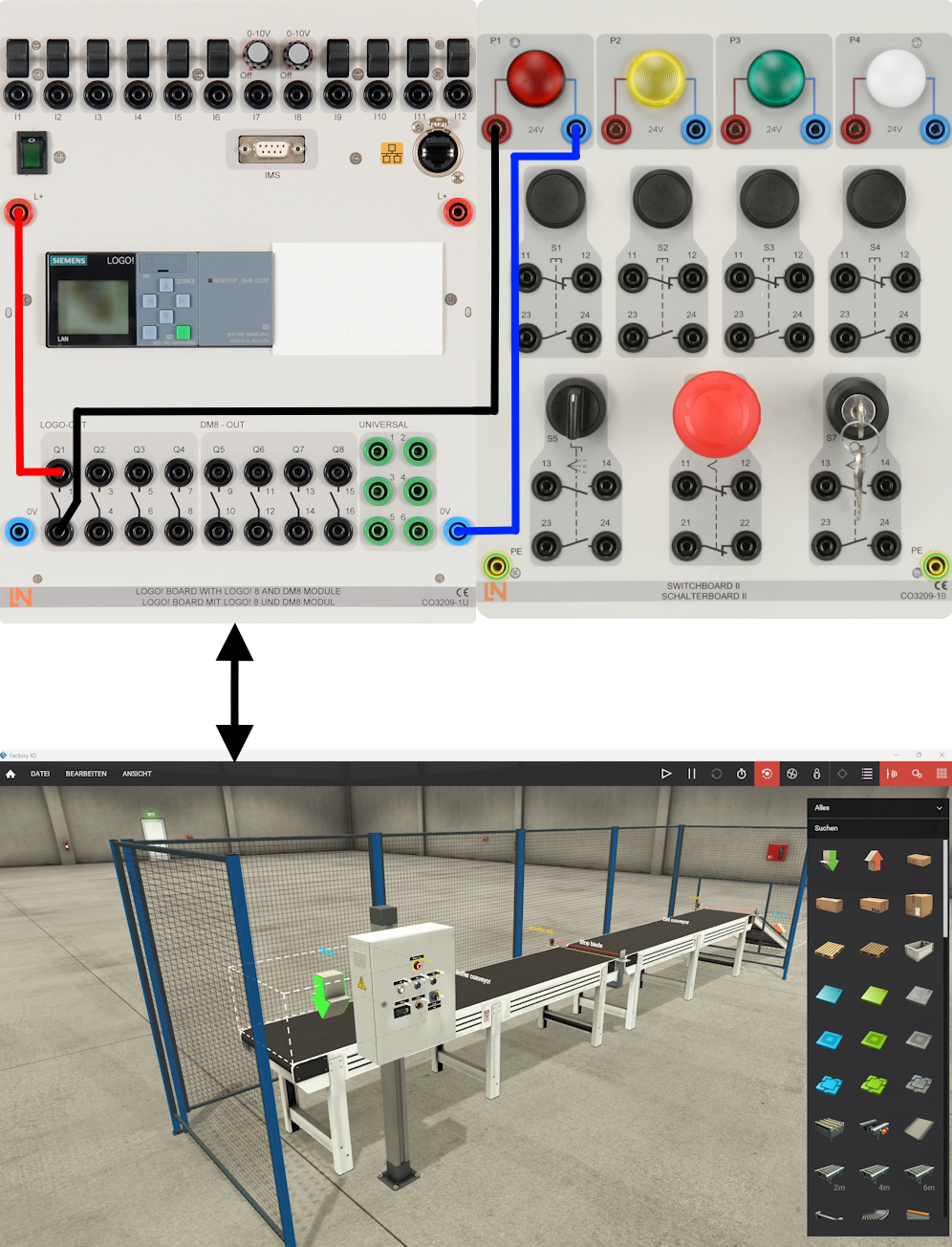
Lernende erleben die SPS-Programmierung mit der Siemens LOGO! an realistischen 3D-Modellen. Das PanelTrain-System kombiniert echte Hardware mit der Software Factory IO für praxisnahe Automatisierungstechnik auf minimalem Raum.

Learning Content
  • Apply Logic Blocks
  • Program Sequence Controls
  • Use Standard Functions
KEY FEATURES
  • Numerous Virtual System
  • Real PLC Controls Virtual System
  • Visualization of Processes
  • Comprehensive Peripheral Sim
Speak with a Product Specialist +1 (757) 808-5696 · sales@lucas-nuelle.com

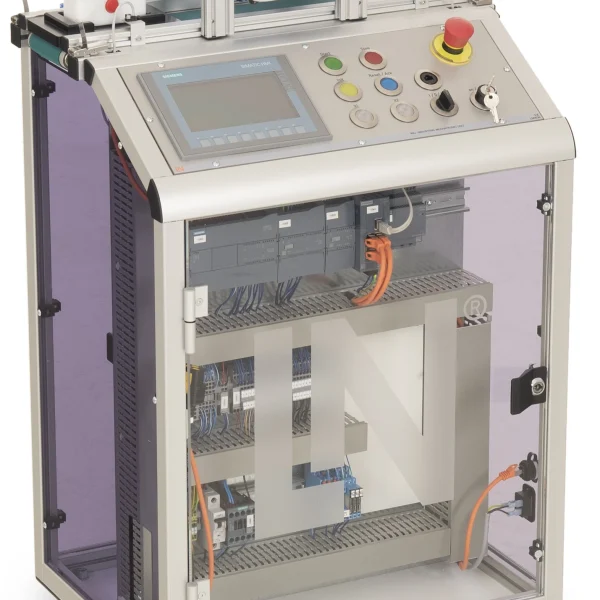
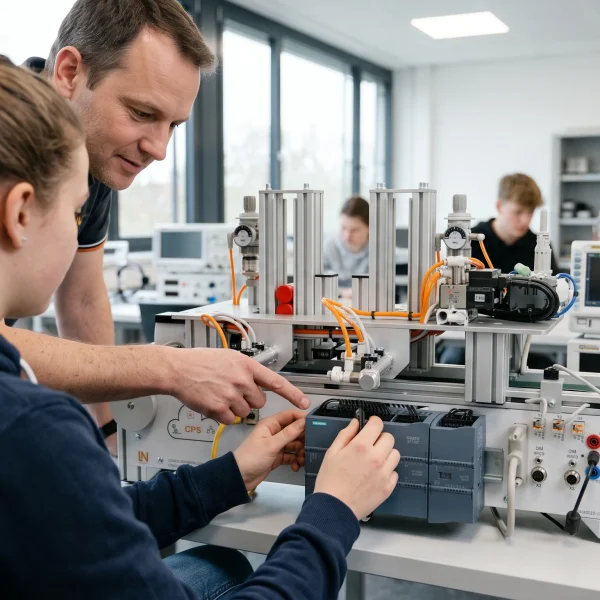
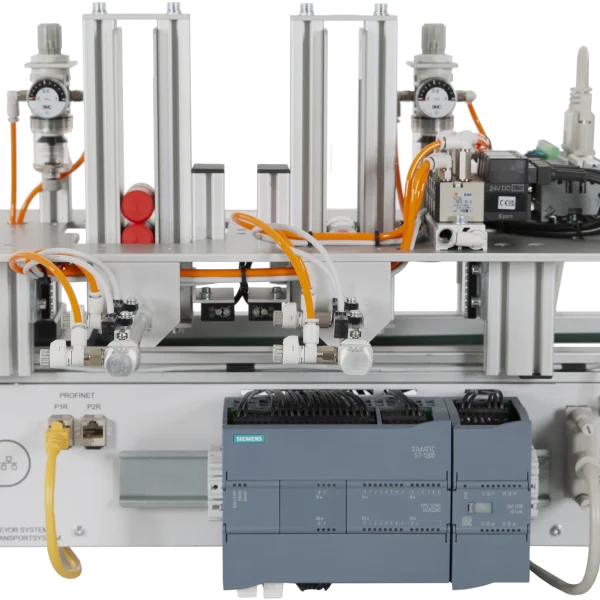
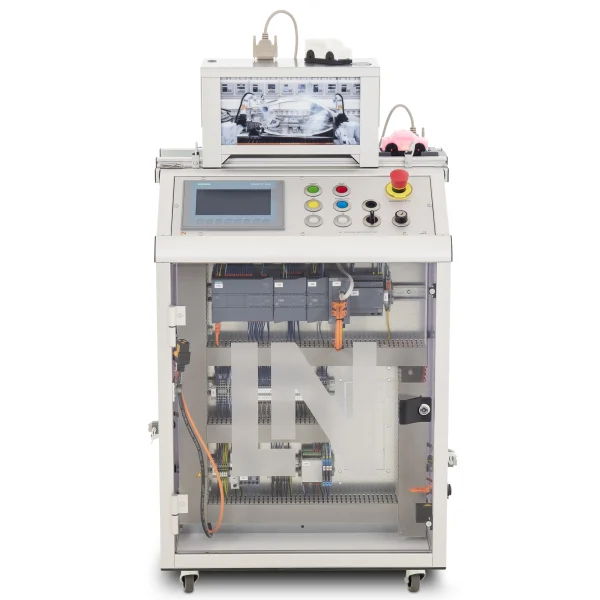
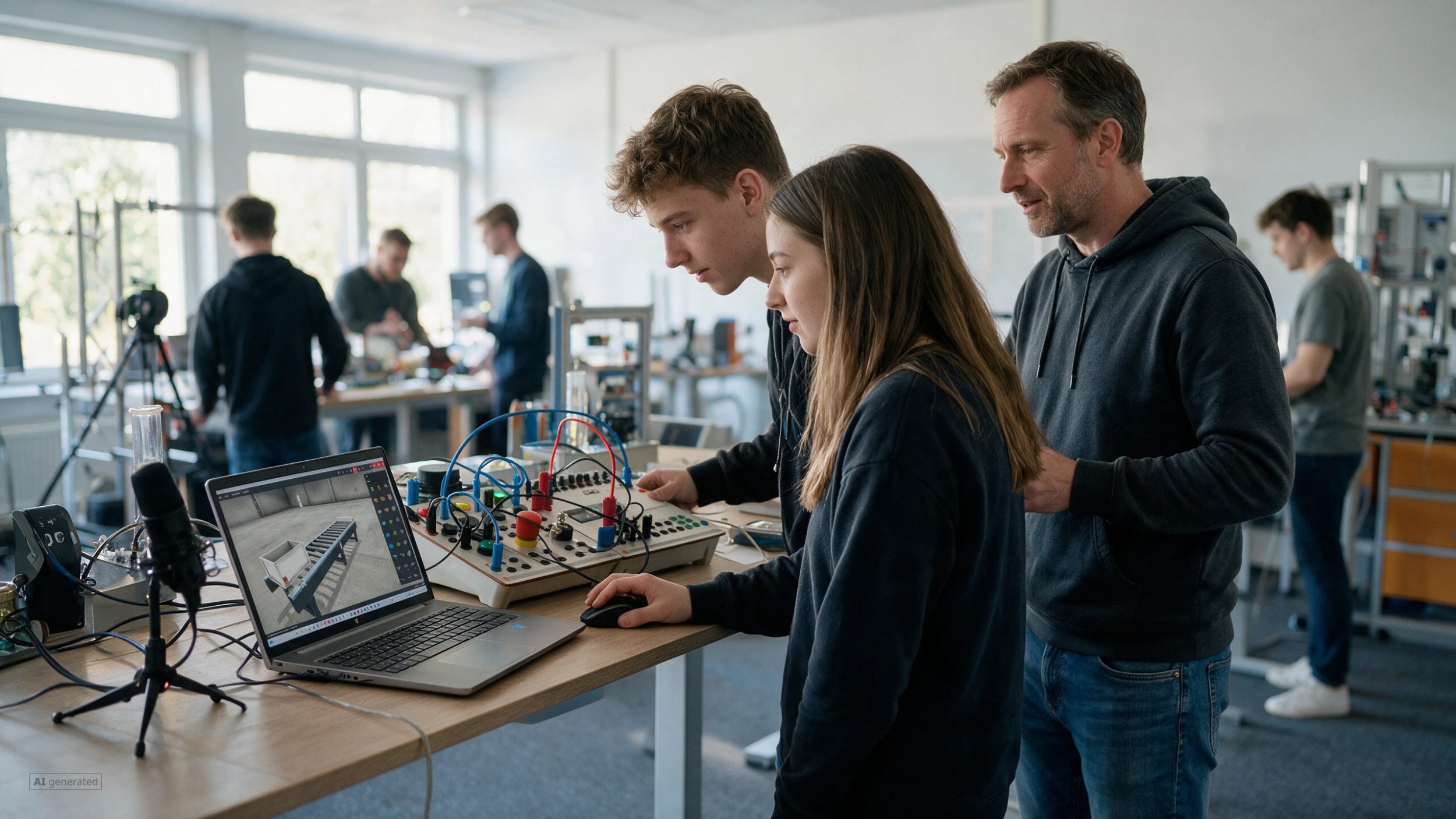
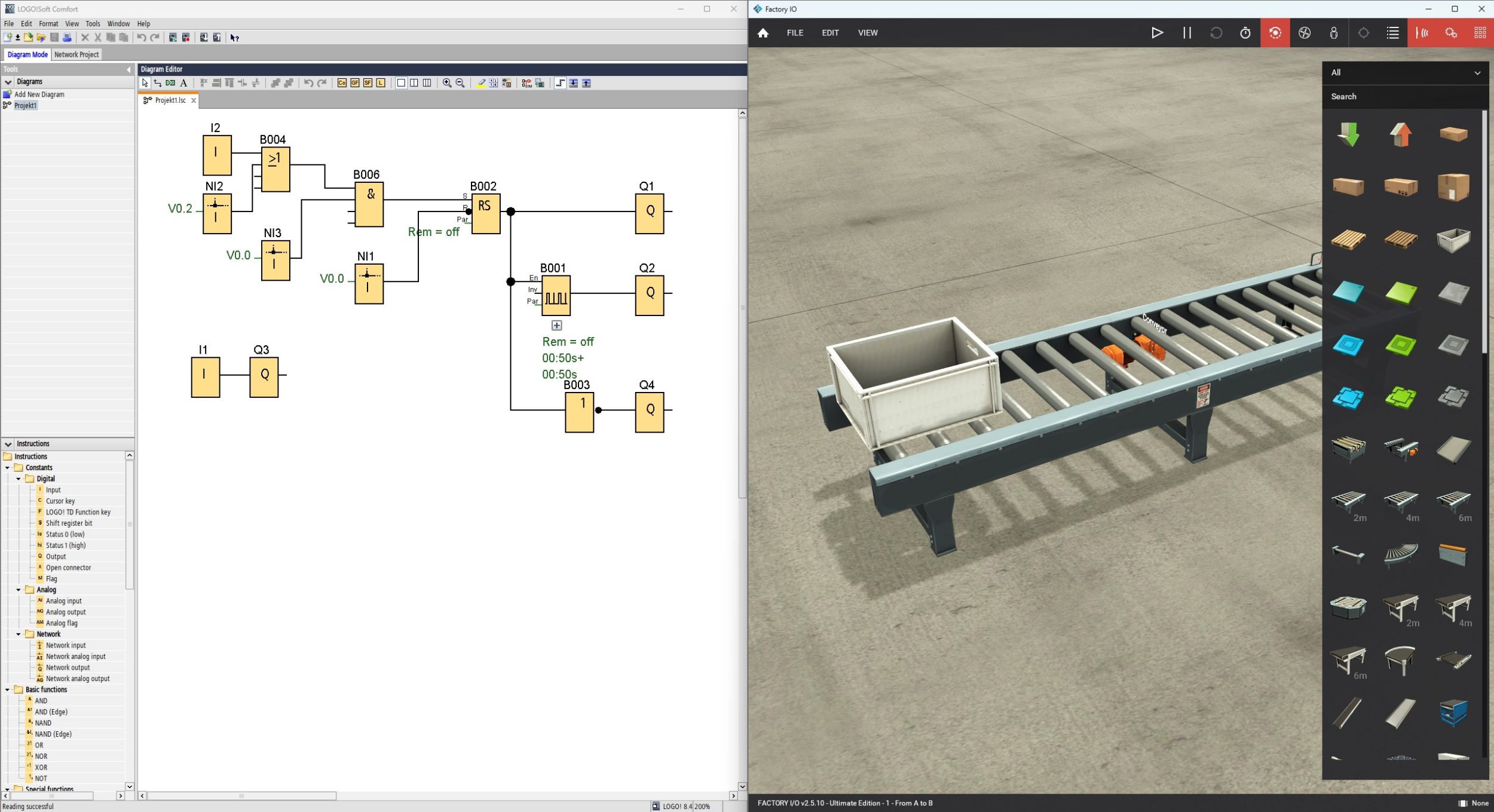
Programming micro PLCs is the first step into automation technology. With the CLO10PT training system, learners control animated 3D models in Factory IO using a real Siemens LOGO!. They will learn to program everything from simple controls to complex systems like conveyor belts or sorting stations. The system offers exceptional educational variety. Thanks to the haptic switchboard, learners interact physically with the virtual models, ensuring industry-standard training. They expand their skills in process automation with practical programming tasks—compact, safe, and immediately applicable.

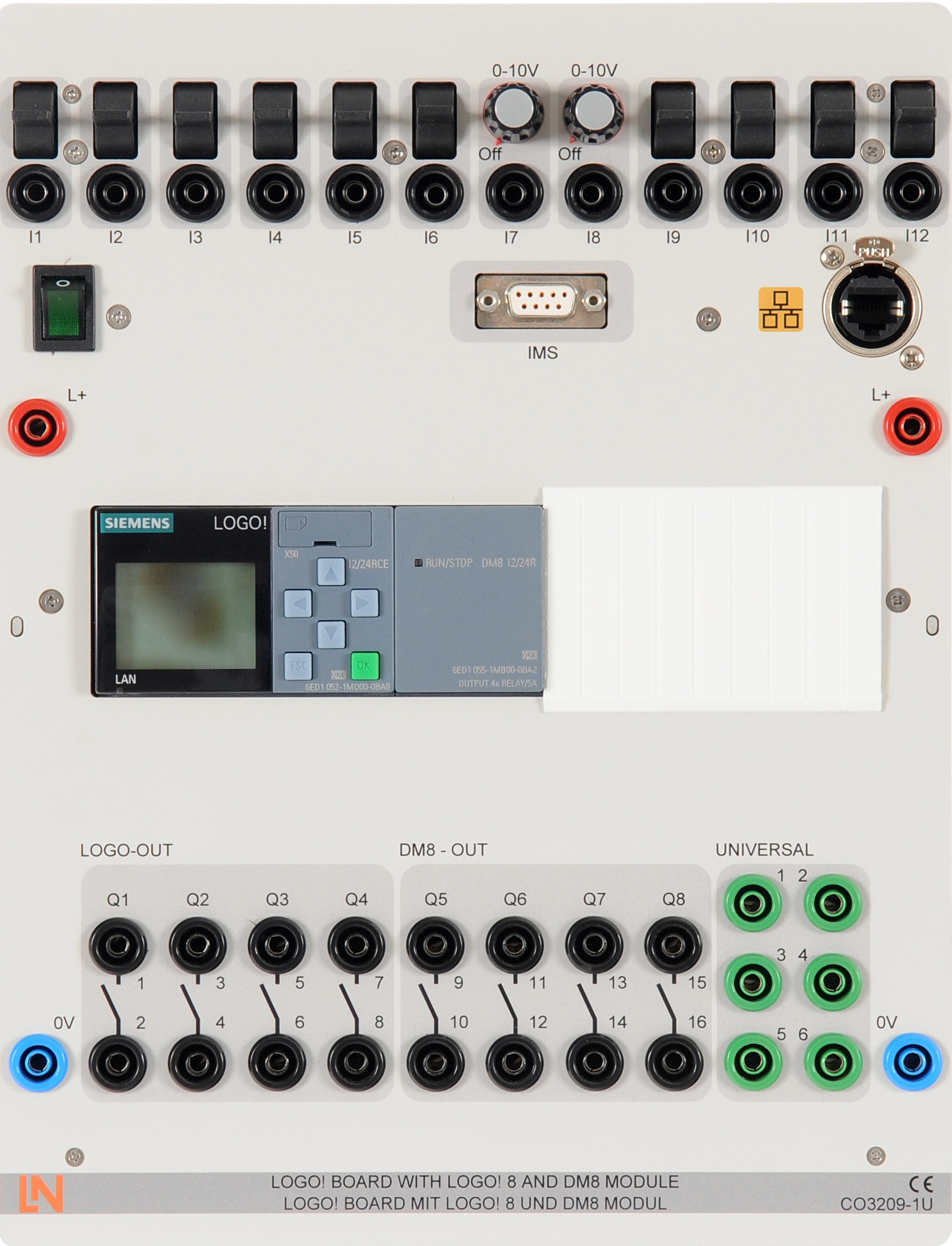
CO3209-1ULOGO!8 board including LOGO and DM8 modules, IP interface, 24 V/1 A,12 digital i
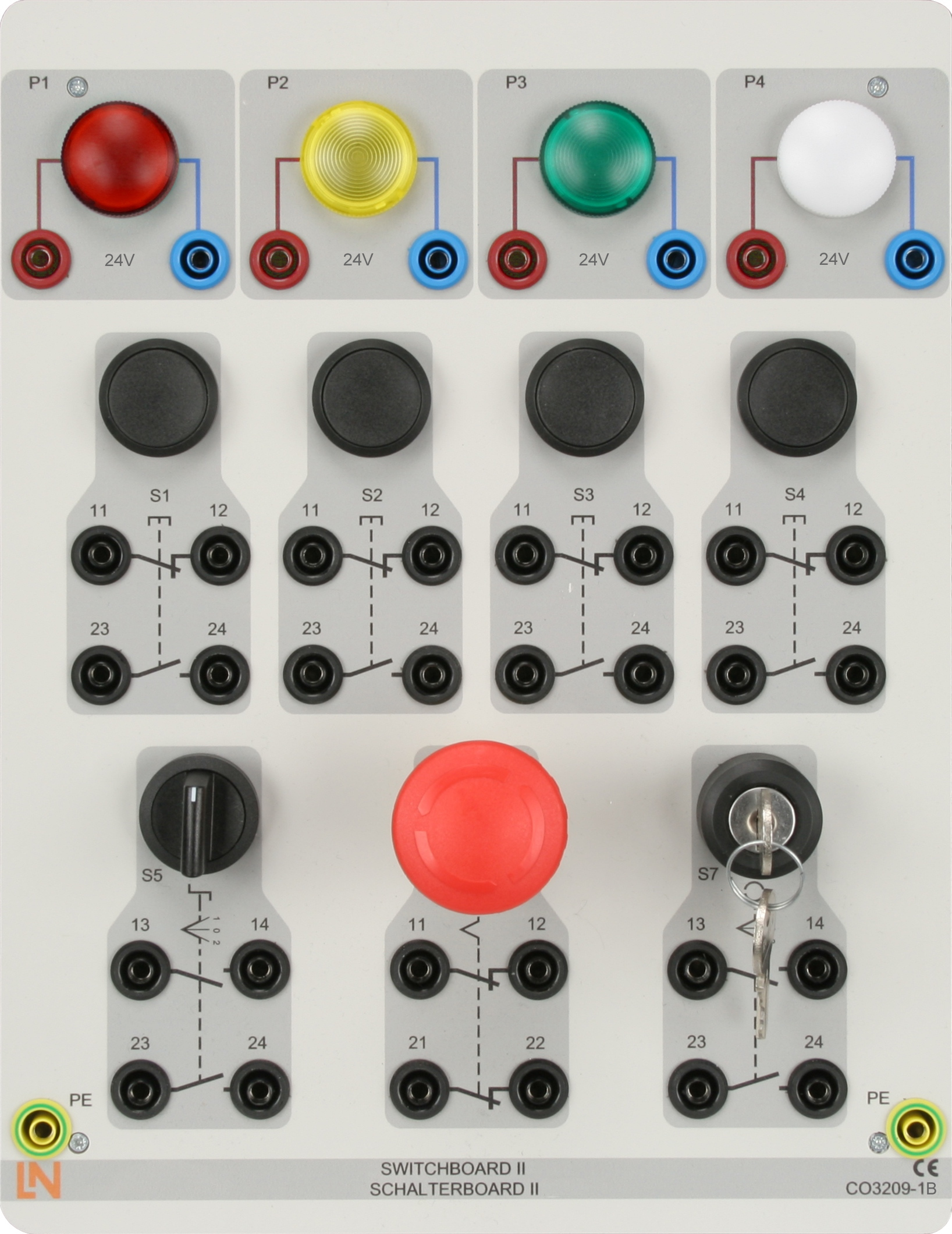
CO3209-1BSwitches and buttons for contactor controls, 24 V
SO6200-4BQuickChart, Logo board, safety instructions
SO6001-7SFactory IO Siemens
SO5148-2DSicherheitsmessleitungssatz 4mm (20 Stück)

Learning Content in Detail

Learners acquire basic and advanced skills in automation technology. These learning objectives will optimally prepare them for practical applications:

Apply Logic Blocks

Connect the LOGO! with the software and use simple logic blocks for your first programming steps.

Program Sequence Controls

Design and implement complex, state-based sequence controls for applications like conveyor belts or storage.

Use Standard Functions

Correctly apply basic LOGO! functions like timers and counters in practice-relevant projects.

Features & Applications

Benefit from a perfect synergy of real hardware and virtual 3D system. Discover the diverse application possibilities of this highly compact training system.
  • Numerous Virtual System — Simulate interactive models like conveyors or elevators. Teach a massive variety of topics within a minimal footprint.
  • Real PLC Controls Virtual System — Create programs in LOGO-Soft to control 3D models. Real signals form a practical, closed-loop control system.
  • Visualization of Processes — Teach process automation. Practice the basics of LOGO! programming using conveyor belts and sorting stations.
  • Comprehensive Peripheral Sim — The LOGO! trainer provides integrated controls like buttons and potentiometers for digital and analog signals without extra hardware.
  • Industrial Haptics — The switchboard with real buttons expands the virtual system. Experience physical interaction instead of just clicking a mouse.
Learners working with RXLea on a tablet at a Lucas-Nuelle training system
RXLea

From Knowledge Comes Capability.

You guide the learning

Where theory and practice go hand in hand.

RXLea brings a new way of learning: project-based, hands-on and clearly structured. Learners solve real-world tasks, while instructors save time on preparation. Interactive modules, smart analytics and real hardware create a modern, efficient learning world.

Hands-on and interactive

Animations, interactive tasks and realistic scenarios build a deep understanding. All content is organized into clear learning paths for focused, hands-on learning.

Digital support

3D assembly animations and digital instructions simplify complex procedures, reduce errors and help learners work more independently.

Visual support

Overview graphics, screenshots and sample animations make the learning world transparent. Photos from the learning packages are also available, including country-specific versions where needed.


Learners using a tablet at an energy training system
RXLea on desktop, laptop and tablet
RXLea Path Creator for building learning journeys
RXLea Navigator showing the learning world
Learn more about RXLea
Newsletter

Stay ahead in
technical training.

Get the latest training systems, product launches and educational insights, delivered directly to your inbox.

Your email address

By subscribing, you agree to our Privacy Policy. You can unsubscribe at any time.

 Please select at least one category before subscribing.
I'm interested in - select all that apply