


Skip to content

IoT Applications using ARM Microcontroller

RXLea
Digital projects for hands-on learningInteractive learning content, directly connected to the training system.

IoT Applications using ARM Microcontroller

MIF01UE

Add-on system for the ARM course MPF03UE: learners network an ARM microcontroller via Wi-Fi, set up an access point and web server and control smart home and industrial applications via HTML web interfaces.

Learning Content
  • Explaining the concept of the "Internet of things
  • Setting up Wi-Fi communication
  • Programming a web server
  • Designing smart home systems
KEY FEATURES
  • Managing Wi-Fi networks and setting up access points
  • Analyzing UART communication and string processing
  • Programming embedded TCP servers and HTML web interfaces
  • Implementing smart home and washing machine control
Speak with a Product Specialist +1 (757) 808-5696 · sales@lucas-nuelle.com

Decentralized systems in Industry 4.0 and the smart home need components that provide sensor values themselves and receive commands wirelessly. This is exactly what learners build here: the Wi-Fi board with ESP-12S adds wireless communication to the ARM course MPF03UE. Learners scan wireless networks, configure their own access point, analyze the UART communication between the microcontroller and the Wi-Fi module and program a TCP server with their own HTML pages. They use this to control a washing machine, a room-based lighting system or a conveyor belt – operated from a web browser on a PC or smartphone.

CO4205-7XCourse: IoT applications using ARM microcontroller
CO4203-2AUniTrain Interface mit virtuellen Instrumenten (Basis VI)
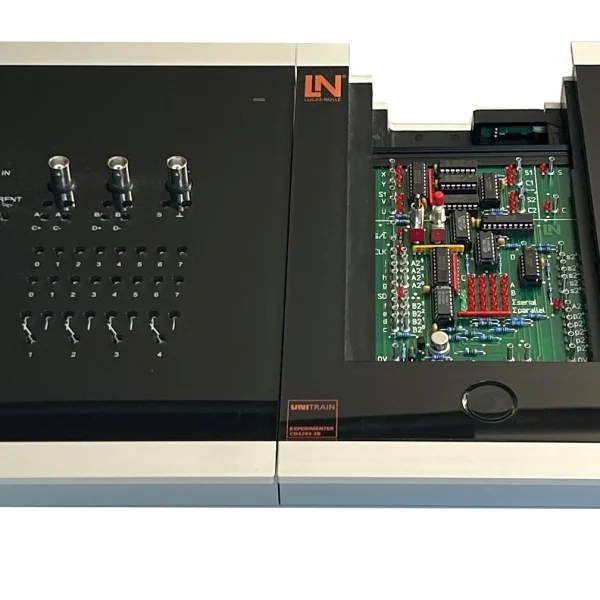
CO4203-3BEloTrain Experimenter
SO5146-1NEloTrain set of connection cables and plugs for 2mm system
CO4203-2YUniTrain storage case for one UniTrain system
CO4205-7DCourse: 32-bit microcontroller ARM

Learning Content in Detail

Learners acquire the skills to integrate a microcontroller wirelessly and to read sensors and switch actuators via a web interface they have created themselves.

Explaining the concept of the "Internet of things

Setting up Wi-Fi communication

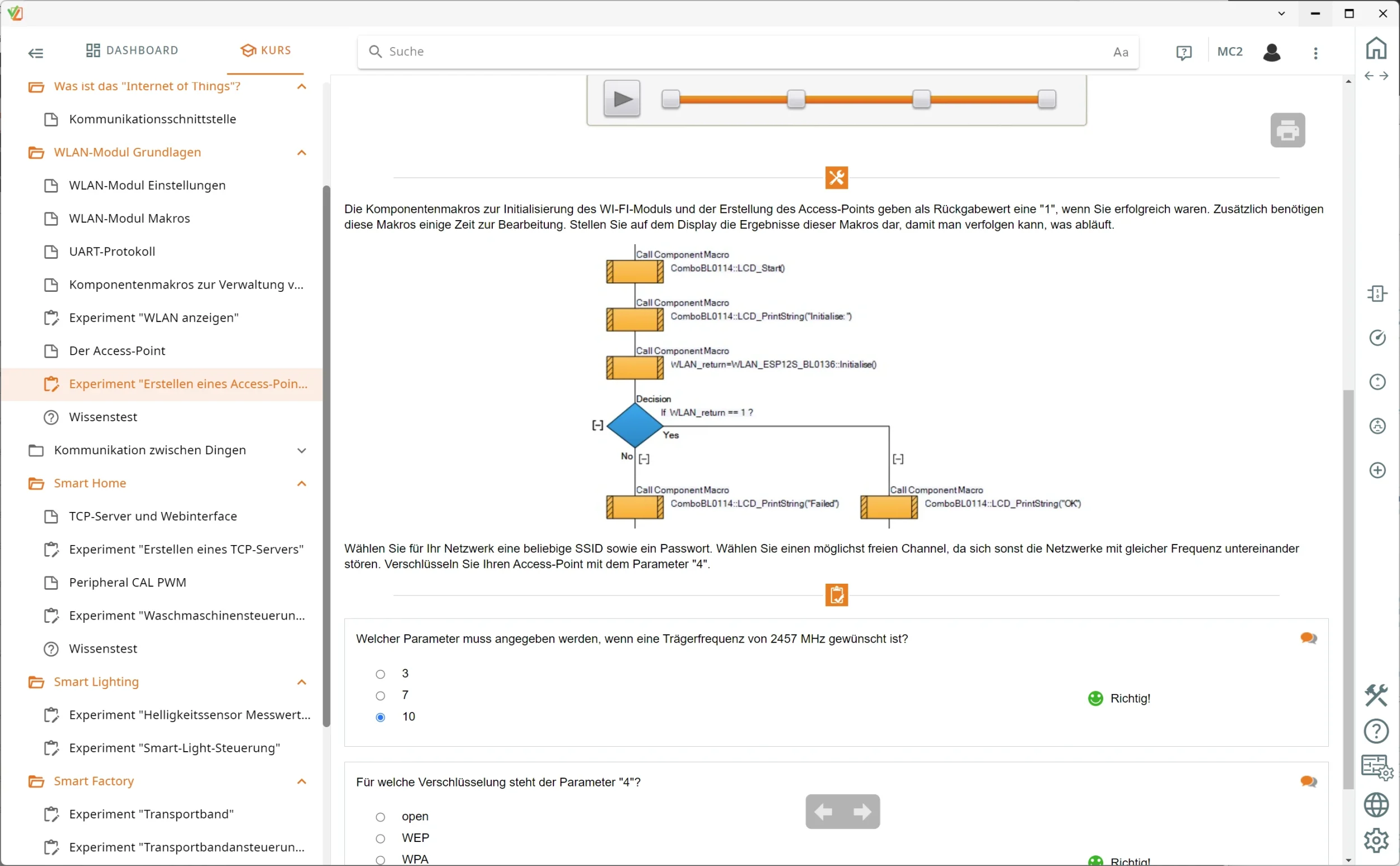
Learners scan wireless networks, analyze the encryption types and configure stand-alone access points.

Programming a web server

Learners create a TCP server in the ARM processor, integrate HTML pages and replace placeholders with real-time data.

Designing smart home systems

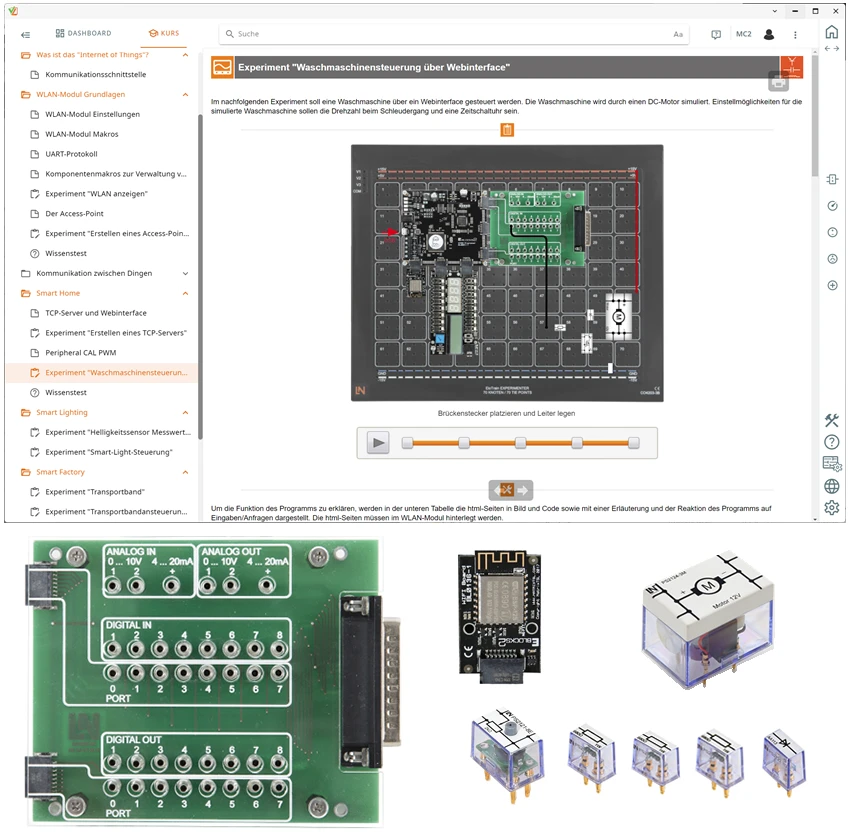
Learners create web interfaces with which they control the time and speed in the washing machine process.

Networking lighting systems

Learners acquire sensor values via the ADC, send the brightness data via AJAX and switch LED groups room by room.

Processing protocols and strings

Learners use UART command strings, evaluate the responses and structure the data streams in Flowcode.

Features & Applications

The course covers fields in which networked components supply data and receive commands: smart home, smart lighting and building management systems as well as the smart factory, Industry 4.0 and predictive maintenance.
  • Managing Wi-Fi networks and setting up access points — Learners scan the signals in their surroundings, evaluate SSIDs, encryption types and signal strengths and configure a self-sufficient hotspot using a Flowcode macro.
  • Analyzing UART communication and string processing — Learners examine the serial data packets between the microcontroller and the Wi-Fi module, evaluate AT commands and parse strings to determine the ping time.
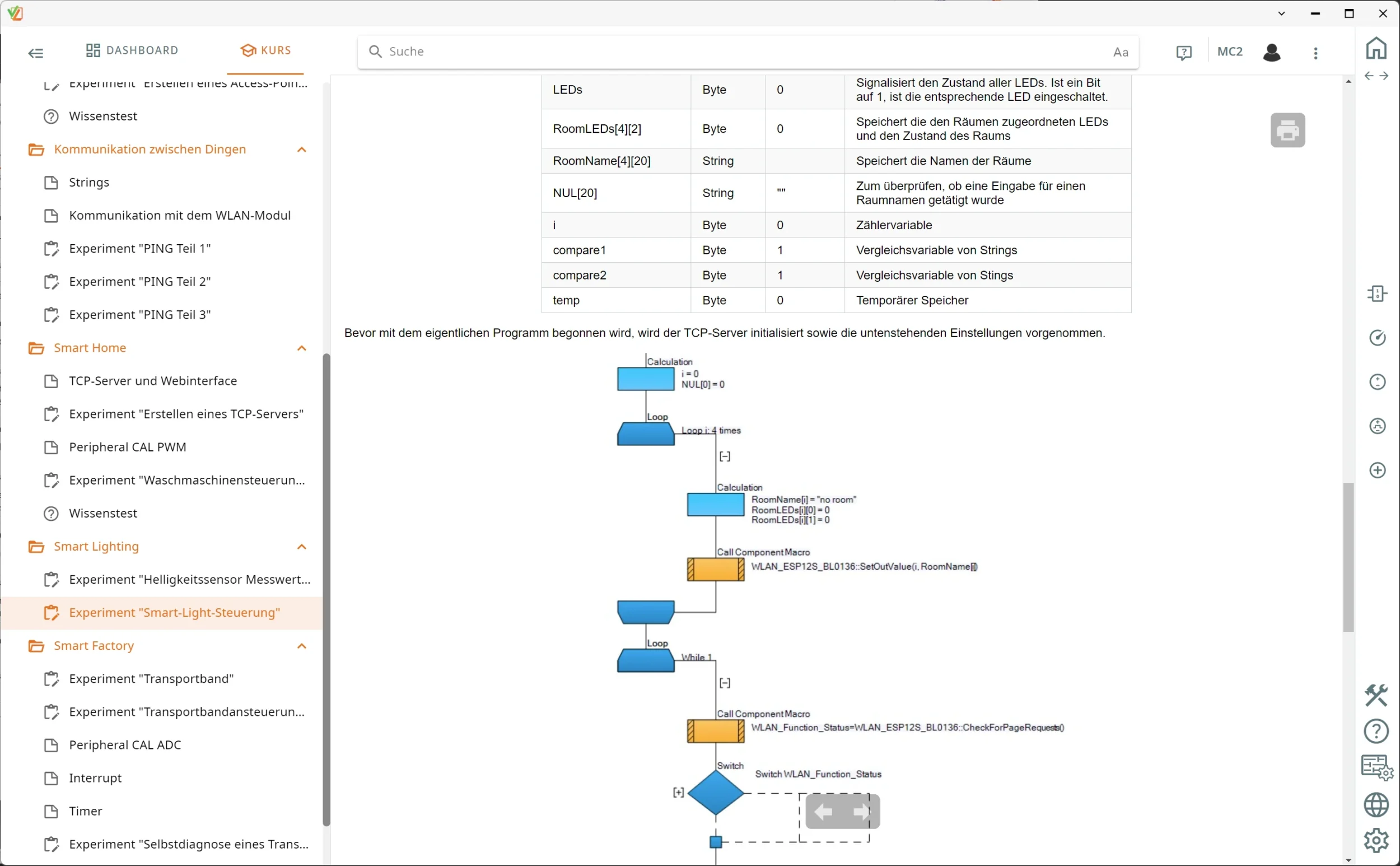
  • Programming embedded TCP servers and HTML web interfaces — Learners create a stand-alone web server in the microcontroller, link HTML source code with placeholders for real-time data and evaluate form inputs via GetInValue.
  • Implementing smart home and washing machine control — Learners set the spin speed and timer in the browser and control the motor drive dynamically via PWM signals.
  • Smart lighting and room-based lighting control — Learners publish the brightness values of the LDR live on the web page via AJAX and switch individual rooms and their assigned LED groups in the web interface.
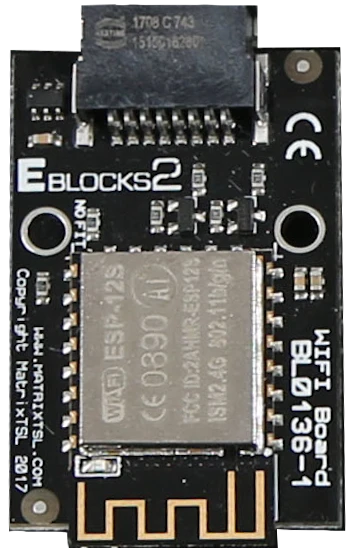
  • Wi-Fi board with ESP-12S — Wi-Fi controller with TCP/IP stack, UART control, client and server mode, status LEDs and PCB antenna for the wireless connection.
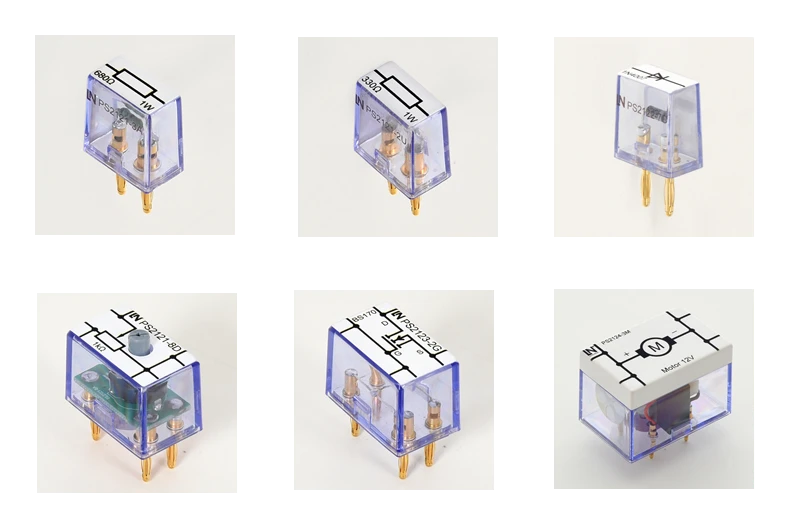
  • EloTrain plug-in components for actuators and sensors — Contain a 12 V DC motor, an N-channel MOSFET, a diode, a potentiometer and fixed resistors, which are used to build real load circuits on the Experimenter.
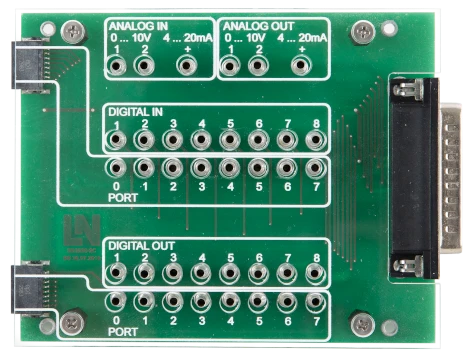
  • Adapter board and interface set — Provides HAR-FLEX connections, 2 mm jacks and a Sub-D25 interface to connect the 32-bit ARM programmer to external experiment setups.
  • Sensor-actuator chain via the home network — Learners link the analog LDR light sensor to digital outputs and control the connected loads directly via the web interface.
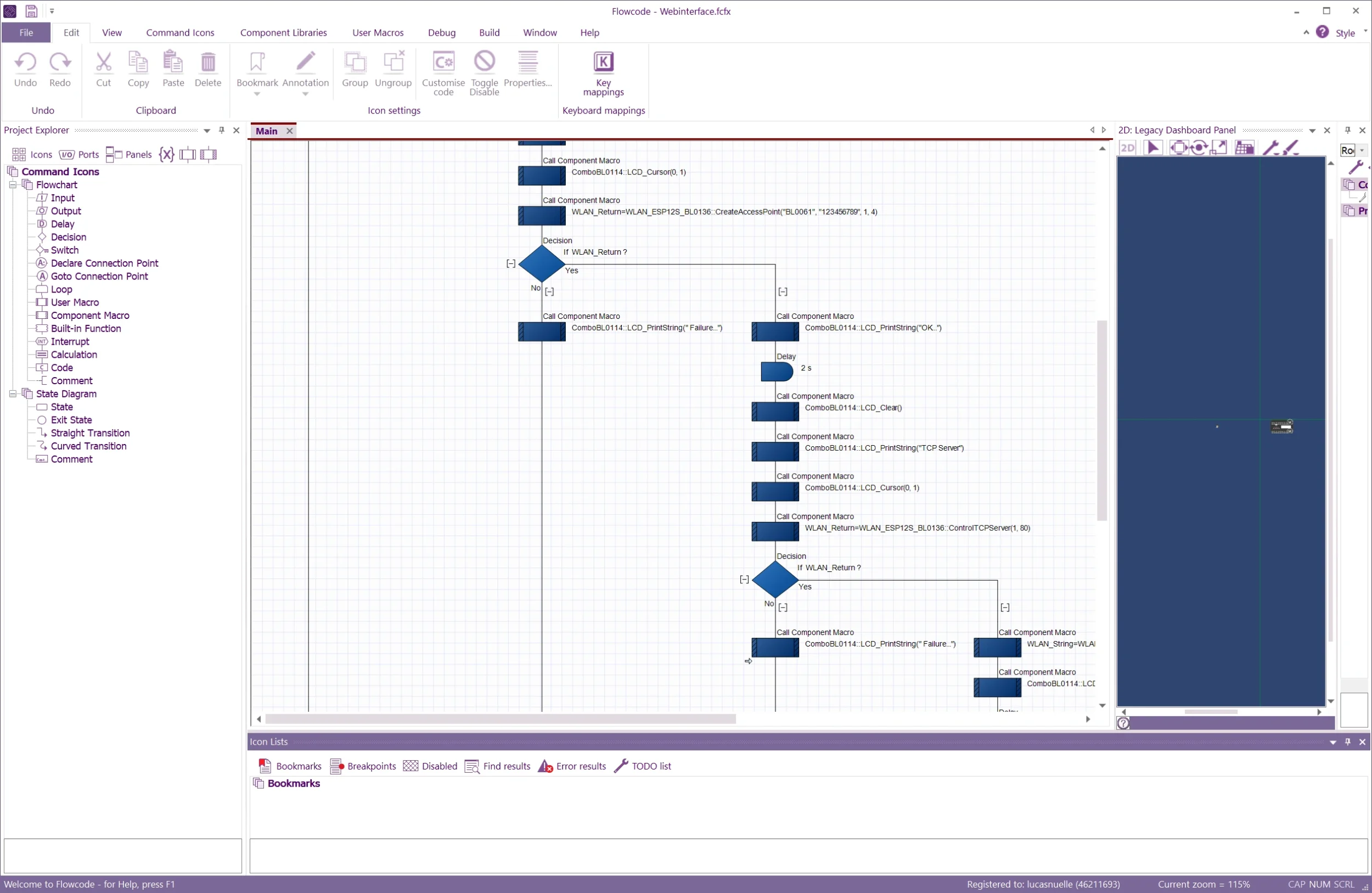
  • Flowcode with IoT components — The development environment contains ready-made component macros for Wi-Fi, PWM, ADC and timers as well as tools for managing the HTML source code.
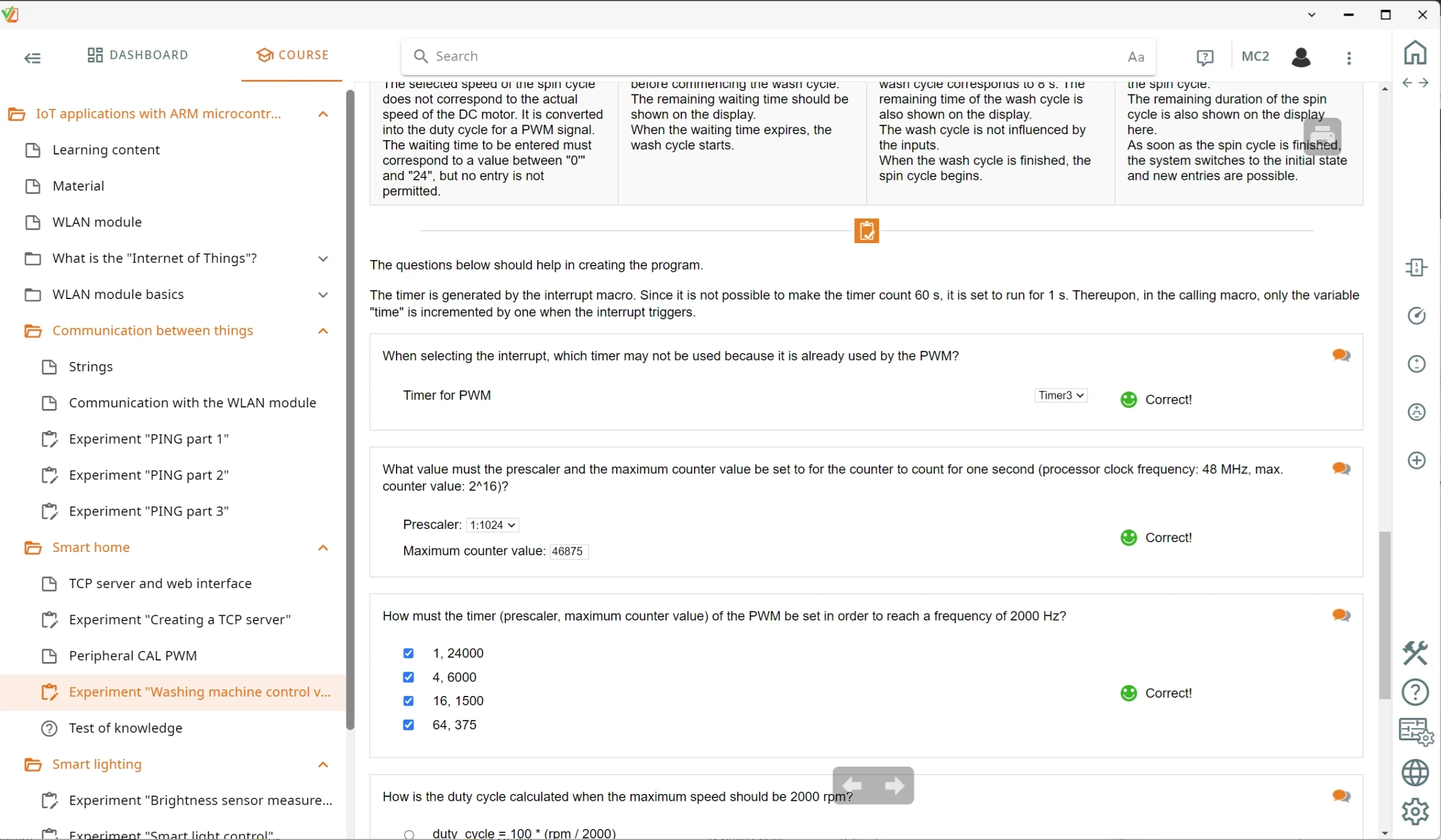
  • LabSoft experimentation platform and course software — Guides learners interactively through the experiments, teaches the fundamentals and assesses the tasks electronically.
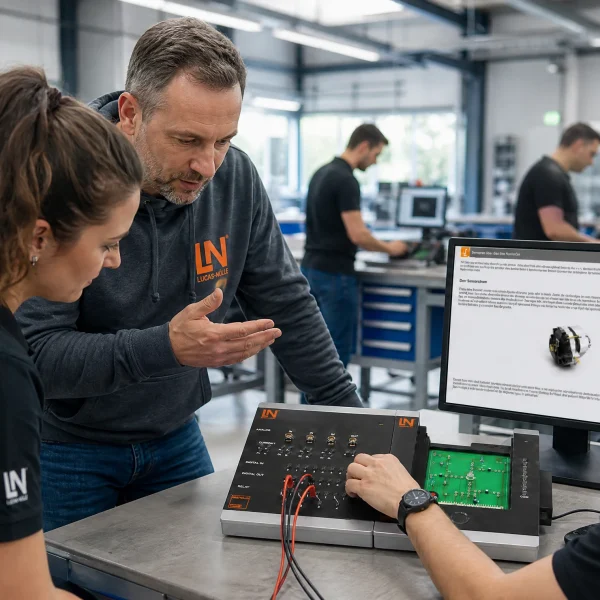
Learners working with RXLea on a tablet at a Lucas-Nuelle training system
RXLea

From Knowledge Comes Capability.

You guide the learning

Where theory and practice go hand in hand.

RXLea brings a new way of learning: project-based, hands-on and clearly structured. Learners solve real-world tasks, while instructors save time on preparation. Interactive modules, smart analytics and real hardware create a modern, efficient learning world.

Hands-on and interactive

Animations, interactive tasks and realistic scenarios build a deep understanding. All content is organized into clear learning paths for focused, hands-on learning.

Digital support

3D assembly animations and digital instructions simplify complex procedures, reduce errors and help learners work more independently.

Visual support

Overview graphics, screenshots and sample animations make the learning world transparent. Photos from the learning packages are also available, including country-specific versions where needed.


Learners using a tablet at an energy training system
RXLea on desktop, laptop and tablet
RXLea Path Creator for building learning journeys
RXLea Navigator showing the learning world
Learn more about RXLea
Newsletter

Stay ahead in
technical training.

Get the latest training systems, product launches and educational insights, delivered directly to your inbox.

Your email address

By subscribing, you agree to our Privacy Policy. You can unsubscribe at any time.

 Please select at least one category before subscribing.
I'm interested in - select all that apply