


Skip to content

Sequential Circuits

RXLea
Digital projects for hands-on learningInteractive learning content, directly connected to the training system.

Sequential Circuits

BDI02UT

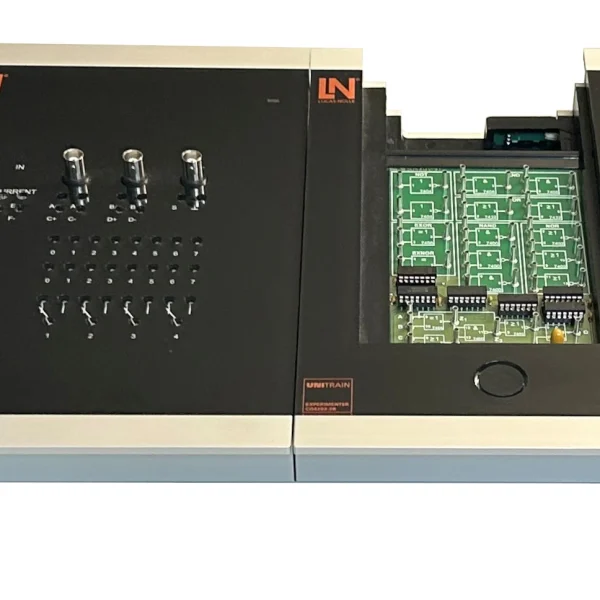
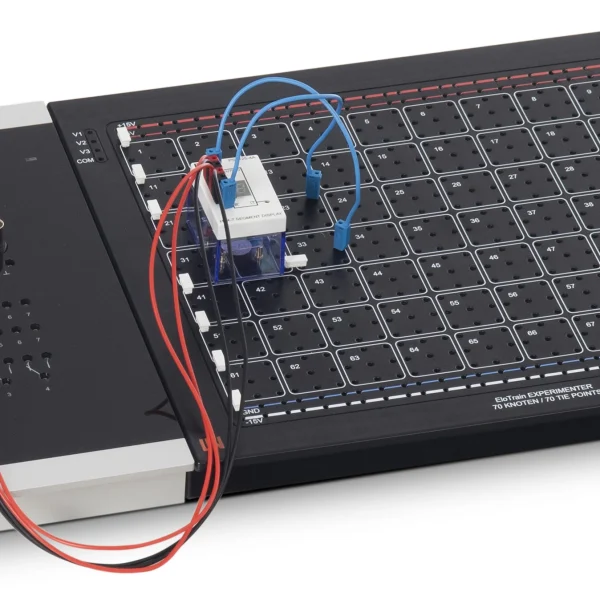
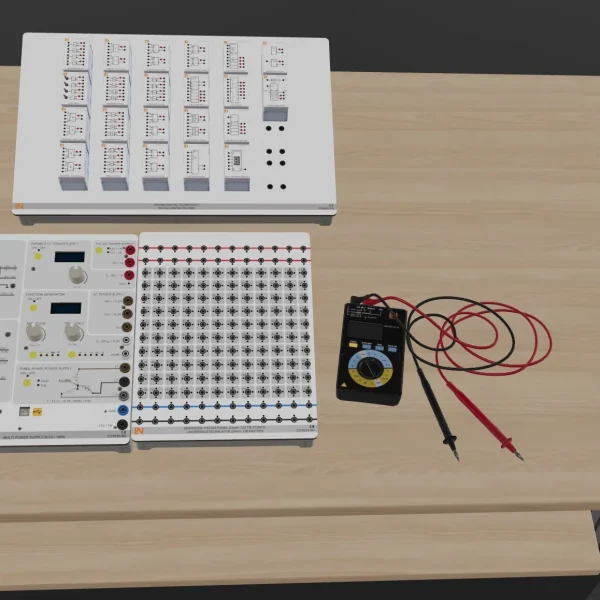
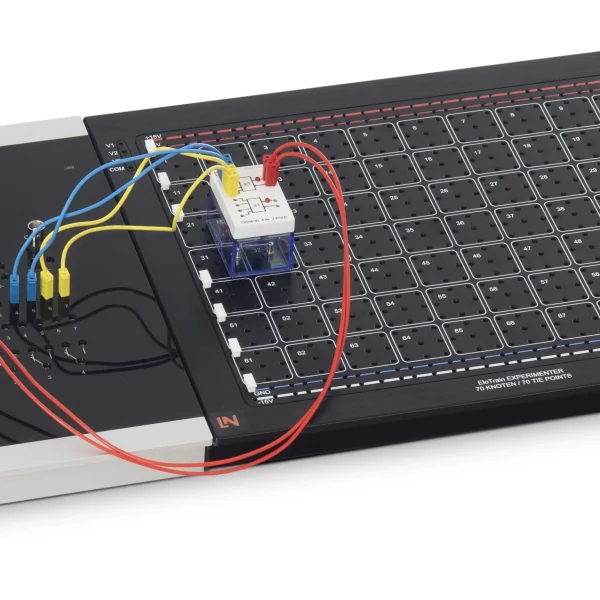
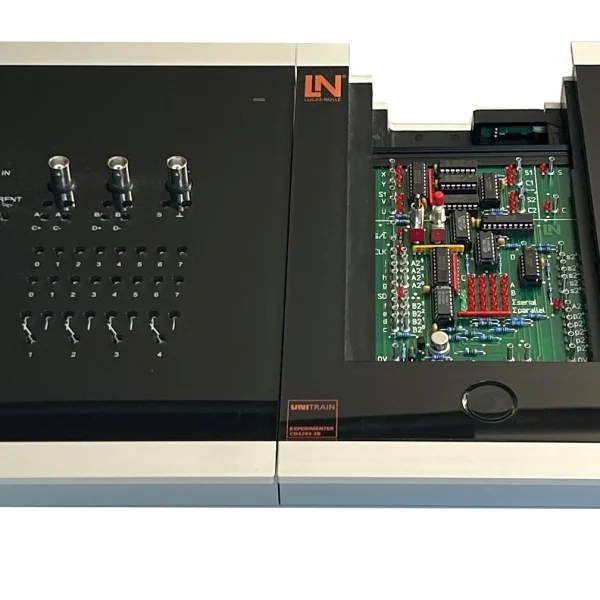
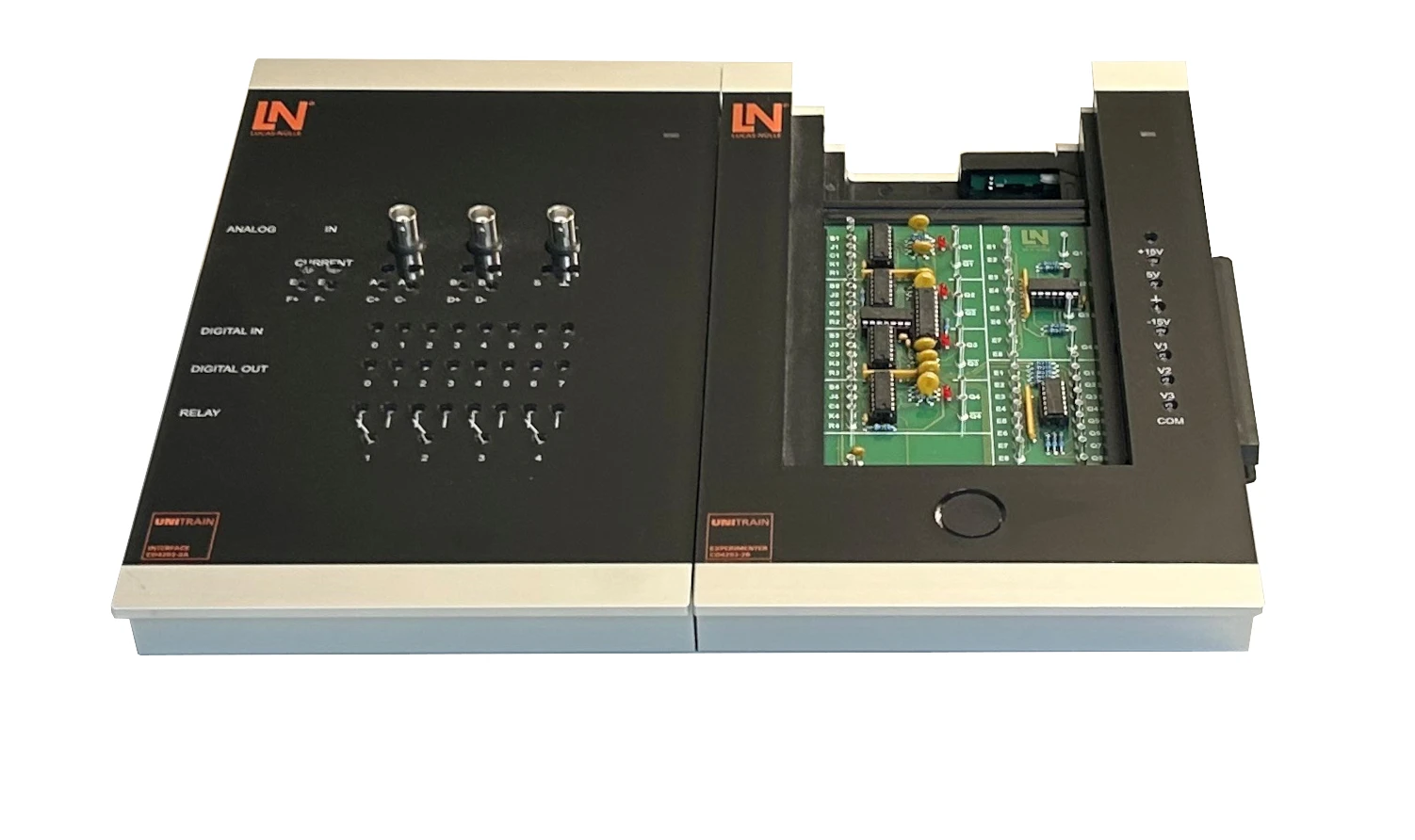
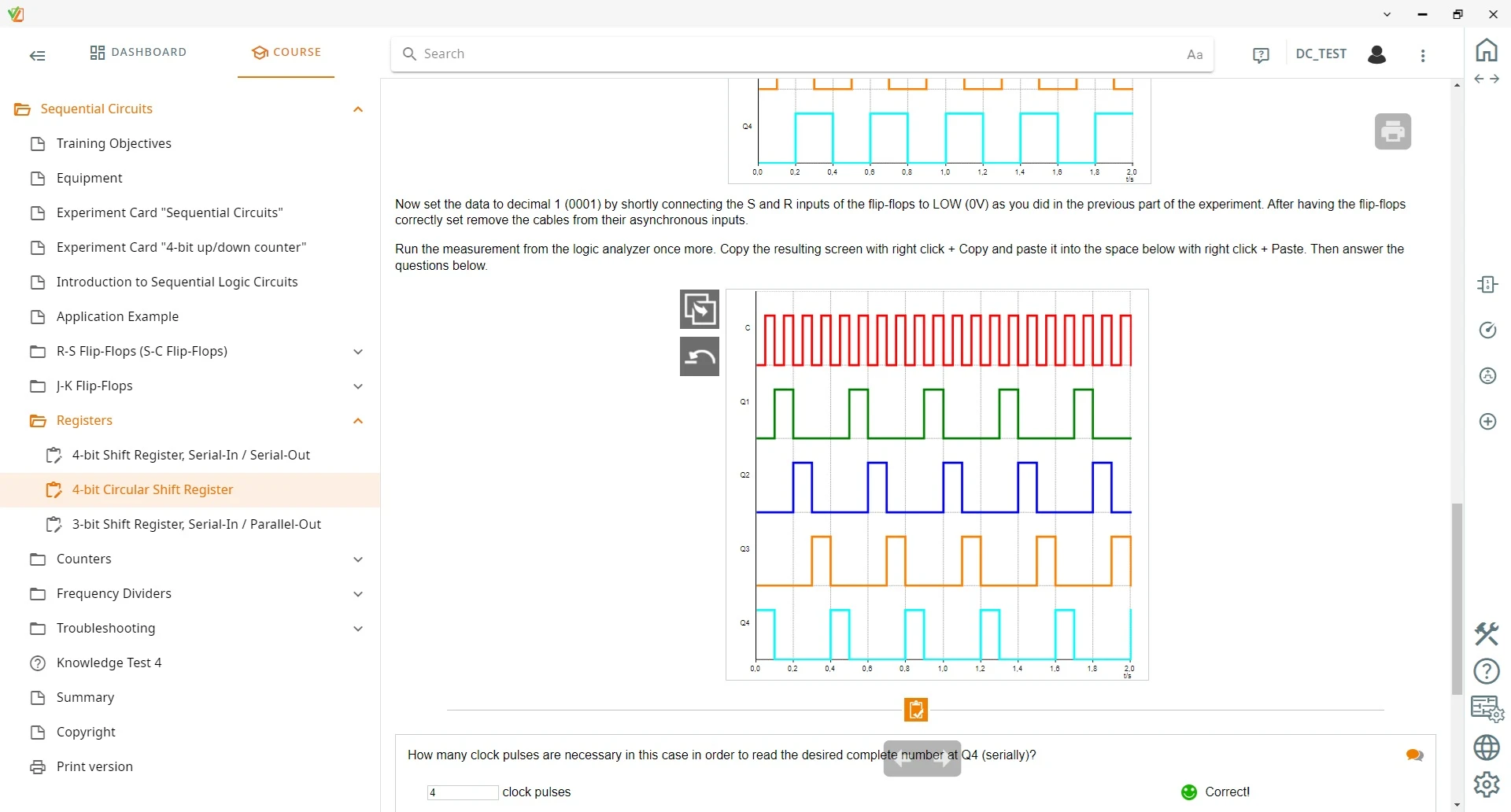
UniTrain course on sequential circuits with the Sequential Circuits and 4-Bit Up/Down Counter plug-in cards. Learners design counters using Karnaugh maps and analyze them with the logic analyzer.

Learning Content
  • Understanding the design and function of flip-flops and registers
  • Investigating flip-flops and registers by measurement
  • Designing counters and testing them on real circuits
  • Building shift registers with serial and parallel output
KEY FEATURES
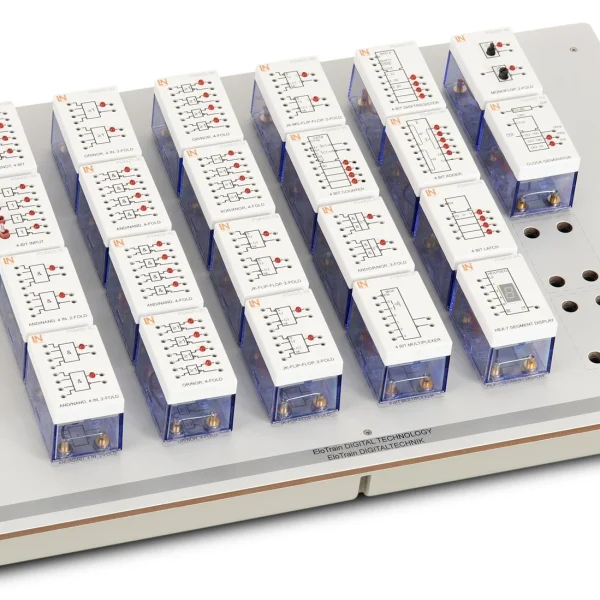
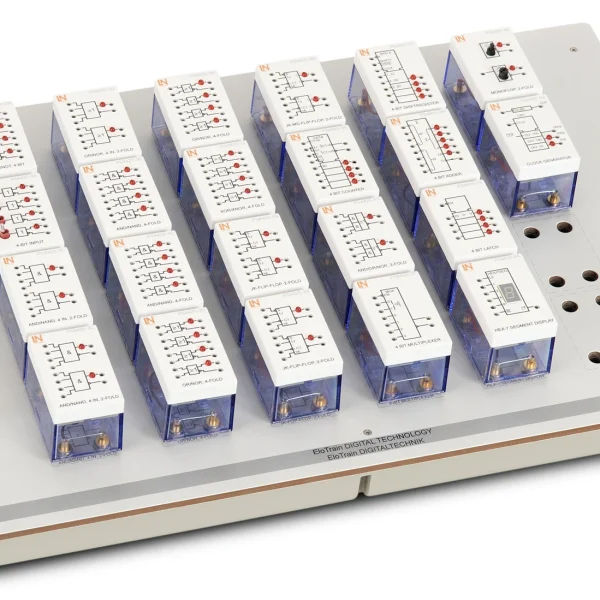
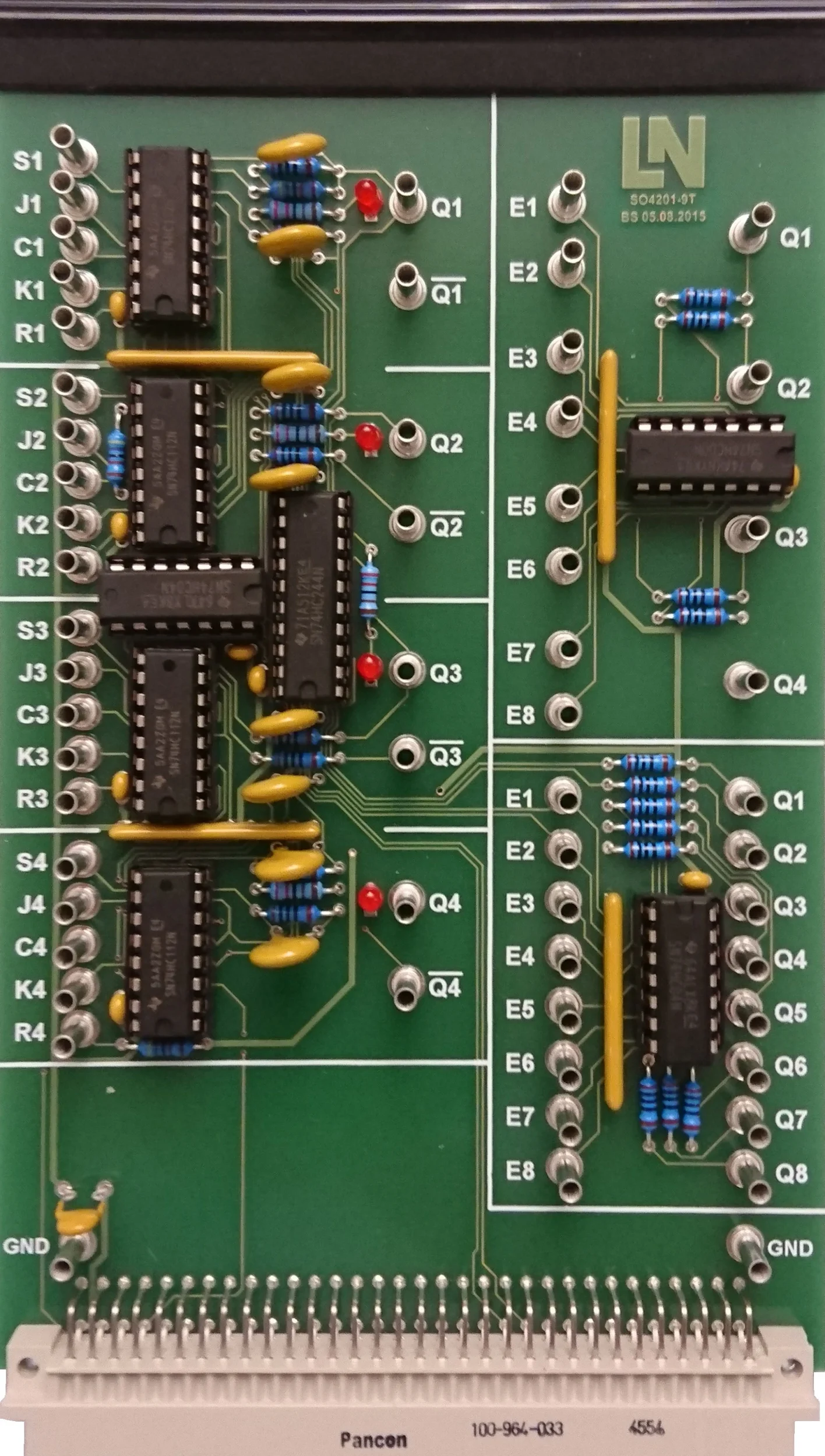
  • Sequential Circuits experiment card
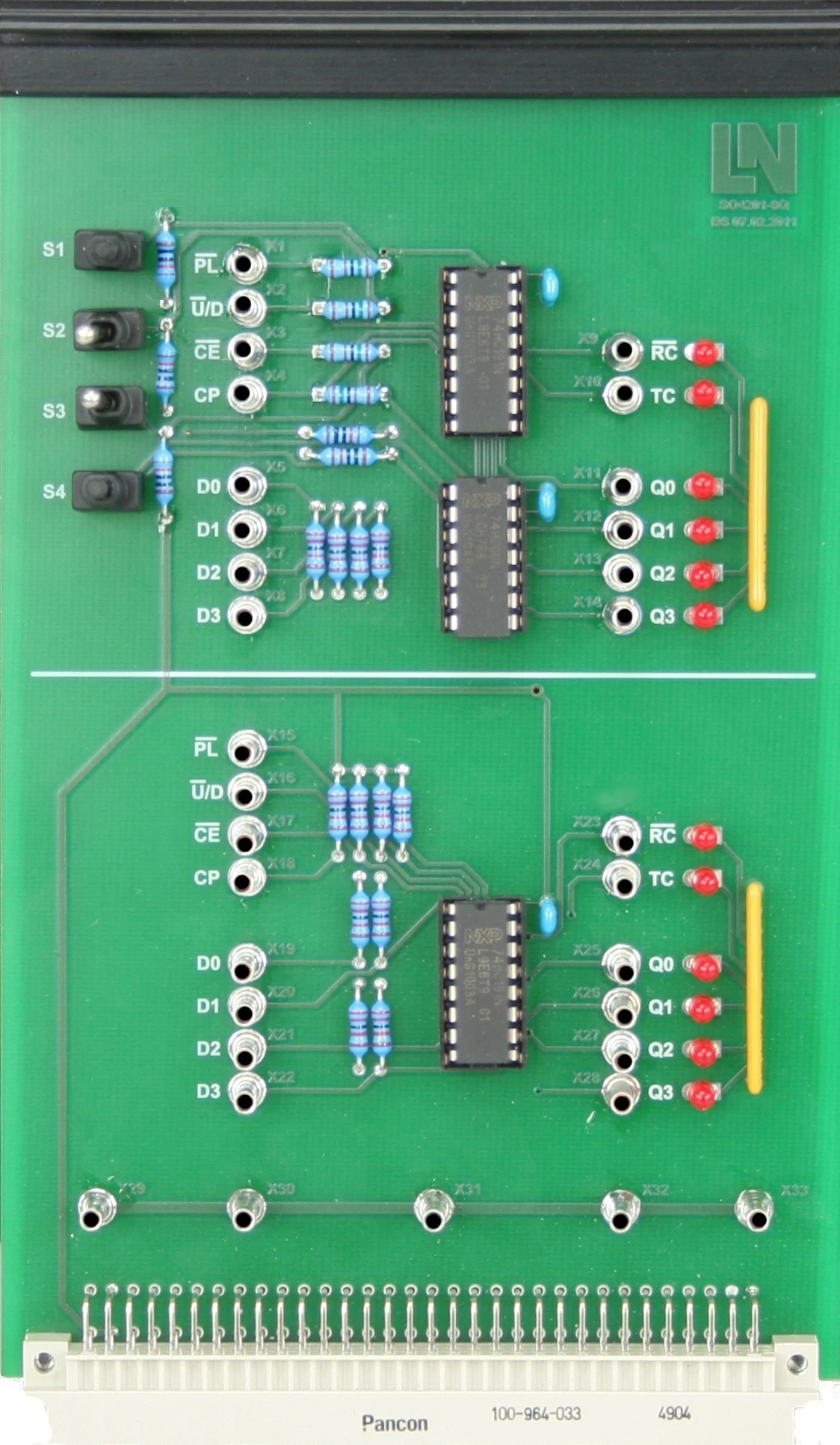
  • 4-Bit Up/Down Counter experiment card
  • Logic analyzer
  • Comprehensive instrumentation in LabSoft
Speak with a Product Specialist +1 (757) 808-5696 · sales@lucas-nuelle.com

Sequential circuits depend on their previous state. This puts clock control, signal propagation delays and bistable storage elements center stage – components that handle clocking and data storage in process automation. This UniTrain course breaks these fast processes down in an accessible, instructive way. The first experiment card provides four JK master-slave flip-flops, NAND gates and inverters; the second holds two cascadable 74HC191 counter ICs with twelve status LEDs. Learners design synchronous counters using truth tables, minimize the output functions with Karnaugh maps and check the result in hardware. The logic analyzer in LabSoft records the pulse sequences. Two faults that can be activated via relays add a troubleshooting element.

CO4204-6CCourse Digital electronics 2: Sequential circuits
CO4203-2AUniTrain Interface mit virtuellen Instrumenten (Basis VI)
CO4203-2JUniTrain measurement accessories, shunts and connection cables
CO4203-2YUniTrain storage case for one UniTrain system
CO4203-2BUniTrain Experimenter

Learning Content in Detail

Learners acquire the skills to design and build flip-flops, registers and counters, investigate them by measurement and narrow down faults in them.

Understanding the design and function of flip-flops and registers

Learners learn how the various flip-flops and registers are constructed and how they operate.

Investigating flip-flops and registers by measurement

Learners examine how various flip-flops and registers operate in experiments.

Designing counters and testing them on real circuits

Learners design counters, build them and check them on the real circuit.

Building shift registers with serial and parallel output

Learners design shift registers with serial and parallel output and check them on the real circuit.

Understanding the design and function of counters and dividers

Learners learn how counters and frequency dividers are constructed and how they operate.

Analyzing counters and dividers by measurement

Learners analyze the behavior of counters and dividers on the basis of measurements.

Taking measurements on synchronous and asynchronous counters

Learners take measurements on synchronous and asynchronous counters and evaluate the signal waveforms.

Distinguishing between synchronous and asynchronous counters

Learners identify the differences between synchronous and asynchronous counters.

Investigating binary up and down counters

Learners build binary up and down counters and investigate their behavior.

Systematic troubleshooting

Learners narrow down two faults that can be activated via relays and determine their cause.

Features & Applications

The experiments address tasks from the servicing and maintenance of electrical systems, from assembly, commissioning and testing, and from electronics development.
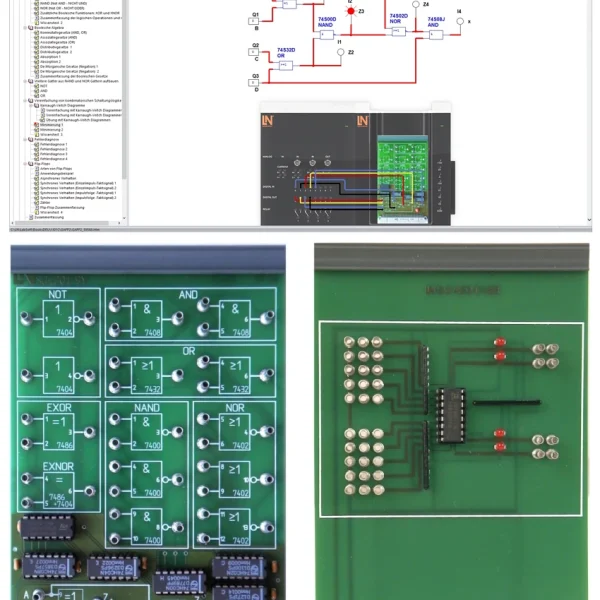
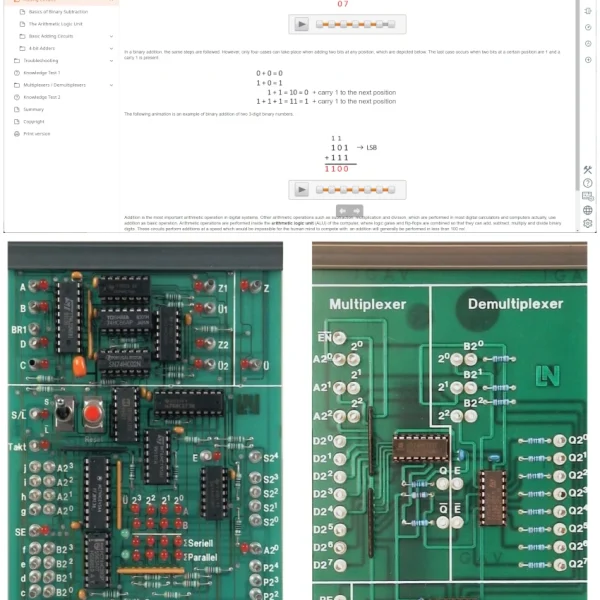
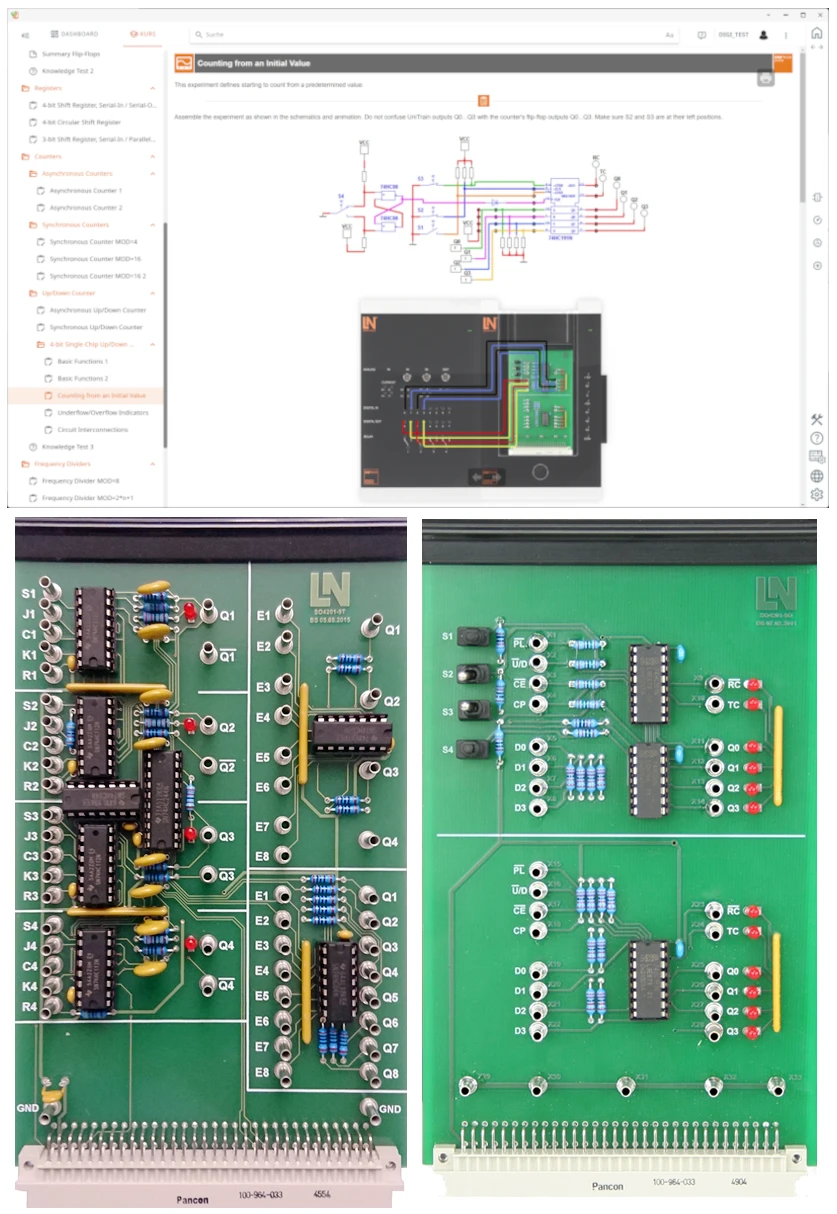
  • Sequential Circuits experiment card — The Eurocard provides four JK master-slave flip-flops, NAND gates and inverters for flexible circuit configurations.
  • 4-Bit Up/Down Counter experiment card — The card contains two cascadable 74HC191 ICs, switches for mode selection and twelve status LEDs that display the binary code directly.
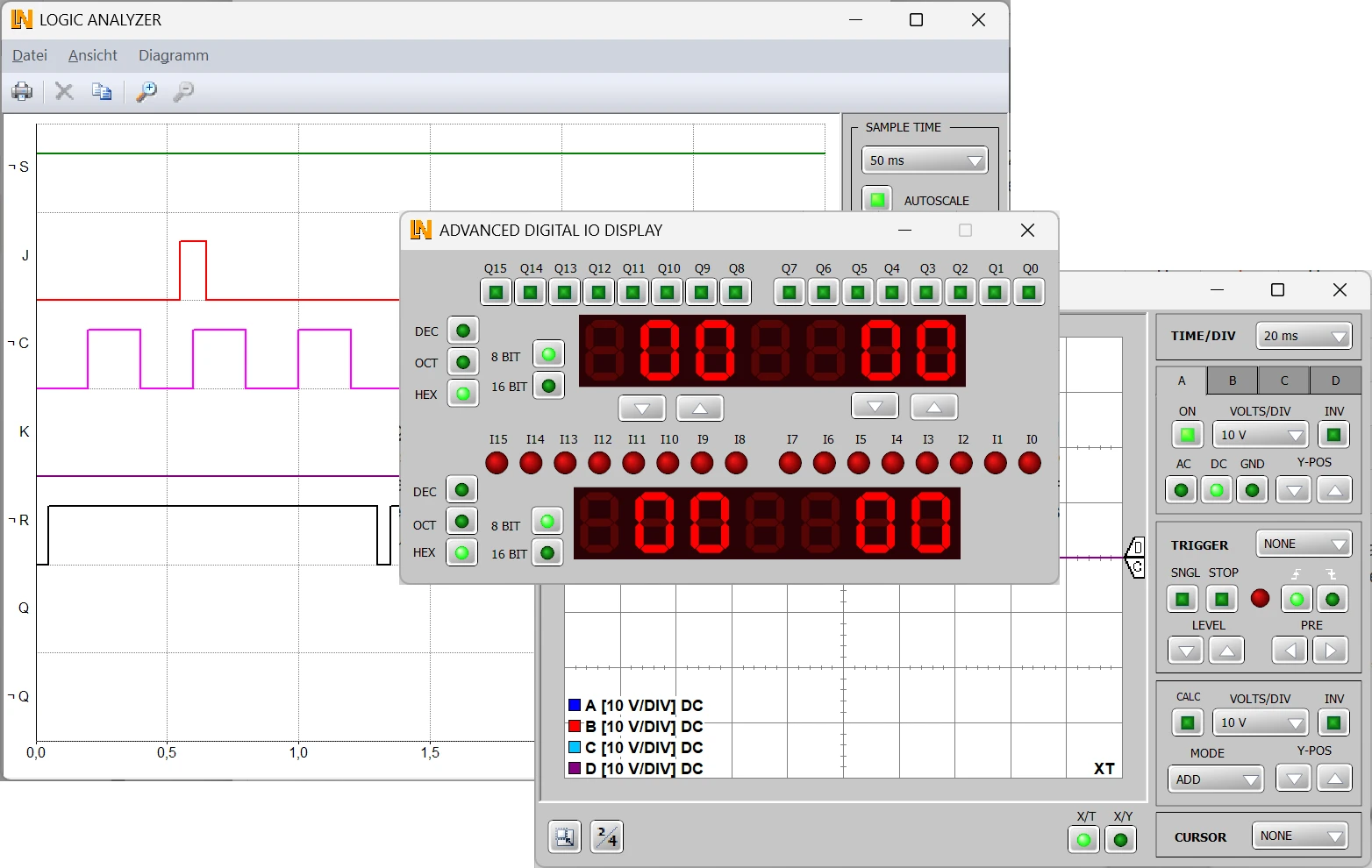
  • Logic analyzer — The instrument captures up to 16 digital signals simultaneously and records precise timing diagrams. Direct links to the data sheets support the evaluation.
  • Comprehensive instrumentation in LabSoft — Software-based measuring instruments such as the logic analyzer and oscilloscope display the pulse sequences and timing diagrams of sequential logic circuits on the PC in real time.
  • Systematic design of synchronous counters — Learners develop counter circuits using truth tables, minimize the output functions with Karnaugh maps and verify the result directly in hardware.
  • Analysis of serial and parallel registers — Learners build shift registers themselves and use them to investigate data storage, ring configurations, and serial and parallel data transmission.
  • Comparative analysis of counter types — Learners compare synchronous counters and asynchronous ripple counters by measurement and explore the effects of accumulated signal propagation delays.
  • Debounced pushbuttons for single pulses — Two hardware-debounced pushbuttons generate precise single pulses without disruptive contact bounce.
  • Loading signal patterns into the analyzer with a mouse click — Predefined signal patterns load complex timing sequences into the logic analyzer without any rewiring. This shortens preparation time and leaves more time for experimenting.
  • Cascadable counters — The two 4-bit counter ICs can be interconnected to form an 8-bit counter.
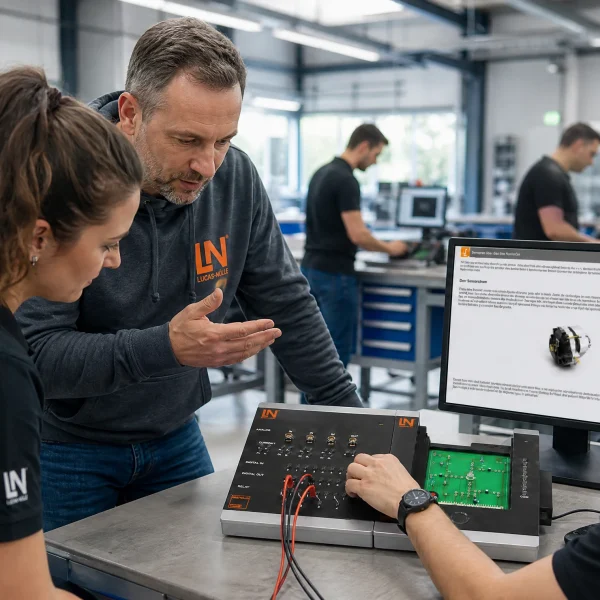
Learners working with RXLea on a tablet at a Lucas-Nuelle training system
RXLea

From Knowledge Comes Capability.

You guide the learning

Where theory and practice go hand in hand.

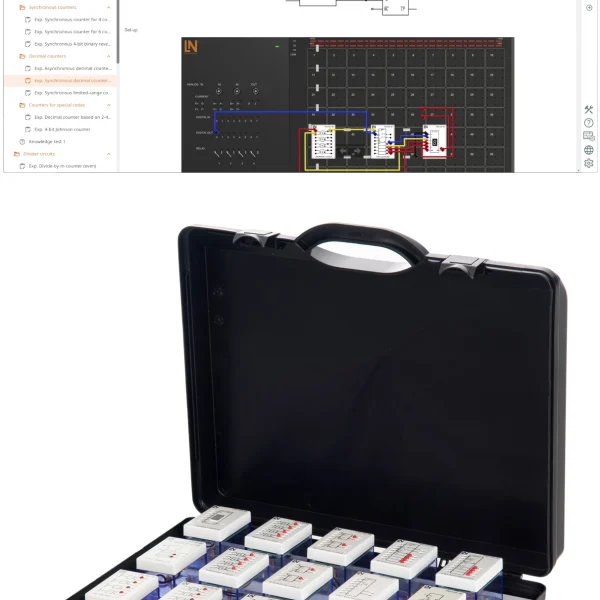
RXLea brings a new way of learning: project-based, hands-on and clearly structured. Learners solve real-world tasks, while instructors save time on preparation. Interactive modules, smart analytics and real hardware create a modern, efficient learning world.

Hands-on and interactive

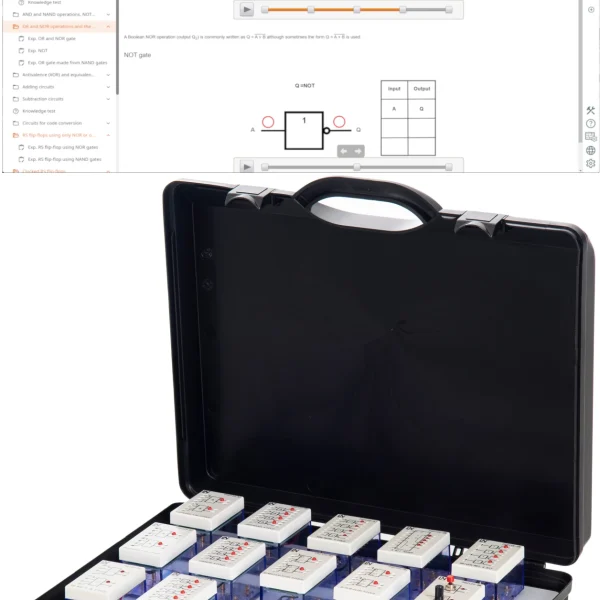
Animations, interactive tasks and realistic scenarios build a deep understanding. All content is organized into clear learning paths for focused, hands-on learning.

Digital support

3D assembly animations and digital instructions simplify complex procedures, reduce errors and help learners work more independently.

Visual support

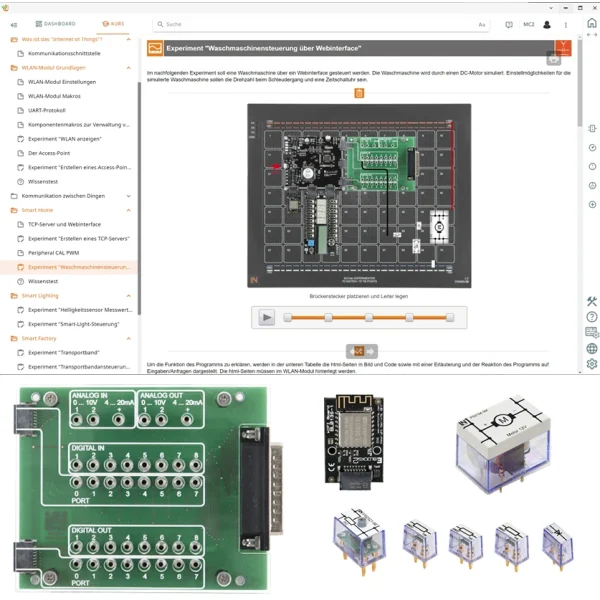
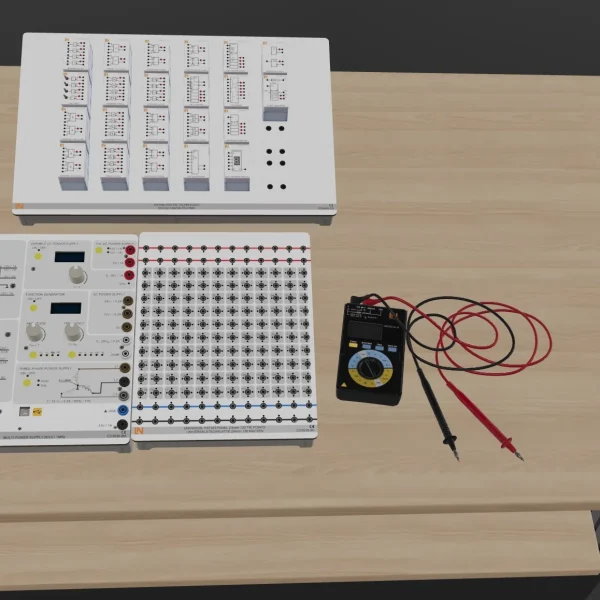
Overview graphics, screenshots and sample animations make the learning world transparent. Photos from the learning packages are also available, including country-specific versions where needed.


Learners using a tablet at an energy training system
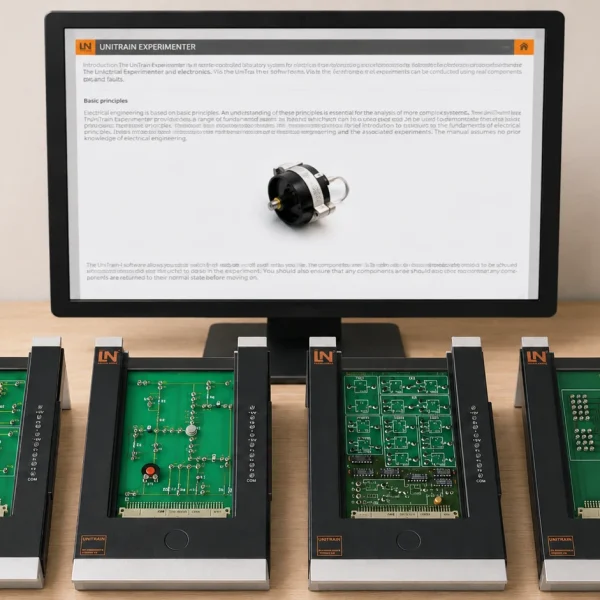
RXLea on desktop, laptop and tablet
RXLea Path Creator for building learning journeys
RXLea Navigator showing the learning world
Learn more about RXLea
Newsletter

Stay ahead in
technical training.

Get the latest training systems, product launches and educational insights, delivered directly to your inbox.

Your email address

By subscribing, you agree to our Privacy Policy. You can unsubscribe at any time.

 Please select at least one category before subscribing.
I'm interested in - select all that apply