


Gates and Flip-Flops
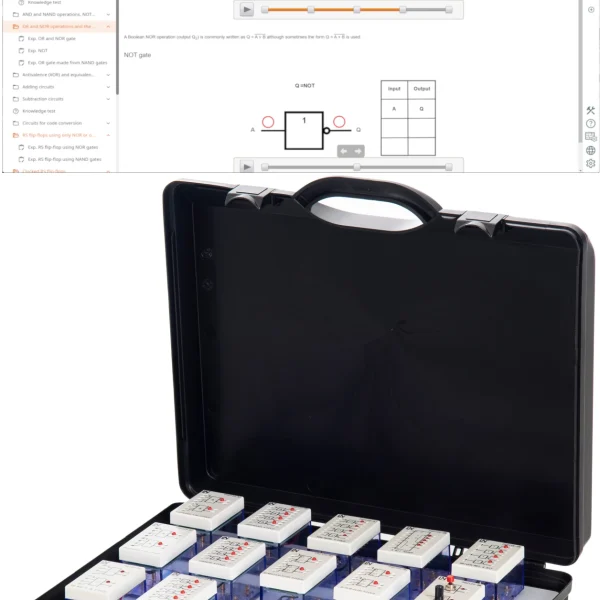
UniTrain course with the Basic Digital Circuits and Flip-Flop experiment cards. Learners verify Boolean laws experimentally, minimize circuits using Karnaugh maps and locate inserted faults.
- Getting to know basic logic circuits
- Reading truth tables and timing diagrams
- Getting to know Boolean functions and laws
- Verifying Boolean laws experimentally
- Basic Digital Circuits experiment card
- JK Flip-Flops experiment card
- Socketed ICs
- Integrated fault simulation
Digital logic circuits control industrial processes, process sensor signals and safeguard data transmission in automated networks. This UniTrain course combines theory and measurement: learners work through the laws of Boolean algebra and verify the commutative, associative and distributive laws directly on the experiment card. They build basic circuits using NAND and NOR logic, minimize logic circuits with Karnaugh maps and verify the result in hardware. On the second card, they examine two JK flip-flops, use them to build a simple counter and observe the output states on the LEDs. Four faults that can be activated via relays make systematic troubleshooting an experiment section in its own right.
| Course | |
| CO4204-6A | Course Digital electronics 1: Gates and flip-flops |
| Accessories | |
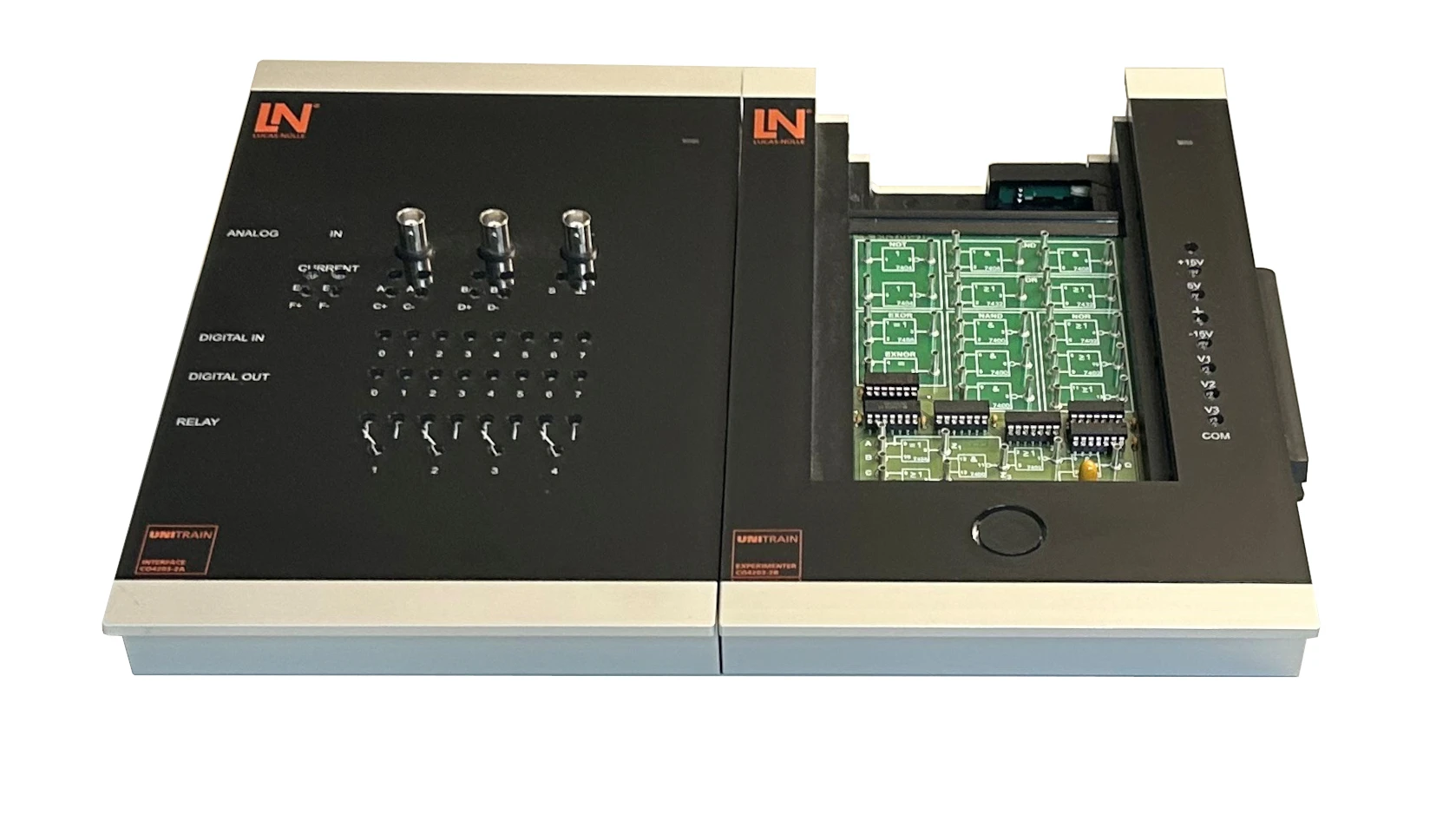
| CO4203-2A | UniTrain Interface mit virtuellen Instrumenten (Basis VI) |
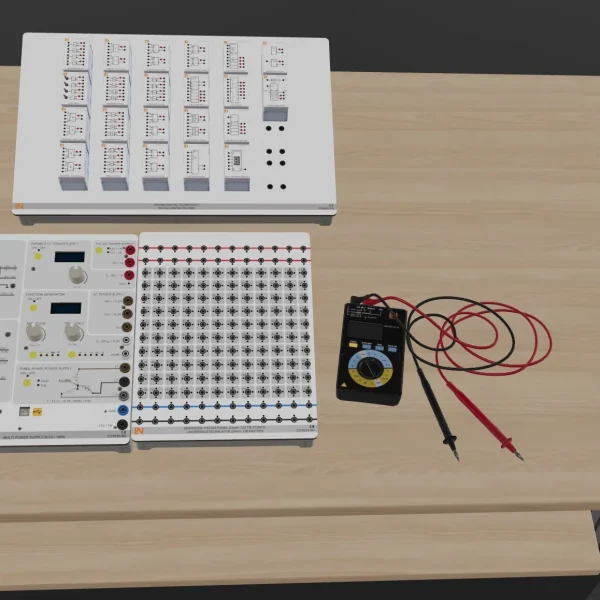
| CO4203-2J | UniTrain measurement accessories, shunts and connection cables |
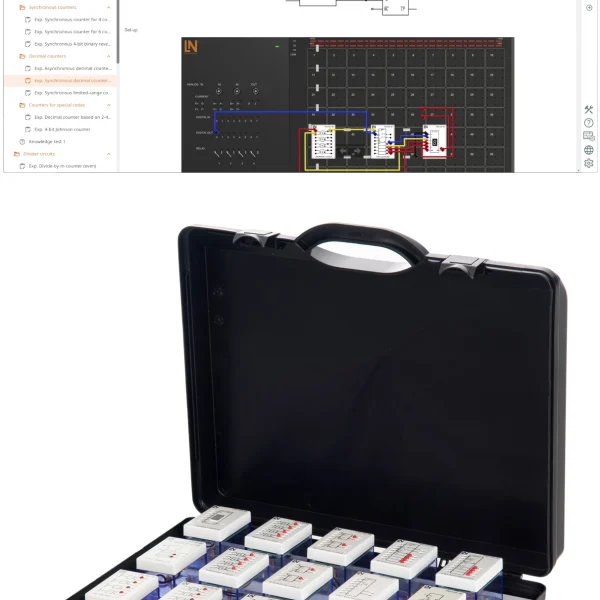
| CO4203-2Y | UniTrain storage case for one UniTrain system |
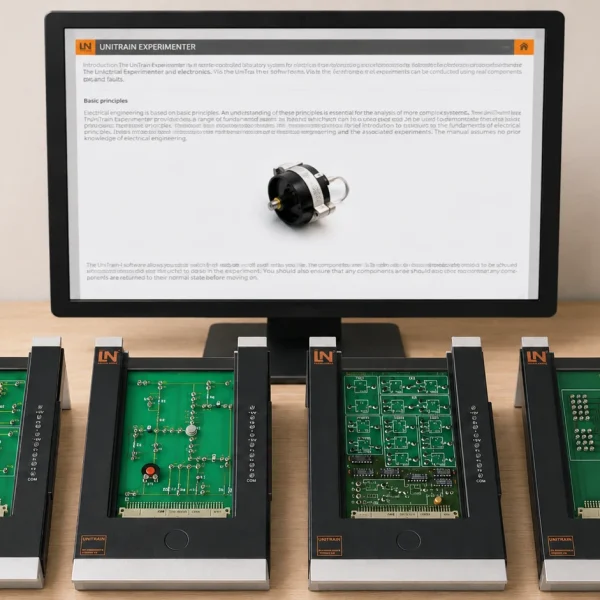
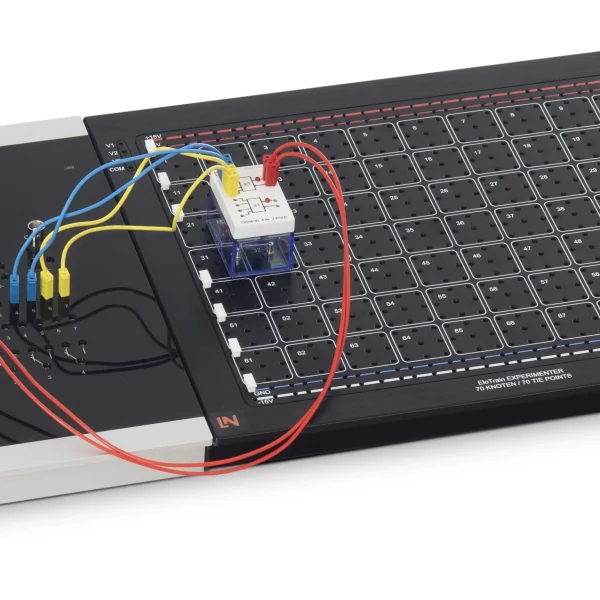
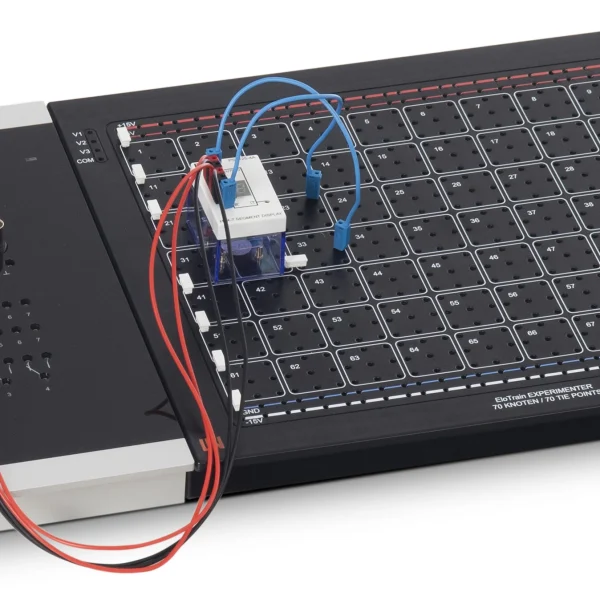
| CO4203-2B | UniTrain Experimenter |
Learning Content in Detail
Getting to know basic logic circuits
Reading truth tables and timing diagrams
Getting to know Boolean functions and laws
Verifying Boolean laws experimentally
Building basic circuits using NAND and NOR logic
Minimizing logic circuits with Karnaugh maps
Understanding the principle of the flip-flop
Investigating JK flip-flops by measurement
Investigating a counter circuit
Systematic troubleshooting
Features & Applications
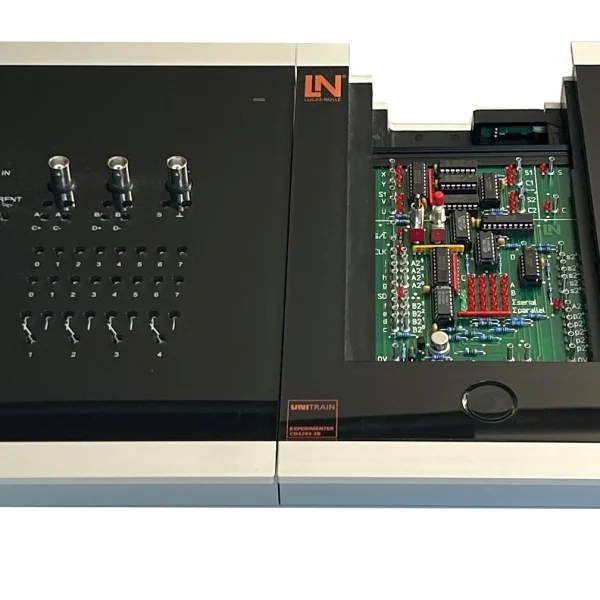
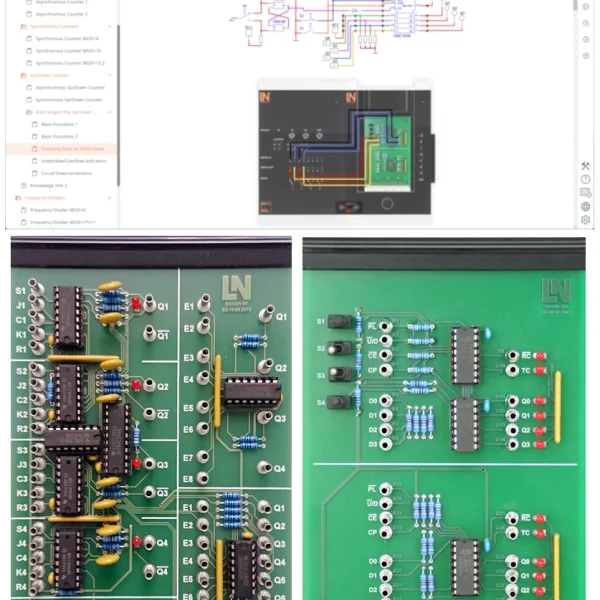
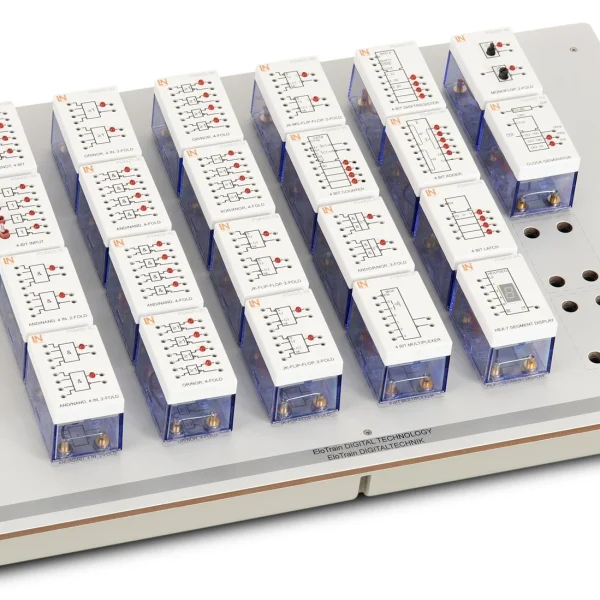
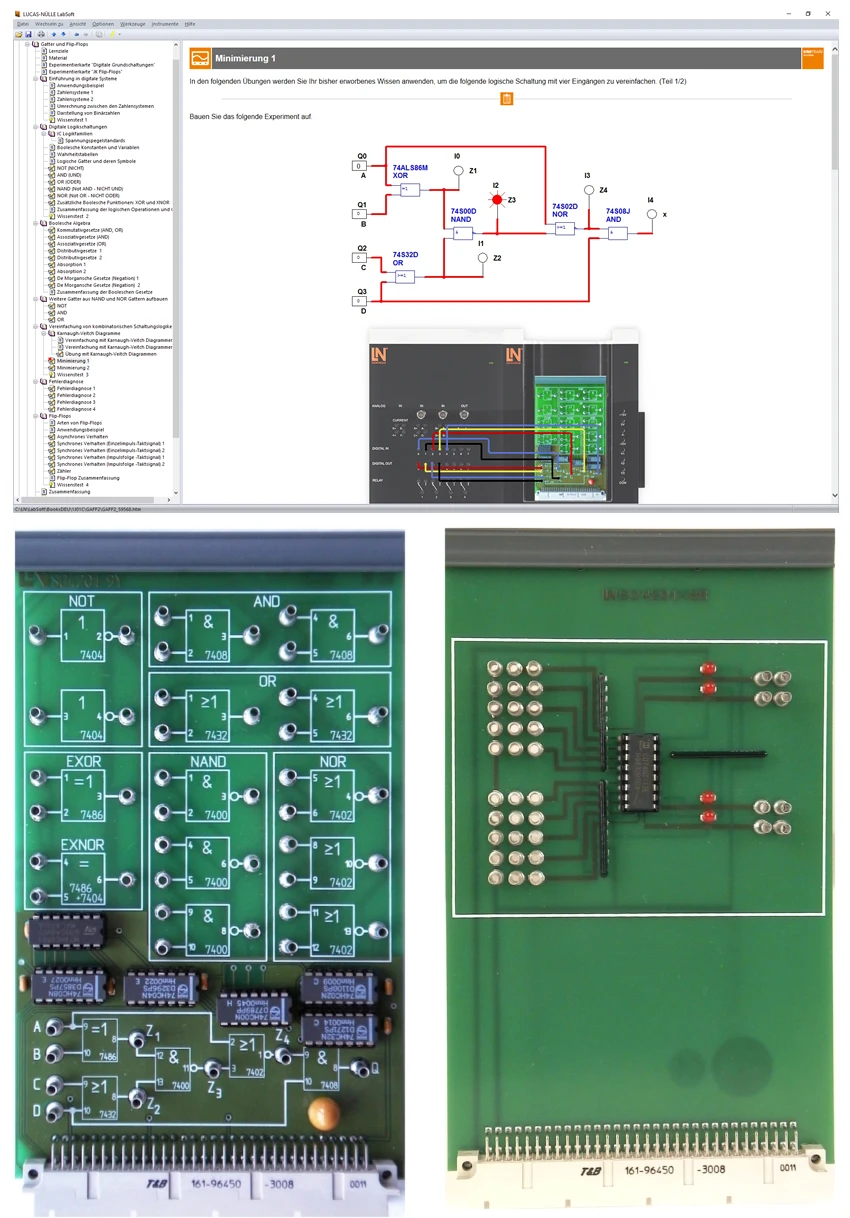
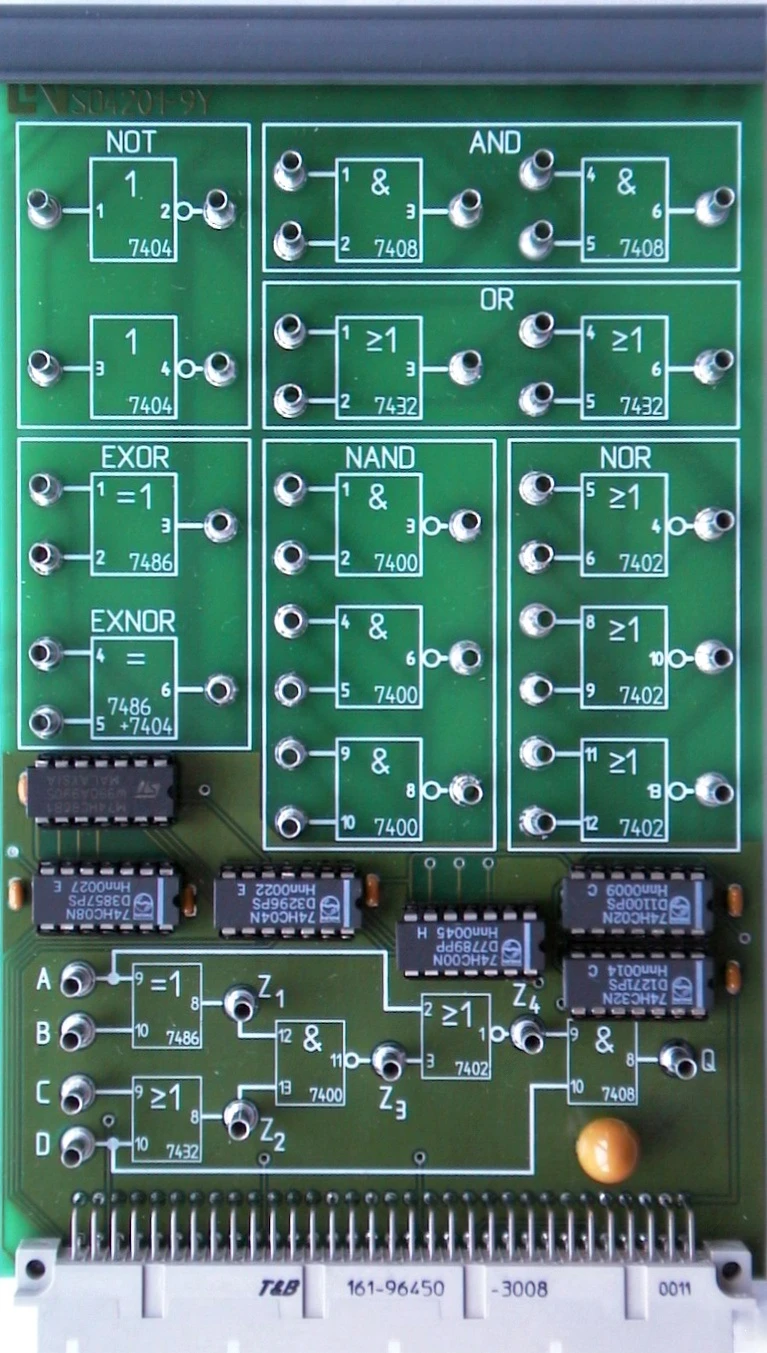
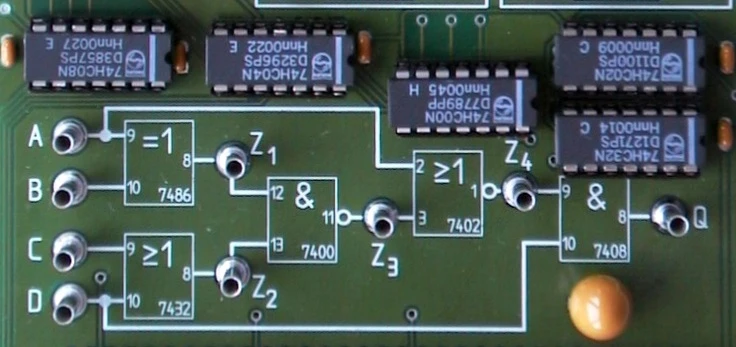
- Basic Digital Circuits experiment card — The Eurocard contains independent logic gates and a chain of gates, allowing learners to implement a wide range of logic operations flexibly.
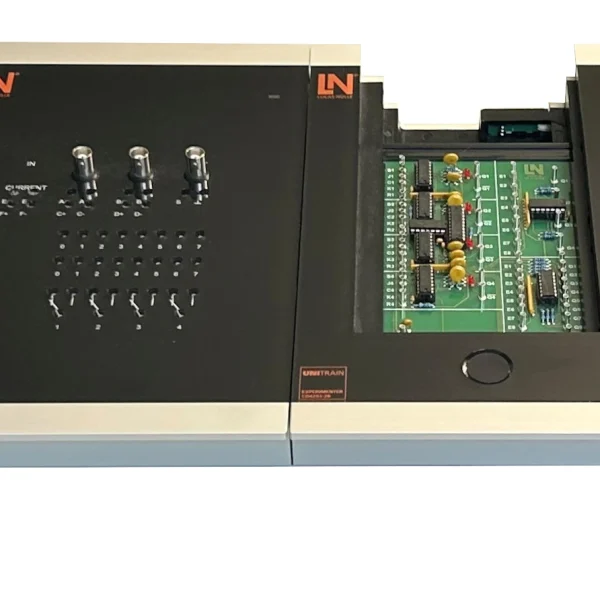
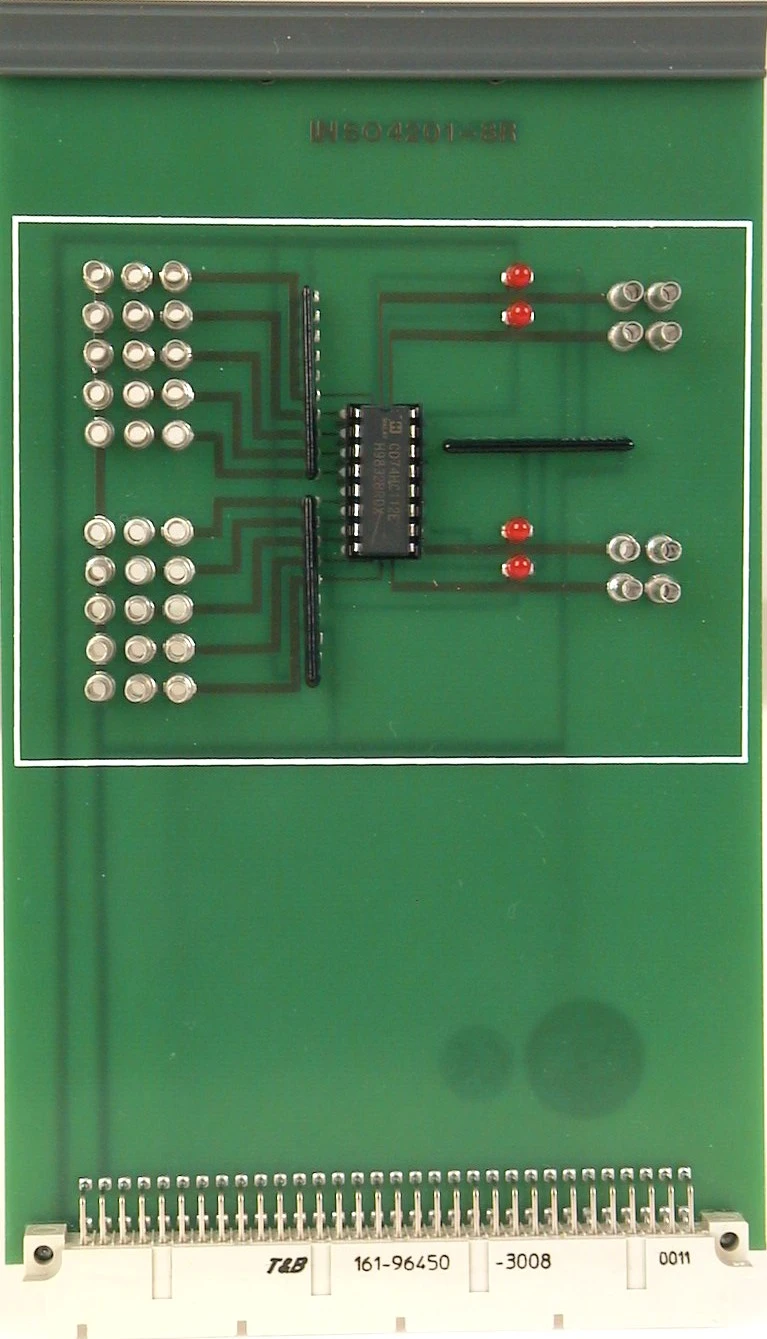
- JK Flip-Flops experiment card — Two JK flip-flops demonstrate the behavior of storage elements and can be interconnected to form simple counters. All inputs can be wired via 2 mm jacks, and LEDs indicate the output state.
- Socketed ICs — The ICs are mounted in sockets and can be replaced effortlessly when necessary.
- Integrated fault simulation — Four typical hardware faults can be activated via relays. Learners use them to practice systematic troubleshooting and diagnosis.
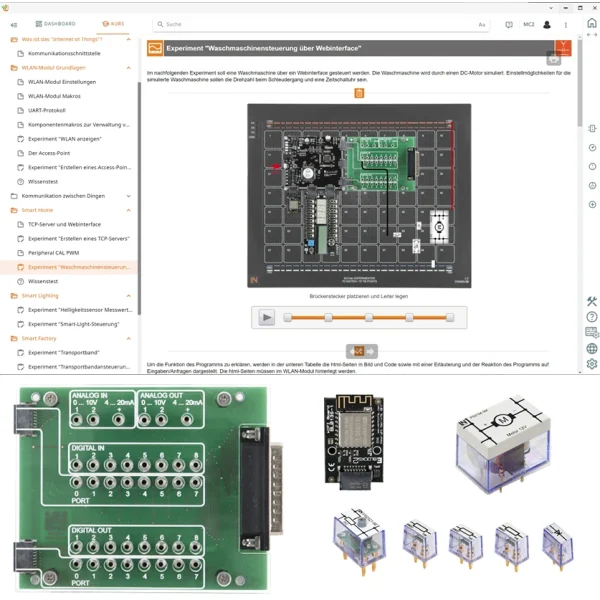
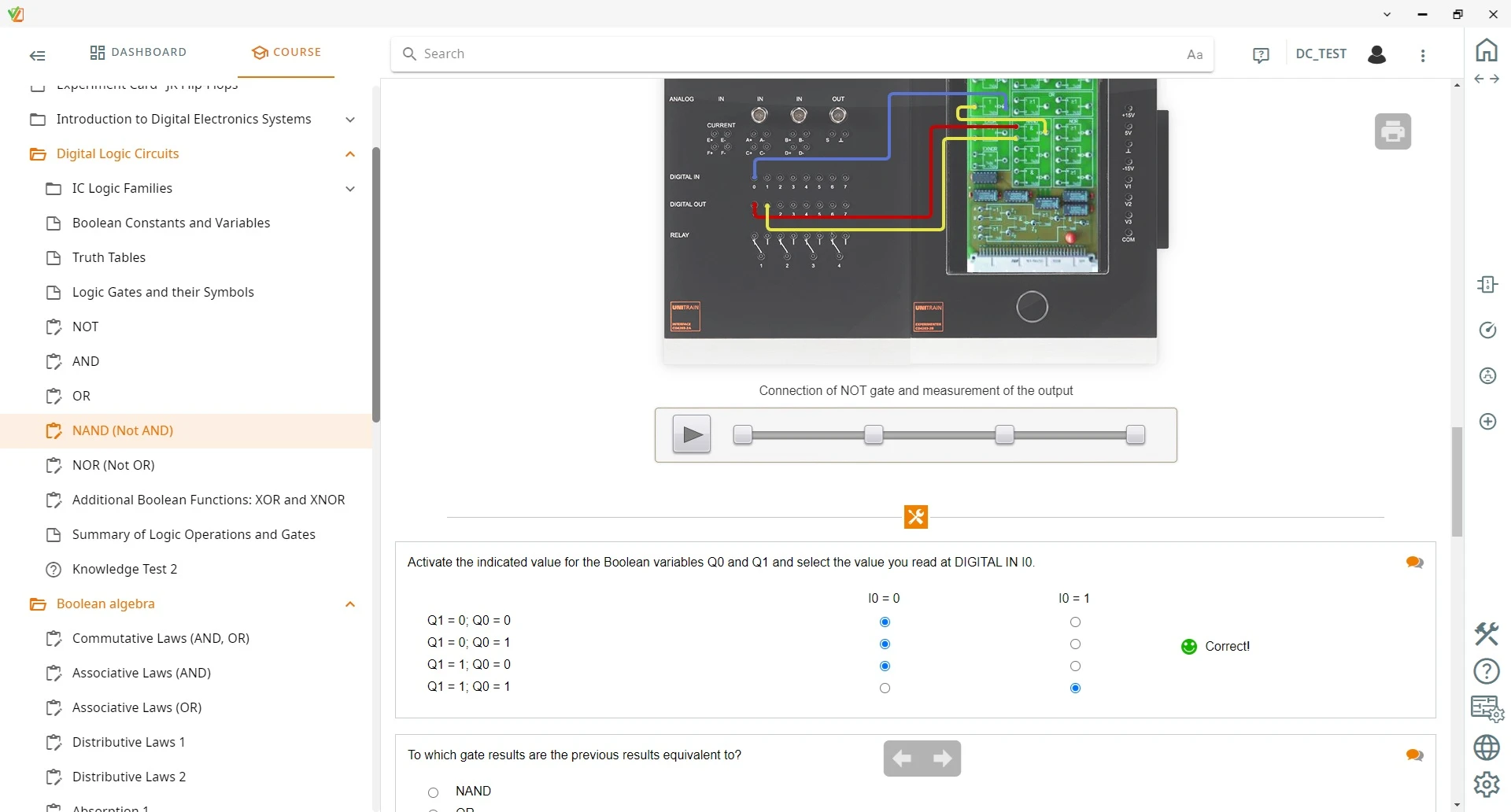
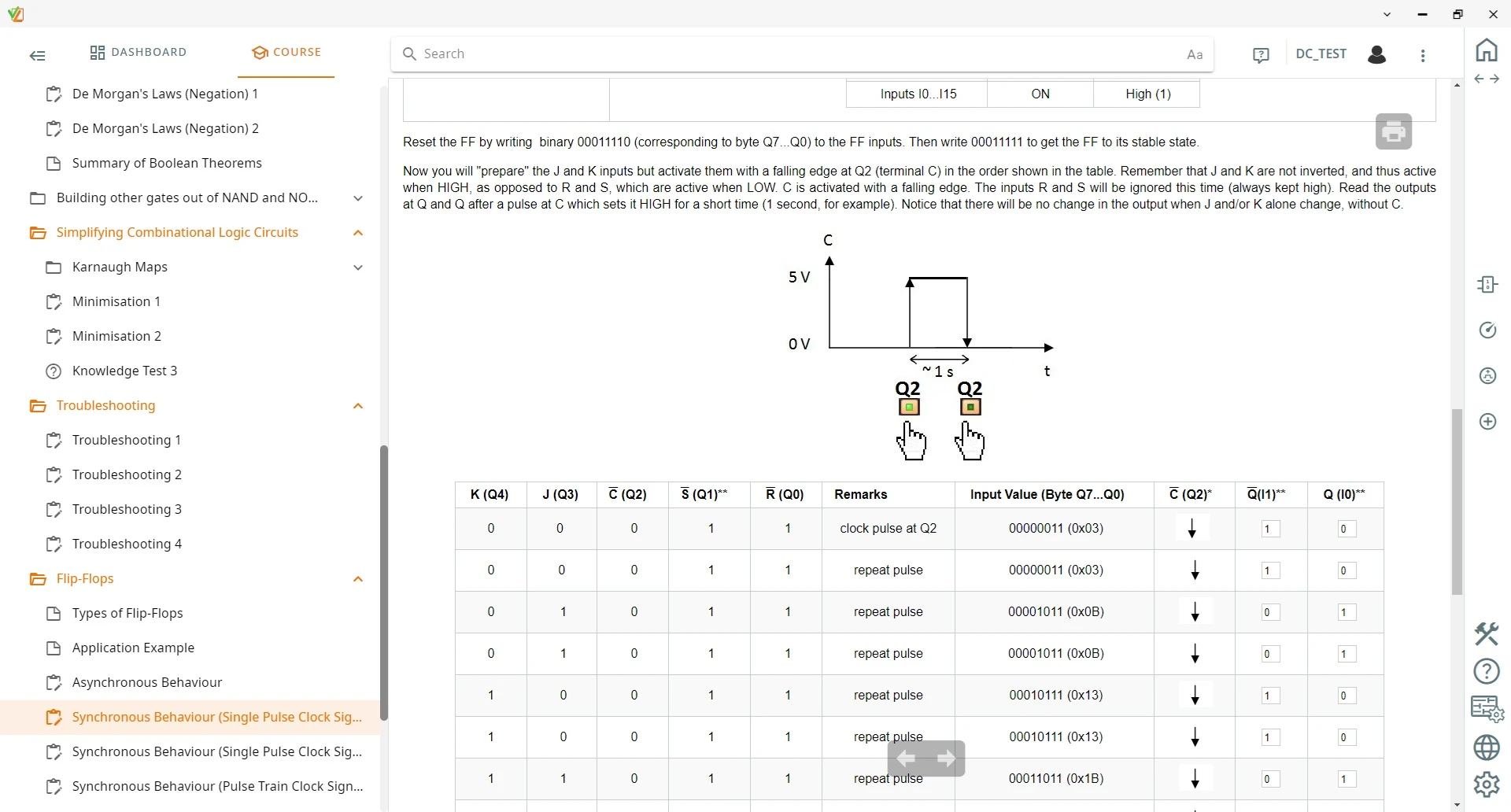
- LabSoft interactive software environment — LabSoft guides learners step by step through the theory, controls the hardware and documents learning progress.
- Systematic circuit minimization — Learners minimize combinational logic circuits using Karnaugh maps and then verify the result on the setup.
- Experimental verification of Boolean algebra — Learners check the commutative, associative and distributive laws by building their own circuits on the experiment cards. This turns algebraic rules into measurements.
- Digital circuit for minimization and troubleshooting — A dedicated digital logic circuit is used to practice circuit minimization and troubleshooting.
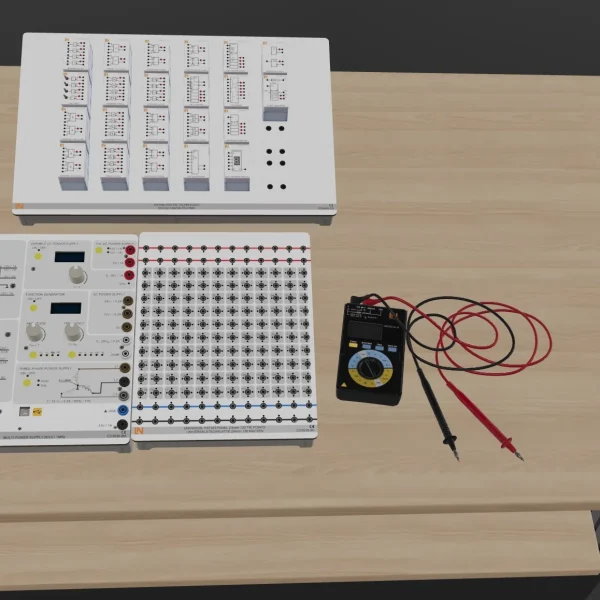
- UniTrain interface — The interface provides all the measuring instruments and sources required for the experiments as digital instruments. It connects to the PC via either USB or Wi-Fi.
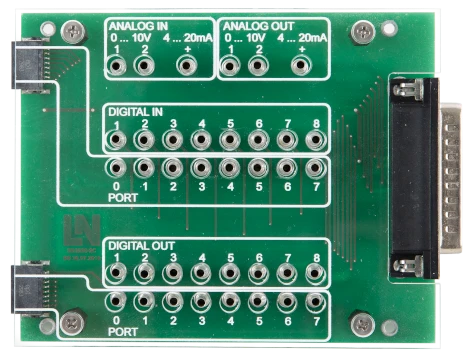
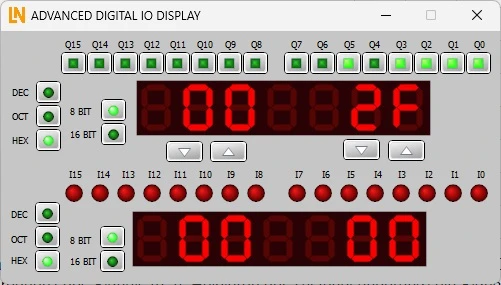
- Extended digital inputs and outputs — The instrument switches the digital outputs and displays the states of the inputs and outputs in decimal, hexadecimal and octal.

From Knowledge Comes Capability.
You guide the learning
Where theory and practice go hand in hand.
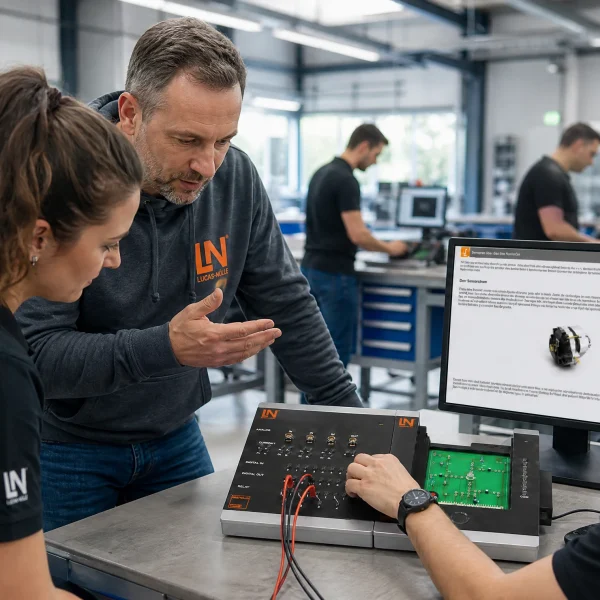
RXLea brings a new way of learning: project-based, hands-on and clearly structured. Learners solve real-world tasks, while instructors save time on preparation. Interactive modules, smart analytics and real hardware create a modern, efficient learning world.
Hands-on and interactive
Animations, interactive tasks and realistic scenarios build a deep understanding. All content is organized into clear learning paths for focused, hands-on learning.
Digital support
3D assembly animations and digital instructions simplify complex procedures, reduce errors and help learners work more independently.
Visual support
Overview graphics, screenshots and sample animations make the learning world transparent. Photos from the learning packages are also available, including country-specific versions where needed.




Stay ahead in
technical training.
Get the latest training systems, product launches and educational insights, delivered directly to your inbox.