


Stepper Motors
Stepper Motors
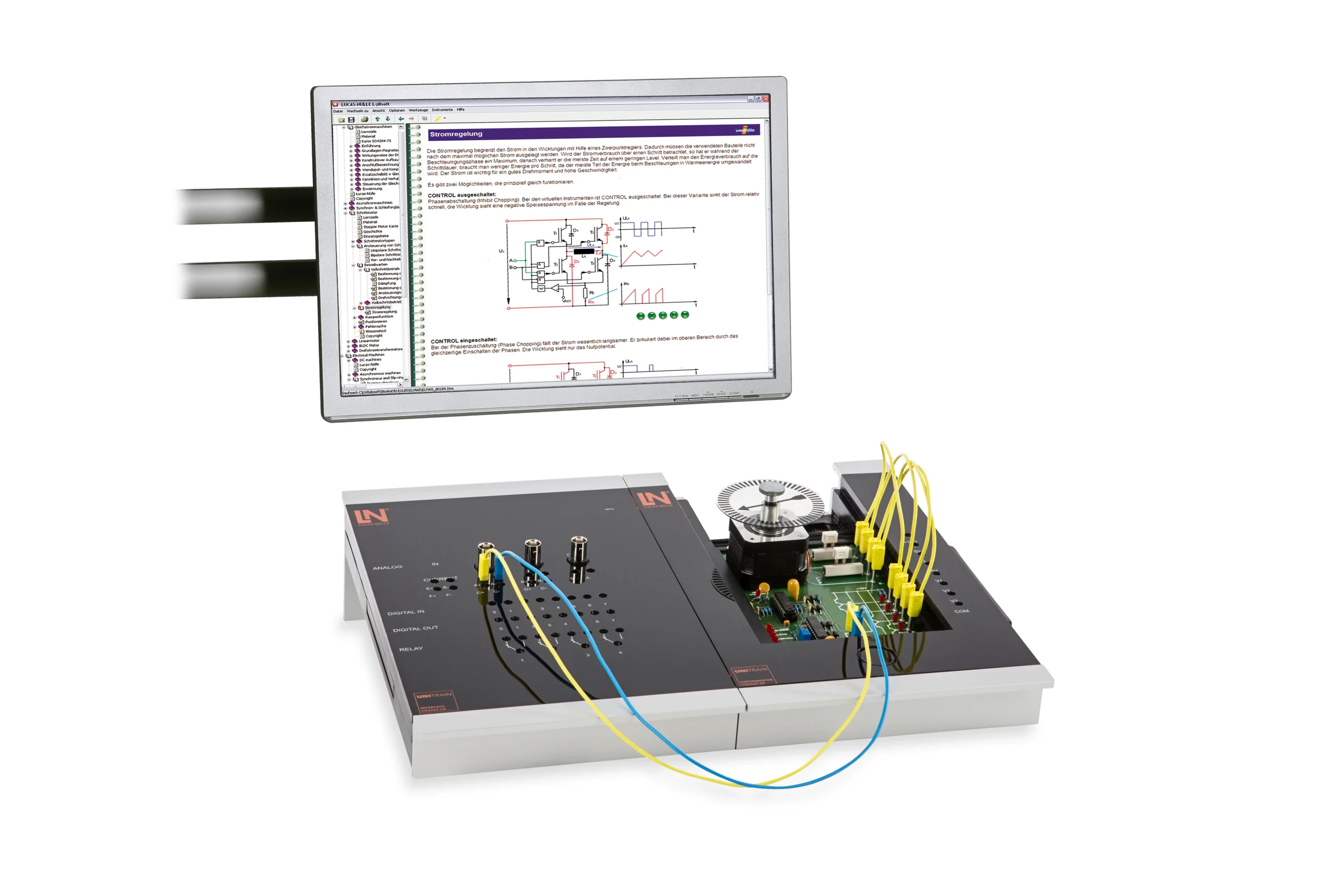
Computer-based UniTrain training system for the hybrid stepper motor: learners measure the drive signals in full-step and half-step mode, investigate ramp functions and program positioning runs on the PC.
- Comparing step modes
- Determining frequency limits experimentally
- Analyzing current control
- Optimizing ramp functions
- Tracing the signal chain from driver to winding
- Comparing half-step and full-step operation
- Investigating ramp functions and loss of synchronism
- Relative and absolute positioning
| Base Product | |
| CO4204-7W | Course Electric Machines 5: Stepper motors |
| Accessories | |
| CO4203-2A | UniTrain Interface mit virtuellen Instrumenten (Basis VI) |
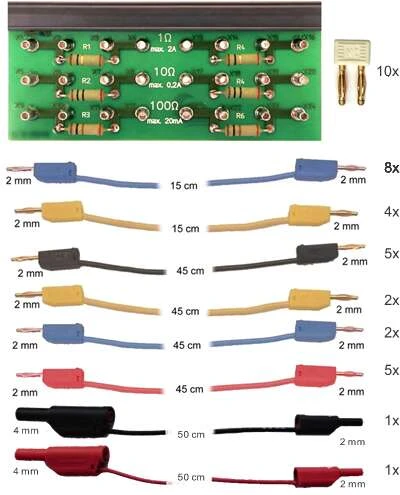
| CO4203-2J | UniTrain measurement accessories, shunts and connection cables |
| CO4203-2Y | UniTrain storage case for one UniTrain system |
| CO4203-2B | UniTrain Experimenter |
Learning Content in Detail
Comparing step modes
Determining frequency limits experimentally
Analyzing current control
Optimizing ramp functions
Solving positioning tasks
Features & Applications
- Tracing the signal chain from driver to winding — Learners examine the complete motor control, measure the phase currents and work through bipolar control in practice. The setup remains fully accessible throughout.
- Comparing half-step and full-step operation — Learners compare the two step modes, analyze the signal waveforms on the oscilloscope and assess how step angle and torque change.
- Investigating ramp functions and loss of synchronism — Learners set the start, stop and maximum frequency and observe the acceleration behavior. If the ramps are too steep, the motor loses steps, and precisely this borderline case can be deliberately provoked.
- Relative and absolute positioning — Learners program positioning runs, test relative and absolute travel specifications and check the positioning accuracy on the incremental disk.
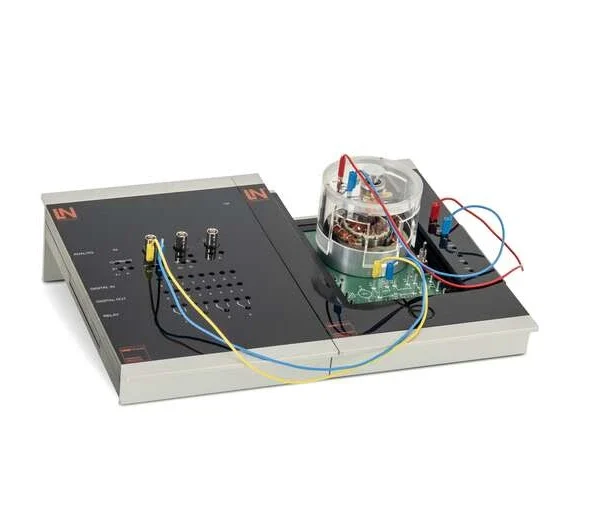
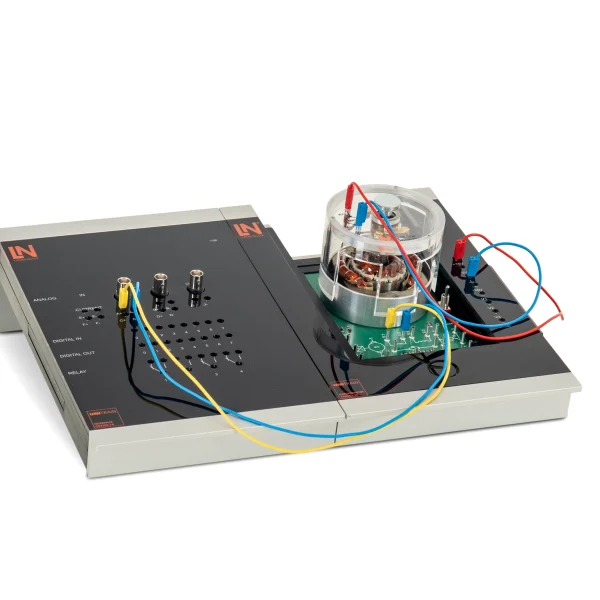
- Experimenting with safety extra-low voltage — The system works exclusively with safety extra-low voltage. Learners wire the circuits themselves and measure the signals without any risk.
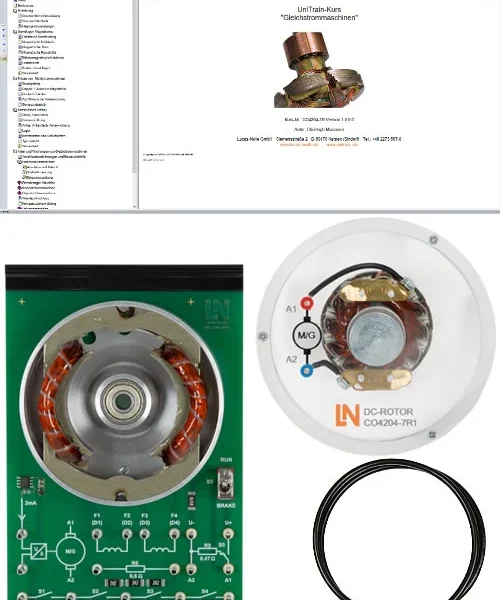
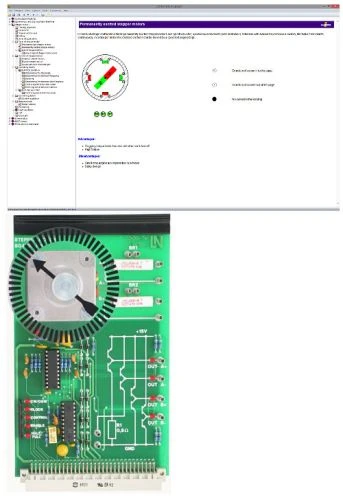
- Experiment card with hybrid stepper motor — The card combines a 2-phase motor with a 1.8° step angle and an integrated driver circuit. All relevant signals can be tapped safely via 2 mm jacks.
- Power and driver electronics with industrial components — The card features real industrial components. Learners switch between current control and open-loop control and compare the behavior of the motor in both operating modes.
- LED status indicators for the control pins — Integrated LEDs indicate overload and the status of the control pins such as CW/CCW, Clock and Half/Full. This lets learners see at a glance whether the control signals are correct.
- Incremental disk for visual checking — The motor carries an optical incremental disk. Learners use it to check the step angles actually executed and the target positions reached.
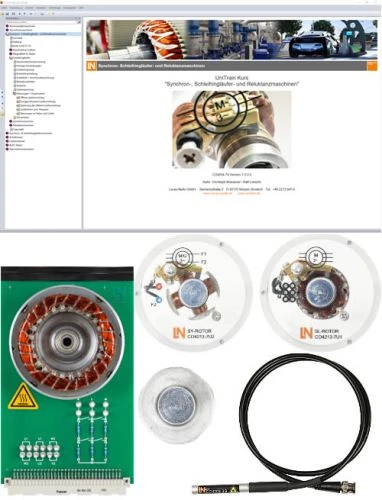
- LabSoft digital learning environment — The software combines theory and practice. Learners read the instructions, answer interactive tests and save their measurement results directly in the user interface.
- Virtual motor and ramp control — Learners configure start frequency, ramps and step size on the PC, use this to control the motor and optimize the run-up during the experiment.
- Virtual instruments of the UniTrain system — The integrated oscilloscope displays the driver’s high-frequency control signals live. Learners use it to analyze phase and chopper signals in detail.

From Knowledge Comes Capability.
You guide the learning
Where theory and practice go hand in hand.
RXLea brings a new way of learning: project-based, hands-on and clearly structured. Learners solve real-world tasks, while instructors save time on preparation. Interactive modules, smart analytics and real hardware create a modern, efficient learning world.
Hands-on and interactive
Animations, interactive tasks and realistic scenarios build a deep understanding. All content is organized into clear learning paths for focused, hands-on learning.
Digital support
3D assembly animations and digital instructions simplify complex procedures, reduce errors and help learners work more independently.
Visual support
Overview graphics, screenshots and sample animations make the learning world transparent. Photos from the learning packages are also available, including country-specific versions where needed.




Stay ahead in
technical training.
Get the latest training systems, product launches and educational insights, delivered directly to your inbox.