


Skip to content

Introduction to Digital Technology

RXLea
Digital projects for hands-on learningInteractive learning content, directly connected to the training system.

Introduction to Digital Technology

BDI01UE

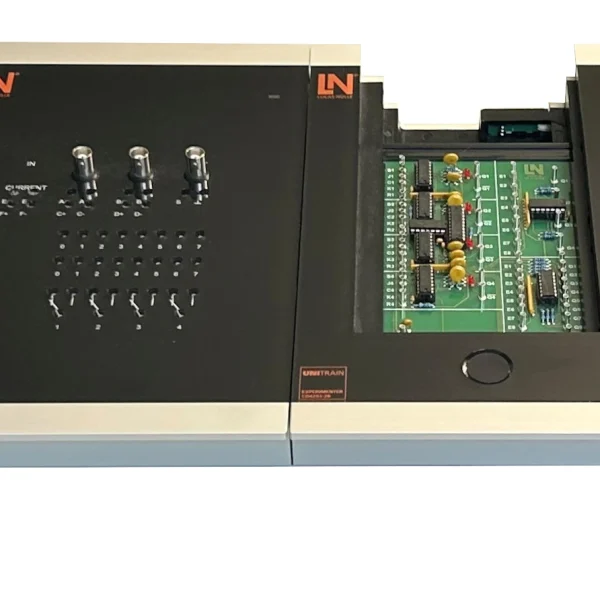
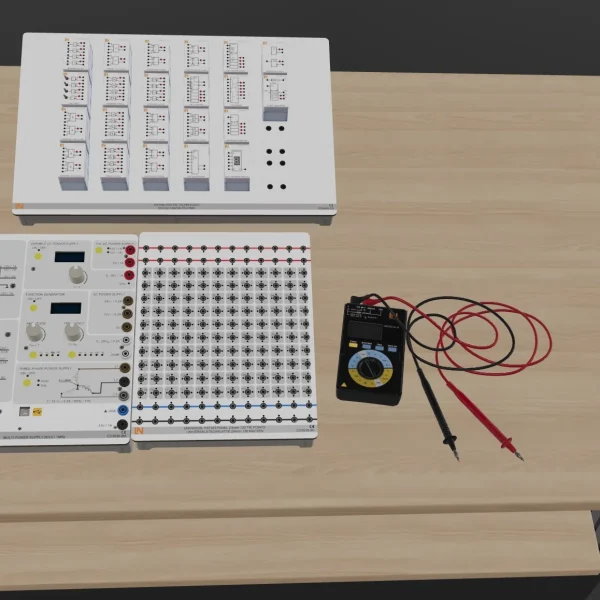
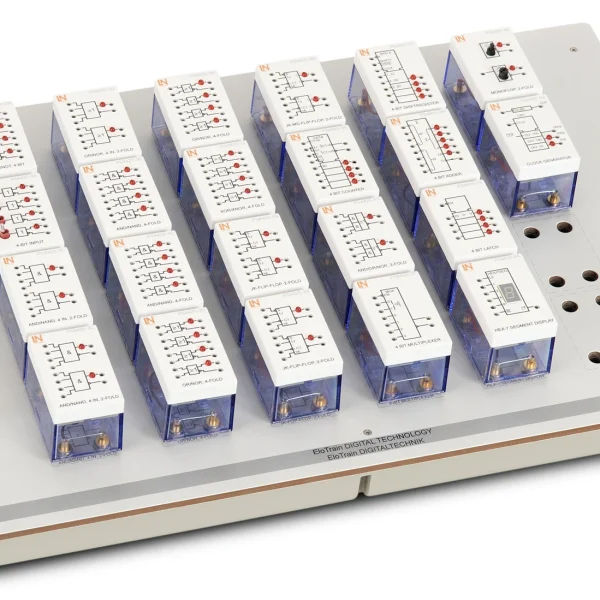
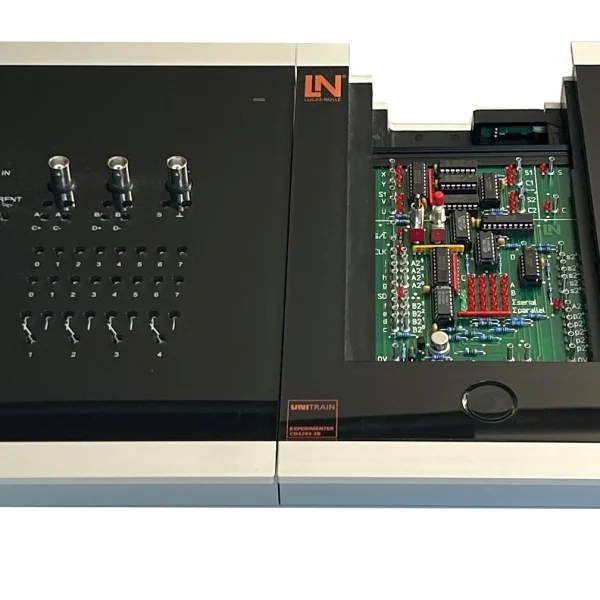
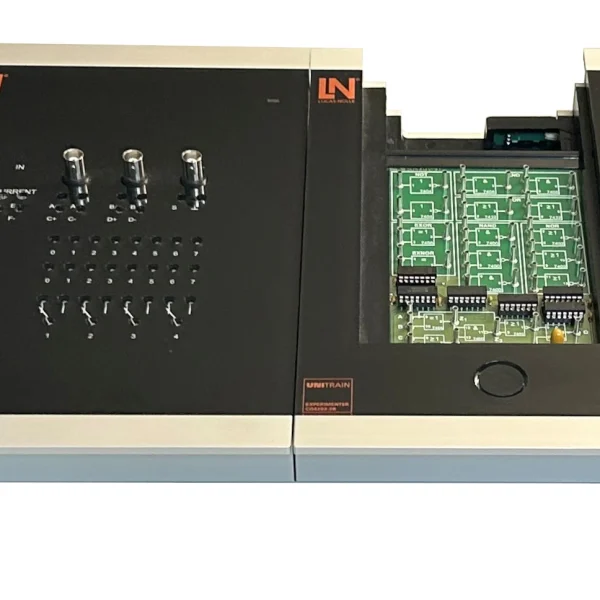
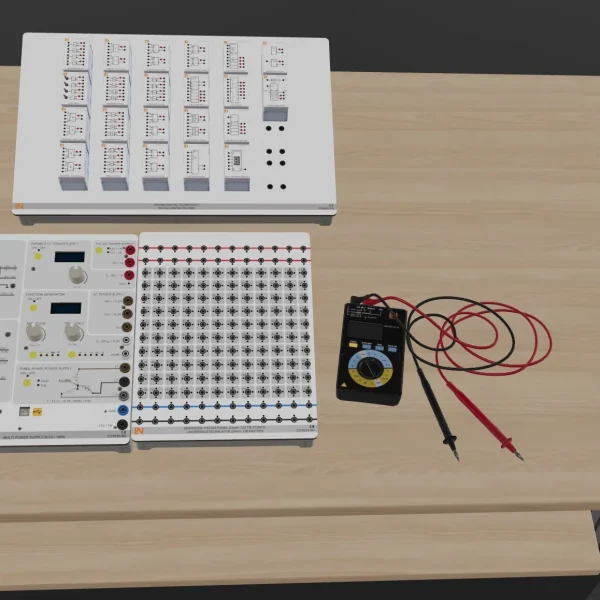
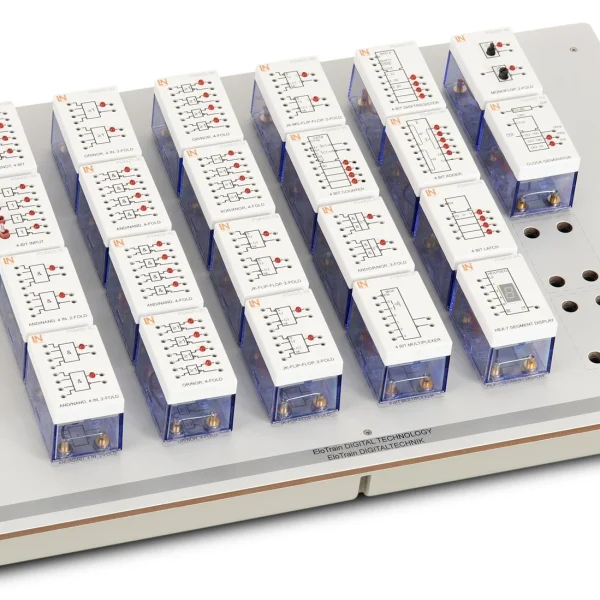
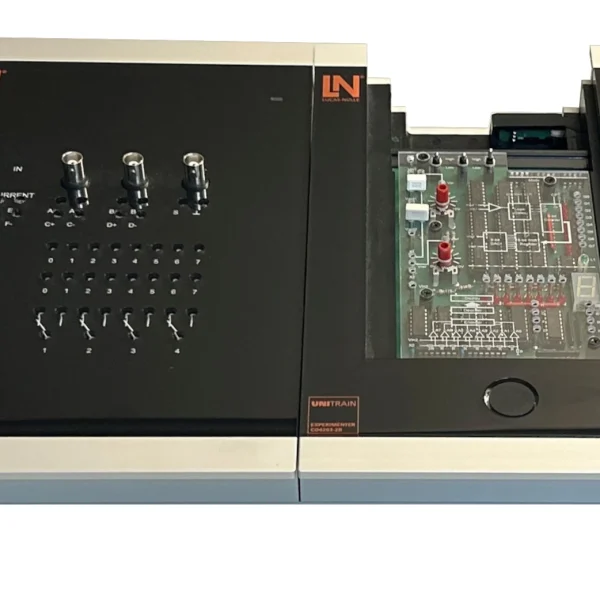
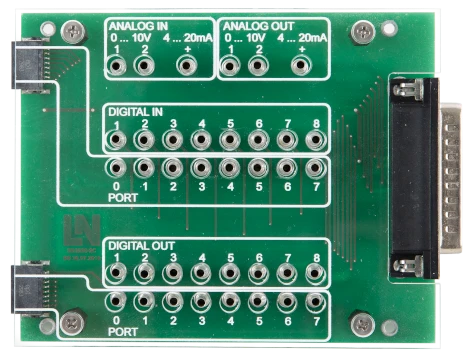
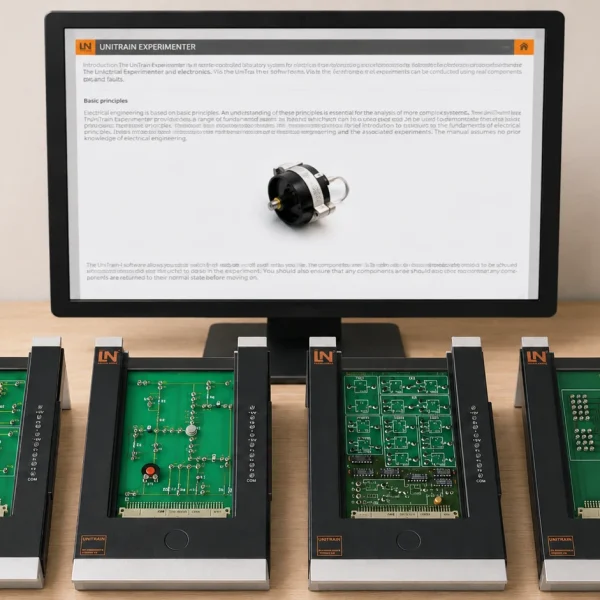
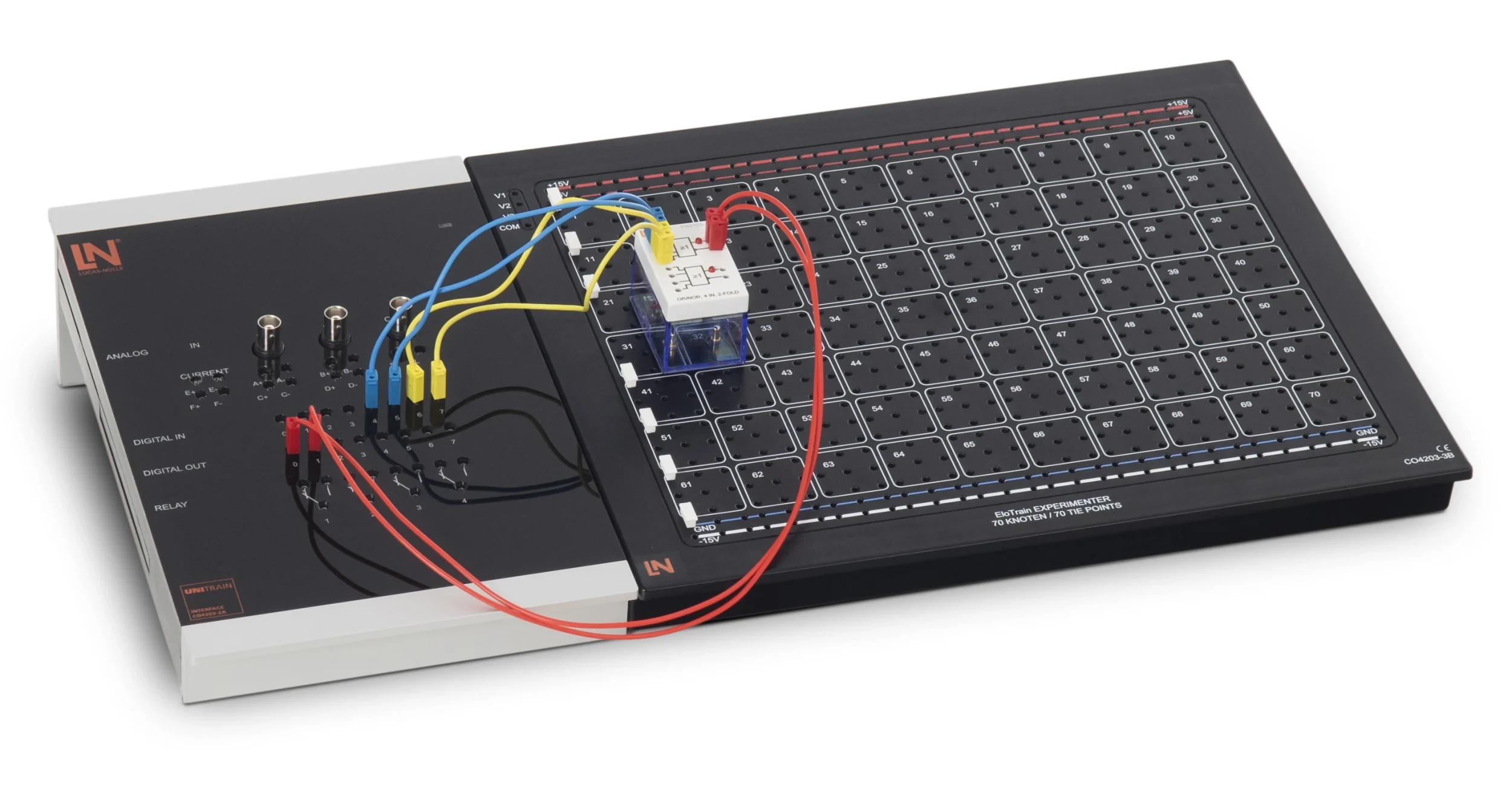
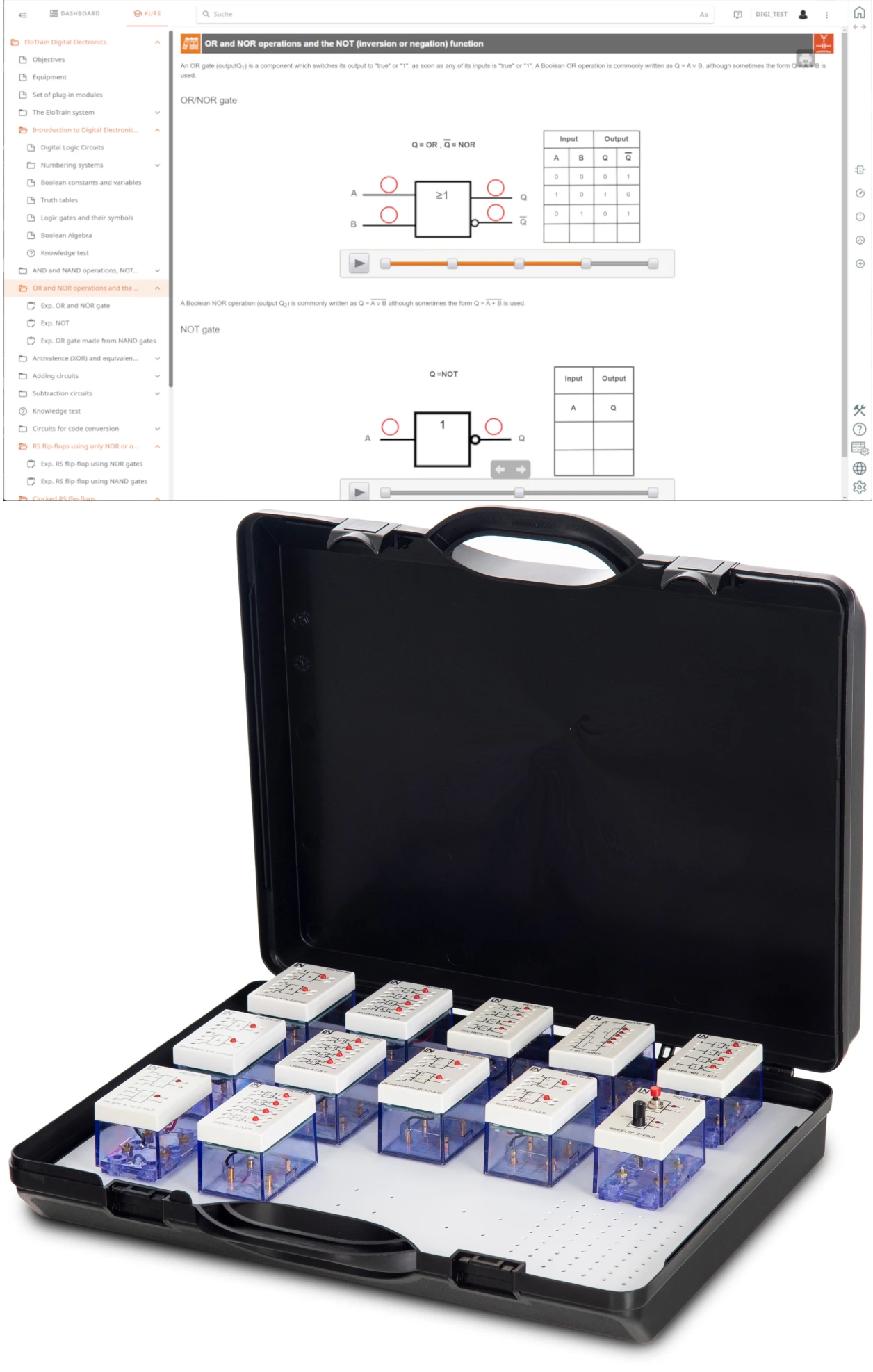
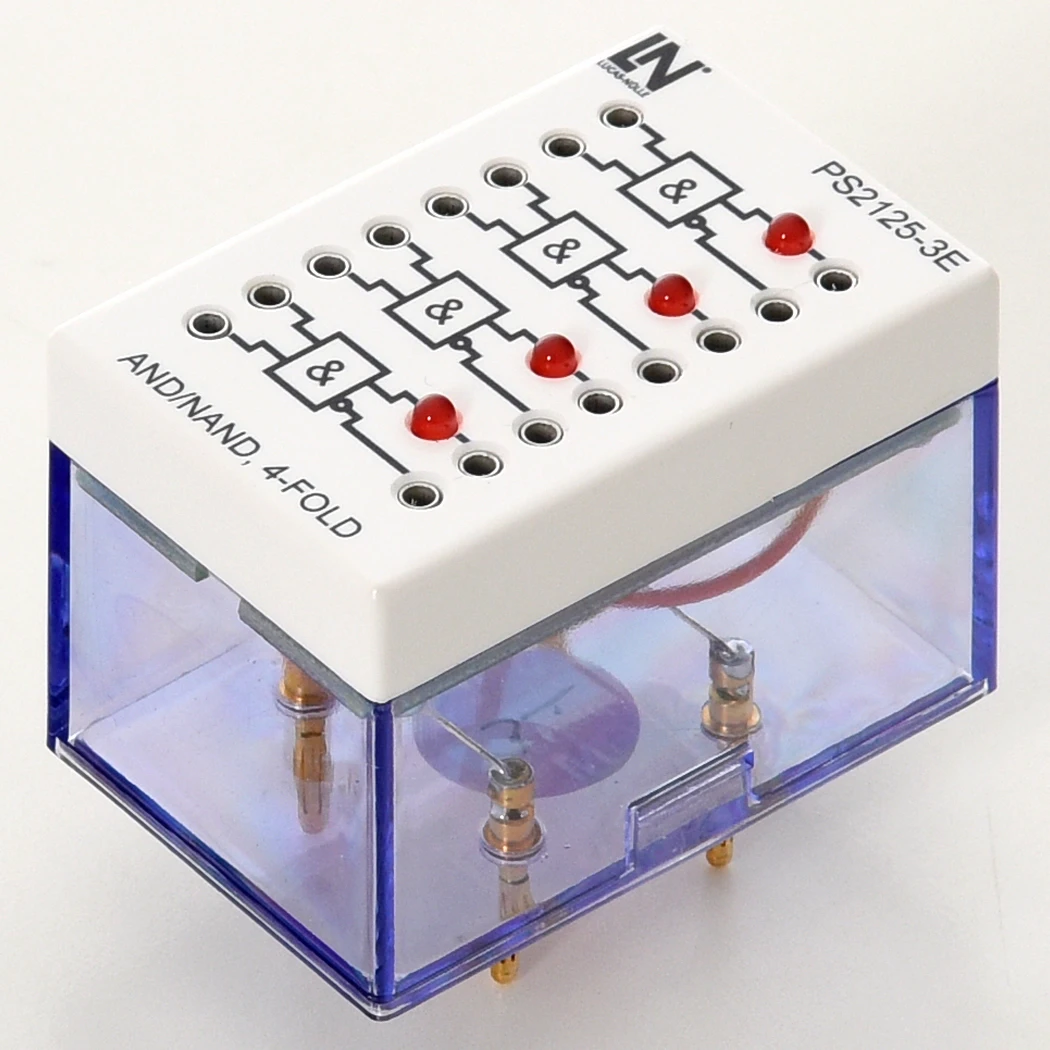
EloTrain training system with 12 digital technology plug-in components in 2 mm format, operated with the UniTrain interface. Learners build logic circuits, arithmetic units and flip-flops and measure the states directly on the component.

Learning Content
  • Investigating basic logic functions
  • Demonstrating the universality of NAND
  • Converting between number systems
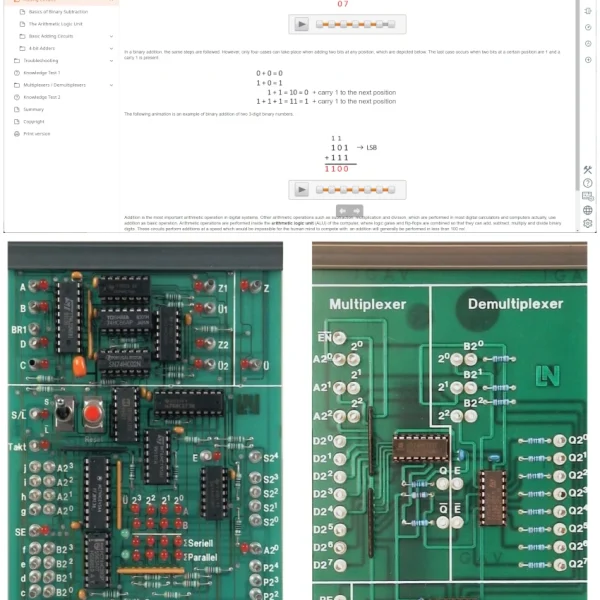
  • Analyzing adder circuits
KEY FEATURES
  • Building binary arithmetic units from discrete gates
  • Investigating combinational logic circuits
  • Industry-relevant code conversion
  • Separate routing for supply and signals
Speak with a Product Specialist +1 (757) 808-5696 · sales@lucas-nuelle.com

Basic digital circuits form the basis of control systems, arithmetic units and automation systems. This training system takes learners there step by step: they plug logic gates together on the EloTrain experimenter to form arithmetic and memory circuits and check their function by taking measurements at the inputs and outputs. Twelve digital technology plug-in components cover AND, OR, NOT, XOR and XNOR operations, which can alternatively be replicated using NAND or NOR gates. The UniTrain interface provides logic level displays and digital signal sources, so that states can be tracked in real time. By the end, learners build half and full adders, subtractors, code converters and flip-flops and use them for control tasks.

CO4206-1ECourse, EloTrain 5: Optoelectronics
CO4203-2AUniTrain Interface mit virtuellen Instrumenten (Basis VI)
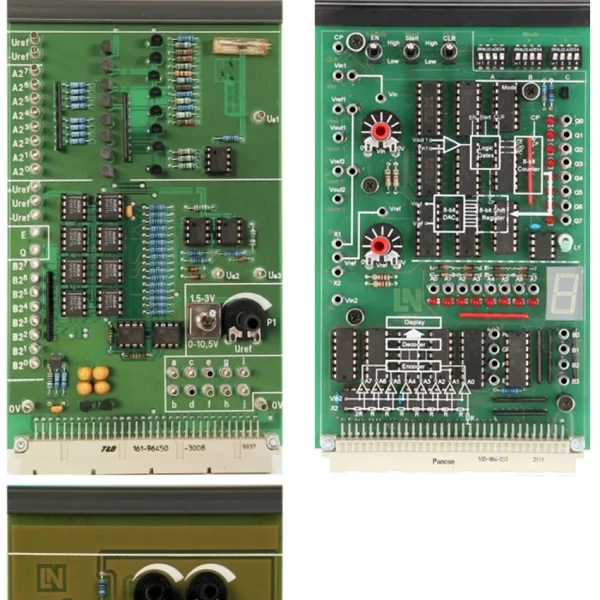
CO4203-3BEloTrain Experimenter
SO5146-1NEloTrain set of connection cables and plugs for 2mm system
CO4203-2YUniTrain storage case for one UniTrain system

Learning Content in Detail

Learners acquire the skills to analyze basic digital circuits, build them themselves and verify their function by measurement.

Investigating basic logic functions

Learners create truth tables for AND, OR, NOT, XOR and XNOR operations and check the function on the real component.

Demonstrating the universality of NAND

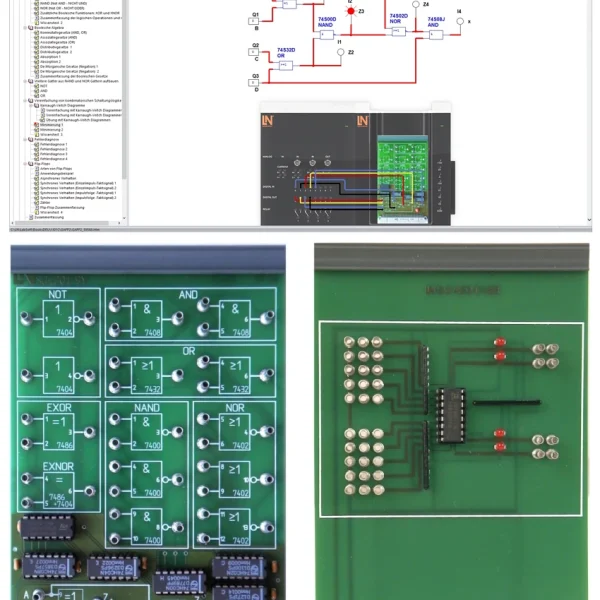
Learners implement AND, OR, NOT and XOR using NAND gates only.

Converting between number systems

Learners become familiar with binary, decimal and hexadecimal numbers and convert between the systems.

Analyzing adder circuits

Learners implement half adders and 1-bit full adders using NAND logic and evaluate the formation of sum and carry by measurement.

Trying out subtractor circuits

Learners build subtractor circuits and demonstrate that subtraction can be traced back to the structure of an adder.

Performing code conversion

Learners wire up code converters and check their function using the code tables.

Investigating flip-flops

Learners build RS flip-flops using NOR and NAND logic and analyze their storage behavior experimentally.

Testing clocked storage elements

Learners investigate clocked RS flip-flops as well as static and dynamic D flip-flops for capturing discrete-time signal changes.

Comparing JK flip-flops

Learners explore the differences between JK and JK master-slave flip-flops and avoid undefined output states.

Implementing flip-flop applications

Learners use storage elements for control tasks, such as a motor control circuit or bounce-free pushbuttons.

Features & Applications

The experiments address tasks from the servicing and maintenance of electrical systems, as well as from their assembly, commissioning and testing.
  • Building binary arithmetic units from discrete gates — Half and full adders as well as half and full subtractors are built from individual gates. This shows learners how a binary arithmetic unit is structured and how it works.
  • Investigating combinational logic circuits — Learners investigate AND, OR, NOT, XOR and XNOR operations and implement the same basic functions alternatively using NAND or NOR gates.
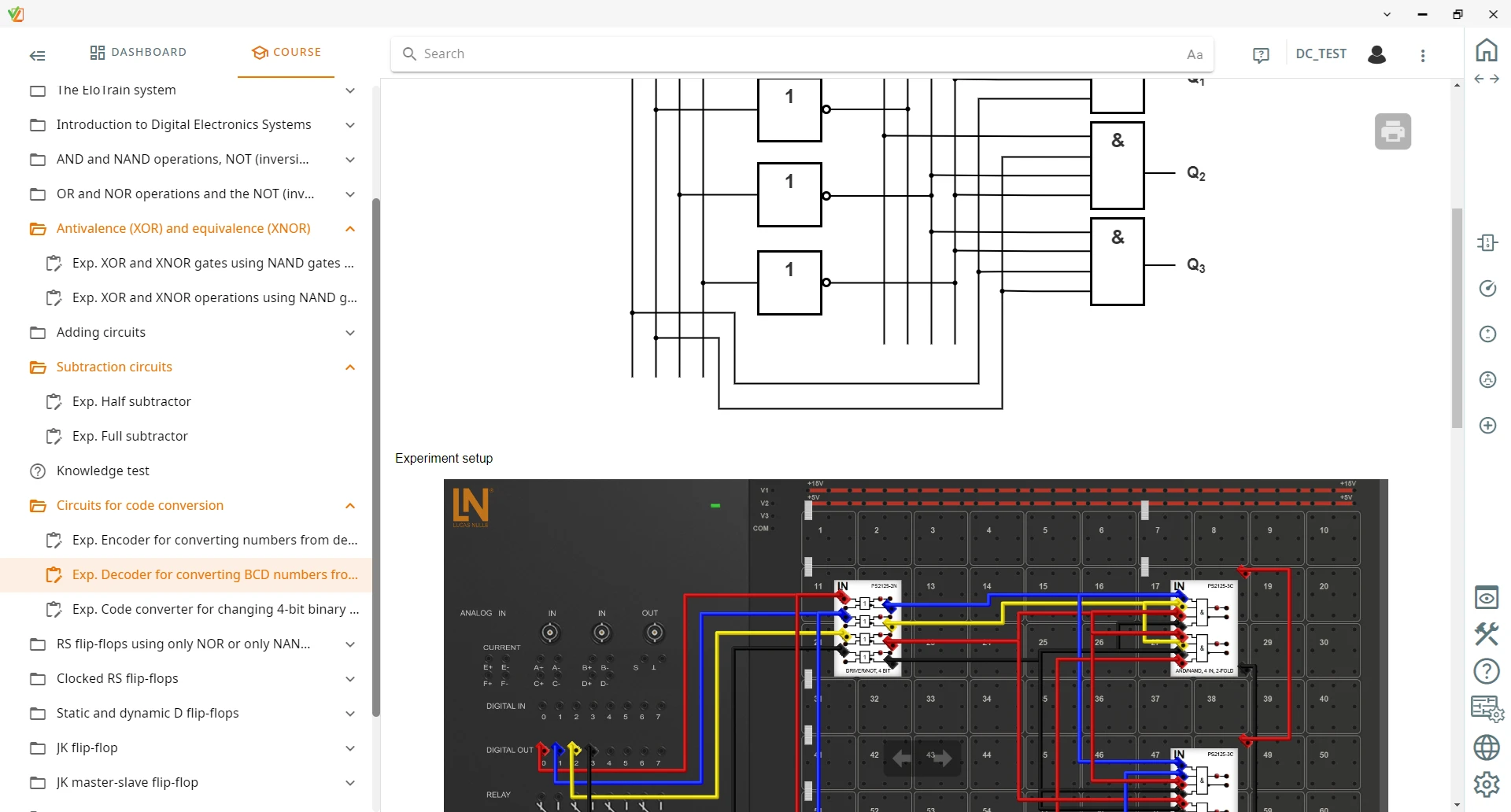
  • Industry-relevant code conversion — The system covers conversion between BCD code, Gray code and 1-of-10 representation. This shows learners how interfaces in digital systems are structured.
  • Separate routing for supply and signals — The 2 mm plugs on the underside provide the power supply, while learners connect the digital inputs and outputs on the top using 2 mm test leads. This keeps the setup clear.
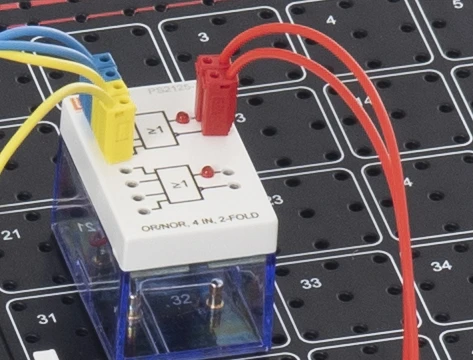
  • Circuit wiring on the top — The logic components are connected via 2 mm jacks on the top. The signal path remains visible and the circuit setup is easy to follow.
  • Integrated status LEDs — LEDs fitted at the outputs indicate the high or low level immediately. Learners can see the switching state at a glance without having to measure each time.
  • Scratch-resistant digital printing on the components — The high-contrast print shows the standard-compliant circuit symbol and the type designation of the gate, so learners can identify the components more quickly during setup.
  • Comprehensive flip-flop analysis — RS, D, JK and JK master-slave flip-flops are built from discrete gates. Learners use them to explore the behavior of sequential circuits and state memories.
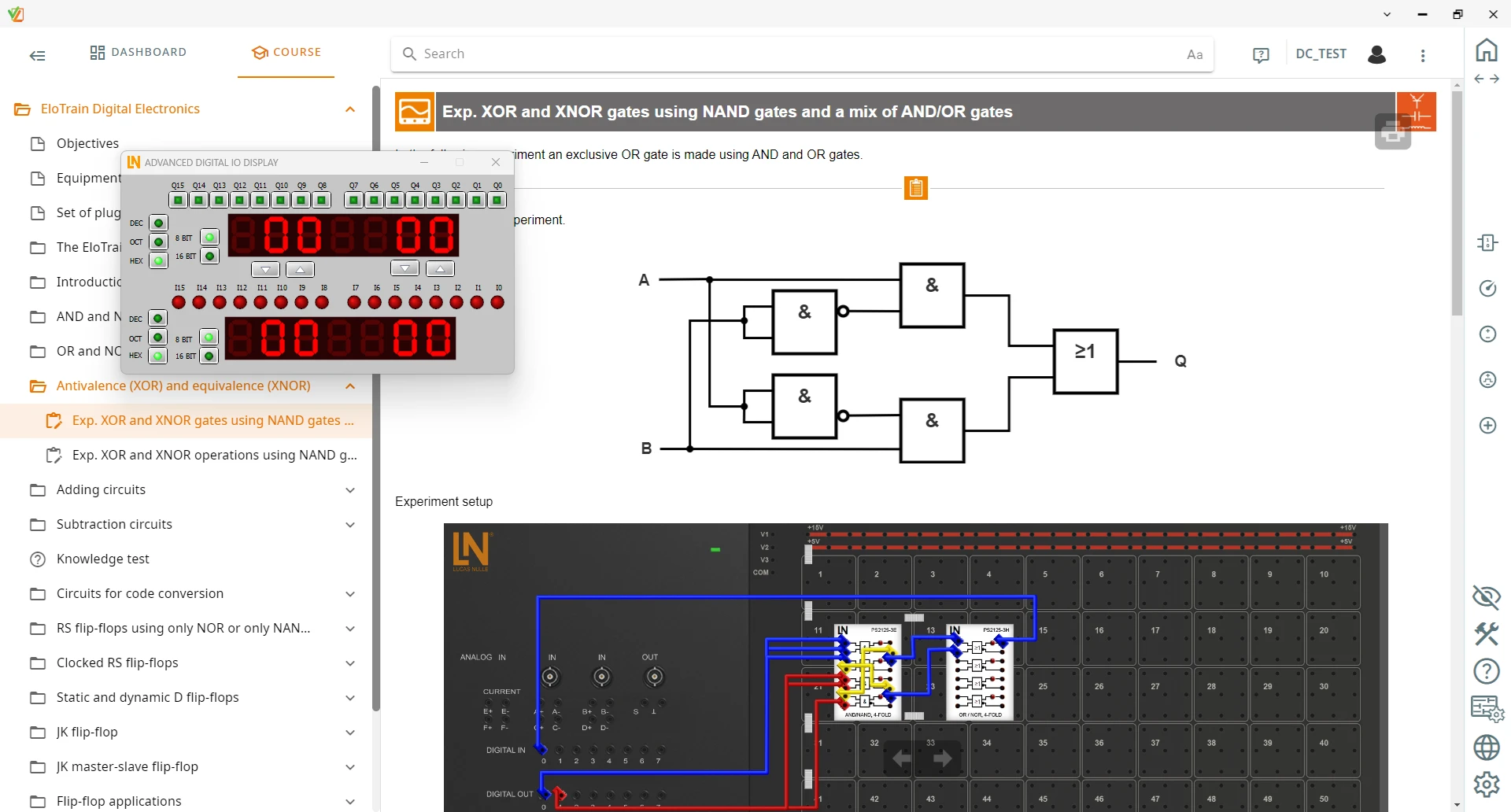
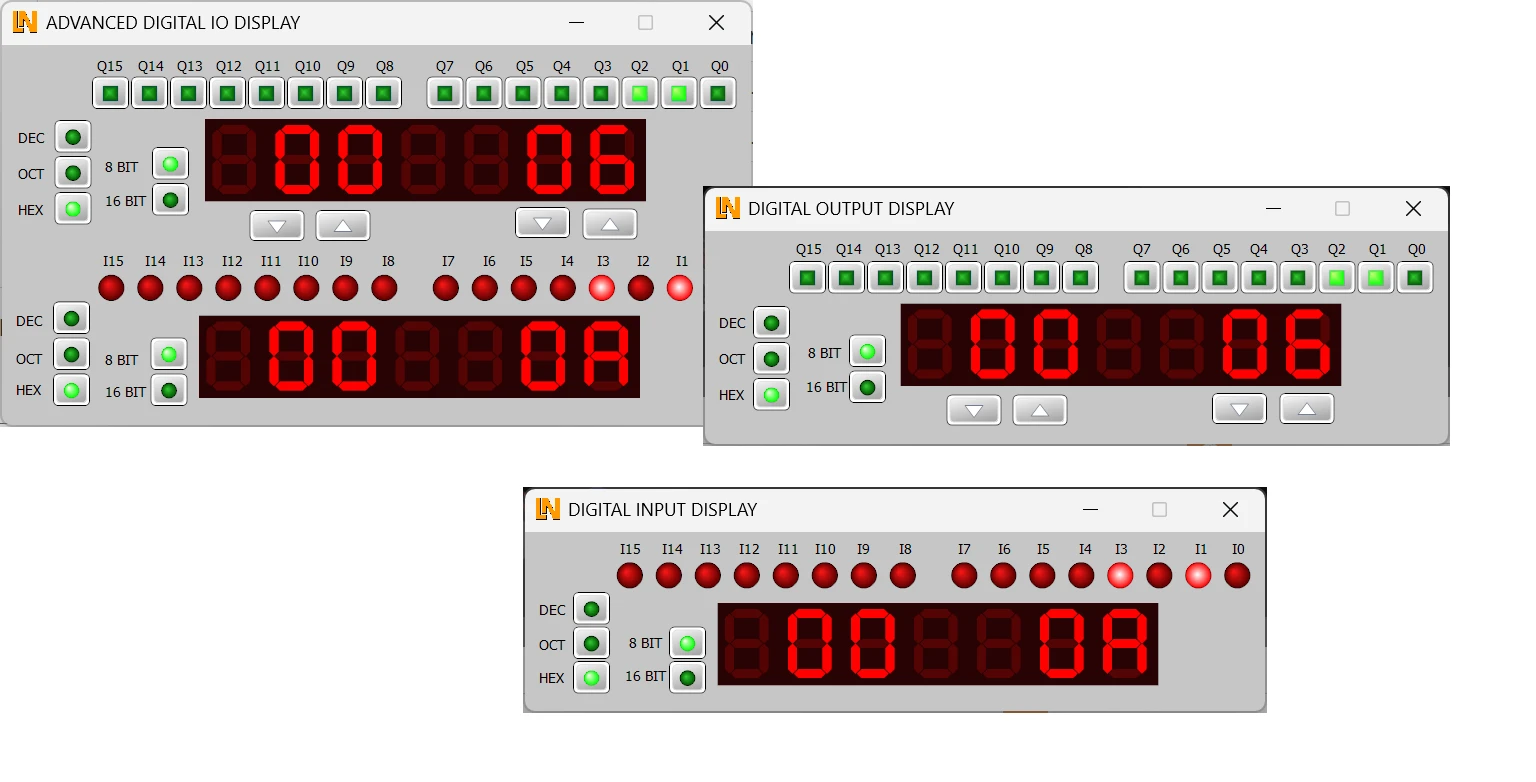
  • Integrated measurement technology via the UniTrain interface — The direct connection to the UniTrain interface provides logic level displays for the digital inputs and outputs as well as digital signal sources. Learners analyze the circuit in real time.
  • Extended digital inputs and outputs — The instrument switches the digital outputs and displays the states of the inputs and outputs in decimal, hexadecimal and octal.
  • EloTrain 2 mm plug-in board — 70 numbered nodes, each with nine 2 mm jacks, allow a clear layout with a high component density.
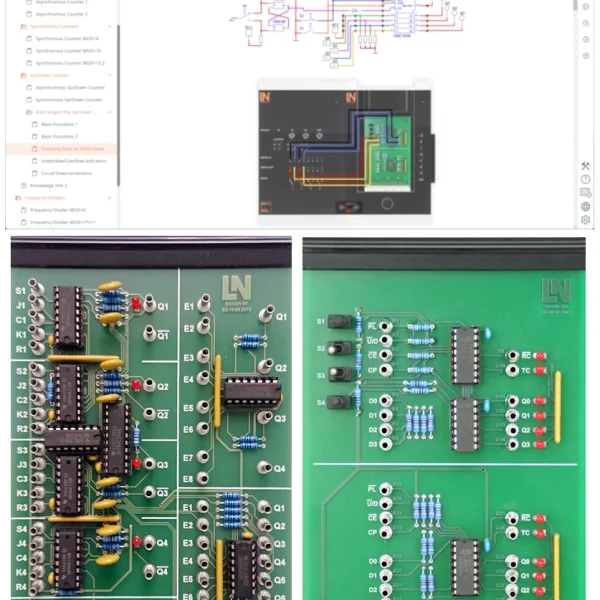
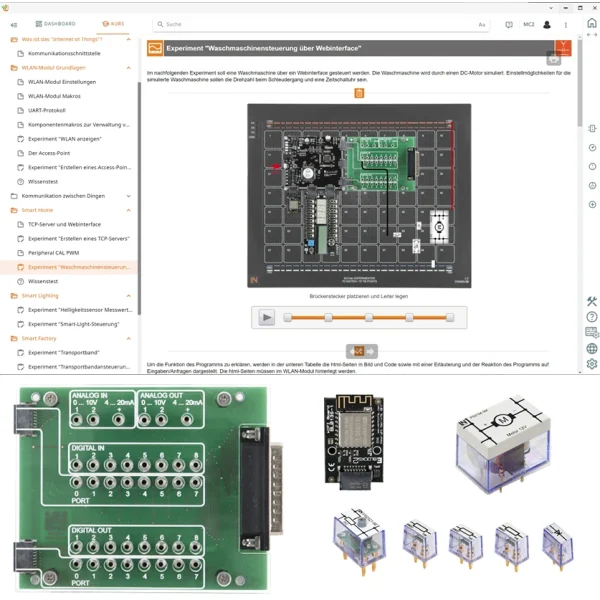
  • LabSoft course software — LabSoft guides learners interactively through the experiments with texts, graphics and animations, controls the hardware via USB and documents learning progress.
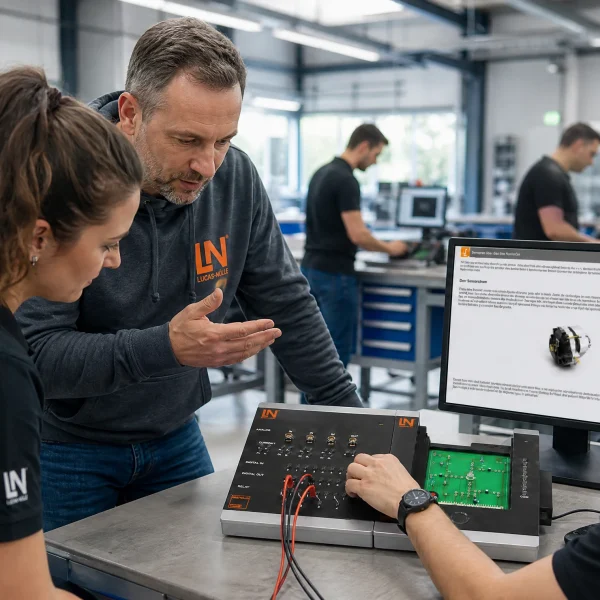
Learners working with RXLea on a tablet at a Lucas-Nuelle training system
RXLea

From Knowledge Comes Capability.

You guide the learning

Where theory and practice go hand in hand.

RXLea brings a new way of learning: project-based, hands-on and clearly structured. Learners solve real-world tasks, while instructors save time on preparation. Interactive modules, smart analytics and real hardware create a modern, efficient learning world.

Hands-on and interactive

Animations, interactive tasks and realistic scenarios build a deep understanding. All content is organized into clear learning paths for focused, hands-on learning.

Digital support

3D assembly animations and digital instructions simplify complex procedures, reduce errors and help learners work more independently.

Visual support

Overview graphics, screenshots and sample animations make the learning world transparent. Photos from the learning packages are also available, including country-specific versions where needed.


Learners using a tablet at an energy training system
RXLea on desktop, laptop and tablet
RXLea Path Creator for building learning journeys
RXLea Navigator showing the learning world
Learn more about RXLea
Newsletter

Stay ahead in
technical training.

Get the latest training systems, product launches and educational insights, delivered directly to your inbox.

Your email address

By subscribing, you agree to our Privacy Policy. You can unsubscribe at any time.

 Please select at least one category before subscribing.
I'm interested in - select all that apply