


Conducting Measurements with the Multimeter
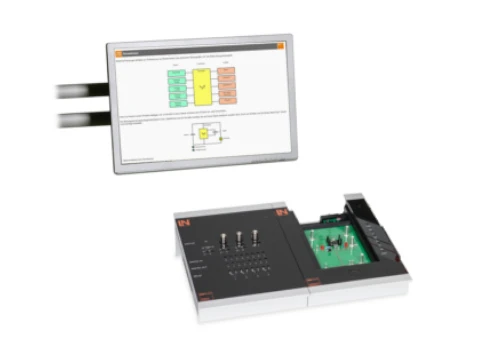
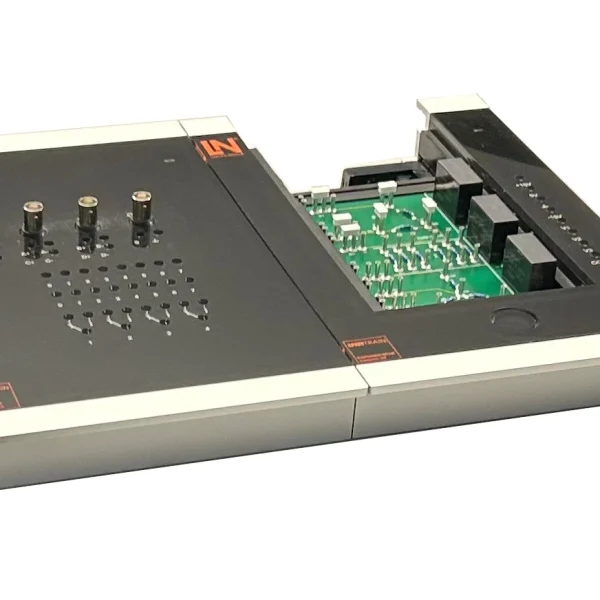
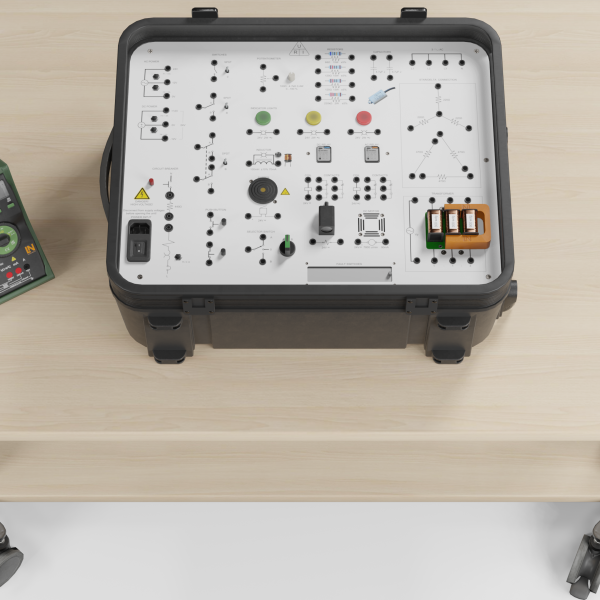
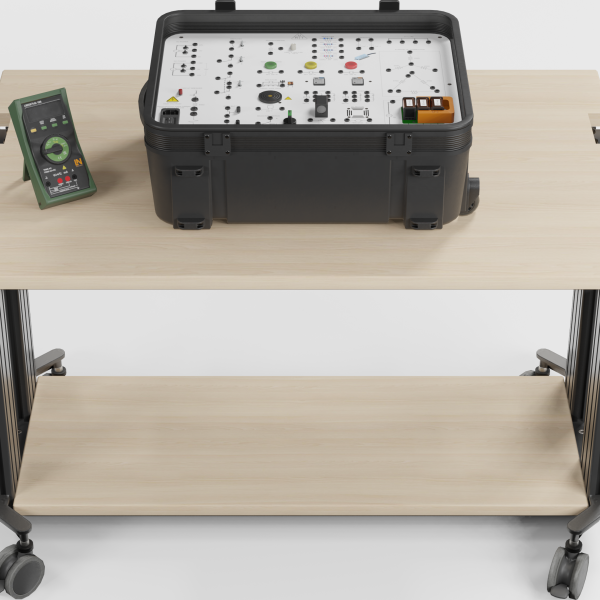
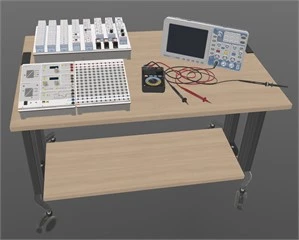
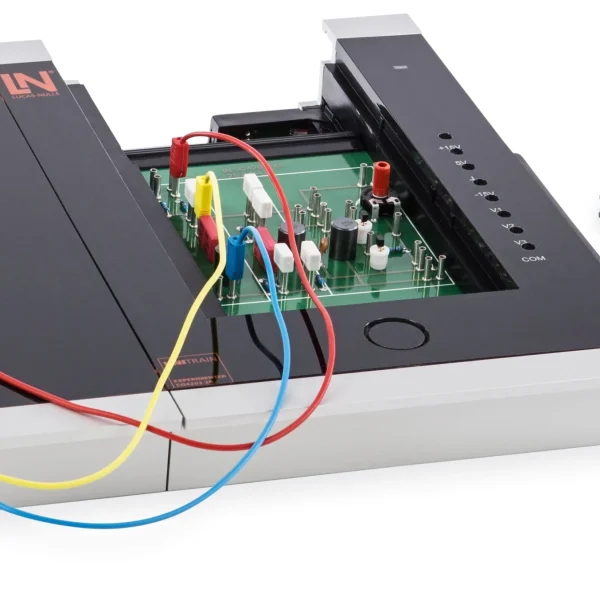
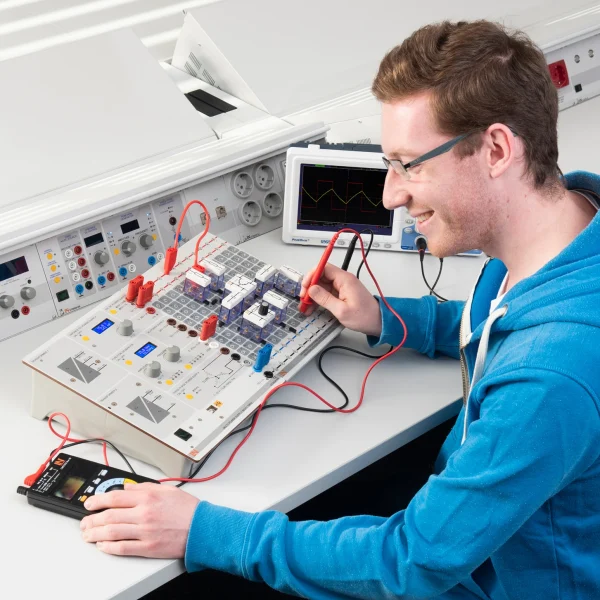
Compact UniTrain training system for multimeter measurements: learners practice selecting measuring ranges and measuring voltage, current and resistance on real test objects, while getting to know the instrument’s safety functions.
- Getting to know the multimeter’s controls
- Recognizing sources of danger when measuring
- Measuring DC and AC voltages
- Measuring DC and AC currents
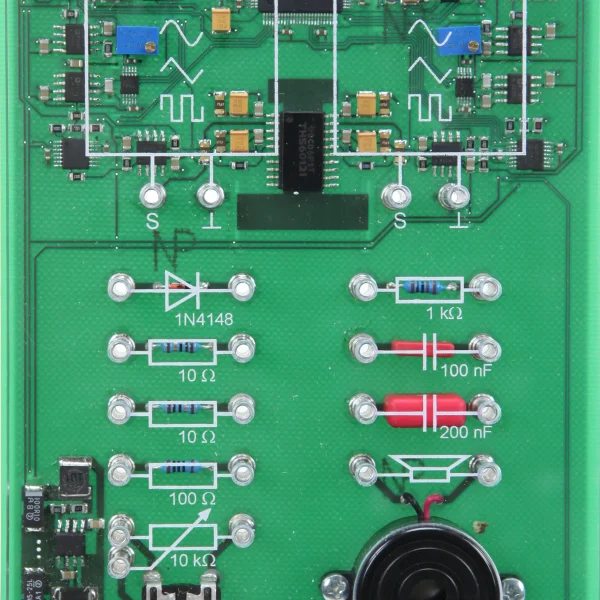
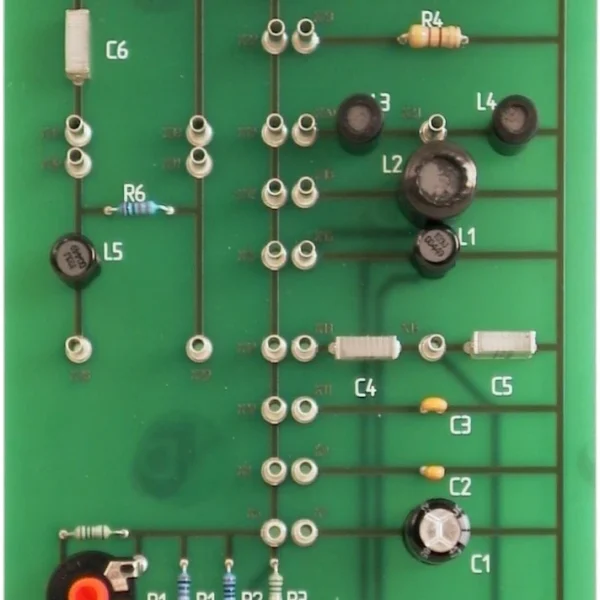
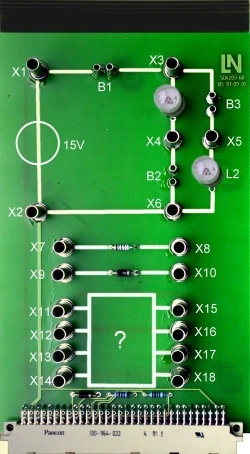
- Test objects experiment card
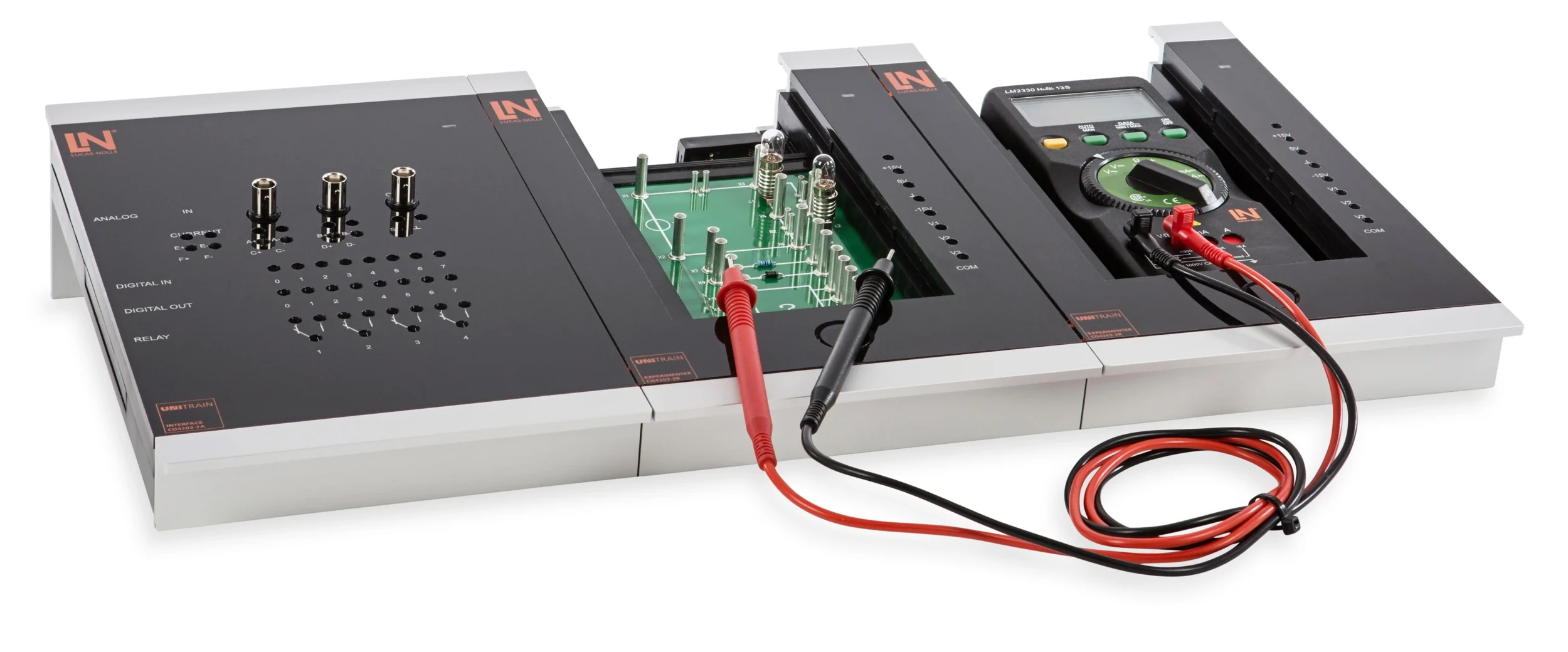
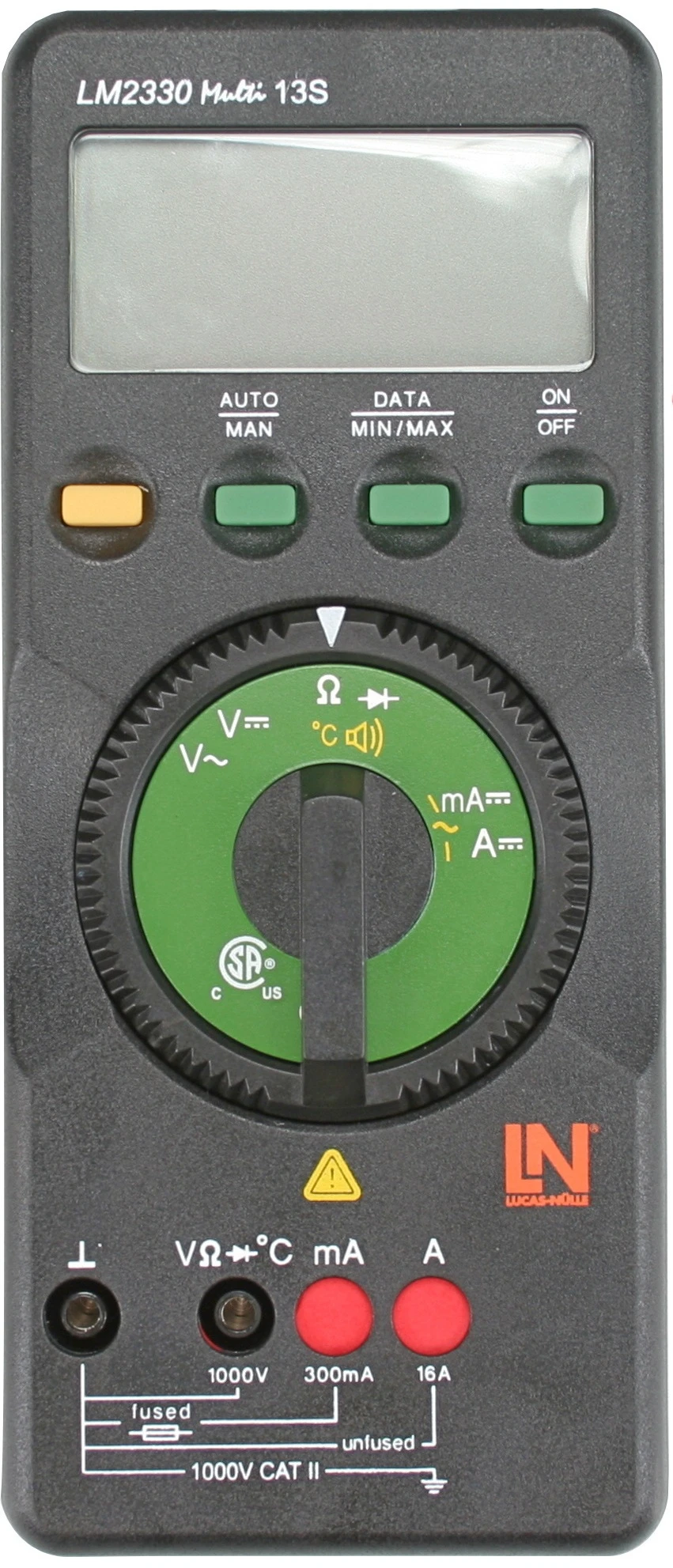
- Multi 13S instrument
- Multimeter with integrated jack lock
- Troubleshooting in an unknown network
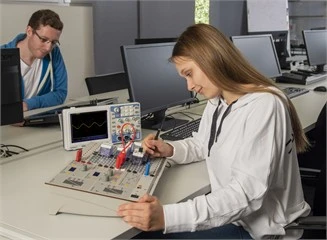
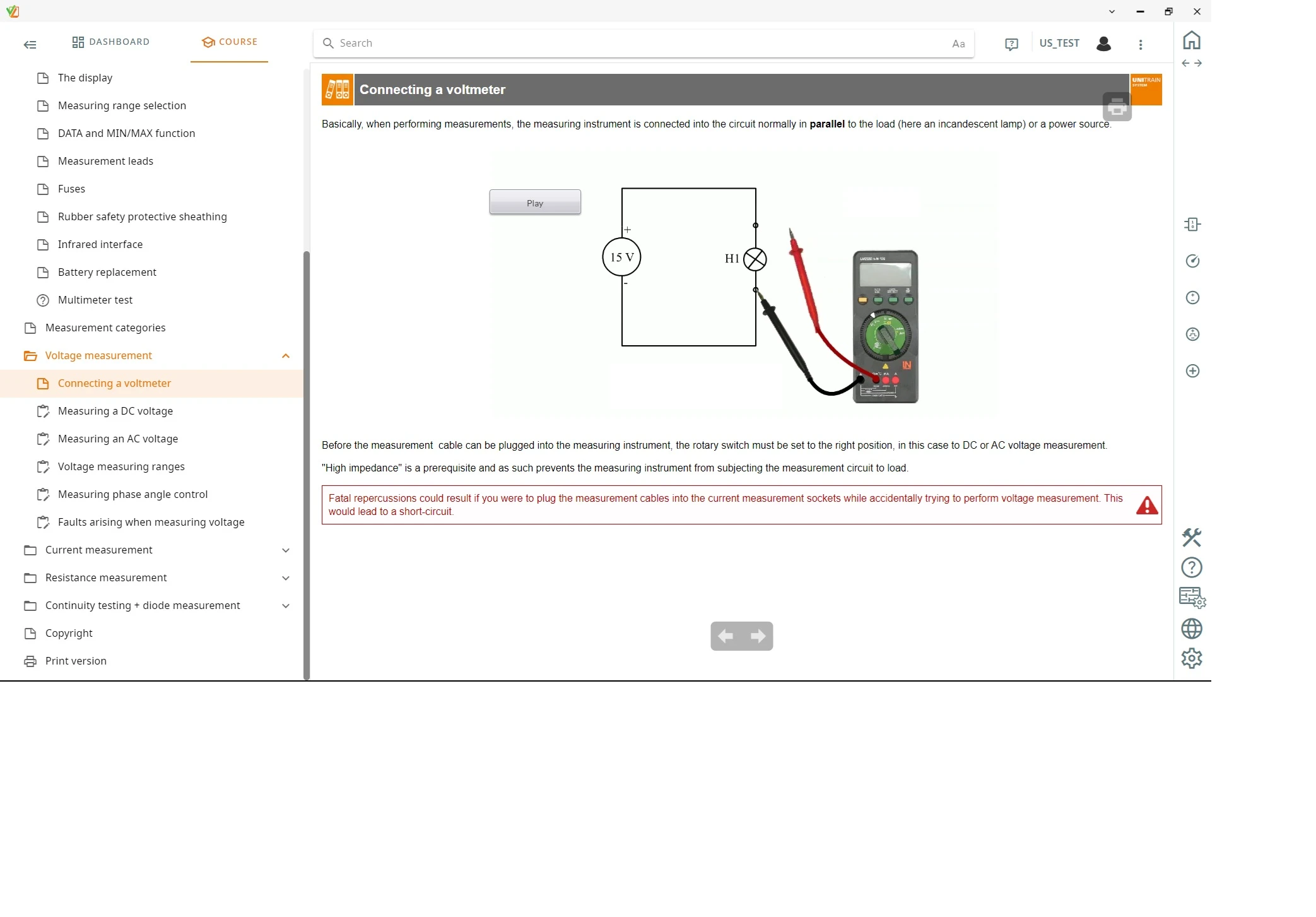
In maintenance, the multimeter is the first tool used in troubleshooting. Incorrect operation leads directly to equipment damage or accidents. The training system uses interactive software to guide learners through the measuring tasks and lets them work on real circuits. They connect the multimeter in parallel with the load and observe its high-impedance behavior, open the circuit using bridging plugs and correctly insert the low-impedance ammeter in series. The automatic jack lock only enables the jacks that belong to the selected function. Finally, learners use systematic continuity tests to determine the hidden resistor and diode paths in a black box.
| Course | |
| CO4204-4B | Course Electrical engineering 5: Conducting measurements with the multimeter |
| Options | |
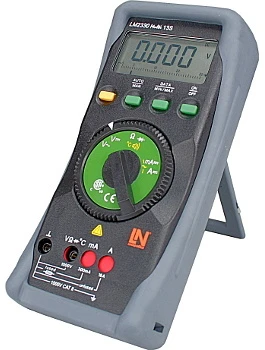
| LM2330 | Multi13S digital multimeteroptional |
| Accessories | |
| CO4203-2A | UniTrain Interface mit virtuellen Instrumenten (Basis VI) |
| CO4203-2J | UniTrain measurement accessories, shunts and connection cables |
| CO4203-2Y | UniTrain storage case for one UniTrain system |
| CO4203-2B | UniTrain Experimenter |
Learning Content in Detail
Getting to know the multimeter’s controls
Recognizing sources of danger when measuring
Measuring DC and AC voltages
Measuring DC and AC currents
Carrying out resistance measurements
Carrying out diode measurements
Performing zero adjustment and continuity measurement
Selecting a suitable measuring range
Knowing possible sources of error
Identifying the components of an unknown circuit
Features & Applications
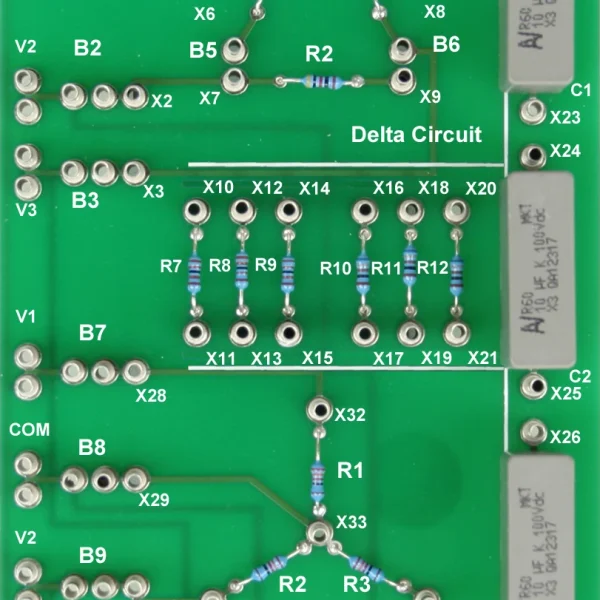
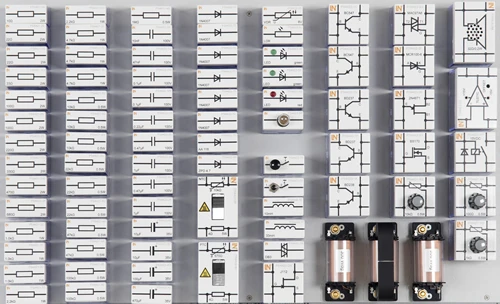
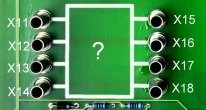
- Test objects experiment card — It contains incandescent lamps, a discrete resistor, a silicon diode and an unknown network that can be manipulated via relays for troubleshooting.
- Multi 13S instrument — Via an infrared link, the instrument mirrors the physical rotary switch and all measured values of the handheld device on the screen interface in real time.
- Multimeter with integrated jack lock — An automatic jack lock protects the measuring instrument. It only enables the jacks that are required for the selected function.
- Troubleshooting in an unknown network — Learners use systematic continuity tests to determine the internal connections as well as hidden resistor and diode paths in a black box.
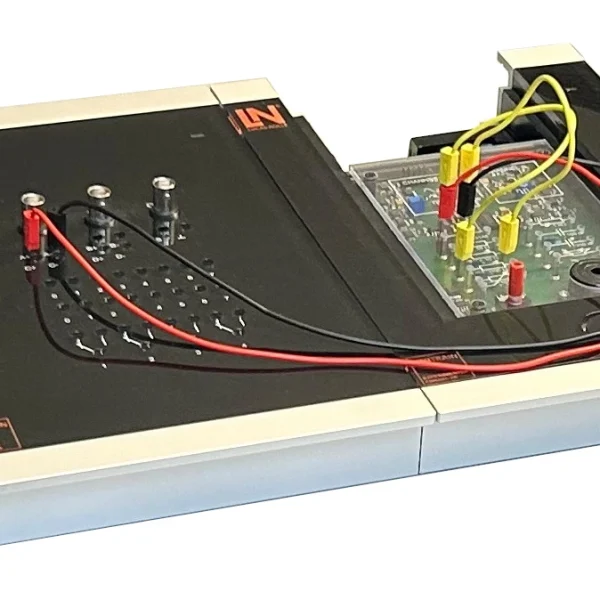
- Series current measurement — Learners open the circuit on the experimenter hardware using bridging plugs and correctly insert the low-impedance ammeter in series with the load.
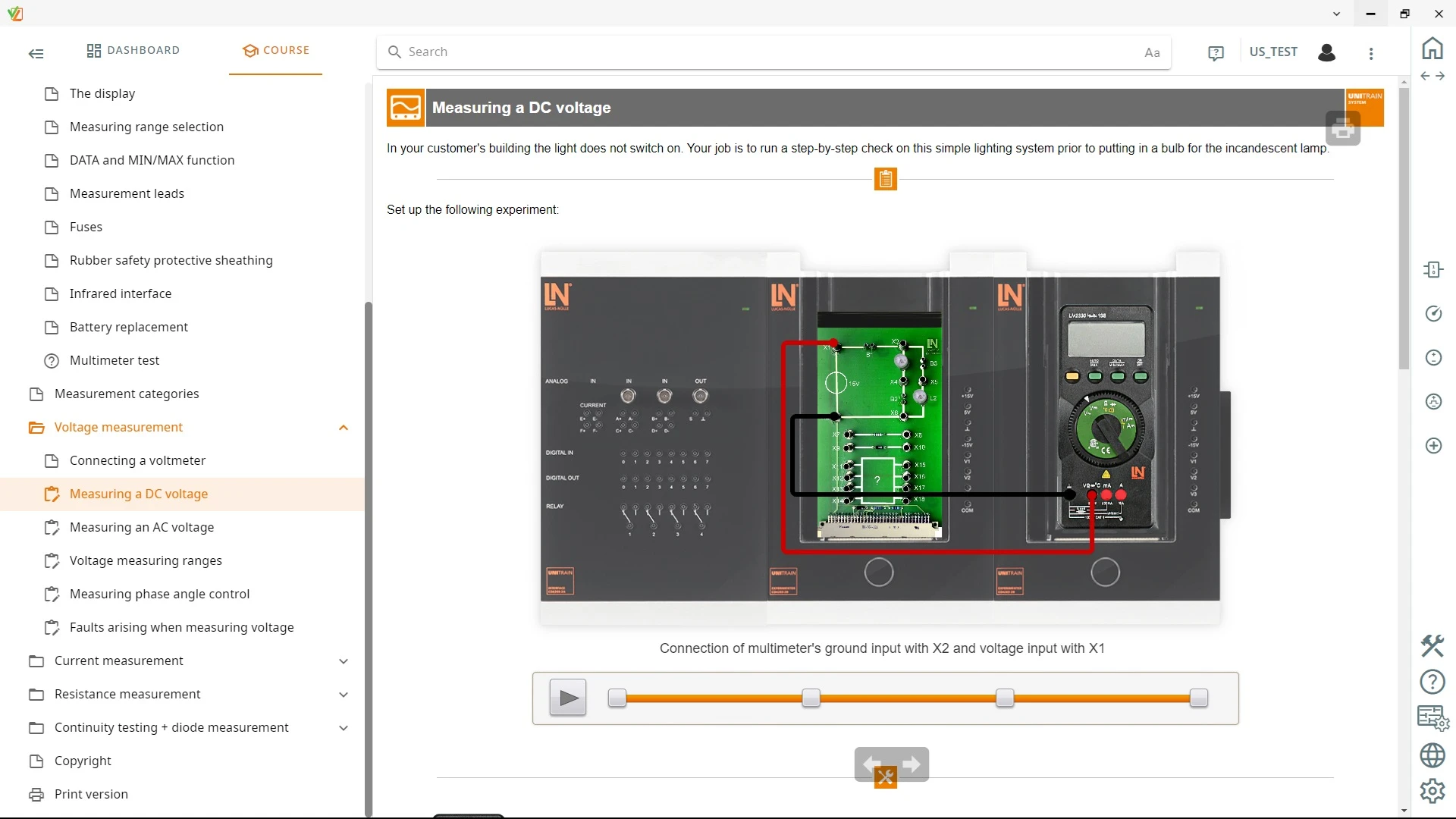
- Parallel voltage measurement — Learners connect the multimeter in parallel with the load and analyze the high-impedance behavior of the instrument in DC and AC circuits.
- Waveform generator — It supplies the experiment setups with mathematically defined signals, such as phase-angle-controlled dimmer waveforms.

From Knowledge Comes Capability.
You guide the learning
Where theory and practice go hand in hand.
RXLea brings a new way of learning: project-based, hands-on and clearly structured. Learners solve real-world tasks, while instructors save time on preparation. Interactive modules, smart analytics and real hardware create a modern, efficient learning world.
Hands-on and interactive
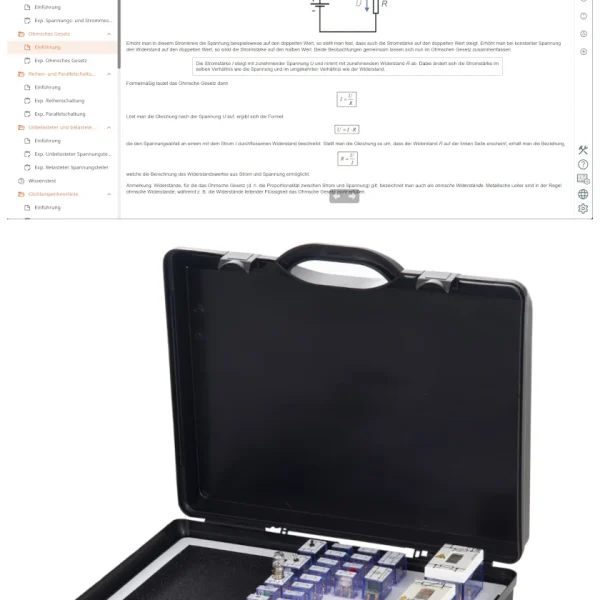
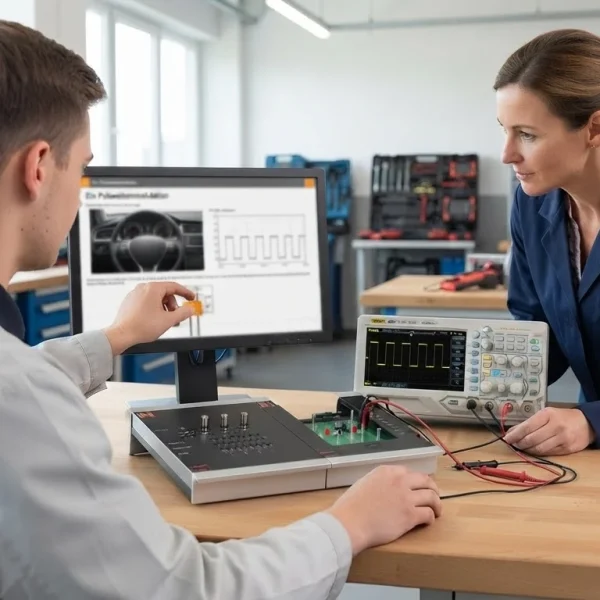
Animations, interactive tasks and realistic scenarios build a deep understanding. All content is organized into clear learning paths for focused, hands-on learning.
Digital support
3D assembly animations and digital instructions simplify complex procedures, reduce errors and help learners work more independently.
Visual support
Overview graphics, screenshots and sample animations make the learning world transparent. Photos from the learning packages are also available, including country-specific versions where needed.




Stay ahead in
technical training.
Get the latest training systems, product launches and educational insights, delivered directly to your inbox.