


Skip to content

Measurements using an Oscilloscope

RXLea
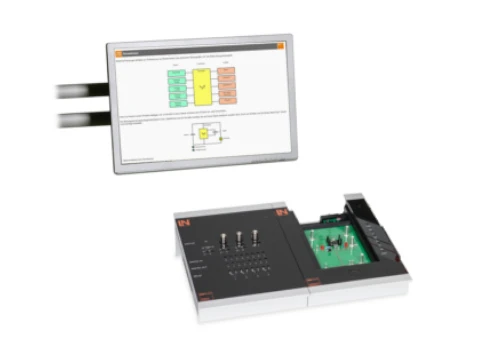
Digital projects for hands-on learningInteractive learning content, directly connected to the training system.

Measurements using an Oscilloscope

BET08UT

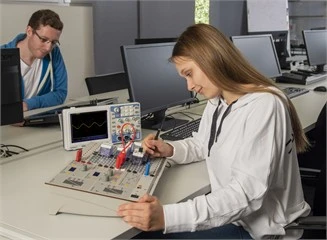
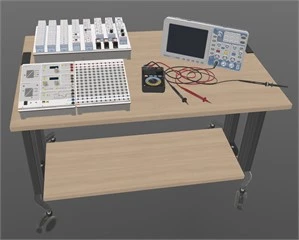
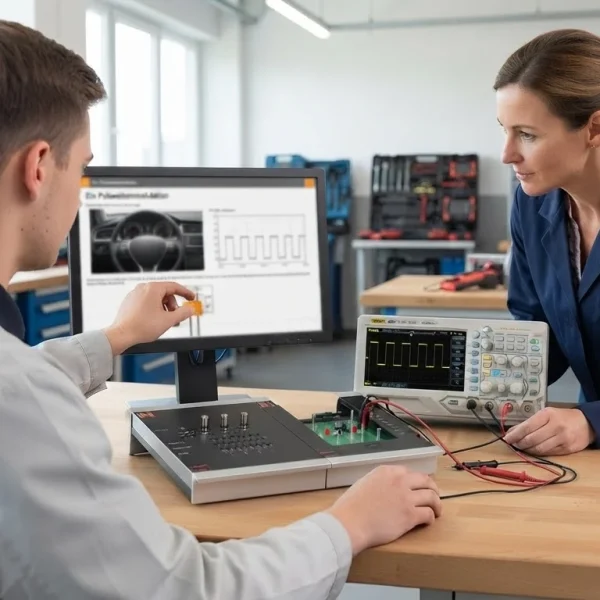
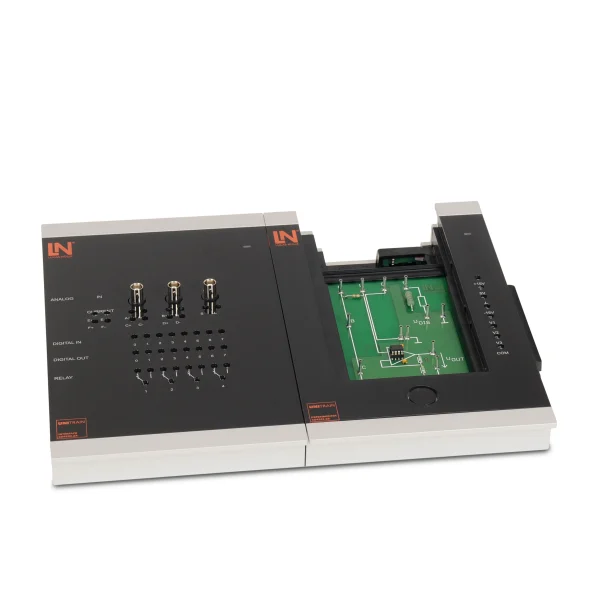
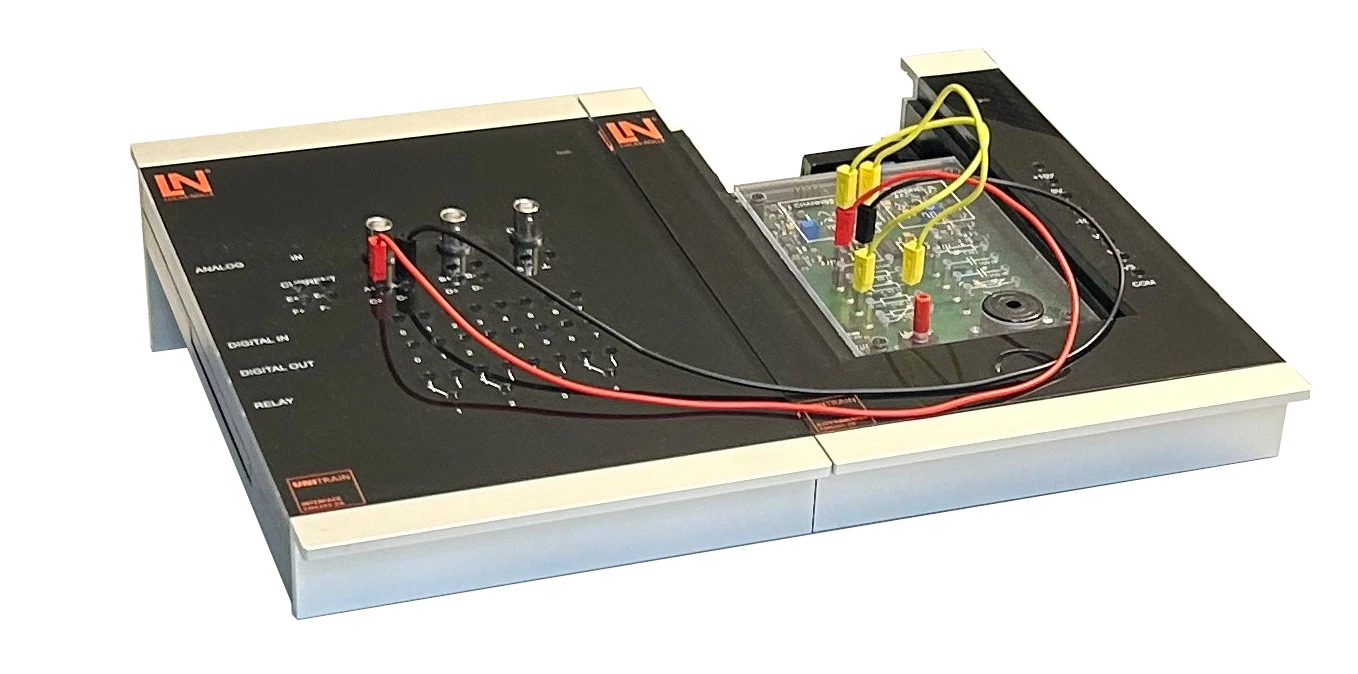
Mobile UniTrain system for oscilloscope measurement: learners obtain a stable display of unknown signals, record characteristic curves in X-Y mode and evaluate Lissajous figures – all at safety extra-low voltage.

Learning Content
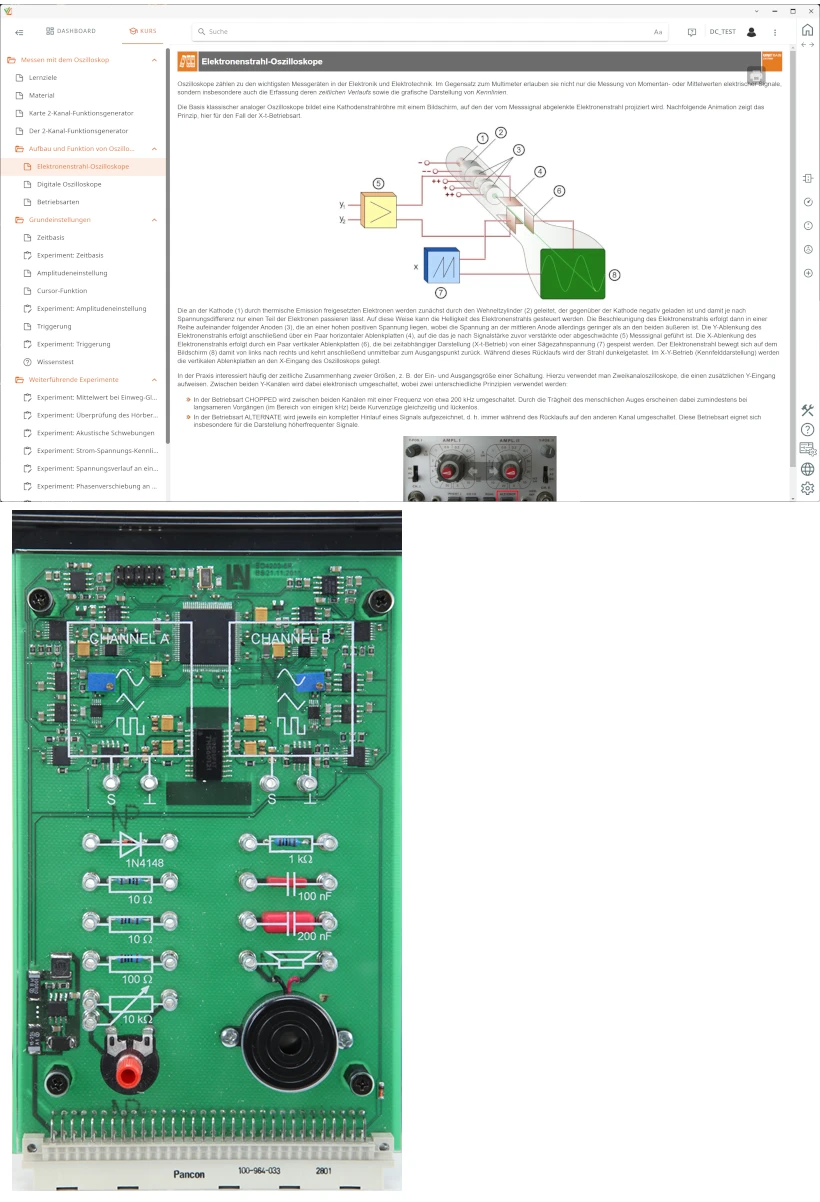
  • Explaining the design and operation of oscilloscopes
  • Getting to know the oscilloscope controls
  • Getting to know the oscilloscope’s operating modes
  • Measuring DC and AC voltages
KEY FEATURES
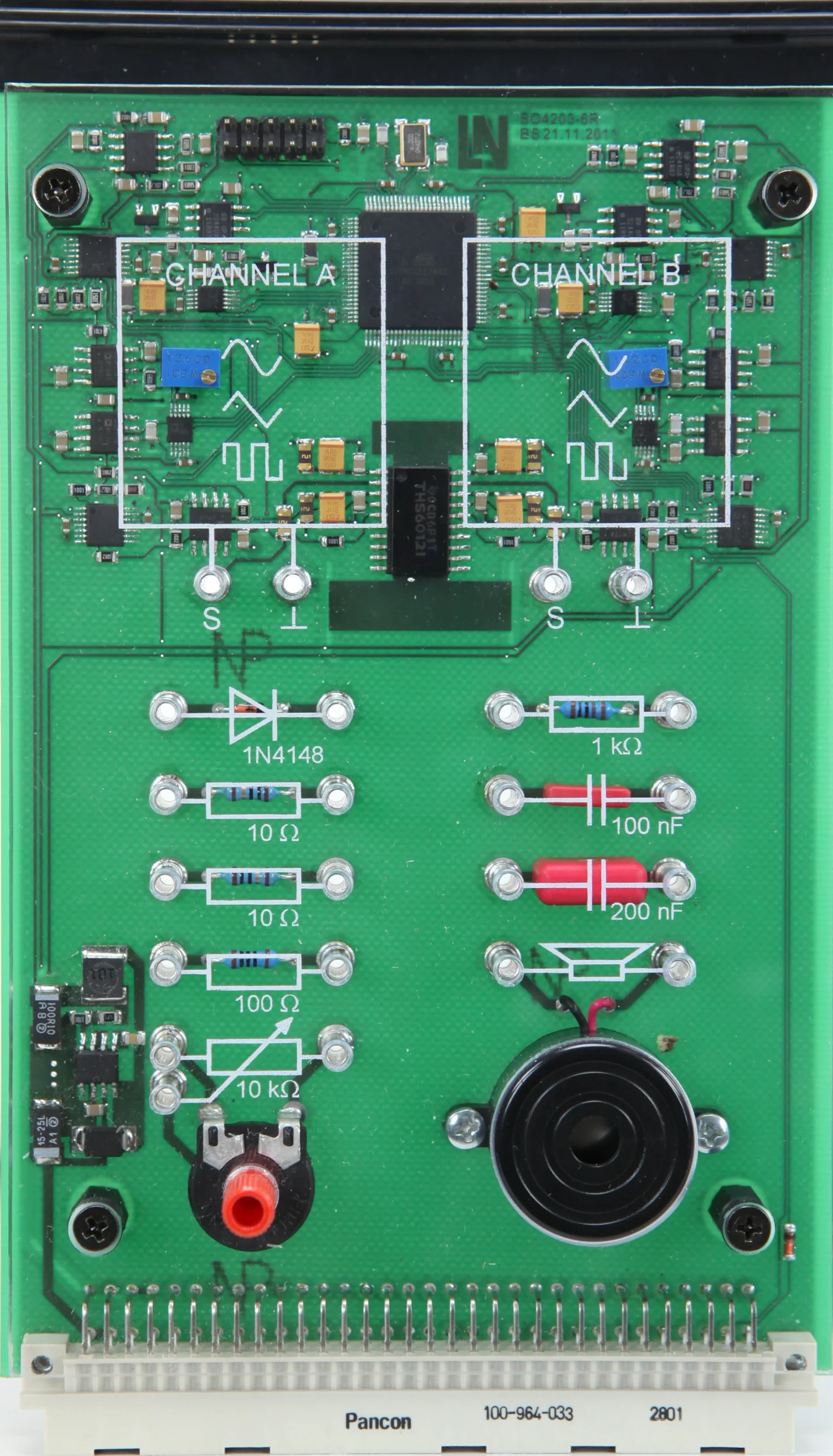
  • 2-channel function generator experiment card
  • Phase-locked 2-channel function generator
  • Touch-safe laboratory environment
  • Measuring unknown signals
Speak with a Product Specialist +1 (757) 808-5696 · sales@lucas-nuelle.com

No advanced analysis or systematic troubleshooting in electrical engineering is possible without confident operation of the oscilloscope. The multimedia course takes learners through all the basic operating steps in a practical way, so that they can identify typical setting errors themselves. They adjust the time base and voltage resolution until periodic signals of different frequencies and waveforms are displayed stably, switch off the time deflection to plot the current-voltage characteristic of a resistor, and superimpose two sine signals with a small frequency difference, also checking the resulting beat acoustically via the loudspeaker. The phase-locked 2-channel function generator supplies the signals for Lissajous figures. All experiments are conducted at touch-safe safety extra-low voltage.

CO4204-4LCourse Electrical engineering 8: Measurements using an oscilloscope
LM2330Multi13S digital multimeteroptional
CO4203-2AUniTrain Interface mit virtuellen Instrumenten (Basis VI)
CO4203-2JUniTrain measurement accessories, shunts and connection cables
CO4203-2YUniTrain storage case for one UniTrain system
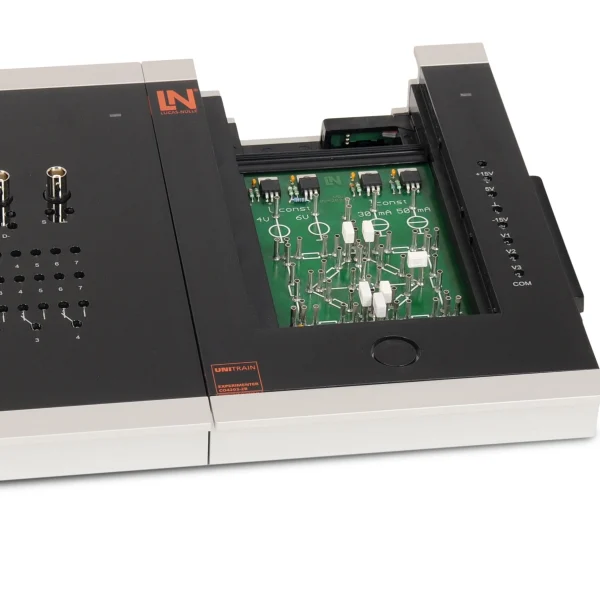
CO4203-2BUniTrain Experimenter

Learning Content in Detail

The basic electrical engineering training progresses from the design of the oscilloscope, through operating modes and trigger settings, to recording characteristic curves and evaluating Lissajous figures.

Explaining the design and operation of oscilloscopes

Learners explain how oscilloscopes are designed and how they work.

Getting to know the oscilloscope controls

Learners become familiar with the controls of the oscilloscope.

Getting to know the oscilloscope’s operating modes

Learners become familiar with the different operating modes of an oscilloscope.

Measuring DC and AC voltages

Learners measure DC and AC voltages with the oscilloscope.

Selecting suitable measuring ranges

Learners select the measuring range settings appropriate to the measuring task.

Measuring with different trigger settings

Learners measure on rising and falling edges as well as in single-shot and continuous mode.

Measuring in x/t and x/y mode

Learners carry out measurements in x/t and x/y mode.

Recording component characteristics

Learners record the characteristic curves of components with the oscilloscope.

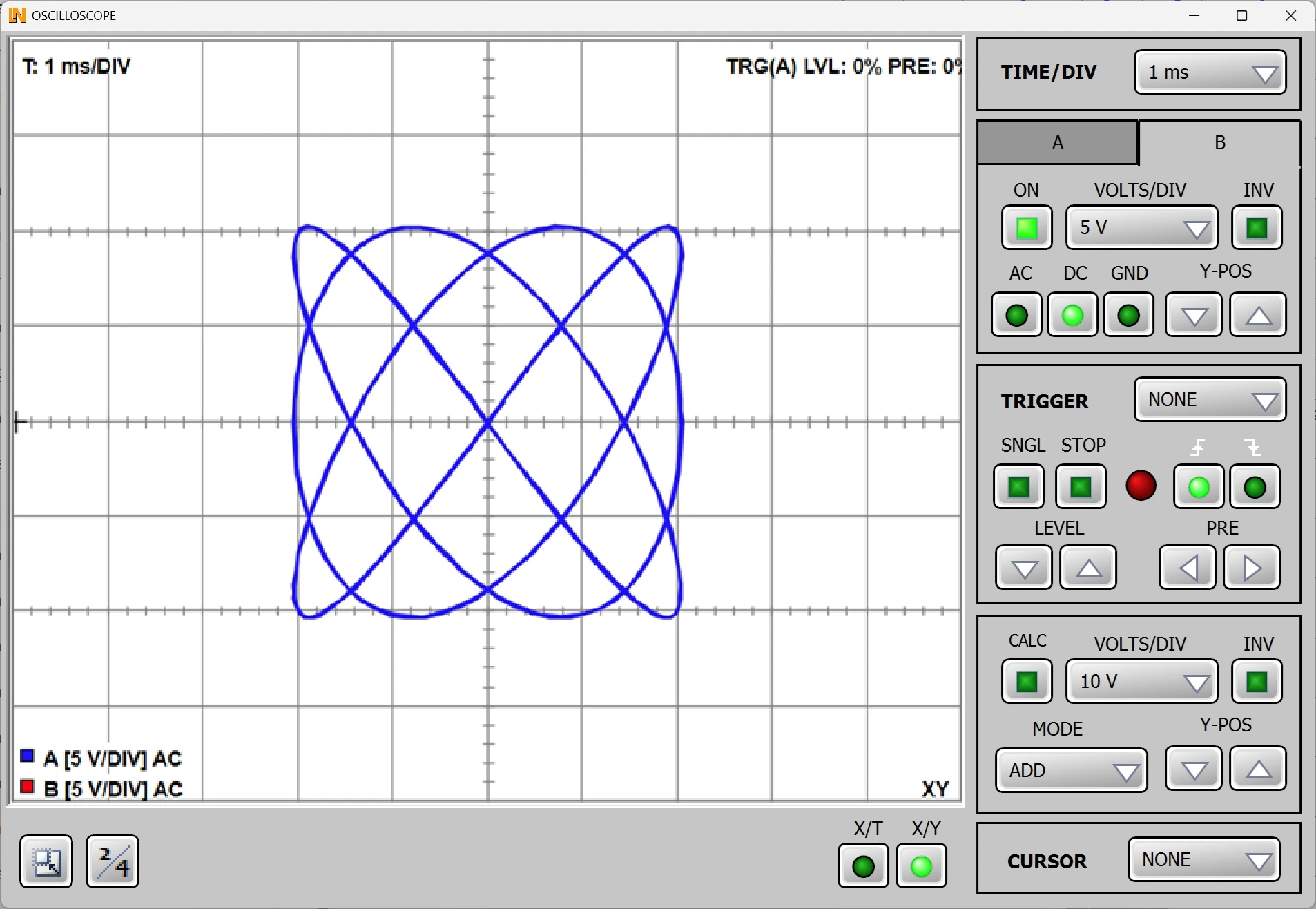
Measuring and interpreting Lissajous figures

Learners measure Lissajous figures and interpret them.

Determining component properties

Learners determine component properties with the aid of the oscilloscope.

Features & Applications

The experiments address questions from electrical measurement technology and test bays, as well as from maintenance, mechatronic systems engineering and electronics development.
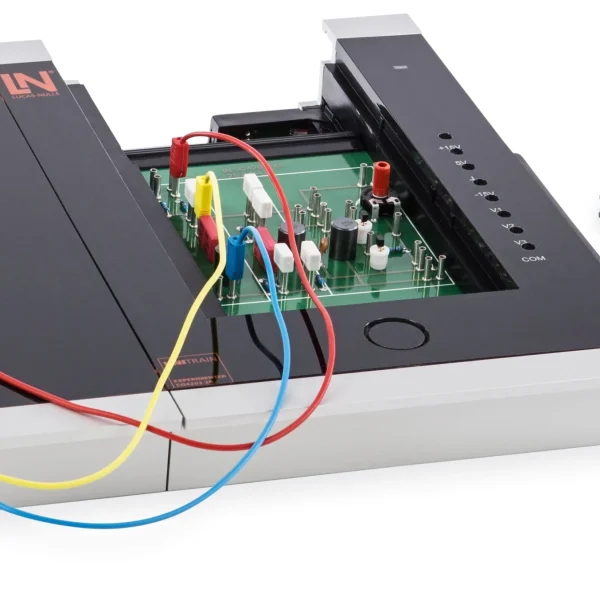
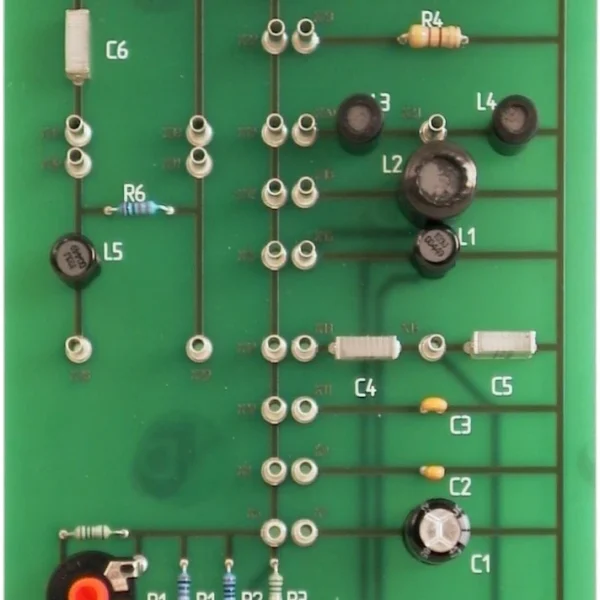
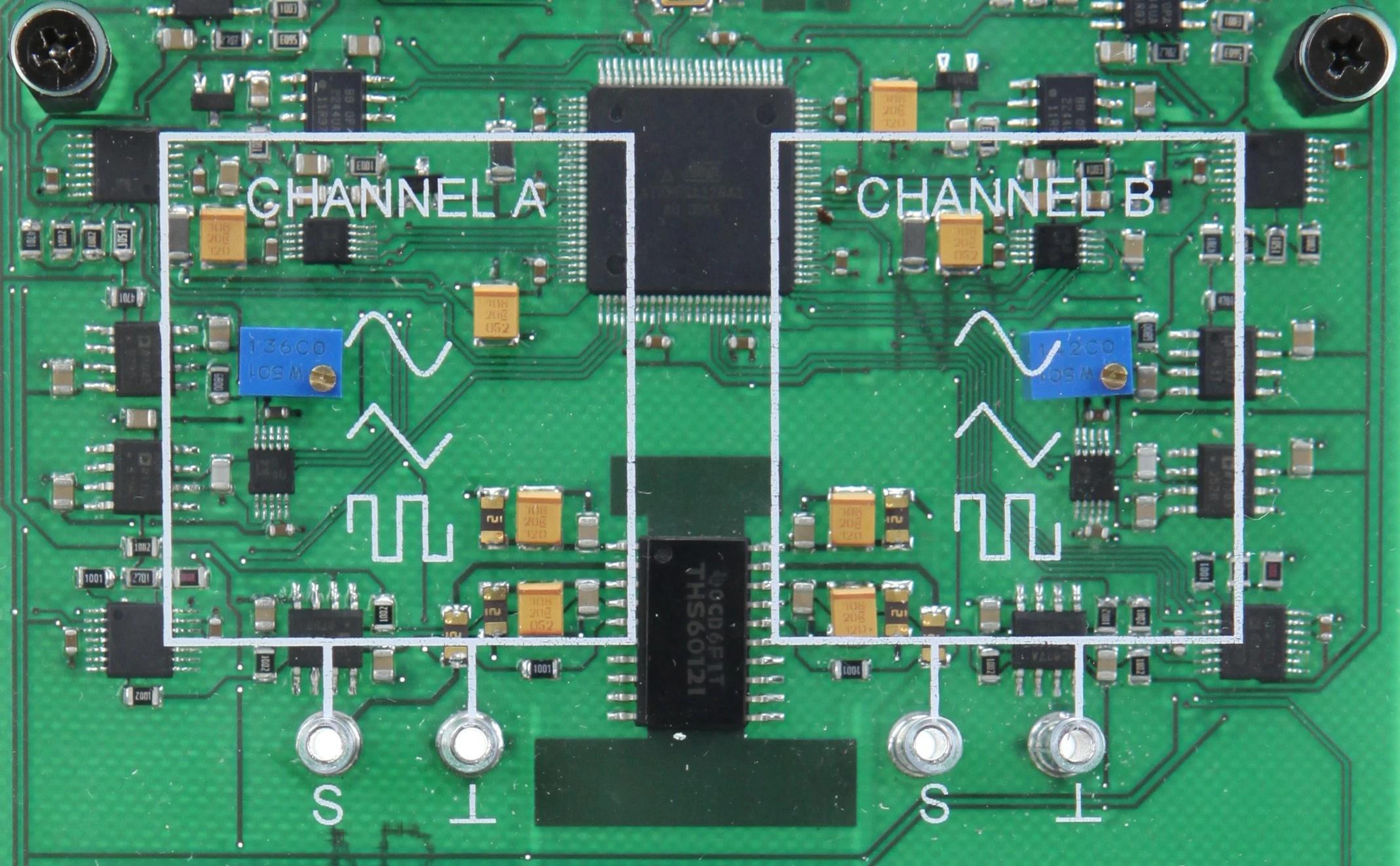
  • 2-channel function generator experiment card — It combines a 2-channel function generator and freely connectable test objects on a compact learning area.
  • Phase-locked 2-channel function generator — Two freely configurable, phase-locked outputs with sine, triangle and square functions generate the signals for Lissajous figures.
  • Touch-safe laboratory environment — All experiments work with touch-safe safety extra-low voltage, so learners can experiment without any risk.
  • Measuring unknown signals — Learners adjust the time base and voltage resolution to obtain a stable display of periodic waveforms with different frequencies and signal shapes.
  • Recording Lissajous figures — Learners use X-Y mode to analyze the phase relationship and frequency difference of two signals with the oscilloscope.
  • Four fast measurement inputs at 100 MSample/s — Four differential measurement inputs with a sampling rate of 100 MSample/s are available for measurements with a voltmeter, oscilloscope and other instruments.
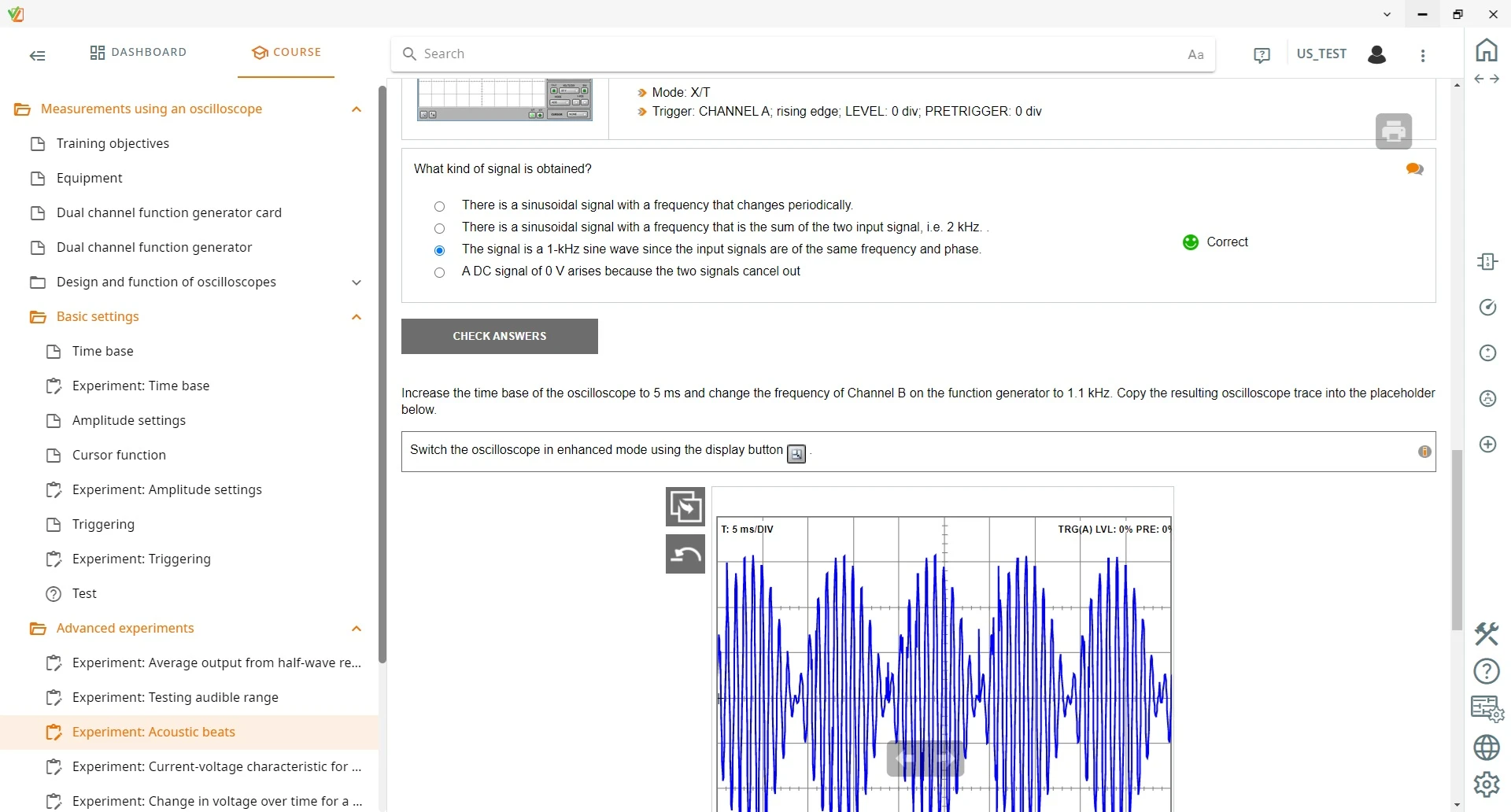
  • Analyzing acoustic beats — Learners superimpose two sinusoidal signals with a small frequency difference and examine the resulting amplitude modulation both by measurement and by ear.
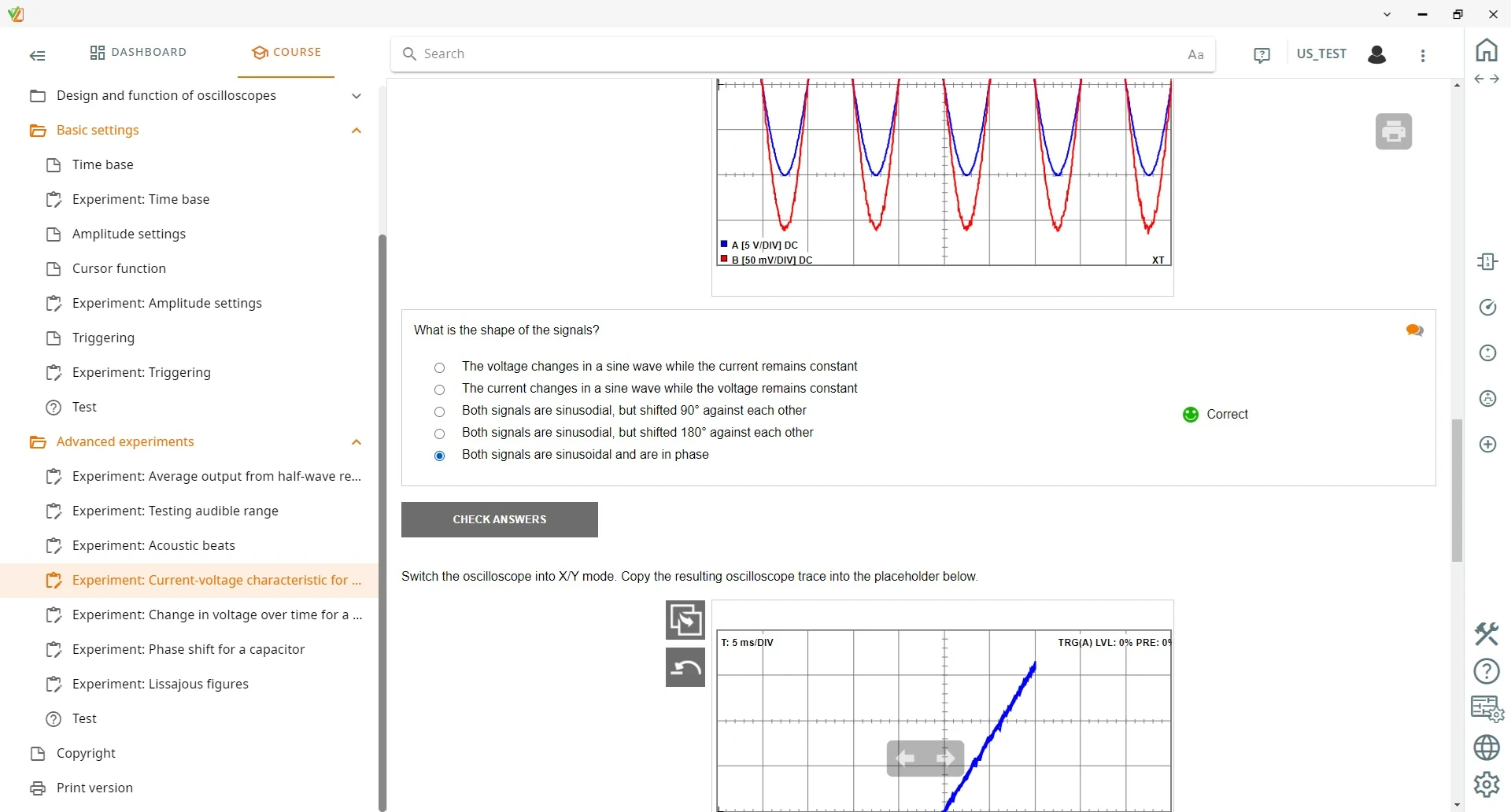
  • Recording characteristic curves in X-Y mode — Learners switch off the time deflection and combine two measurement voltages to plot the current-voltage characteristic of a resistor.
  • On-board loudspeaker — It allows the range of human hearing to be tested and makes beat frequencies directly audible.
  • UniTrain bus for short changeover times — The UniTrain bus connects the plug-in cards directly to the interface. This reduces wiring errors and speeds up switching between experiments.
  • 2-channel function generator — The waveform, amplitude and phase of the signals can be configured jointly or separately.
  • 2/4-channel oscilloscope — The instrument offers a bandwidth of 20 MHz as well as cursor functions and displays waveforms and time differences in real time.
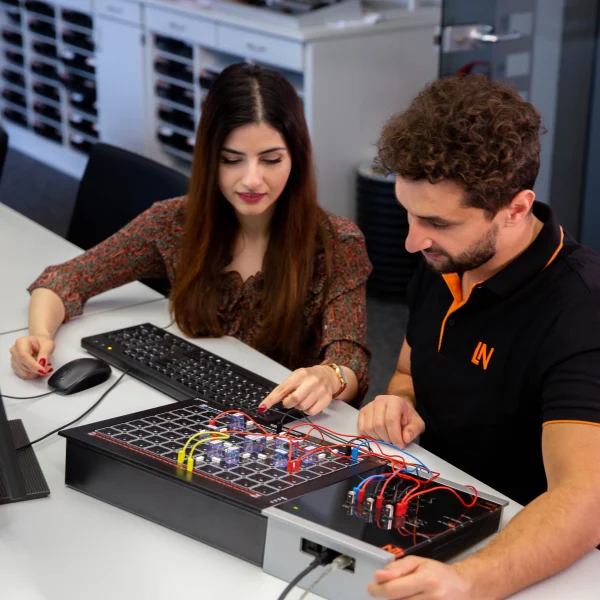
Learners working with RXLea on a tablet at a Lucas-Nuelle training system
RXLea

From Knowledge Comes Capability.

You guide the learning

Where theory and practice go hand in hand.

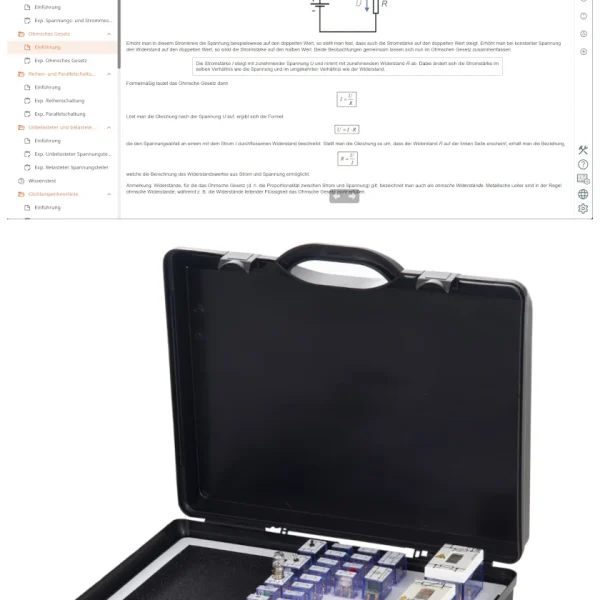
RXLea brings a new way of learning: project-based, hands-on and clearly structured. Learners solve real-world tasks, while instructors save time on preparation. Interactive modules, smart analytics and real hardware create a modern, efficient learning world.

Hands-on and interactive

Animations, interactive tasks and realistic scenarios build a deep understanding. All content is organized into clear learning paths for focused, hands-on learning.

Digital support

3D assembly animations and digital instructions simplify complex procedures, reduce errors and help learners work more independently.

Visual support

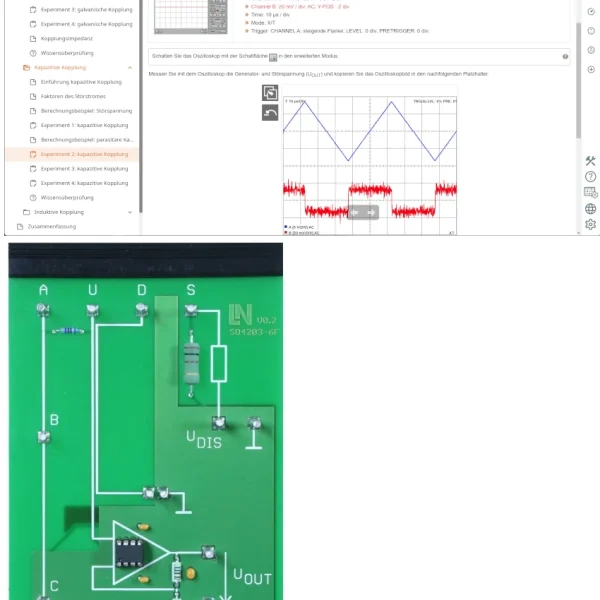
Overview graphics, screenshots and sample animations make the learning world transparent. Photos from the learning packages are also available, including country-specific versions where needed.


Learners using a tablet at an energy training system
RXLea on desktop, laptop and tablet
RXLea Path Creator for building learning journeys
RXLea Navigator showing the learning world
Learn more about RXLea
Newsletter

Stay ahead in
technical training.

Get the latest training systems, product launches and educational insights, delivered directly to your inbox.

Your email address

By subscribing, you agree to our Privacy Policy. You can unsubscribe at any time.

 Please select at least one category before subscribing.
I'm interested in - select all that apply