


Skip to content

Photovoltaic Hybrid System with Battery

RXLea
Digital projects for hands-on learningInteractive learning content, directly connected to the training system.

Photovoltaic Hybrid System with Battery

EPH41PT

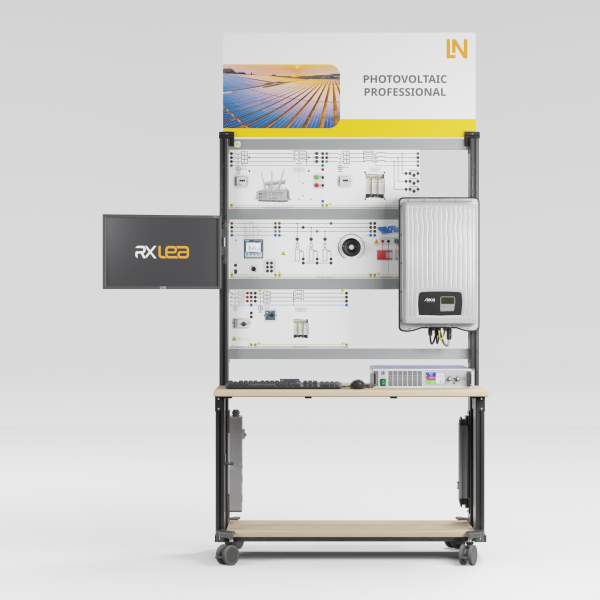
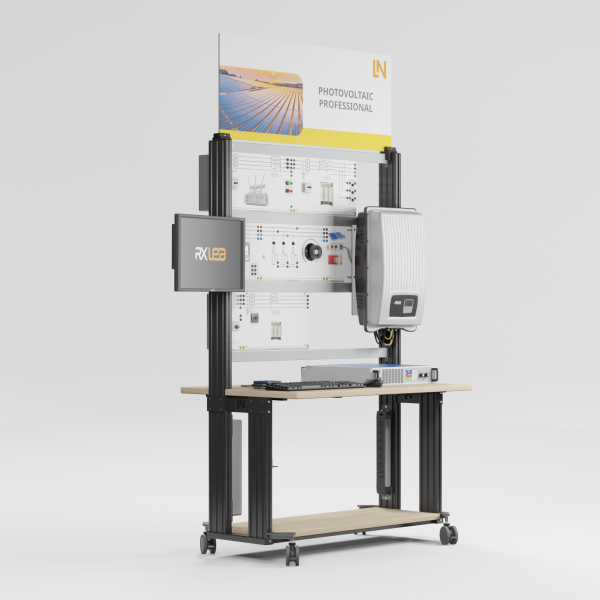
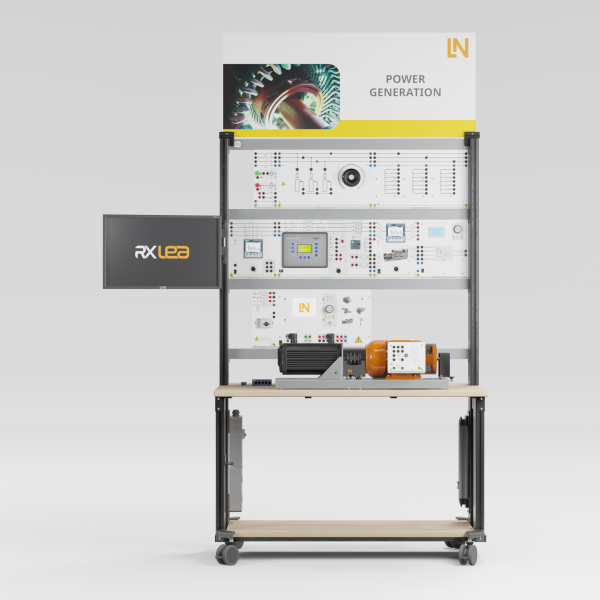
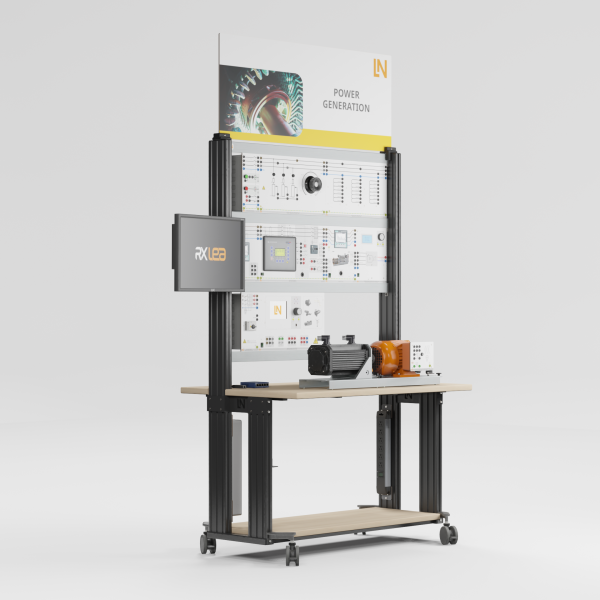
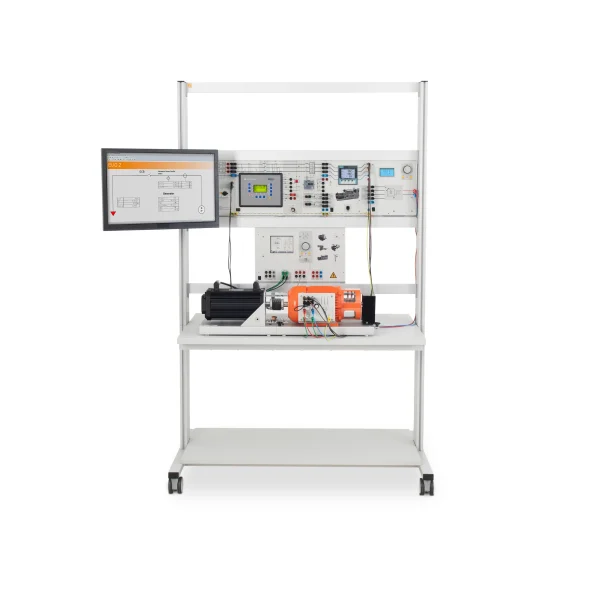
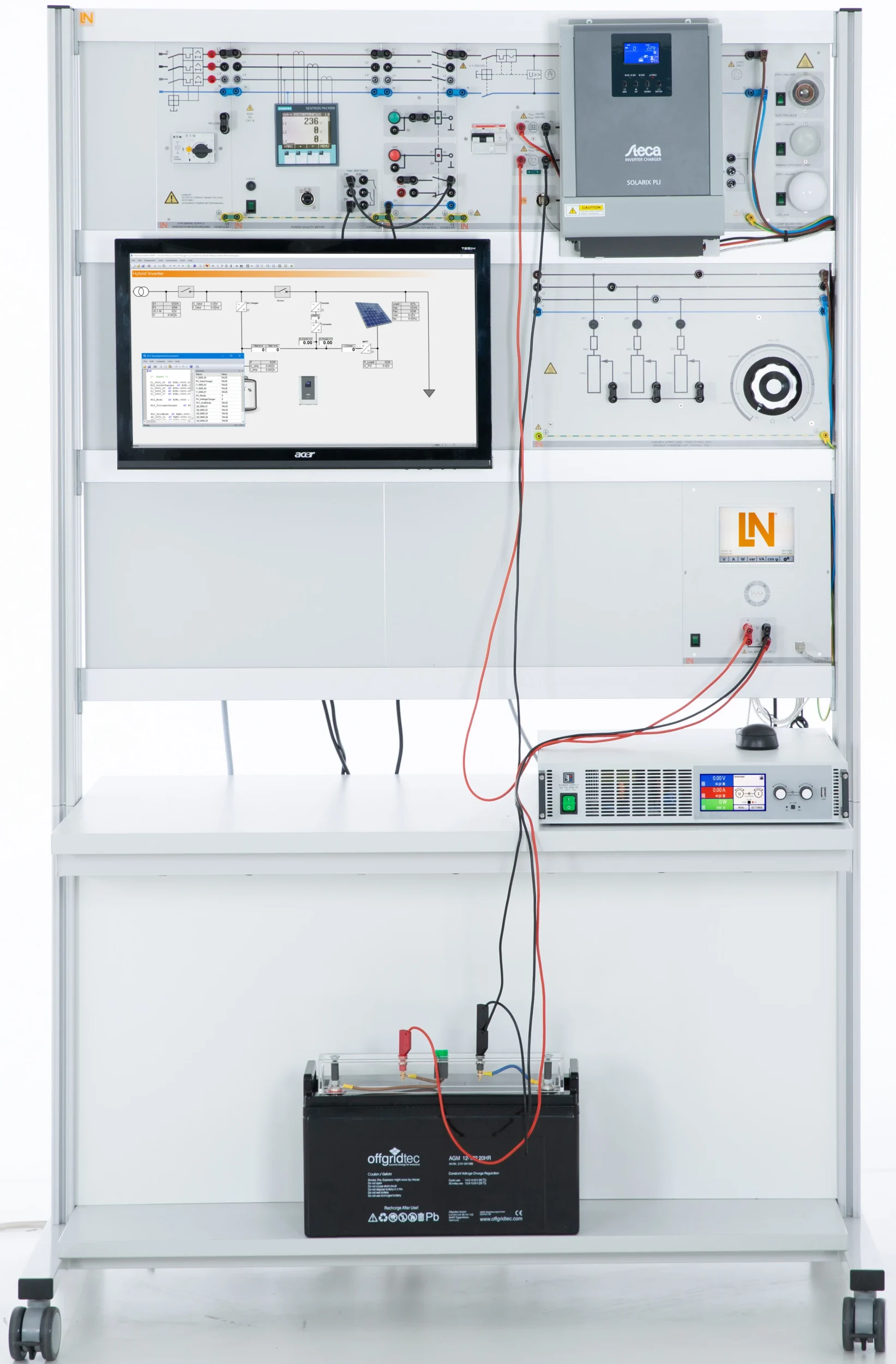
Training system for PV hybrid systems in island and grid-parallel operation: participants parameterize an industrial hybrid inverter, charge the storage system and follow the energy flows in the lab, independently of the weather.

Learning Content
  • Commissioning a PV hybrid system correctly
  • Parameterizing the hybrid inverter
  • Evaluating energy flows and charging characteristics
  • Sizing a stand-alone system according to the load profile
KEY FEATURES
  • Weather-independent, reproducible experiments
  • Making energy flows visible
  • Industrial components with touch protection
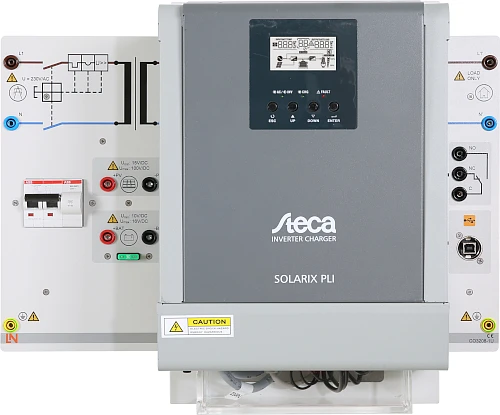
  • Industrial hybrid inverter
Speak with a Product Specialist +1 (757) 808-5696 · sales@lucas-nuelle.com

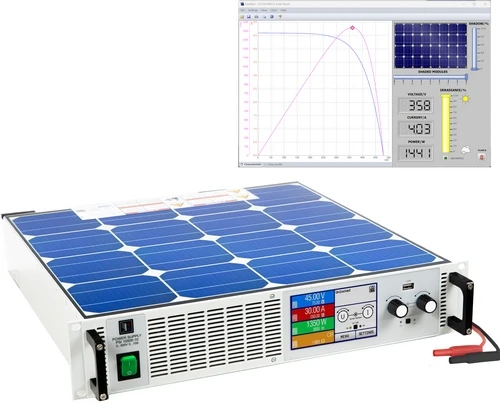
Photovoltaic hybrid systems increase the self-sufficiency of the supply and contribute to grid stability. Anyone planning and operating them must master energy flows, battery management and inverter parameterization. The training system replicates such installations in the lab and makes them independent of the weather: the solar array simulator reproducibly emulates the sun’s path, irradiance levels and partial shading. At the heart of the system is an industrial hybrid inverter that combines an AC charge controller, MPPT solar charge controller and inverter. Participants set energy source priorities, charging characteristics and UPS changeover times directly on the device and follow the energy flows between the solar array, battery, grid and loads on screen.

CO3208-1UHybrid Inverter
CO3208-4VSolar panel emulator, 1,5kW, 80V
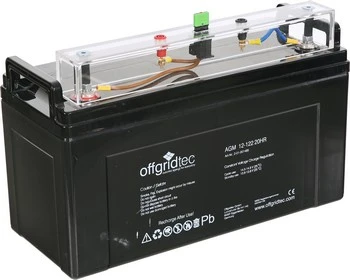
CO3208-1WSolar accumulator, 122Ah, 12V
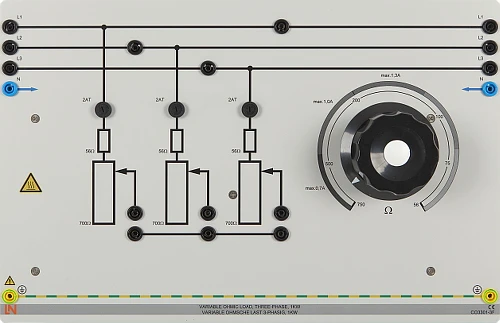
CO3301-3FVariable Ohmic load, three-phase, 1kW
CO3301-5PPower switch module
CO3208-4LLamp board 230V
SO2800-3PInteractive Lab Assistant: Renewable Energies Hybrid System
SO4001-3HSoftware SCADA Viewer
CO3212-5VThree-phase power supply with motor protection switch
CO5127-2SPower Quality Meter mit Grafikdisplay und Langzeitspeicher
CO5127-2APower-Multimeter
CO3208-1XSolar module with adjustable angle of inclinationoptional
SO5148-2BSet of safety measurement cables 4mm, 10m, 4 pcsoptional
LM9057Patch cable Cat5E 1x 1m yellow, 2x 2m yellow
LM99885-Port Ethernet Switch
LM8257USB 2.0 Ethernet adapter, 10/100
ST7200-7ASybaPro experiment trolley, 3-level, 6 sockets, 1250x1970x800mm
ST8010-4TMonitor holder for flat screen monitor of weight up to 15kg / 33lbs
ST7200-5LProtection cover for three-level experiment trolleys
ST8010-4GKeyboard adapter for flat screen monitor holders
ST8000-4FDisplay for Photovoltaic Advanced equipment
SO5126-3RSafety connecting plug 4mm with tap (2x), black, 1000V/32A CAT II
SO5126-3WSafety connecting plug 4mm with tap (2x), green/yellow, 1000V/32A CAT II
SO5126-3USafety connecting plug 4mm with tap (2x), red, 1000V/32A CAT II
SO5126-3VSafety connecting plug 4mm with tap (2x), blue, 1000V/32A CAT II
SO5148-1LSet of safety measurement cables, 4mm (31 leads)

Learning Content in Detail

Participants commission the system correctly, parameterize the inverter for individual operating scenarios and evaluate the measurement series.

Commissioning a PV hybrid system correctly

Participants commission the system, applying the safety regulations for DC and AC circuits.

Parameterizing the hybrid inverter

Participants set up self-consumption optimization, island grid operation and the UPS function on the industrial inverter.

Evaluating energy flows and charging characteristics

Participants record energy flows, IUoU charging characteristics and efficiencies via SCADA and interpret deviations caused by partial shading.

Sizing a stand-alone system according to the load profile

Participants size the PV generator and battery capacity for a given load profile.

Features & Applications

The experiments guide participants through the planning, wiring and commissioning of stand-alone and grid-parallel photovoltaic systems.
  • Weather-independent, reproducible experiments — The solar array simulator emulates the sun’s path, irradiance levels and partial shading. Instead of waiting for particular weather conditions, participants can repeat faults and complex charging situations as often as necessary.
  • Making energy flows visible — The SCADA software for PowerLab and the intelligent measuring devices present currents and voltages graphically. Participants follow the energy flow between the solar array, battery, grid and loads live on screen.
  • Industrial components with touch protection — Genuine industrial devices are mounted on DIN A4 experiment panels with photorealistic color printing. The connections are on 4 mm safety jacks, and the setup is touch-safe and short-circuit-proof.
  • Industrial hybrid inverter — The device combines an AC charge controller, MPPT solar charge controller and inverter. Participants set energy source priorities, charging characteristics and UPS changeover times directly on the device, just as when commissioning a real system.
  • Solar array simulator — The source behaves like a real photovoltaic module. The Solar Panel software makes the PV characteristic visible in real time: when a simulated cloud is moved over the module, the MPP tracker searches for a new global maximum.
  • SCADA Viewer for PowerLab — The software displays all system values and device states live. Using the oscilloscope and logger functions, participants measure current and voltage waveforms when the system switches to UPS mode and transfer diagrams to their documentation by drag and drop.
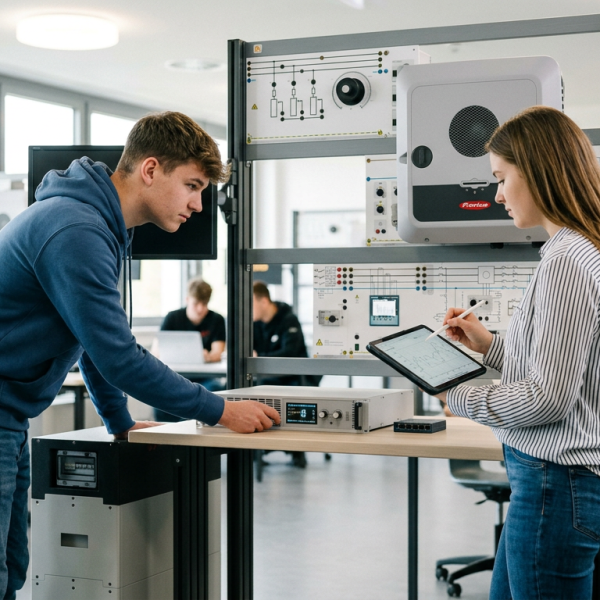
Learners working with RXLea on a tablet at a Lucas-Nuelle training system
RXLea

From Knowledge Comes Capability.

You guide the learning

Where theory and practice go hand in hand.

RXLea brings a new way of learning: project-based, hands-on and clearly structured. Learners solve real-world tasks, while instructors save time on preparation. Interactive modules, smart analytics and real hardware create a modern, efficient learning world.

Hands-on and interactive

Animations, interactive tasks and realistic scenarios build a deep understanding. All content is organized into clear learning paths for focused, hands-on learning.

Digital support

3D assembly animations and digital instructions simplify complex procedures, reduce errors and help learners work more independently.

Visual support

Overview graphics, screenshots and sample animations make the learning world transparent. Photos from the learning packages are also available, including country-specific versions where needed.


Learners using a tablet at an energy training system
RXLea on desktop, laptop and tablet
RXLea Path Creator for building learning journeys
RXLea Navigator showing the learning world
Learn more about RXLea
Newsletter

Stay ahead in
technical training.

Get the latest training systems, product launches and educational insights, delivered directly to your inbox.

Your email address

By subscribing, you agree to our Privacy Policy. You can unsubscribe at any time.

 Please select at least one category before subscribing.
I'm interested in - select all that apply