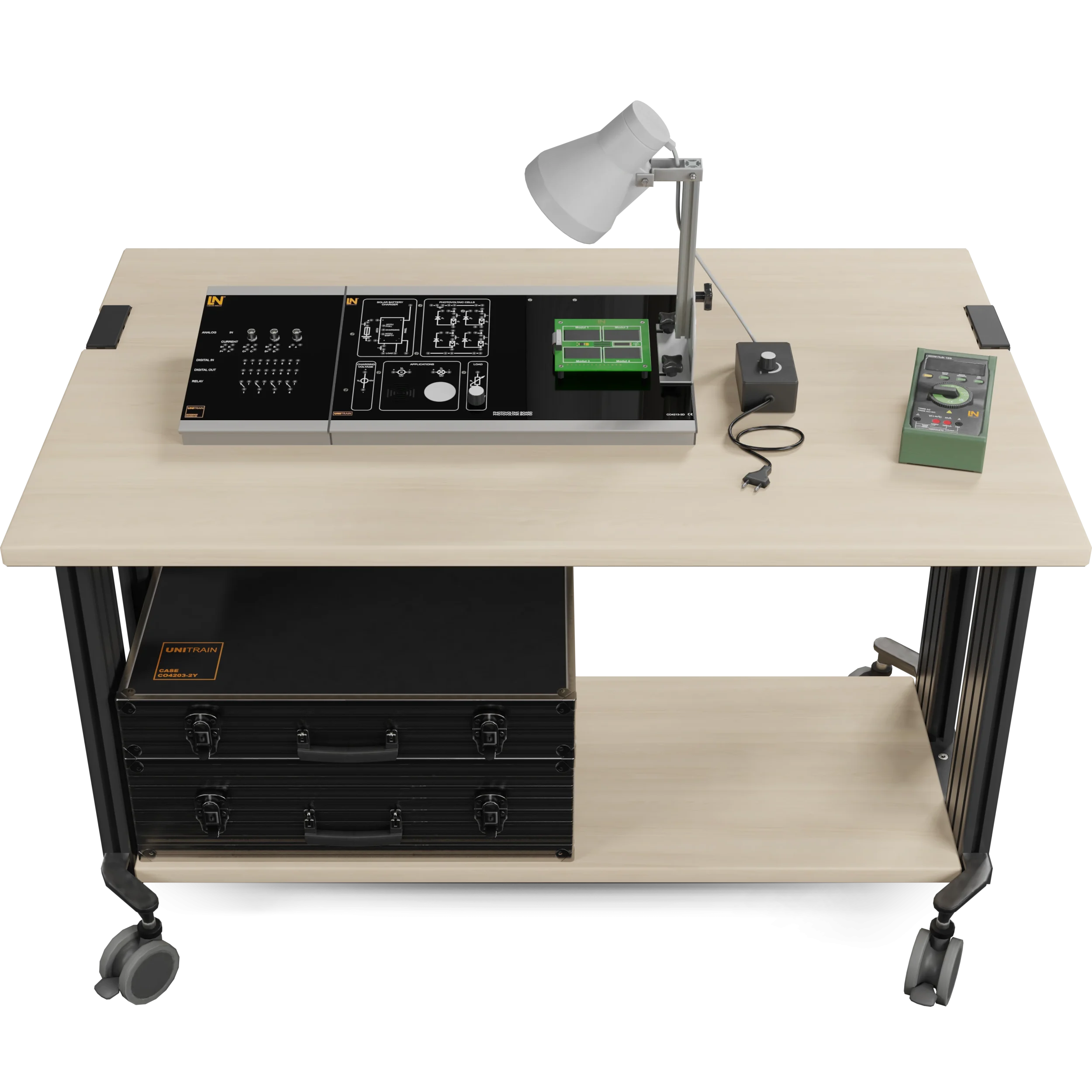



Photovoltaics
Photovoltaics
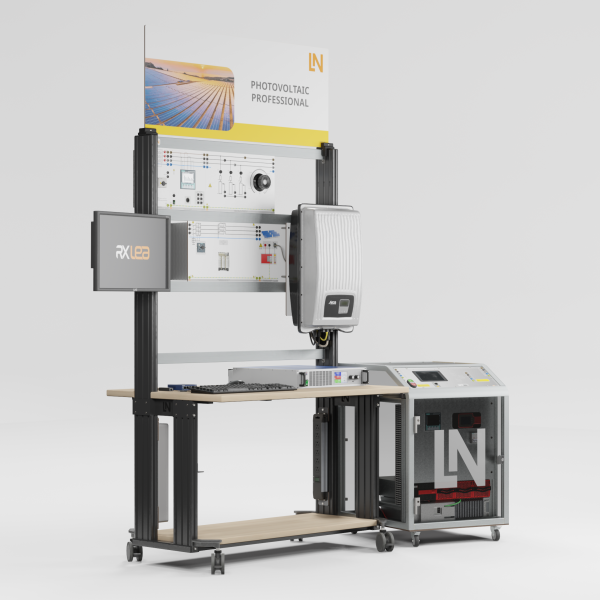
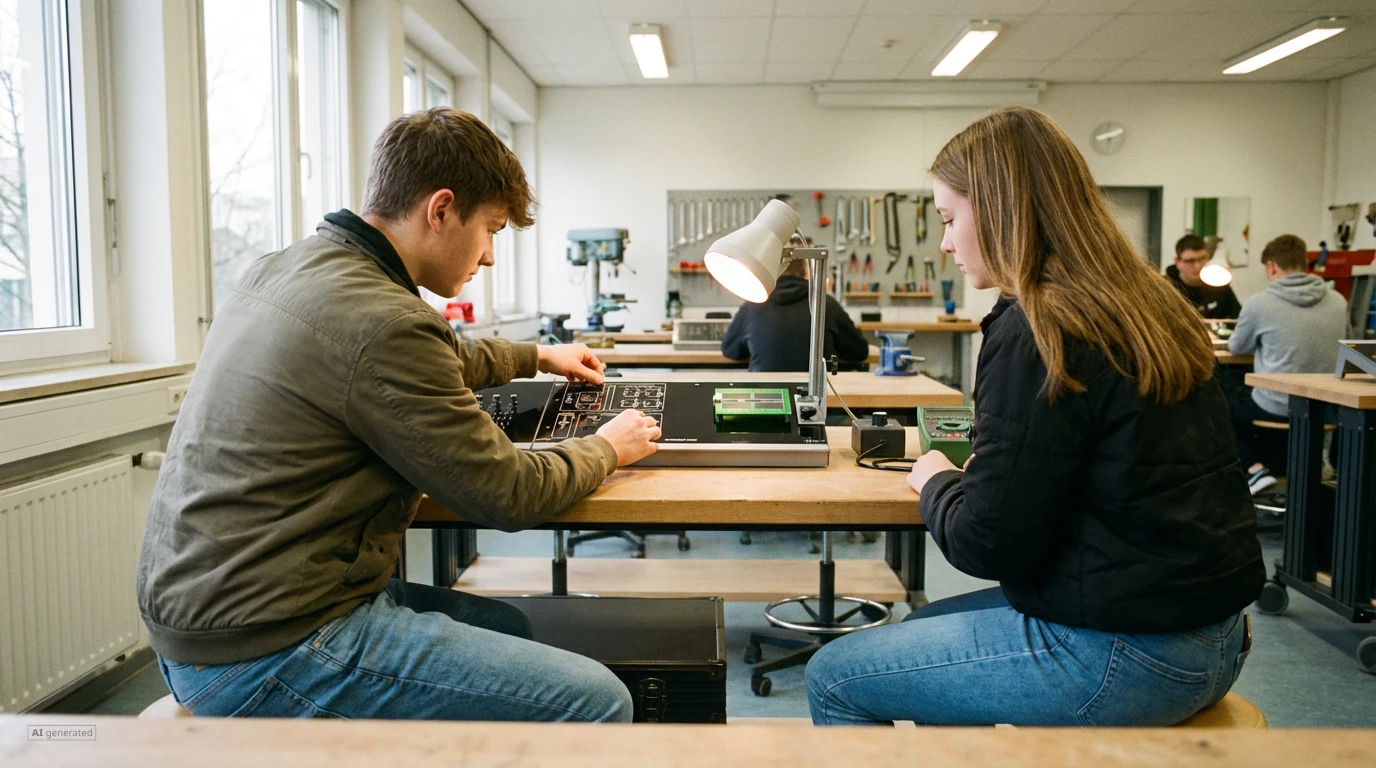
This compact, computer-based system teaches comprehensive knowledge from the solar cell to the self-sufficient stand-alone PV system: prepare learners for the energy supply of the future.
- Characterizing a solar cell
- Analyzing the interconnection of solar modules
- Evaluating the effects of partial shading
- Sizing a stand-alone PV system
- Complete PV lab in a case
- Analyzing PV cells under different conditions
- Investigating shading and protection mechanisms
- Project-based learning: from the cell to the finished stand-alone system
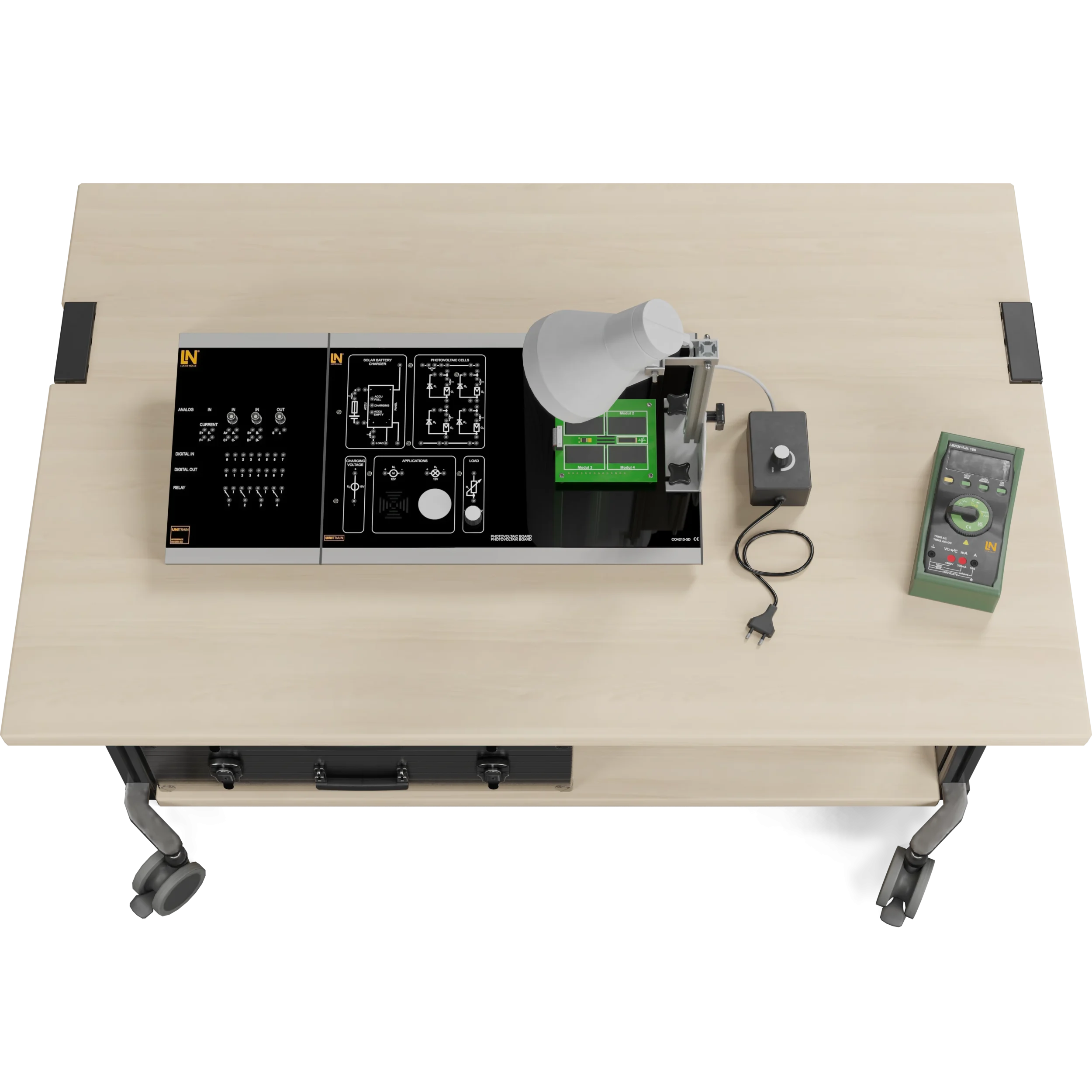
In view of rising energy costs and growing environmental awareness, photovoltaics is becoming a key technology in modern energy supply. Skilled workers need an in-depth understanding of the physical principles, characteristic curves and system components in order to plan, install and maintain PV systems efficiently. The UniTrain system provides the ideal solution. It is a compact, computer-based training system that enables learners to familiarize themselves with the fundamentals of photovoltaics – from the characteristic curve of a single solar cell and the interconnection of modules through to the complete planning of, and troubleshooting on, a self-sufficient stand-alone PV system. This complete PV lab in a case integrates all the necessary components in a single, portable system. These include an adjustable light source, four monocrystalline solar modules, a charge controller with protective functions, a solar battery and various electrical loads. This allows you to carry out a complete photovoltaics practical course without any additional lab equipment, offering maximum flexibility for use in the classroom, in the lab or even at home. Prepare your learners effectively for future tasks in power supply, building automation or agriculture.
Downloads
| Base Product | |
| CO4204-3D | Course Power engineering: Photovoltaics |
| Add-on | |
| CO4203-2A | UniTrain Interface mit virtuellen Instrumenten (Basis VI) |
| CO4203-2J | UniTrain measurement accessories, shunts and connection cables |
| CO4203-2Y | UniTrain storage case for one UniTrain system |
| Measuring Instruments | |
| LM2330 | Multi13S digital multimeter |
Learning Content in Detail
Characterizing a solar cell
Analyzing the interconnection of solar modules
Evaluating the effects of partial shading
Sizing a stand-alone PV system
Performing systematic troubleshooting
Features & Applications
- Complete PV lab in a case — The portable UniTrain system integrates all the components needed for practical work on stand-alone PV systems: an adjustable light source, solar modules, a charge controller with protective functions, a solar battery and electrical loads. Requiring no additional lab equipment, it offers maximum flexibility for use in the classroom, in the lab or at home.
- Analyzing PV cells under different conditions — The system conveniently and precisely records all relevant I-V and power curves under variable irradiance and load. This makes key parameters such as MPP, fill factor and efficiency visible, measurable and understandable from the measured curves.
- Investigating shading and protection mechanisms — Learners investigate solar modules under real conditions, especially under partial shading. They analyze the effects on series and parallel connections and the function of bypass diodes in preventing hotspots – an important skill for installing PV systems and diagnosing faults in them.
- Project-based learning: from the cell to the finished stand-alone system — In the practical project “Modernizing a vacation home”, participants solve a real customer problem by working out the fundamentals of solar cells, analyzing module behavior and sizing stand-alone systems to meet demand. This approach promotes motivation and systematic problem-solving skills.
- Adjustable light source for simulating solar radiation — As a central lab tool, the adjustable lamp simulates realistic irradiation conditions. With its dimming function, the continuously variable intensity reproduces sunny and cloudy days. The adjustable angle makes it possible to investigate the influence of the sun’s position on the energy yield.
- Freely connectable monocrystalline solar modules — Four monocrystalline solar modules can be wired freely. Learners actively build series and parallel connections, measure how voltages and currents add up and thus lay the foundation for understanding real module strings.
- Integrated bypass diodes for analyzing shading — Switchable bypass diodes are used for the educational investigation of partial shading. Learners deliberately shade modules, measure the drastic drop in power (hotspot effect) without protective diodes and, by comparison, experience how bypass diodes protect the modules and maintain the energy yield.
- Solar battery for implementing a storage system — Learners can store surplus solar energy and draw on it later to operate loads even without sunlight.
- 12 V charge controller with overvoltage and deep discharge protection — The integrated 12 V charge controller protects the battery against overvoltage and deep discharge, ensuring a long service life for the storage system and increasing safety during experiments. This is an important aspect of real-world PV applications.
- Real loads for simulating energy demand — The integrated loads (a fan, an LED lamp and an adjustable resistive load) represent real loads in a household or a self-sufficient application. This allows learners to simulate the energy demand and experience how a stand-alone system works in practice.

From Knowledge Comes Capability.
You guide the learning
Where theory and practice go hand in hand.
RXLea brings a new way of learning: project-based, hands-on and clearly structured. Learners solve real-world tasks, while instructors save time on preparation. Interactive modules, smart analytics and real hardware create a modern, efficient learning world.
Hands-on and interactive
Animations, interactive tasks and realistic scenarios build a deep understanding. All content is organized into clear learning paths for focused, hands-on learning.
Digital support
3D assembly animations and digital instructions simplify complex procedures, reduce errors and help learners work more independently.
Visual support
Overview graphics, screenshots and sample animations make the learning world transparent. Photos from the learning packages are also available, including country-specific versions where needed.




Stay ahead in
technical training.
Get the latest training systems, product launches and educational insights, delivered directly to your inbox.