


CAN Bus in Automotive: Students Master Practical Diagnostics and Troubleshooting
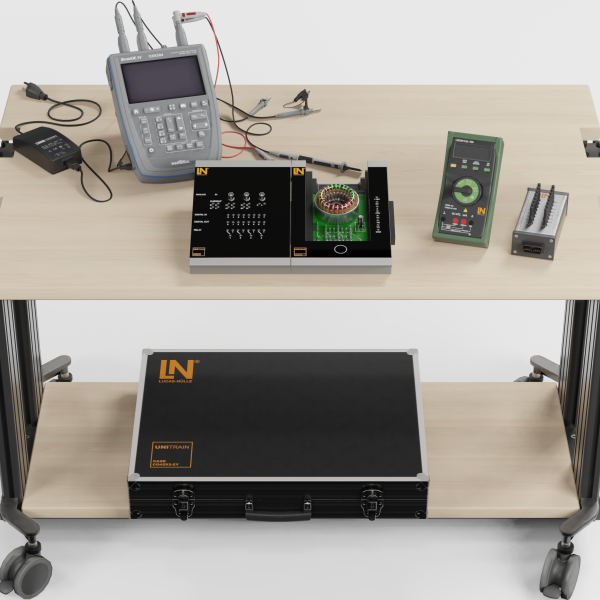
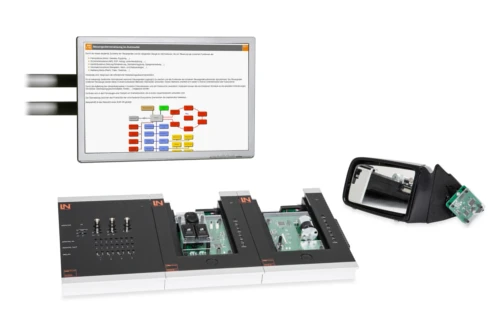
Prepare learners optimally for modern workshop practice. This UniTrain system teaches diagnostics and systematic troubleshooting on realistic in-vehicle CAN bus networks to develop profound diagnostic competence.
- Measuring and evaluating signal waveforms
- Analyzing data traffic
- Systematic troubleshooting
- Editing CAN messages
- Expansion with real automotive components
- Low-speed and high-speed CAN
- Sending and interpreting CAN messages
- Controlling real vehicle functions
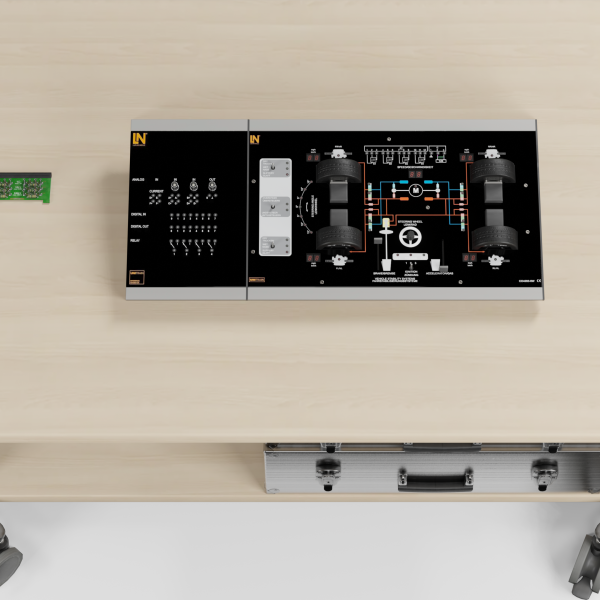
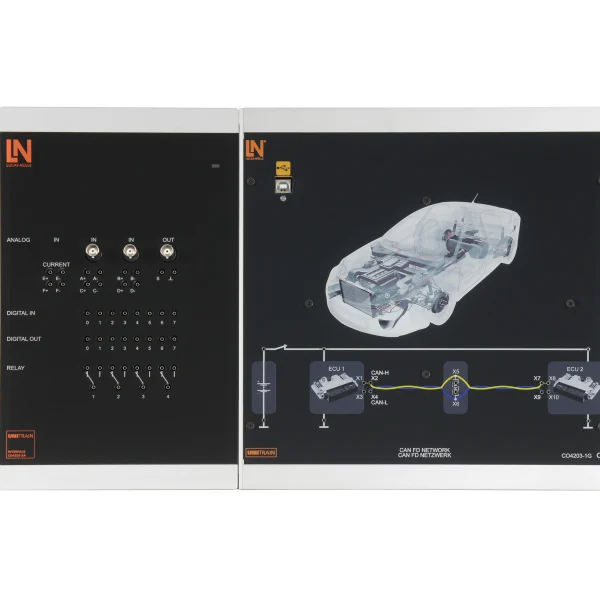
In modern vehicles, dozens of control units are networked via the CAN bus, which makes troubleshooting with conventional methods impossible. The UniTrain system replicates a typical comfort bus system with two control units and teaches, step by step, how to analyze digital communication using measurement technology. The aim is to develop sound diagnostic skills. Learners reliably identify and rectify faults in the bus system. Prepare your participants for the challenges of the automotive industry.
Downloads
| Base Product | |
| CO4203-2A | UniTrain Interface mit virtuellen Instrumenten (Basis VI) |
| CO4203-2J | UniTrain measurement accessories, shunts and connection cables |
| CO4203-2B | UniTrain Experimenter |
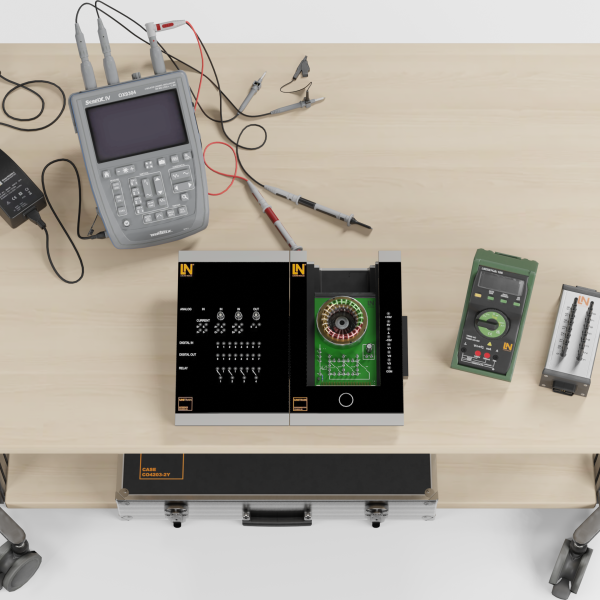
| CO4203-2Y | UniTrain storage case for one UniTrain system |
| CO4204-7K | Course: CAN bus in automotive |
| Add-on | |
| CO3216-3F | CAN lighting interface |
| CO3216-2M | Main headlight unit with side light, headlight range control and indicator (left) |
| CO3216-2N | Main headlight unitwith side light, headlight range control & indicator (right) |
| CO3216-2P | Tail light unit with LED rear light (left) |
| CO3216-3D | Tail light unit with LED rear light (right) |
| CO3223-1C | Rail-Drucksensor 0...1600 bar |
| CO3216-2B | Auxiliary lamp |
| CO3216-2E | Rear fog lamp |
| CO3216-2F | Reversing lamp |
| SO3216-2Y | Golf V passenger door, CAN connection, window lift, mirror, mobile |
| Power Supply | |
| CO3223-1C | Rail-Drucksensor 0...1600 bar |
| Accessories | |
| SO5148-1A | Set of safety measurement cables, 4mm (30 leads) |
| SO5126-3X | Safety connecting plug 4mm with tap (2x), white, 1000V/32A CAT II |
| Furniture | |
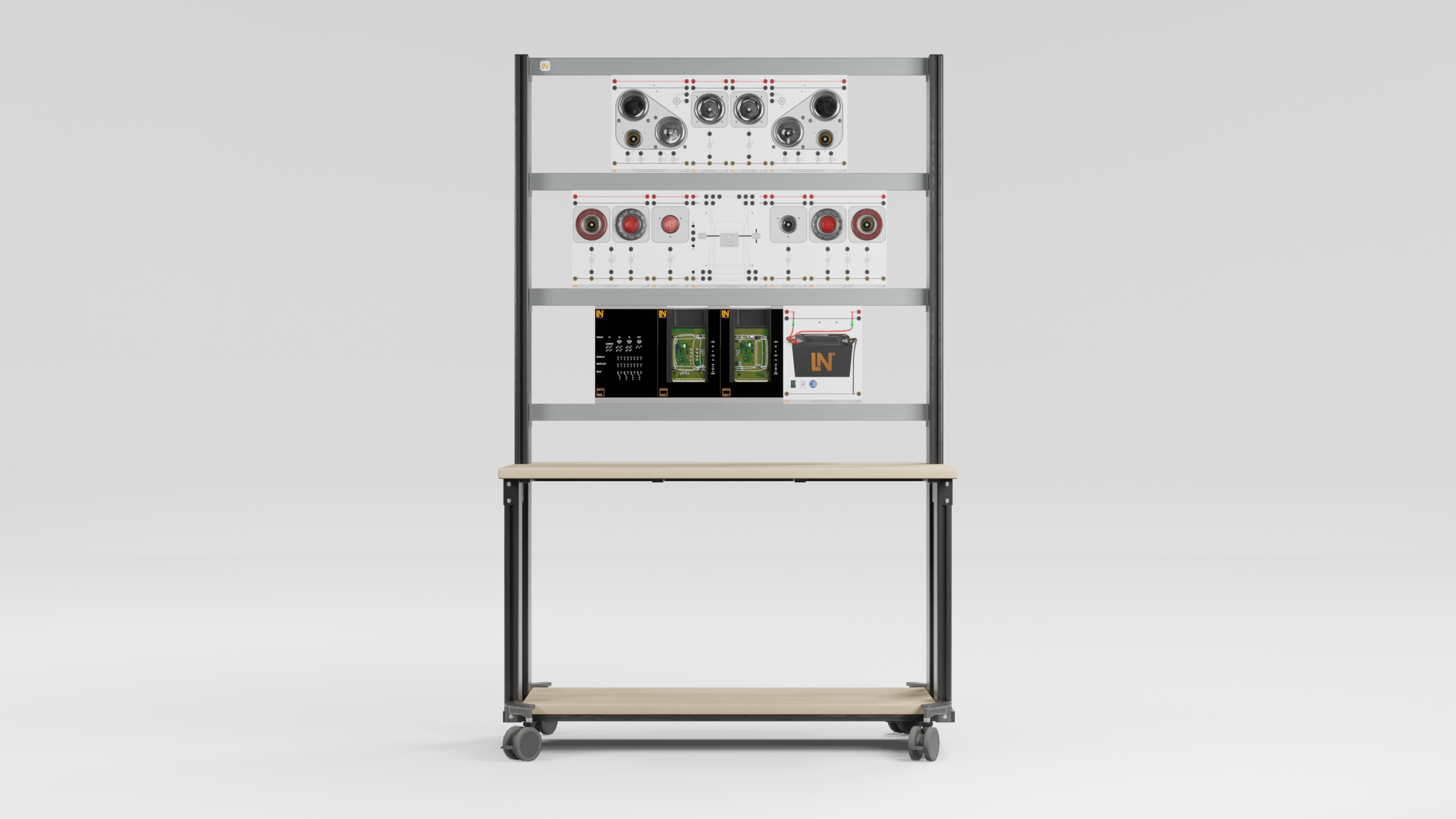
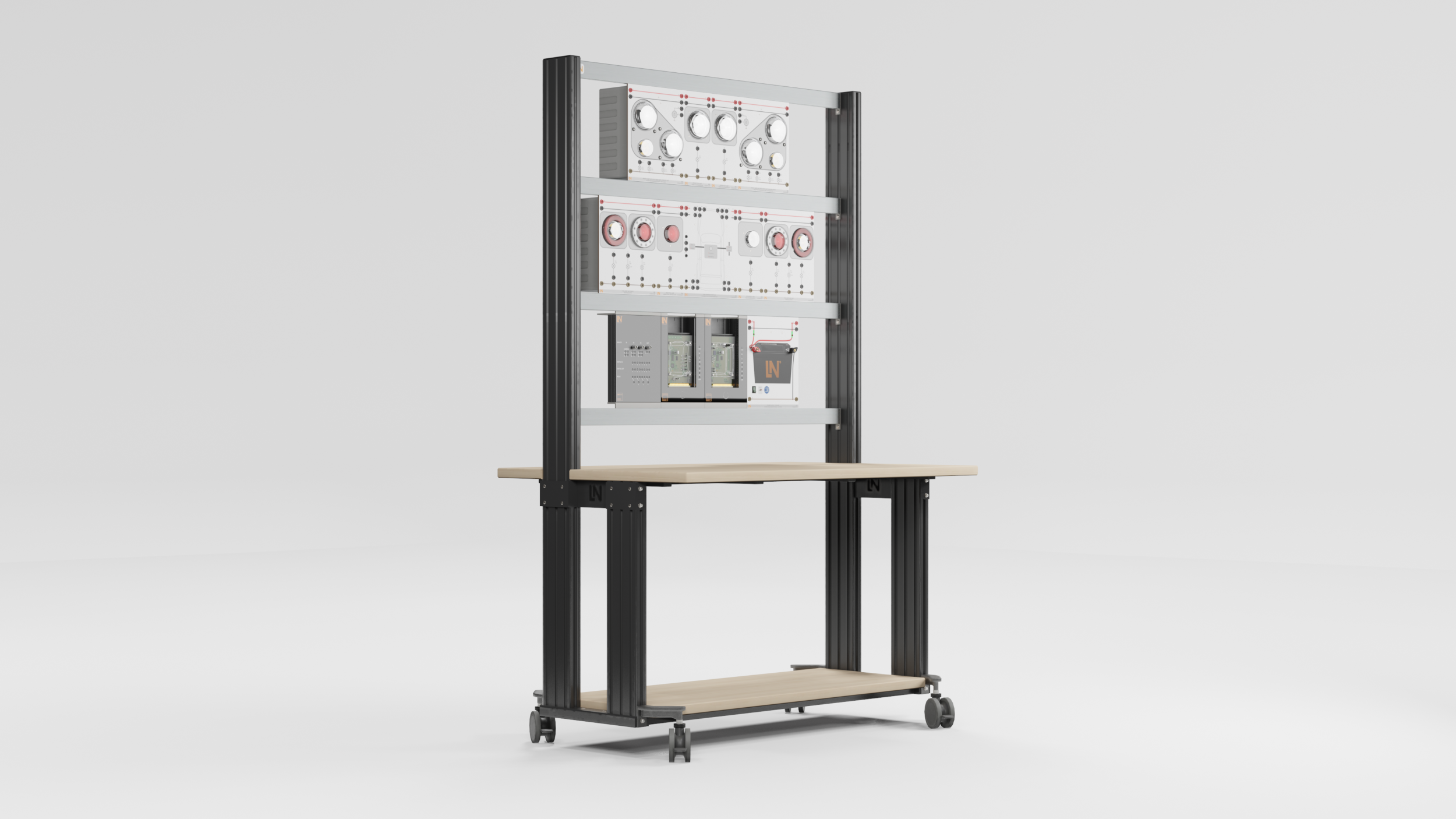
| ST8003-1D | Panel mounting frame for 1200mm table, (T-shaped base, 3 levels) |
Learning Content in Detail
Measuring and evaluating signal waveforms
Analyzing data traffic
Systematic troubleshooting
Editing CAN messages
Features & Applications
- Expansion with real automotive components — Connect the system modularly to original vehicle parts such as a VW Golf door for direct transfer to real-world applications.
- Low-speed and high-speed CAN — Compare low-speed and high-speed CAN directly. Learners understand the physical differences in voltage levels that matter for diagnosis.
- Sending and interpreting CAN messages — Analyze data traffic with the CAN monitor, interpret messages and send your own commands to components.
- Controlling real vehicle functions — Operate real switches for lights or turn signals. The responses are triggered exclusively via the CAN bus.
- Two separate CAN nodes — The division into front and rear modules explains the concept of distributed control units. Interruptions immediately show their effects on functions.
- Adjustable node addresses — Change bus addresses manually using DIP switches. This lets learners follow the principle of addressing and arbitration directly.
- Professional analysis tool — The CAN monitor visualizes data traffic and allows you to send your own messages. This way, you learn how to work with diagnostic testers.
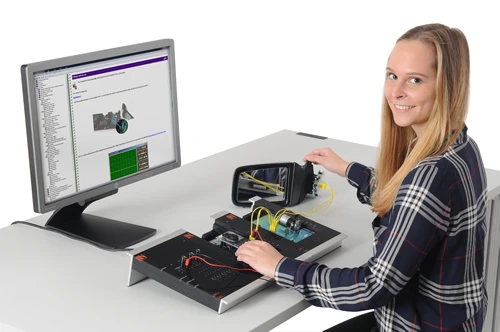
- Connecting real OEM technology — The optional VW Golf V door communicates with the system via the CAN bus and teaches diagnosis on a real control unit.
- CAN monitor software — Analyze CAN messages, track data traffic in real time and control actuators in a targeted way.

From Knowledge Comes Capability.
You guide the learning
Where theory and practice go hand in hand.
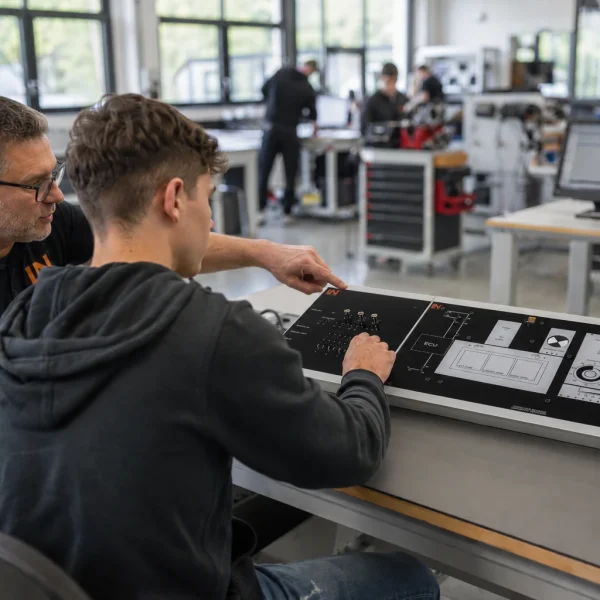
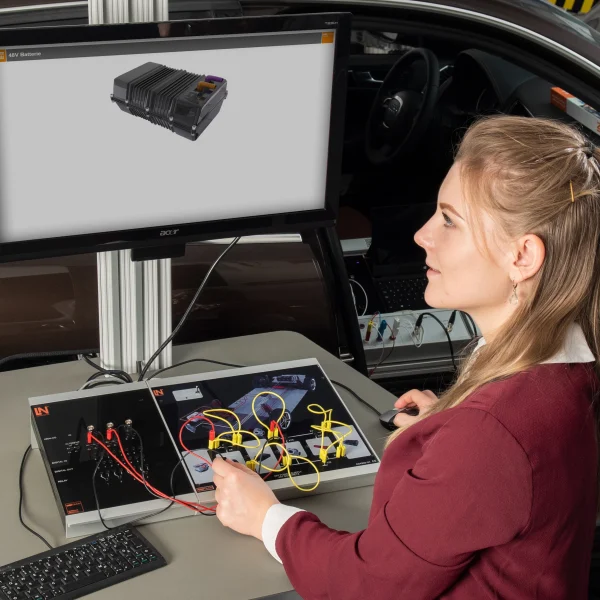
RXLea brings a new way of learning: project-based, hands-on and clearly structured. Learners solve real-world tasks, while instructors save time on preparation. Interactive modules, smart analytics and real hardware create a modern, efficient learning world.
Hands-on and interactive
Animations, interactive tasks and realistic scenarios build a deep understanding. All content is organized into clear learning paths for focused, hands-on learning.
Digital support
3D assembly animations and digital instructions simplify complex procedures, reduce errors and help learners work more independently.
Visual support
Overview graphics, screenshots and sample animations make the learning world transparent. Photos from the learning packages are also available, including country-specific versions where needed.




Stay ahead in
technical training.
Get the latest training systems, product launches and educational insights, delivered directly to your inbox.