


Skip to content

FlexRay Bus System

RXLea
Digital projects for hands-on learningInteractive learning content, directly connected to the training system.

FlexRay Bus System

AFR22UT

Learners master FlexRay, the fault-tolerant high-speed bus system. Ideal for X-by-wire applications in automotive technology.

Learning Content
  • Comparing bus systems
  • Symmetrical signal generation
  • Determining differential signals
  • Evaluating network topologies
KEY FEATURES
  • Troubleshooting using relay switches
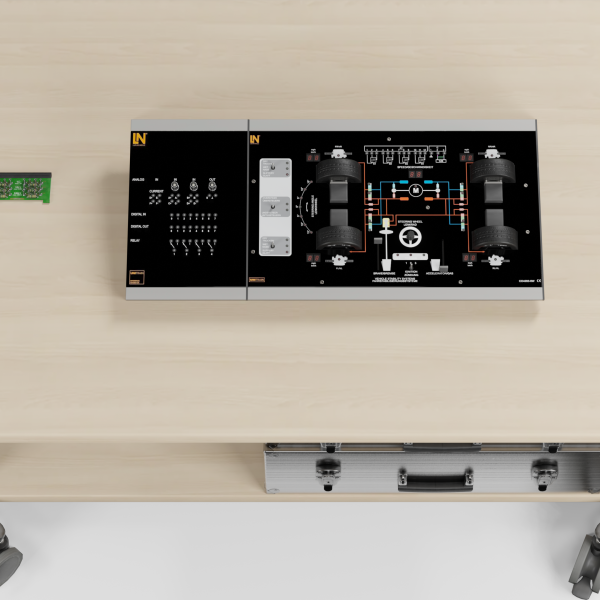
  • Realistic steer-by-wire replica
  • Colored LED status display
  • Twisting lines for EMC analysis
Speak with a Product Specialist +1 (757) 808-5696 · sales@lucas-nuelle.com

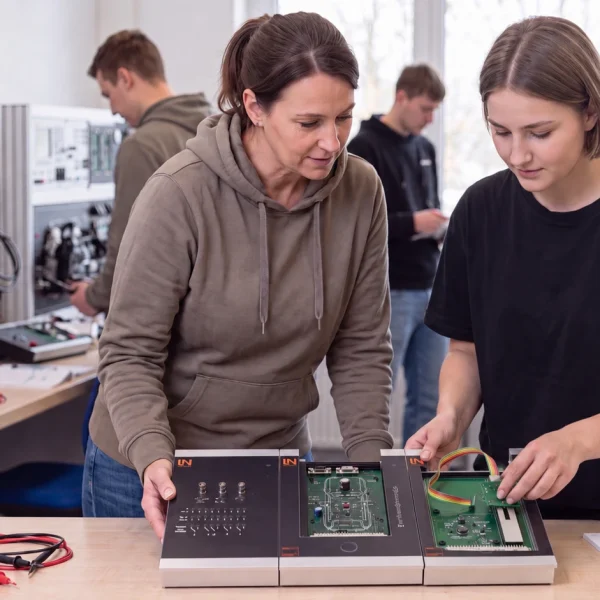
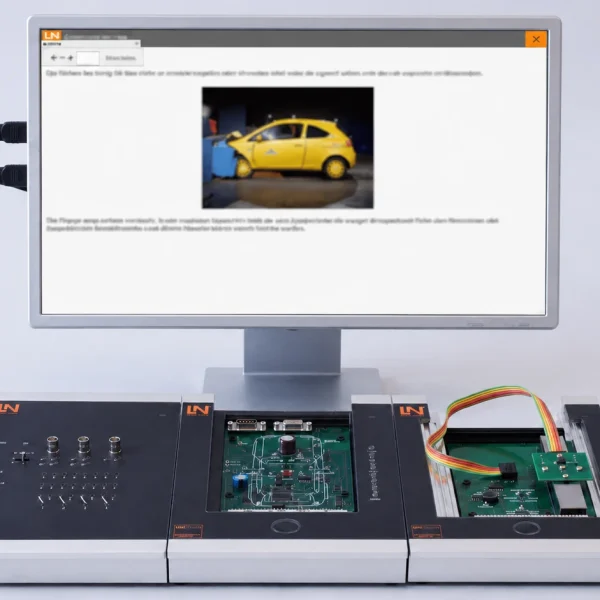
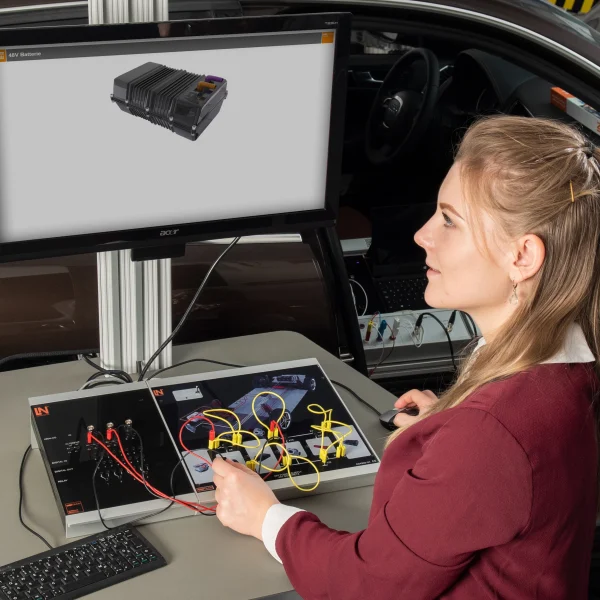
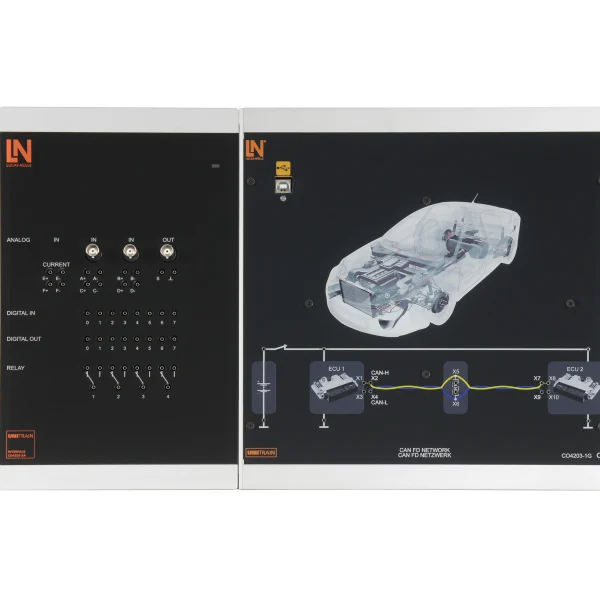
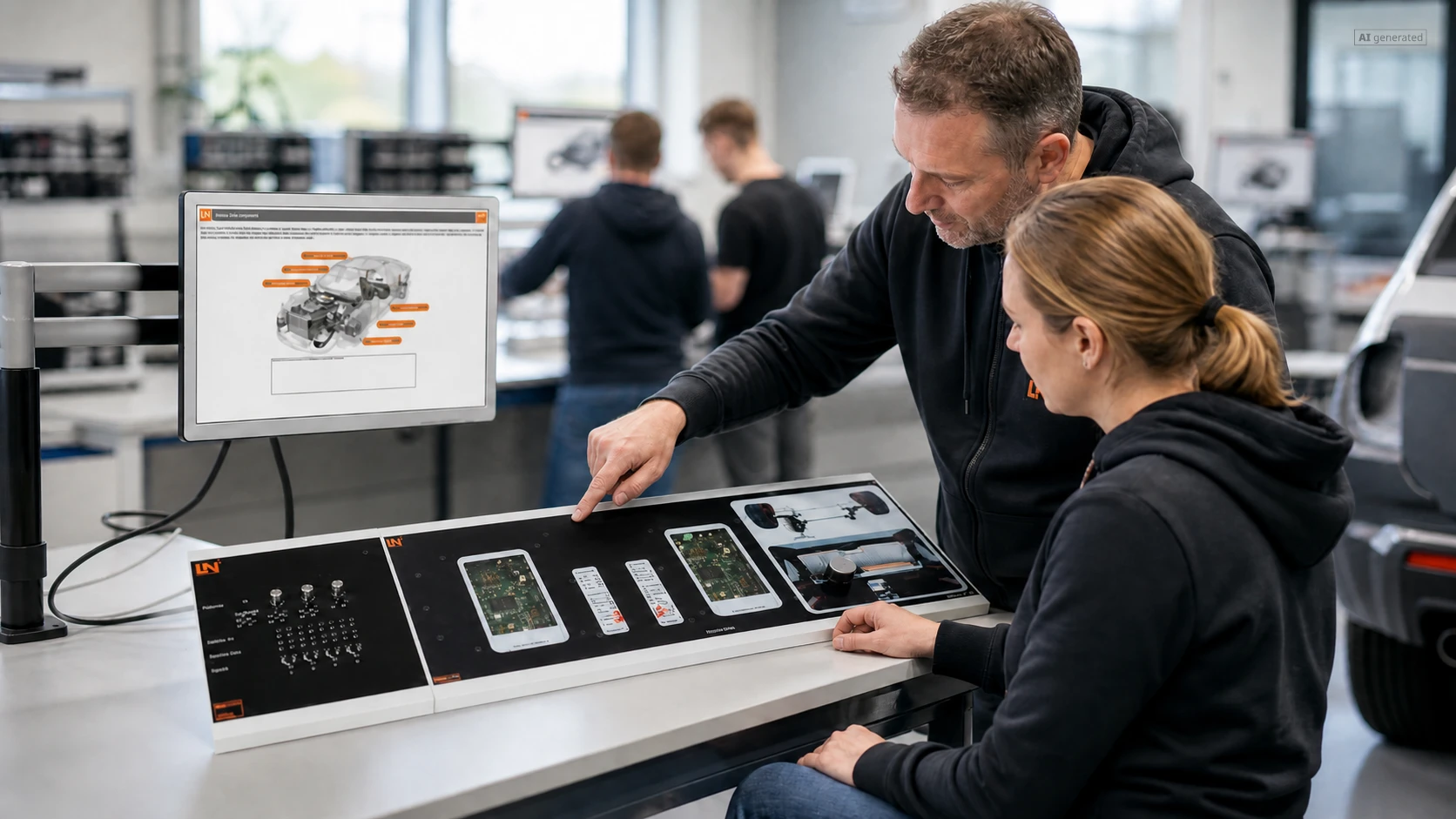
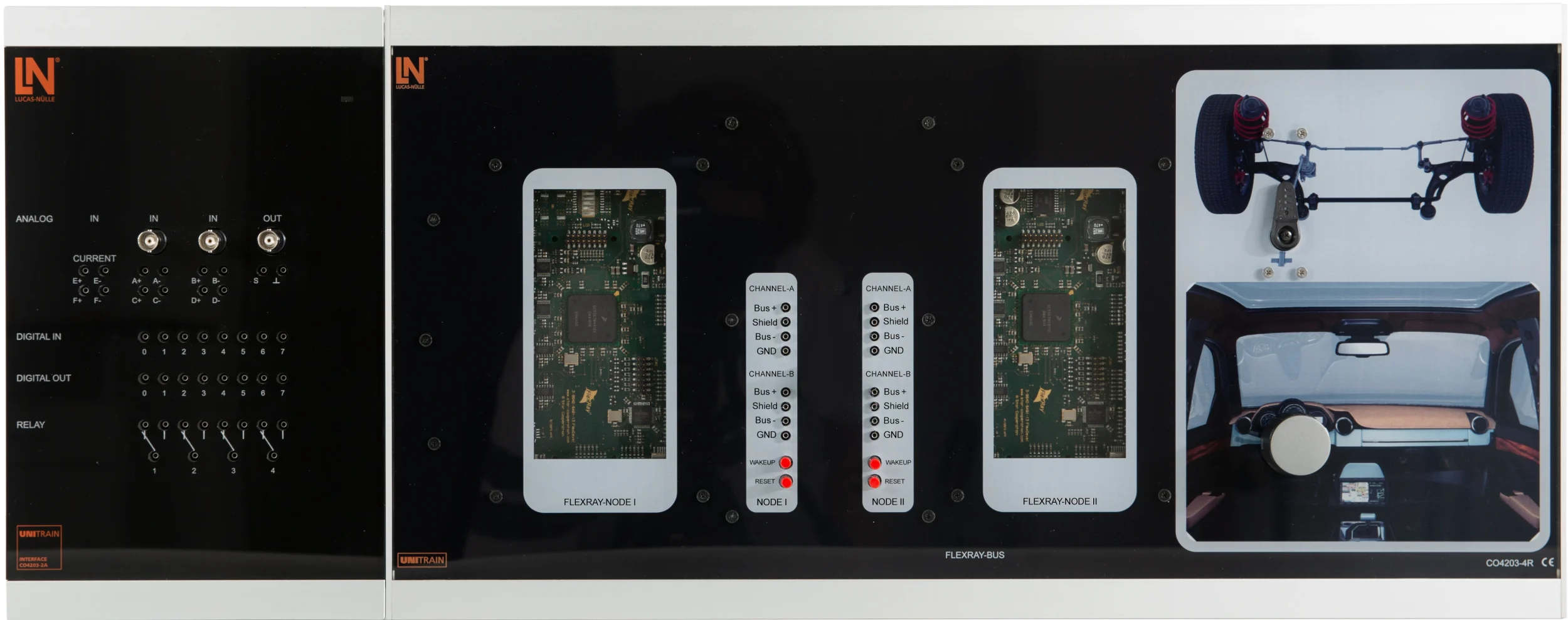
Safety-critical X-by-wire systems in vehicles demand absolute fault tolerance and guaranteed latency times. With this UniTrain course, you teach the operating principle, time-triggered scheduling and signal structure of the FlexRay bus in a hands-on way. The system is based on the physical coupling of two FlexRay nodes via redundant channels. On a working steer-by-wire model, learners test data transmission and use measurements to detect bus faults and EMC interference.

Artikel-Nr.MengeBezeichnung
CO4204-6Y1Course: FlexRay in automotive
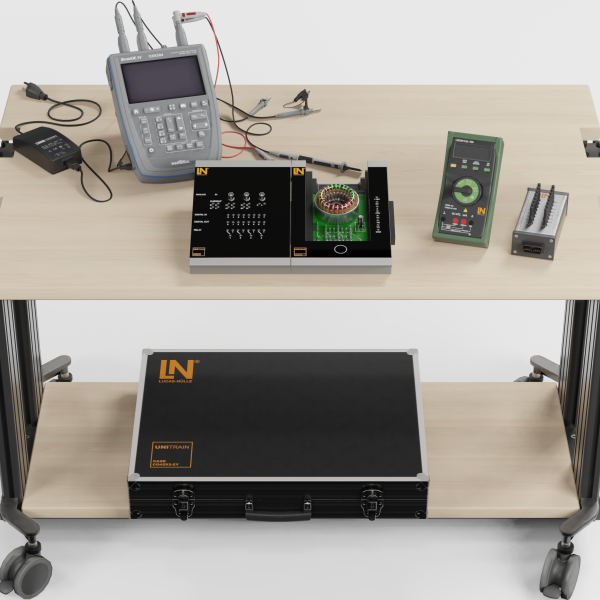
CO4203-2A1UniTrain Interface mit virtuellen Instrumenten (Basis VI)
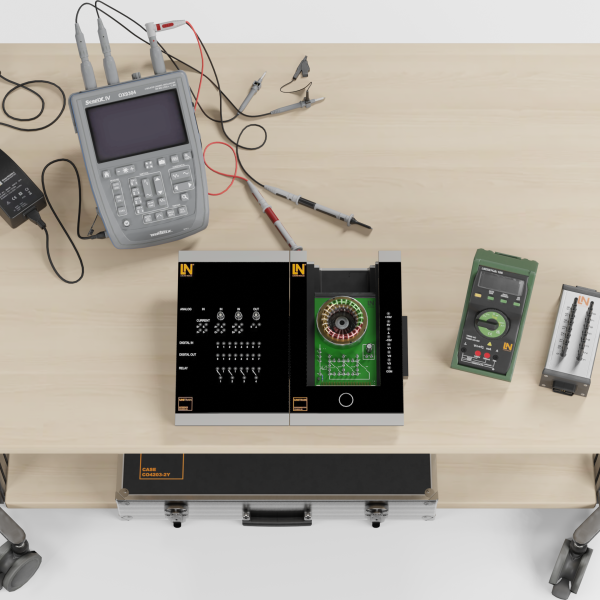
CO4203-2J1UniTrain measurement accessories, shunts and connection cables
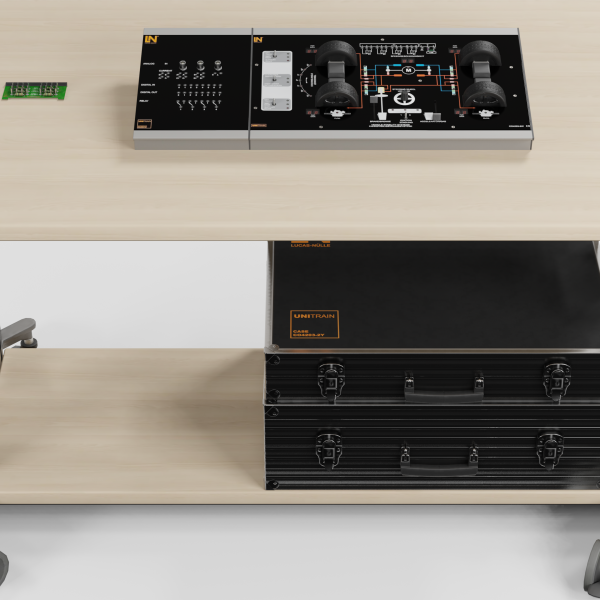
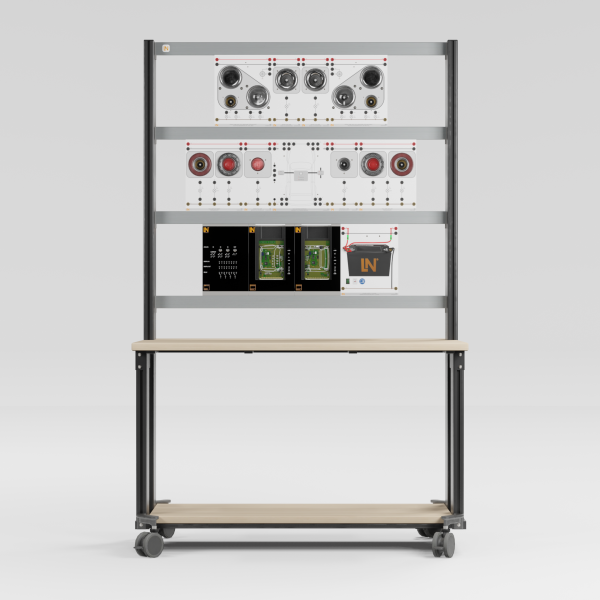
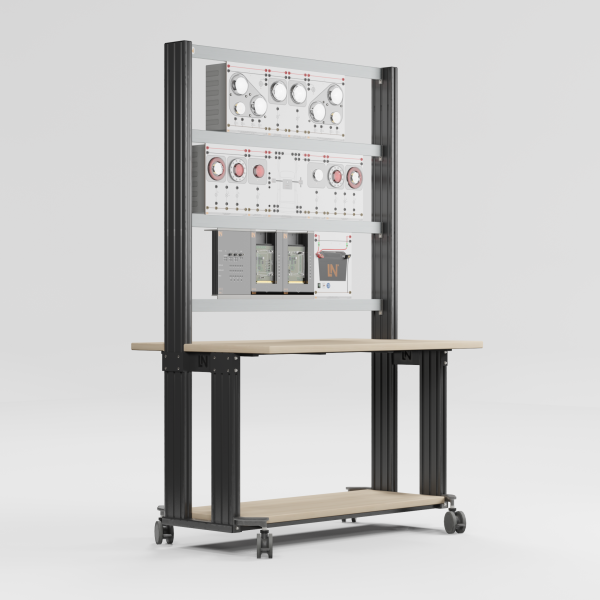
CO4203-2Y1UniTrain storage case for one system
SO4203-2V1UniTrain storage case for experiment board

Learning Content in Detail

With this UniTrain course, learners acquire essential skills in working with the FlexRay bus system.

Comparing bus systems

Learners classify automotive networks into SAE performance classes based on their baud rate.

Symmetrical signal generation

Learners measure the nominal voltages on Bus+ and Bus− relative to the common vehicle body ground.

Determining differential signals

Learners invert the Bus− channel on the oscilloscope and generate the subtraction signal.

Evaluating network topologies

Learners outline the difference between passive line structures and active star couplers.

Locating bus faults

Learners use indicator LEDs to systematically distinguish open circuits from short circuits.

Checking clock synchronization

Learners describe how correction values are calculated during the Network Idle Time.

Features & Applications

Experience the flexibility of the FlexRay training system. You and your learners benefit from practical hardware components and interactive software tools.
  • Troubleshooting using relay switches — The board includes switchable faults. Learners see open circuits directly as changes in the oscilloscope traces.
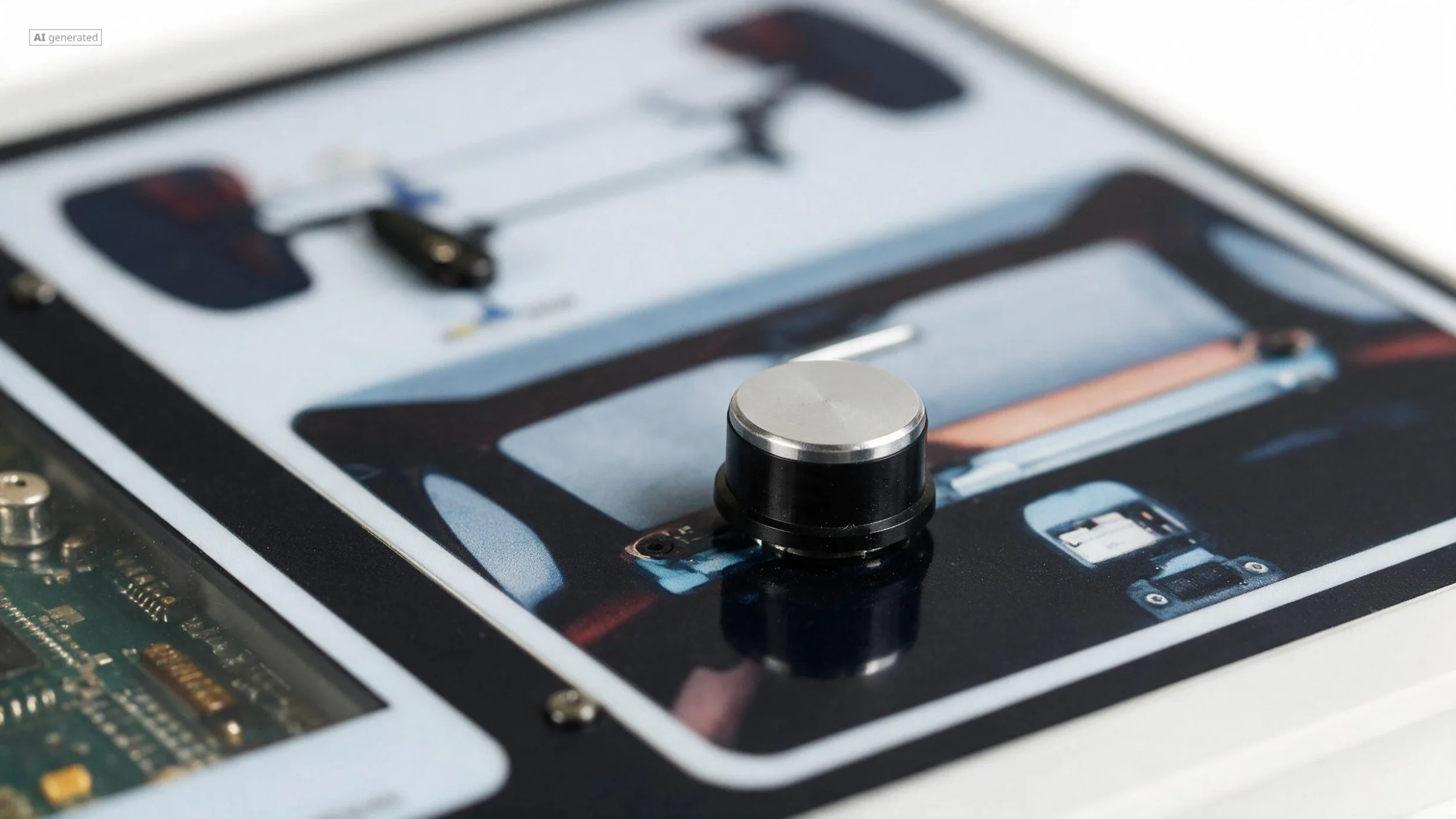
  • Realistic steer-by-wire replica — The module links a steering wheel to wheel actuators. Learners see steering movements as a direct result of the data transmission.
  • Colored LED status display — Multicolored LEDs visualize the system status. Learners recognize fault-free operation or bus faults at a glance.
  • Twisting lines for EMC analysis — Learners wind the signal line around an interference cable. The oscilloscope clearly shows the sinusoidal interference coupled onto the bus line.
  • Dual FlexRay nodes — Two board sections simulate fully fledged bus nodes. They pack sensor values into frames and control the actuators.
  • Redundant communication channels — Two rows of jacks allow dual wiring. Learners disconnect leads to check fault tolerance visually.
  • Potentiometer as rotary sensor — The rotary control supplies analog steering angle sensor signals and serves as the input element that triggers the data stream.
  • Electromechanical actuators — The rear of the vehicle contains a wheel linkage. A servo motor converts received bus messages into visible wheel movements.
  • Lamp socket module — The incandescent lamp serves as an inductive source of interference. It lights up brightly as soon as alternating currents flow to simulate EMC effects.
  • Instrument: LabSoft oscilloscope — The software adds and inverts the analog voltage waveforms. It displays the differential signal as a clean square wave.
  • Interactive LabSoft clock display — The animation visualizes the timing of the time base. Learners grasp clock drift and NIT correction intervals graphically.
Learners working with RXLea on a tablet at a Lucas-Nuelle training system
RXLea

From Knowledge Comes Capability.

You guide the learning

Where theory and practice go hand in hand.

RXLea brings a new way of learning: project-based, hands-on and clearly structured. Learners solve real-world tasks, while instructors save time on preparation. Interactive modules, smart analytics and real hardware create a modern, efficient learning world.

Hands-on and interactive

Animations, interactive tasks and realistic scenarios build a deep understanding. All content is organized into clear learning paths for focused, hands-on learning.

Digital support

3D assembly animations and digital instructions simplify complex procedures, reduce errors and help learners work more independently.

Visual support

Overview graphics, screenshots and sample animations make the learning world transparent. Photos from the learning packages are also available, including country-specific versions where needed.


Learners using a tablet at an energy training system
RXLea on desktop, laptop and tablet
RXLea Path Creator for building learning journeys
RXLea Navigator showing the learning world
Learn more about RXLea
Newsletter

Stay ahead in
technical training.

Get the latest training systems, product launches and educational insights, delivered directly to your inbox.

Your email address

By subscribing, you agree to our Privacy Policy. You can unsubscribe at any time.

 Please select at least one category before subscribing.
I'm interested in - select all that apply