


Skip to content

Fundamentals of Robotics

RXLea
Digital projects for hands-on learningInteractive learning content, directly connected to the training system.

Fundamentals of Robotics

CFR01XX

Learners commission a 4-axis robot, program it graphically with Blockly and solve five realistic tasks – from palletizing in a container port to applying an adhesive seam in car body construction.

Learning Content
  • Commissioning and operating the robot manually
  • Programming motion sequences graphically
  • Solving pick-and-place tasks
  • Programming efficiently with subfunctions
KEY FEATURES
  • Project-based learning with five industrial scenarios
  • Graphical block programming as an introduction
  • All fundamental robot motion types
  • Industrial 4-axis desktop robot
Speak with a Product Specialist +1 (757) 808-5696 · sales@lucas-nuelle.com

Small collaborative robots are now part of flexible automation in almost every branch of industry. What is needed is the ability to commission them safely, program movements and implement typical handling tasks. This hands-on training equipment teaches exactly that – not in theory, but through five consecutive projects on themed project panels. Learners start with manual jogging and simple pick-and-place tasks and work their way up to the palletizing function and continuous path motion. Programming is done in Dobot Studio Pro using graphical function blocks, so learners can get started without any prior knowledge of a text-based language and their attention stays on the motion logic.

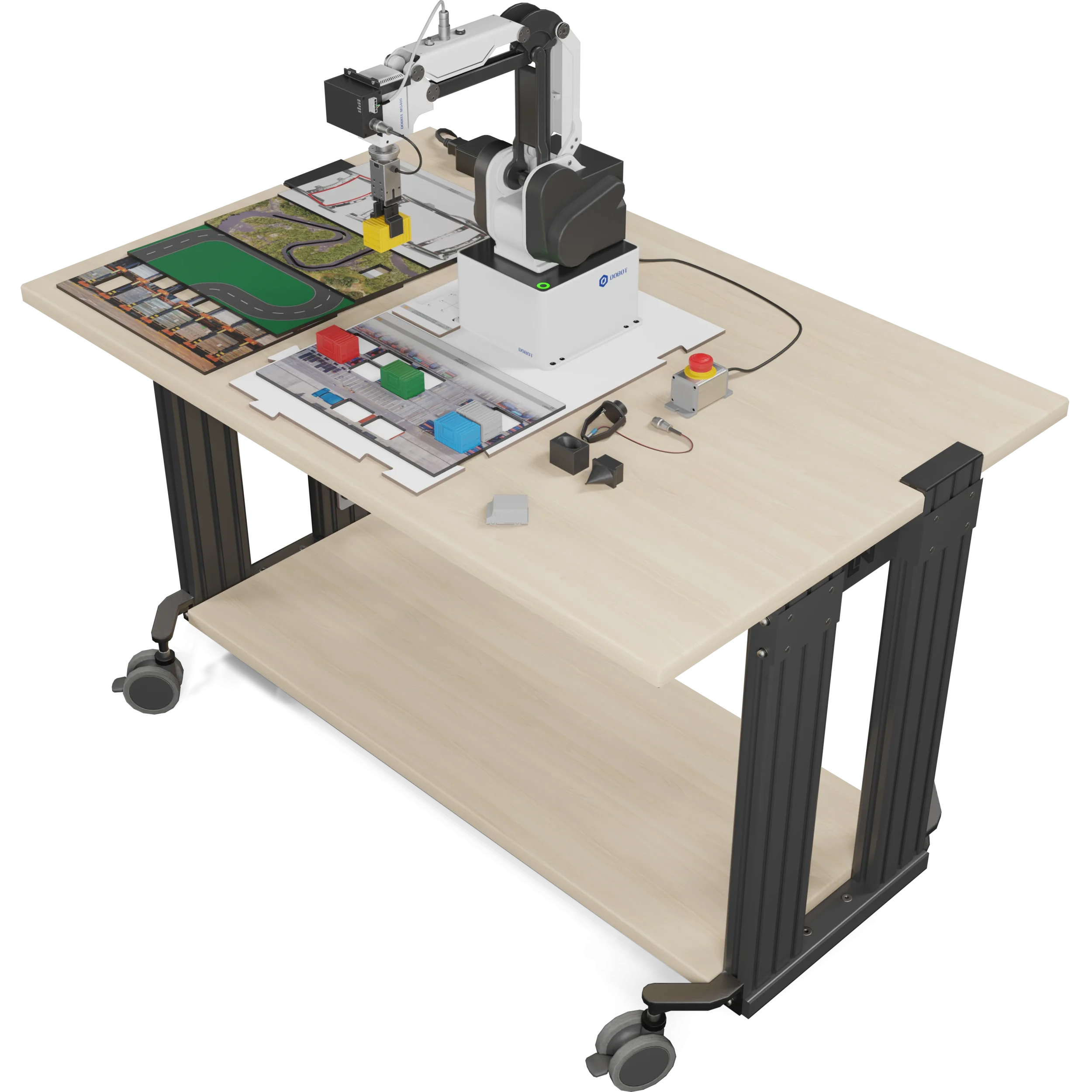
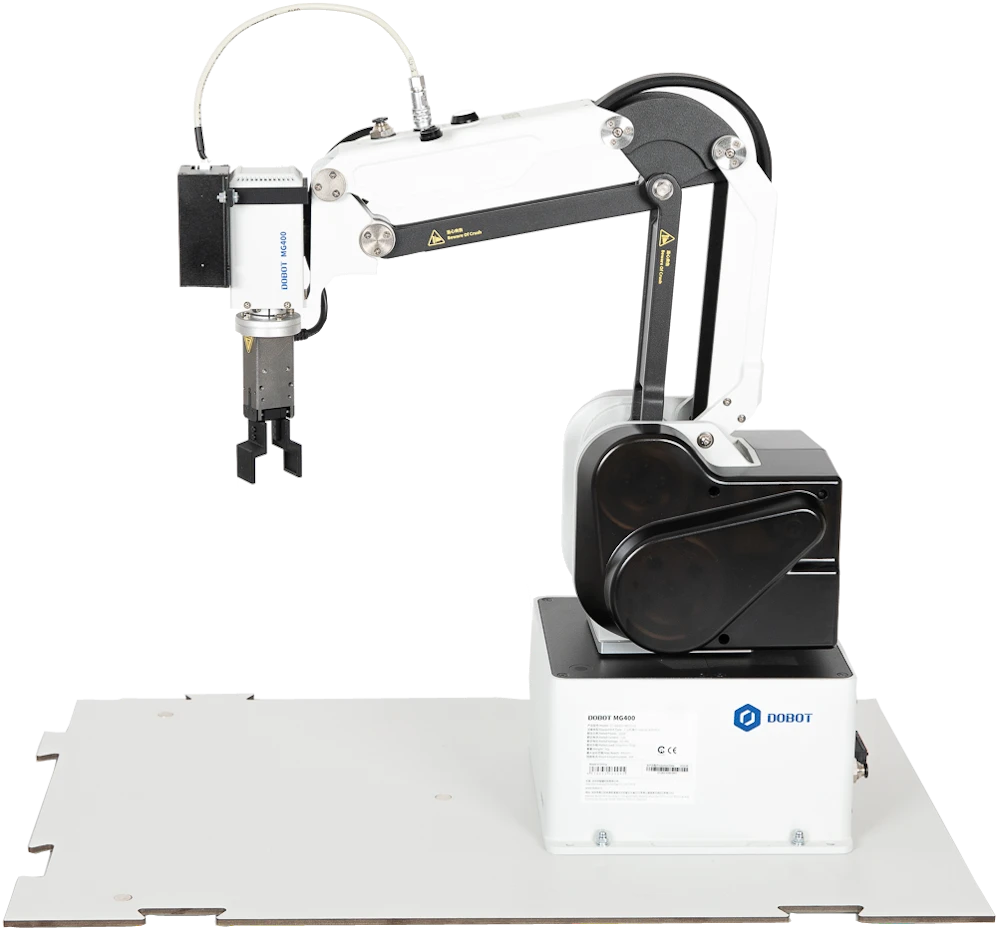
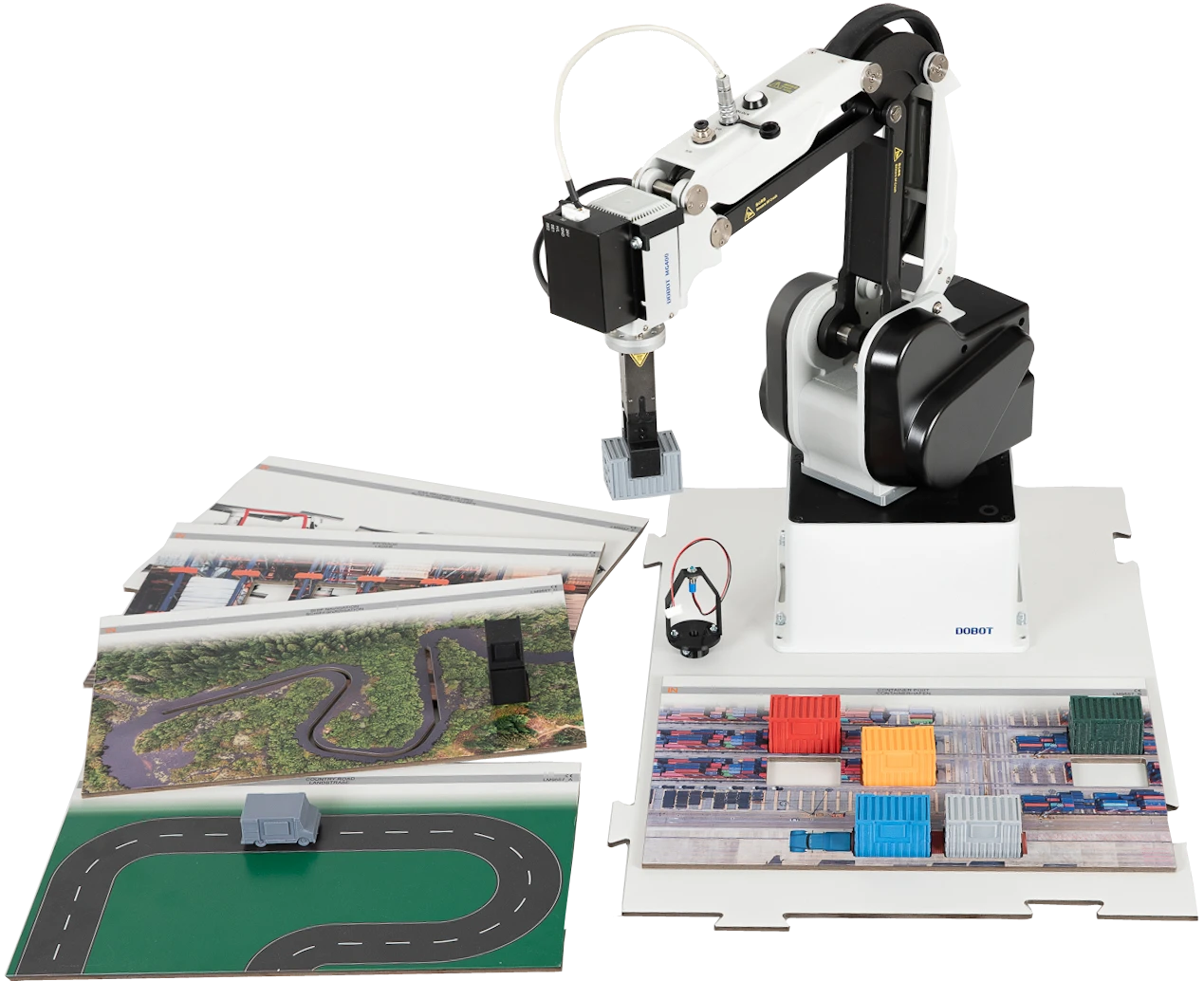
LM9557Dobot MG400 robot with gripper and project plates

Learning Content in Detail

Learners acquire the skills needed to use small robots in the workplace: commissioning, programming, handling tasks and efficient program structures.

Commissioning and operating the robot manually

Learners connect the robot safely, link it to the software and jog it in axis-specific and Cartesian mode using teach-in.

Programming motion sequences graphically

Learners create logical sequences in Blockly and combine the MoveJ, MoveL and Arc commands in a meaningful order.

Solving pick-and-place tasks

Learners program the picking up of an object via the gripper control and its precise placement at the target position.

Programming efficiently with subfunctions

Learners use the palletizing function to approach a complete grid using four corner points, reducing programming effort.

Following paths

Learners program movements along predefined paths and use Continuous Path to create smooth sequences for gluing or welding tasks.

Features & Applications

The projects reflect tasks that arise every day in handling, assembly and logistics: pick-and-place, palletizing and depalletizing, and automated process steps such as gluing, welding and quality control.
  • Project-based learning with five industrial scenarios — Themed project panels – country road, container port, ship navigation, warehouse and car welding – set realistic tasks. Learners palletize containers or trace an adhesive seam, gradually mastering the different types of motion.
  • Graphical block programming as an introduction — Dobot Studio Pro relies on the Blockly approach: function blocks are strung together by drag and drop instead of writing lines of code. This lowers the barrier to entry and keeps the focus on sequence logic and spatial coordination.
  • All fundamental robot motion types — Axis-specific, linear and circular movements are applied systematically. Learners discover how to choose the most suitable and efficient type of motion for each task. Palletizing and Continuous Path build on this.
  • Industrial 4-axis desktop robot — The Dobot MG400 operates with a repeatability of ±0.05 mm and offers LAN, digital I/Os and an encoder input for synchronization with conveyor belts. Safe handling combined with industrial functionality.
  • Dobot Studio Pro for operation and programming — One interface for the entire workflow: manual jogging in teach-in mode, saving positions, graphical programming, I/O control and 3D visualization of the program. Switching between setup and automatic mode is seamless.
  • Interactive Lab Assistant as a multimedia guide — The interactive course guides learners step by step through commissioning and programming. Animations, graphics and questions with feedback accompany the five industrial projects and form the guiding thread of the training.
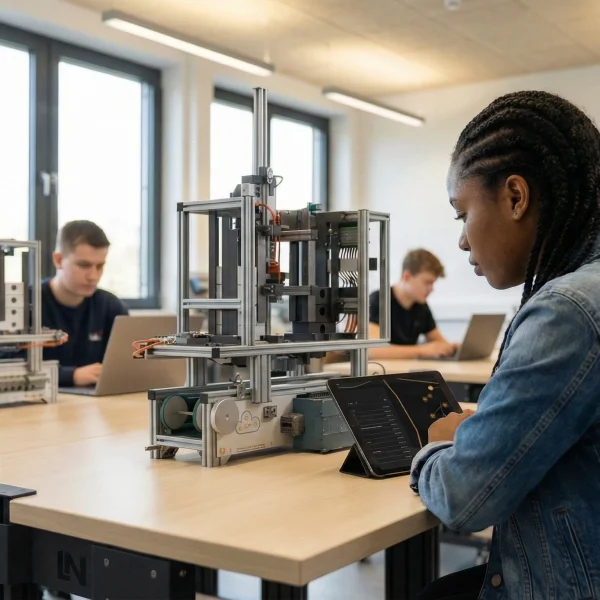
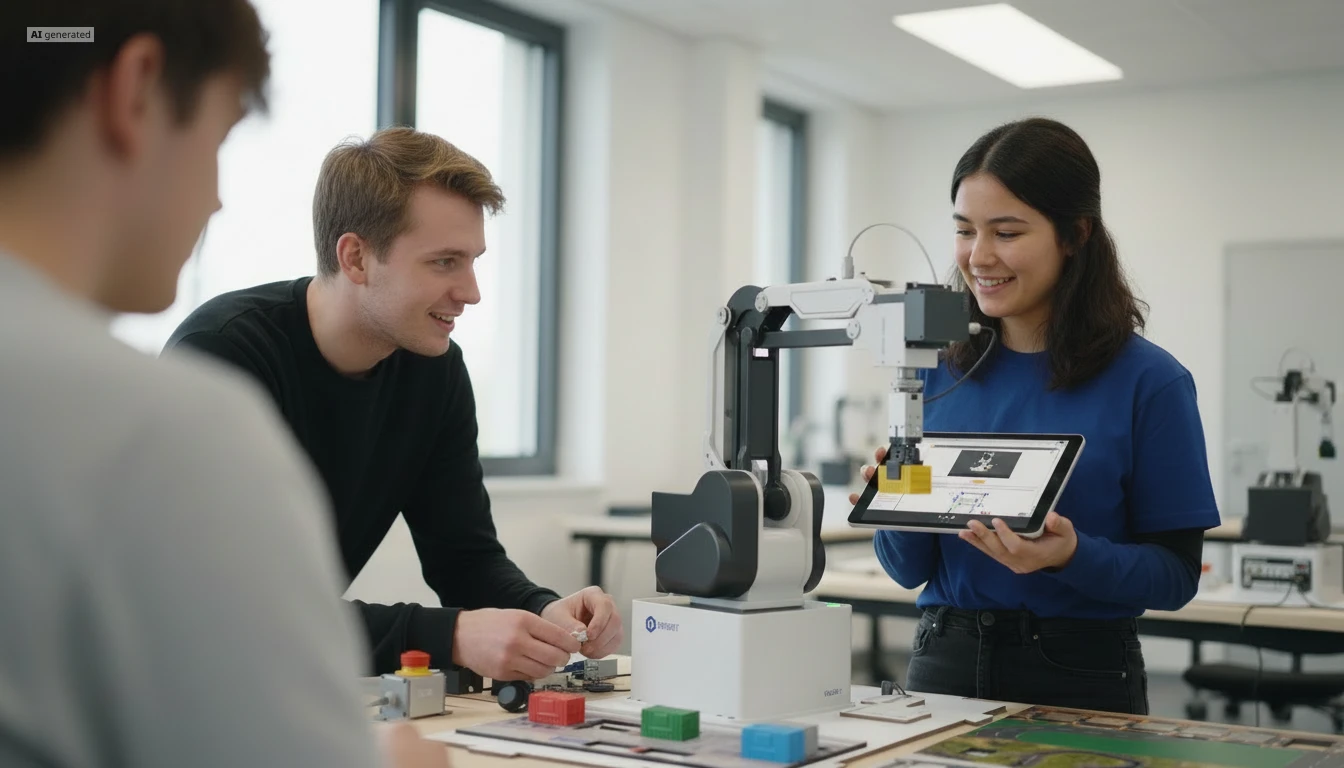
Learners working with RXLea on a tablet at a Lucas-Nuelle training system
RXLea

From Knowledge Comes Capability.

You guide the learning

Where theory and practice go hand in hand.

RXLea brings a new way of learning: project-based, hands-on and clearly structured. Learners solve real-world tasks, while instructors save time on preparation. Interactive modules, smart analytics and real hardware create a modern, efficient learning world.

Hands-on and interactive

Animations, interactive tasks and realistic scenarios build a deep understanding. All content is organized into clear learning paths for focused, hands-on learning.

Digital support

3D assembly animations and digital instructions simplify complex procedures, reduce errors and help learners work more independently.

Visual support

Overview graphics, screenshots and sample animations make the learning world transparent. Photos from the learning packages are also available, including country-specific versions where needed.


Learners using a tablet at an energy training system
RXLea on desktop, laptop and tablet
RXLea Path Creator for building learning journeys
RXLea Navigator showing the learning world
Learn more about RXLea
Newsletter

Stay ahead in
technical training.

Get the latest training systems, product launches and educational insights, delivered directly to your inbox.

Your email address

By subscribing, you agree to our Privacy Policy. You can unsubscribe at any time.

 Please select at least one category before subscribing.
I'm interested in - select all that apply