


Skip to content

Elevator (Lift) Model

RXLea
Digital projects for hands-on learningInteractive learning content, directly connected to the training system.

Elevator (Lift) Model

CLC40XX

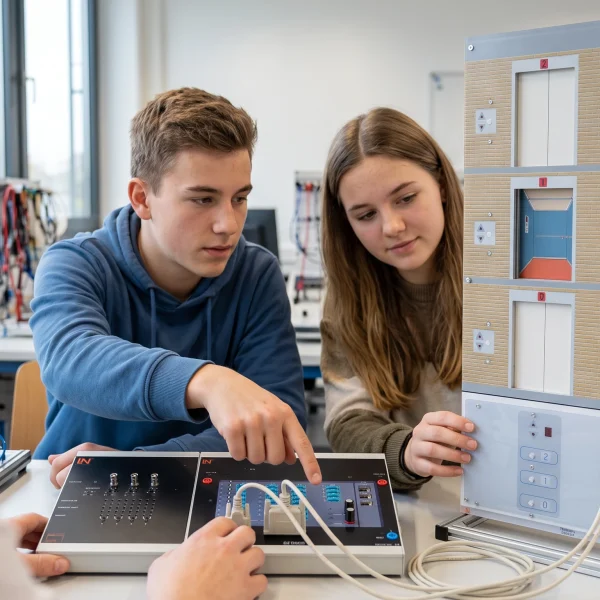
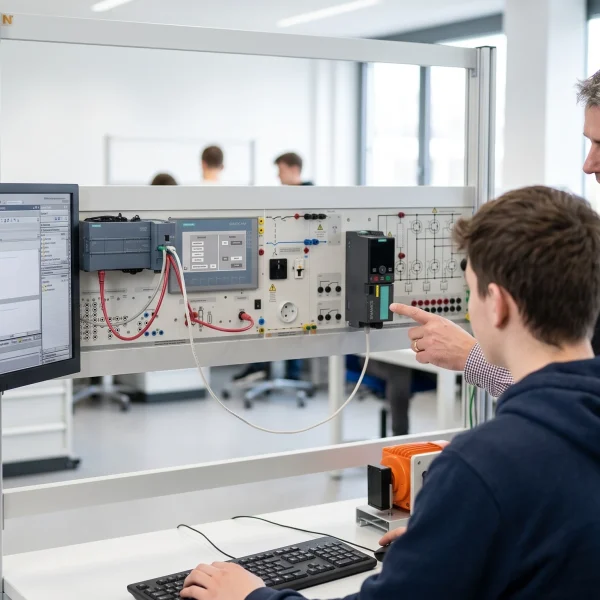
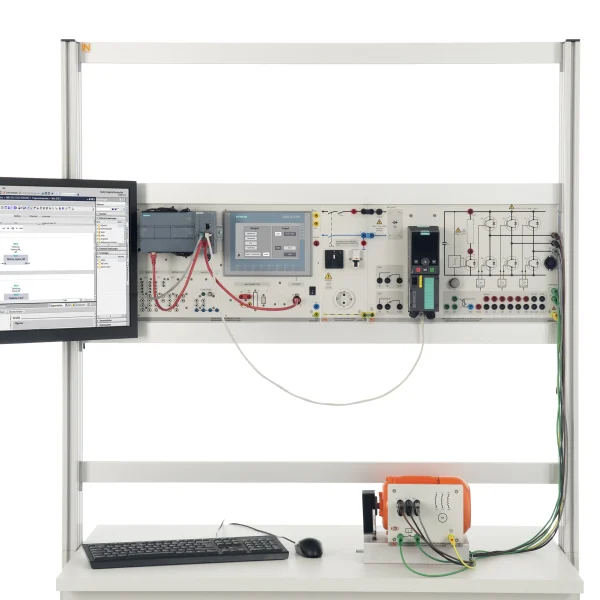
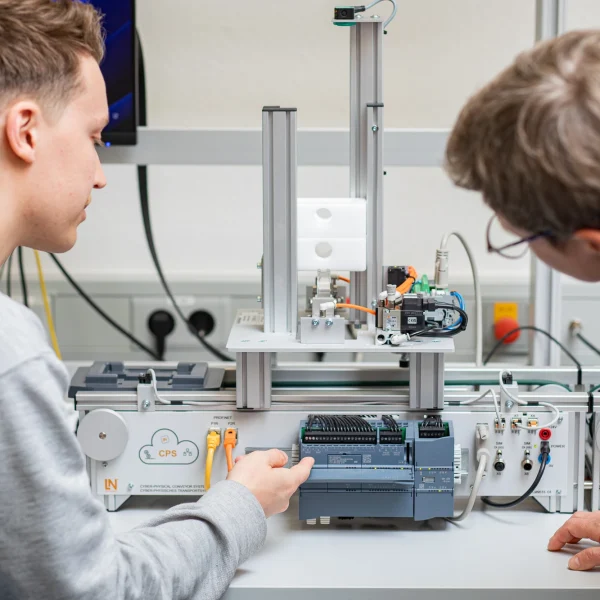
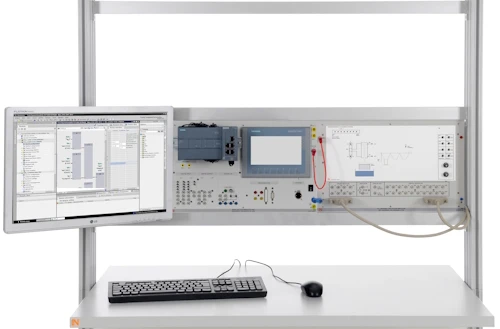
Hands-on training in Elevator (lift) model, covering General introduction, Control of an elevator with PLC, Introduction, Requirement specification, specification sheet and Construction and wiring plan.

Learning Content
  • General introduction
  • Control of an elevator with PLC
  • Introduction
  • Requirement specification, specification sheet
KEY FEATURES
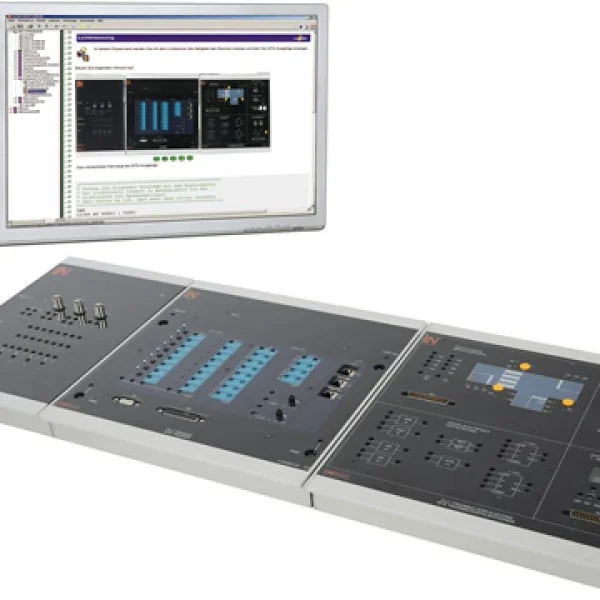
  • Universal training system
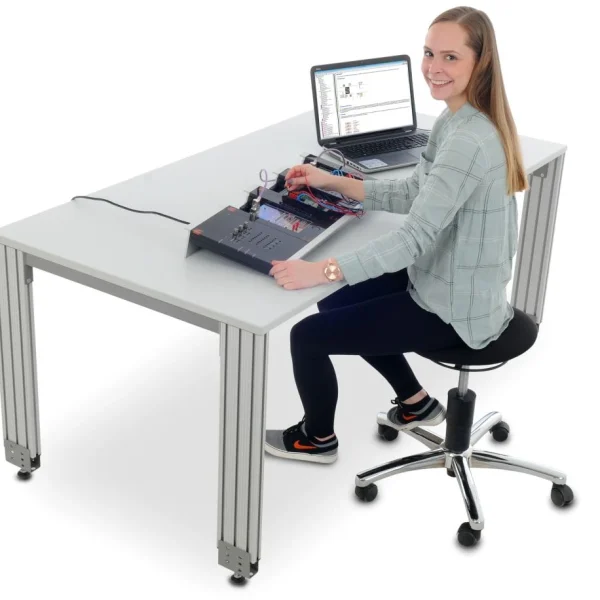
  • Mobile and flexible use
  • Supports individual learning
  • Hands-on competence development
Speak with a Product Specialist +1 (757) 808-5696 · sales@lucas-nuelle.com

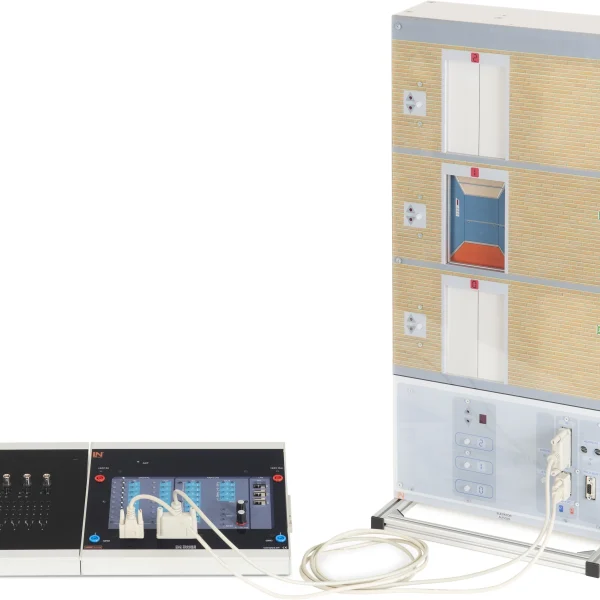
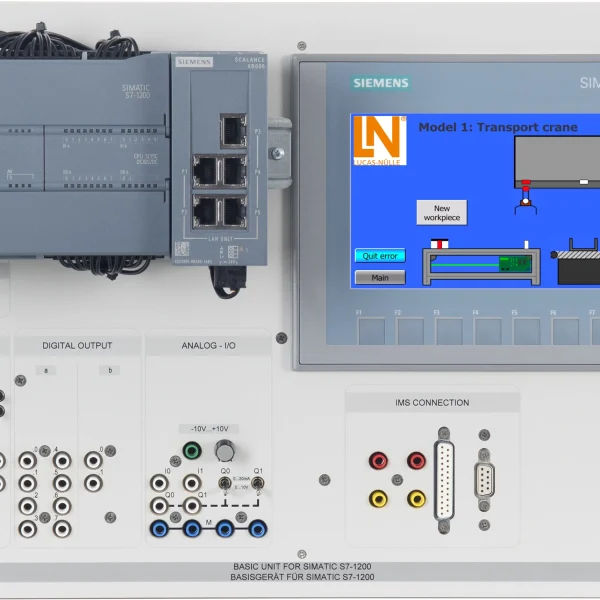
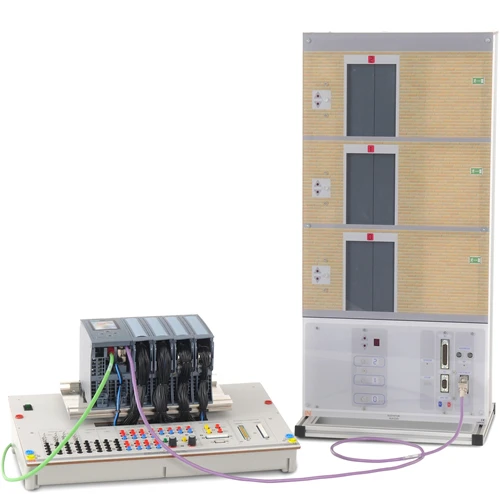
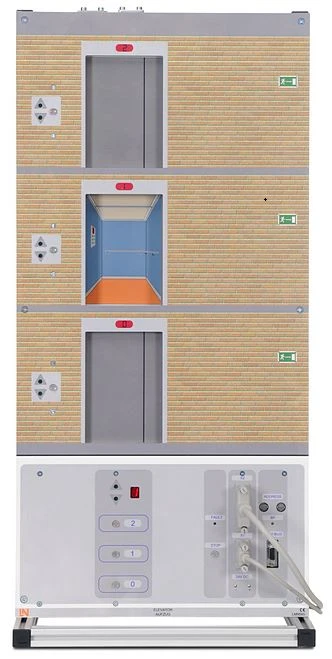
By means of a controller, the three-day elevator can be controlled and programmed either via the serial interfaces or via Profibus. Via Profibus also several systems can be operated in parallel. Either a multi-day building can be represented or a parallel control of several elevators.

LM9545Lift model with three stories
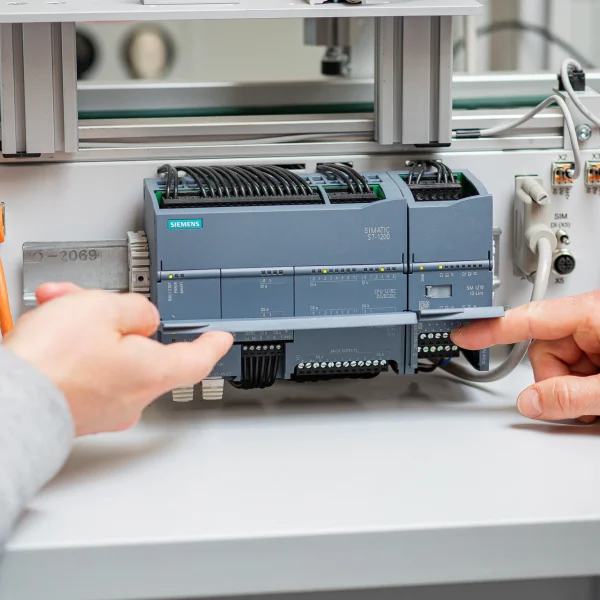
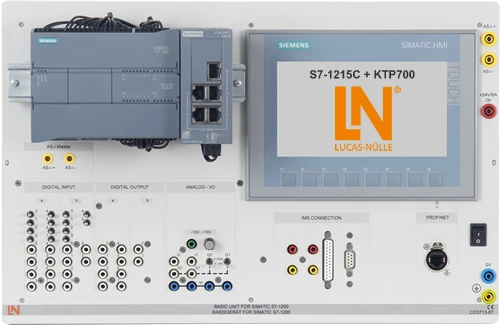
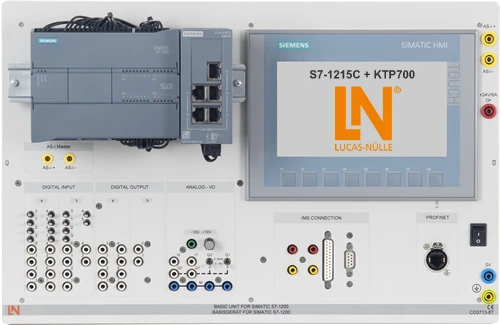
CO3713-8TSIMATIC S7-1215C + KTP700
SO6200-5JQuickChart, Siemens PLC S7 board, safety instructions (GB)
SO6200-5GQuickChart, Elevator model
SO2805-4NInteractive Lab Assistant: CLC 40.2 Lift model
SO3713-7YIMS connector card 25-pinoptional
SO3713-7ZIMS connector card 9-pinoptional
LM906125-pin serial interface cable, Sub-D plug/socket
LM9040Serial interface cable 9/9 pole
ST7200-7ASybaPro experiment trolley, 3-level, 6 sockets, 1250x1970x800mm
ST8010-4TMonitor holder for flat screen monitor of weight up to 15kg / 33lbs
ST7200-5LProtection cover for three-level experiment trolleys

Learning Content in Detail

Key learning objectives include General introduction, Control of an elevator with PLC and Introduction.

General introduction

General introduction.

Control of an elevator with PLC

Control of an elevator with PLC.

Introduction

Introduction.

Requirement specification, specification sheet

Requirement specification, specification sheet.

Construction and wiring plan

Construction and wiring plan.

Project creation with the SIMATIC- Manager

Project creation with the SIMATIC- Manager.

Assignment list

Assignment list.

Features & Applications

Key system features include Universal training system, Mobile and flexible use and Supports individual learning.
  • Universal training system — A versatile training system that combines multimedia learning with hands-on experiments.
  • Mobile and flexible use — The compact system can be used flexibly at different training locations.
  • Supports individual learning — Learners work independently through theory, experiments, and self-check activities.
  • Hands-on competence development — Practical experiments connect theoretical knowledge with real measurement and troubleshooting tasks.
  • Motivating learning scenarios — Changing tasks and experiments support active, application-oriented learning.
  • Safe low-voltage experimentation — Experiments are carried out safely using protective extra-low voltage.
  • Integrated theory and practice — Multimedia learning programs combine technical explanations, experiments, and knowledge checks.
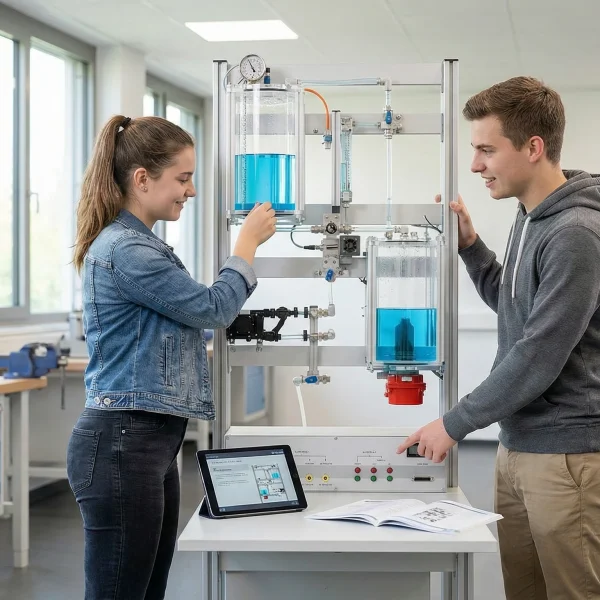
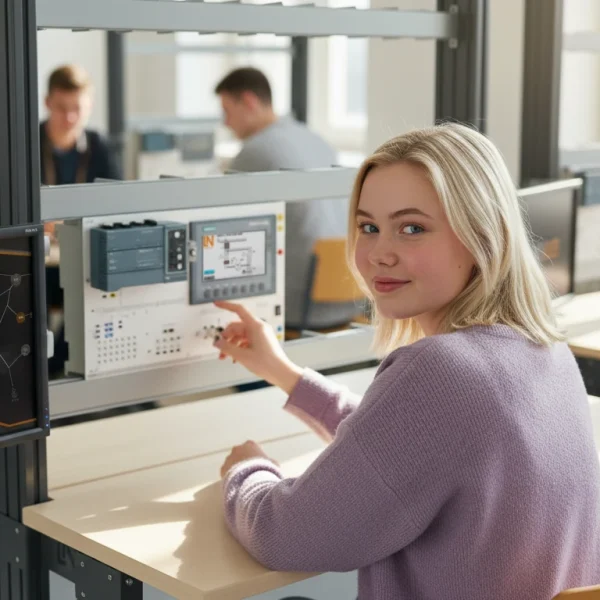
Learners working with RXLea on a tablet at a Lucas-Nuelle training system
RXLea

From Knowledge Comes Capability.

You guide the learning

Where theory and practice go hand in hand.

RXLea brings a new way of learning: project-based, hands-on and clearly structured. Learners solve real-world tasks, while instructors save time on preparation. Interactive modules, smart analytics and real hardware create a modern, efficient learning world.

Hands-on and interactive

Animations, interactive tasks and realistic scenarios build a deep understanding. All content is organized into clear learning paths for focused, hands-on learning.

Digital support

3D assembly animations and digital instructions simplify complex procedures, reduce errors and help learners work more independently.

Visual support

Overview graphics, screenshots and sample animations make the learning world transparent. Photos from the learning packages are also available, including country-specific versions where needed.


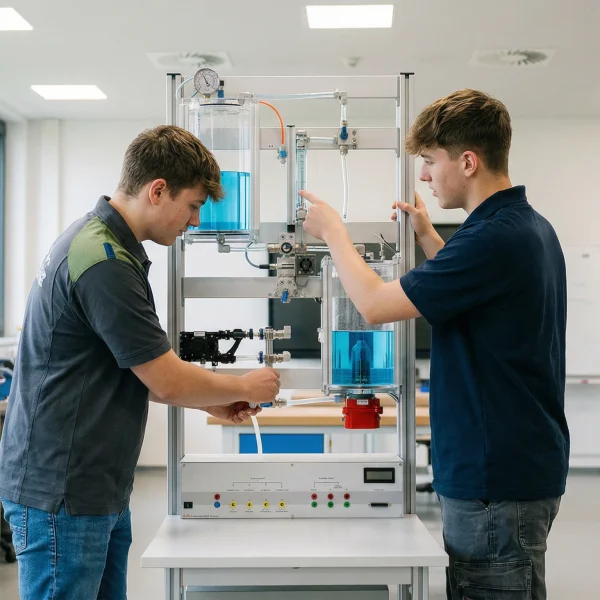
Learners using a tablet at an energy training system
RXLea on desktop, laptop and tablet
RXLea Path Creator for building learning journeys
RXLea Navigator showing the learning world
Learn more about RXLea
Newsletter

Stay ahead in
technical training.

Get the latest training systems, product launches and educational insights, delivered directly to your inbox.

Your email address

By subscribing, you agree to our Privacy Policy. You can unsubscribe at any time.

 Please select at least one category before subscribing.
I'm interested in - select all that apply