


Industrial Bus Systems
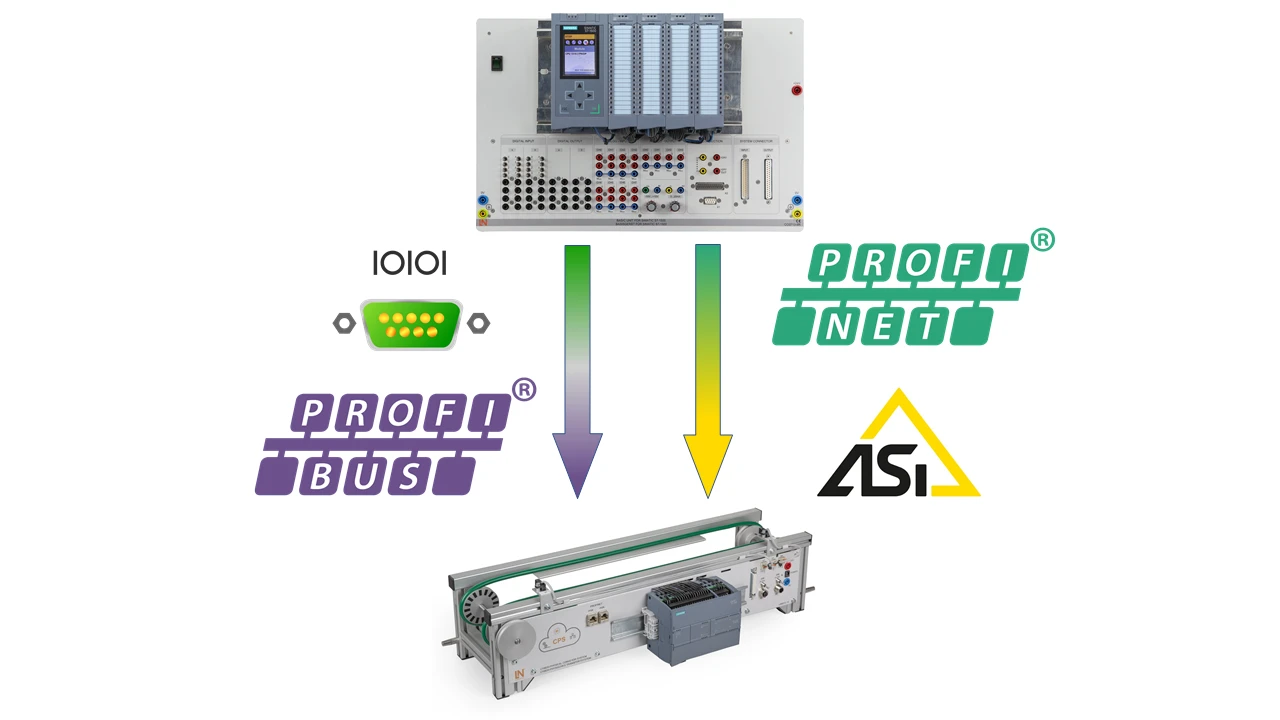
Learners master the practical configuration, programming and diagnostics of industrial fieldbuses such as PROFIBUS, PROFINET and AS-Interface with the CBS-2 training system.
- Fieldbus fundamentals
- Configuring hardware
- PROFIBUS networks
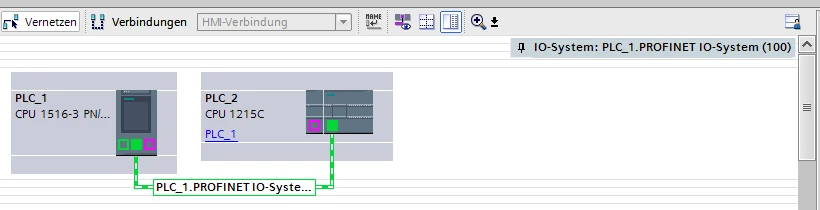
- PROFINET communication
- Multi-fieldbus integration
- Seamless TIA Portal integration
- Real transport system
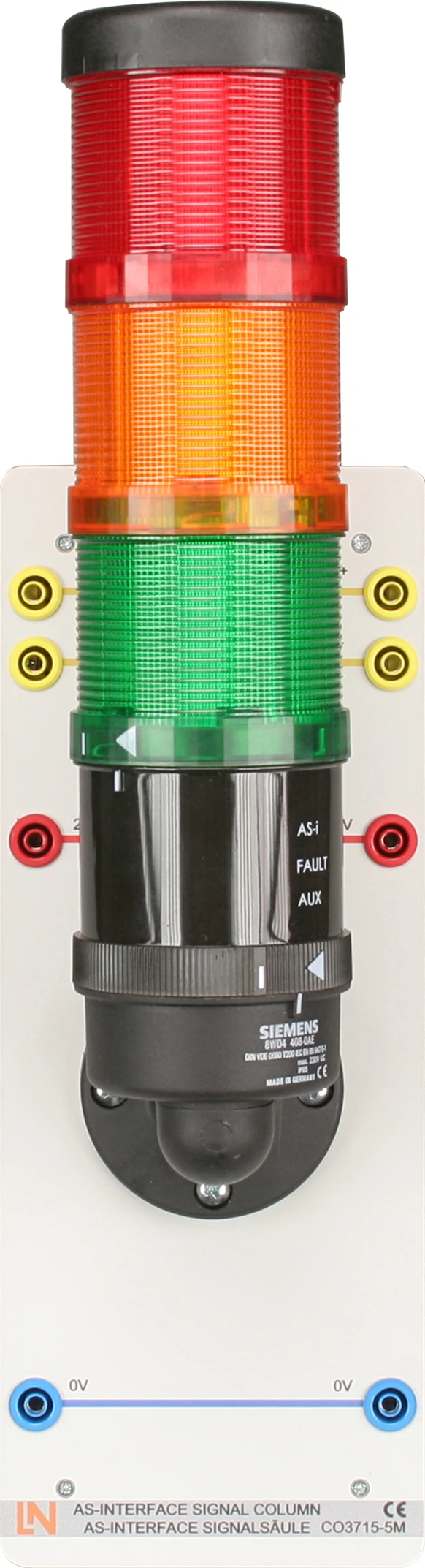
- Integrated AS-i signal tower
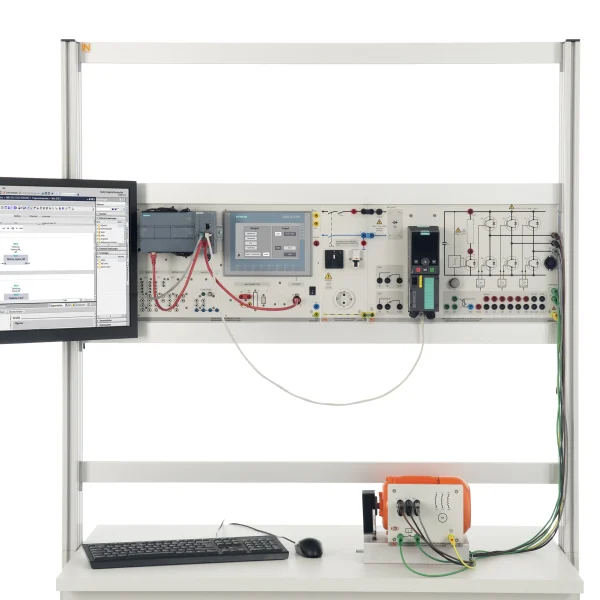
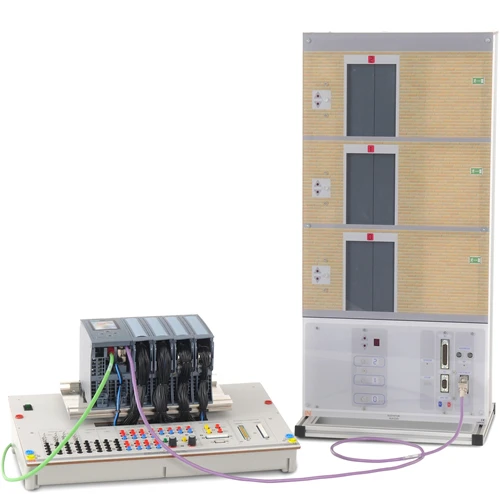
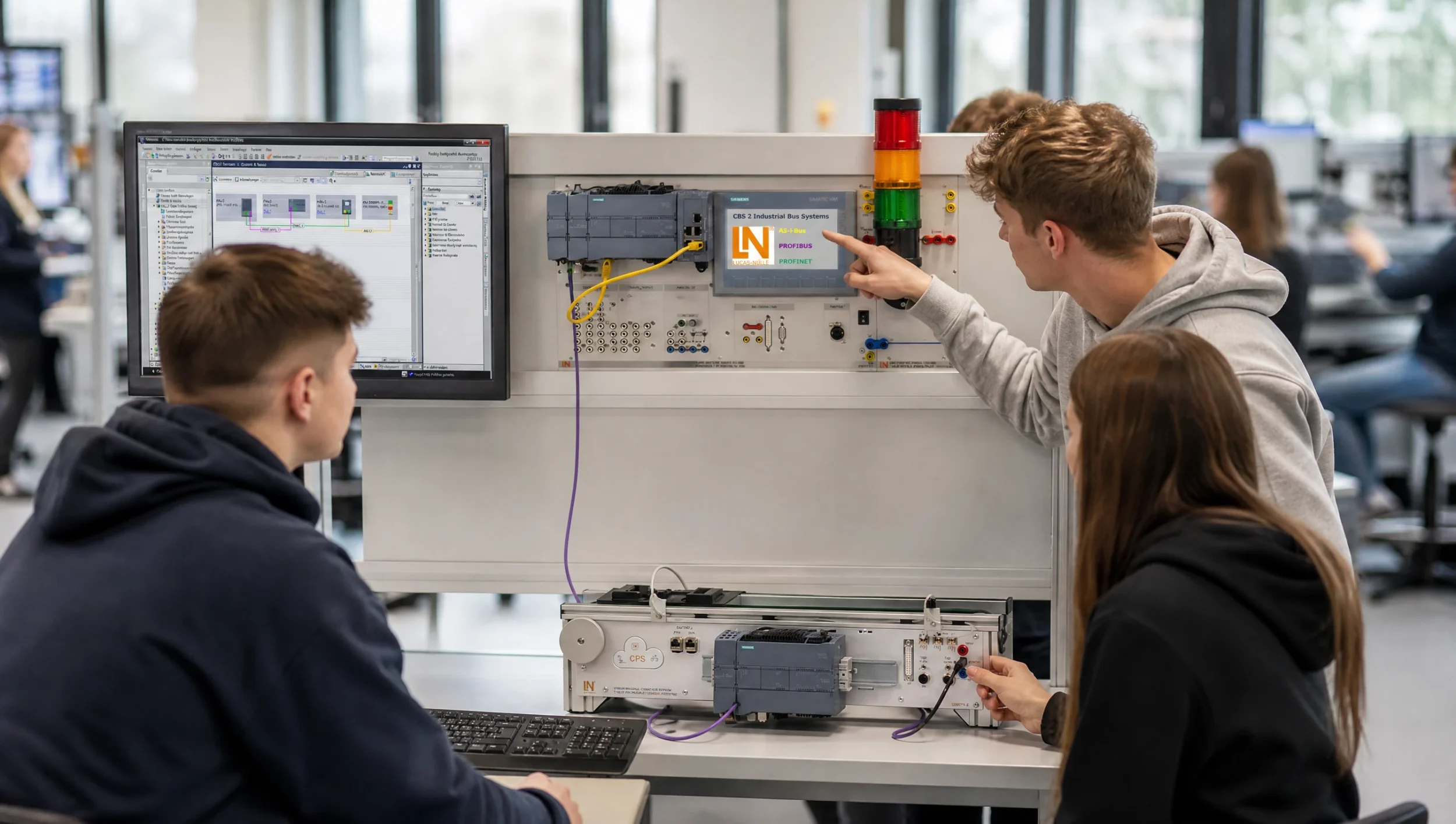
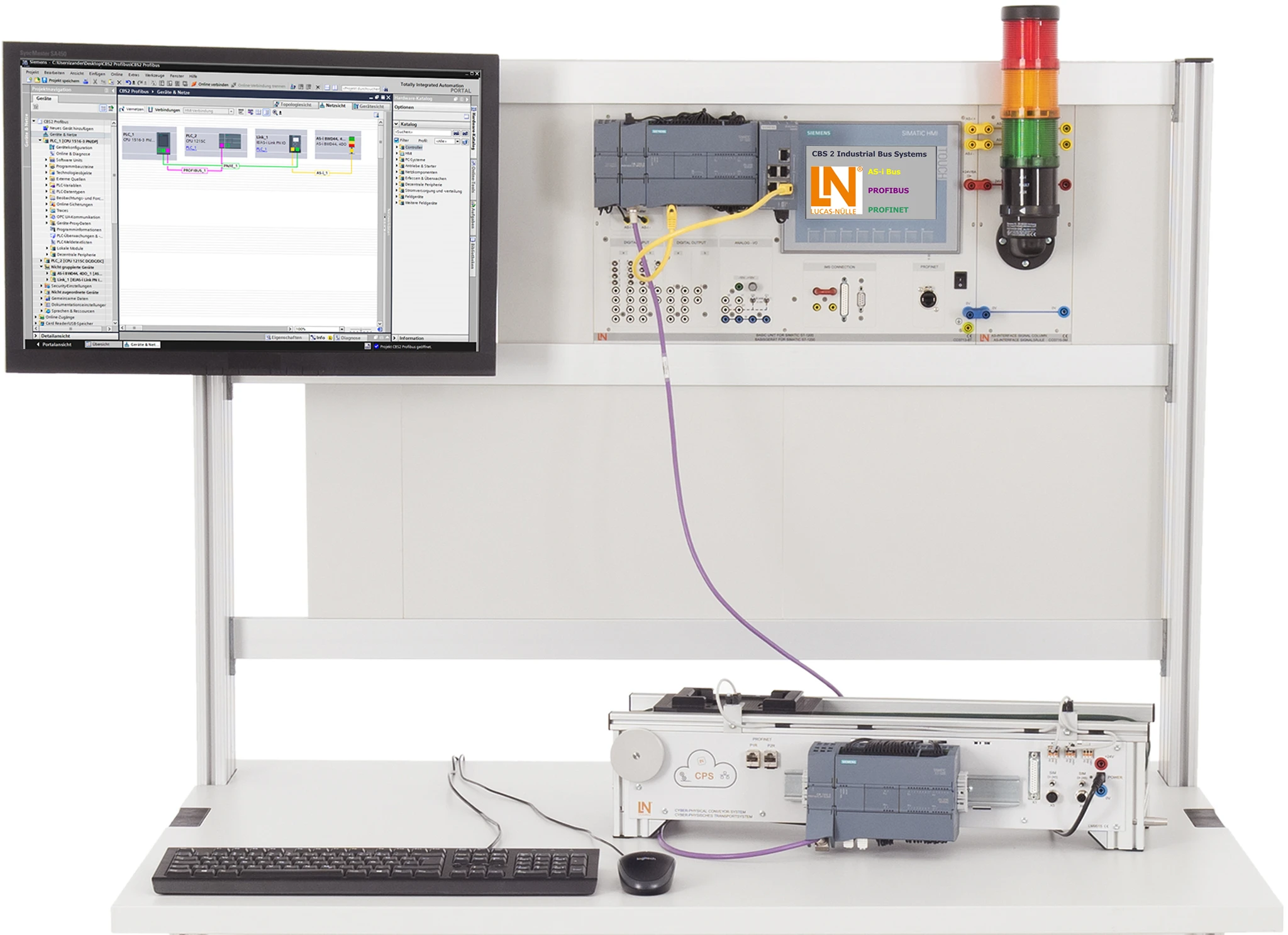
Industrial fieldbuses and Ethernet-based networks form the foundation of modern production plants. They network controllers, sensors and actuators and significantly reduce the wiring effort. The CBS-2 training system combines real industrial controllers, fieldbus nodes and a cyber-physical transport system with interactive course software. You teach the integration of PROFIBUS, PROFINET and AS-Interface in a modular plant structure in a practical way. Seamless integration into the Siemens TIA Portal enables learners to carry out realistic diagnostics and programming just as in real industry. This way, you prepare your learners optimally for the requirements of Industry 4.0.
| Accessories | |
| LM9193 | |
Learning Content in Detail
Fieldbus fundamentals
Configuring hardware
PROFIBUS networks
PROFINET communication
Controlling AS-Interface
Programming process controls
Carrying out network diagnostics
Establishing a PROFINET connection
Features & Applications
- Multi-fieldbus integration — The system combines PROFIBUS, PROFINET and AS-Interface. Learners compare different fieldbus technologies directly with one another.
- Seamless TIA Portal integration — Learners configure the hardware, address ranges and networks of all fieldbuses directly in the industry-standard Siemens TIA Portal software.
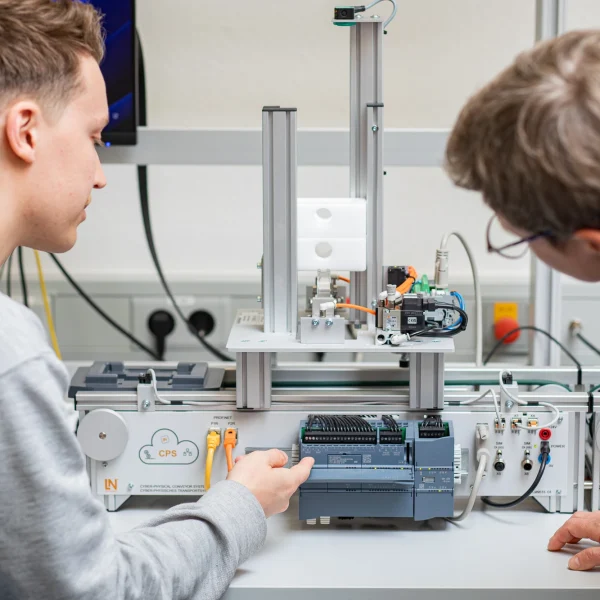
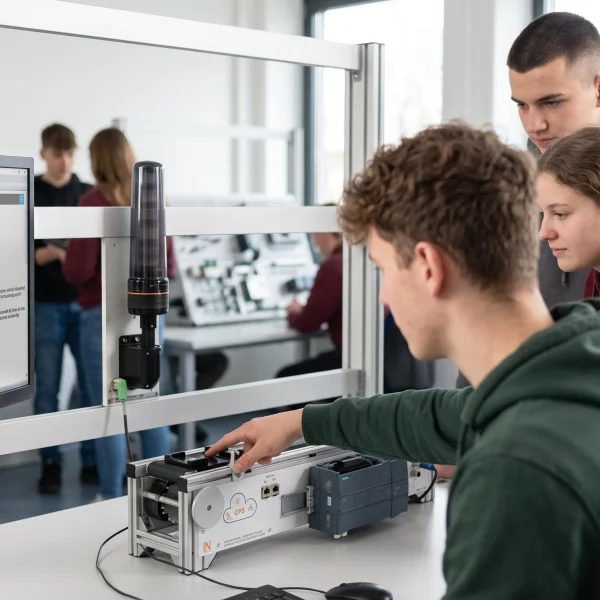
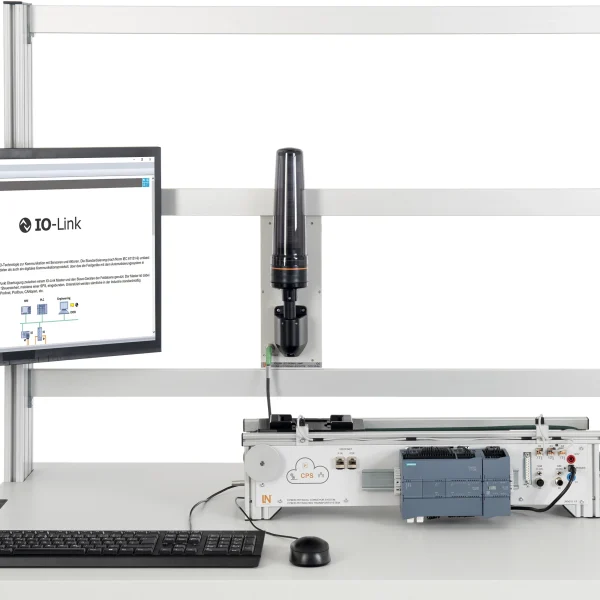
- Real transport system — A cyber-physical conveyor belt serves as the controlled process. Learners control motors and implement sequential control systems via bus networks.
- Integrated AS-i signal tower — The modular signal tower is addressed directly via the AS-i bus. Learners control optical segments and evaluate bus states.
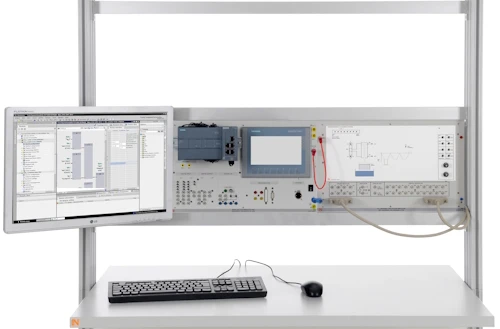
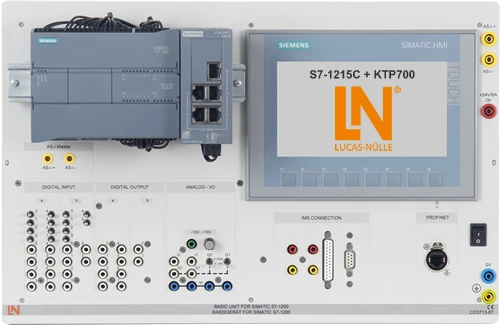
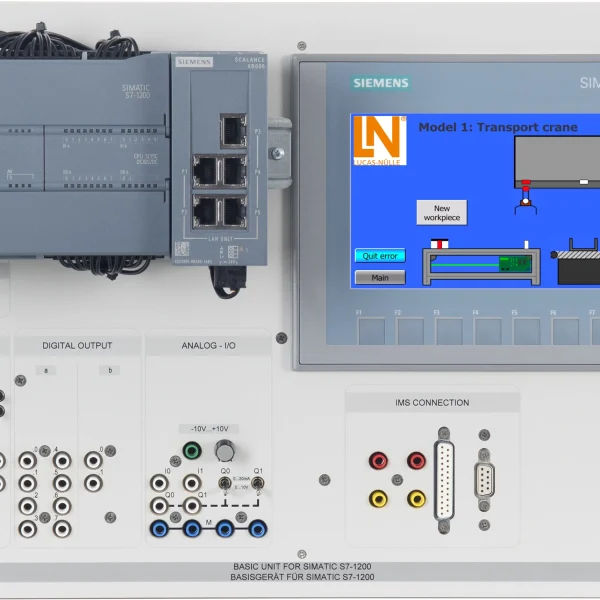
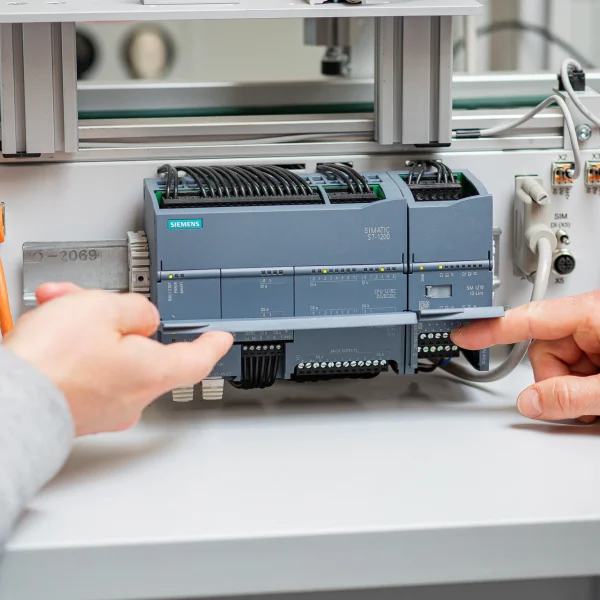
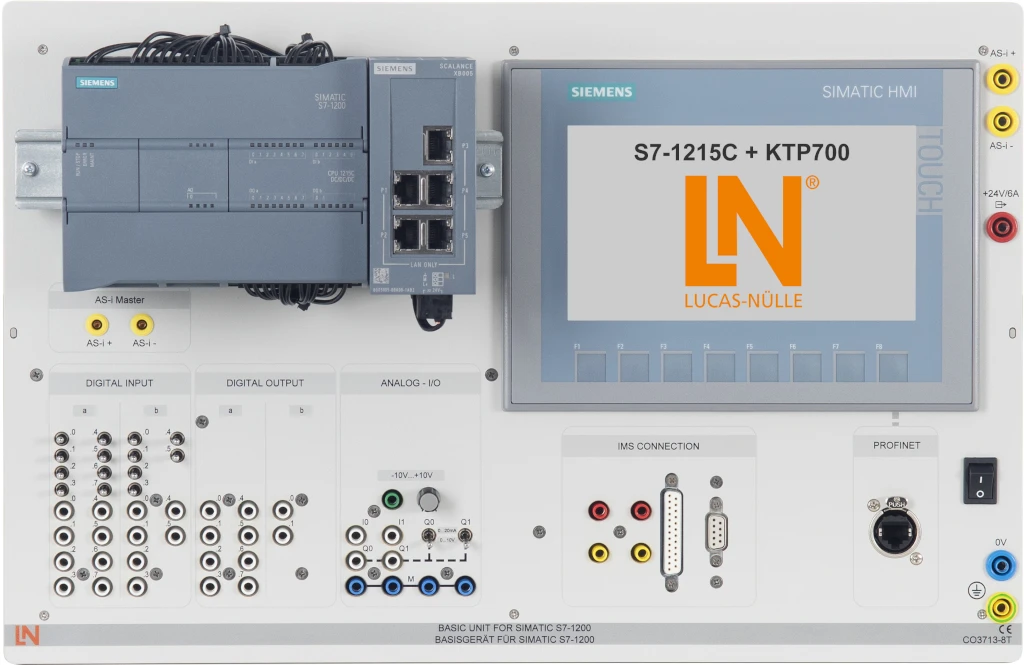
- SIMATIC S7-1215C compact PLC — The board contains a Siemens S7-1215C CPU with integrated I/Os and a 7-inch KTP700 touch panel for operation and visualization.
- PROFIBUS communication module — The module adds a PROFIBUS DP master interface to the S7-1200. Connect the controller to distributed devices.
- AS-Interface communication module — The module acts as the AS-i master. Connect actuators and sensors to the S7-1200 via the AS-Interface network.
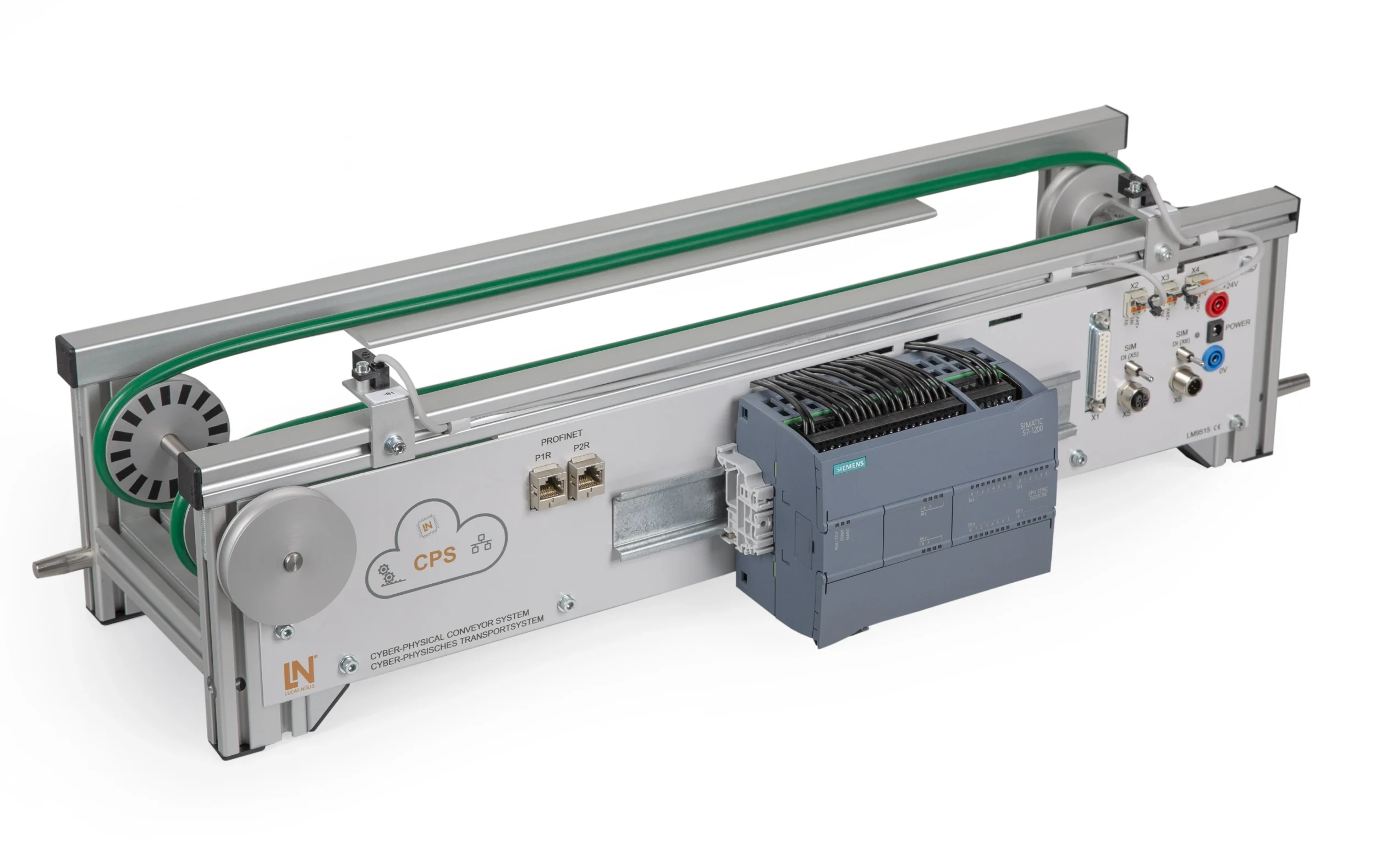
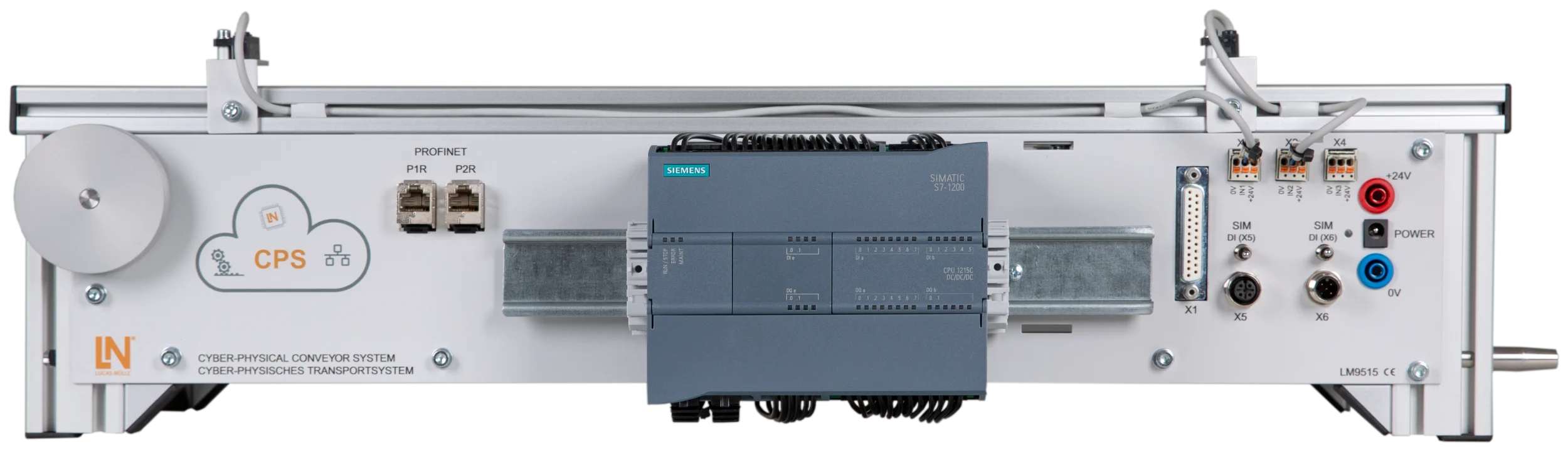
- Cyber-physical transport system — The LM9515 conveyor belt has a DC geared motor, end position sensors and its own controller and serves as the central process model.
- AS-i signal tower CO3715-5M — The three-tier LED signal tower with AS-i bus connection indicates plant states. Learners control the green, yellow and red segments.
- Adapter cable with memory card — The cable connects the 9-pin interface to the 25-pin connector. The memory card controls the signal routing.
- PROFIBUS connecting cable — The shielded LM9193 bus cable with D-sub connectors establishes the physical PROFIBUS connection between master and slaves.
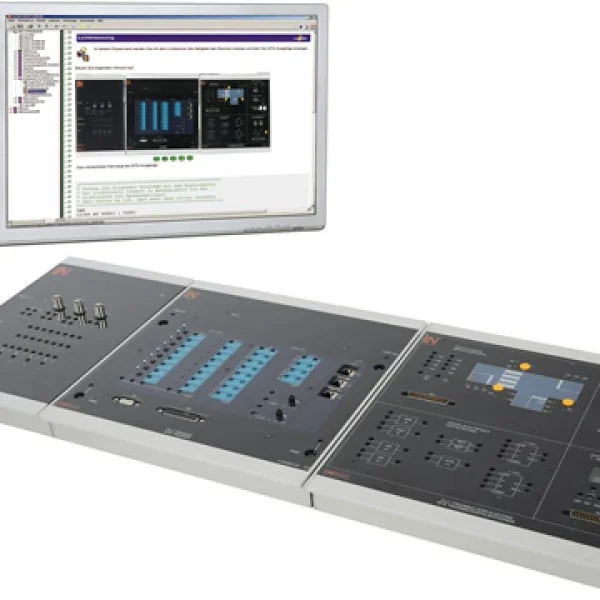
- Interactive Lab Assistant — The software guides you through theoretical fundamentals, experiment setups, programming tasks and knowledge tests on bus systems.
- Siemens TIA Portal — The engineering software is used for hardware configuration, bus parameterization, FBD programming and diagnostics of the S7-1200.

From Knowledge Comes Capability.
You guide the learning
Where theory and practice go hand in hand.
RXLea brings a new way of learning: project-based, hands-on and clearly structured. Learners solve real-world tasks, while instructors save time on preparation. Interactive modules, smart analytics and real hardware create a modern, efficient learning world.
Hands-on and interactive
Animations, interactive tasks and realistic scenarios build a deep understanding. All content is organized into clear learning paths for focused, hands-on learning.
Digital support
3D assembly animations and digital instructions simplify complex procedures, reduce errors and help learners work more independently.
Visual support
Overview graphics, screenshots and sample animations make the learning world transparent. Photos from the learning packages are also available, including country-specific versions where needed.




Stay ahead in
technical training.
Get the latest training systems, product launches and educational insights, delivered directly to your inbox.