


Skip to content

Gesture Control and Capacitive Touchscreen in the Motor Vehicle

RXLea
Digital projects for hands-on learningInteractive learning content, directly connected to the training system.

Gesture Control and Capacitive Touchscreen in the Motor Vehicle

AGT22UT

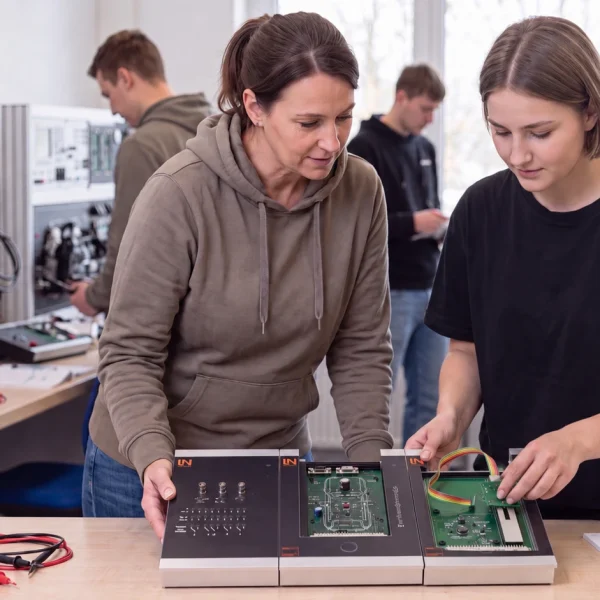
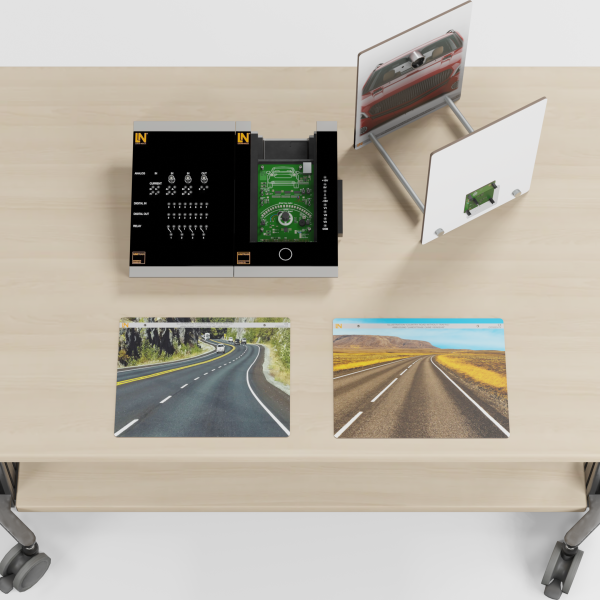
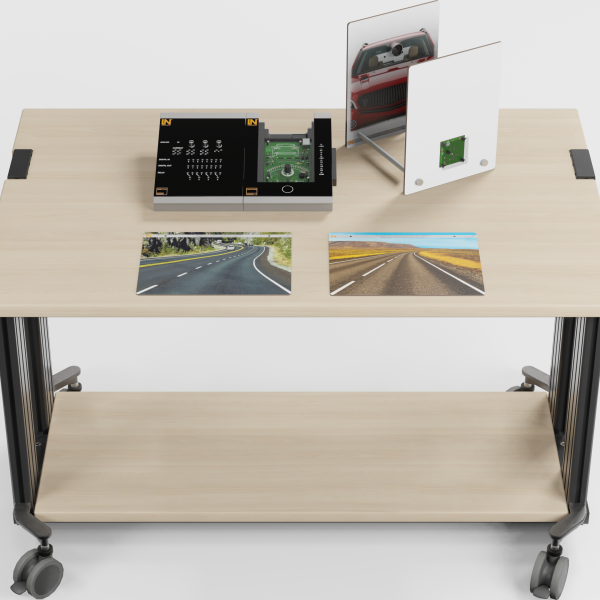
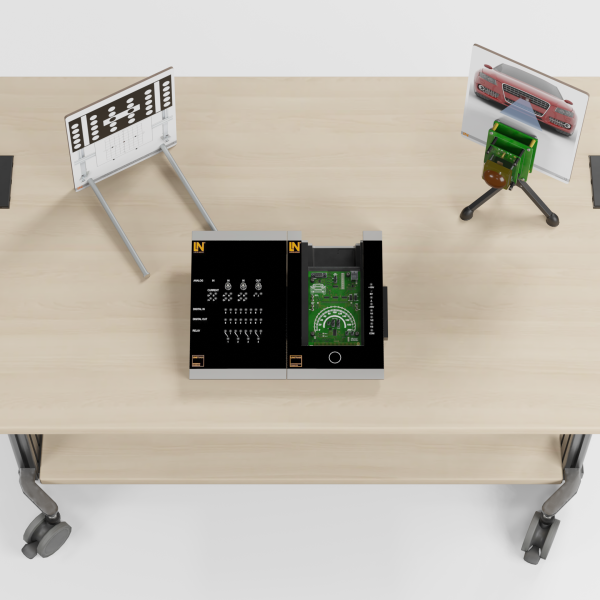
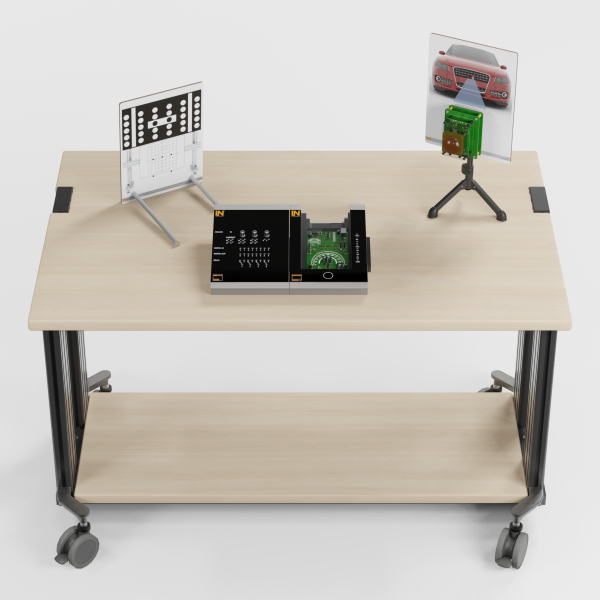
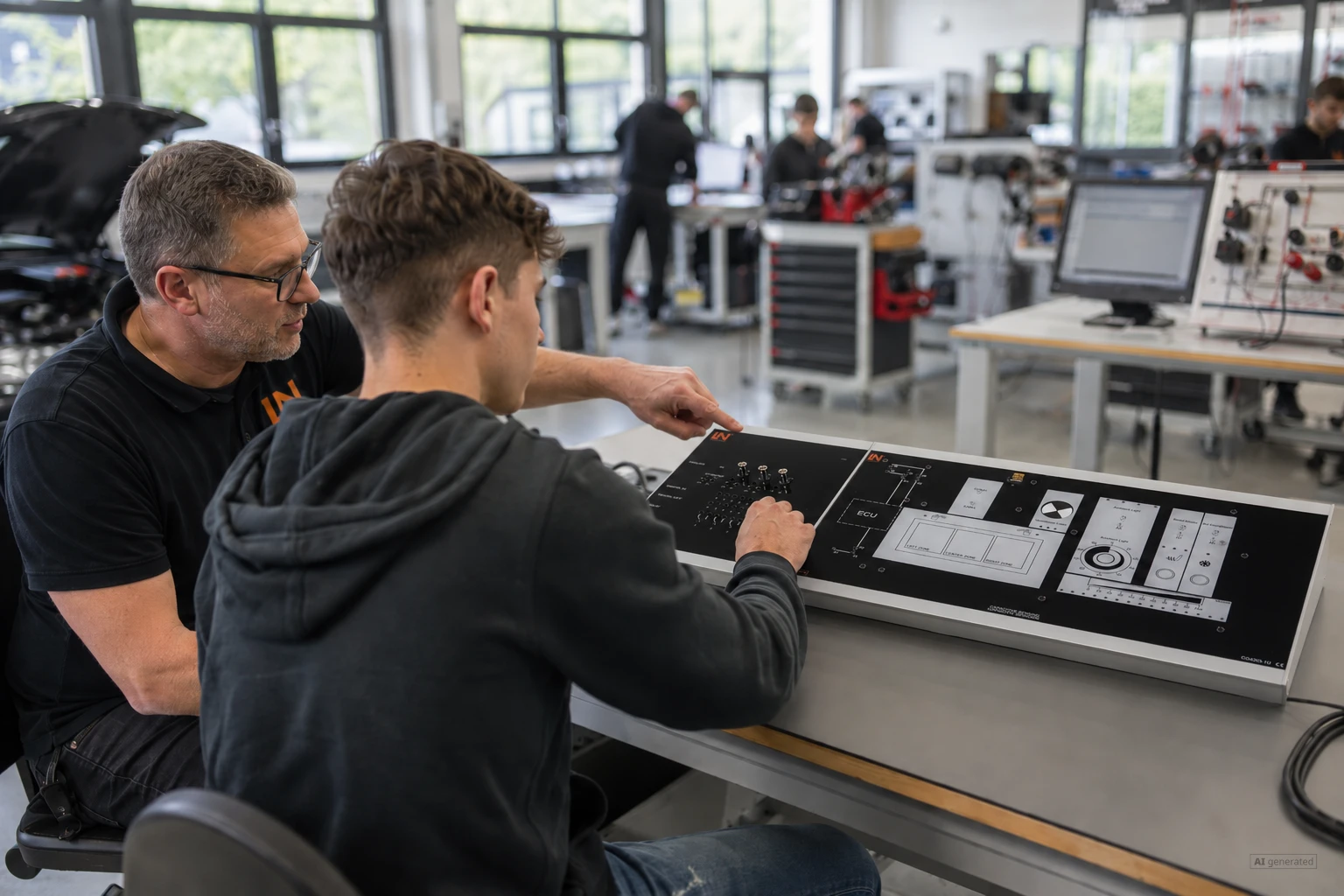
Learners master modern contactless operating concepts in vehicles. This compact system teaches the diagnosis of smart touch surfaces through hands-on experiments.

Learning Content
  • Understanding operating principles
  • Determining the switching threshold
  • Analyzing bus communication
  • Performing troubleshooting
KEY FEATURES
  • Contactless gesture recognition
  • Operation via touch surface
  • Haptic feedback
  • Automated fault insertion
Speak with a Product Specialist +1 (757) 808-5696 · sales@lucas-nuelle.com

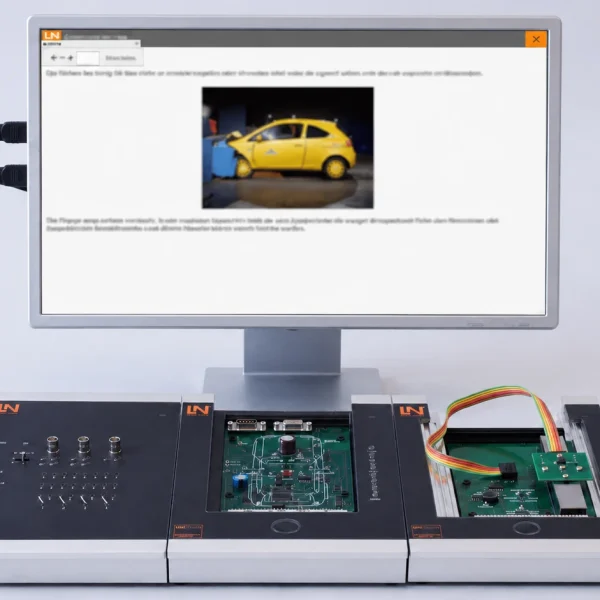
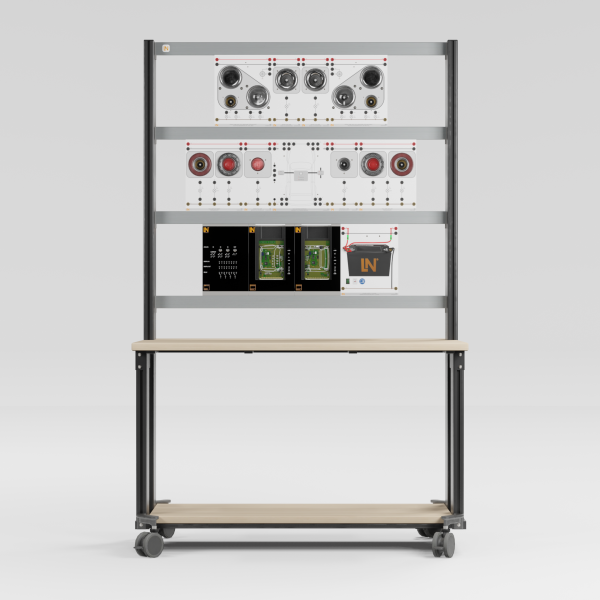
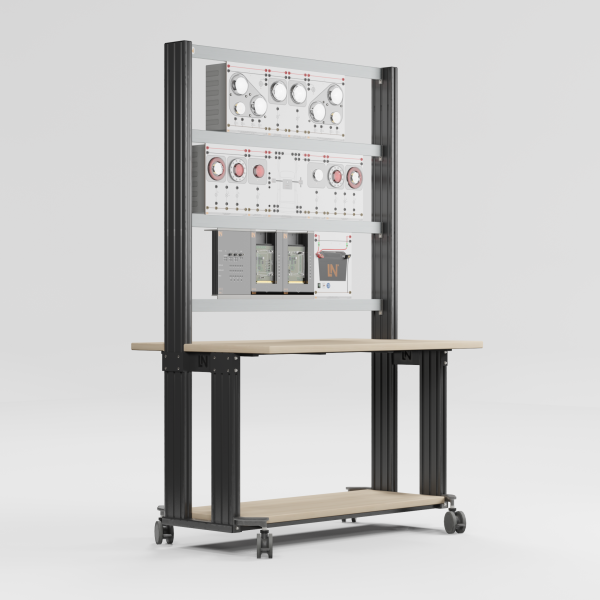
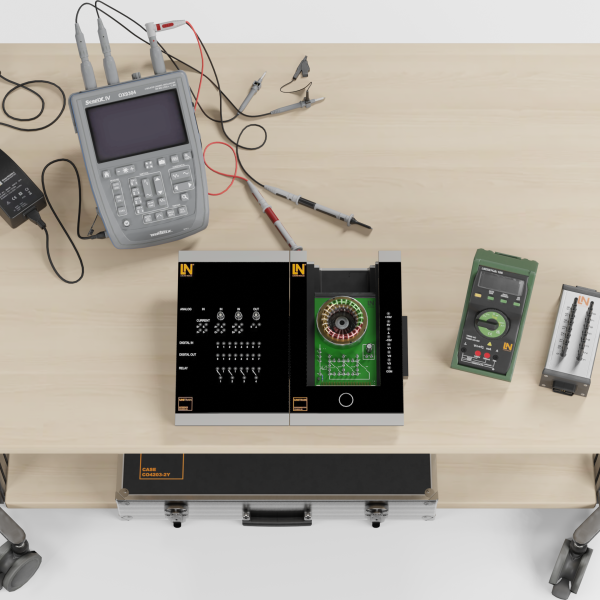
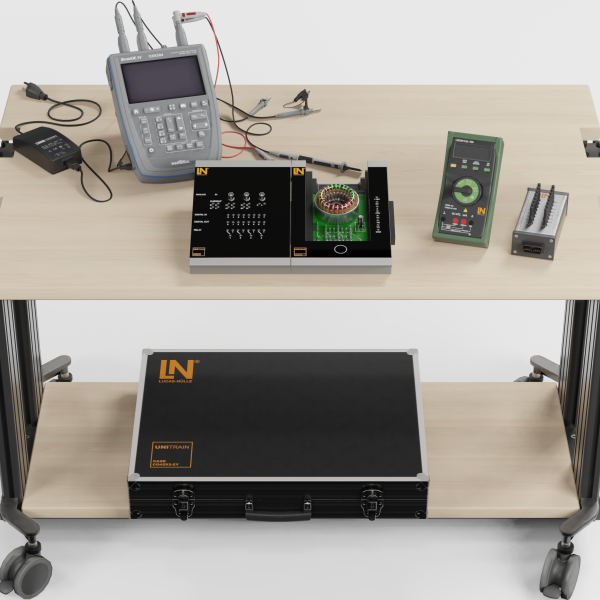
Car manufacturers are increasingly replacing conventional switches with smart touch surfaces. Service shops need to be able to diagnose these new systems reliably. The UniTrain system teaches the physical principles of capacitive touch sensors as well as modern contactless gesture recognition concepts in vehicles. Lucas-Nülle combines a real experiment board with an interactive multimedia learning environment for guided measurements and effective troubleshooting. Prepare learners optimally for the demands of modern automotive mechatronics.

Artikel-Nr.MengeBezeichnung
CO4205-1U1Course: Gesture control and capacitive touchscreen in the motor vehicle
CO4203-2A1UniTrain Interface mit virtuellen Instrumenten (Basis VI)
CO4203-2J1UniTrain measurement accessories, shunts and connection cables
CO4203-2Y1UniTrain storage case for one system
LM23301Multi13S digital multimeter
SO2000-2A1CAN/LIN monitor
SO4203-2V1UniTrain storage case for experiment board

Learning Content in Detail

The UniTrain system offers comprehensive learning content for future-oriented automotive training. Achieve the following learning objectives:

Understanding operating principles

Learners discover how contactless operating concepts work and the technology behind them.

Determining the switching threshold

Learners calculate the threshold value from the LTA and RAW readings of the air conditioning system.

Analyzing bus communication

Learners filter CAN identifiers and observe byte changes during dimming.

Performing troubleshooting

Learners locate open circuits and contact resistances using circuit diagrams.

Features & Applications

Discover the versatile applications of the system. Learners practice diagnosing state-of-the-art vehicle operating systems under realistic conditions.
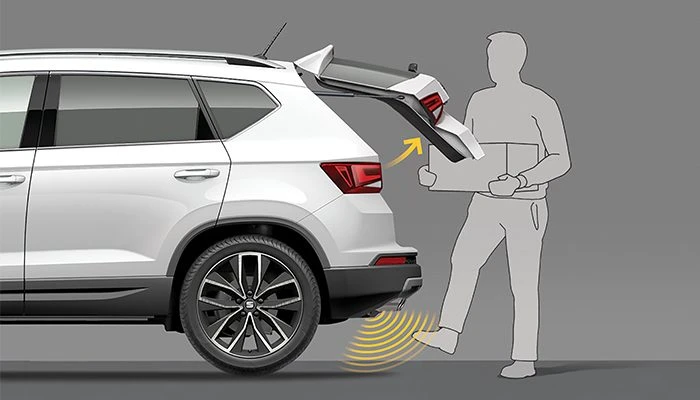
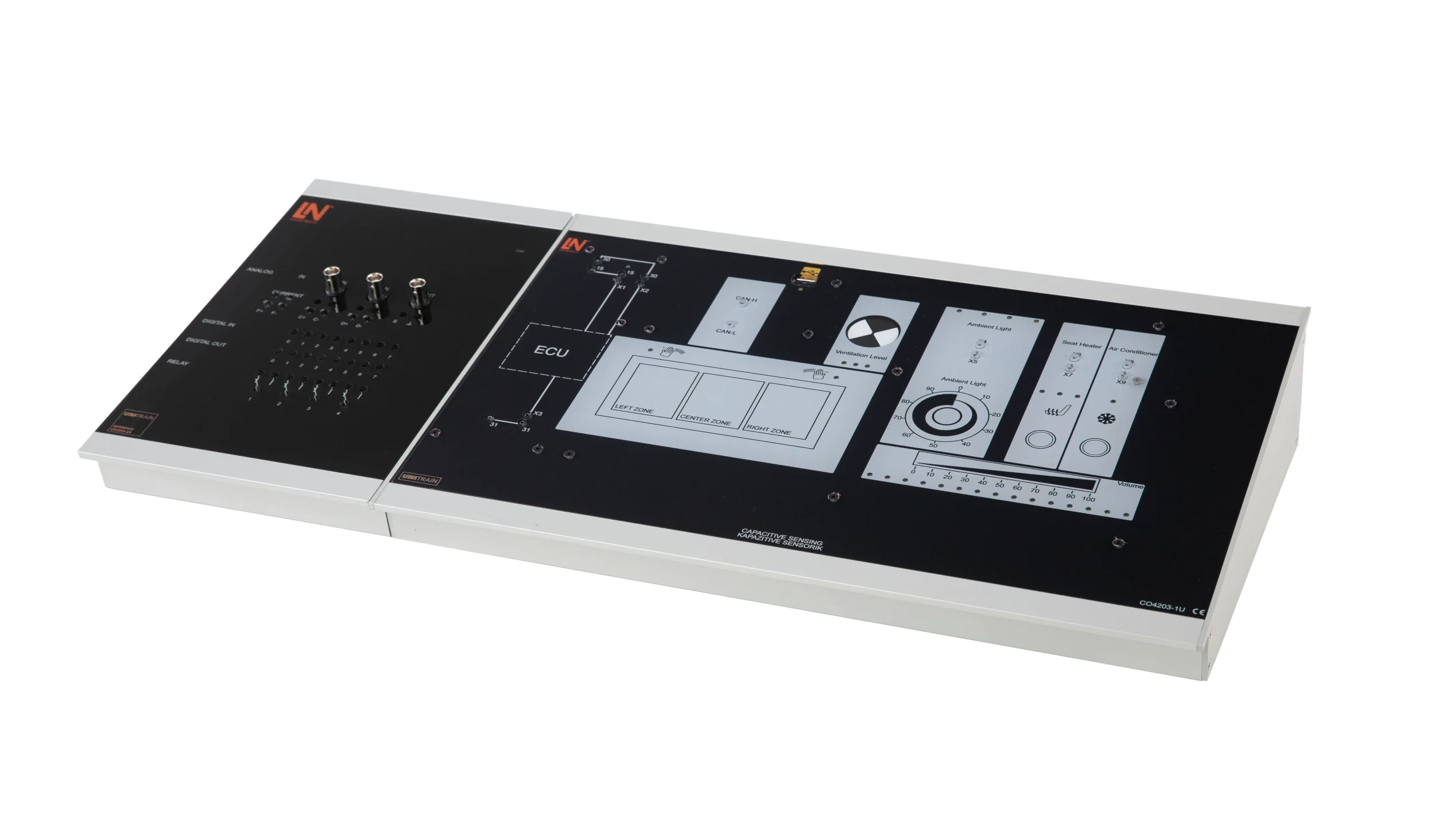
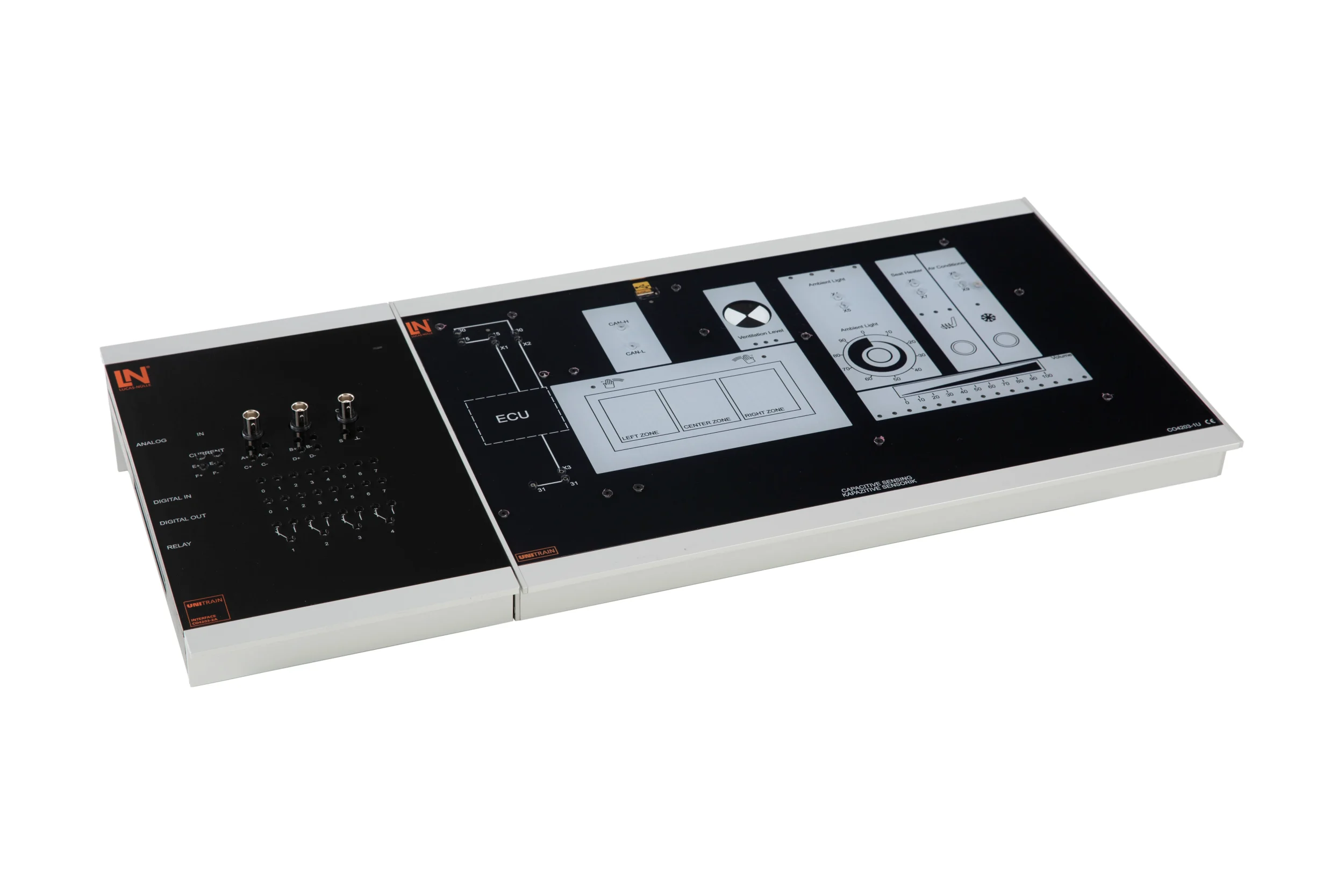
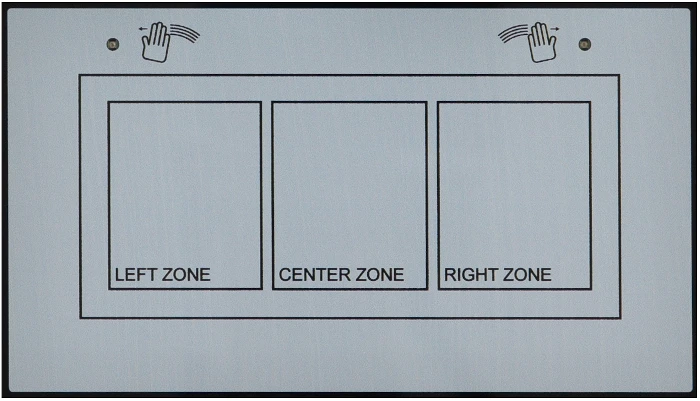
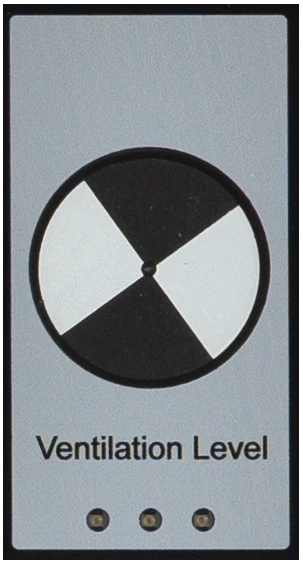
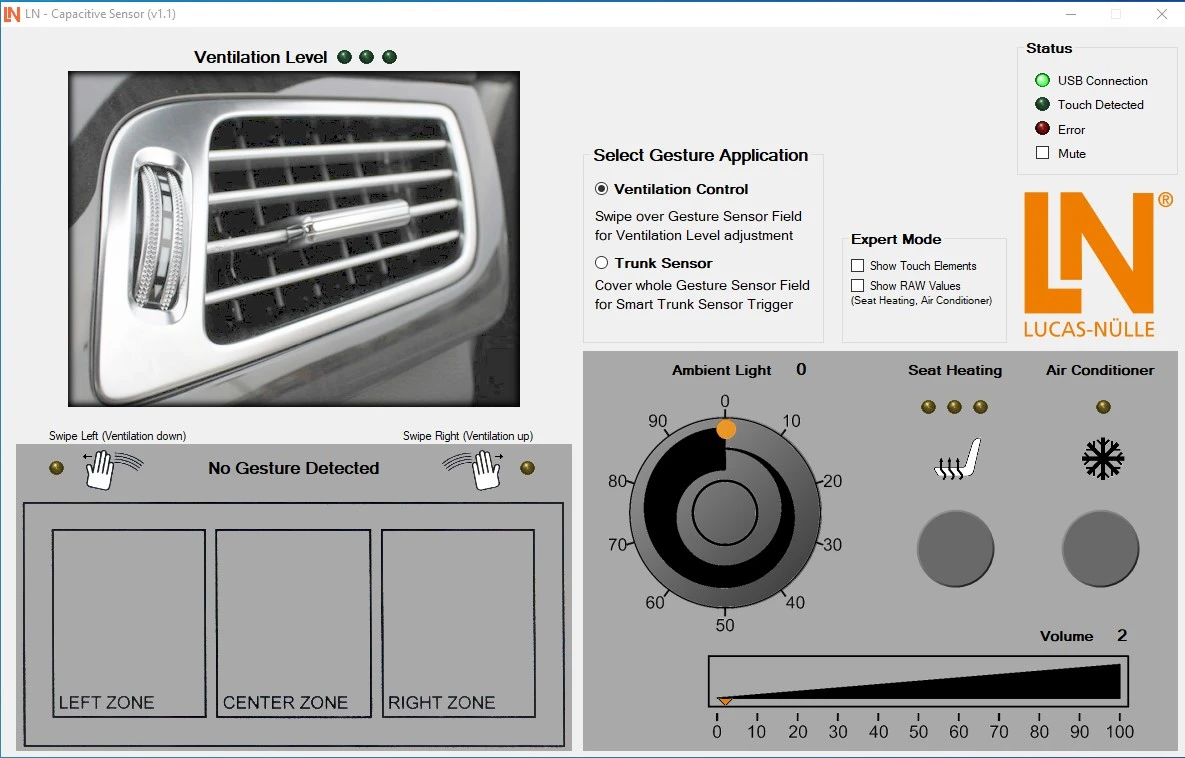
  • Contactless gesture recognition — Learners control functions such as ventilation without touching anything. Three sensor zones precisely detect swiping movements in the air.
  • Operation via touch surface — Learners control vehicle functions via touch-sensitive surfaces and find out exactly how they work.
  • Haptic feedback — Learners test the tactile acknowledgment. A vibration motor generates a perceptible haptic signal on touch.
  • Automated fault insertion — Learners activate faults fully automatically via the software and develop diagnostic strategies independently.
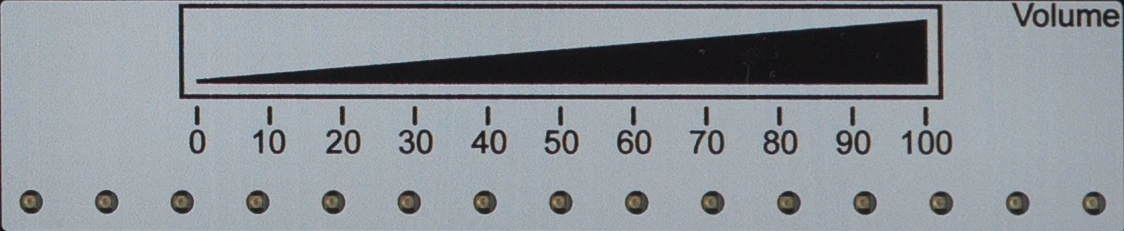
  • Capacitive slider — The sensor surface controls the volume linearly. Learners investigate the continuous change in capacitance.
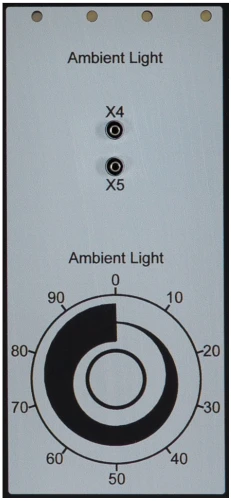
  • Capacitive rotary control — A circular surface dims the ambient lighting continuously. Learners evaluate circular finger movements by measurement.
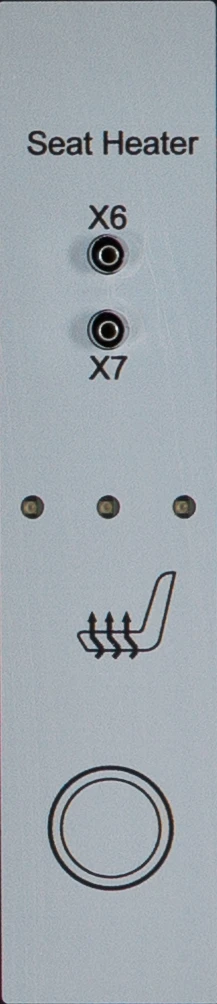
  • Seat heating sensor surface — The surface switches the heating in three stages. Learners measure a PWM output signal with three variable settings.
  • Air conditioning control — Learners observe speed changes immediately after a swipe gesture and analyze the system response.
  • Cap Monitor software — The monitor visualizes raw values and switching thresholds. Learners analyze long-term averages graphically on the PC.
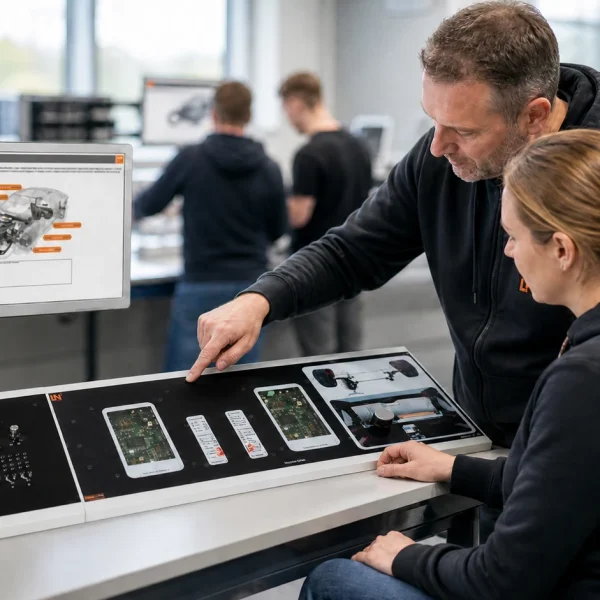
Learners working with RXLea on a tablet at a Lucas-Nuelle training system
RXLea

From Knowledge Comes Capability.

You guide the learning

Where theory and practice go hand in hand.

RXLea brings a new way of learning: project-based, hands-on and clearly structured. Learners solve real-world tasks, while instructors save time on preparation. Interactive modules, smart analytics and real hardware create a modern, efficient learning world.

Hands-on and interactive

Animations, interactive tasks and realistic scenarios build a deep understanding. All content is organized into clear learning paths for focused, hands-on learning.

Digital support

3D assembly animations and digital instructions simplify complex procedures, reduce errors and help learners work more independently.

Visual support

Overview graphics, screenshots and sample animations make the learning world transparent. Photos from the learning packages are also available, including country-specific versions where needed.


Learners using a tablet at an energy training system
RXLea on desktop, laptop and tablet
RXLea Path Creator for building learning journeys
RXLea Navigator showing the learning world
Learn more about RXLea
Newsletter

Stay ahead in
technical training.

Get the latest training systems, product launches and educational insights, delivered directly to your inbox.

Your email address

By subscribing, you agree to our Privacy Policy. You can unsubscribe at any time.

 Please select at least one category before subscribing.
I'm interested in - select all that apply