


Skip to content

Converter Circuits

RXLea
Digital projects for hands-on learningInteractive learning content, directly connected to the training system.

Converter Circuits

BDI04UT

Master the interface between sensors and control systems. The UniTrain system provides practical instruction in the design, function and measurement of A/D, D/A, V/f and f/V converters for efficient signal processing.

Learning Content
  • Understanding converter parameters: resolution, linearity, speed
  • Knowing digital data acquisition concepts: sampling, sampling theorem, signal recontraction, aliasing
  • Analyzing D/A conversion with R/2R network and weighted resistors
  • Investigating flash-, digital-slope and dual-slope A/D-converters
KEY FEATURES
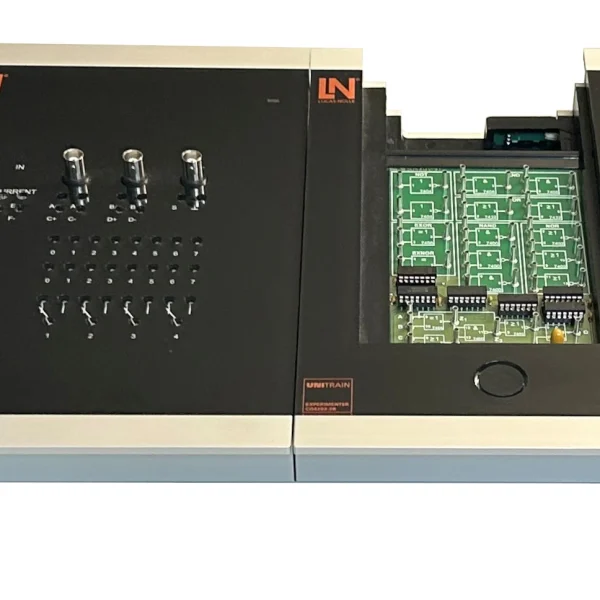
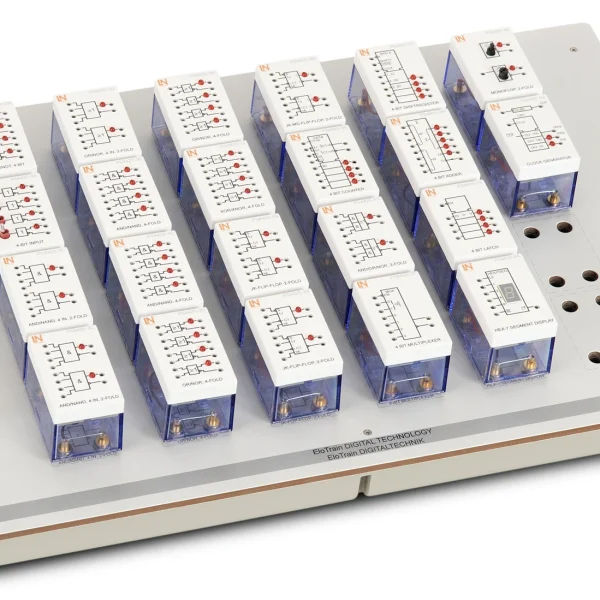
  • D/A Converter experiment card
  • A/D Converter experiment card
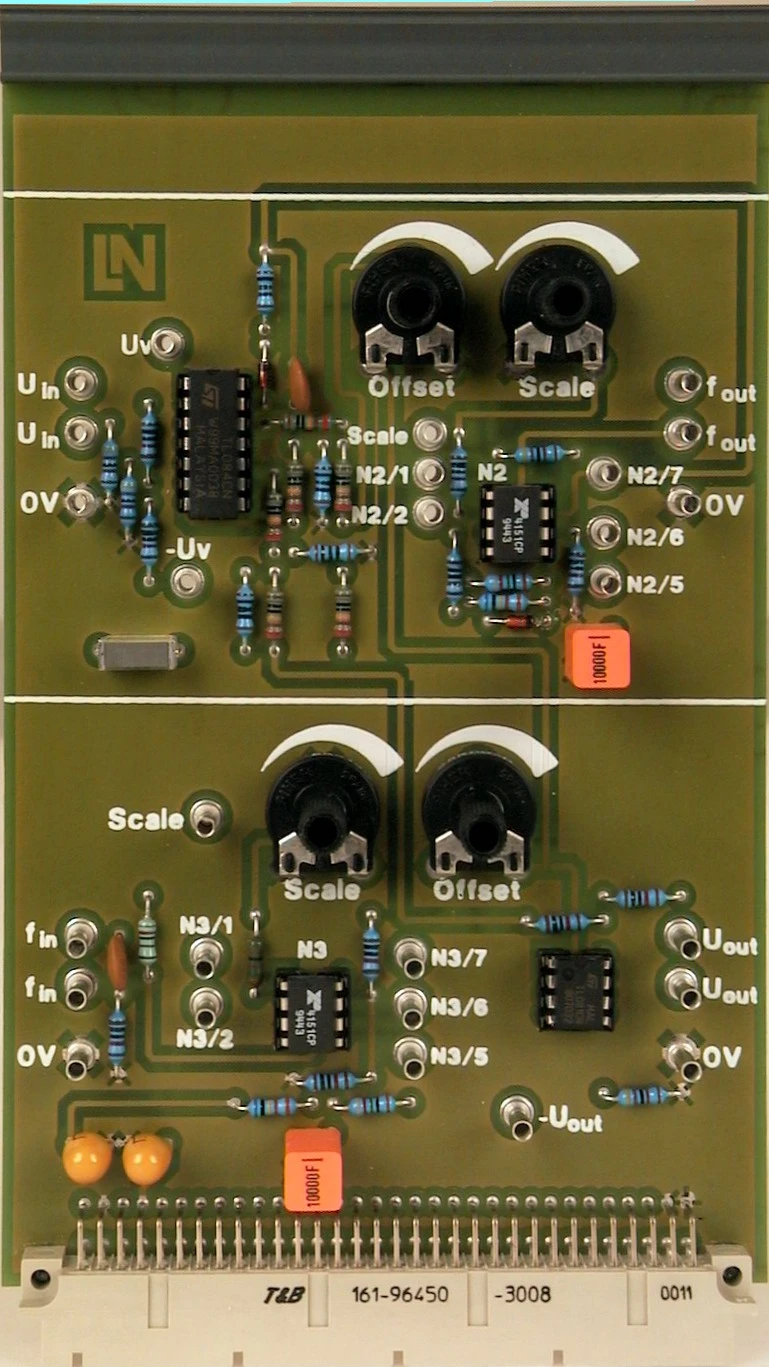
  • V/f and f/V Converter card
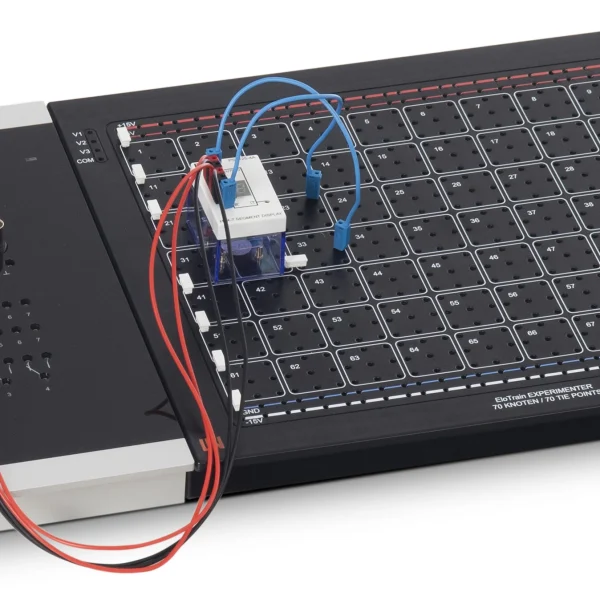
  • Prepared work environments
Speak with a Product Specialist +1 (757) 808-5696 · sales@lucas-nuelle.com

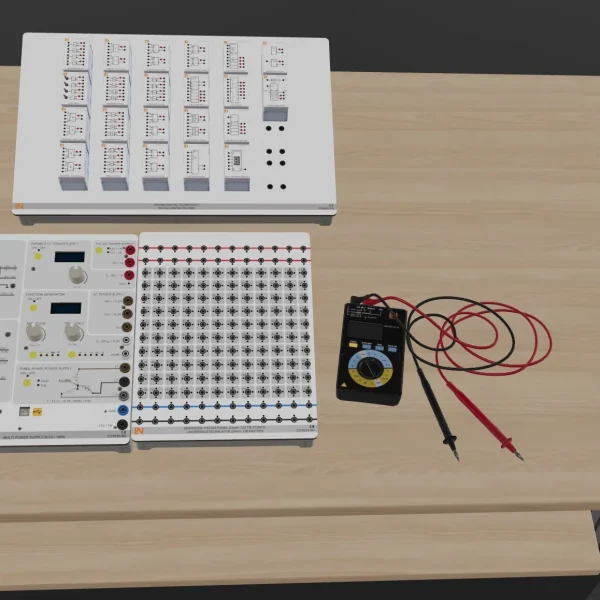
In modern automation technology, converter circuits form the essential interface between analog sensors, digital controllers and real actuators. With the UniTrain Converter Circuits training system, you can enhance your expertise in signal processing. The system combines interactive course software with the measurement-based investigation of various converter types directly on the hardware. You analyze the conversion of analog signals into digital data streams as well as the conversion of digital values back into analog signals. Benefit from efficient experiment execution thanks to prepared work environments and integrated fault simulation. Ideal for engineers and specialists looking to increase system efficiency.

CO4204-6BCourse Digital electronics 4: Converter circuits
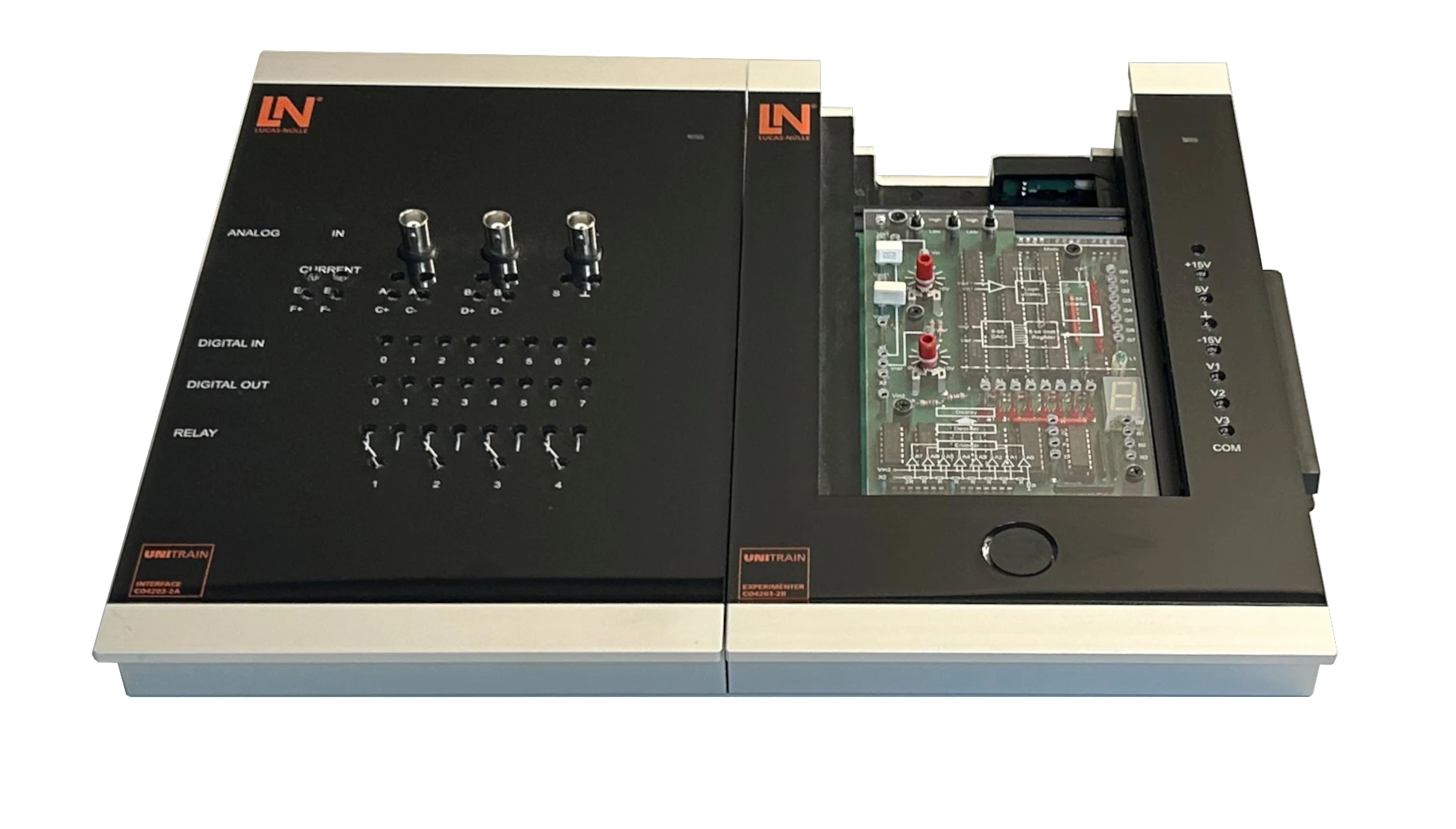
CO4203-2AUniTrain Interface mit virtuellen Instrumenten (Basis VI)
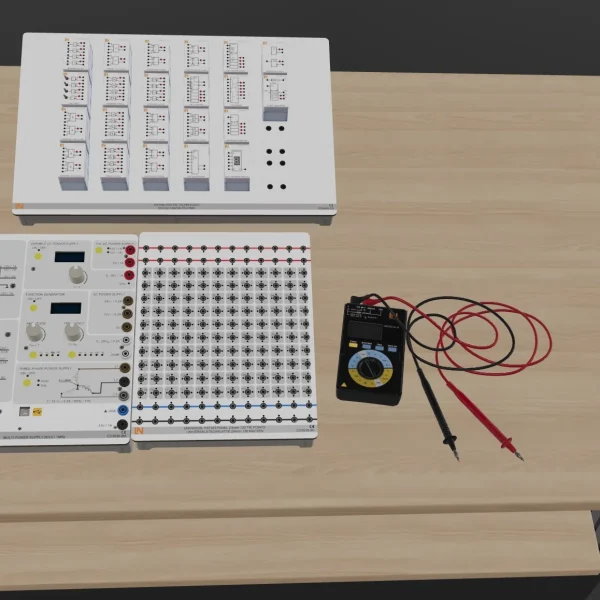
CO4203-2JUniTrain measurement accessories, shunts and connection cables
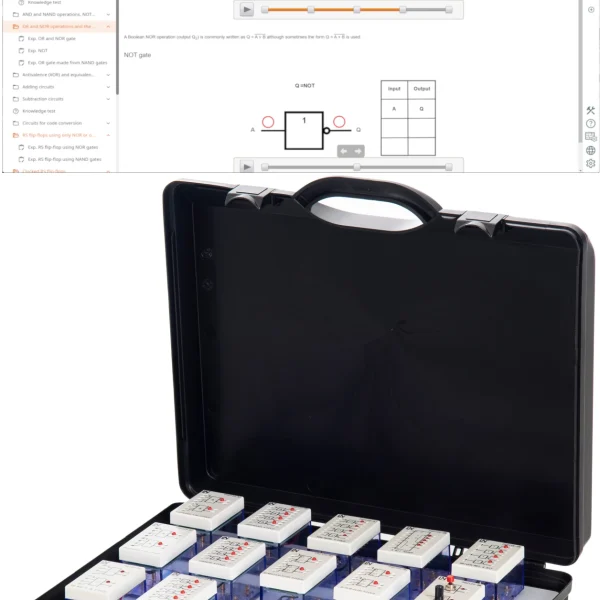
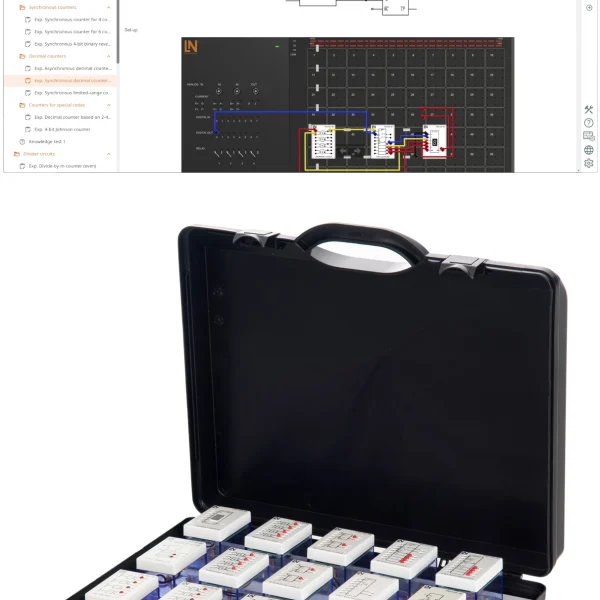
CO4203-2YUniTrain storage case for one UniTrain system
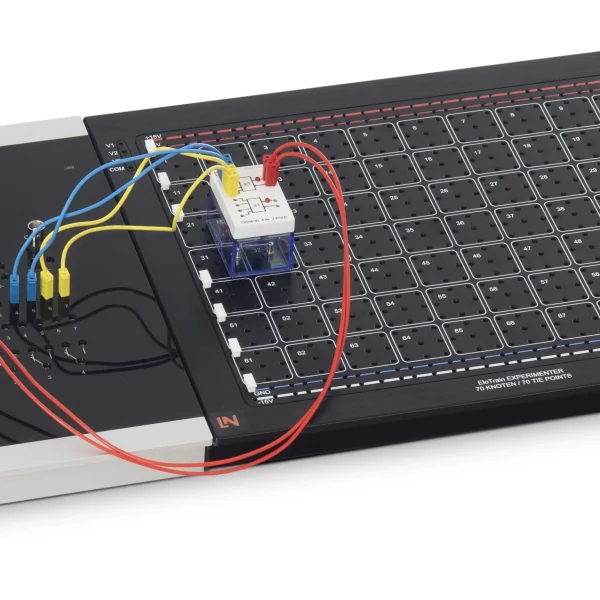
CO4203-2BUniTrain Experimenter

Learning Content in Detail

Build solid expertise. Acquire practical skills in signal conversion and fault diagnosis for industrial systems.

Understanding converter parameters: resolution, linearity, speed

You become familiar in practice with the most important converter parameters, such as resolution, linearity and speed.

Knowing digital data acquisition concepts: sampling, sampling theorem, signal recontraction, aliasing

You learn fundamental concepts such as sampling, the sampling theorem, signal reconstruction and aliasing through practical experiments.

Analyzing D/A conversion with R/2R network and weighted resistors

You measure the output voltages of R-2R and weighted networks to determine resolution and linearity precisely.

Investigating flash-, digital-slope and dual-slope A/D-converters

You compare digital-slope, dual-slope and flash A/D converters in terms of their specific conversion time and accuracy.

Calibrating signal conversion

You set the offset and scaling factor on V/f and f/V converters for absolutely accurate frequency transmission.

Diagnosing converter faults

You locate five simulated hardware defects on the converter cards through systematic and efficient measurements.

Features & Applications

Discover the practical applications of converter circuits. Investigate complex interfaces directly on the hardware and optimize your fault diagnosis.
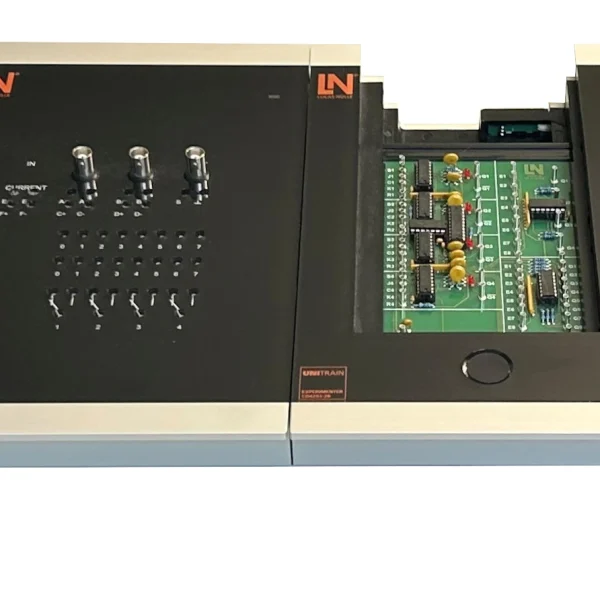
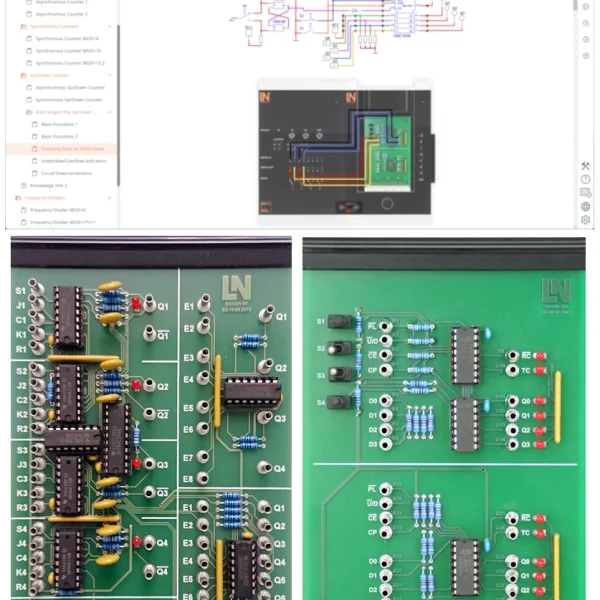
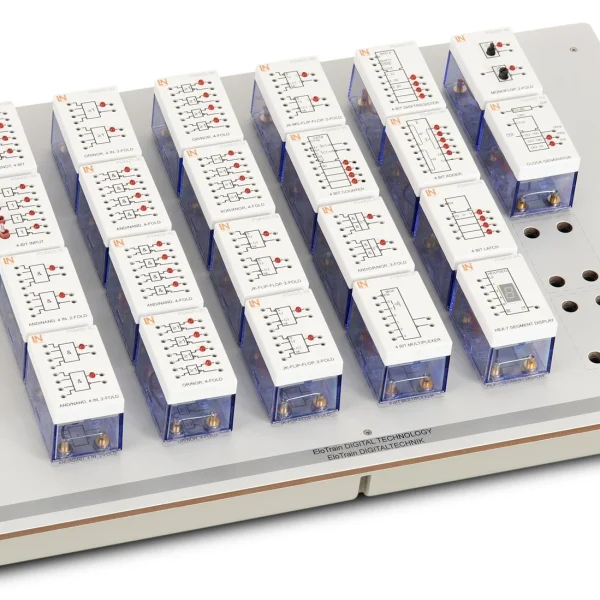
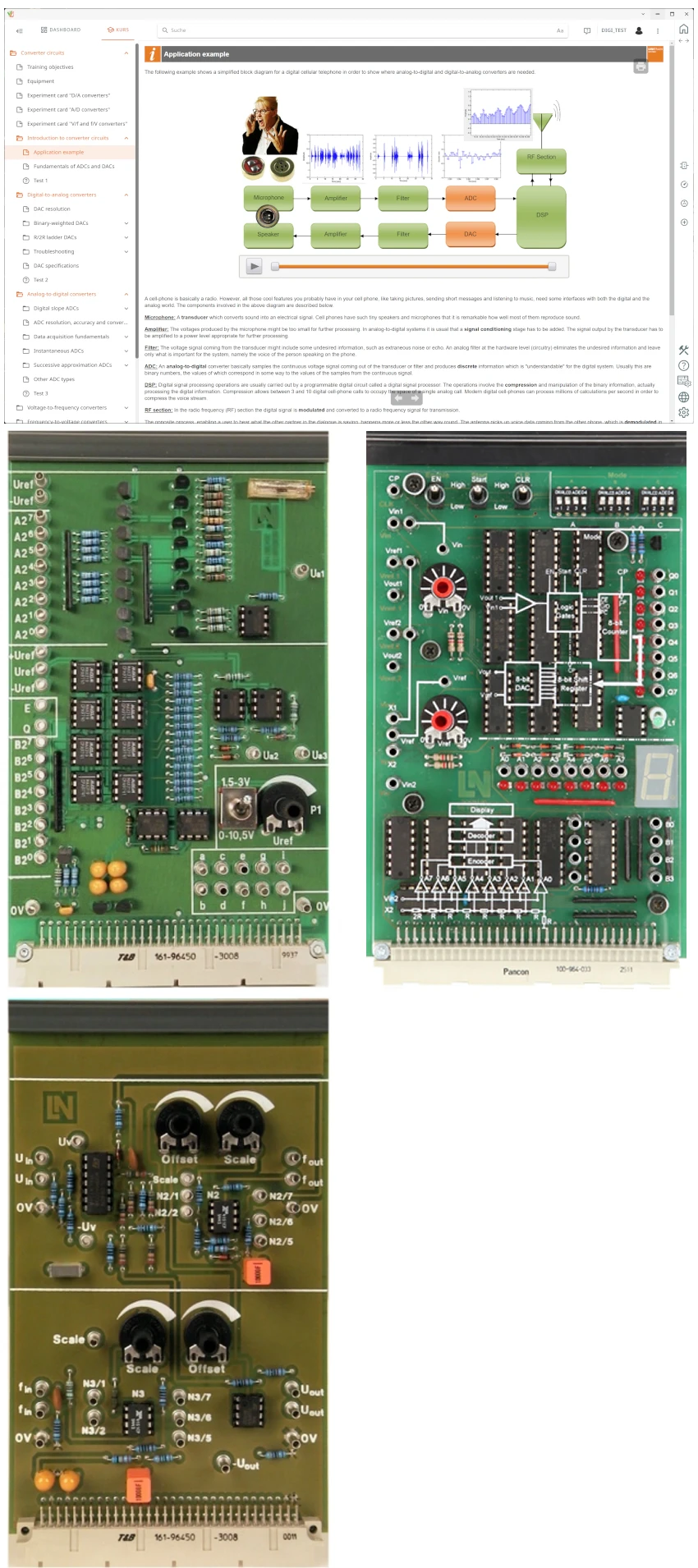
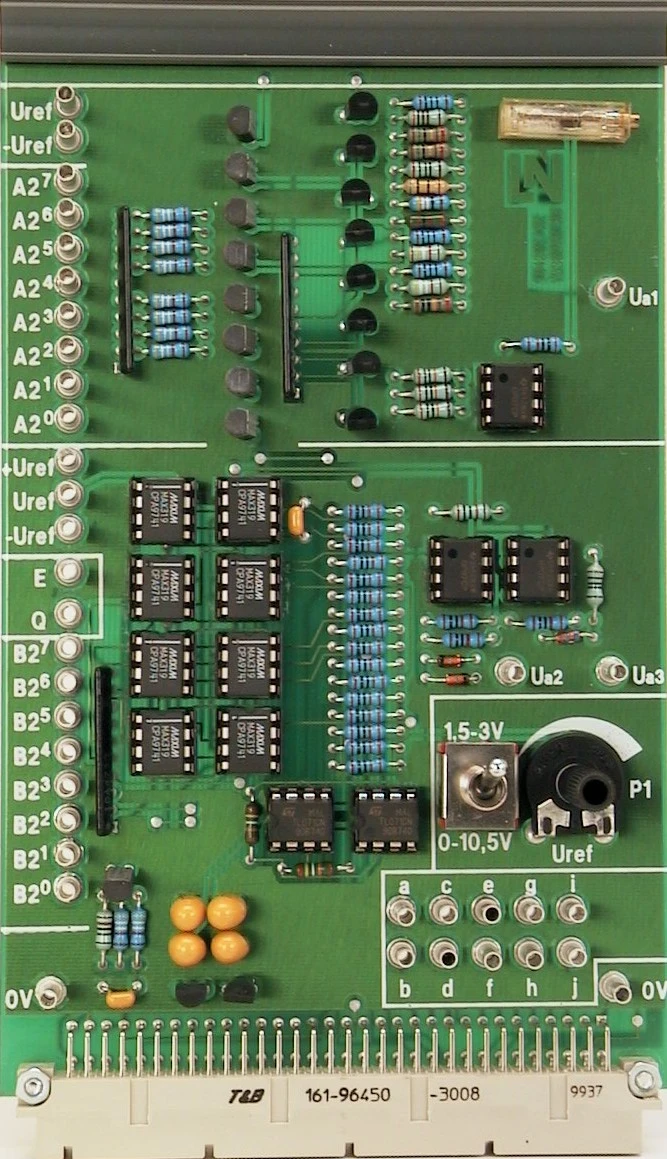
  • D/A Converter experiment card — The card offers two discrete D/A converters, an adjustable reference source and five faults that can be switched in for realistic analyses.
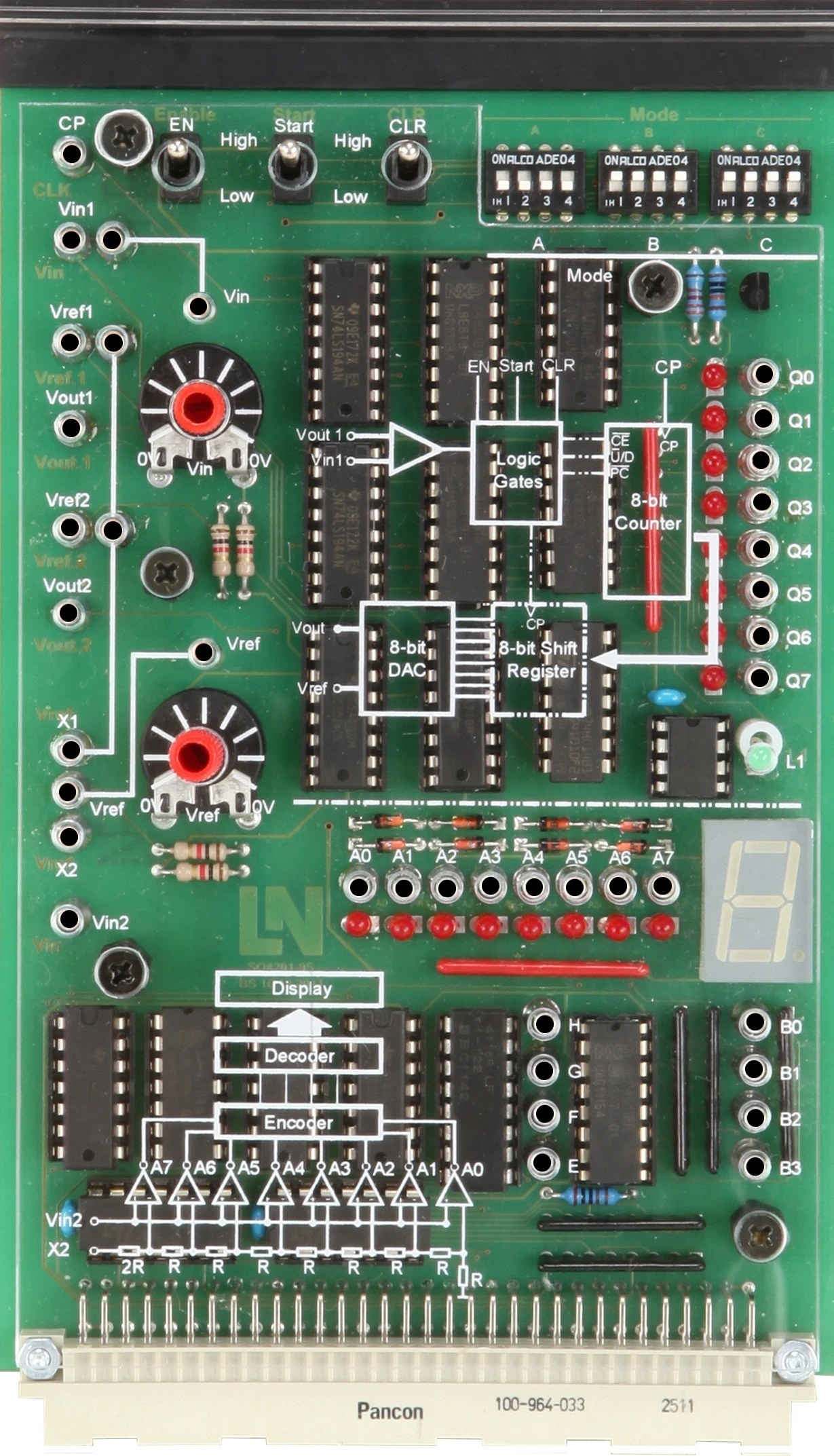
  • A/D Converter experiment card — The board includes a digital-slope converter with three operating modes and a 3-bit flash converter with a 7-segment display.
  • V/f and f/V Converter card — The card provides two integrated converter ICs with accessible signals as well as potentiometers for precise offset and scale adjustment.
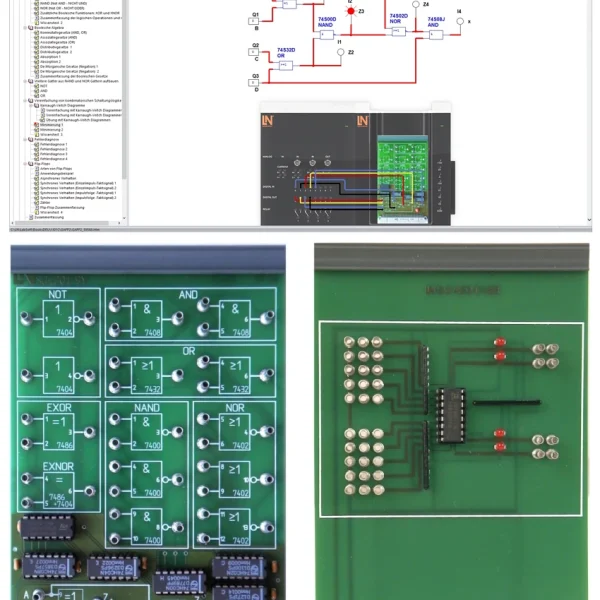
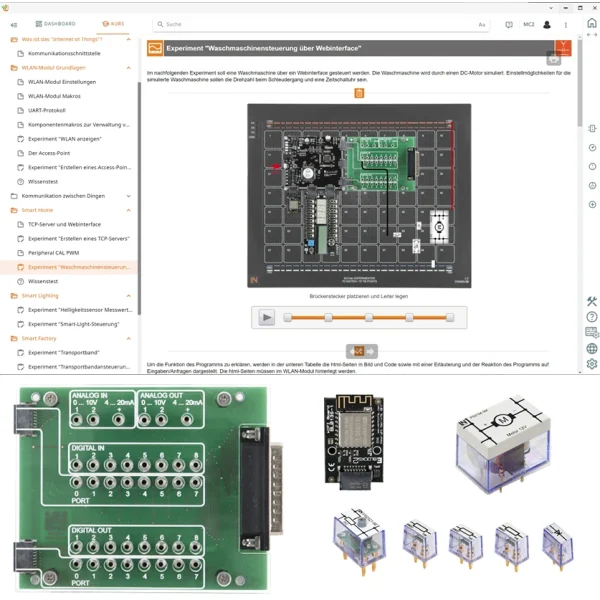
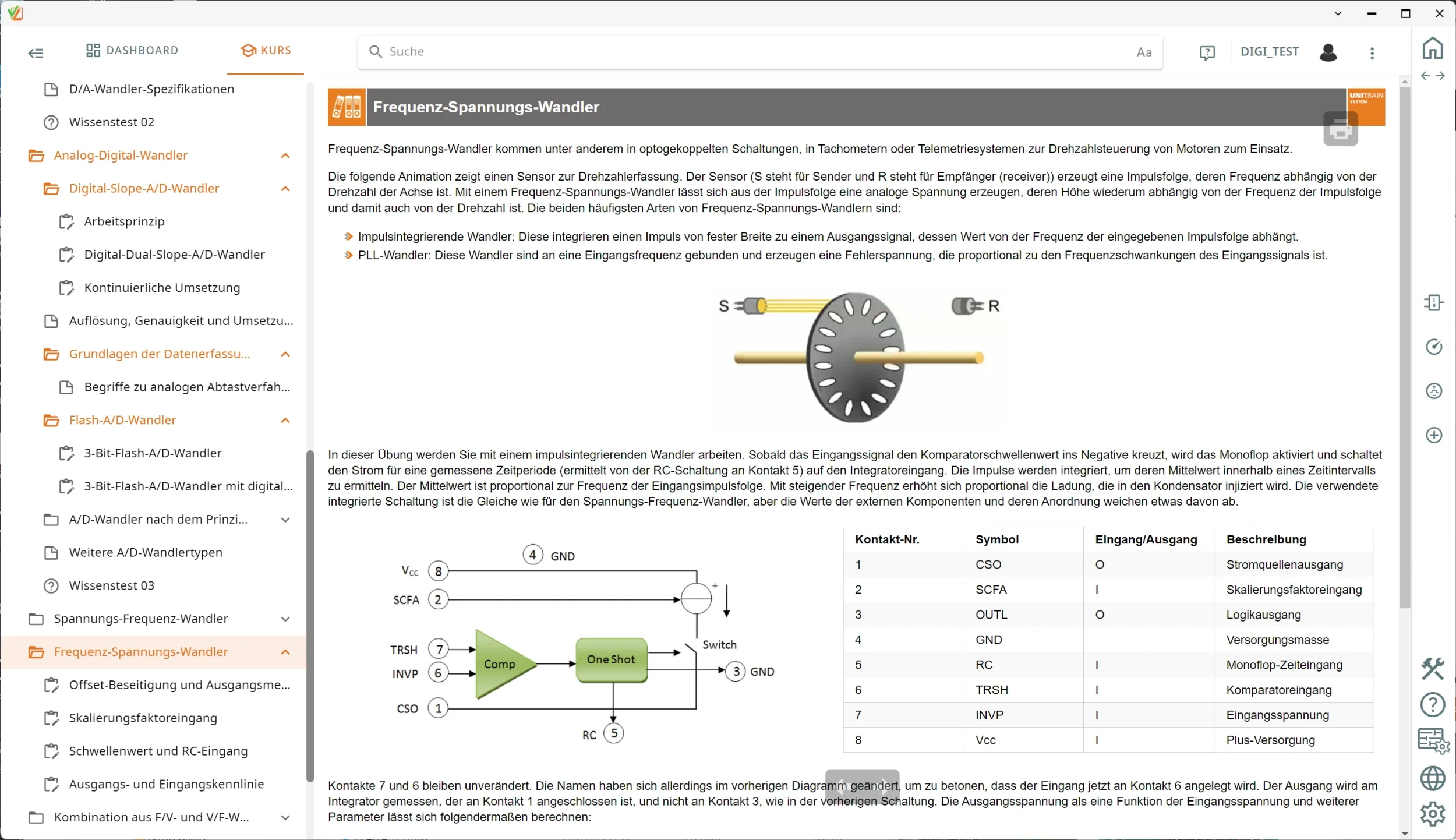
  • Prepared work environments — Work environments that can be loaded with a single click allow measuring instruments to be configured quickly and ensure that experiments run efficiently.
  • Integrated fault simulation — The system activates five real circuit faults via relays. You use them to practice methodical signal tracing and efficient troubleshooting.
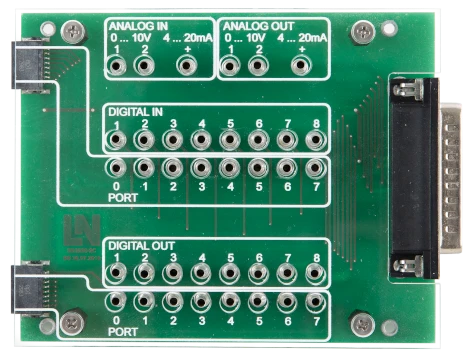
  • UniTrain interface — The central measurement interface controls all instruments and seamlessly links the experiment hardware to the PC software.
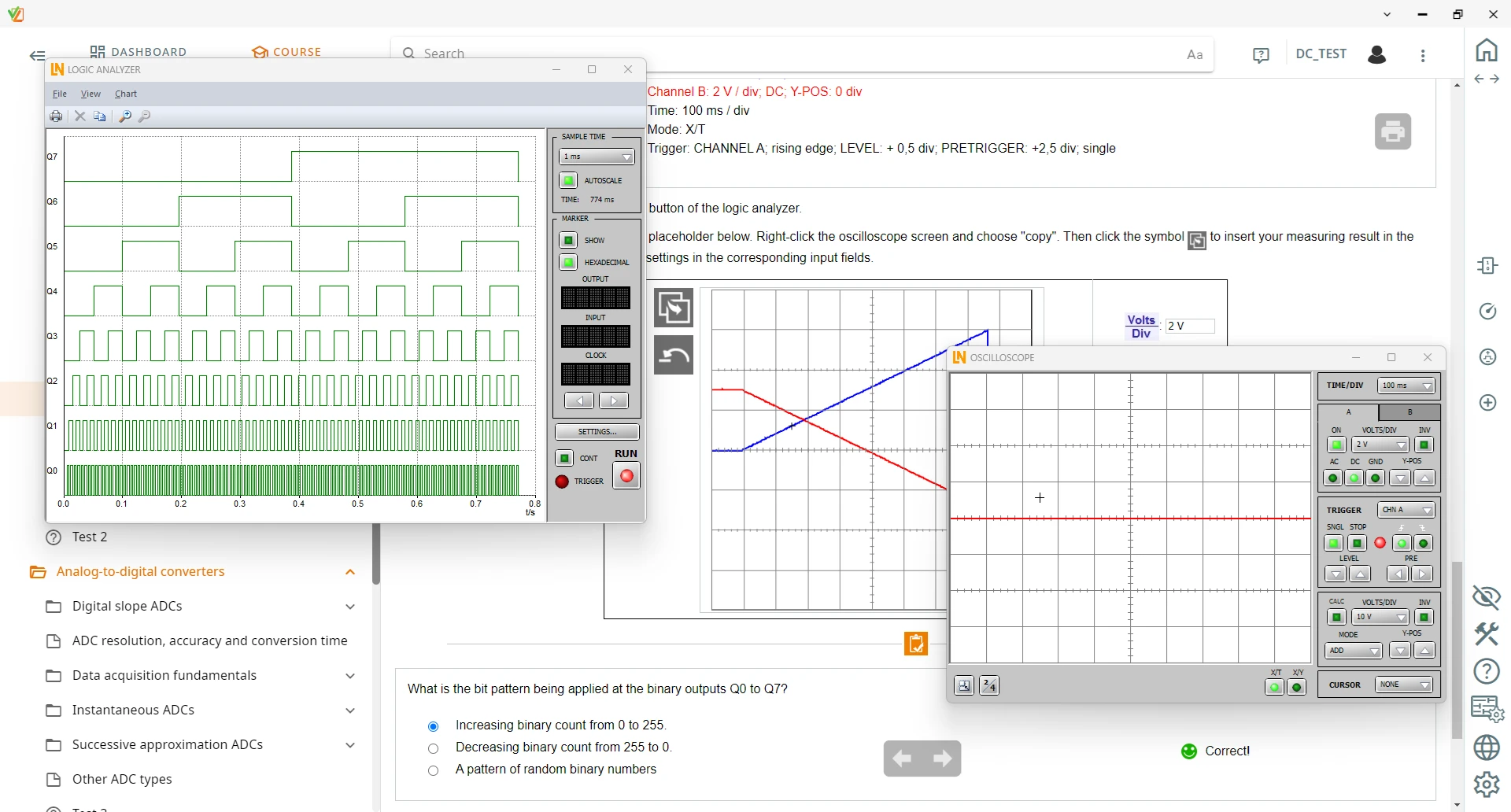
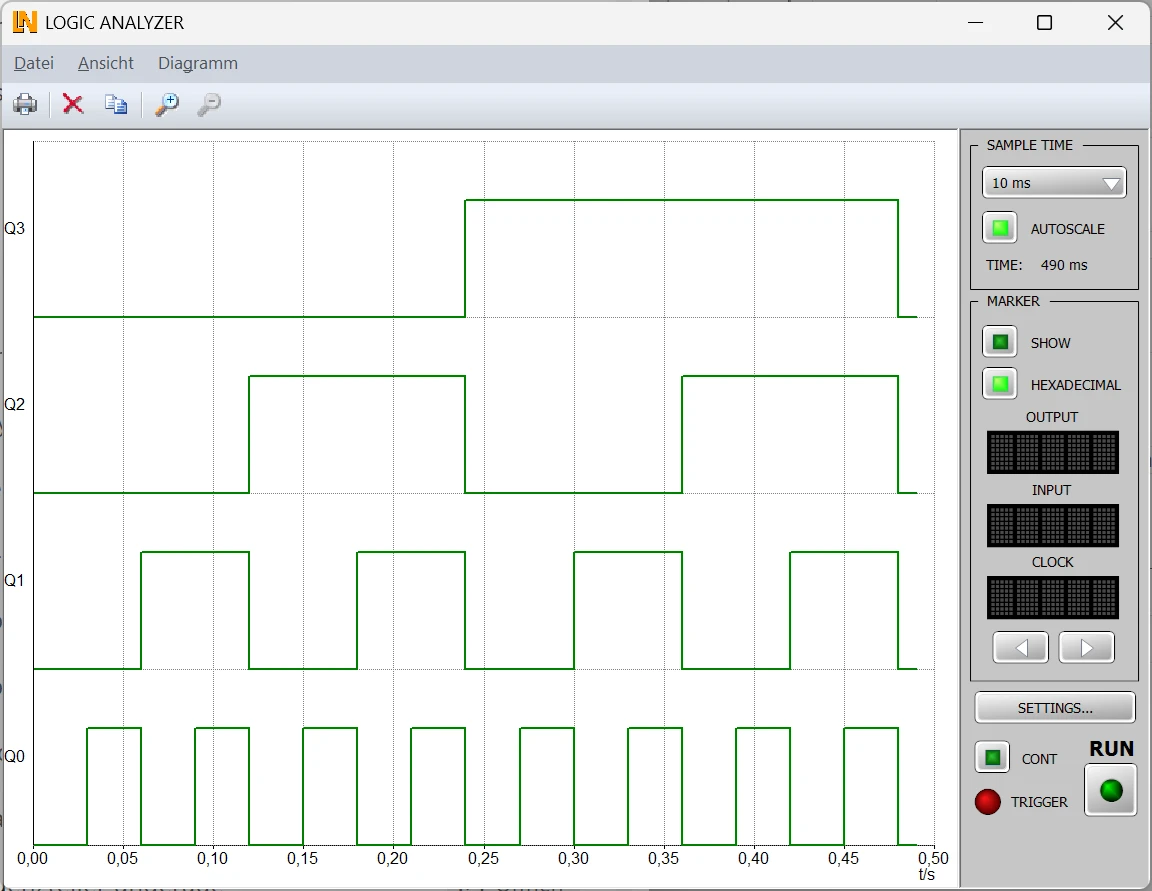
  • Logic analyzer — The logic analyzer displays up to 32 channels simultaneously, allows complex bit patterns to be programmed and offers analysis tools.
  • 2/4-channel oscilloscope — The multichannel oscilloscope visualizes the analog input and output signals of the converters with extensive trigger and cursor functions.
  • Investigating D/A converters — You investigate D/A converters with binary-weighted resistors and R-2R networks. Record static and dynamic characteristic curves precisely.
  • A/D conversion methods — You analyze A/D converters based on the digital-slope, dual-slope and flash methods directly on the hardware and determine quantization errors.
  • Signal reconstruction — You investigate fundamental concepts of digital data acquisition such as sampling rate, aliasing effects and signal reconstruction in practical experiments.
  • Frequency and voltage conversion — Determine the transfer characteristics of combined V/f and f/V converter circuits and adjust reference voltages using potentiometers.
Learners working with RXLea on a tablet at a Lucas-Nuelle training system
RXLea

From Knowledge Comes Capability.

You guide the learning

Where theory and practice go hand in hand.

RXLea brings a new way of learning: project-based, hands-on and clearly structured. Learners solve real-world tasks, while instructors save time on preparation. Interactive modules, smart analytics and real hardware create a modern, efficient learning world.

Hands-on and interactive

Animations, interactive tasks and realistic scenarios build a deep understanding. All content is organized into clear learning paths for focused, hands-on learning.

Digital support

3D assembly animations and digital instructions simplify complex procedures, reduce errors and help learners work more independently.

Visual support

Overview graphics, screenshots and sample animations make the learning world transparent. Photos from the learning packages are also available, including country-specific versions where needed.


Learners using a tablet at an energy training system
RXLea on desktop, laptop and tablet
RXLea Path Creator for building learning journeys
RXLea Navigator showing the learning world
Learn more about RXLea
Newsletter

Stay ahead in
technical training.

Get the latest training systems, product launches and educational insights, delivered directly to your inbox.

Your email address

By subscribing, you agree to our Privacy Policy. You can unsubscribe at any time.

 Please select at least one category before subscribing.
I'm interested in - select all that apply