


Skip to content

Elevator Plant Model (UniTrain)

RXLea
Digital projects for hands-on learningInteractive learning content, directly connected to the training system.

Elevator Plant Model (UniTrain)

CUT02UT

Teach structured PLC programming of complex sequential control systems and door functions on a realistic model.

Learning Content
  • Hardware commissioning
  • Implementing door control
  • Limiting car movement
  • Designing sequences
KEY FEATURES
  • Modular block structure
  • Chronological FIFO processing
  • Bit-coded position indicator
  • Integrated emergency stop logic
Speak with a Product Specialist +1 (757) 808-5696 · sales@lucas-nuelle.com

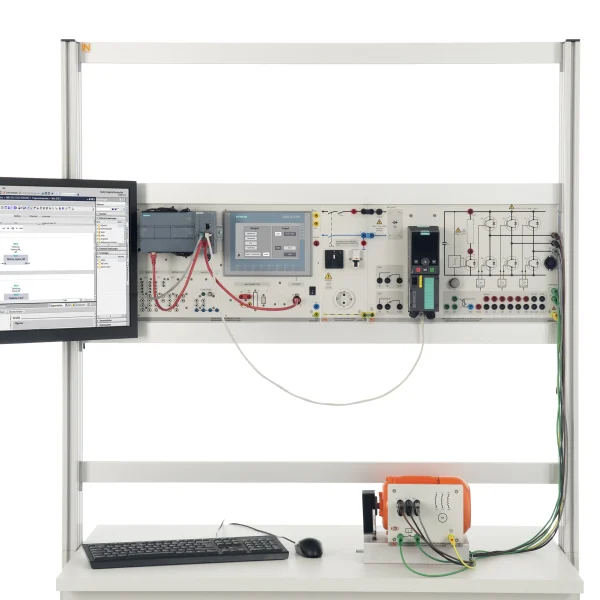
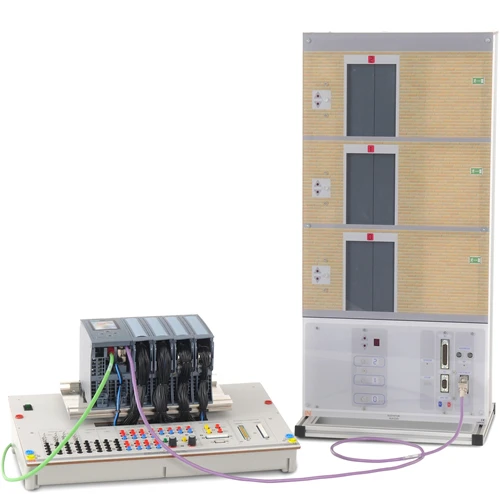
The training system teaches structured PLC programming using an elevator model. It is based on dividing complex mechatronic sequences into subroutines in accordance with IEC 1131-3. In practice, multi-stage logistics and conveying processes require fail-safe sequences with precise sensor interlocking. Learners develop modular software blocks in CODESYS and combine them step by step to create a control system for the complete installation. Benefit from compact experiment boards in UniTrain format.

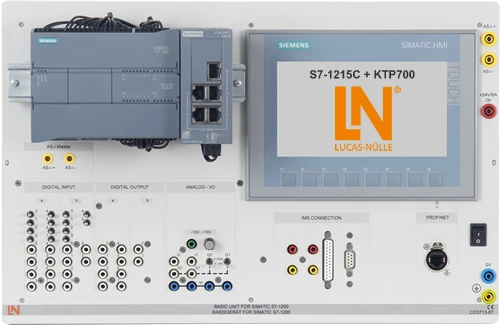
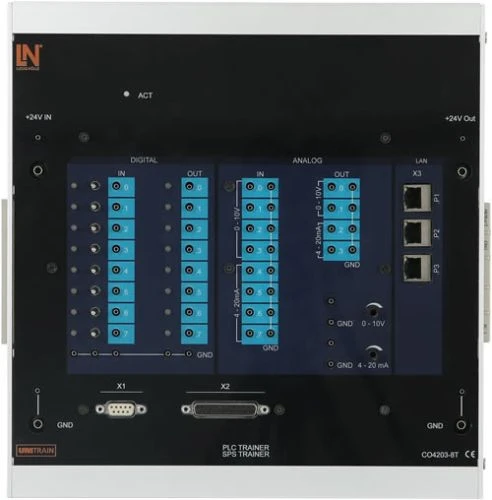
CO4203-8TPLC Board
LM9071Patch cable Cat5E 1m, grey
LM8257USB 2.0 Ethernet adapter, 10/100
LM9066Interface cable 25-pin, Sub-D socket / plug 1m
LM9040Serial interface cable 9/9 pole
CO4203-2MUniTrain storage case for fundamentals of PLC technology
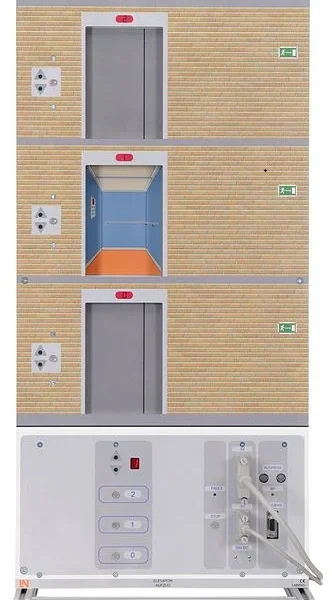
LM9545Lift model with three stories
SO6200-5GQuickChart, Elevator model
CO4204-8QCourse Automation 2: Elevator plant model

Learning Content in Detail

With this training system, learners acquire comprehensive competencies in PLC programming and automation technology.

Hardware commissioning

Learners integrate the Lucas-Nülle I/O device into CODESYS.

Implementing door control

Learners program the manual control of the landing doors.

Limiting car movement

Learners interlock travel commands using the signals from the reed contacts.

Designing sequences

Learners design a three-floor step sequence based on a function chart.

Signal processing

Learners control the floor indicator using flip-flops.

Developing function blocks

Learners create a reusable DOOR block.

Integrating memory blocks

Learners integrate a FIFO buffer for processing requests.

Safety functions

Learners implement a global EMERGENCY STOP interrupt loop.

Features & Applications

Discover the versatile functions and components of our training system for practical training in automation technology.
  • Modular block structure — Learners break down complex control tasks into separate subroutines that can be tested independently.
  • Chronological FIFO processing — Learners store and process travel requests according to the first-in, first-out principle.
  • Bit-coded position indicator — The system teaches how to evaluate compact status signals efficiently using flip-flop circuits.
  • Integrated emergency stop logic — Learners implement fail-safe interrupt logic for the travel and door motors.
  • Interactive fault simulation — The ILA learning software guides learners interactively through structured test reports and programming tasks.
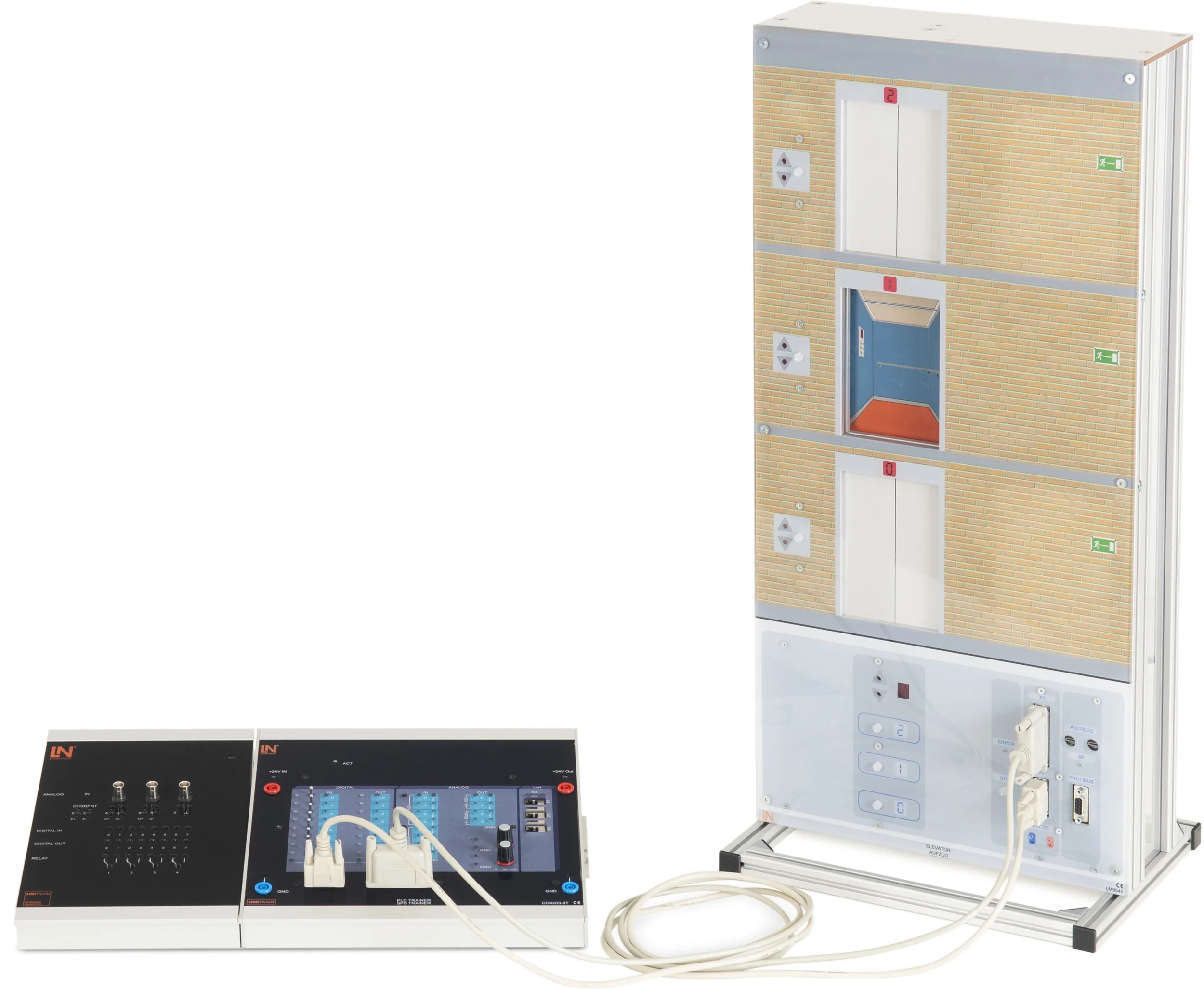
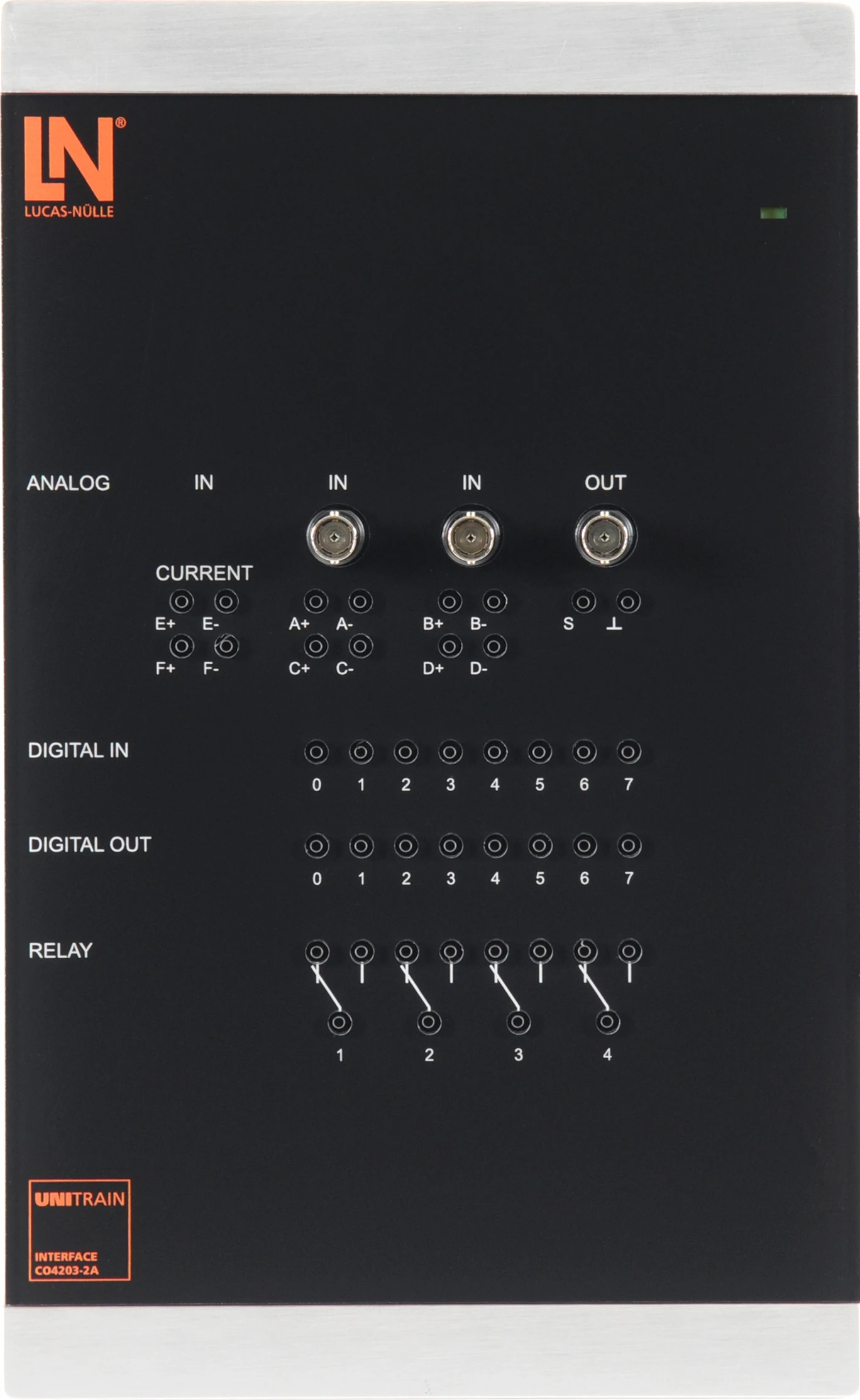
  • UniTrain interface — The interface provides the connection to the PC and supplies the system with safety extra-low voltage.
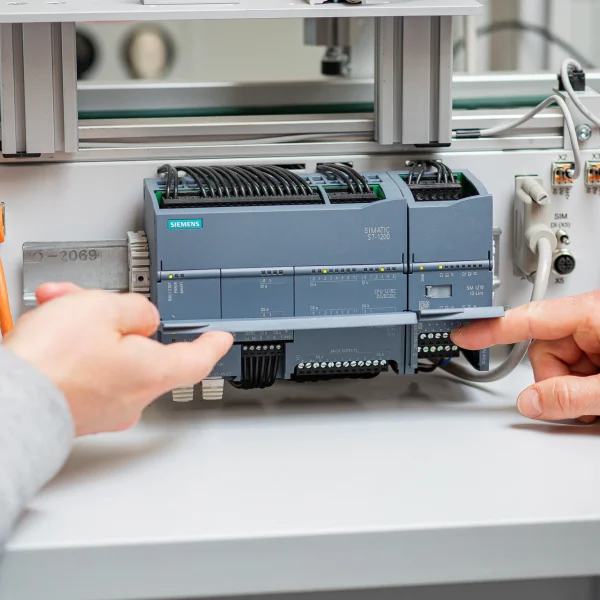
  • PLC trainer plug-in board — The CPU board offers eight digital inputs and outputs with status LEDs as well as analog signals.
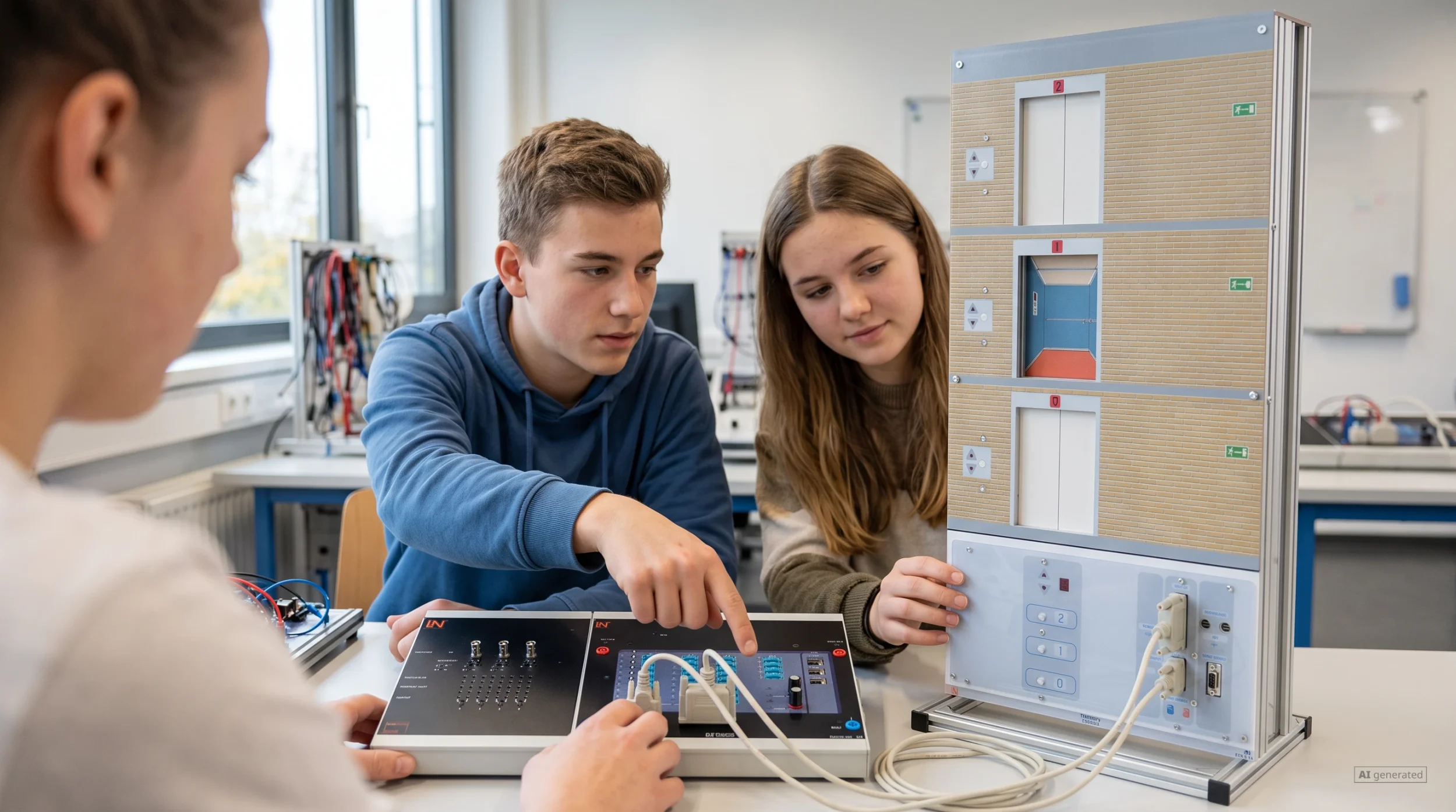
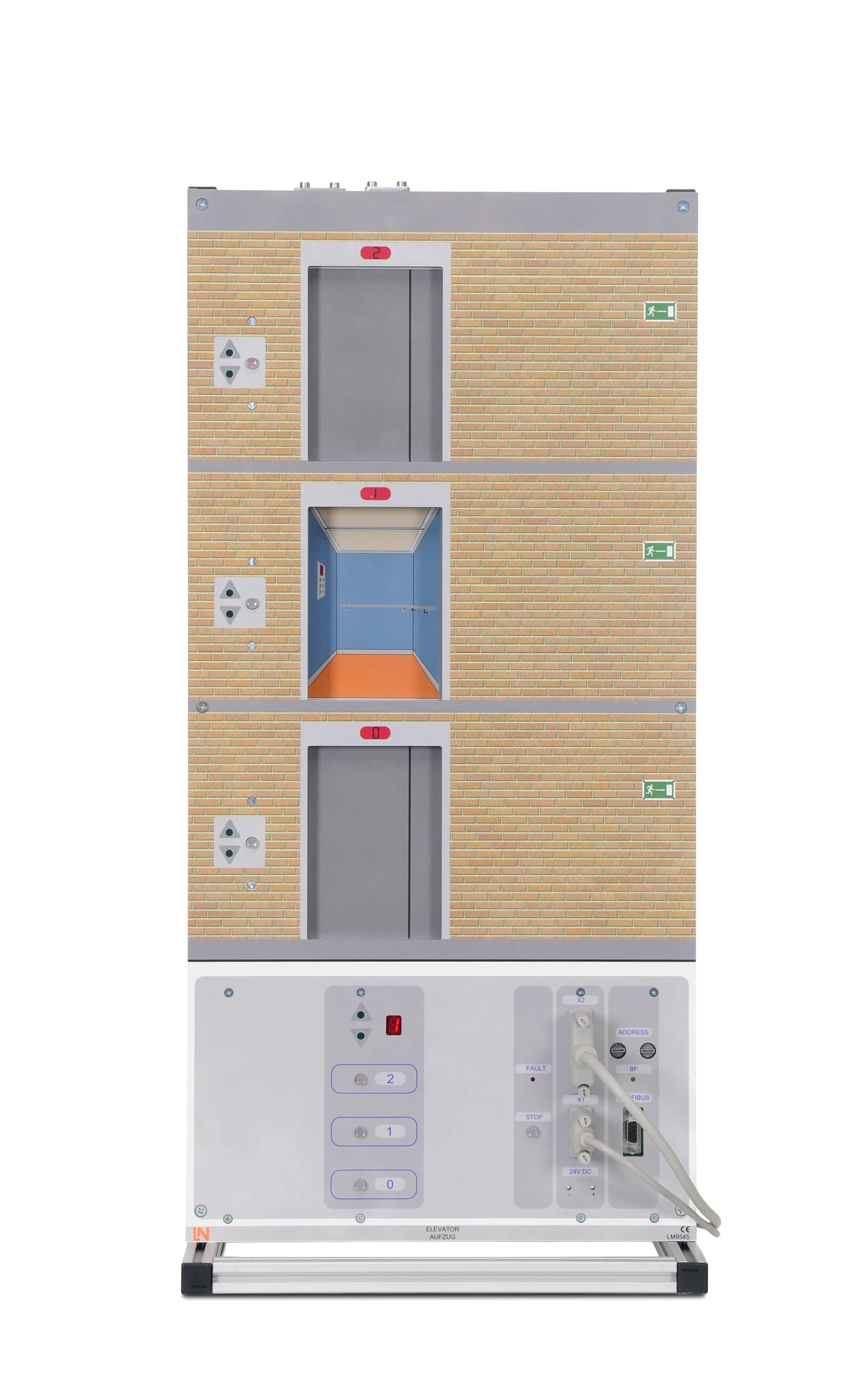
  • Elevator model (3 floors) — The installation has car call buttons, hall call buttons, elevator doors and floor indicators.
  • Reed contacts — The precise position sensors reliably limit the car’s travel at the end positions.
  • Floor and direction indicator — The bit-coded LED display visualizes the car position and direction of travel on the model.
  • D-sub interfaces — Standardized industrial connectors transmit all signals to the PLC without errors.
  • PROFIBUS connection — The integrated interface allows the system to be expanded to include industrial fieldbus experiments.
  • CODESYS development environment — The IEC-compliant software is used to create and test programs in ST, FBD and LD.
  • Interactive Lab Assistant — The software guides learners through theory questions, wiring diagrams and experiments using multimedia.
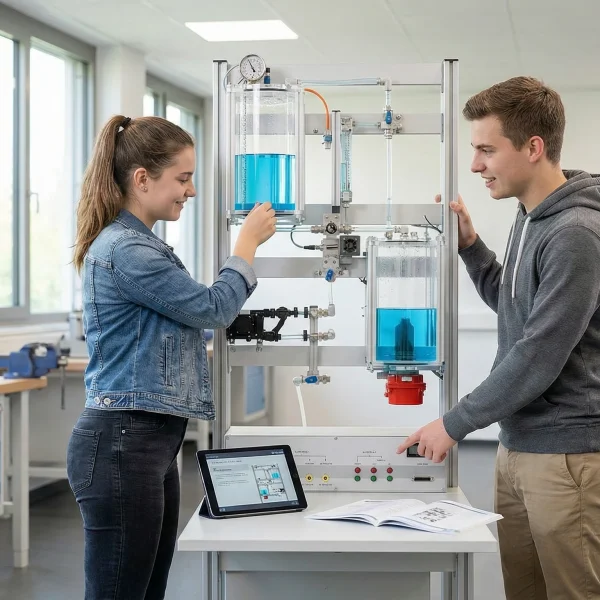
Learners working with RXLea on a tablet at a Lucas-Nuelle training system
RXLea

From Knowledge Comes Capability.

You guide the learning

Where theory and practice go hand in hand.

RXLea brings a new way of learning: project-based, hands-on and clearly structured. Learners solve real-world tasks, while instructors save time on preparation. Interactive modules, smart analytics and real hardware create a modern, efficient learning world.

Hands-on and interactive

Animations, interactive tasks and realistic scenarios build a deep understanding. All content is organized into clear learning paths for focused, hands-on learning.

Digital support

3D assembly animations and digital instructions simplify complex procedures, reduce errors and help learners work more independently.

Visual support

Overview graphics, screenshots and sample animations make the learning world transparent. Photos from the learning packages are also available, including country-specific versions where needed.


Learners using a tablet at an energy training system
RXLea on desktop, laptop and tablet
RXLea Path Creator for building learning journeys
RXLea Navigator showing the learning world
Learn more about RXLea
Newsletter

Stay ahead in
technical training.

Get the latest training systems, product launches and educational insights, delivered directly to your inbox.

Your email address

By subscribing, you agree to our Privacy Policy. You can unsubscribe at any time.

 Please select at least one category before subscribing.
I'm interested in - select all that apply