


Investigating Solar Modules
Solar energy expansion demands experts: With Lucas-Nuelle, students analyze solar modules in the lab, independent of weather. They gain practical skills to align PV systems, evaluate characteristic curves, and diagnose performance losses.
- Determining physical influences
- Calculating I-V characteristics and the MPP
- Simulating solar irradiation
- Diagnosing yield losses
- Realistic emulation of the sun’s path
- Practical characteristic curve analysis
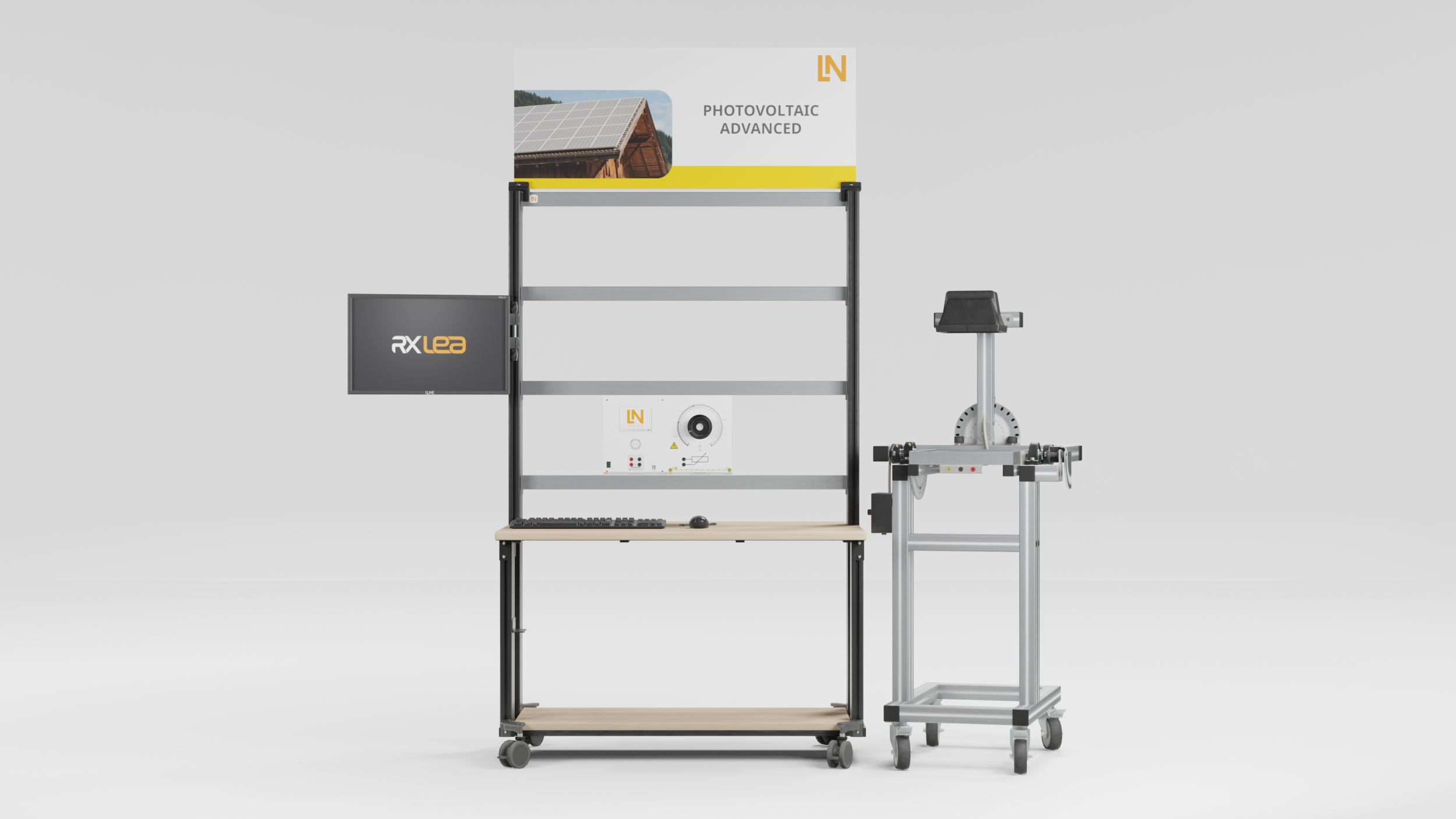
- Solar module with emulator
- Power multimeter with touchscreen
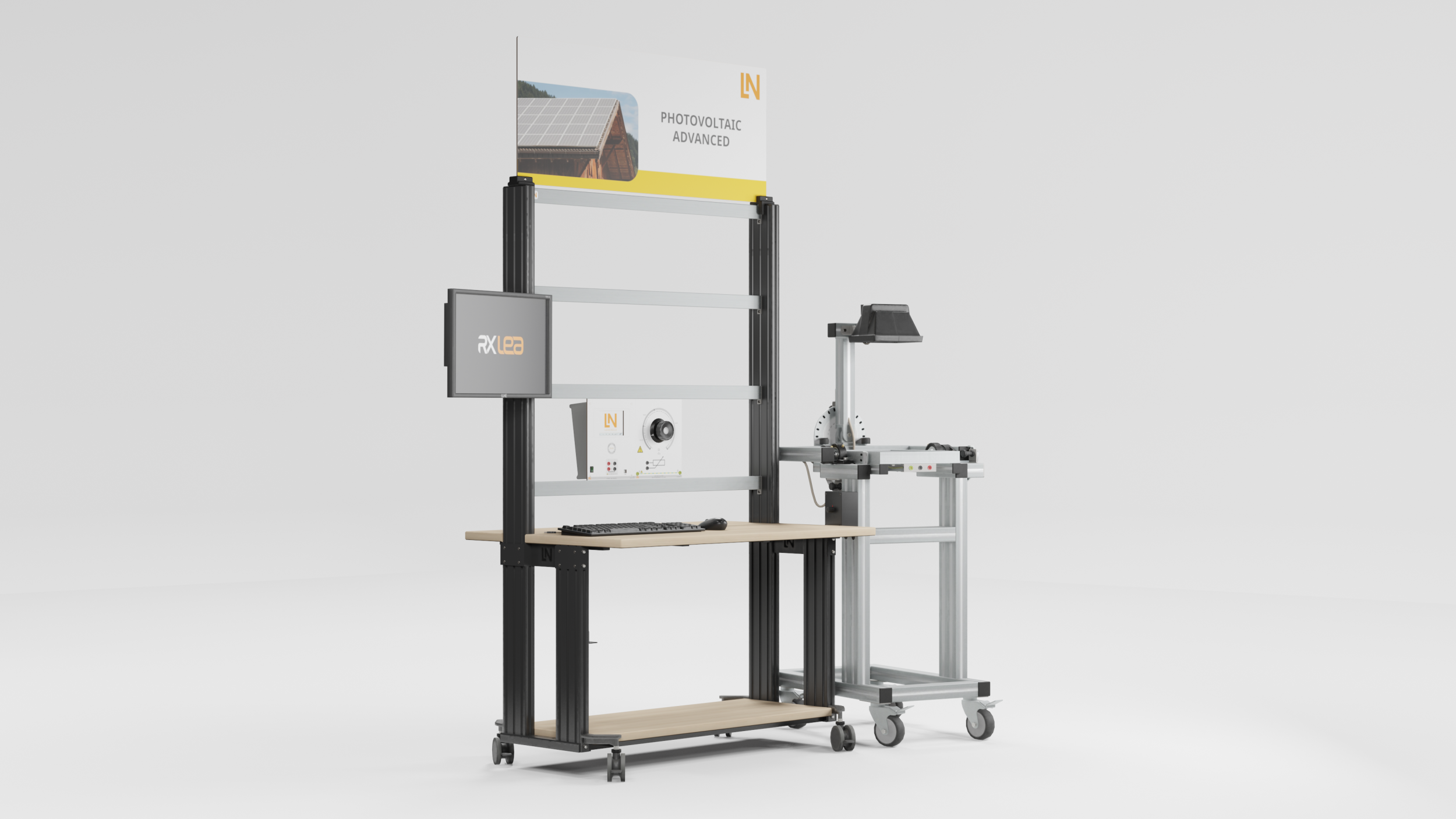
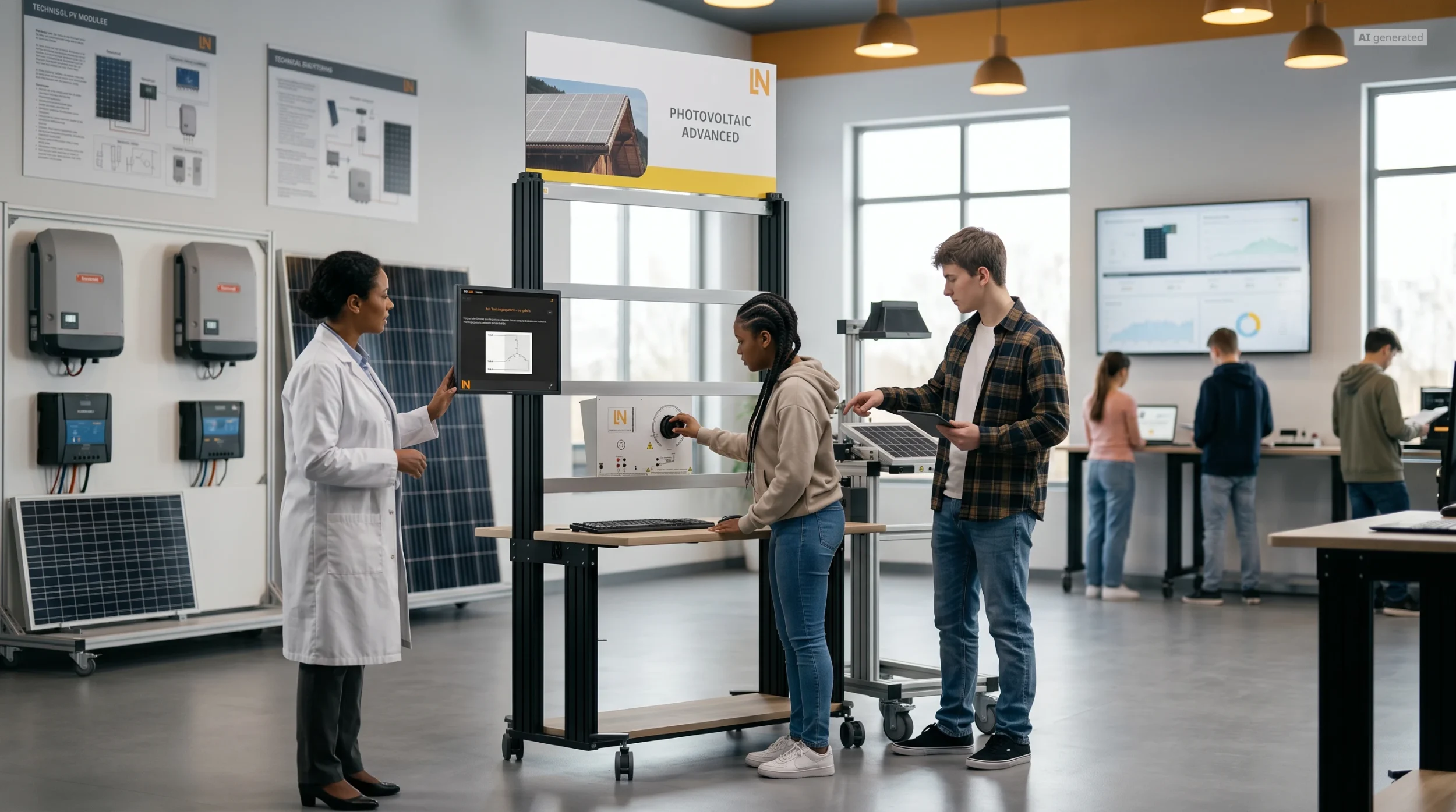
The expansion of solar energy requires deep knowledge of the parameters that determine the efficiency of PV systems. With this training system, you investigate the behavior of real solar modules under reproducible conditions. A high-precision sun position emulator enables weather-independent analyses directly in the lab. You acquire the practical competence to optimally align PV systems, professionally evaluate characteristics, and specifically diagnose power drops caused by temperature or shading. Optimally prepare your participants for the power generation sector.
| Base Product | |
| CO3208-1Y7 | Solar module with solar altitude emulator |
| CO3208-1J | Load unit 1kOhm, 500W |
| SO2800-6Q7 | Interactive Lab Assistant: Photovoltaic systems - Advanced course |
| Measuring Instruments | |
| CO5127-2A | Power-Multimeter |
| Options | |
| CO3208-1X | Solar module with adjustable angle of inclinationoptional |
| SO5148-2B | Set of safety measurement cables 4mm, 10m, 4 pcsoptional |
| Furniture | |
| ST7200-7A7 | Mobile workstation, 3 level frame, 6 sockets, 1250x1970x800 mm, 49"x77.5"x31.5" |
| ST8010-4T | Monitor holder for flat screen monitor of weight up to 15kg / 33lbs |
| ST7200-5L | Protection cover for three-level experiment trolleys |
| ST8010-4G | Keyboard adapter for flat screen monitor holders |
| Furniture Accessories | |
| ST8000-4F | Display for Photovoltaic Advanced equipment |
| Measurement Leads | |
| SO5126-9F | Safety measurement cable 4mm, 150cm/60", red, 600 V CAT III ~ 1000 V, CAT II / 32A |
| SO5126-9G | Safety measurement cable 4mm, 150cm/60", black, 600V CAT III ~1000V CAT II / 32A |
| SO5126-9M | Safety measurement cable 4mm, 150cm/60", green/yellow, 600V, CAT III ' 1000V, CAT II / 32A |
| SO5126-3R | Safety connecting plug 4mm with tap (2x), black, 1000V/32A CAT II |
Learning Content in Detail
Determining physical influences
Calculating I-V characteristics and the MPP
Simulating solar irradiation
Diagnosing yield losses
Features & Applications
- Realistic emulation of the sun’s path — The swiveling halogen spotlight precisely replicates daily and annual cycles. Learners measure how azimuth, elevation and roof pitch affect the energy yield.
- Practical characteristic curve analysis — Record I-V characteristics manually and with software support. Understand the maximum power point (MPP) as a tangible operating point that is essential for modern inverters.
- Solar module with emulator — Adjust the module tilt and angle of incidence precisely. Understand direct and diffuse radiation and demonstrate power losses due to heating on a real panel.
- Power multimeter with touchscreen — Train diagnostic skills with the all-in-one measuring instrument. Monitor voltage, current and power simultaneously and evaluate them graphically on the PC.
- Solar Calculator — Calculate sun positions and angles of incidence precisely. Enter geographical coordinates and simulate azimuth and elevation for any day of the year.
- Characteristic curve plotter — Transfer measured values to the PC in real time. Create I-V characteristics at different illuminance levels and see the shift of the MPP at a glance.

From Knowledge Comes Capability.
You guide the learning
Where theory and practice go hand in hand.
RXLea brings a new way of learning: project-based, hands-on and clearly structured. Learners solve real-world tasks, while instructors save time on preparation. Interactive modules, smart analytics and real hardware create a modern, efficient learning world.
Hands-on and interactive
Animations, interactive tasks and realistic scenarios build a deep understanding. All content is organized into clear learning paths for focused, hands-on learning.
Digital support
3D assembly animations and digital instructions simplify complex procedures, reduce errors and help learners work more independently.
Visual support
Overview graphics, screenshots and sample animations make the learning world transparent. Photos from the learning packages are also available, including country-specific versions where needed.




Stay ahead in
technical training.
Get the latest training systems, product launches and educational insights, delivered directly to your inbox.