


Skip to content

LIDAR System in Automotive: Students Understand & Diagnose Autonomous Driving

RXLea
Digital projects for hands-on learningInteractive learning content, directly connected to the training system.

LIDAR System in Automotive: Students Understand & Diagnose Autonomous Driving

ALD21UT

Qualify your students for modern sensor technology in driver assistance systems. Teach diagnosis and calibration of LIDAR systems, building the foundation for autonomous driving.

Learning Content
  • LIDAR system: function & fundamentals
  • LIDAR system: adjustment & calibration
  • Analysis of environmental influences
  • Interpreting CAN bus messages
KEY FEATURES
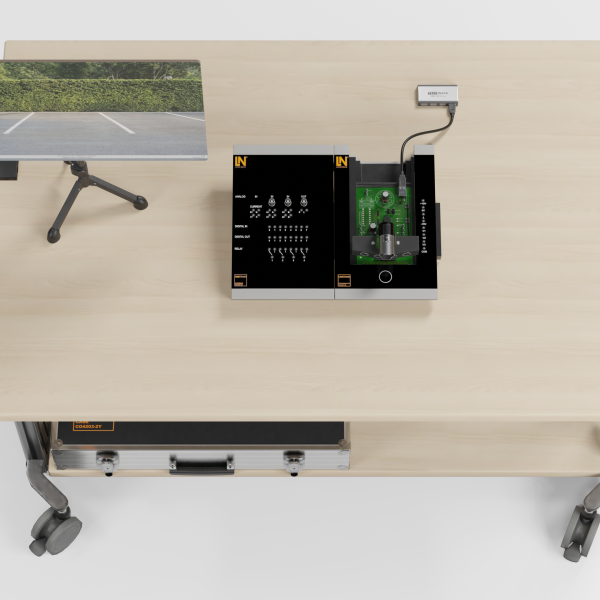
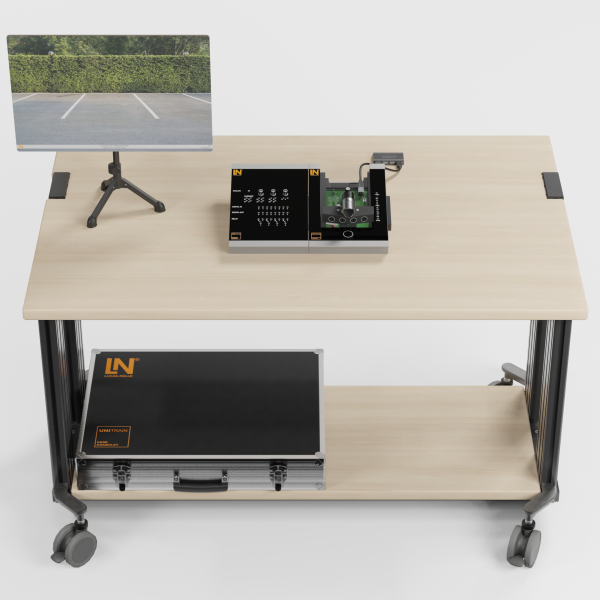
  • Diagnosis on a real LIDAR system
  • Practical calibration in the classroom
  • Integrated, digitally switchable fault scenarios
  • Analysis of CAN bus communication
Speak with a Product Specialist +1 (757) 808-5696 · sales@lucas-nuelle.com

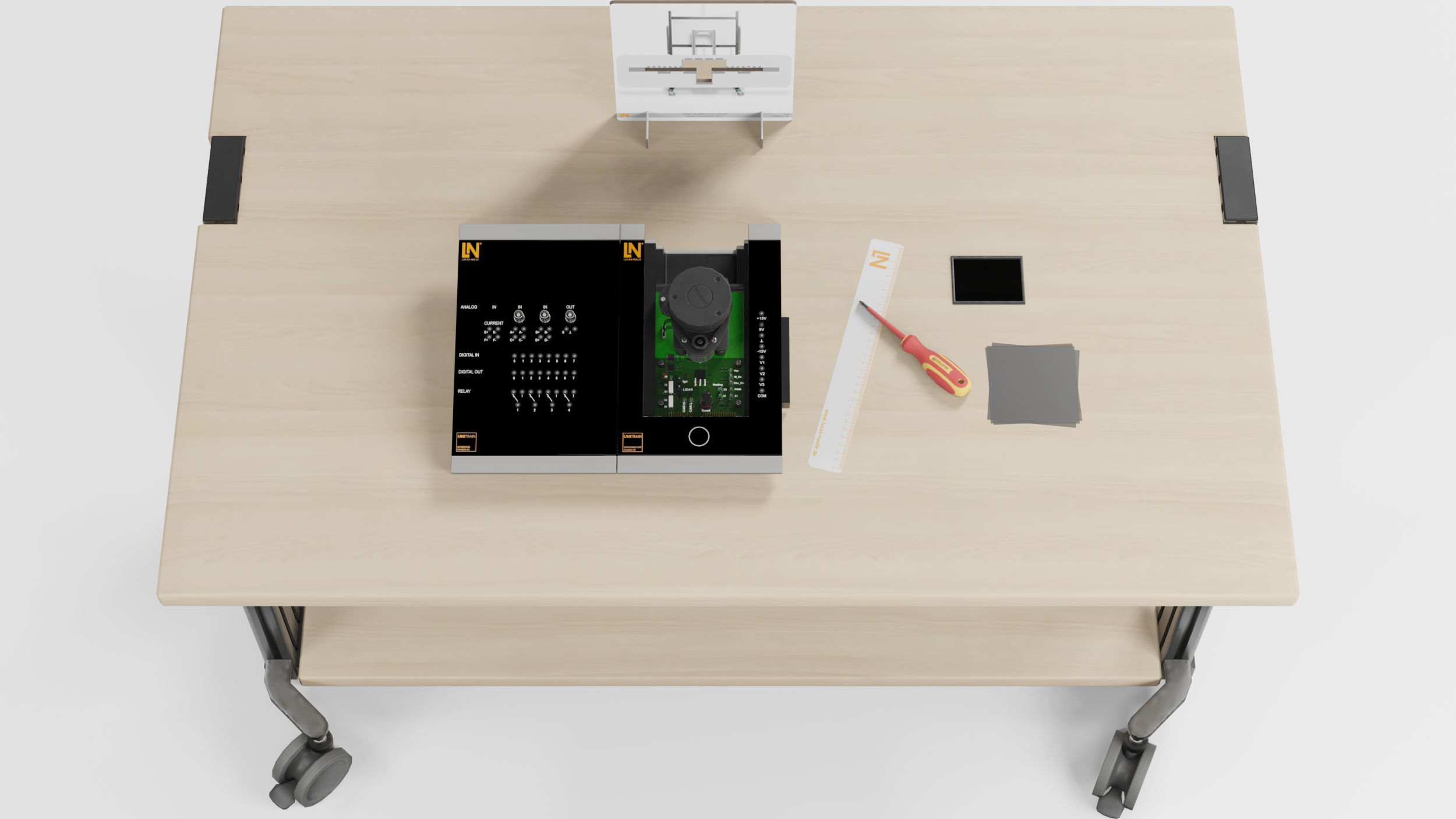
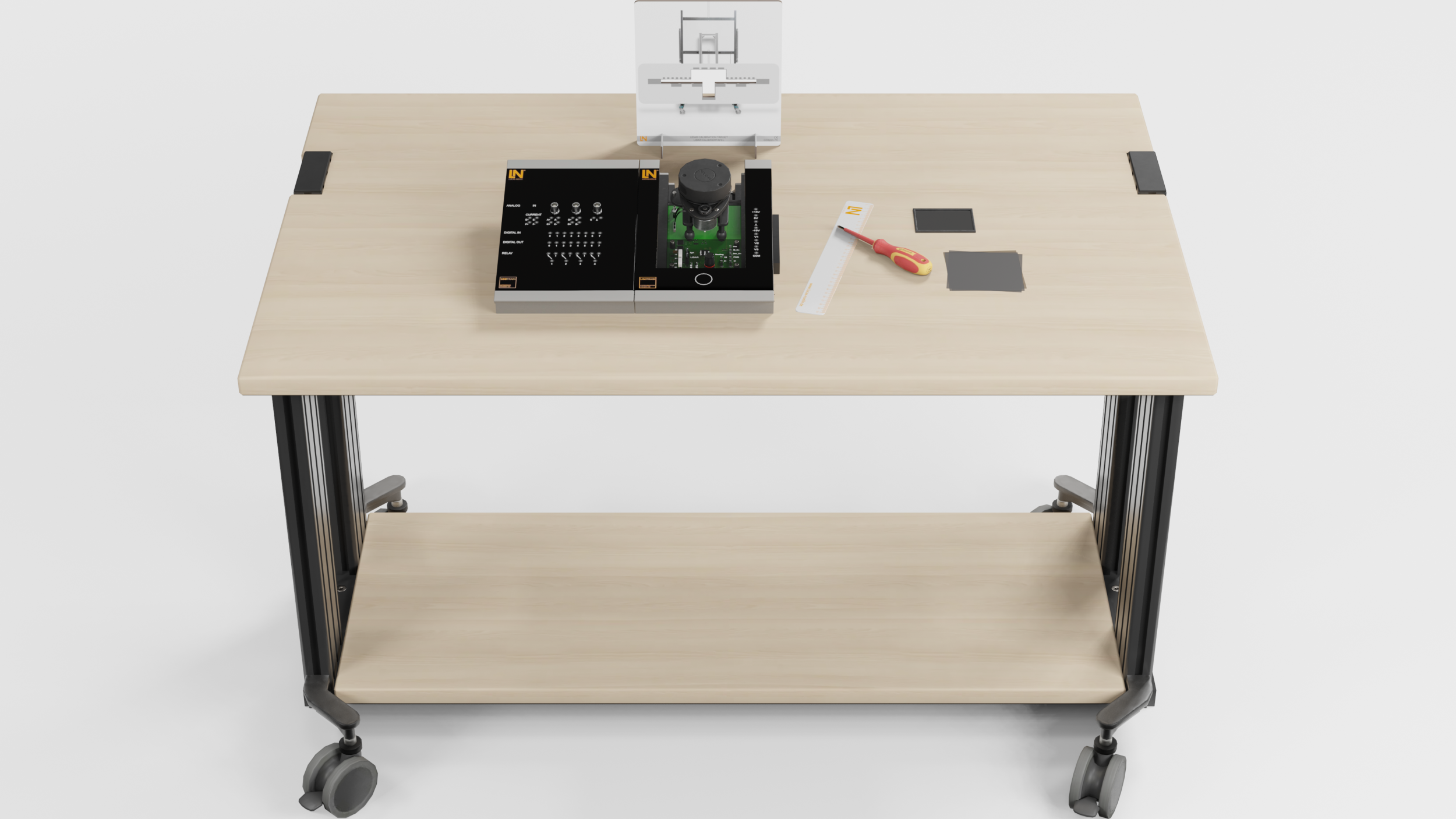
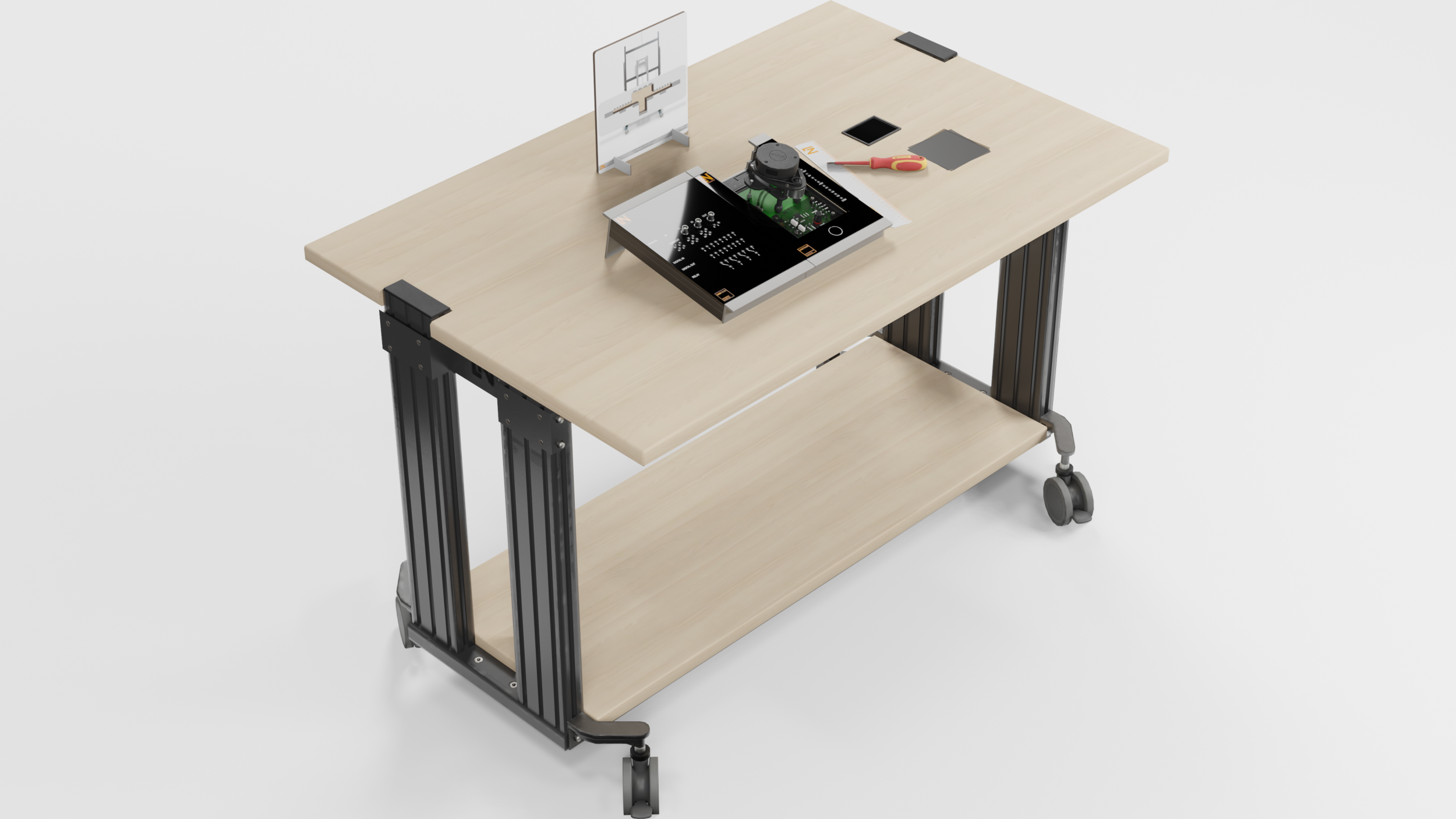
The UniTrain system offers interactive training on the operation, calibration and diagnosis of a real LIDAR system in the context of autonomous driving. Precise optical detection of the vehicle’s surroundings using LIDAR technology is essential. You learn to commission and calibrate a real, rotating LIDAR module. Acquire skills in complex signal processing, CAN bus communication and the practical diagnosis of LIDAR systems.

CO4205-1ECourse: LIDAR, Light Detection and Ranging
CO4203-2AUniTrain Interface mit virtuellen Instrumenten (Basis VI)
CO4203-2JUniTrain measurement accessories, shunts and connection cables
CO4203-2BUniTrain Experimenter
CO4203-2YUniTrain storage case for one UniTrain system
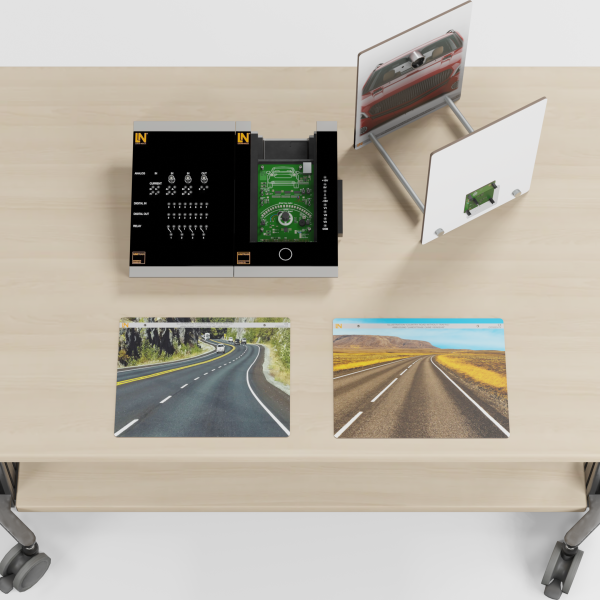
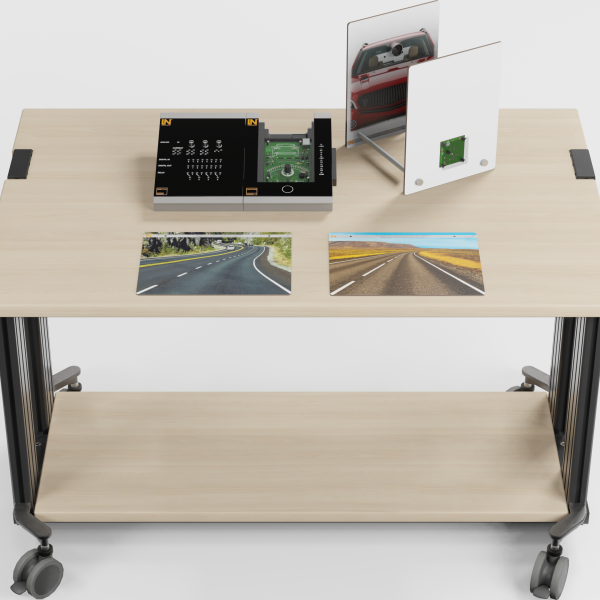
CO3223-7SSet of Plexiglas discs for LIDAR systems (UniTrain)
CO3223-7RCalibration panel for LIDAR systems (UniTrain)
SO2000-2ACAN/LIN monitor

Learning Content in Detail

Benefit from practical learning objectives that prepare you effectively for the demands of modern automotive technology. Expand your specialist knowledge in a targeted way and become an expert.

LIDAR system: function & fundamentals

Explain the design and function of an automotive LIDAR system and apply the physical principles of light and lasers.

LIDAR system: adjustment & calibration

Adjust a LIDAR system correctly using a calibration board and verify successful calibration in a practical way.

Analysis of environmental influences

Analyze the influence of different surfaces and ambient conditions (e.g., fog, dirt) on the measurement results of the LIDAR system.

Interpreting CAN bus messages

Read out CAN bus messages from the LIDAR system, convert hexadecimal values and assign them to the physical measured values.

Features & Applications

Discover the many possible uses of this training system. You acquire practical skills for the challenges of modern automotive technology and prepare yourself well for future requirements.
  • Diagnosis on a real LIDAR system — The system uses a real LIDAR module whose design and operation are laid open. This gives you unique insight into the technology and builds practical diagnostic skills.
  • Practical calibration in the classroom — Adjust the LIDAR sensor using the calibration board supplied. This prepares learners perfectly for real work steps in the shop.
  • Integrated, digitally switchable fault scenarios — Activate typical faults such as communication errors or a defective heater digitally. This way, you practice systematic troubleshooting according to a diagnostic plan.
  • Analysis of CAN bus communication — The system allows the real CAN bus messages of the LIDAR sensor to be recorded and evaluated. Sharpen your understanding of networked system architectures.
  • LIDAR monitor — The software visualizes captured data as a 360° point cloud in real time. View the surroundings, select measuring points and read off distance and angle. Simulate installation in the vehicle and observe how changes in rotational speed affect the resolution.
  • Rotating laser measuring unit — The 360° rotation of the laser sensor is directly visible and its speed can be controlled. This gives you an immediate understanding of the relationship between rotational speed and the resolution of the surroundings.
  • Investigating reflection properties — Use the acrylic glass panes supplied (transparent, black, diffuse) to test how the LIDAR system responds to different surfaces. This sharpens your understanding of system limits.
  • Measuring points for all relevant signals — All important signals, from the power supply and motor control (PWM) to the CAN bus, can be tapped at measuring jacks. This enables in-depth electrical diagnosis.
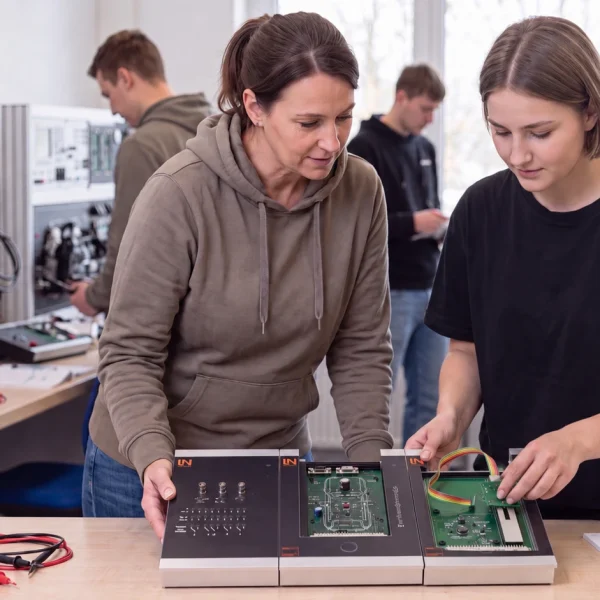
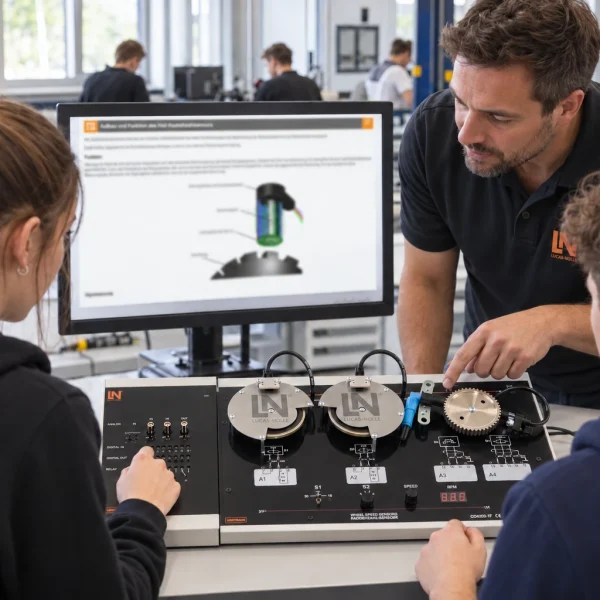
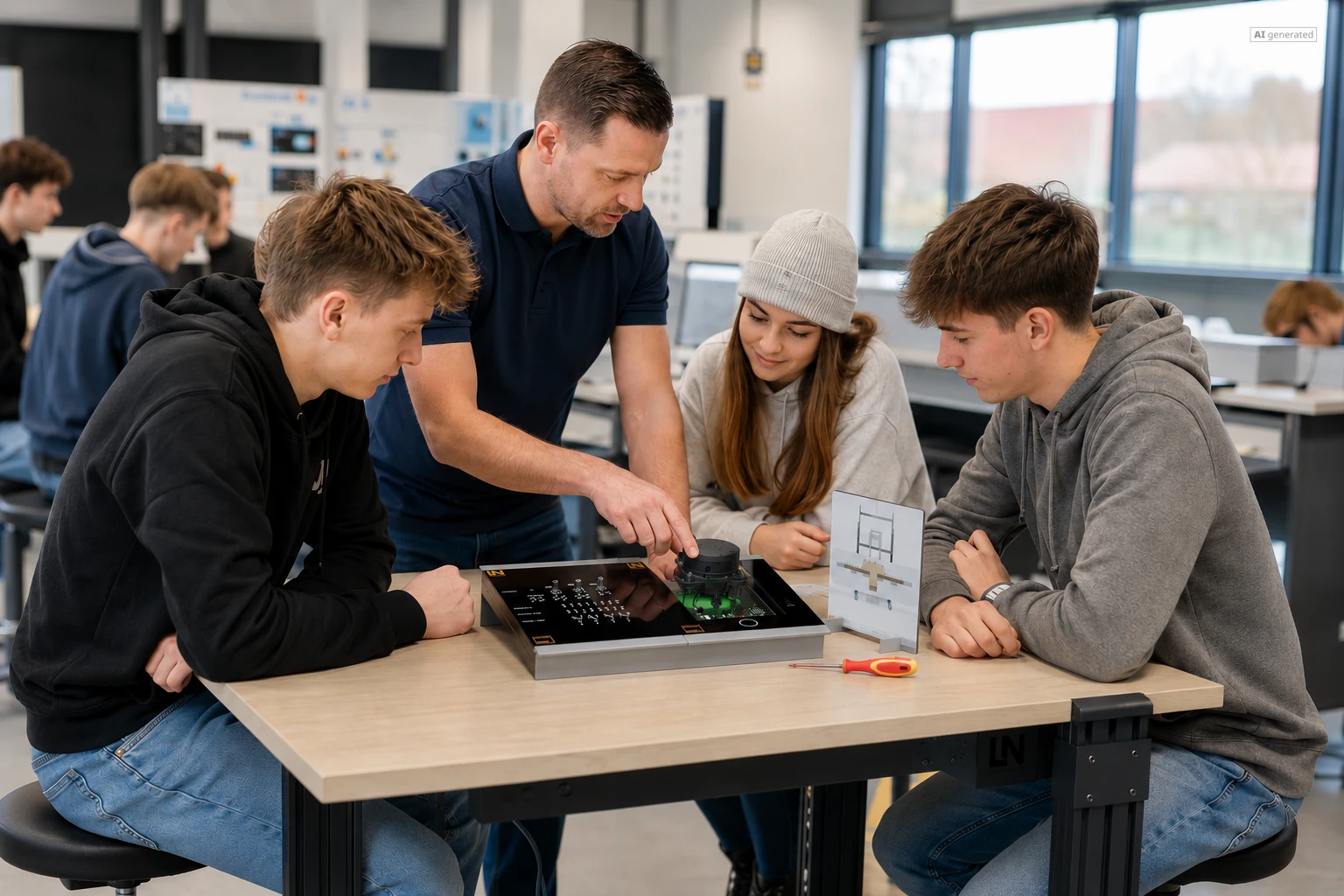
Learners working with RXLea on a tablet at a Lucas-Nuelle training system
RXLea

From Knowledge Comes Capability.

You guide the learning

Where theory and practice go hand in hand.

RXLea brings a new way of learning: project-based, hands-on and clearly structured. Learners solve real-world tasks, while instructors save time on preparation. Interactive modules, smart analytics and real hardware create a modern, efficient learning world.

Hands-on and interactive

Animations, interactive tasks and realistic scenarios build a deep understanding. All content is organized into clear learning paths for focused, hands-on learning.

Digital support

3D assembly animations and digital instructions simplify complex procedures, reduce errors and help learners work more independently.

Visual support

Overview graphics, screenshots and sample animations make the learning world transparent. Photos from the learning packages are also available, including country-specific versions where needed.


Learners using a tablet at an energy training system
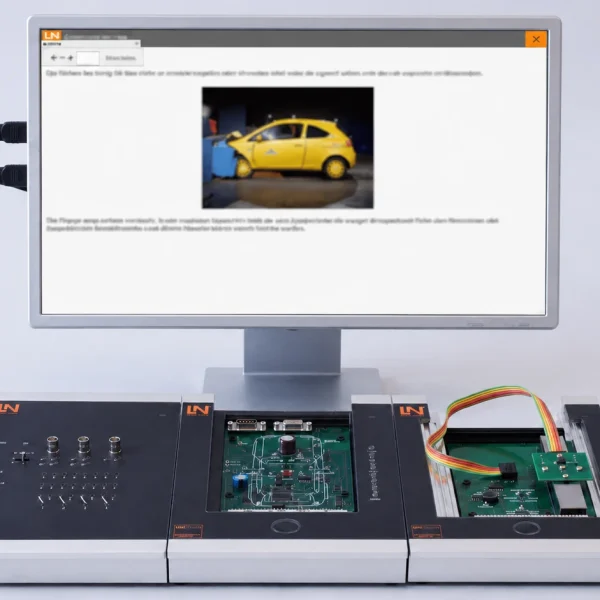
RXLea on desktop, laptop and tablet
RXLea Path Creator for building learning journeys
RXLea Navigator showing the learning world
Learn more about RXLea
Newsletter

Stay ahead in
technical training.

Get the latest training systems, product launches and educational insights, delivered directly to your inbox.

Your email address

By subscribing, you agree to our Privacy Policy. You can unsubscribe at any time.

 Please select at least one category before subscribing.
I'm interested in - select all that apply