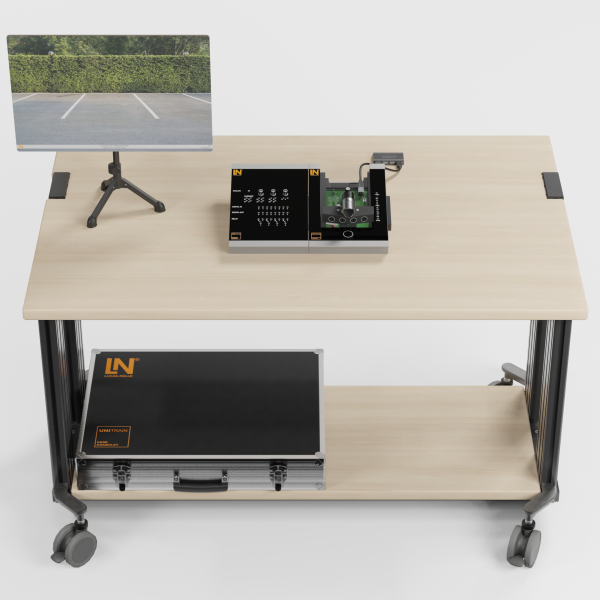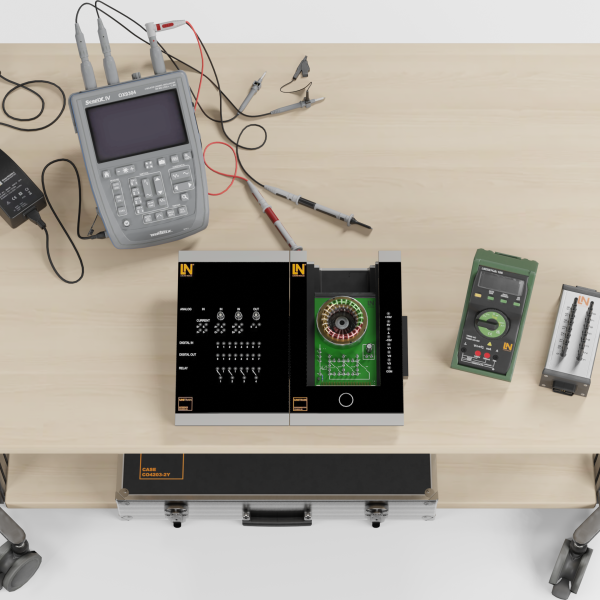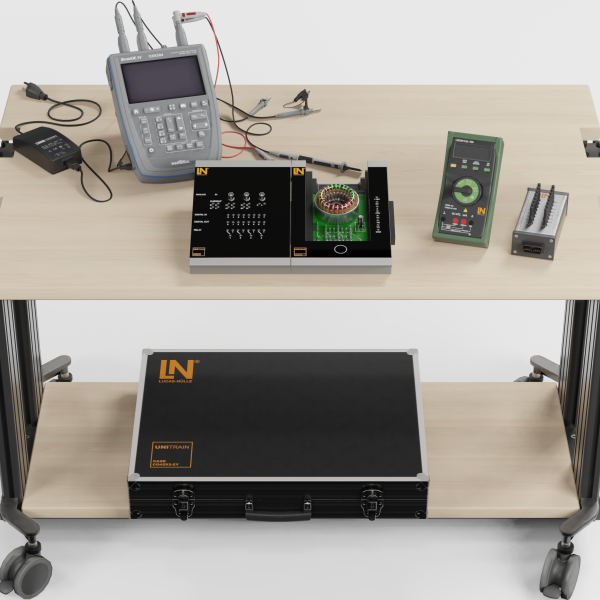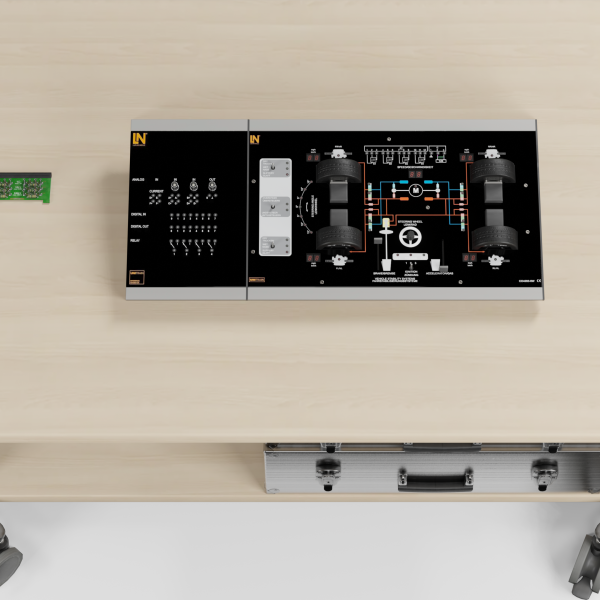
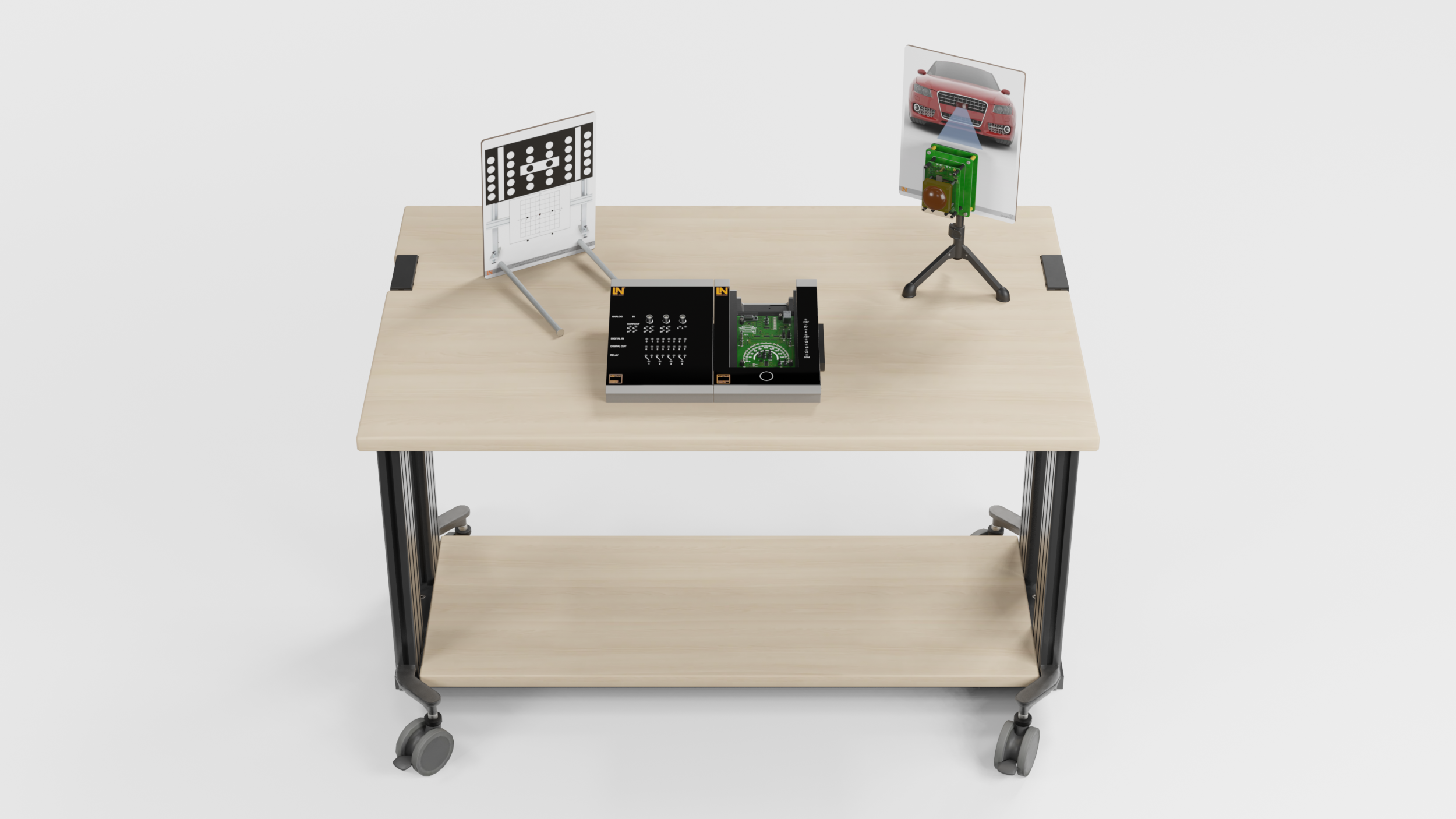
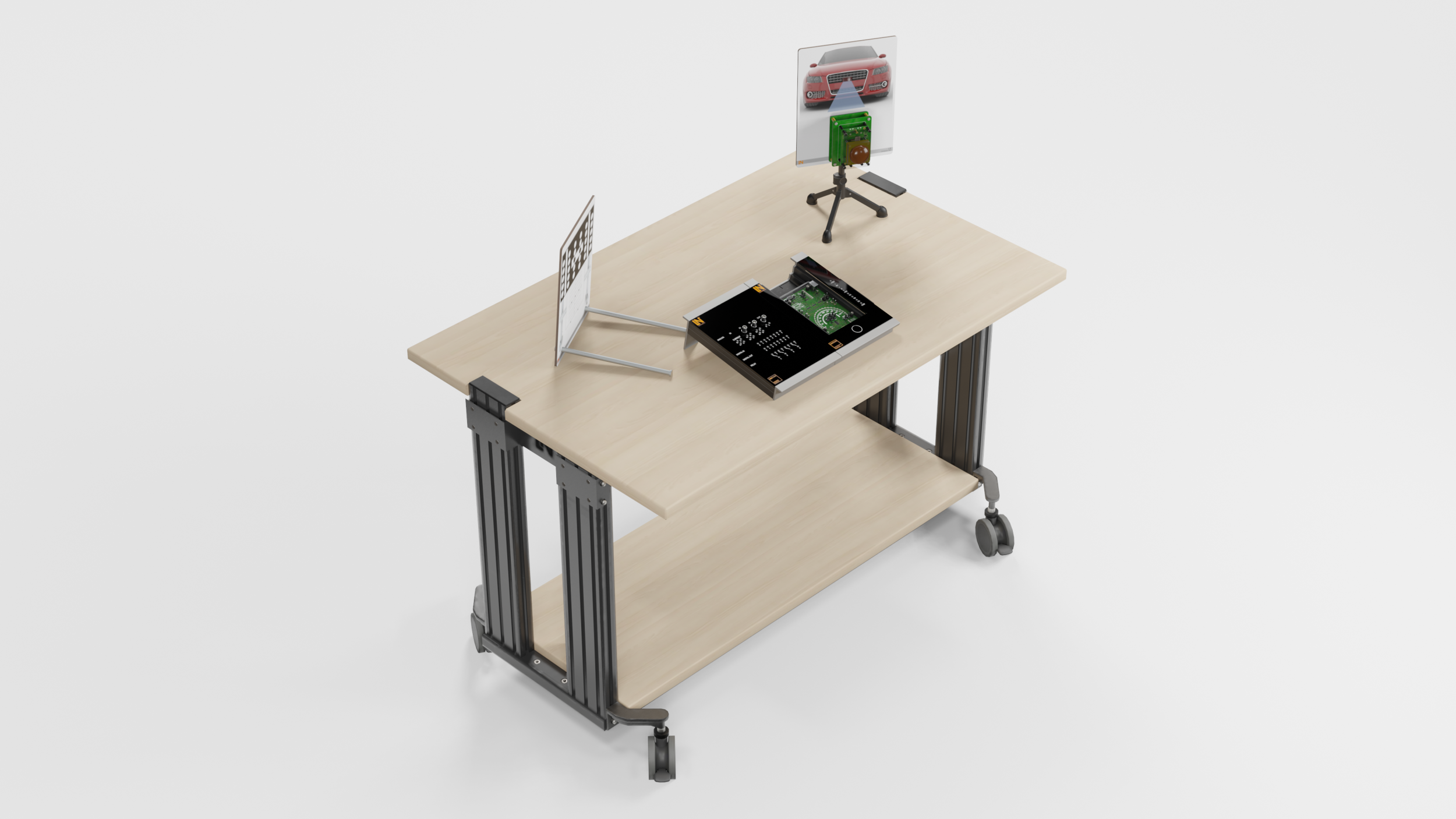
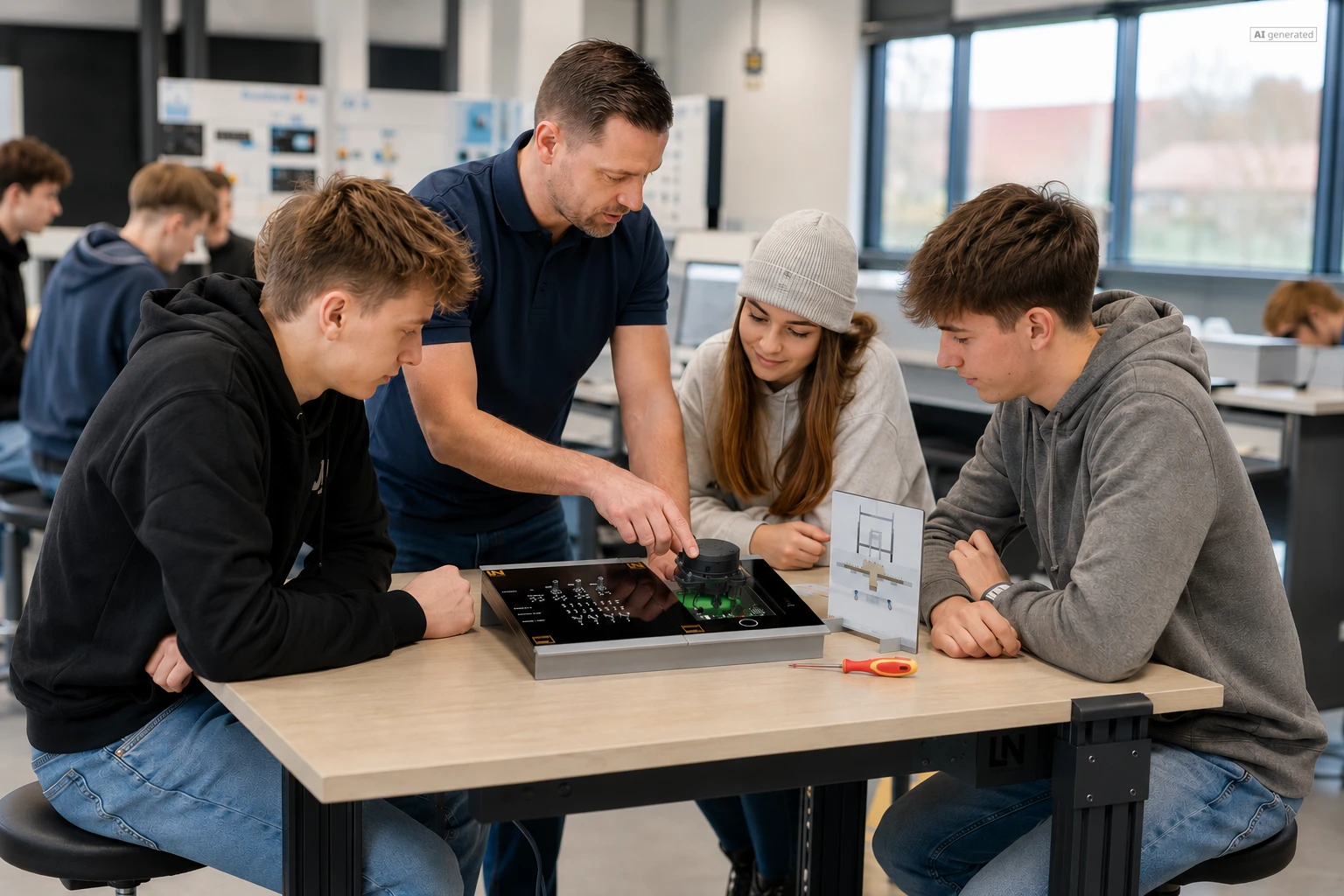



UniTrain: Adaptive Cruise Control (ACC) with Emergency Brake Function
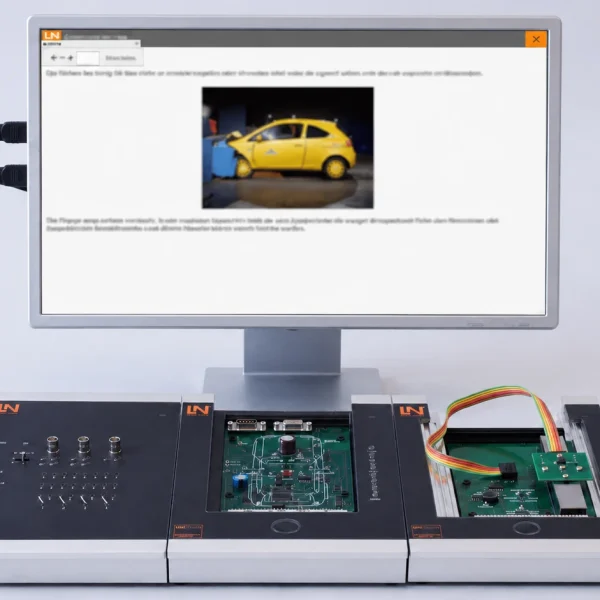
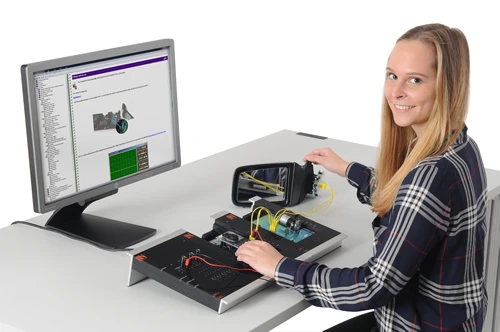
This interactive training system teaches learners the control strategy, calibration, and diagnosis of a real ACC radar sensor, including the emergency brake assistant. They gain practical skills for modern driver assistance systems.
- Explaining ACC operation and control strategy
- Adjusting and calibrating a radar sensor correctly
- Analyzing ACC system parameters and limits
- Systematically diagnosing ACC faults
- Experiencing the ACC control strategy live
- Calibrating a real radar sensor correctly
- Testing the emergency brake assist safely
- Diagnosis with realistic repair orders
Adaptive cruise control (ACC) is a key comfort and safety system. Its correct operation depends on precise sensor calibration. This training system uses a real radar sensor to replicate the control strategy, distance measurement and calibration process in a practical way. You acquire the practical competence needed to understand and calibrate ACC systems and to diagnose them systematically when faults occur. This prepares you well for the demands of modern automotive technology and enables you to master these complex systems with confidence.
Downloads
| Base Product | |
| CO4205-1V | Course: Radar, ACC with Emergency Brake Assist |
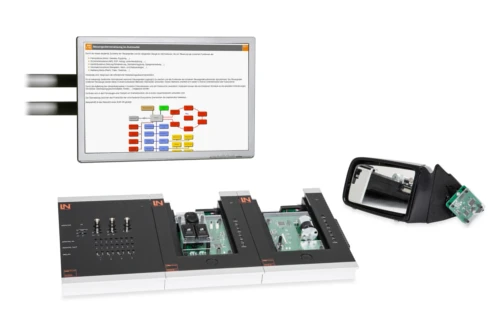
| CO4203-2A | UniTrain Interface mit virtuellen Instrumenten (Basis VI) |
| CO4203-2J | UniTrain measurement accessories, shunts and connection cables |
| CO4203-2B | UniTrain Experimenter |
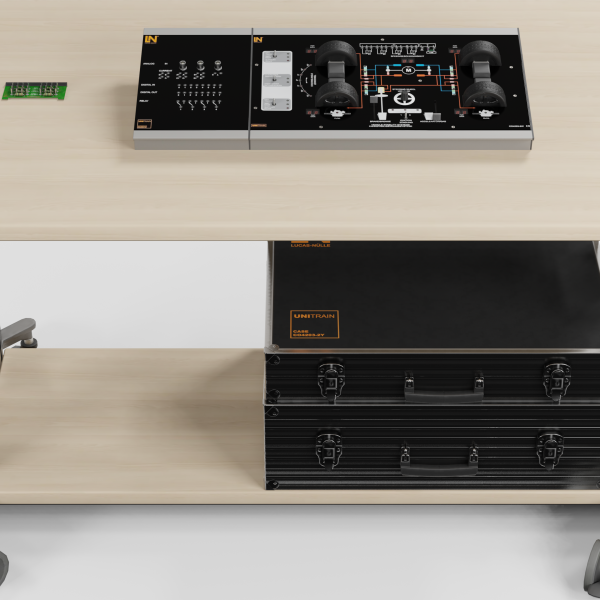
| CO4203-2Y | UniTrain storage case for one UniTrain system |
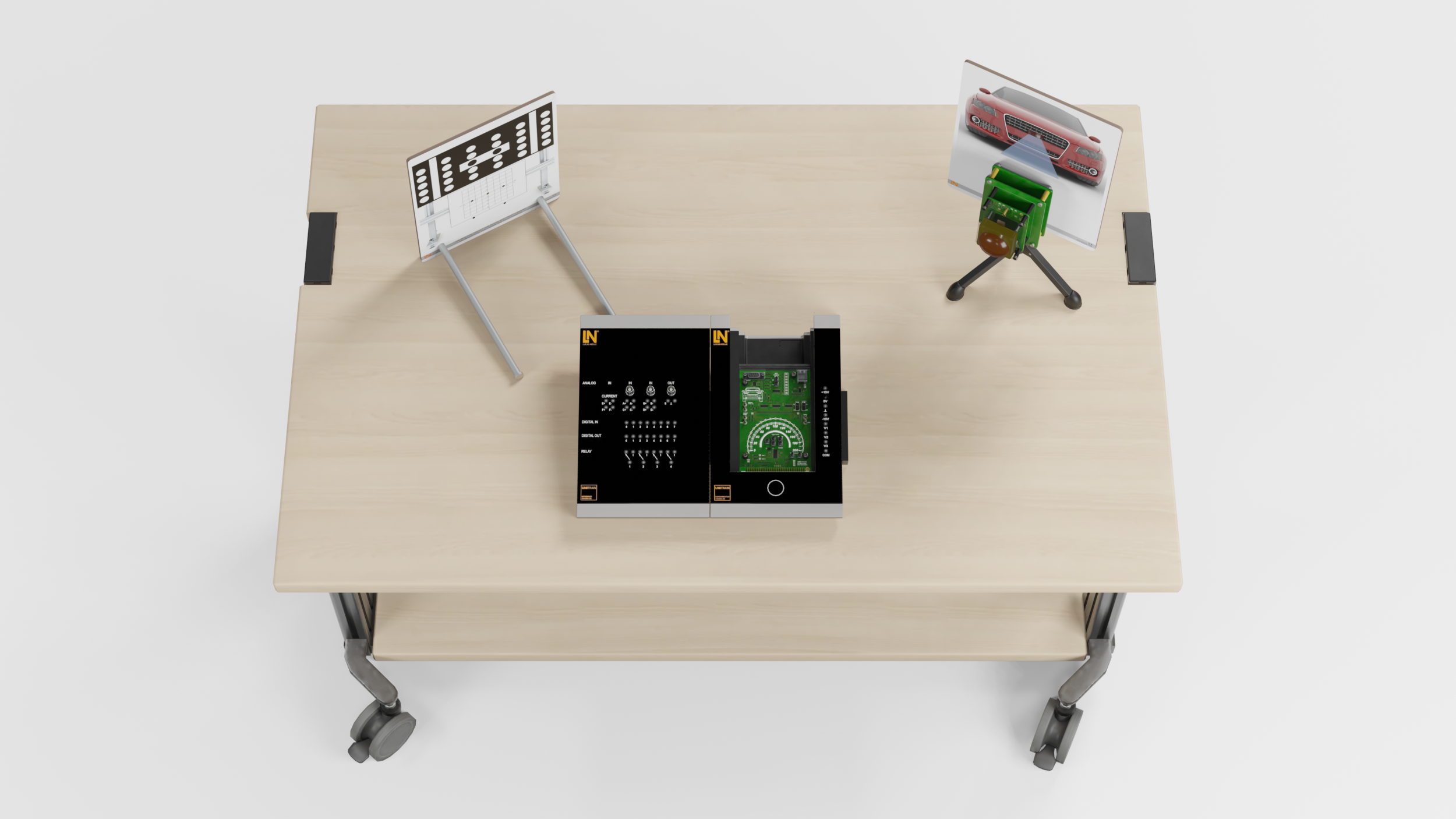
| CO3223-7X | Calibration Target for Radar and Camera |
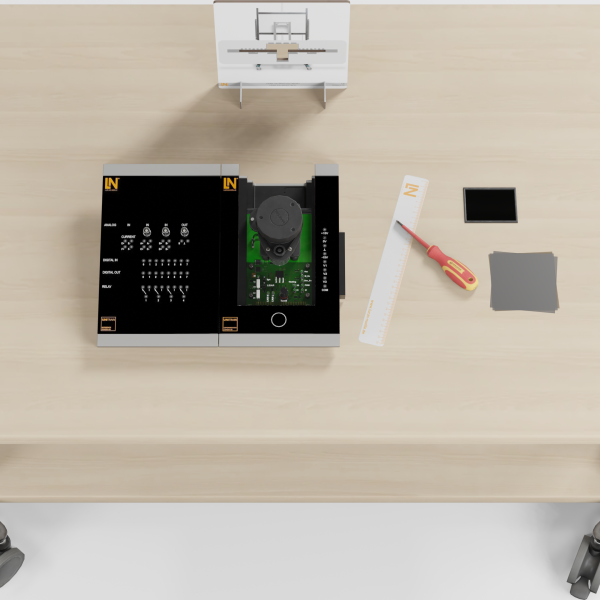
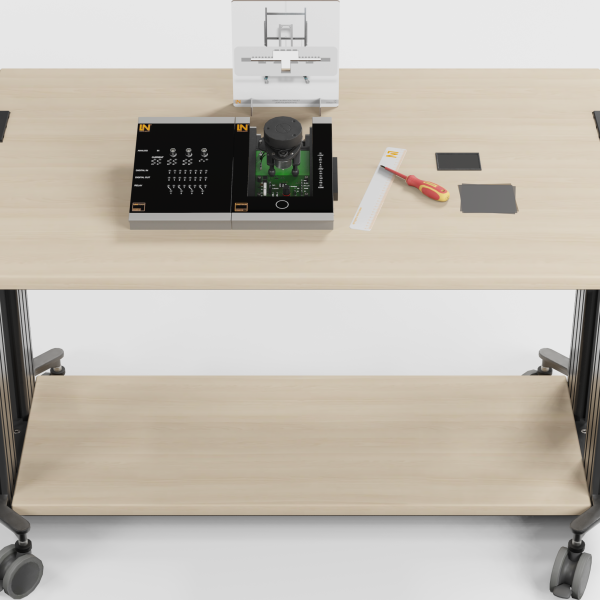
| ST8070-5G | Screwdriver PZ2 |
Learning Content in Detail
Explaining ACC operation and control strategy
Adjusting and calibrating a radar sensor correctly
Analyzing ACC system parameters and limits
Systematically diagnosing ACC faults
Features & Applications
- Experiencing the ACC control strategy live — Experience a variety of driving situations. Actively test and follow how the ACC system accelerates, brakes and keeps its distance. The system simulates realistic scenarios that give you a deep understanding of the control strategy.
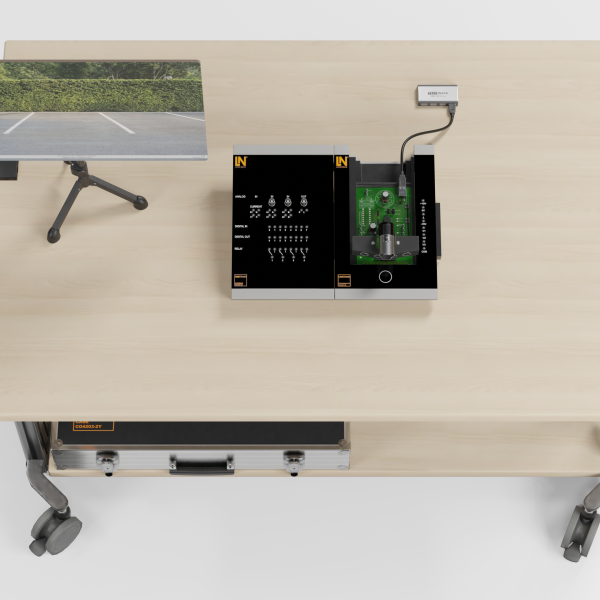
- Calibrating a real radar sensor correctly — Carry out a complete mechanical adjustment and software-assisted calibration of the sensor using a calibration board. This process replicates the real shop procedure exactly. You learn precise handling and adjustment.
- Testing the emergency brake assist safely — Test the function of the emergency brake assist safely and reproducibly, including braking to a standstill. Sharpen your awareness of safety-critical functions and how they operate reliably under real conditions.
- Diagnosis with realistic repair orders — An integrated fault circuit simulates typical system faults. Diagnose them systematically in four guided repair orders. This way, you develop sound problem-solving skills for everyday working life.
- ACC Radar software — This interactive software is your central diagnostic and visualization tool for the ACC system. It provides the interface between sensor, vehicle bus and user. Carry out the calibration process, monitor live data and safely test the control strategy and the emergency brake assist.
- Real ACC radar sensor with adjusting screws — Adjust the sensor using mechanical screws. Learn how to align it exactly and develop a deep understanding of why hardware adjustment is necessary and how precise it has to be. This ensures that the system works correctly.
- Interactive ACC instrument in the software — The diagnostic software visualizes all states such as object detection, distance and control interventions. It makes the invisible radar waves and the system’s “decisions” visible. This lets you understand the complex processes at a glance.
- Integrated laser to support calibration — A laser integrated into the calibration board enables precise alignment of the radar sensor with the reference point. Practice the accuracy required for adjustment. This ensures optimum operation of the ACC system.
- UniTrain card with system controls — All the system’s buttons are physically present. Practice operating them as in the vehicle and observe the direct effects in the software. This promotes a comprehensive understanding of how the system interacts.

From Knowledge Comes Capability.
You guide the learning
Where theory and practice go hand in hand.
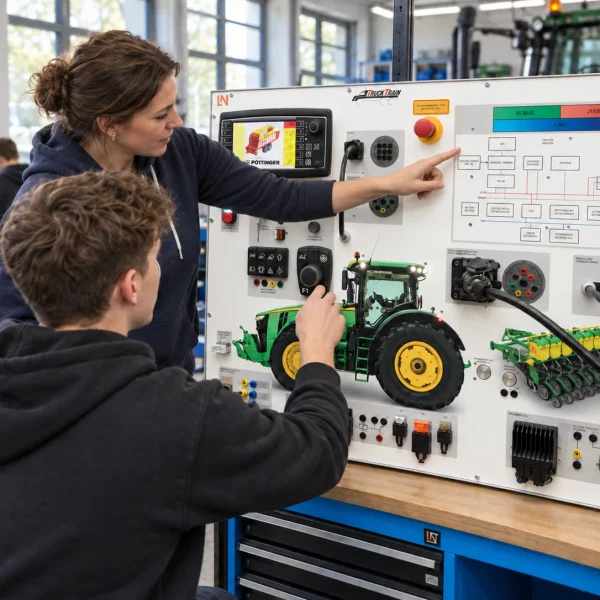
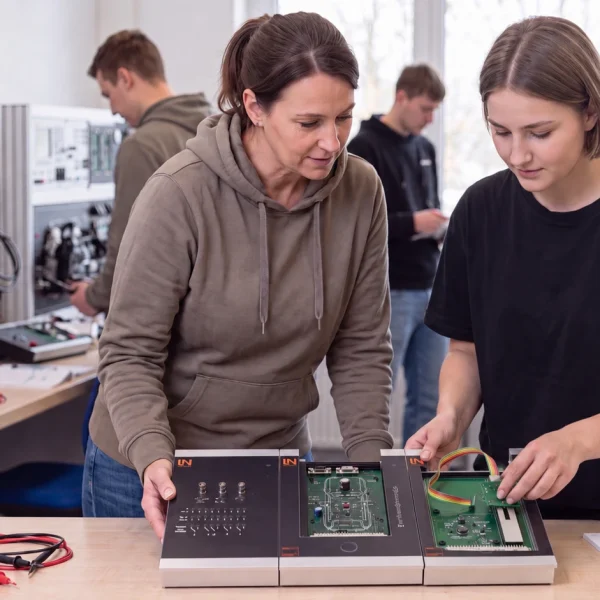
RXLea brings a new way of learning: project-based, hands-on and clearly structured. Learners solve real-world tasks, while instructors save time on preparation. Interactive modules, smart analytics and real hardware create a modern, efficient learning world.
Hands-on and interactive
Animations, interactive tasks and realistic scenarios build a deep understanding. All content is organized into clear learning paths for focused, hands-on learning.
Digital support
3D assembly animations and digital instructions simplify complex procedures, reduce errors and help learners work more independently.
Visual support
Overview graphics, screenshots and sample animations make the learning world transparent. Photos from the learning packages are also available, including country-specific versions where needed.




Stay ahead in
technical training.
Get the latest training systems, product launches and educational insights, delivered directly to your inbox.