


Electropneumatics (UniTrain)
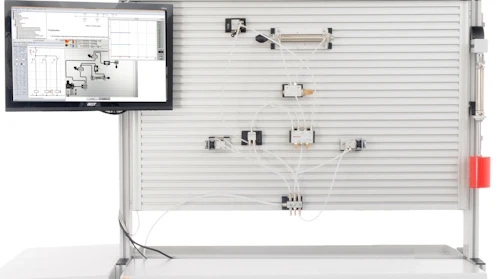
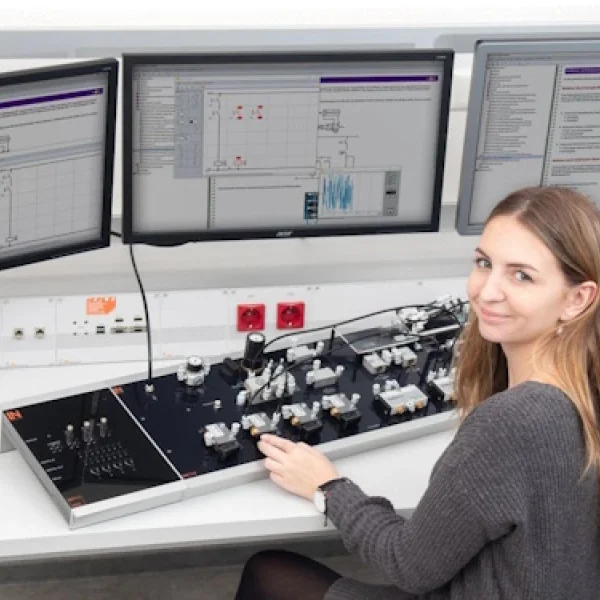
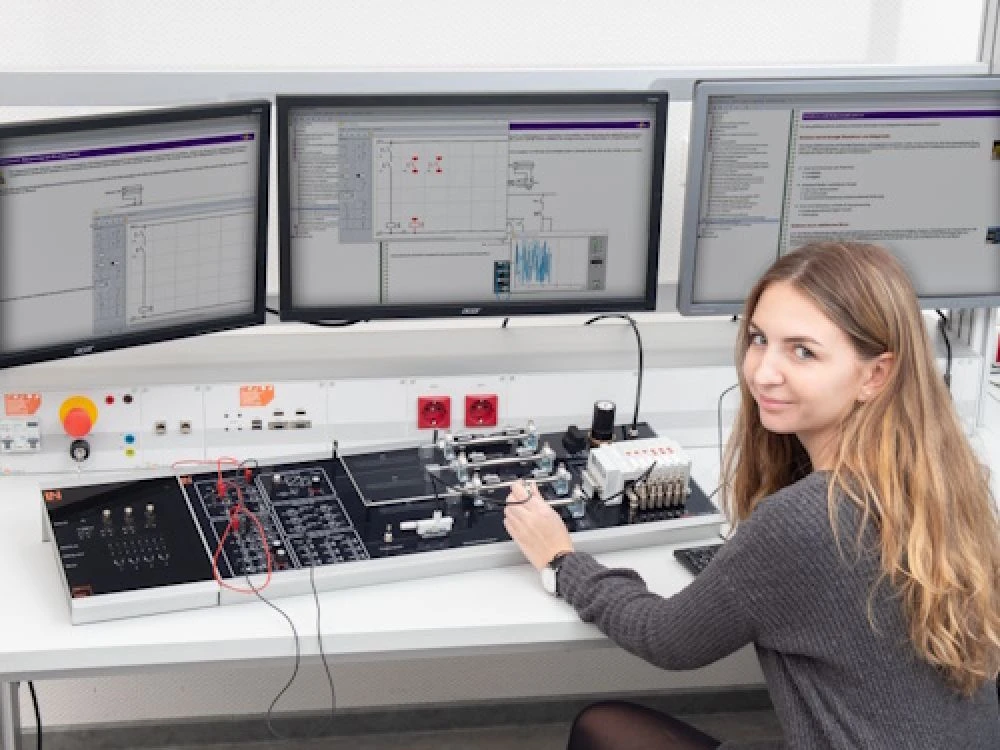
Multimedia UniTrain desktop lab: learners combine 24 V relay logic with real cylinders and valve terminals, plan circuit diagrams in the editor and commission sequence controls themselves.
- Reading and creating circuit diagrams
- Wiring logic and timing controls
- Narrowing down faults systematically
- Integrating safety functions
- Everything on one experiment board
- Multimedia course in LabSoft
- Industry-standard valve technology
- Digital displacement-time analysis
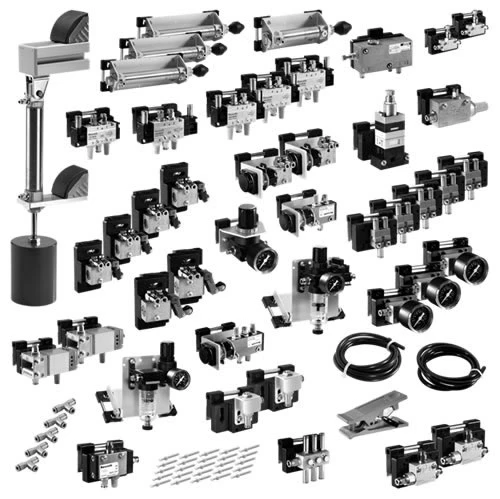
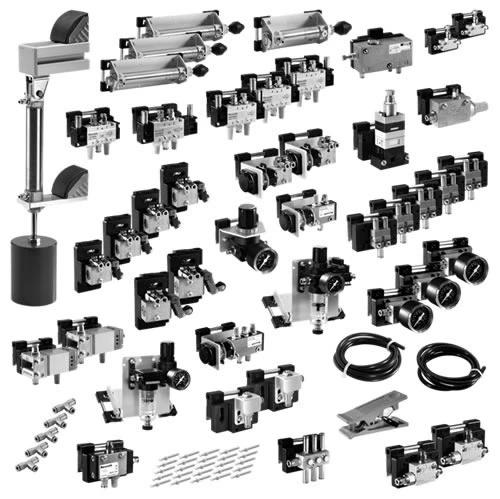
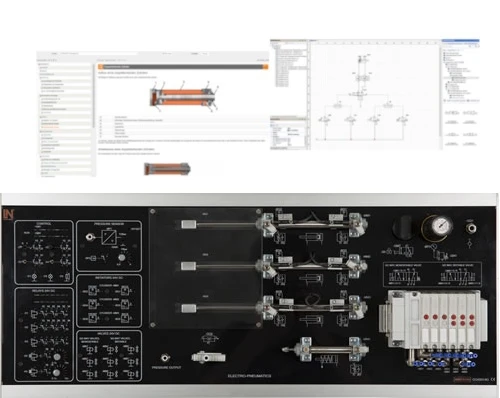
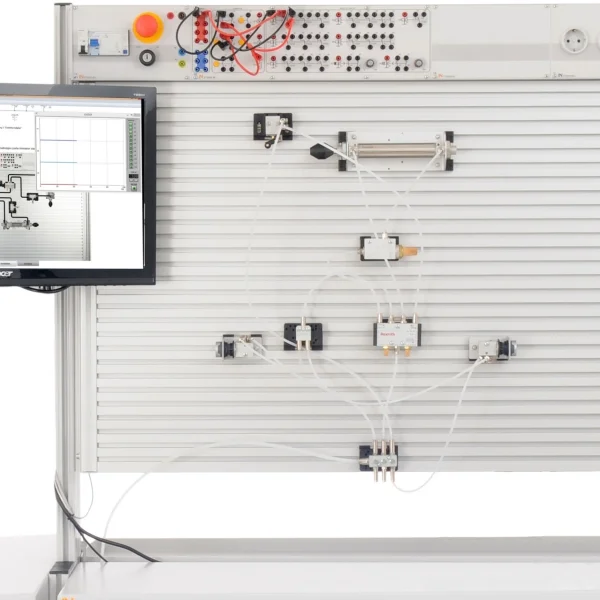
In automation technology, pneumatic power and electrical signal processing go hand in hand; no system can be commissioned without both. The UniTrain electropneumatics system brings real industrial components and a digital learning environment to the lab bench. Cylinders, a valve terminal, sensors, relays and operating elements are grouped together on one experiment board, while a low-noise mini compressor supplies the compressed air. Learners plan the pneumatic and electrical circuit diagrams in the Scheme Editor, wire AND, OR and latching circuits, add on-delay and off-delay timer relays and record the cylinder movements in a displacement-time diagram. An incorrectly linked sequence shows up there immediately and can be corrected in a targeted way.
| Artikel-Nr. | Menge | Bezeichnung |
|---|---|---|
| Base Product | ||
| CO4205-5G | 1 | UniTrain Course: Electropneumatics |
| CO4203-2A | 1 | UniTrain Interface mit virtuellen Instrumenten (Basis VI) |
| CO4203-2J | 1 | UniTrain measurement accessories, shunts and connection cables |
| CO4203-2Y | 1 | UniTrain storage case for one system |
| Accessories | ||
| SE2905-1K | 1 | Pneumatic accessories |
| SE2902-9K | 1 | Mini compressor, low-noise |
| CO4203-2L | 1 | UniTrain Storage Case for experiment board Pneumatics/Electropneumatics |
Learning Content in Detail
Reading and creating circuit diagrams
Wiring logic and timing controls
Narrowing down faults systematically
Integrating safety functions
Features & Applications
- Everything on one experiment board — Cylinders, valves, sensors, relays and operating elements are mounted on one compact unit. This shortens setup time and keeps the lab bench free for working on signal logic and motion.
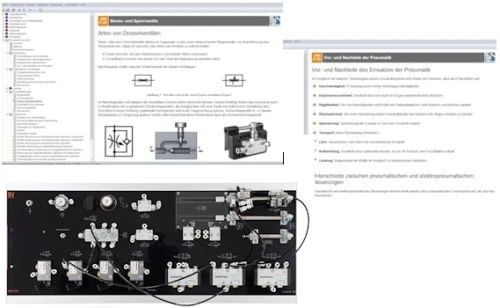
- Multimedia course in LabSoft — The e-learning course leads from the fundamentals to complex sequence controls. Animations and theory sections make visible processes such as pressure build-up and switching logic that would otherwise remain hidden.
- Industry-standard valve technology — The compact valve terminal contains monostable and bistable 5/2-way valves. Through experiments, learners discover the difference between pulse and memory behavior in control engineering.
- Digital displacement-time analysis — Virtual instruments record the cylinder movements in real time. This makes timing problems and sequence errors in sequence controls visible so that they can be pinpointed.
- Relay technology directly on the board — Standard relays as well as on-delay and off-delay timer relays are integrated. Learners use them to build hard-wired controls and step sequences directly on the hardware.
- Virtual instruments and Scheme Editor — The displacement-time diagram shows the cycle times and overlaps of the cylinders. Standard-compliant pneumatic and electrical circuit diagrams are created in the Scheme Editor, while a voltmeter and logic analyzer check the signal states at sensors and solenoid coils.

From Knowledge Comes Capability.
You guide the learning
Where theory and practice go hand in hand.
RXLea brings a new way of learning: project-based, hands-on and clearly structured. Learners solve real-world tasks, while instructors save time on preparation. Interactive modules, smart analytics and real hardware create a modern, efficient learning world.
Hands-on and interactive
Animations, interactive tasks and realistic scenarios build a deep understanding. All content is organized into clear learning paths for focused, hands-on learning.
Digital support
3D assembly animations and digital instructions simplify complex procedures, reduce errors and help learners work more independently.
Visual support
Overview graphics, screenshots and sample animations make the learning world transparent. Photos from the learning packages are also available, including country-specific versions where needed.




Stay ahead in
technical training.
Get the latest training systems, product launches and educational insights, delivered directly to your inbox.